ai graphic generator
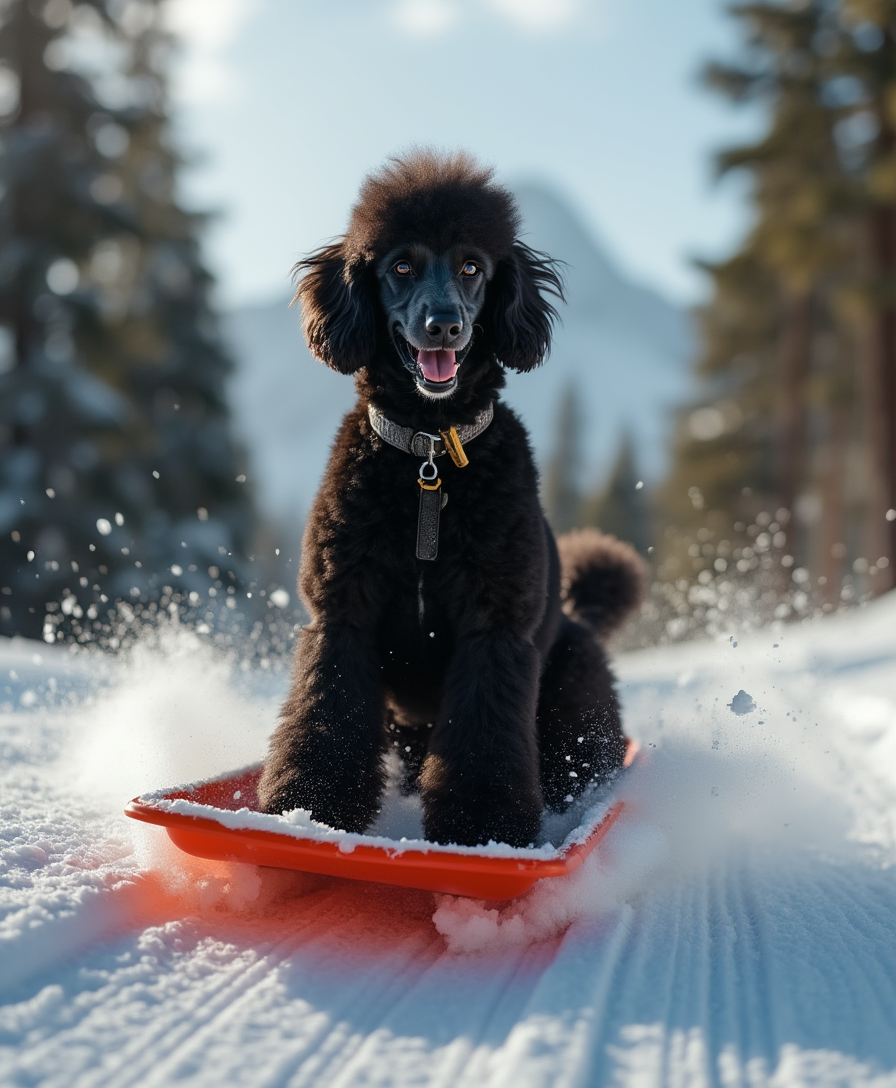
With PixelDojo's AI graphic generator, you can turn any idea into professional-grade graphics in minutes. Whether you're crafting marketing materials, branding assets, or eye-catching social media visuals, you get consistent, high-quality results without hiring designers or learning complex software. Focus on your vision while our tools handle the heavy lifting, delivering polished outputs that elevate your projects and save you hours every week.
Join over 50,000 creators who rate PixelDojo 4.9/5 for AI graphic generation. Trusted by marketing teams and freelancers worldwide for fast, reliable results across 40+ advanced tools.
Why Choose Pixel Dojo for ai graphic generator
Professional-quality results with cutting-edge AI technology
Accelerate Your Creative Output
Produce dozens of professional graphics daily instead of spending hours on each one, freeing you to focus on strategy and client work.
Achieve Perfect Brand Consistency
Generate matching visuals across all your materials using character consistency and style transfer tools, ensuring your brand looks polished everywhere.
Create Scroll-Stopping Designs
Leverage advanced text rendering and 4K output to produce graphics that stand out in feeds, presentations, and print materials.
How It Works
Creating professional graphics with PixelDojo is simple and intuitive. Choose from specialized tools designed for graphic design tasks, describe what you need, and refine until perfect.
Step 1: Choose Your Tool
Select from top graphic-focused options like Ideogram 4 for crisp text in designs, Recraft V4.1 for clean vector-style illustrations, or Flux.2 Studio for high-detail marketing assets.
Step 2: Enter Your Prompt
Describe your graphic in natural language, such as 'modern minimalist logo for a coffee shop with bold typography and warm earth tones' or 'vibrant social media poster for summer sale with product images'.
Step 3: Customize & Download
Use editing tools like Inpainting, Style Transfer, or Background Remover to refine details, adjust colors, or remove elements. Then upscale with Clarity Pro and download in high resolution.
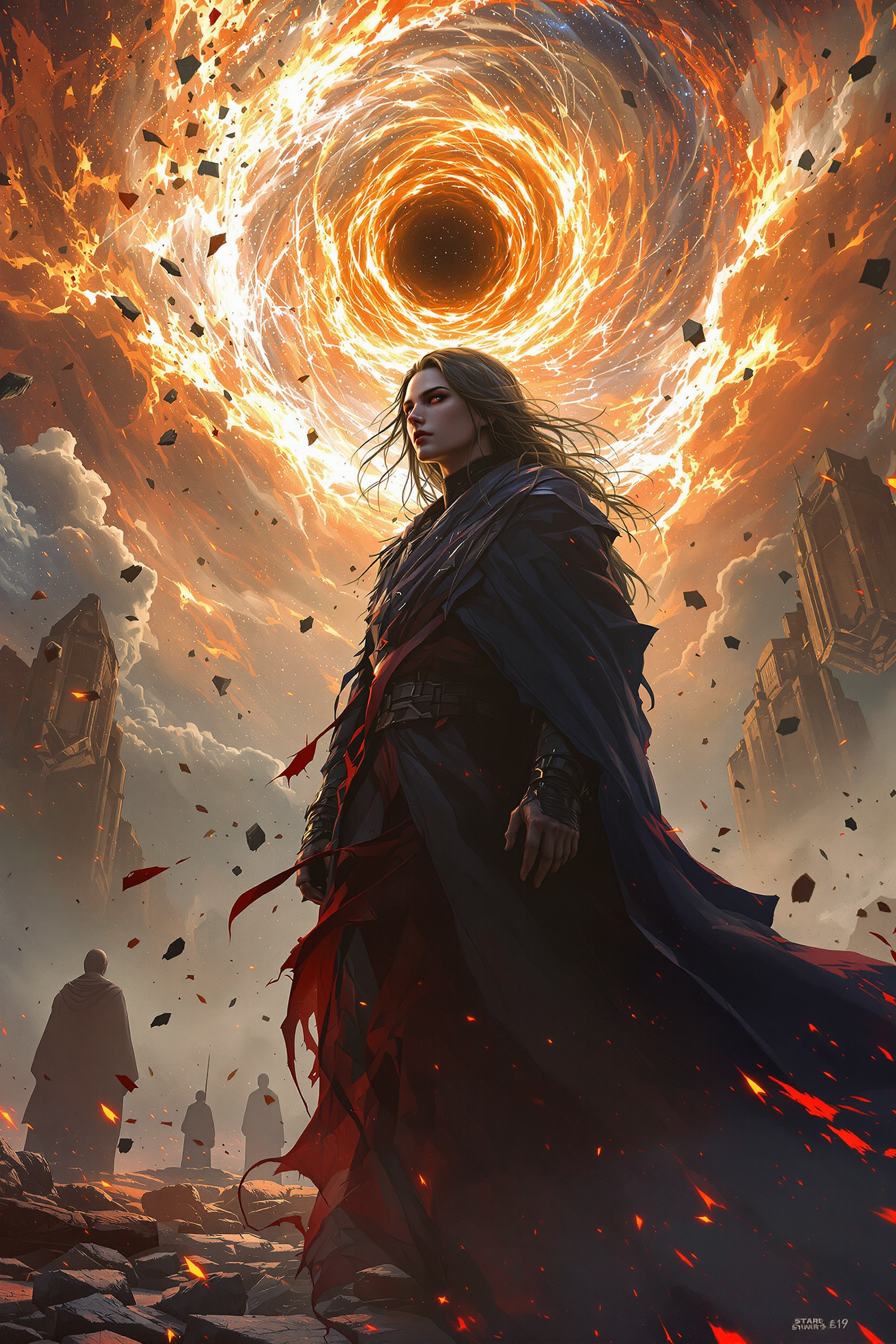
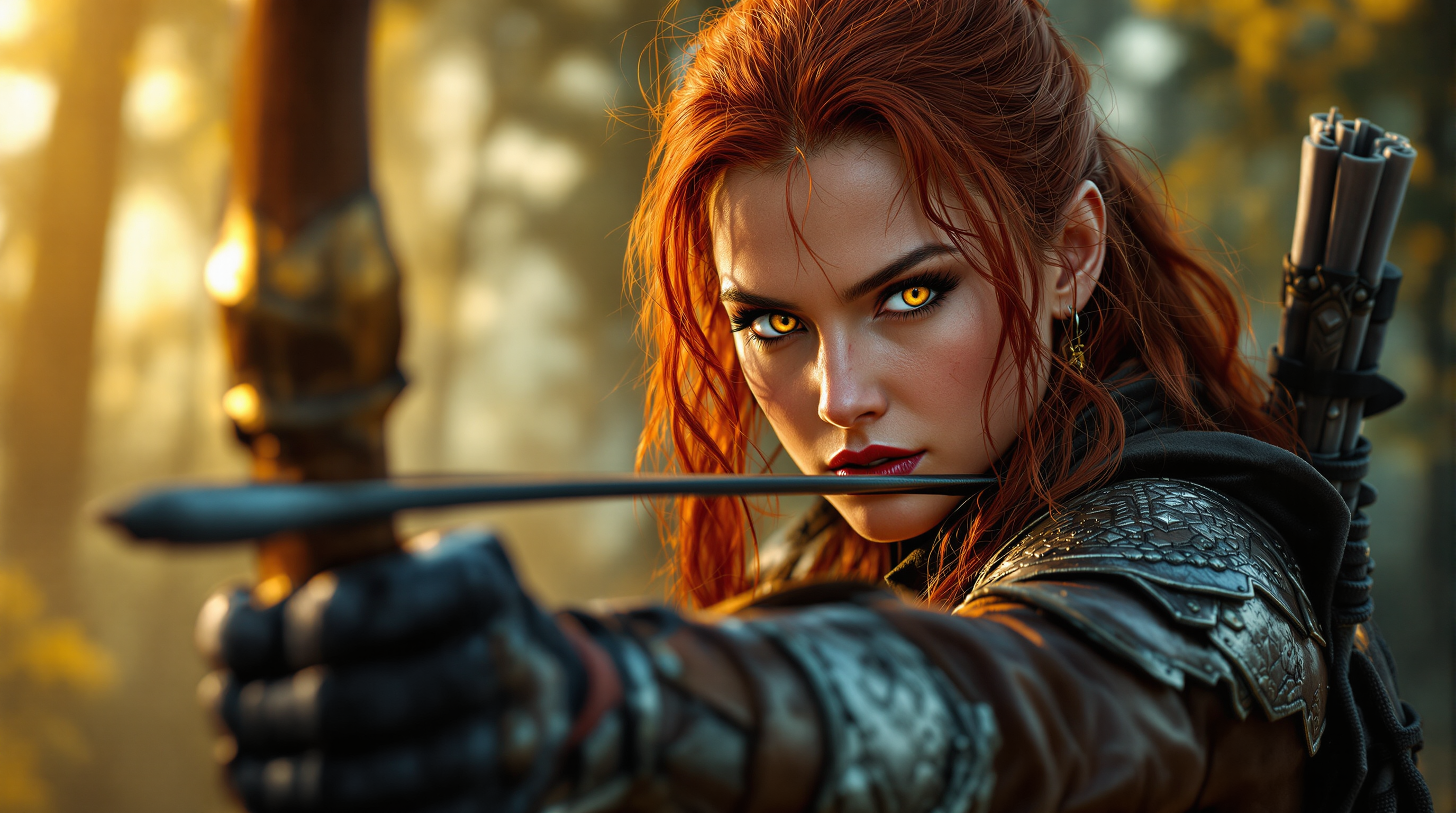
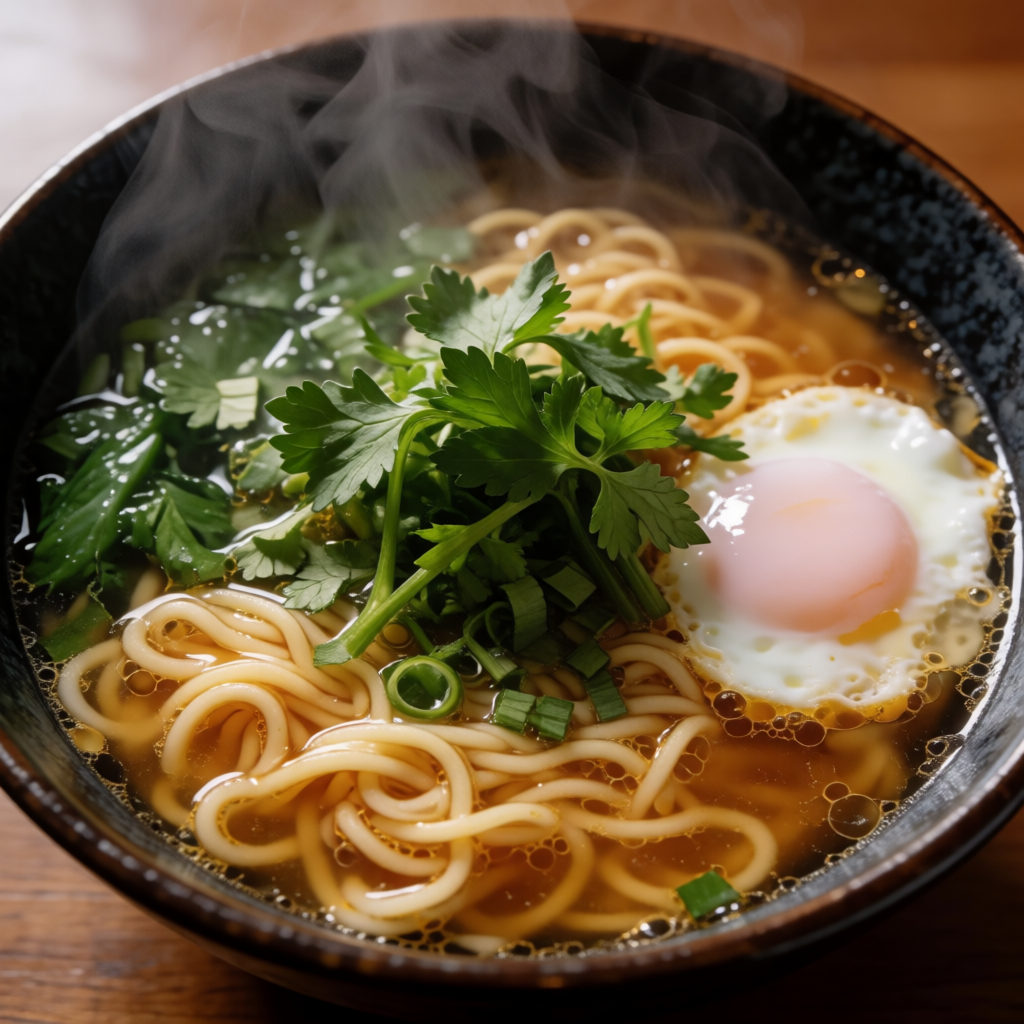

The Pixel Dojo Advantage
Why PixelDojo outperforms other options for AI graphic generator needs
| Others | Pixel Dojo |
|---|---|
| Traditional graphic design | Skip weeks of back-and-forth with designers and expensive software subscriptions—generate and iterate on professional graphics in minutes. |
| Generic AI tools | Access 40+ specialized models optimized for graphics, including superior text rendering and design-specific editing workflows not available elsewhere. |
| Manual photo editing | Eliminate tedious pixel-by-pixel work with smart AI tools that handle composition, lighting, and consistency automatically. |
Loved by creators on PixelDojo
Real feedback from people using PixelDojo, pulled from our in-product surveys.
You keep adding to it to stay up to date and that is GOLD.
very easy to use and good support
Very easy to use
super easy to use
it's very easy to use
Practically every Ai suite in one place? Who wouldn't?
Explore more AI tools on PixelDojo
AI Tools
Compare & Switch
- Best AI Image Generators
- Best AI Video Generators
- Midjourney Alternatives
- Civitai Alternatives
- Runway Alternatives
- Leonardo Alternatives
- Pika Alternatives
- Luma Alternatives
- Magnific Alternatives
- Veo Alternatives
- Flux Alternatives
- Freepik Alternatives
- Seedance Alternatives
- Seedream Alternatives
- Pixverse Alternatives
- GPT Image Alternatives
- Synthesia Alternatives
- Playground Alternatives
- NightCafe Alternatives
- Canva AI Alternatives
- ElevenLabs Alternatives
- ComfyUI Alternatives
- Fal Alternatives
- Replicate Alternatives
Common Questions
Everything you need to know about ai graphic generator
How does an AI graphic generator help create professional logos and branding?
PixelDojo's AI graphic generator lets you produce custom logos and branding assets instantly using tools like Ideogram 4 for perfect text integration and Recraft V4.1 for clean, scalable designs. You describe your brand style, generate variations, and refine with Inpainting or Style Transfer for consistent, professional results across all materials.
What are the best techniques for generating marketing graphics with AI in 2026?
Focus on detailed prompts that specify style, colors, and composition. Use editing workflows with tools like Magic Lighting and Background Remover to perfect each element. Leverage character consistency features in models such as Flux.2 Studio and Krea V2 to maintain brand identity across campaigns.
Can I create consistent character graphics for my brand using AI graphic generator tools?
Yes, PixelDojo excels at this with dedicated consistency features in tools like Grok Image, WAN Image, and Consistent Characters. Upload reference images or describe your character once, then generate matching graphics for social posts, packaging, or presentations with ease.
How do I generate graphics with accurate text using an AI graphic generator?
Choose Ideogram 4 or GPT Image 2, which excel at text rendering in 2026. Write prompts that clearly specify text content, font style, and placement. Then use Smart Resize or Image Outpainting to fine-tune layouts for posters, infographics, and ads.
Is PixelDojo suitable for beginners wanting to make custom illustrations and posters?
Absolutely. Our intuitive interface guides you through choosing tools like ImagineArt or Dreamina 3.1 for stylized illustrations. Start with simple prompts, preview results, and apply edits like Style Transfer or Reality Polisher to achieve professional poster and illustration quality without prior design experience.
What makes PixelDojo's AI graphic generator better for commercial use?
You get access to 40+ cutting-edge tools with commercial-friendly outputs, including upscalers like Magnific Upscaler and P-Image Upscale for print-ready files. Edit freely with Inpainting and Character Stylist, and enjoy flexible plans with the ability to cancel anytime.