ai home staging AI Generator
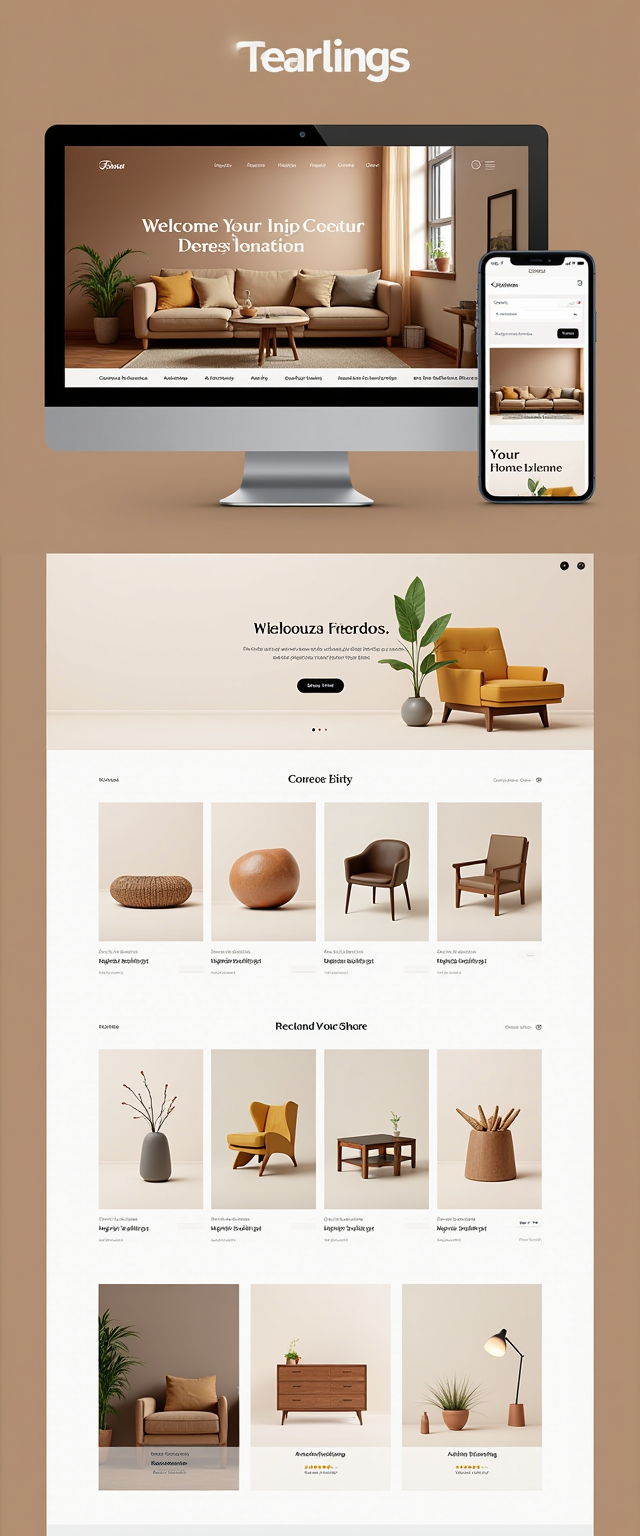
Generated on PixelDojo. Produced by PixelDojo's generation pipeline.
You can transform vacant listing photos into warm, inviting spaces that help buyers picture themselves living there—without renting a single piece of furniture. PixelDojo's AI home staging lets you generate photorealistic furnished interiors in seconds, so your properties attract more views, more showings, and close faster. Real estate professionals using virtual staging see homes sell 73% faster and often command 1-5% higher prices because empty rooms no longer leave buyers guessing. Upload your photo, choose a style that matches your target buyer, and watch Flux.2 Studio, GPT Image 2, or Krea Image fill the space with perfectly scaled furniture, natural lighting, and lifestyle details. You keep every architectural feature intact while testing unlimited looks—from modern luxury to cozy farmhouse—then download listing-ready images or even turn them into video walkthroughs. Thousands of creators already rely on PixelDojo's 40+ cutting-edge tools to stage entire homes for a fraction of traditional costs, with the freedom to cancel anytime.
Real image examples generated on PixelDojo
Every example below was produced on PixelDojo. Hover to see the prompt.
Create a visually stunning Shopify store mockup displayed on a desktop screen and a mobile…
stable-diffusion

A living room in a modern house
stable-diffusion
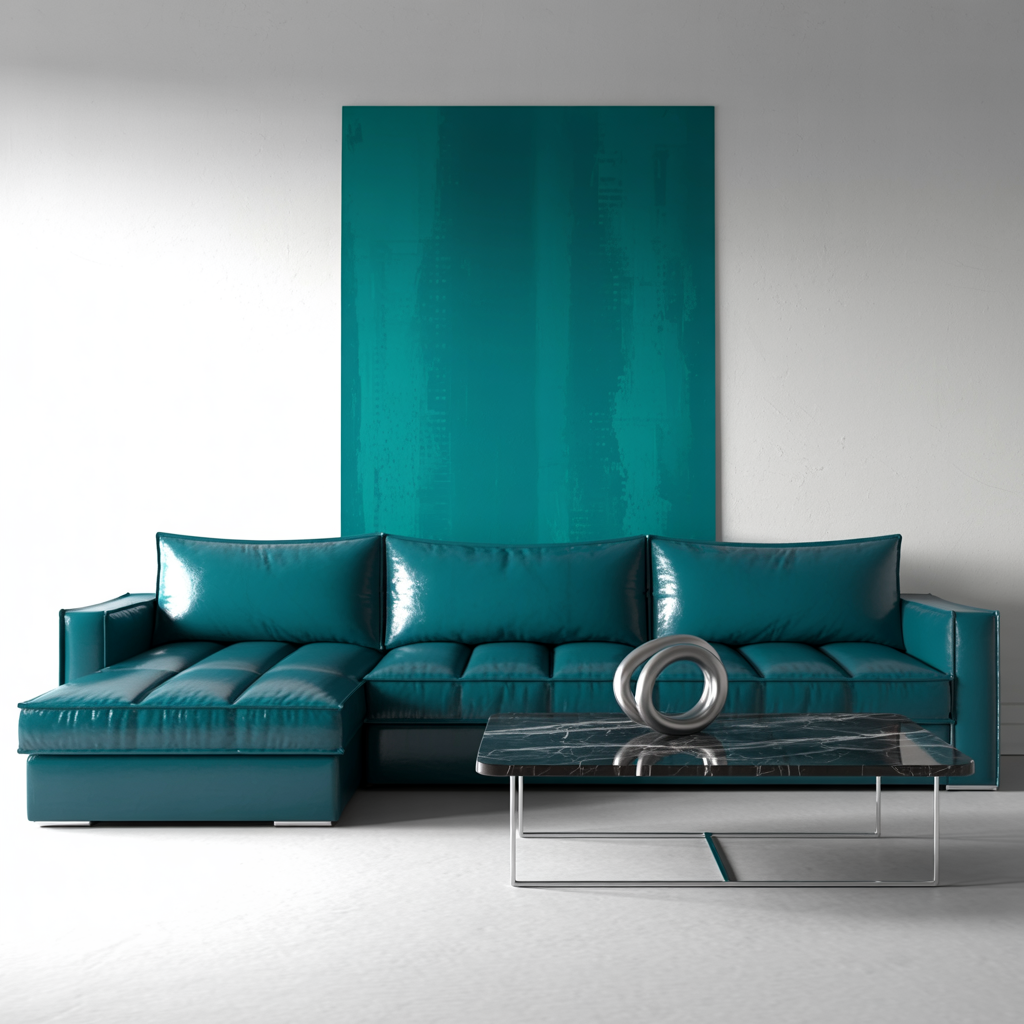
A living room in a modern house
stable-diffusion
Give it a bright airy pastel look
wan-video-edit
Give it a bright airy pastel look
kling-video-edit

Side profile of man with dark brown hair slicked back and red sunglasses
flux
Models you can run on PixelDojo for ai home staging
Switch models without switching tools. Each one runs in the same PixelDojo studio.
What you can do with ai home staging on PixelDojo
Stage Empty Rooms
We generate furnished interiors from photos of vacant spaces so you can show how a home might look with furniture, lighting, and decor in place.
Try Multiple Design Styles
Create several staging looks from one source image, from modern and minimal to warm traditional, and pick the version that fits the listing.
Iterate Staging Quickly
Adjust layout, color, and room details with new generations instead of reshooting, so you can refine a scene before you publish.
Export Listing-Ready Images
Download generated staging images at sizes suited to listing sites, social posts, and print so you can use them in marketing without extra production.
Loved by thousands of real estate creators worldwide. 40+ cutting-edge AI tools delivering photorealistic results in under 90 seconds. Cancel anytime.
Why Choose Pixel Dojo for ai home staging
Professional-quality results with cutting-edge AI technology
Sell Homes 73% Faster with Buyer-Ready Photos
Your listings stand out on MLS and portals because buyers instantly visualize life in the space. Staged photos drive more clicks, saves, and showings, helping you close deals quicker and often at a premium.
Stage Entire Homes for Pennies Instead of Thousands
Skip $2,000–$8,000 physical staging bills and days of waiting. Generate unlimited style variations of every room in seconds so you can match any buyer demographic without extra cost or inventory.
Keep Architecture Perfect While Changing Everything Else
Walls, windows, floors, and lighting stay exactly as photographed. You add only furniture and décor that looks real, giving you professional results that comply with listing rules when disclosed.
How It Works
You create professional AI home staging in three simple steps using PixelDojo's specialized image and video tools. Start with a clean empty-room photo and finish with listing-ready visuals or even immersive video tours.
Step 1: Choose Your Tool and Upload Your Photo
Open Image to Image or Flux.2 Studio and upload a high-quality, well-lit photo of your empty room. Wide-angle shots with natural light and a level camera give the AI the best foundation so walls, windows, and proportions stay accurate.
Step 2: Enter Your Staging Prompt
Describe the exact look you want: “Photorealistic modern Scandinavian living room staging, light oak floors visible, beige linen sofa facing the window, round coffee table, indoor plants, warm natural lighting, no changes to architecture.” Use GPT Image 2 or Krea Image for precise spatial understanding, then generate.
Step 3: Customize, Enhance, and Download
Refine furniture placement with Inpainting, switch styles via Style Transfer, or add perfect lighting with Magic Lighting. Upscale with P-Image Upscale or Clarity Pro, then export. Turn stills into walkthrough videos using Kling Video or WAN 3.0 for even stronger listings.
The Pixel Dojo Advantage
Why PixelDojo outperforms other options for AI home staging image generation
| Others | Pixel Dojo |
|---|---|
| Traditional physical home staging | You avoid $500–$1,500 per room plus weeks of rental and logistics. PixelDojo delivers photorealistic results in 90 seconds for a tiny fraction of the cost, with unlimited restyles and no damage risk. |
| Generic AI image tools | You get interior-specialized models like Flux.2 Studio and GPT Image 2 that preserve room geometry, lighting, and scale instead of distorting windows or walls. Dedicated editing tools such as Inpainting and Reality Polisher keep everything listing-compliant. |
| Manual photo editing | You skip hours of compositing furniture cutouts. PixelDojo generates complete, consistent rooms instantly and lets you iterate styles or create video tours with Kling Video in the same workflow. |
Loved by creators on PixelDojo
Real feedback from people using PixelDojo, pulled from our in-product surveys.
super lora download
Great variety of tools to create and modify images and video.
Lots of Tools, and the one time I needed support I got help right away
Easy to use once you get the hang of it
Love it make anything I can think of so far
Great for all your ideas use it encourage more people to use it
Explore more AI tools on PixelDojo
AI Tools
Compare & Switch
- Best AI Image Generators
- Best AI Video Generators
- Midjourney Alternatives
- Civitai Alternatives
- Runway Alternatives
- Leonardo Alternatives
- Pika Alternatives
- Luma Alternatives
- Magnific Alternatives
- Veo Alternatives
- Flux Alternatives
- Freepik Alternatives
- Seedance Alternatives
- Seedream Alternatives
- Pixverse Alternatives
- GPT Image Alternatives
- Synthesia Alternatives
- Playground Alternatives
- NightCafe Alternatives
- Canva AI Alternatives
- ElevenLabs Alternatives
- ComfyUI Alternatives
- Fal Alternatives
- Replicate Alternatives
Common Questions
Everything you need to know about ai home staging
How does AI home staging work on PixelDojo for real estate photos?
You upload an empty-room photograph to Image to Image or Flux.2 Studio, then enter a detailed prompt describing furniture, style, and lighting. The AI analyzes the existing architecture and generates a photorealistic staged version in seconds. You can refine with Inpainting or Style Transfer and even produce video walkthroughs with Kling Video, all while keeping original walls and windows unchanged.
Is AI virtual staging allowed on MLS listings when using PixelDojo?
Yes, most MLS systems permit virtually staged photos as long as you disclose them. Add a small “Virtually Staged” label and note in the description which rooms were enhanced. PixelDojo’s photorealistic output from Flux.2 Studio and GPT Image 2 looks indistinguishable from real photography, making disclosure straightforward and professional.
What is the best PixelDojo tool for photorealistic AI home staging?
Flux.2 Studio excels at natural light, shadows, and furniture realism that matches real interiors. Pair it with Image to Image for your source photo, then use Magic Lighting or Reality Polisher for final polish. For complex layouts, GPT Image 2 understands spatial relationships exceptionally well so sofas and tables sit correctly relative to windows and fireplaces.
How much does AI home staging cost with PixelDojo compared to traditional methods?
PixelDojo is included with your access to 40+ tools and you can cancel anytime. Traditional physical staging often runs $2,000–$8,000 per home plus monthly rentals, while even older virtual services charge $20–$75 per image. You generate unlimited rooms and style variations in seconds, delivering massive savings and faster time-to-market.
Can I create different interior styles for the same room using PixelDojo AI home staging?
Absolutely. After generating your first version, use Style Transfer or simply change the prompt to switch from modern luxury to farmhouse, coastal, or mid-century. Because you work from the same source photo, architecture stays identical while furniture, colors, and décor update instantly—perfect for testing what resonates with different buyer groups.
Can PixelDojo turn my AI staged photos into video tours for listings?
Yes. Once you have your staged stills, feed them into Kling Video, WAN 3.0, or Seedance 2.5 to generate smooth walkthroughs or animated reveals. You can also use Video Autocaption and Merge Videos to create complete listing packages that help buyers feel the space even more vividly than static photos alone.