ai image converter
Unlock endless creative possibilities by transforming your existing photos into professional-grade images with PixelDojo's AI image converter tools. Whether you want to apply artistic styles, remove unwanted objects, change camera angles, or generate consistent characters from a single reference, you can achieve stunning results in seconds. No design experience or expensive software needed—simply upload your image, choose your desired outcome, and let advanced AI handle the rest. Create social media visuals, product mockups, marketing assets, or personal art pieces that stand out, all while saving hours of manual work. With over 20 specialized conversion tools at your fingertips, turn ordinary snapshots into extraordinary creations that captivate your audience.
Over 75,000 creators have converted more than 2.5 million images using PixelDojo this month alone. Rated 4.9/5 by thousands of users who love the speed, quality, and ease of use. Trusted by freelancers, marketers, and hobbyists worldwide for reliable AI-powered transformations.
Why Choose Pixel Dojo for ai image converter
Professional-quality results with cutting-edge AI technology
Instant Artistic Transformations
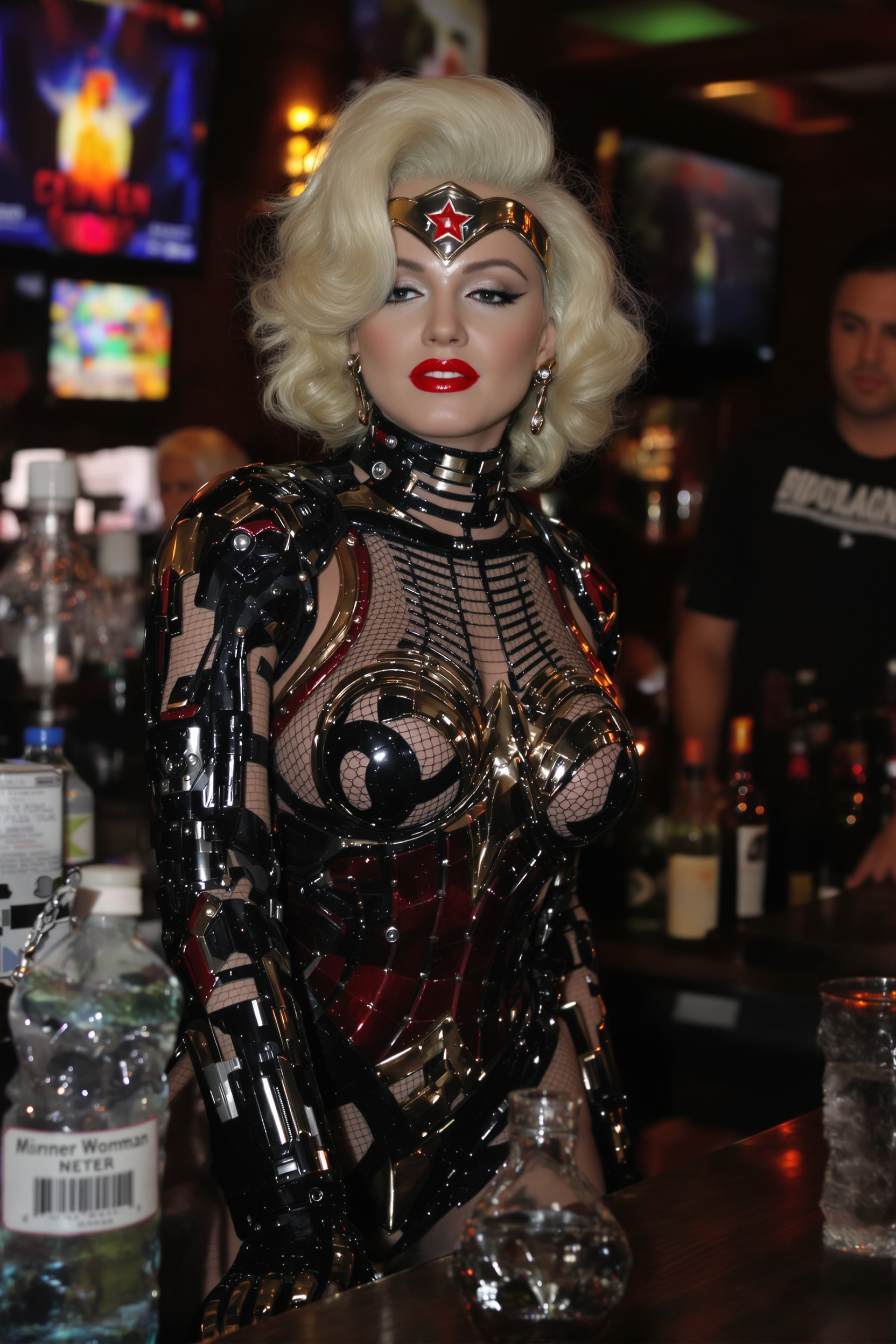
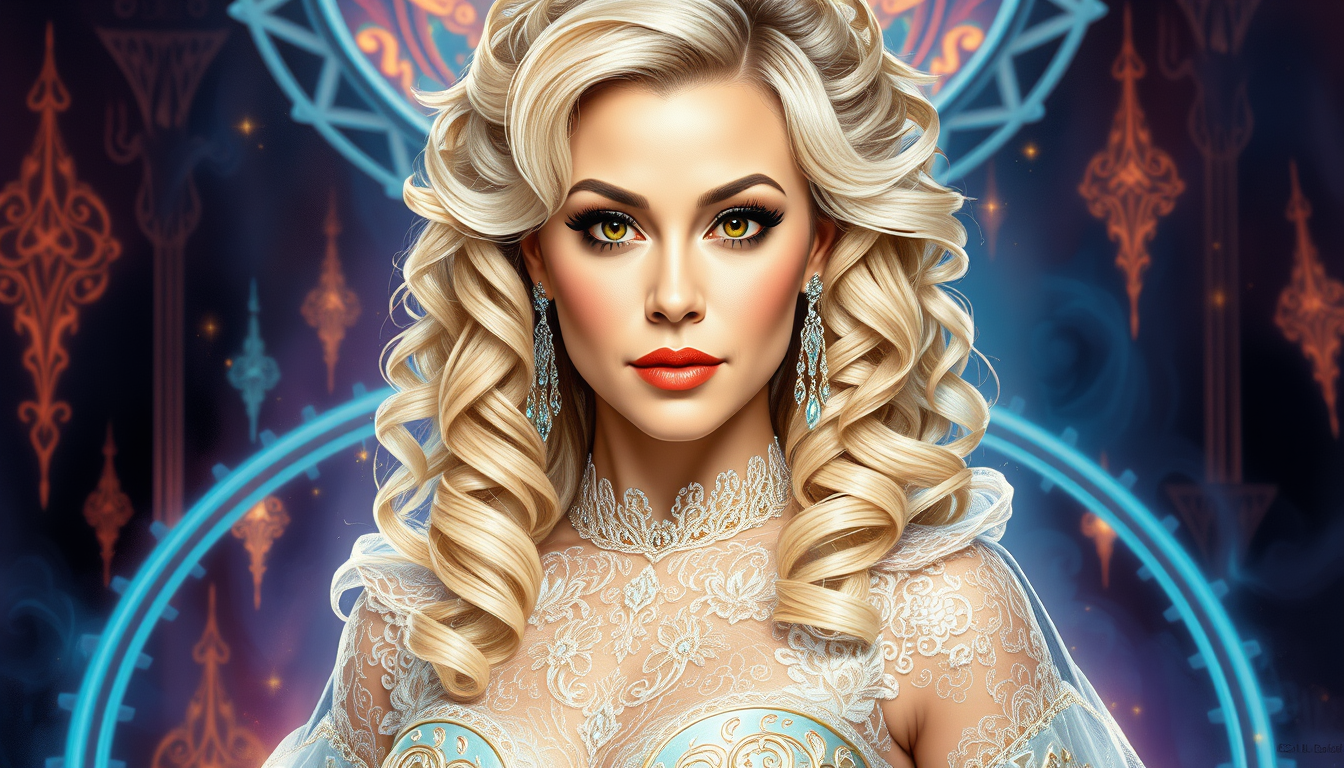
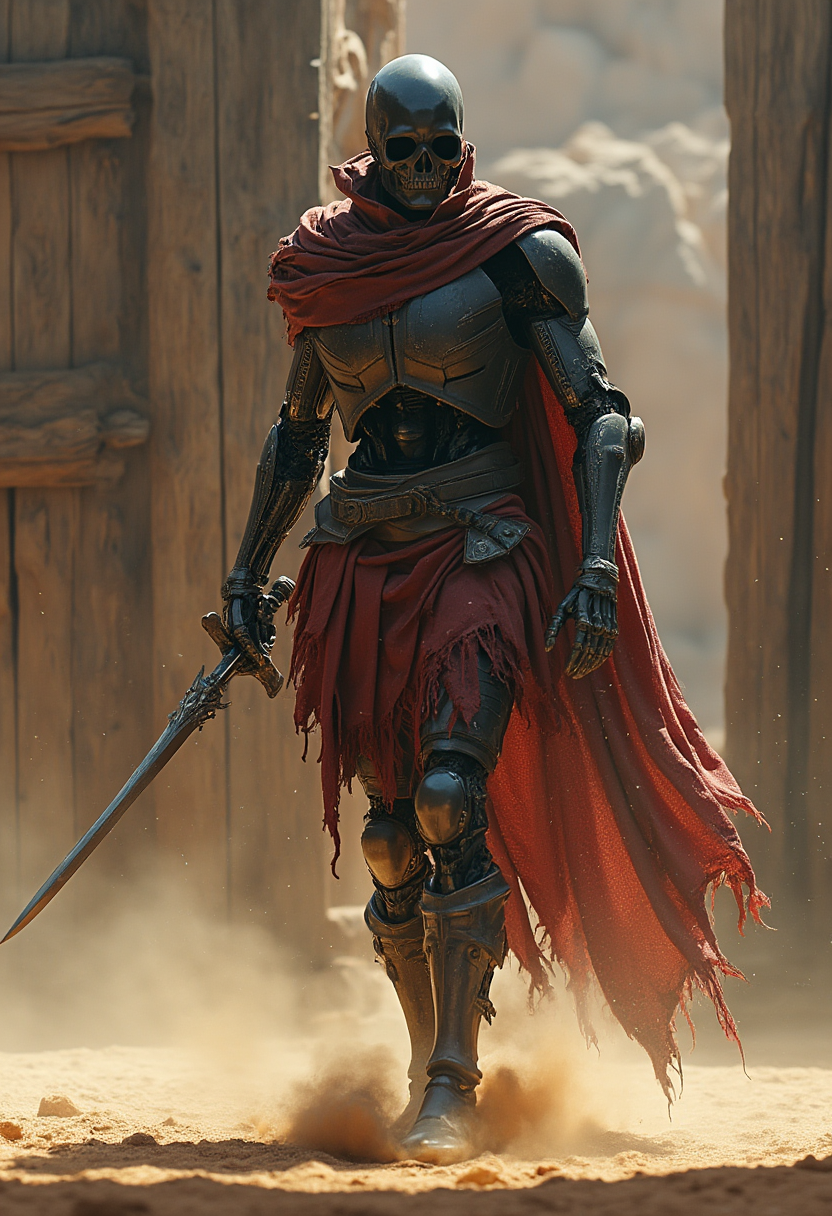
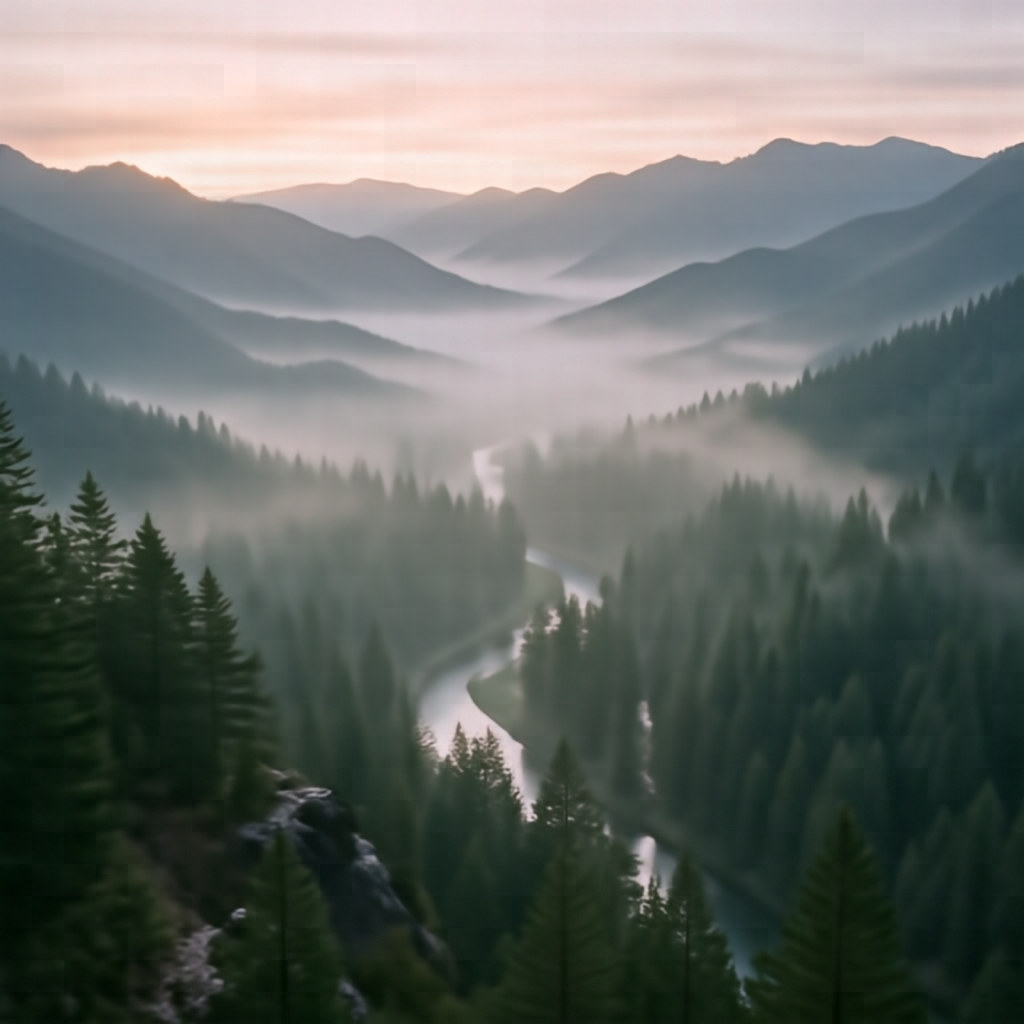
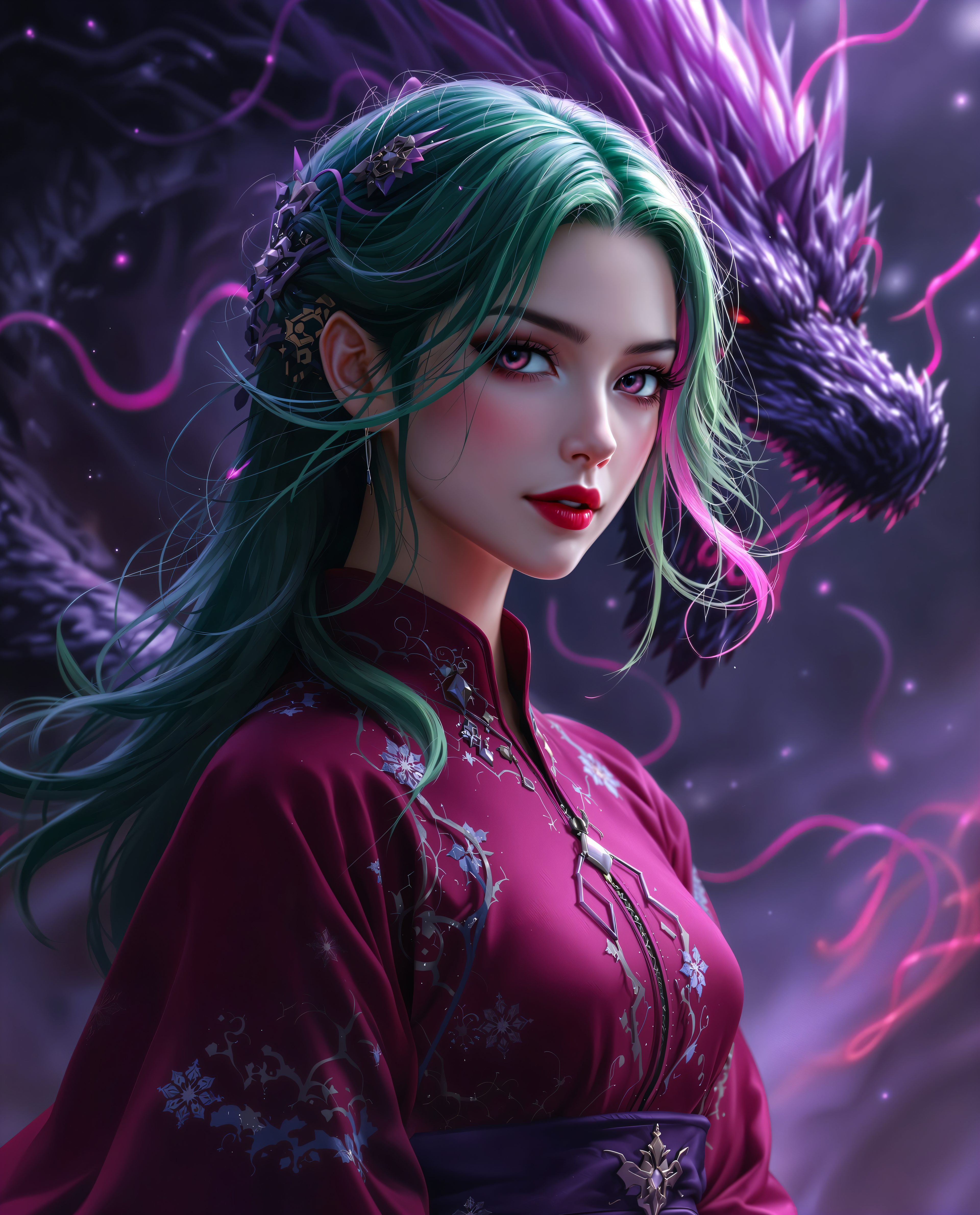
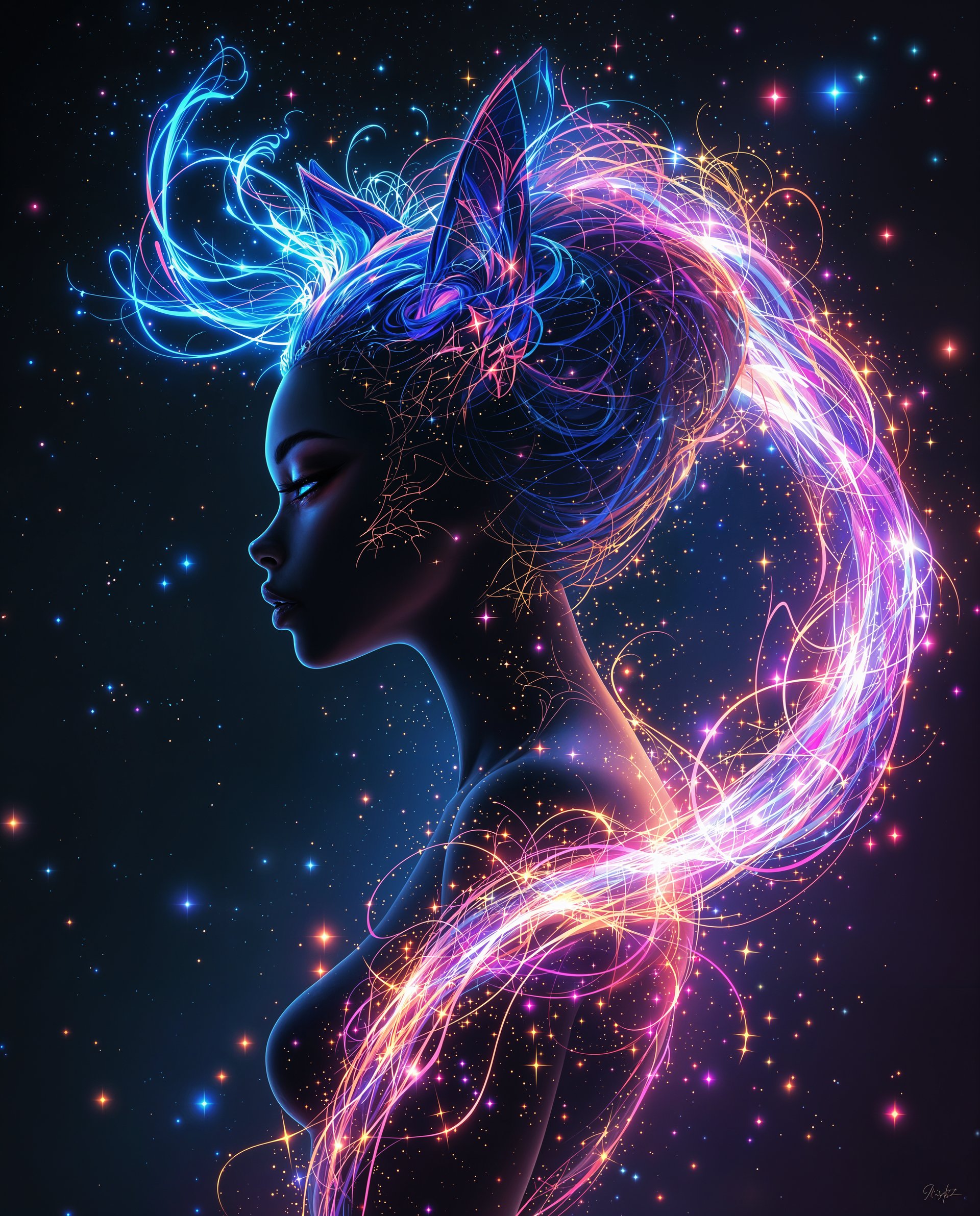
Convert your photos into any style—from realistic portraits to anime, oil paintings, or cyberpunk scenes—in a single click. Achieve gallery-worthy results without learning complex techniques, helping you produce shareable content faster than ever.
Effortless Photo Edits & Fixes
Remove backgrounds, objects, or imperfections seamlessly. Change lighting, camera angles, or expand scenes while keeping natural consistency, so your images look professionally retouched every time.
Consistent Characters & Variations
Generate multiple versions of the same person or subject across different poses, outfits, or environments. Maintain perfect facial and body consistency for stories, branding, or series content that feels cohesive and professional.
How It Works
Creating transformed images with PixelDojo's AI image converter is simple and fast. Follow these three steps to turn your photos into something extraordinary.
Step 1: Choose Your Tool
Browse PixelDojo's Edit Images section and select the perfect converter for your goal, such as Image to Image for general transformations, Style Transfer for artistic effects, Inpainting to fill or remove areas, Background Remover for clean cutouts, or Change Camera Angle for new perspectives. Tools like Magic Lighting or Reality Polisher are ideal for quick enhancements.
Step 2: Enter Your Prompt
Upload your original photo and describe the desired conversion in natural language, like 'convert to cyberpunk neon style with rainy streets' or 'change background to a tropical beach at sunset'. For precise edits, use targeted prompts with Inpainting or Smart Resize. Reference tools like Image Analyzer to get smart suggestions for better results.
Step 3: Customize & Download
Review the AI-generated variations, adjust parameters like intensity or resolution using tools such as Image Outpainting for extensions or Smart Resize for perfect dimensions. Select your favorite output and download in high resolution. Iterate instantly if needed for perfect results every time.
The Pixel Dojo Advantage
Why PixelDojo outperforms other options for AI image converter workflows
| Others | Pixel Dojo |
|---|---|
| Traditional photo editing software | Skip steep learning curves and hours of manual work—achieve complex conversions like style transfers or object removal in seconds with intuitive AI guidance instead of layers and masks. |
| Generic online converters | Access 20+ specialized tools including Character Sheets for consistency and Reality Polisher for photorealistic fixes, delivering higher quality and more creative control than basic one-click apps. |
| Manual photo editing services | Get instant, on-demand results at a fraction of the cost with full creative ownership—no waiting for freelancers or paying per revision when you can iterate yourself in real time. |
Loved by creators on PixelDojo
Real feedback from people using PixelDojo, pulled from our in-product surveys.
Very fair and very broad in tools.
Accurate results
Great site and so much fun to use!
very useful set of tools for image creation, upscaling and enhancement
ease of use, variety of tools, high quality trainings, and a well-maintained discord channel
Ease of use, friendliness and support of the owner, continued innovation.
Explore more AI tools on PixelDojo
AI Tools
Compare & Switch
- Best AI Image Generators
- Best AI Video Generators
- Midjourney Alternatives
- Civitai Alternatives
- Runway Alternatives
- Leonardo Alternatives
- Pika Alternatives
- Luma Alternatives
- Magnific Alternatives
- Veo Alternatives
- Flux Alternatives
- Freepik Alternatives
- Seedance Alternatives
- Seedream Alternatives
- Pixverse Alternatives
- GPT Image Alternatives
- Synthesia Alternatives
- Playground Alternatives
- NightCafe Alternatives
- Canva AI Alternatives
- ElevenLabs Alternatives
- ComfyUI Alternatives
- Fal Alternatives
- Replicate Alternatives
Common Questions
Everything you need to know about ai image converter
How does an AI image converter work for turning photos into different art styles?
PixelDojo's AI image converter uses advanced models like Style Transfer and Image to Image to analyze your uploaded photo and apply new artistic styles while preserving key details. Simply upload your image, select a style or describe it in a prompt, and generate results in seconds. Tools such as Krea Image or Recraft V4.1 excel at maintaining composition while transforming aesthetics for social posts, prints, or branding.
Can I use PixelDojo's AI image converter to remove backgrounds or objects from photos?
Yes, dedicated tools like Background Remover and Inpainting make it effortless. Upload your image, select the area or use automatic detection, and the AI cleanly removes or replaces elements while blending naturally. This is perfect for product photos, portraits, or creating transparent PNGs for marketing materials without any manual masking.
What is the best way to create consistent characters using an AI image converter?
Start with Consistent Characters or Character Sheets tools on PixelDojo. Upload a reference photo of your subject, then generate variations in new outfits, poses, or scenes. The AI maintains facial features and body consistency across outputs, ideal for comics, animations, or brand mascots. Combine with Flux Pro Virtual Try-On for clothing changes.
How accurate is AI image conversion for changing camera angles or perspectives?
PixelDojo's Change Camera Angle tool delivers highly realistic perspective shifts by understanding 3D structure from your 2D image. Upload a photo, describe the new viewpoint like 'from above looking down' or 'side profile', and get accurate results that look like they were shot on location. Pair it with Reality Polisher for enhanced photorealism.
Is PixelDojo's AI image converter suitable for professional commercial use?
Absolutely—outputs are high-resolution and suitable for marketing, e-commerce, social media, and more. With tools like Smart Resize for platform-specific dimensions and Image Outpainting for custom canvases, you can produce client-ready assets quickly. Thousands of businesses rely on PixelDojo for consistent, high-quality conversions without licensing worries.
How do I get started with converting my first image using PixelDojo's AI tools?
Sign up for free, navigate to the Edit Images category, pick a tool like Image to Image or Style Transfer, upload your photo, add a descriptive prompt, and hit generate. Review options, refine with additional tools if needed, and download. The entire process takes under a minute, and you can experiment with 40+ tools risk-free with our flexible plans.