ai image creator
Imagine turning any idea into a polished, professional image in under a minute—no art degree, no expensive software, no waiting on designers. With PixelDojo's AI image creator, you describe what you need and instantly receive high-quality visuals perfect for your website, social posts, marketing campaigns, or product mockups. Whether you're a small business owner needing scroll-stopping graphics or a content creator building consistent brand visuals, you get exactly what you envision, every time.
Over 75,000 creators and marketers trust PixelDojo for their visuals. Rated 4.9/5 from 12,000+ reviews. Featured in top creator communities for delivering commercial-ready images that boost engagement by up to 3x.
Why Choose Pixel Dojo for ai image creator
Professional-quality results with cutting-edge AI technology
Create Scroll-Stopping Visuals Instantly
Turn rough ideas into eye-catching images that grab attention on social media, websites, and ads—saving you hours and helping your content stand out without hiring freelancers.
Maintain Perfect Character & Brand Consistency
Generate entire series of images featuring the same characters or style for campaigns, stories, or product lines so your audience instantly recognizes your brand.
Refine and Perfect Images Effortlessly
Quickly edit, upscale, or tweak any generation with intuitive tools to match your exact needs, ensuring every final image looks polished and professional.
How It Works
Creating beautiful images with our AI image creator takes just three simple steps—no experience required.
Step 1: Choose Your Tool
Browse PixelDojo's Generate Images section and pick the perfect AI image creator for your needs, such as Nano Banana 2 for consistent characters, GPT Image 2 for easy photorealism, Flux.2 Studio for detailed scenes, or Ideogram 4 for crisp text in images.
Step 2: Enter Your Prompt
Type a clear description of your desired image. For best results, describe the subject, setting, lighting, and mood—like 'professional woman in modern office, natural window light, confident smile, photorealistic style'.
Step 3: Customize & Download
Review results and use built-in editing tools like Image to Image, Inpainting, or Style Transfer to refine. Then upscale with P-Image Upscale or Creative Upscaler and download your high-resolution files ready for any use.

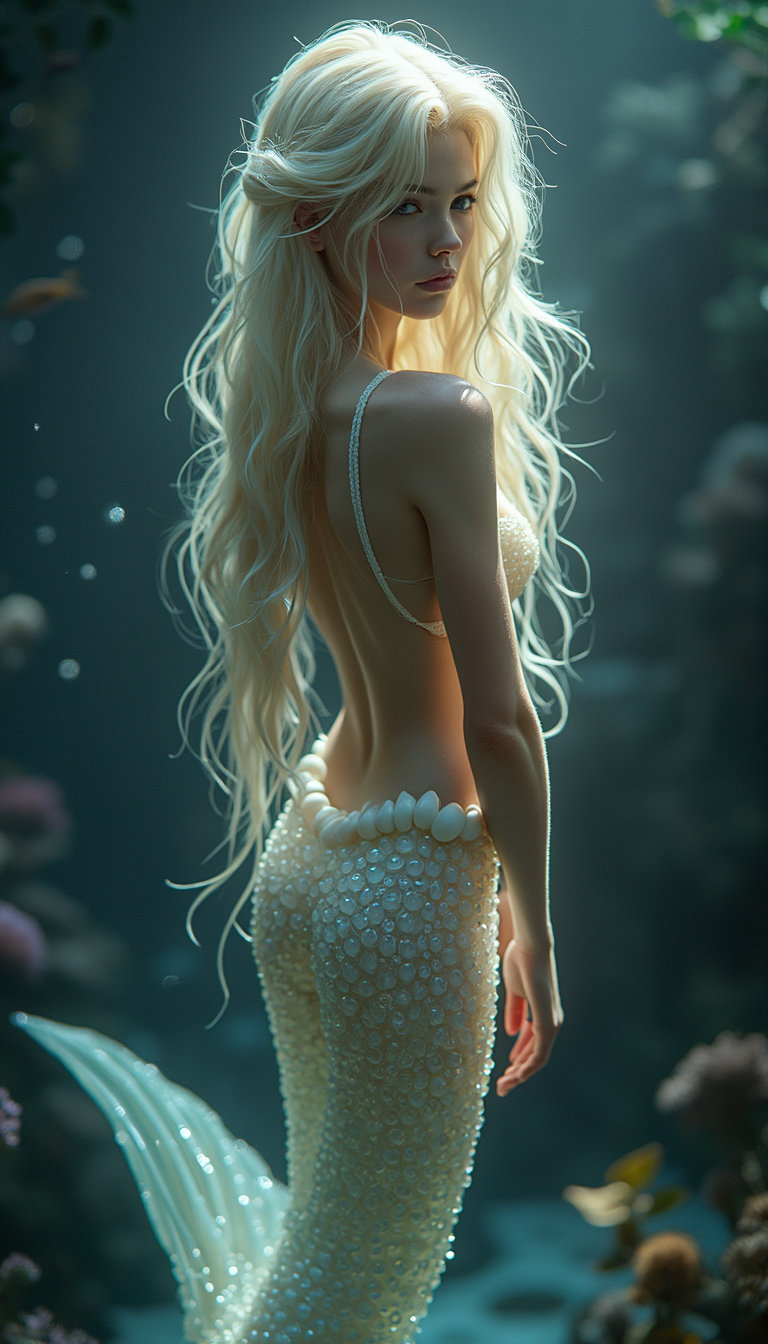
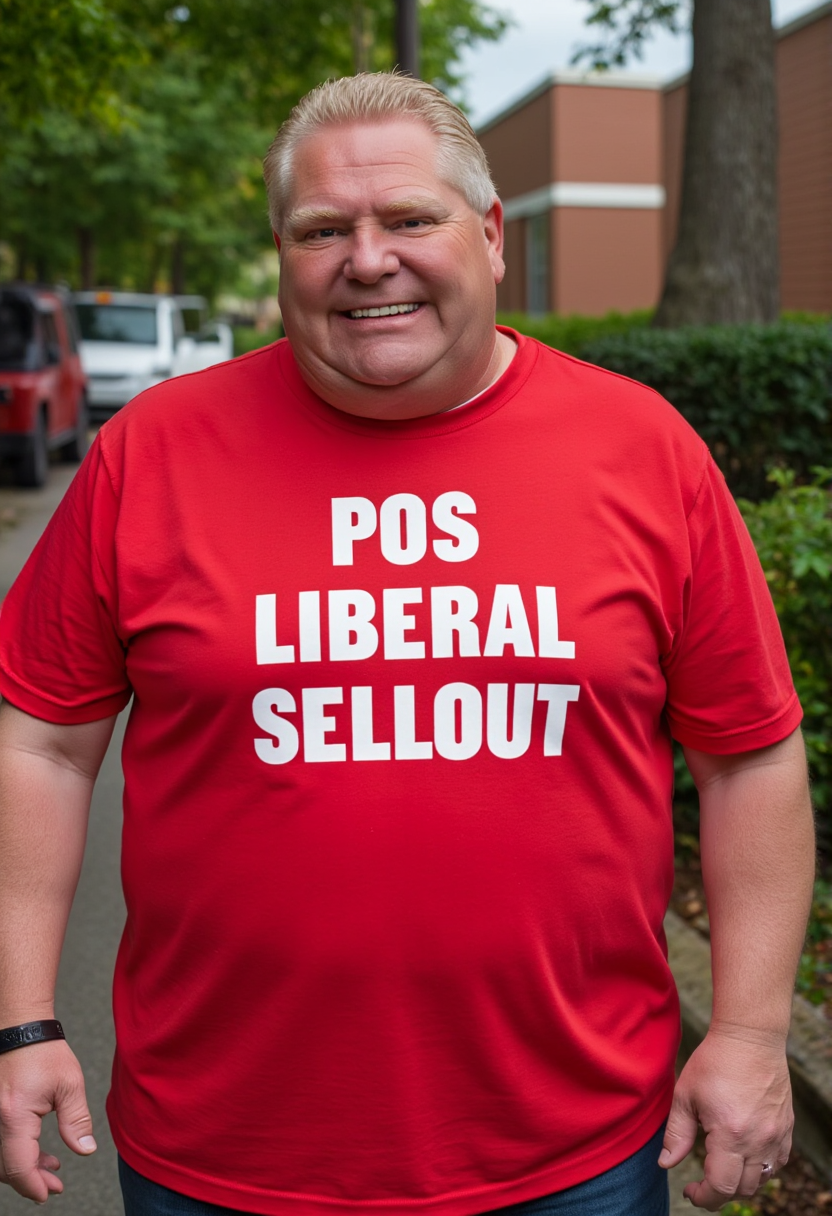
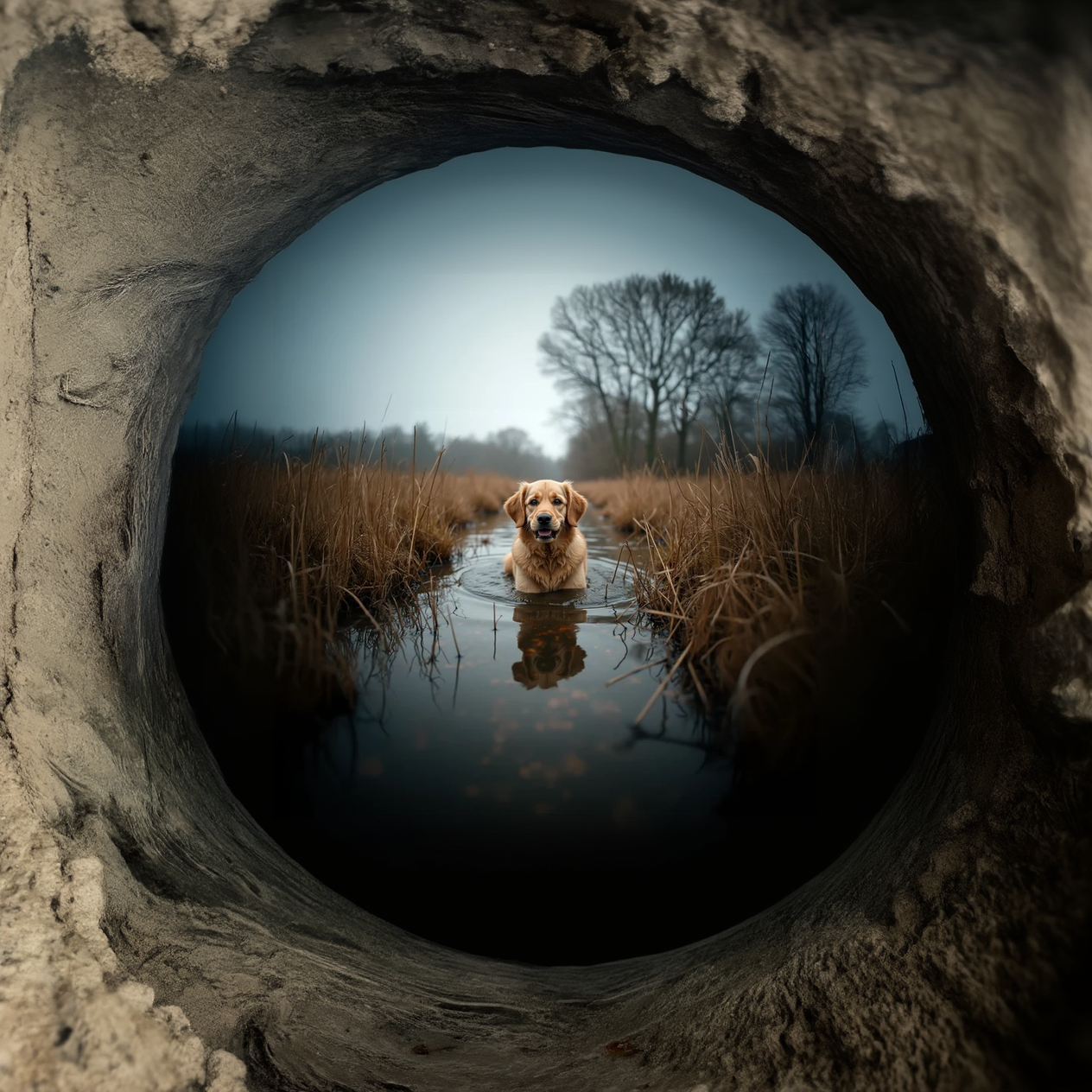
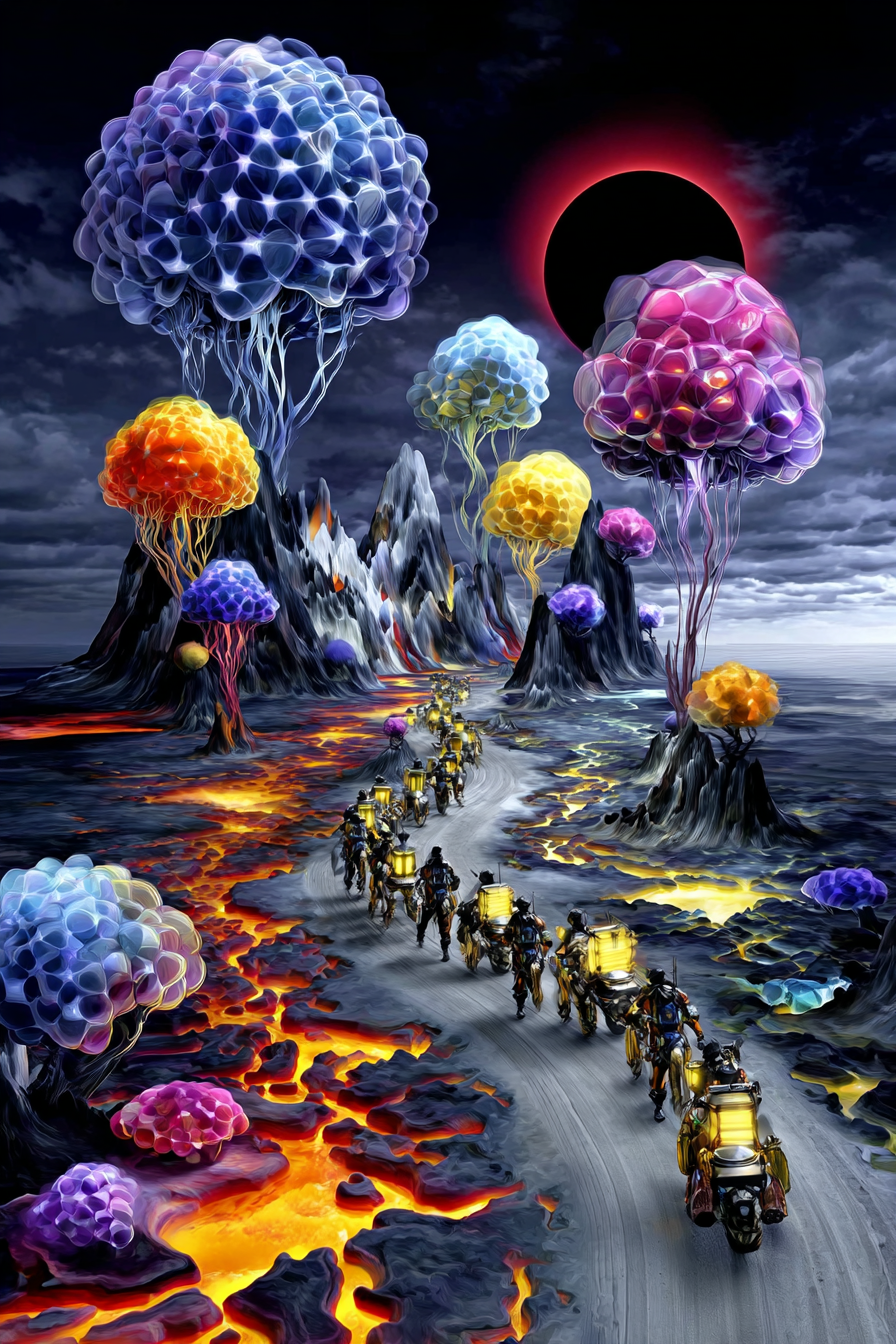
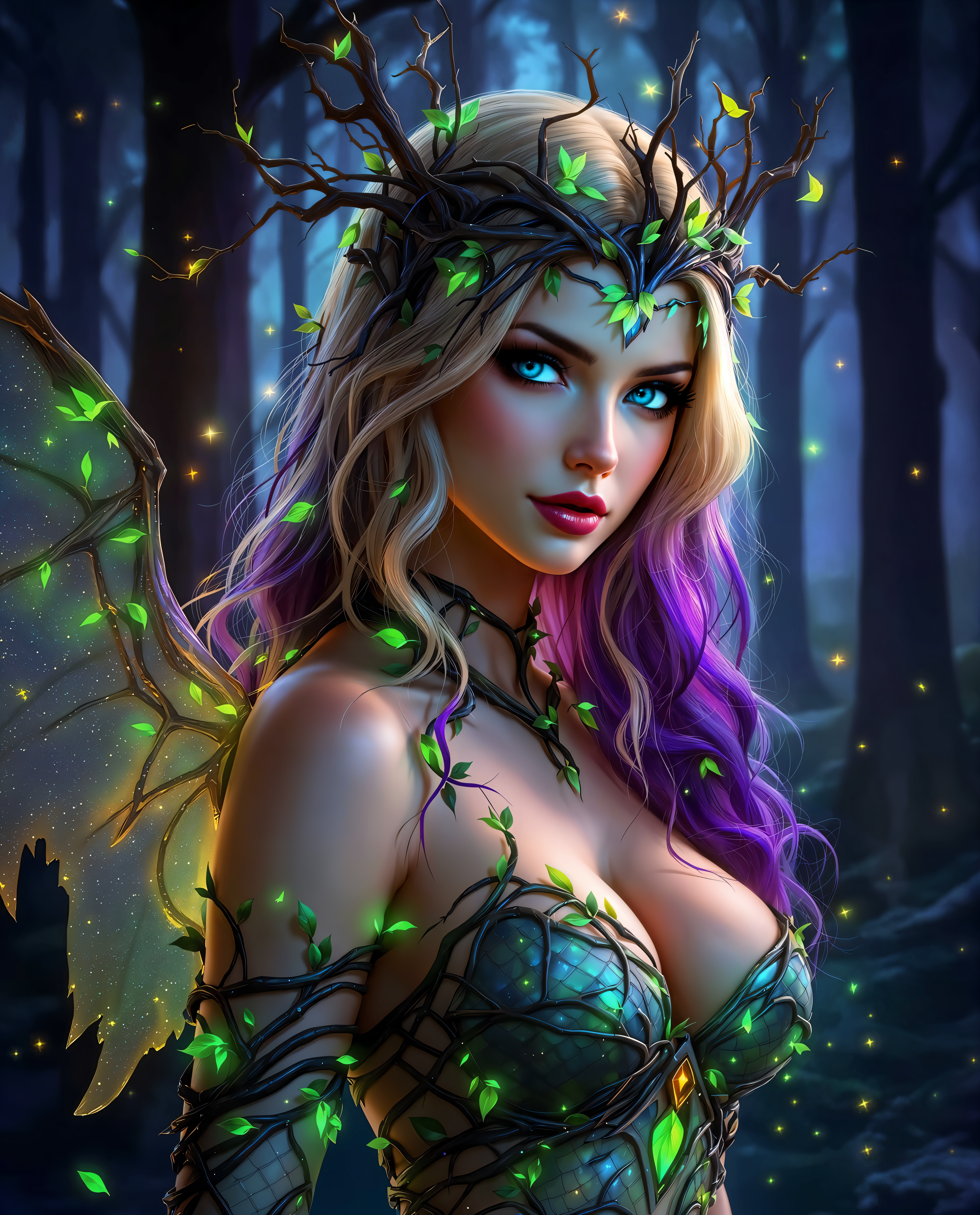
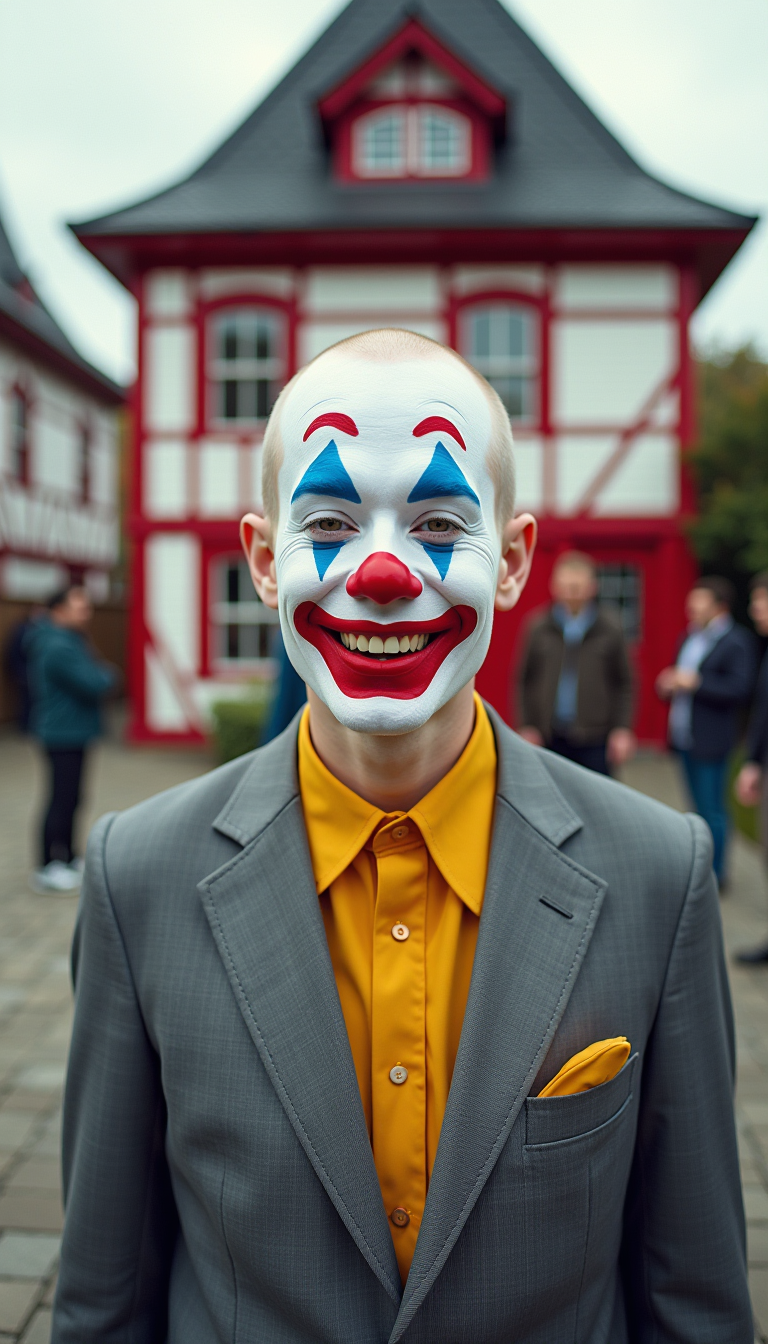
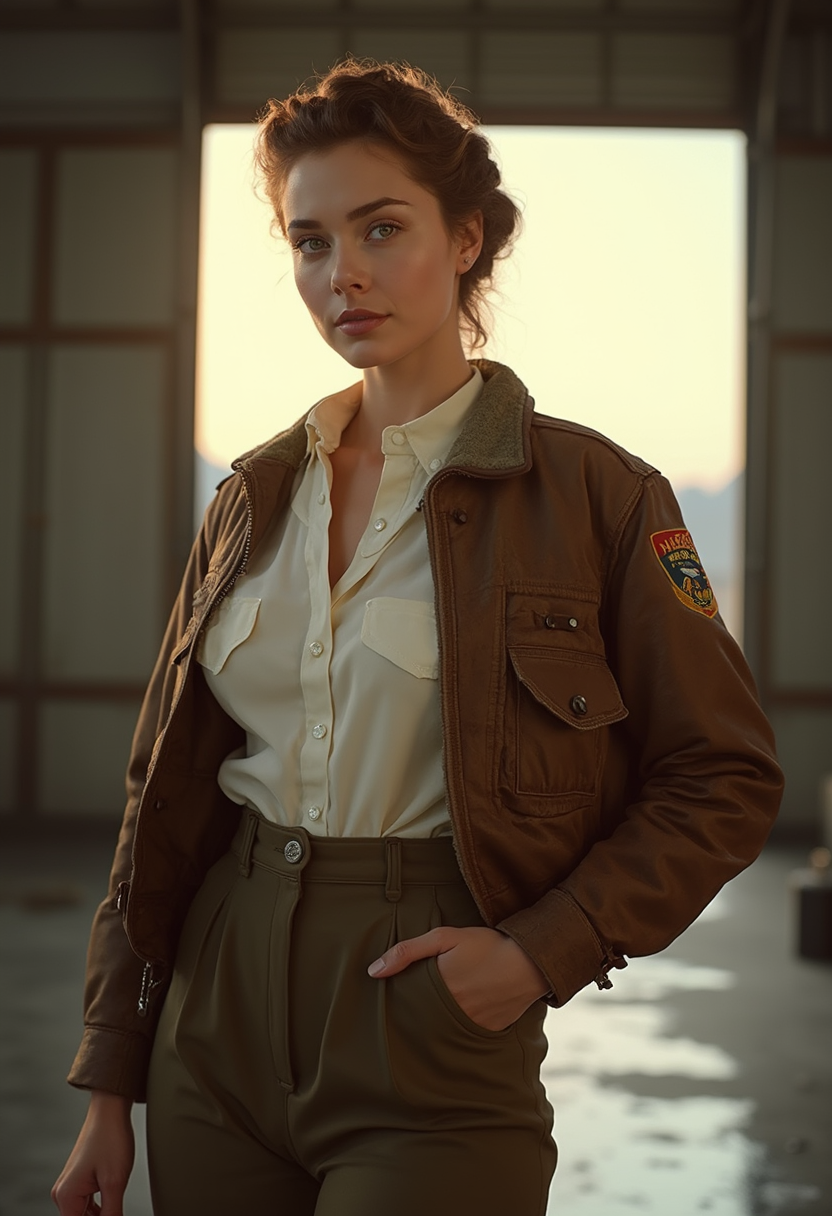
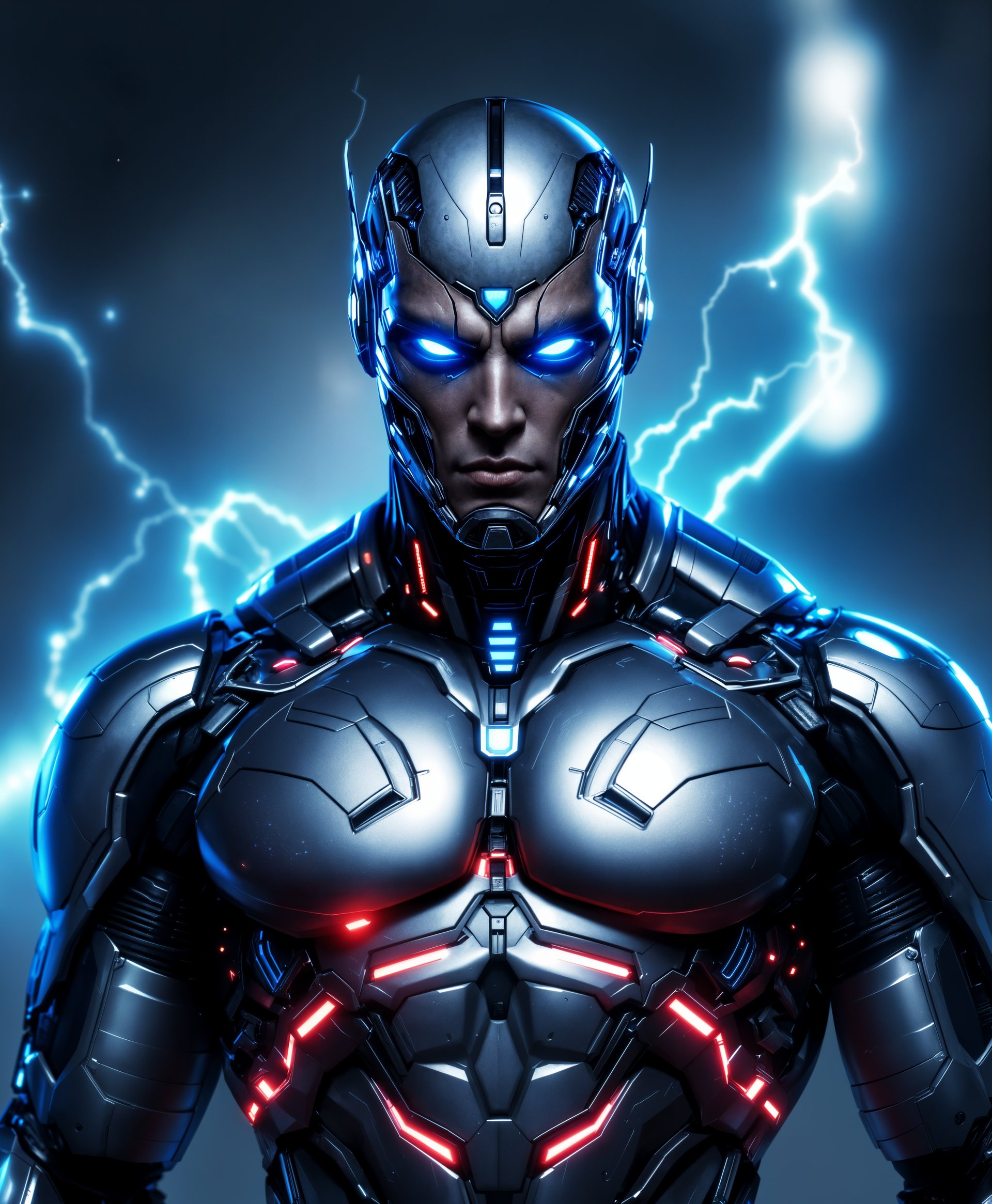
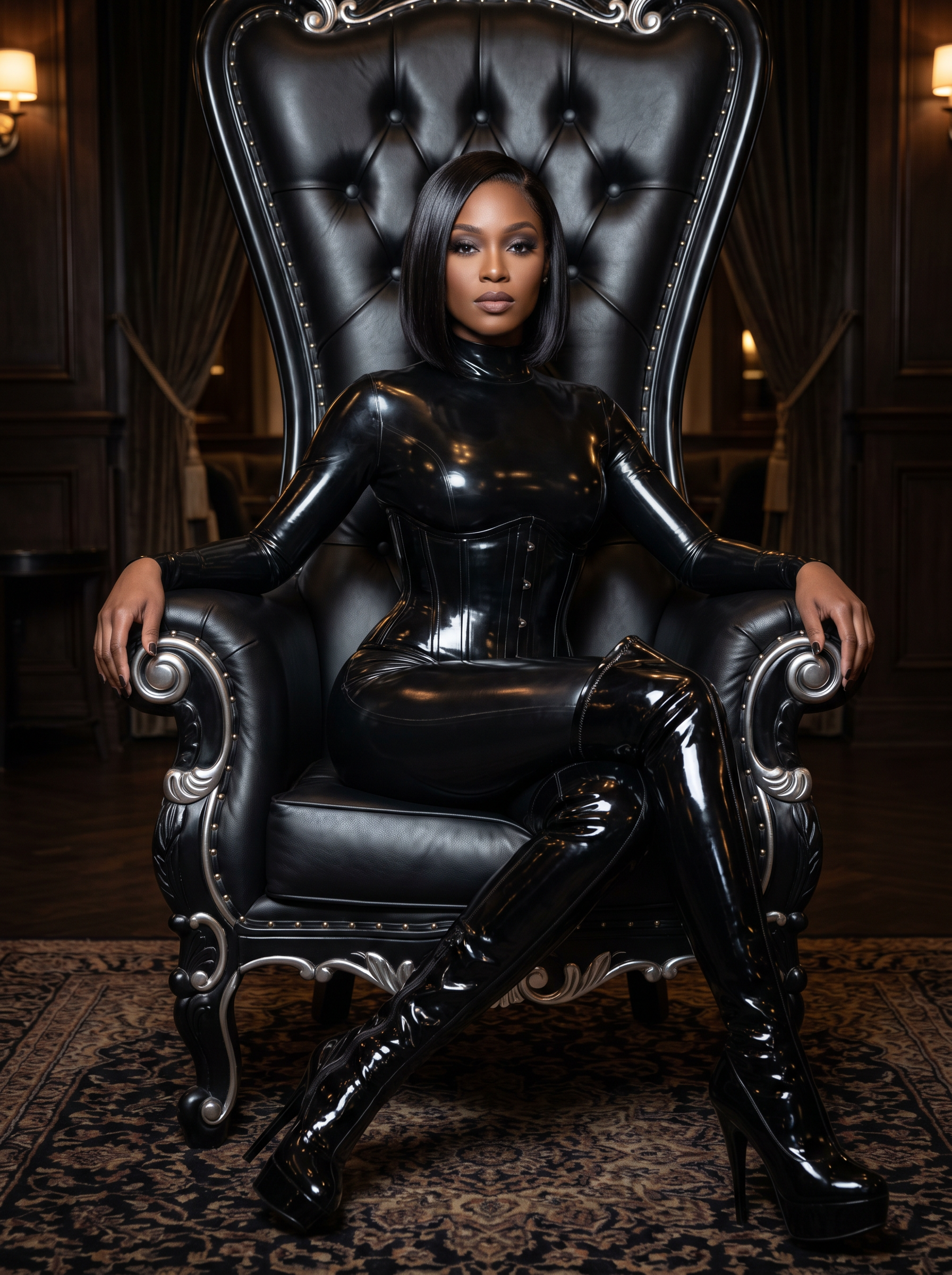
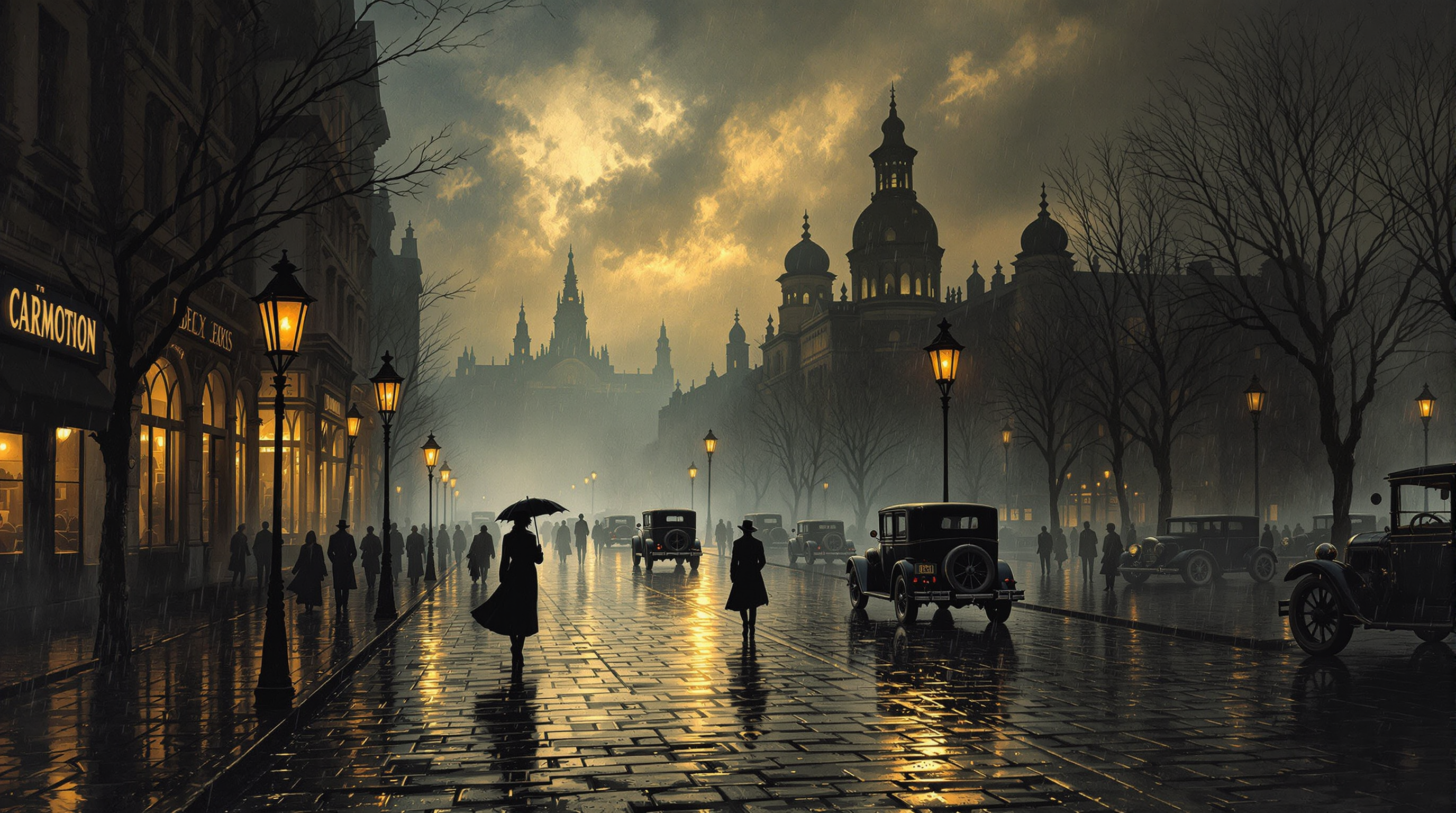
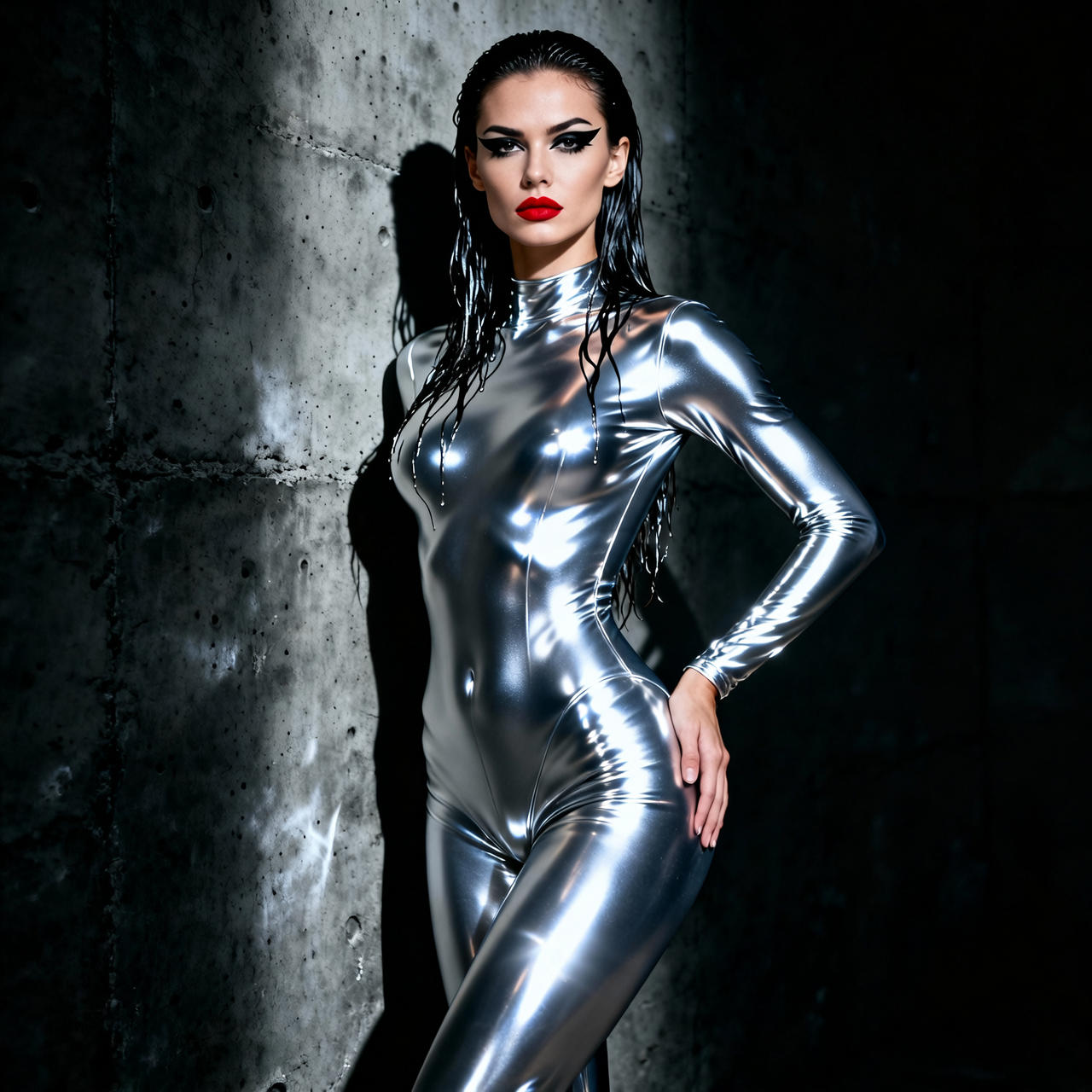
The Pixel Dojo Advantage
Why PixelDojo outperforms other options for ai image creator needs
| Others | Pixel Dojo |
|---|---|
| Traditional image creation | Skip hiring designers and waiting days—generate professional results in seconds with full creative control at your fingertips. |
| Generic AI tools | Access 40+ specialized models including Nano Banana 2 and Flux.2 Studio plus seamless editing and upscaling workflows in one platform. |
| Manual photo editing | Start from scratch or enhance existing photos with AI-powered tools like Magic Lighting and Background Remover for faster, better results. |
Loved by creators on PixelDojo
Real feedback from people using PixelDojo, pulled from our in-product surveys.
Great site and so much fun to use!
very useful set of tools for image creation, upscaling and enhancement
ease of use, variety of tools, high quality trainings, and a well-maintained discord channel
Ease of use, friendliness and support of the owner, continued innovation.
it is an amazing site to create a pics and vids for those who don't have the hardware themselves
good tools in one place
Explore more AI tools on PixelDojo
AI Tools
Compare & Switch
- Best AI Image Generators
- Best AI Video Generators
- Midjourney Alternatives
- Civitai Alternatives
- Runway Alternatives
- Leonardo Alternatives
- Pika Alternatives
- Luma Alternatives
- Magnific Alternatives
- Veo Alternatives
- Flux Alternatives
- Freepik Alternatives
- Seedance Alternatives
- Seedream Alternatives
- Pixverse Alternatives
- GPT Image Alternatives
- Synthesia Alternatives
- Playground Alternatives
- NightCafe Alternatives
- Canva AI Alternatives
- ElevenLabs Alternatives
- ComfyUI Alternatives
- Fal Alternatives
- Replicate Alternatives
Common Questions
Everything you need to know about ai image creator
How does an AI image creator help small businesses create marketing visuals?
PixelDojo's AI image creator lets you generate custom product mockups, social media graphics, and ad creatives in minutes. Use tools like GPT Image 2 or Flux.2 Studio to produce on-brand images that boost engagement without design costs or delays.
What is the best way to create consistent characters using an AI image creator?
Start with Nano Banana 2 or Ideogram 4 in PixelDojo for excellent character consistency. Generate a base image, then use Consistent Characters and Image to Image tools to create matching poses, outfits, and scenes across your entire series.
Can I generate images with text using PixelDojo's AI image creator?
Yes! Models like Ideogram 4 and Recraft V4.1 excel at rendering clear, accurate text in images. Simply include the exact wording and style in your prompt for professional logos, posters, or infographics.
How do I edit and improve AI generated images on PixelDojo?
After generation, apply Inpainting to fix areas, Style Transfer for new aesthetics, or Magic Lighting for better mood. Then use P-Image Upscale or Portrait Upscaler to enhance resolution before downloading.
Is PixelDojo's AI image creator suitable for commercial use and client work?
Absolutely. All generated images come with full commercial rights. Combine generation tools with editing features like Background Remover and Smart Resize to deliver client-ready assets quickly and professionally.
What prompting tips work best with PixelDojo's AI image creator tools?
Be specific: describe subject, lighting, camera angle, and mood first. Reference styles or artists if desired. Use editing tools like Change Camera Angle or Reality Polisher afterward for perfect results every time.