ai image enlargement
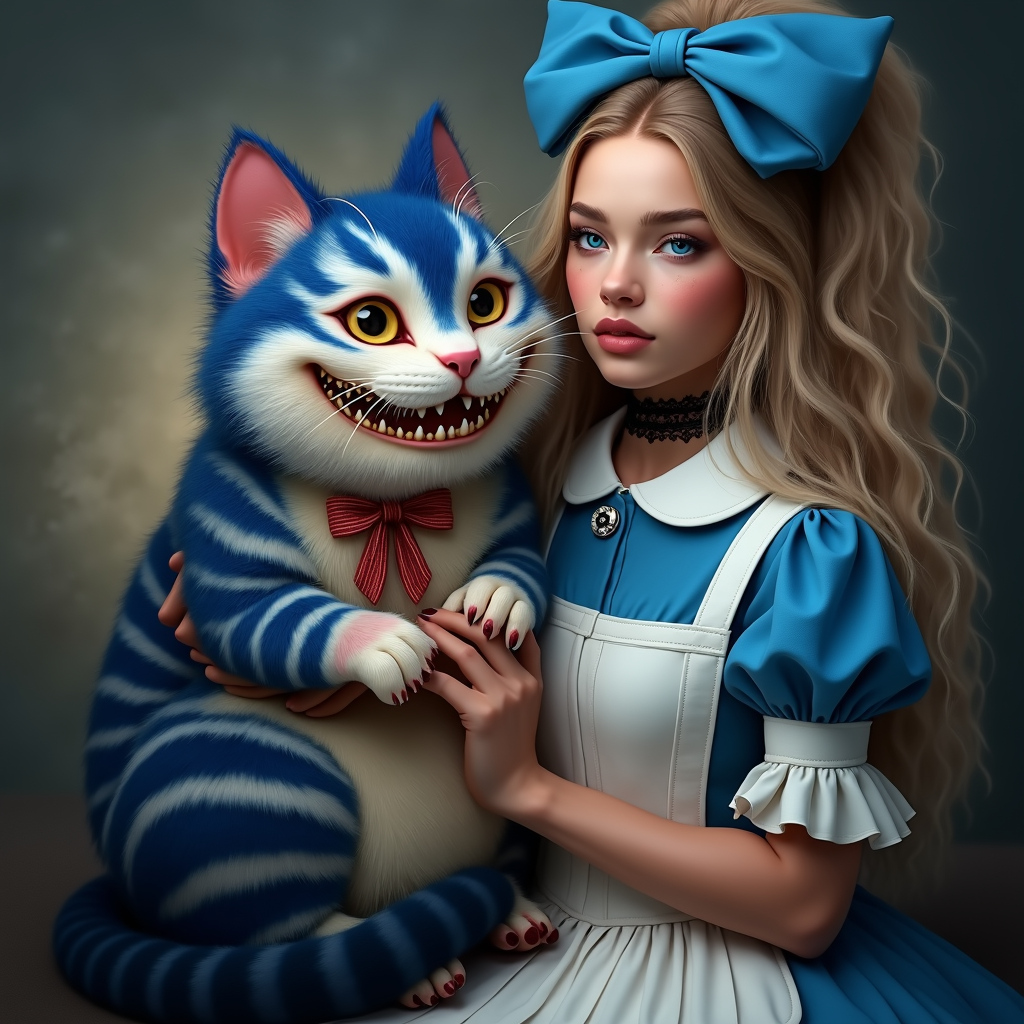
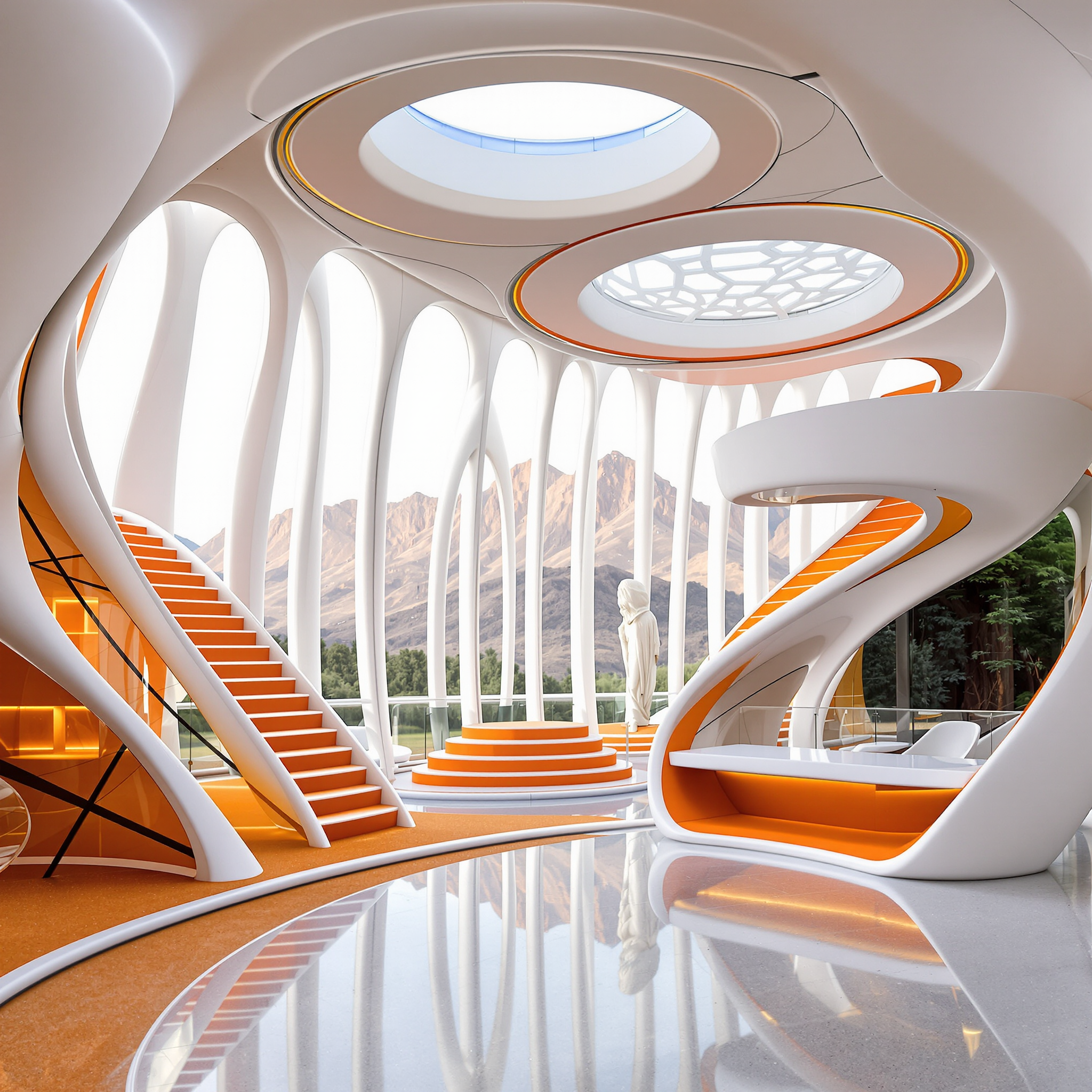
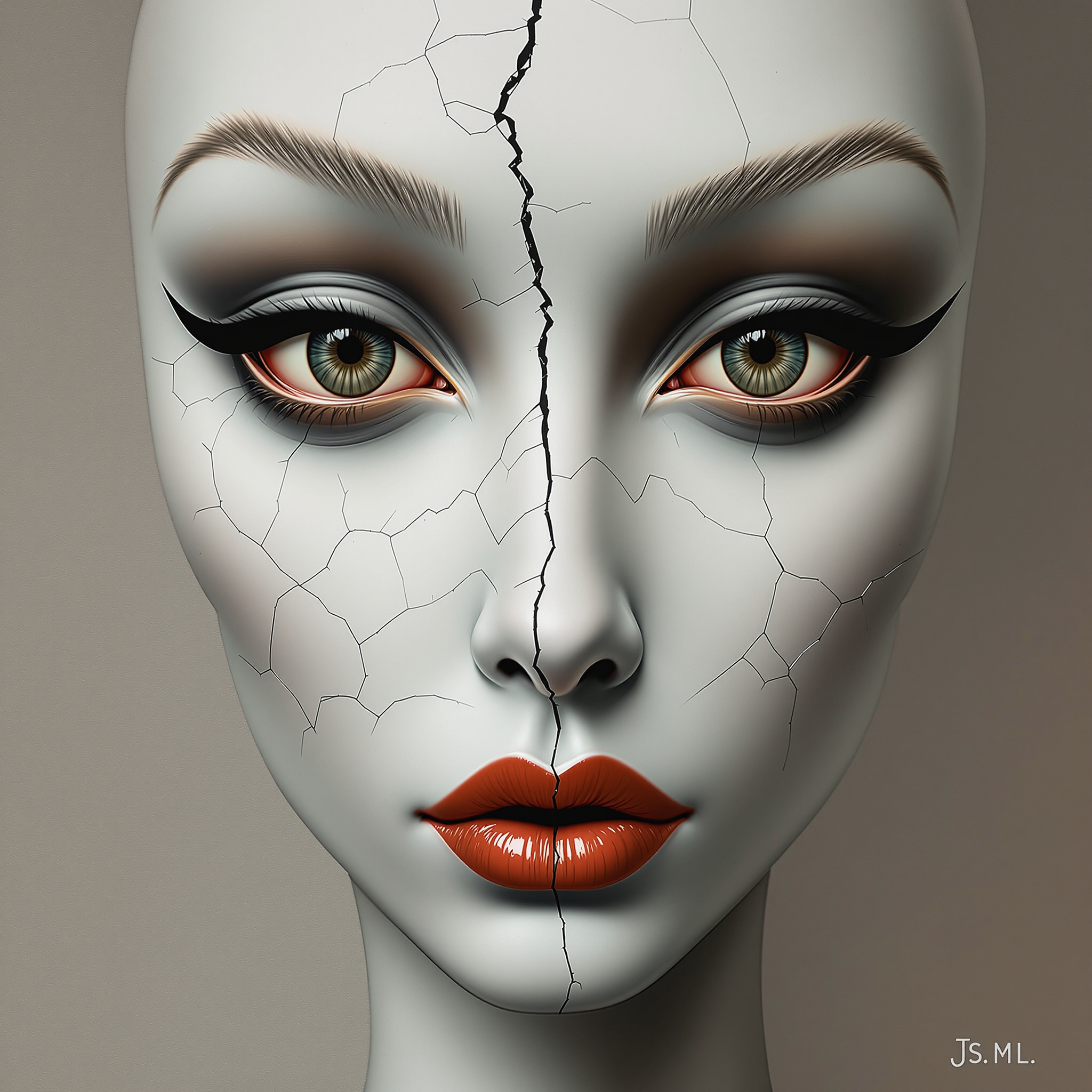
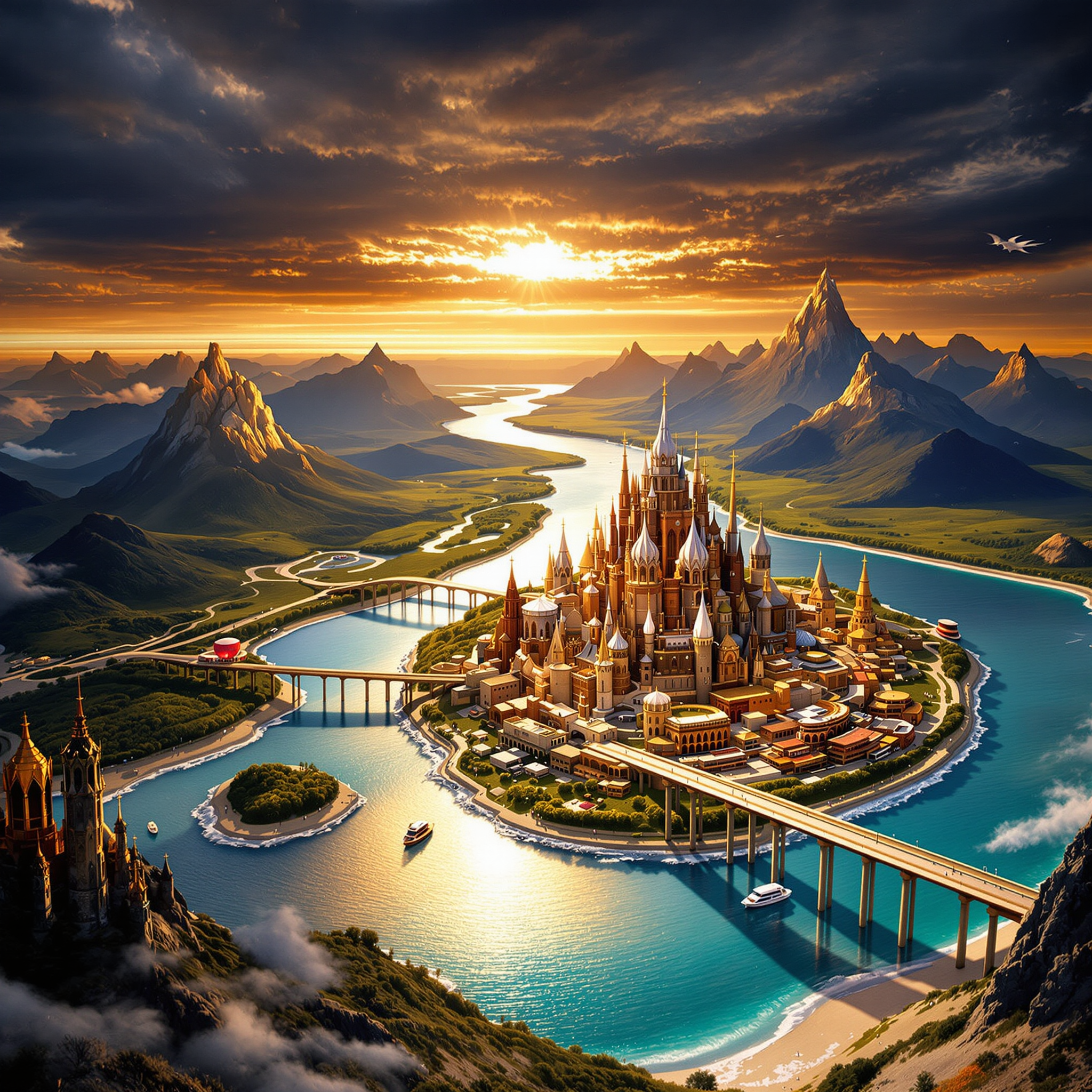
Transform your low-resolution images into stunning, high-resolution masterpieces with PixelDojo's AI image enlargement tools. Whether you're a photographer, designer, or content creator, our advanced AI technology enables you to enhance your photos effortlessly, ensuring every detail is crisp and clear.
Join over 10,000 satisfied users who have upscaled more than 1 million images with PixelDojo's AI tools.
Why Choose Pixel Dojo for ai image enlargement
Professional-quality results with cutting-edge AI technology
Achieve Crystal-Clear Images
Enhance your photos up to 16x without losing quality, ensuring every detail is sharp and vivid.
Effortless Image Expansion
Extend your images beyond their original borders, adding context and depth without manual editing.
Time-Saving Automation
Automate the image enlargement process, reducing manual editing time and increasing productivity.
How It Works
Creating high-resolution images with PixelDojo is a straightforward process. Follow these simple steps to enhance your visuals:
Step 1: Choose Your Tool
Select the 'Magnific Upscaler' feature within PixelDojo's suite of AI tools to begin the image enlargement process.
Step 2: Upload Your Image
Upload the image you wish to enlarge. Ensure the image is of high quality for the best results.
Step 3: Define Enlargement Parameters
Specify the desired enlargement factor (e.g., 2x, 4x, up to 16x) and any additional settings to guide the AI in generating the enhanced image.




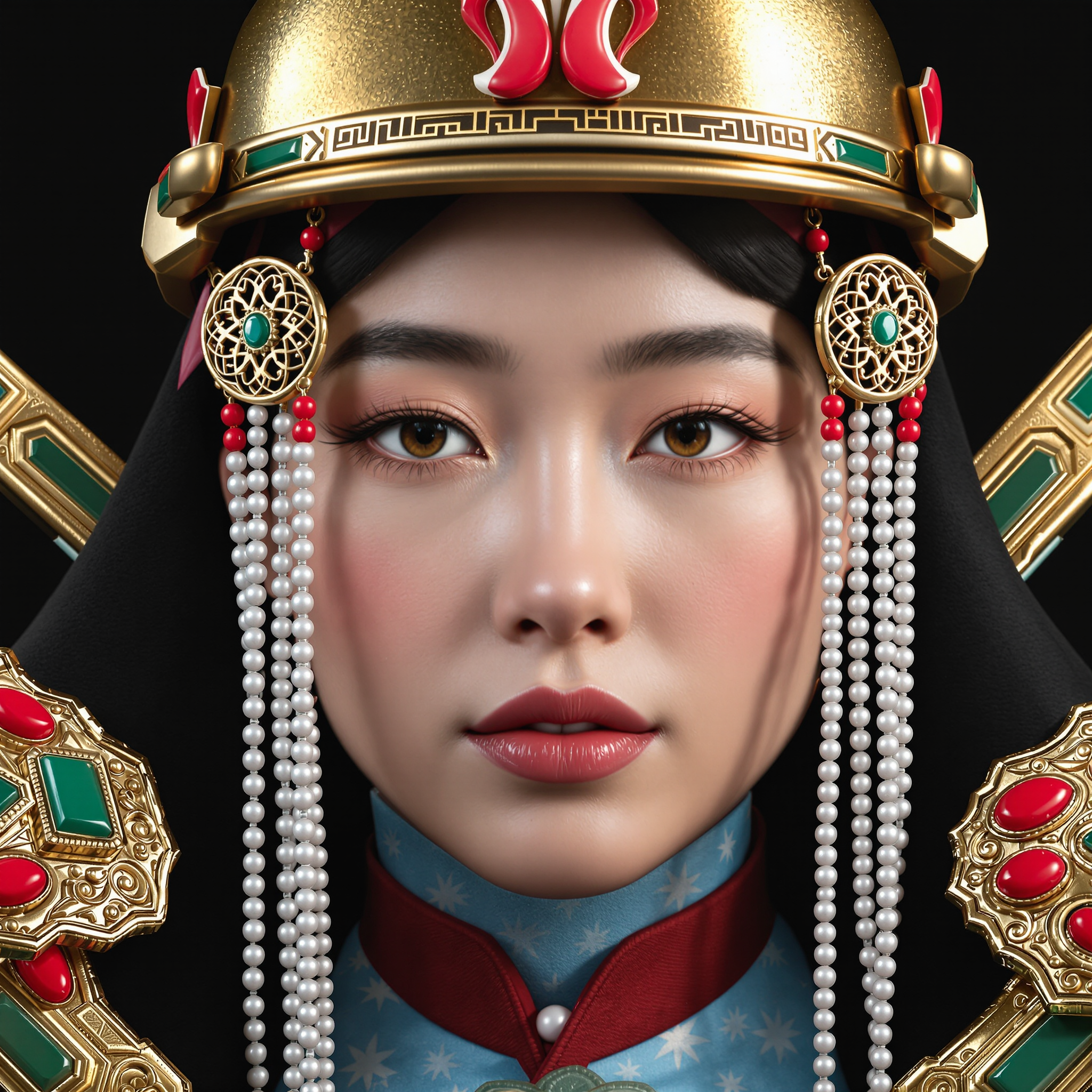
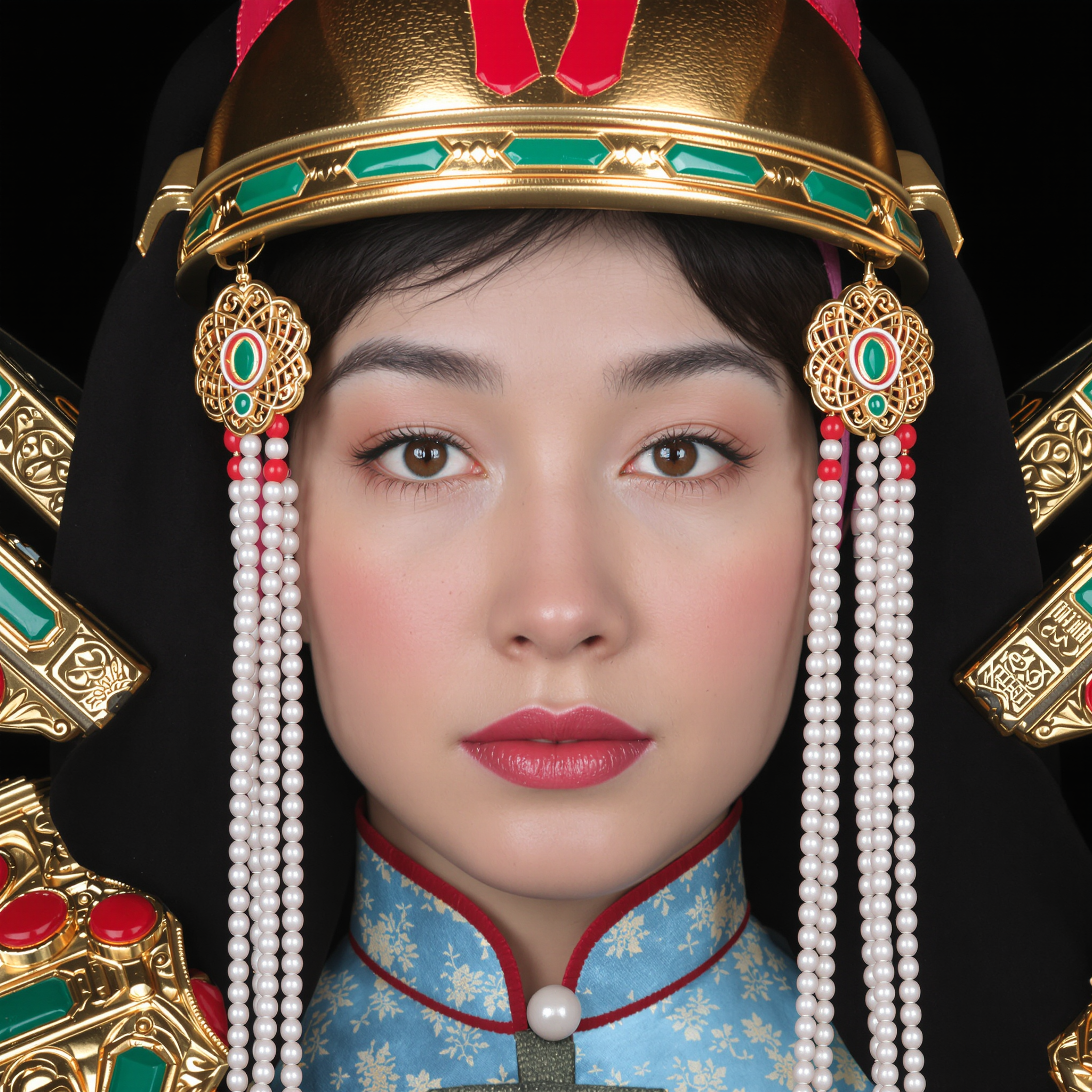
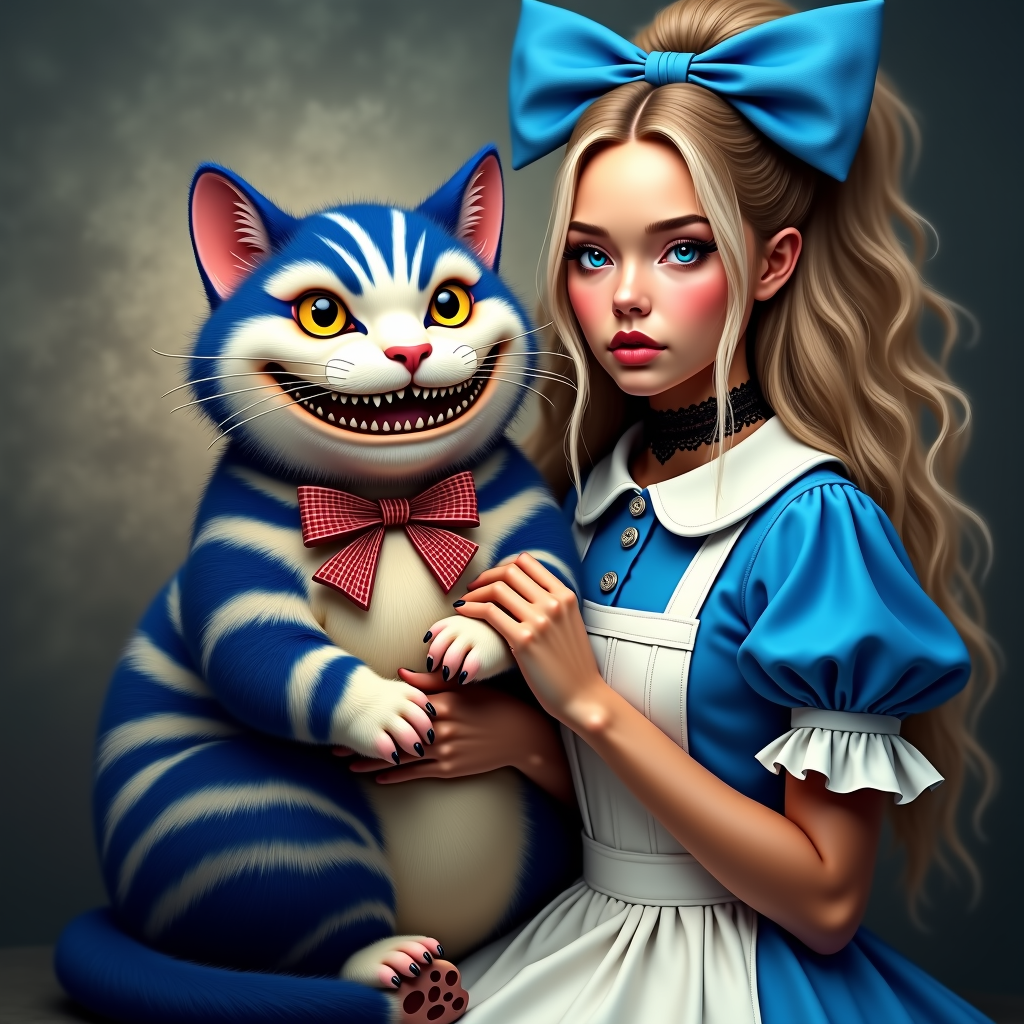
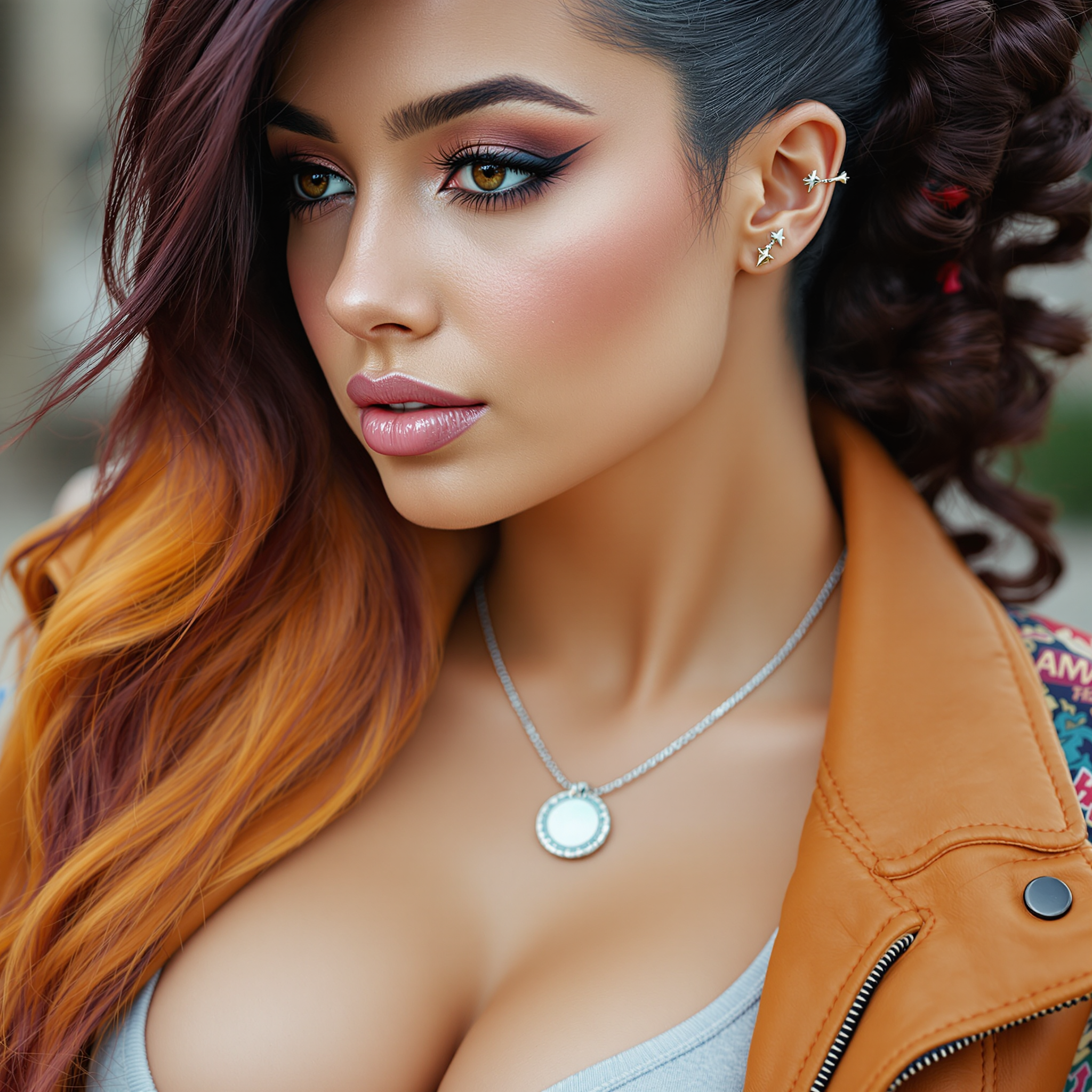
The Pixel Dojo Advantage
Why PixelDojo outperforms other options for AI image enlargement:
| Others | Pixel Dojo |
|---|---|
| Traditional Photo Editing | Automates the enlargement process, eliminating the need for manual adjustments. |
| Generic AI Tools | Offers specialized features tailored for seamless image upscaling with high-quality results. |
| Manual Resizing | Maintains image quality and context without distortion or loss of detail. |
Loved by creators on PixelDojo
Real feedback from people using PixelDojo, pulled from our in-product surveys.
This is the best image generator I've used so far. Well done!
es facil de comprender asi uno no sea programador
amazing web site
phenomenal site. would highly recommend
Amazing features, easy to use, privacy
the number of options, and especially the quick response to questions on Discord
Explore more AI tools on PixelDojo
AI Tools
Compare & Switch
- Best AI Image Generators
- Best AI Video Generators
- Midjourney Alternatives
- Civitai Alternatives
- Runway Alternatives
- Leonardo Alternatives
- Pika Alternatives
- Luma Alternatives
- Magnific Alternatives
- Veo Alternatives
- Flux Alternatives
- Freepik Alternatives
- Seedance Alternatives
- Seedream Alternatives
- Pixverse Alternatives
- GPT Image Alternatives
- Synthesia Alternatives
- Playground Alternatives
- NightCafe Alternatives
- Canva AI Alternatives
- ElevenLabs Alternatives
- ComfyUI Alternatives
- Fal Alternatives
- Replicate Alternatives
Common Questions
Everything you need to know about ai image enlargement
How does PixelDojo's AI image enlargement work?
PixelDojo utilizes advanced AI algorithms to analyze your image and intelligently generate additional pixels, seamlessly enlarging the original image while maintaining quality and context.
Can I control the enlargement factor?
Yes, PixelDojo allows you to specify the desired enlargement factor, ranging from 2x up to 16x, giving you full control over the final output.
Is there a limit to the size of images I can enlarge?
PixelDojo supports a wide range of image sizes. For optimal performance, we recommend uploading images up to 5000x5000 pixels.
Do I need any technical skills to use PixelDojo's enlargement tools?
No, PixelDojo is designed with a user-friendly interface that requires no prior technical knowledge. Simply upload your image, set your parameters, and let the AI do the rest.
Can I use PixelDojo's enlarged images for commercial purposes?
Yes, images generated using PixelDojo can be used for both personal and commercial projects, adhering to our terms of service.
What file formats does PixelDojo support for image enlargement?
PixelDojo supports common image formats including JPEG, PNG, and TIFF for both input and output.