ai image generator nsfw
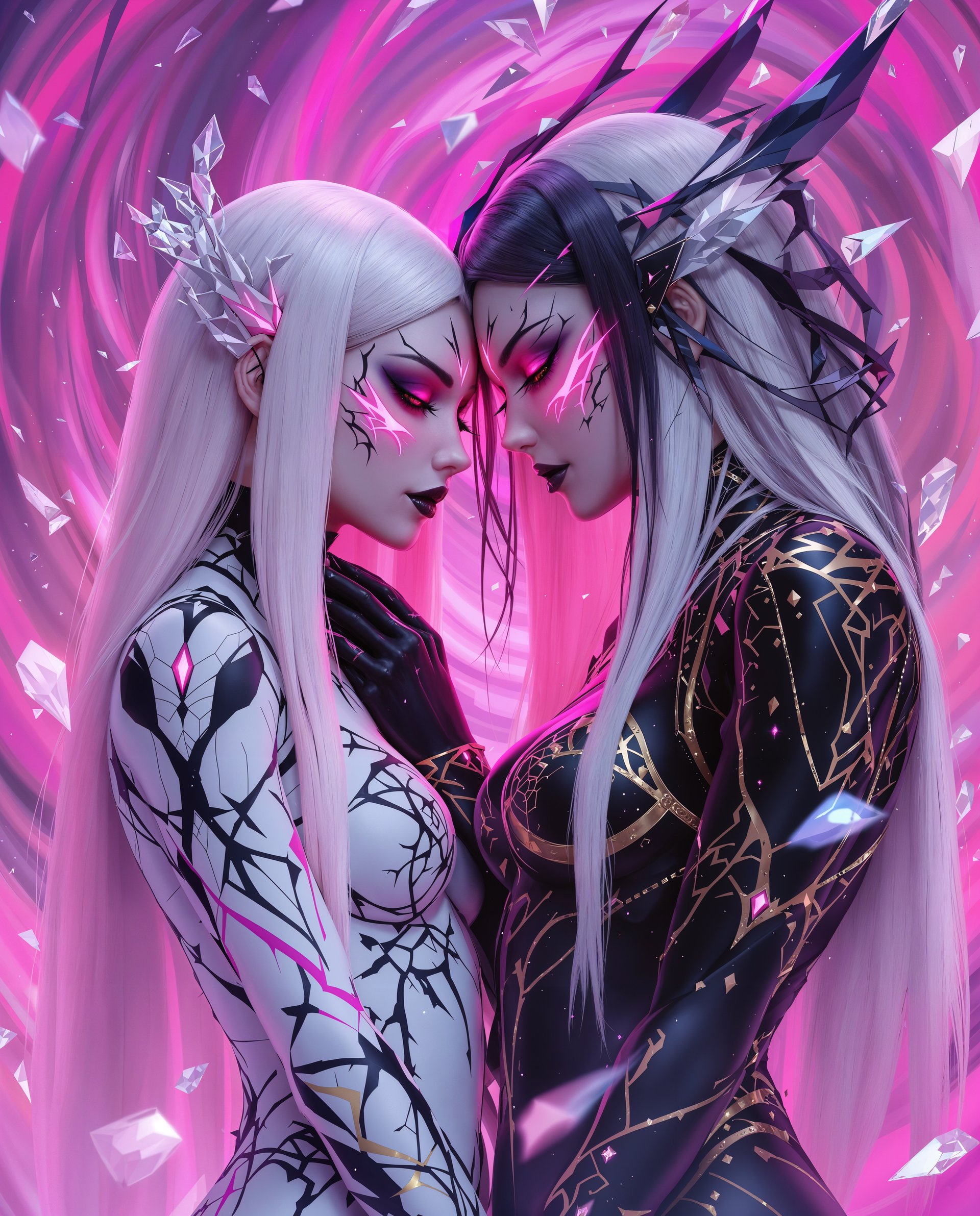
Imagine turning your most private fantasies into breathtaking, high-resolution images in seconds. With PixelDojo's NSFW AI image generator, you gain complete creative freedom to produce personalized adult artwork that matches your exact vision. Whether you're exploring realistic portraits, anime-style scenes, or intricate fantasy compositions, our platform empowers you to create without filters or restrictions. Thousands of creators use PixelDojo daily to bring their ideas to life, saving hours compared to traditional methods while achieving professional-quality results every time. Your imagination is the only limit – start generating today and see the difference.
Loved by over 50,000 creators worldwide • 4.9/5 average rating from 12,000+ reviews • 2 million+ NSFW images generated this month • Cancel anytime, no hidden fees • Trusted for private, uncensored creation
Why Choose Pixel Dojo for ai image generator nsfw
Professional-quality results with cutting-edge AI technology
Express Your Fantasies Without Limits
Generate any adult-themed image you envision, from sensual portraits to complex multi-character scenes, with full control over poses, lighting, and details.
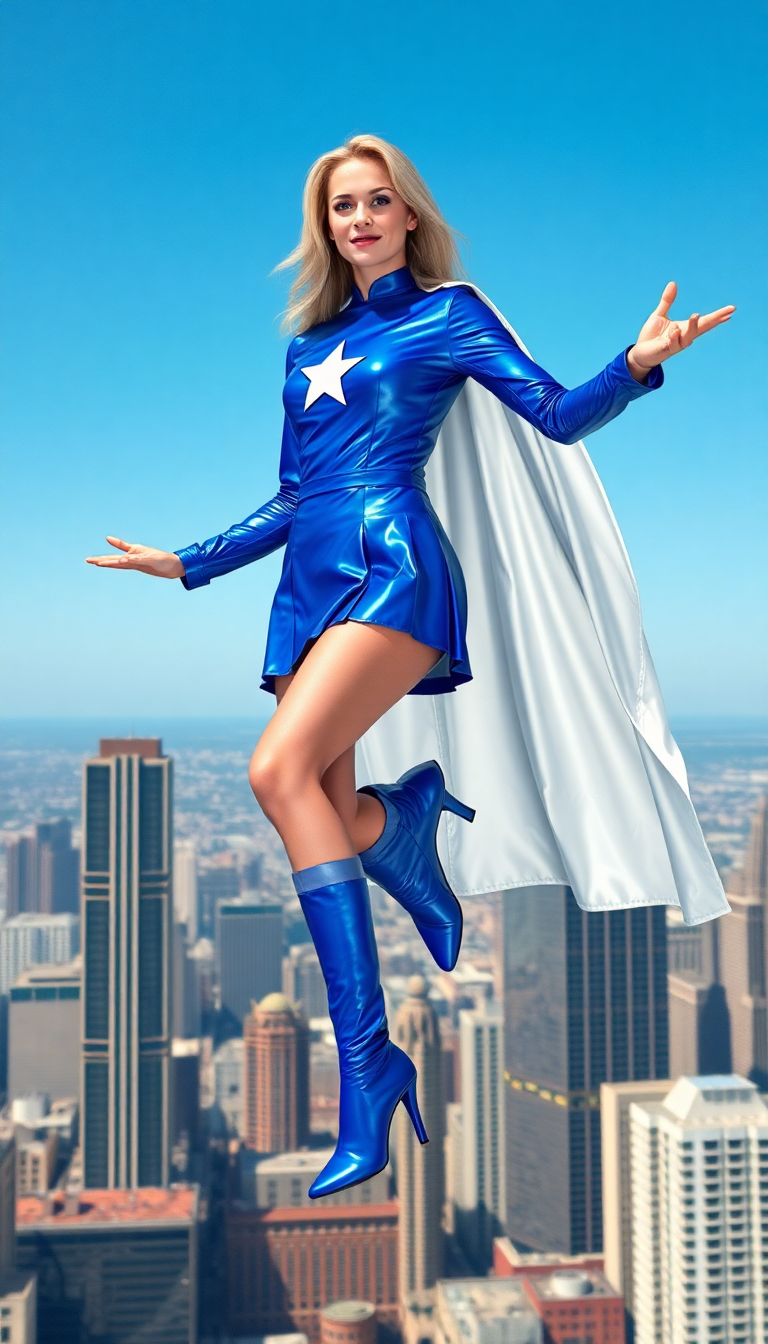
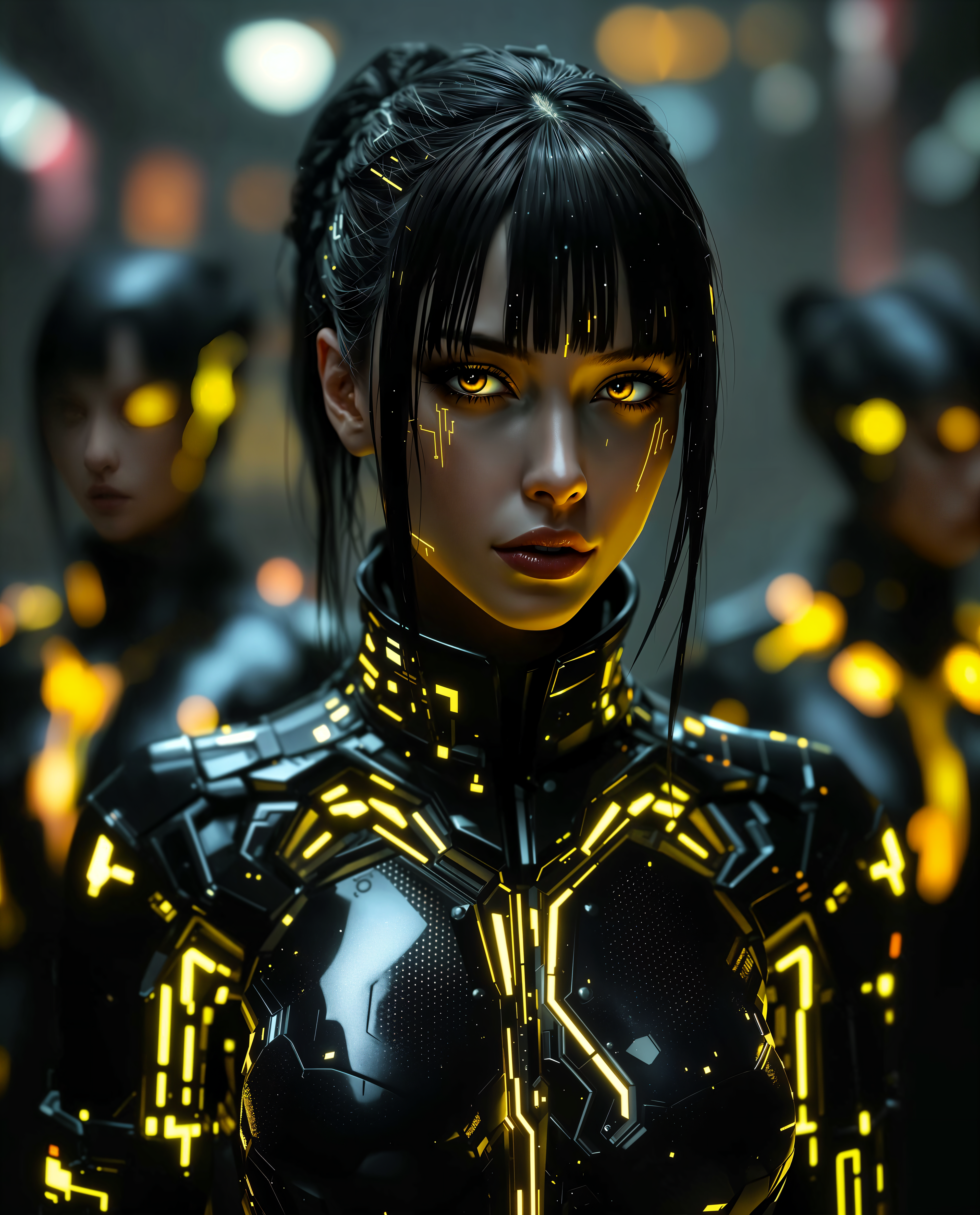
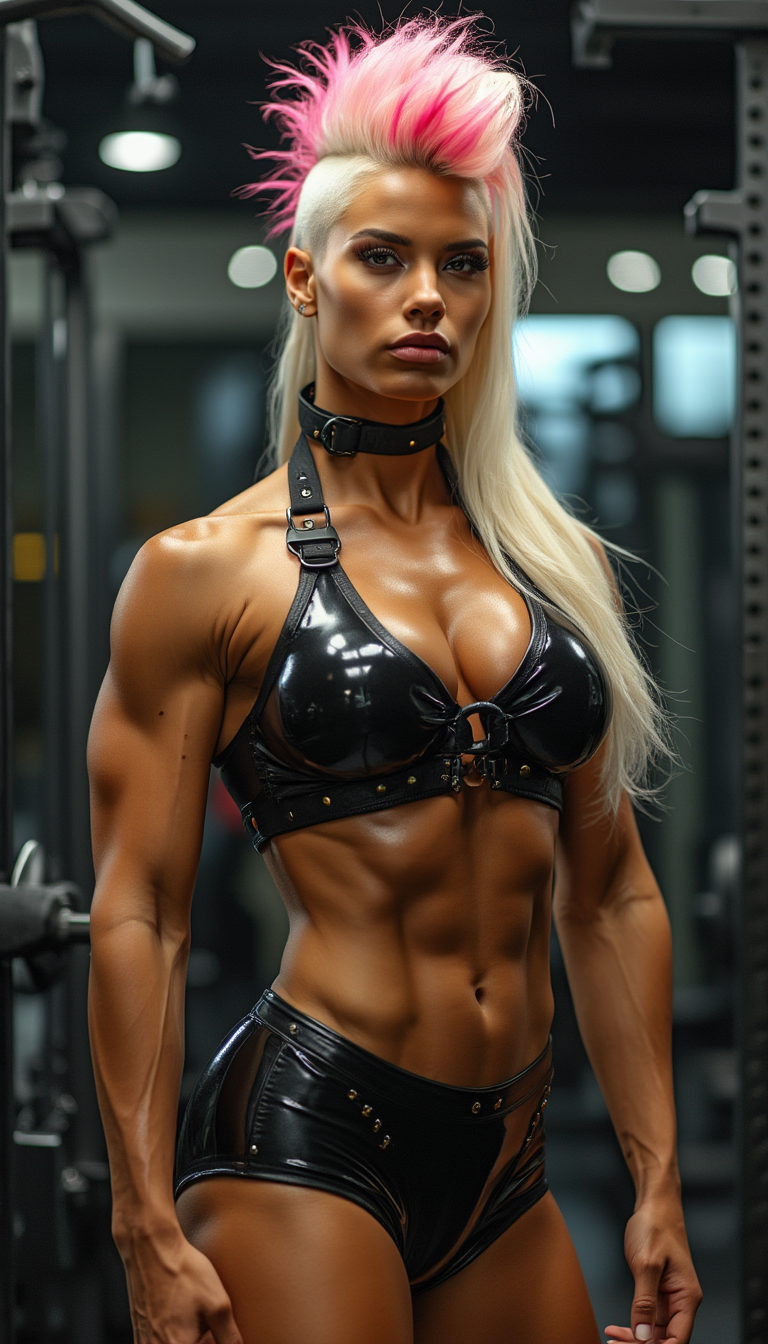
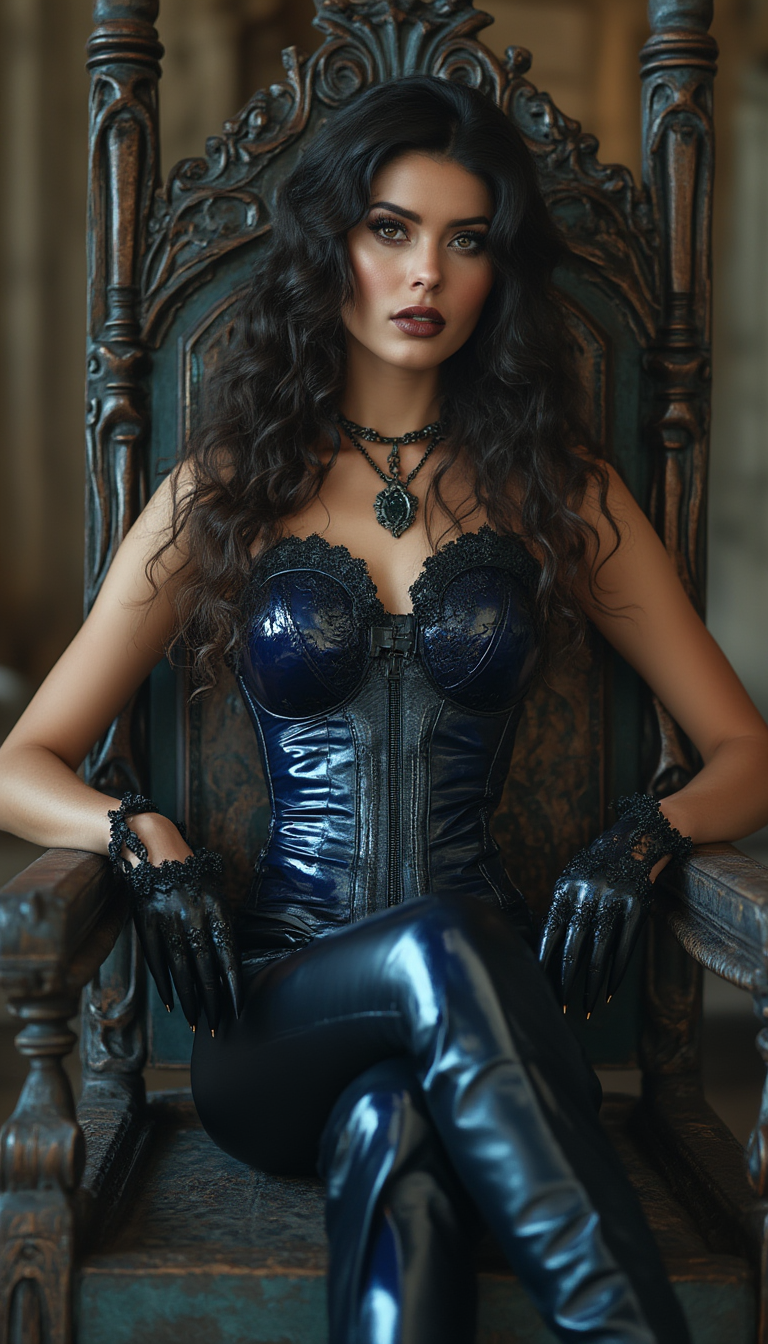
Achieve Photorealistic or Stylized Perfection
Create hyper-realistic skin textures, dynamic lighting, and anatomically accurate figures or switch to vibrant anime and fantasy styles effortlessly.
Maintain Consistent Characters Across Scenes
Build recurring adult characters with matching faces, bodies, and outfits for ongoing series or personalized collections using advanced consistency tools.
How It Works
Creating NSFW images with PixelDojo is simple and intuitive. Follow these steps to produce professional results in minutes using our specialized tools.
Step 1: Choose Your Tool
Select from powerful NSFW-capable models like PonyXL for anime and hentai styles or Flux.1 Studio and Flux.2 Studio for photorealistic adult imagery. Grok Image and SDXL also excel at uncensored content.
Step 2: Enter Your Prompt
Describe your scene in detail. For PonyXL, use score tags like 'score_9, score_8_up, rating_explicit' plus subject details. For Flux models, write natural descriptions: 'photorealistic 25-year-old woman with long dark hair, elegant lingerie, soft studio lighting, intimate pose, shallow depth of field'. Add specifics on body type, expression, and setting.
Step 3: Customize & Download
Refine with Image to Image, Inpainting, or Style Transfer tools. Use Consistent Characters or LoRA Face Swap for recurring models. Upscale with P-Image Upscale or Magnific Upscaler for 4K quality, then download your private creation.

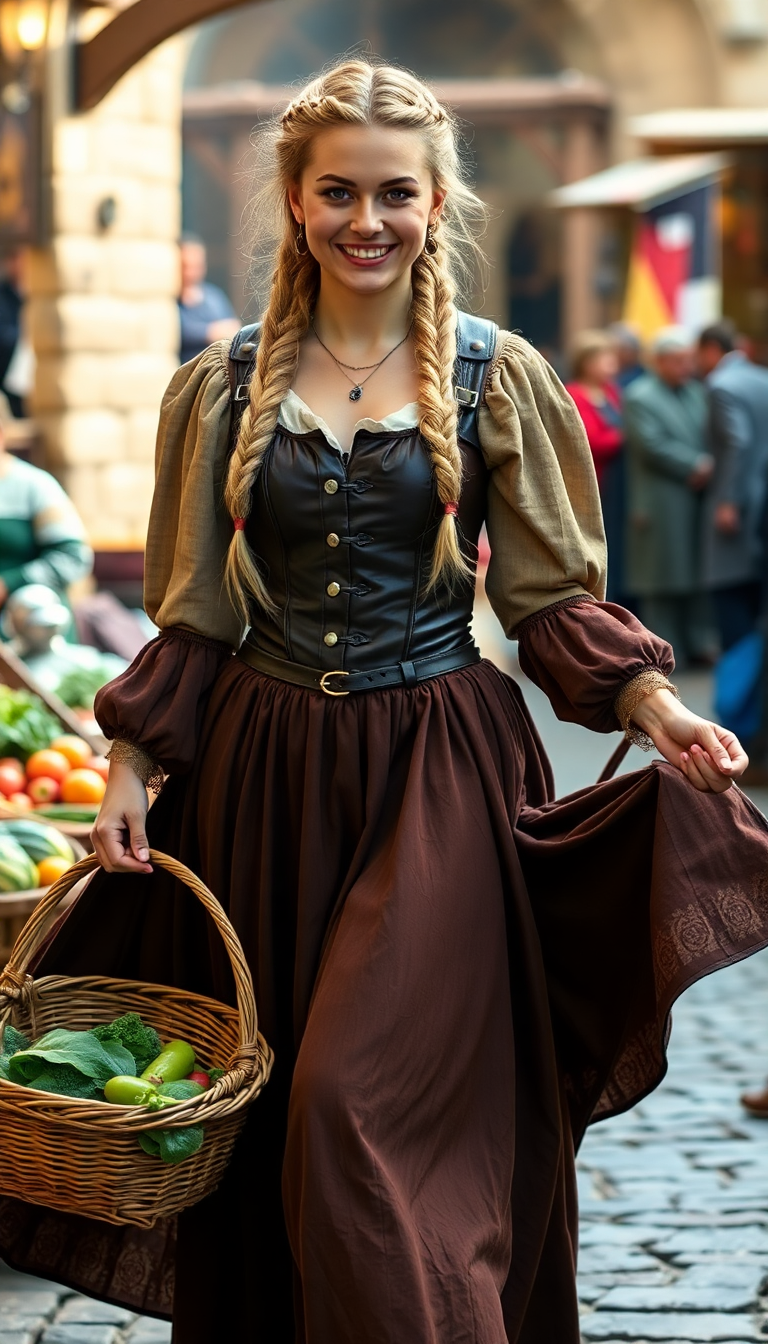
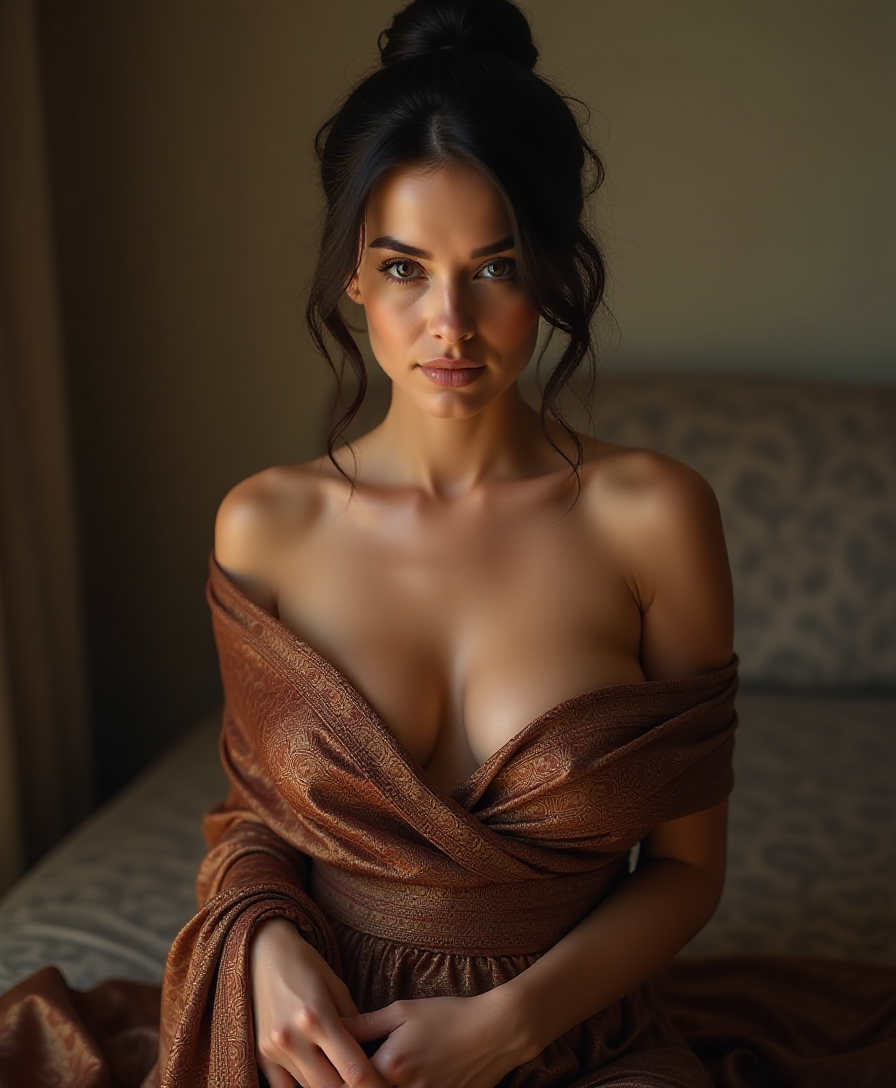
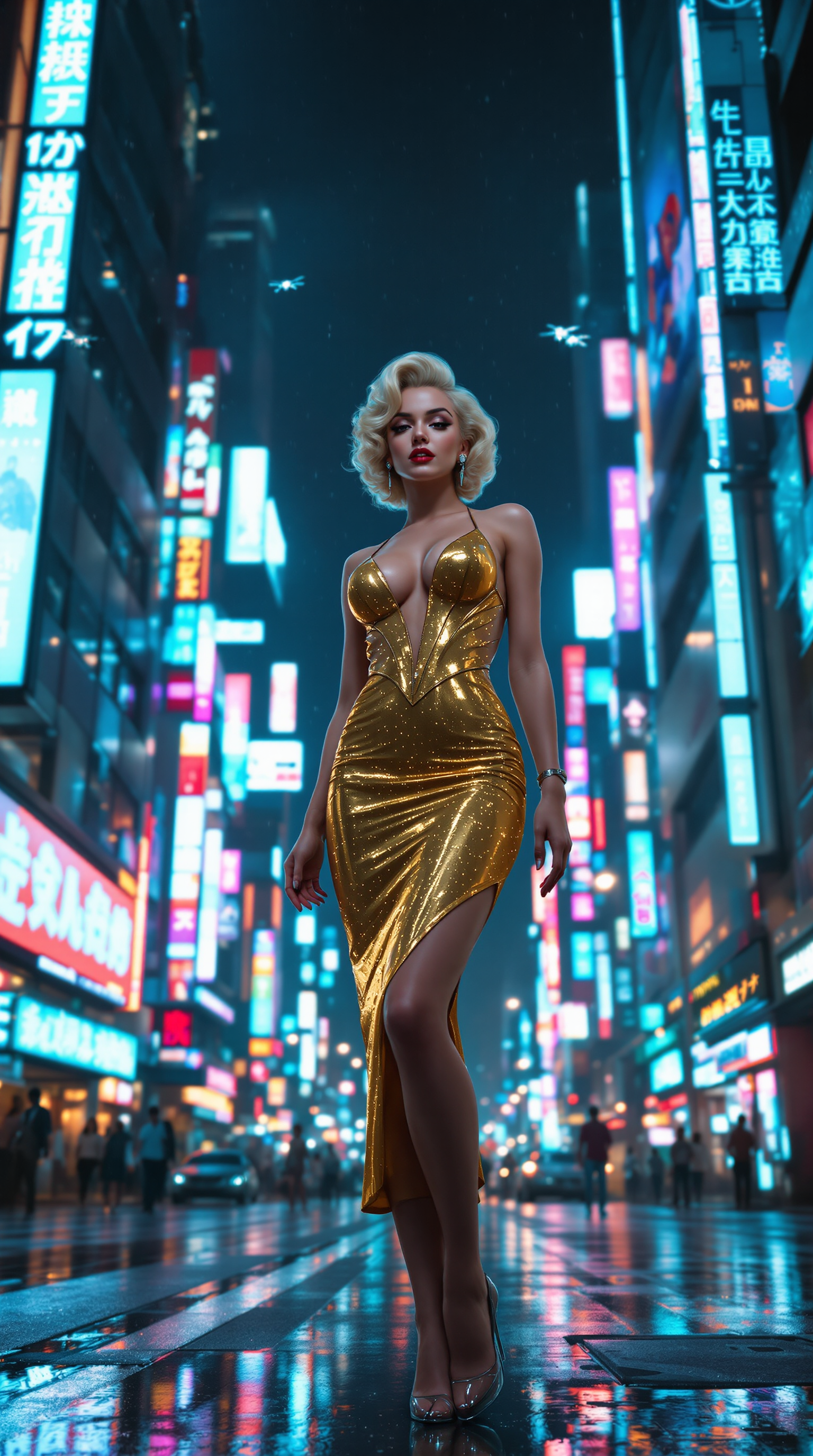
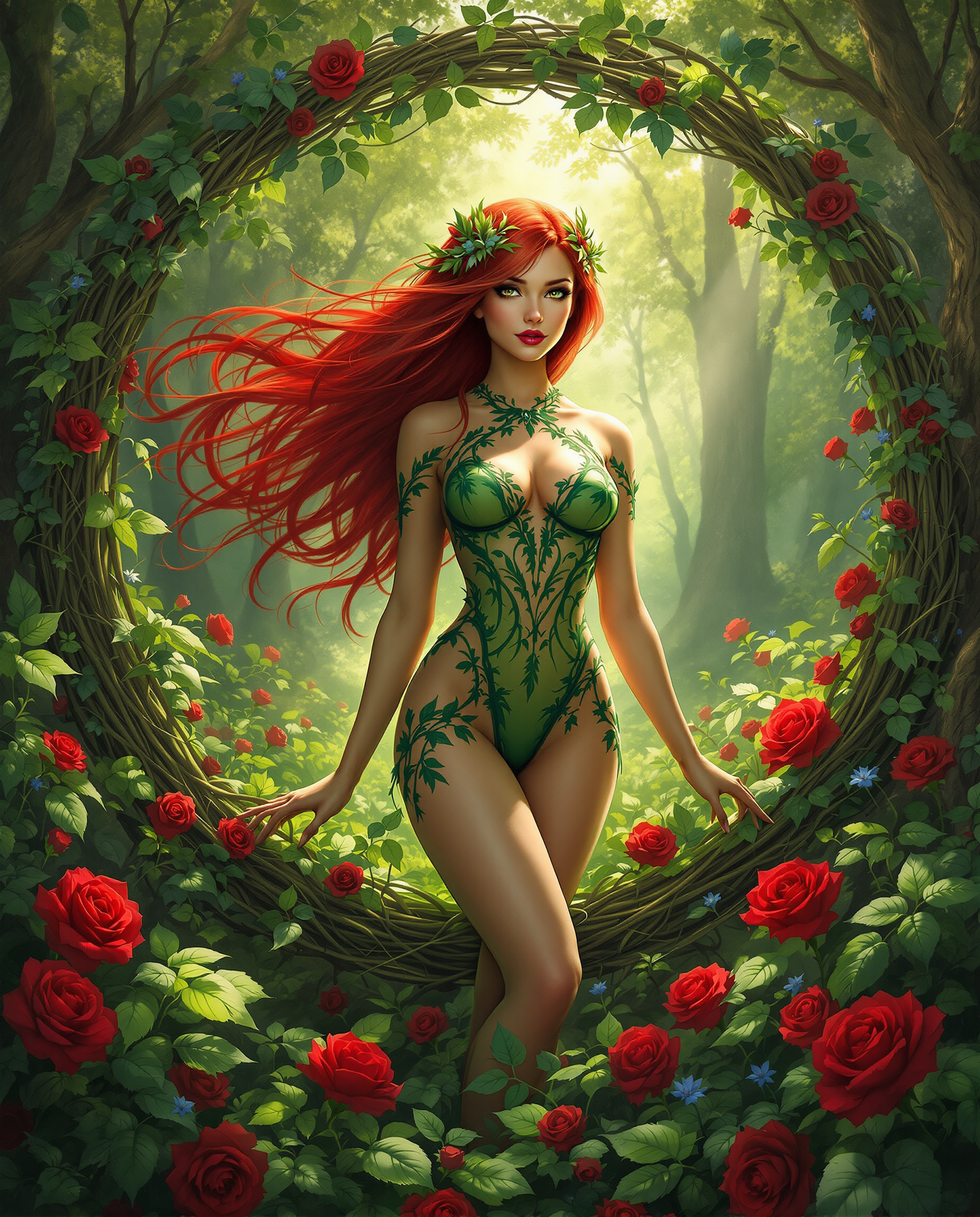
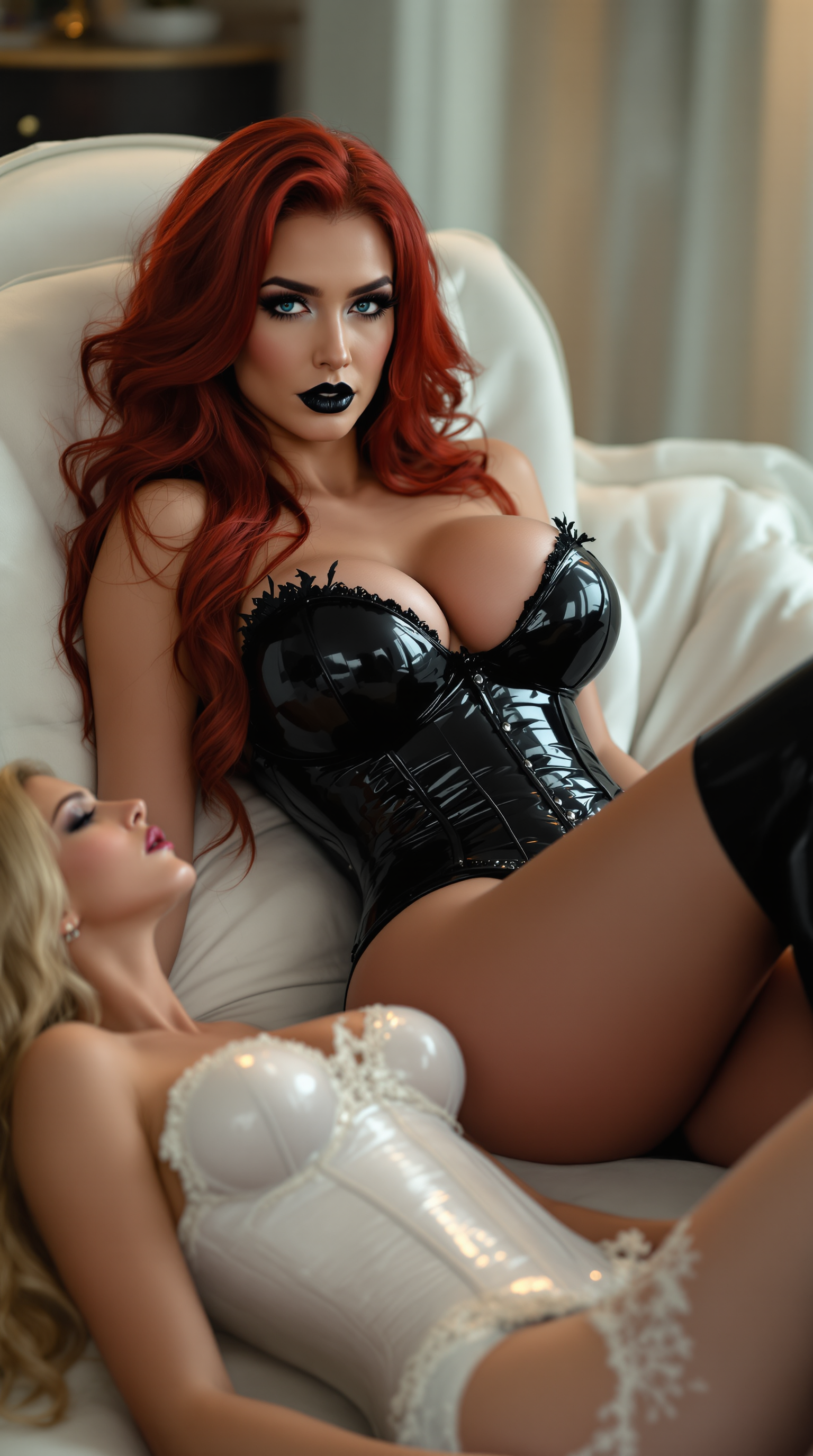
The Pixel Dojo Advantage
Why PixelDojo outperforms other options for NSFW image generation
| Others | Pixel Dojo |
|---|---|
| Traditional NSFW creation | Produce gallery-worthy results in seconds instead of spending days hiring models, renting studios, or learning complex photography techniques |
| Generic AI tools | Access dedicated uncensored models like PonyXL and Flux variants with no content filters, plus specialized editing tools built for adult art workflows |
| Manual photo editing | Skip tedious Photoshop work and generate infinite variations instantly while maintaining perfect consistency across multiple explicit scenes |
Loved by creators on PixelDojo
Real feedback from people using PixelDojo, pulled from our in-product surveys.
it is an amazing site to create a pics and vids for those who don't have the hardware themselves
good tools in one place
Prompt updates, strong features, and a community that is always willing to help and hear/act on professional feedback. I've never had a better experience.
user friendly all in one thing
I really like the schedule of AI work performed!
The best tools for IA on the web !
Explore more AI tools on PixelDojo
AI Tools
Compare & Switch
- Best AI Image Generators
- Best AI Video Generators
- Midjourney Alternatives
- Civitai Alternatives
- Runway Alternatives
- Leonardo Alternatives
- Pika Alternatives
- Luma Alternatives
- Magnific Alternatives
- Veo Alternatives
- Flux Alternatives
- Freepik Alternatives
- Seedance Alternatives
- Seedream Alternatives
- Pixverse Alternatives
- GPT Image Alternatives
- Synthesia Alternatives
- Playground Alternatives
- NightCafe Alternatives
- Canva AI Alternatives
- ElevenLabs Alternatives
- ComfyUI Alternatives
- Fal Alternatives
- Replicate Alternatives
Common Questions
Everything you need to know about ai image generator nsfw
How to generate realistic NSFW AI images with PonyXL on PixelDojo?
Choose the PonyXL tool, then craft prompts with quality boosters like 'score_9, score_8_up, source_anime, rating_explicit'. Describe your subject in detail including age appearance, body type, pose, clothing or lack thereof, lighting, and camera angle. Add LoRAs for enhanced realism such as skin texture enhancers. Generate, then refine with Inpainting or Reality Polisher for flawless results.
What are the best prompting techniques for Flux NSFW AI art in 2026?
Use natural language prompts with Flux.1 Studio or Flux.2 Studio: start with the main subject, add actions and expressions, specify lighting and environment, then include artistic style. Example: 'photorealistic beautiful woman, 28 years old, athletic build, seductive gaze, sheer black lingerie, candlelit bedroom, soft shadows, intimate close-up'. PixelDojo's Flux tools handle complex explicit details without restrictions.
Can I create consistent NSFW characters across multiple images with PixelDojo?
Yes! Use the Consistent Characters tool combined with LoRA Face Swap or Flux Pro Virtual Try-On. Upload reference images of your character once, then generate new NSFW scenes while preserving face, body proportions, and style. This is perfect for building personal collections or story series.
Is NSFW AI image generation private and uncensored on PixelDojo?
Absolutely. PixelDojo offers fully uncensored generation using models like PonyXL, Flux variants, and SDXL with no content filters. All creations are private to your account, and you can use local-style privacy features through our secure platform. Cancel anytime with full control over your data.
How do I upscale and enhance NSFW AI generated images for high quality?
After generating with PonyXL or Flux, apply P-Image Upscale, Magnific Upscaler, or Creative Upscaler for crisp 4K details. Use Clarity Pro for sharper textures and Portrait Upscaler for facial refinement. These tools preserve explicit details while enhancing realism and artistic quality.
What editing tools work best for refining NSFW AI images on PixelDojo?
Inpainting lets you fix or add specific elements like clothing details or expressions. Style Transfer converts realistic scenes to anime or vice versa. Magic Lighting adjusts mood for sensual atmospheres, and Background Remover isolates subjects for new compositions. Combine with Image Outpainting to expand scenes naturally.