ai image maker
Imagine turning any idea into a gallery-worthy image in under 60 seconds. PixelDojo's AI image maker empowers you to generate professional-quality visuals on demand, helping creators, marketers, and businesses produce scroll-stopping content without hiring designers or learning complex software. Whether you need product mockups, social media graphics, or story illustrations, you achieve polished results that elevate your projects and save hours every week.
Over 85,000 creators trust PixelDojo's AI image maker. Rated 4.9/5 by thousands worldwide. Generate millions of images monthly with tools loved for speed and quality.
Why Choose Pixel Dojo for ai image maker
Professional-quality results with cutting-edge AI technology
Create Professional Visuals Without Design Skills
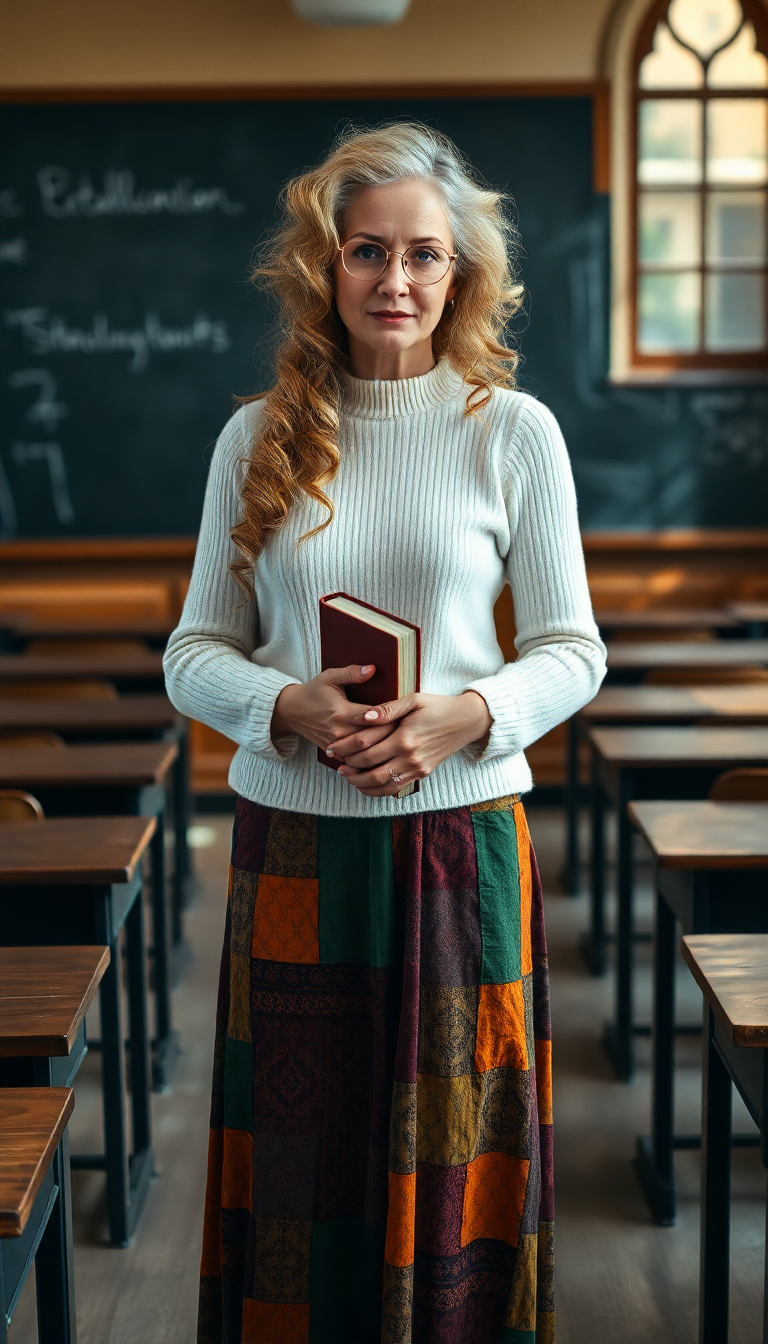
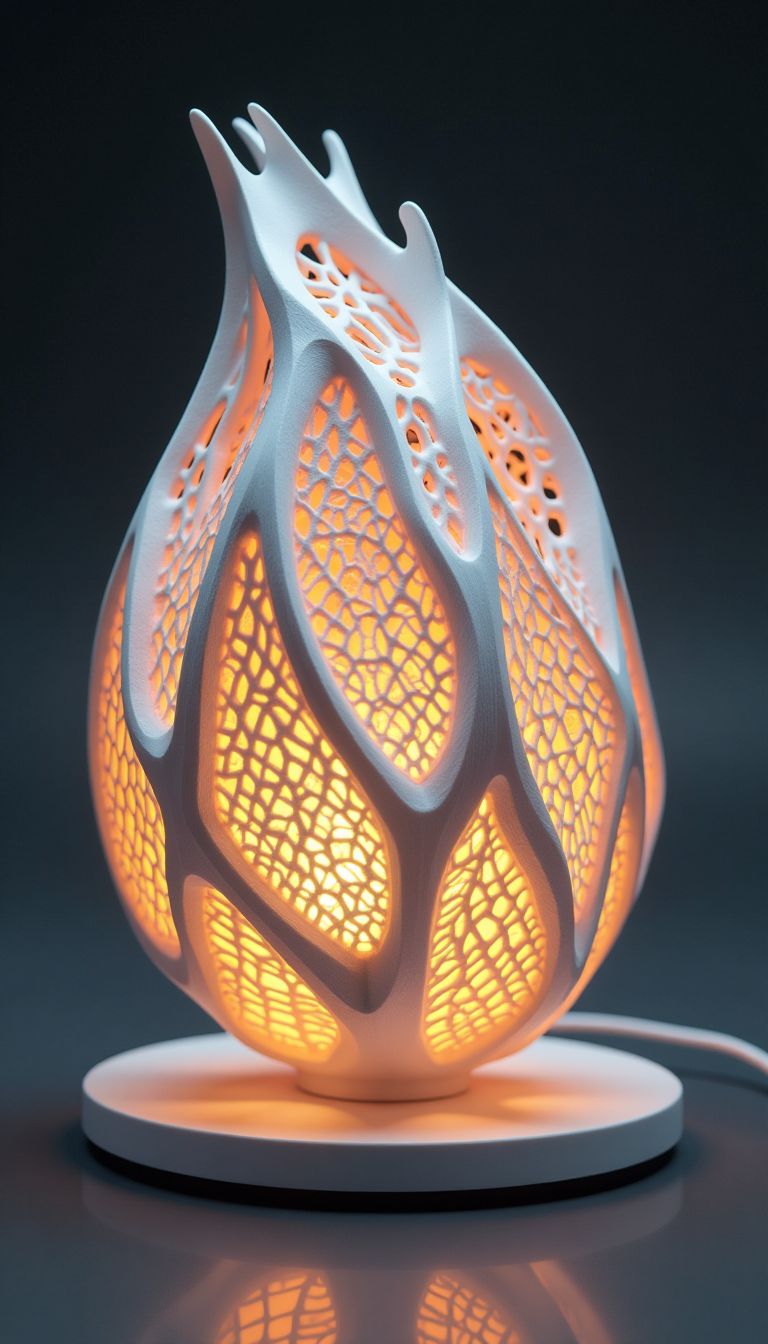
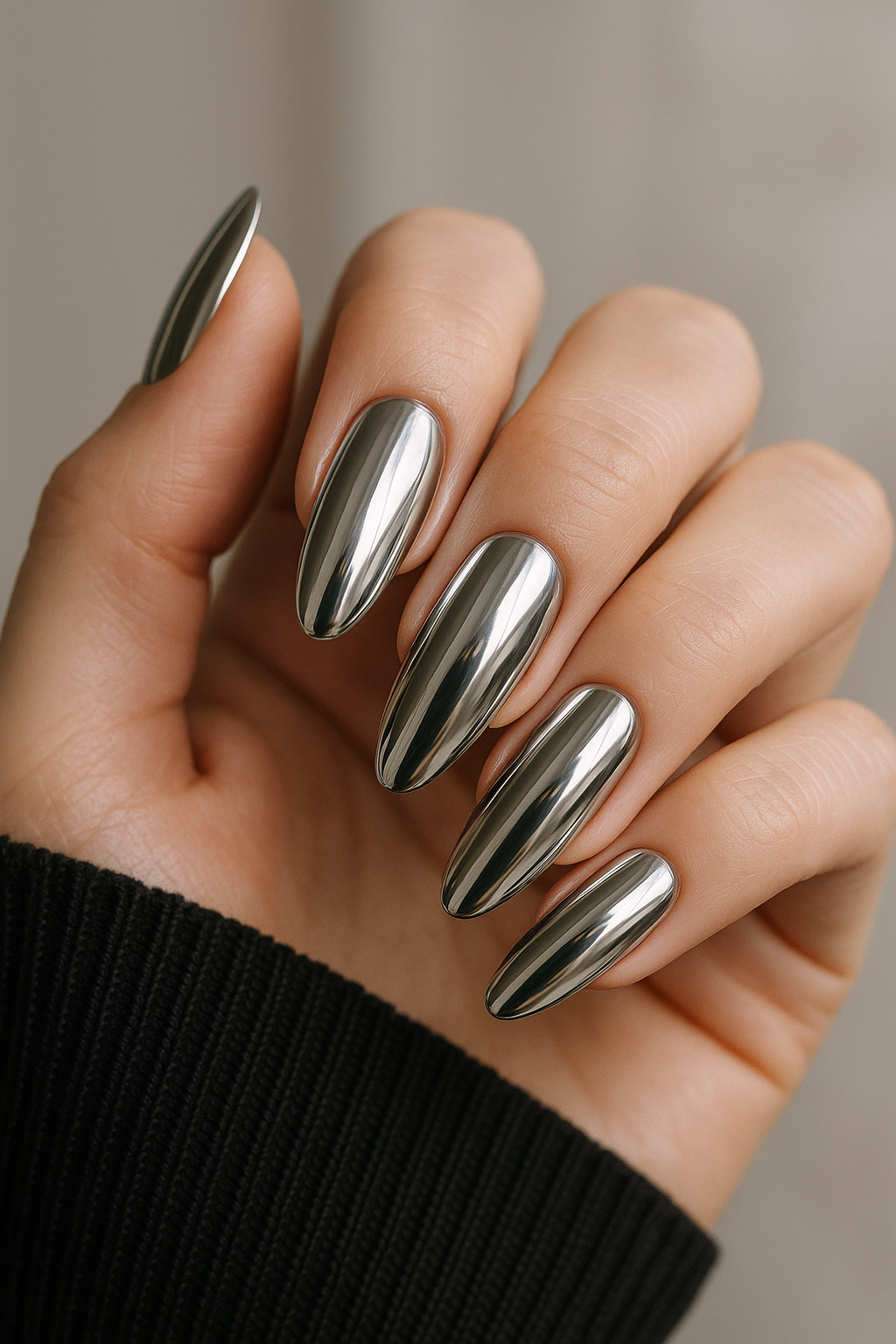
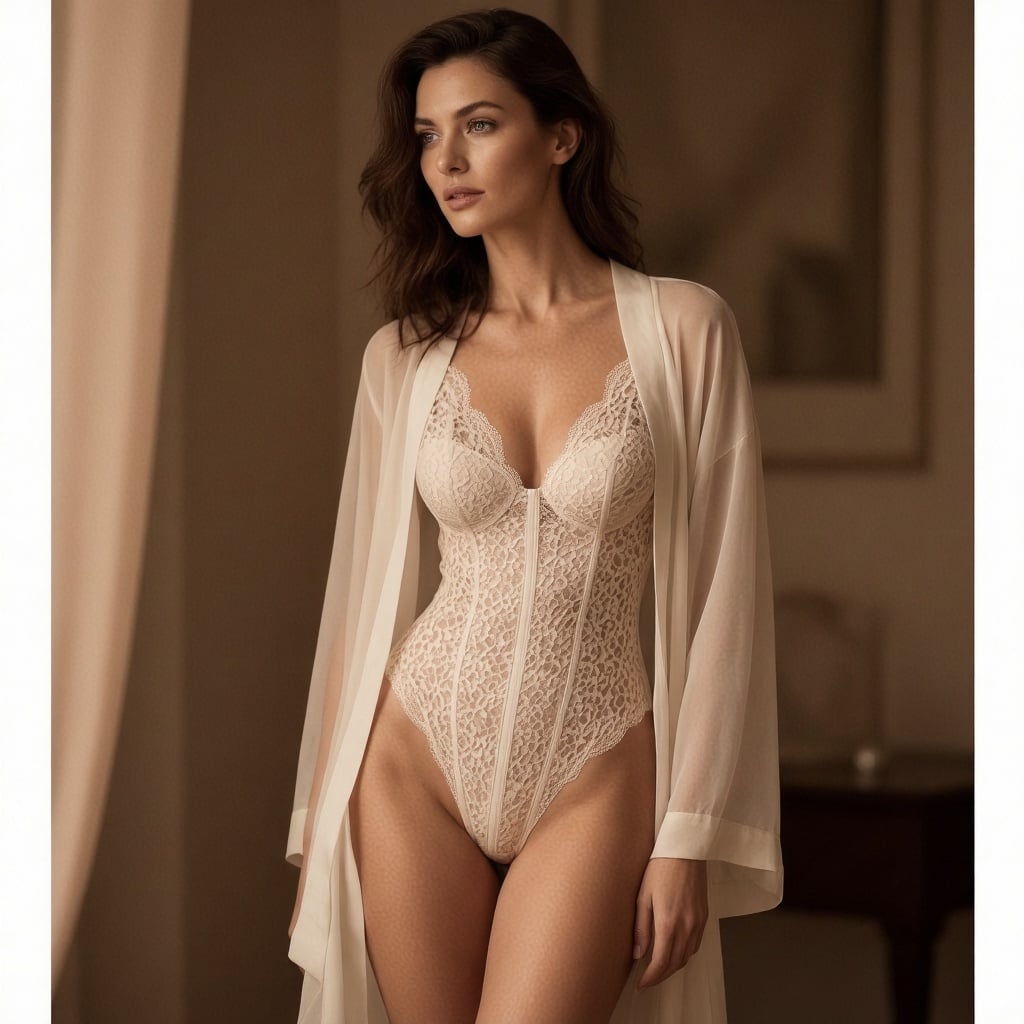
Produce high-resolution, photorealistic images for marketing, social posts, and personal projects that look like they came from a pro studio.
Maintain Perfect Character Consistency Across Projects
Build recognizable characters for stories, brands, or campaigns that stay identical in every scene, boosting engagement and brand recognition.
Edit and Refine Images in Real Time
Iterate quickly with advanced editing tools to perfect lighting, backgrounds, or styles until your vision is exactly right.
How It Works
Creating stunning images with PixelDojo's AI image maker takes just three simple steps.
Step 1: Choose Your Tool
Browse PixelDojo's collection and select the perfect AI image maker tool for your needs, such as Flux.2 Studio for photorealism or Nano Banana 2 for consistent characters.
Step 2: Enter Your Prompt
Describe what you want in natural language. Add details like style, mood, or specific elements, then let tools like Grok Image or Krea Image bring it to life.
Step 3: Customize & Download
Refine with Image to Image, Style Transfer, or Magic Lighting, then upscale using P-Image Upscale or Creative Upscaler before downloading your masterpiece.


The Pixel Dojo Advantage
Why PixelDojo outperforms other options for AI image maker generation
| Others | Pixel Dojo |
|---|---|
| Traditional image creation | Skip weeks of sketching and revisions—generate and refine professional results in minutes with guided AI assistance. |
| Generic AI tools | Access 40+ specialized tools including Flux.2 Studio, WAN Image, and Ideogram 4 for superior control, consistency, and editing power. |
| Manual photo editing | Eliminate tedious layer work and masking with one-click AI edits like Background Remover, Change Camera Angle, and Reality Polisher. |
Loved by creators on PixelDojo
Real feedback from people using PixelDojo, pulled from our in-product surveys.
The guy that operates the website is constantly updating it
I’ve been using PixelDojo for around 8 months now and it’s always worked wonderfully while constantly adding features.
The site is easy to navigate and use.
All the tools, readily available and easy to understand
You guys, the LORA training is the BEST in the space right now, great job with that!
Tons of variety. Ease of use. Tools for beginners and advance users.
Explore more AI tools on PixelDojo
AI Tools
Compare & Switch
- Best AI Image Generators
- Best AI Video Generators
- Midjourney Alternatives
- Civitai Alternatives
- Runway Alternatives
- Leonardo Alternatives
- Pika Alternatives
- Luma Alternatives
- Magnific Alternatives
- Veo Alternatives
- Flux Alternatives
- Freepik Alternatives
- Seedance Alternatives
- Seedream Alternatives
- Pixverse Alternatives
- GPT Image Alternatives
- Synthesia Alternatives
- Playground Alternatives
- NightCafe Alternatives
- Canva AI Alternatives
- ElevenLabs Alternatives
- ComfyUI Alternatives
- Fal Alternatives
- Replicate Alternatives
Common Questions
Everything you need to know about ai image maker
How does an AI image maker help me create consistent characters for stories or brands?
PixelDojo's AI image maker uses dedicated tools like Nano Banana 2 and Consistent Characters to lock in facial features, clothing, and style across multiple generations. Simply upload a reference or describe your character once, then generate endless variations that stay perfectly on-brand for books, campaigns, or social series.
What techniques make PixelDojo's AI image maker produce photorealistic results?
Leverage Flux.2 Studio and P-Image for unmatched detail and lighting. Combine with Magic Lighting and Reality Polisher to add cinematic depth and natural textures, delivering images that rival professional photography for product shots, portraits, and landscapes.
Can I edit existing photos into new styles using an AI image maker?
Yes! Upload any image and apply Style Transfer, Image to Image, or Inpainting in PixelDojo. Transform photos into anime, oil painting, or futuristic styles instantly while preserving key details, perfect for creative reinterpretations or marketing variations.
How fast can I generate and upscale images with PixelDojo's AI image maker?
Most generations complete in seconds. Follow up with Creative Upscaler or Magnific Upscaler for 4K+ resolution in one click. The entire workflow from prompt to print-ready file often takes under two minutes.
Is PixelDojo's AI image maker suitable for commercial use and client projects?
Absolutely. Thousands of professionals use tools like Recraft V4.1 and Bria 3.2 for client work. All outputs include commercial rights, and features like Character Sheets help deliver consistent assets for branding packages and campaigns.
What if my first AI image generation doesn't match my vision?
PixelDojo makes refinement effortless. Use Image Analyzer for insights, then iterate with Smart Resize, Outpainting, or Background Remover. Adjust prompts or switch tools like QWEN Image 2 until every detail is perfect—no frustration, just results.