AI image prompt guide
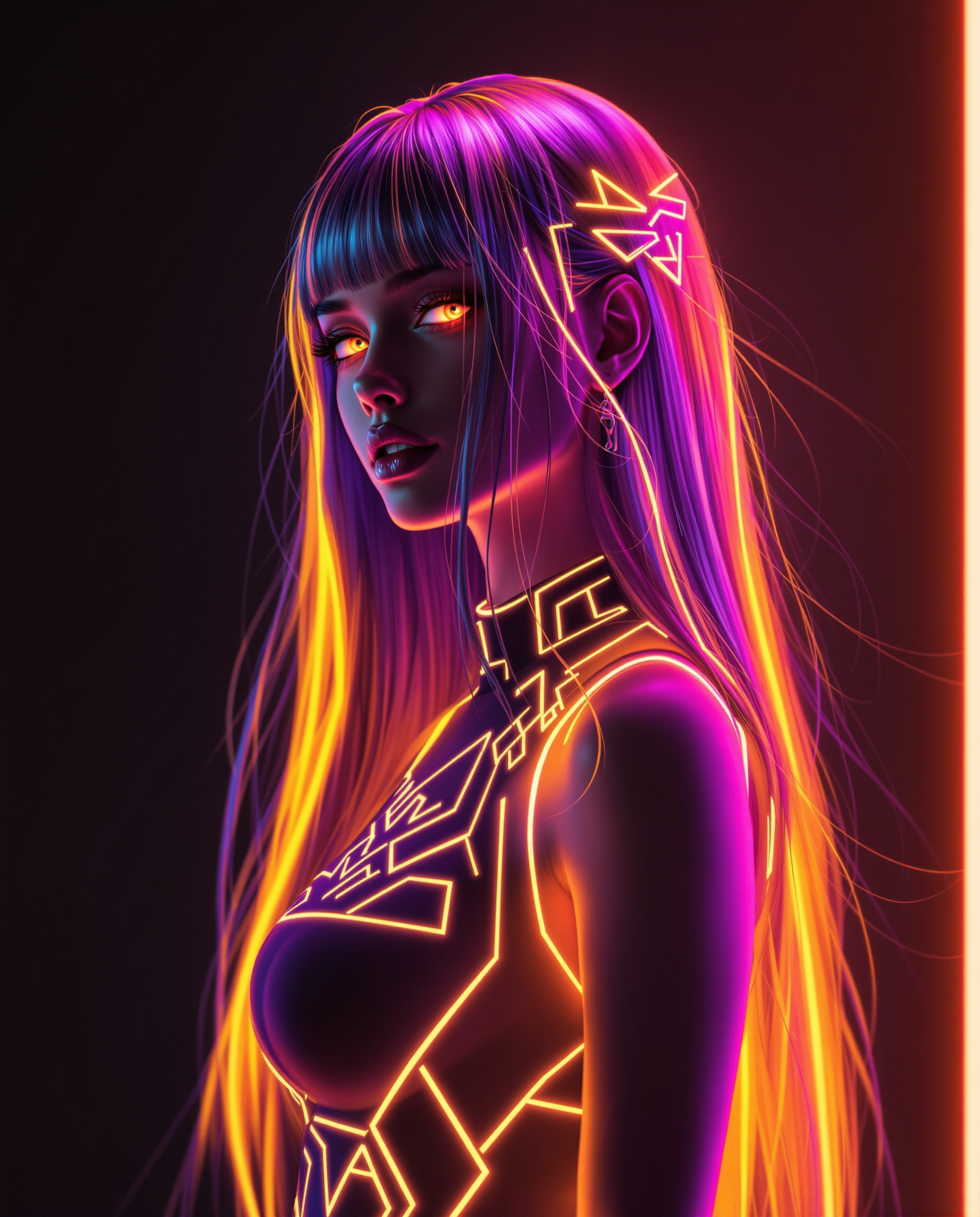
Unlock the full potential of AI image generation with PixelDojo's comprehensive guide to crafting effective prompts. Whether you're an artist, marketer, or content creator, mastering prompt engineering empowers you to produce stunning visuals that captivate and engage your audience.
Join over 10,000 creators who have enhanced their visual content using PixelDojo's AI tools, rated 4.8/5 for user satisfaction.
Why Choose Pixel Dojo for AI image prompt guide
Professional-quality results with cutting-edge AI technology
Achieve Precise Visual Outcomes
Craft prompts that translate your exact vision into AI-generated images, ensuring your creative ideas come to life.
Enhance Creative Efficiency
Streamline your workflow by generating high-quality visuals quickly, reducing the time spent on manual design tasks.
Expand Artistic Possibilities
Experiment with various styles and concepts effortlessly, pushing the boundaries of your creative projects.
How It Works
Creating compelling AI-generated images with PixelDojo is a straightforward process. Follow these steps to bring your ideas to life:
Step 1: Select the Appropriate Tool
Choose from PixelDojo's suite of AI tools tailored for image creation, such as Flux Creator or SDXL Image Creator, to match your project's needs.
Step 2: Craft a Detailed Prompt
Input a clear and specific description of the desired image, including elements like subject, setting, style, and mood. For example, 'A serene Japanese garden with cherry blossoms in full bloom during sunset.'
Step 3: Generate and Refine
Click 'Generate' to produce the image. Review the output and, if necessary, adjust your prompt or use PixelDojo's editing features to refine the image to your satisfaction.
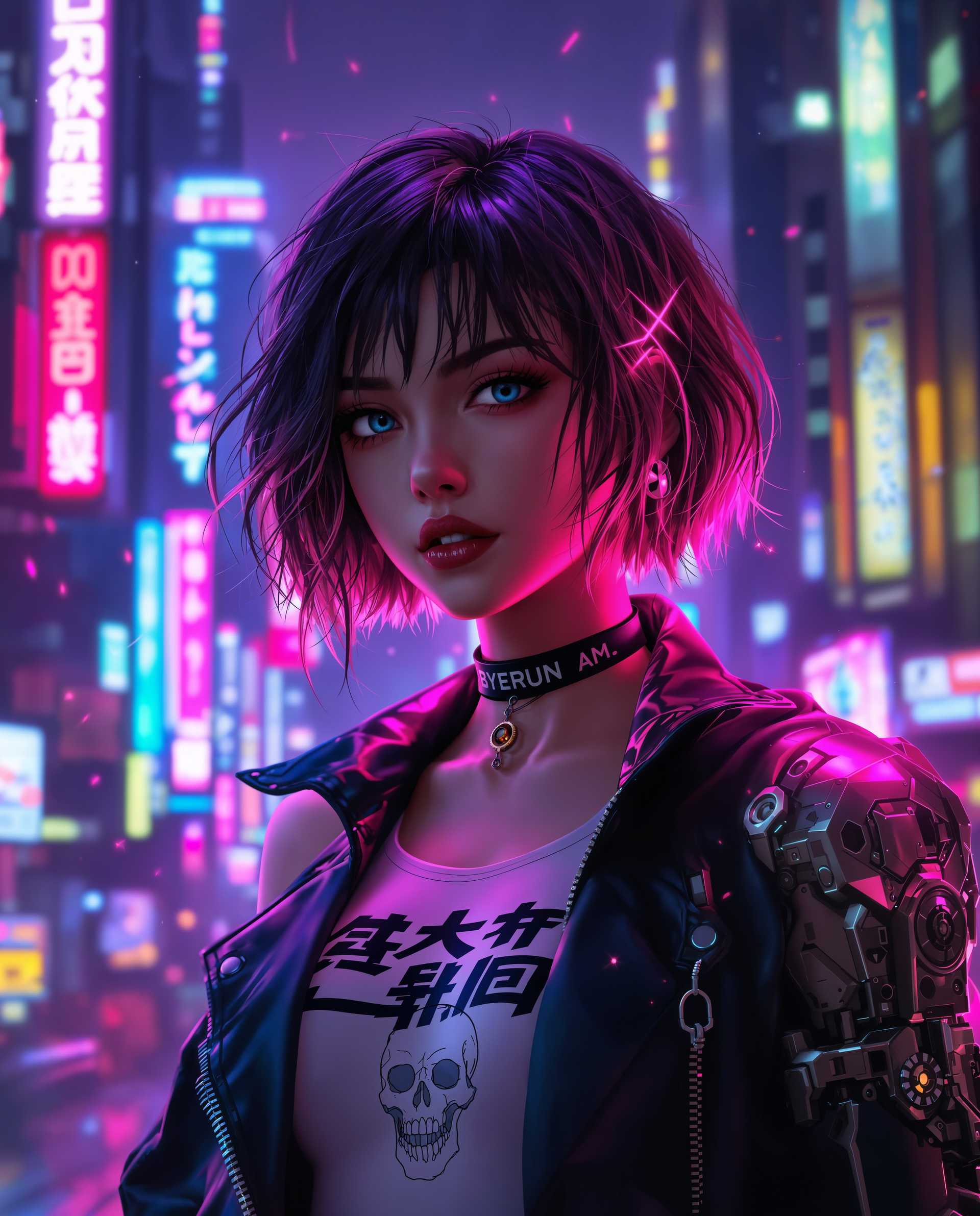
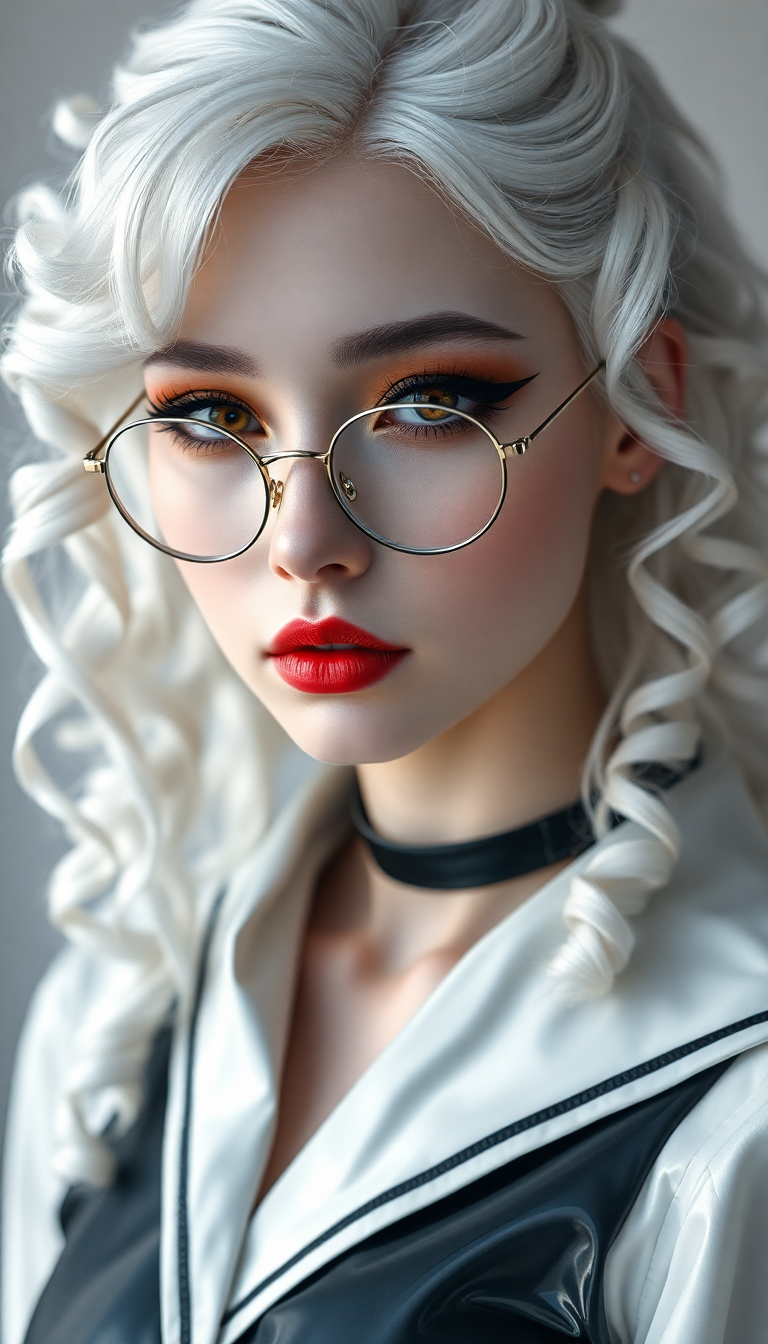
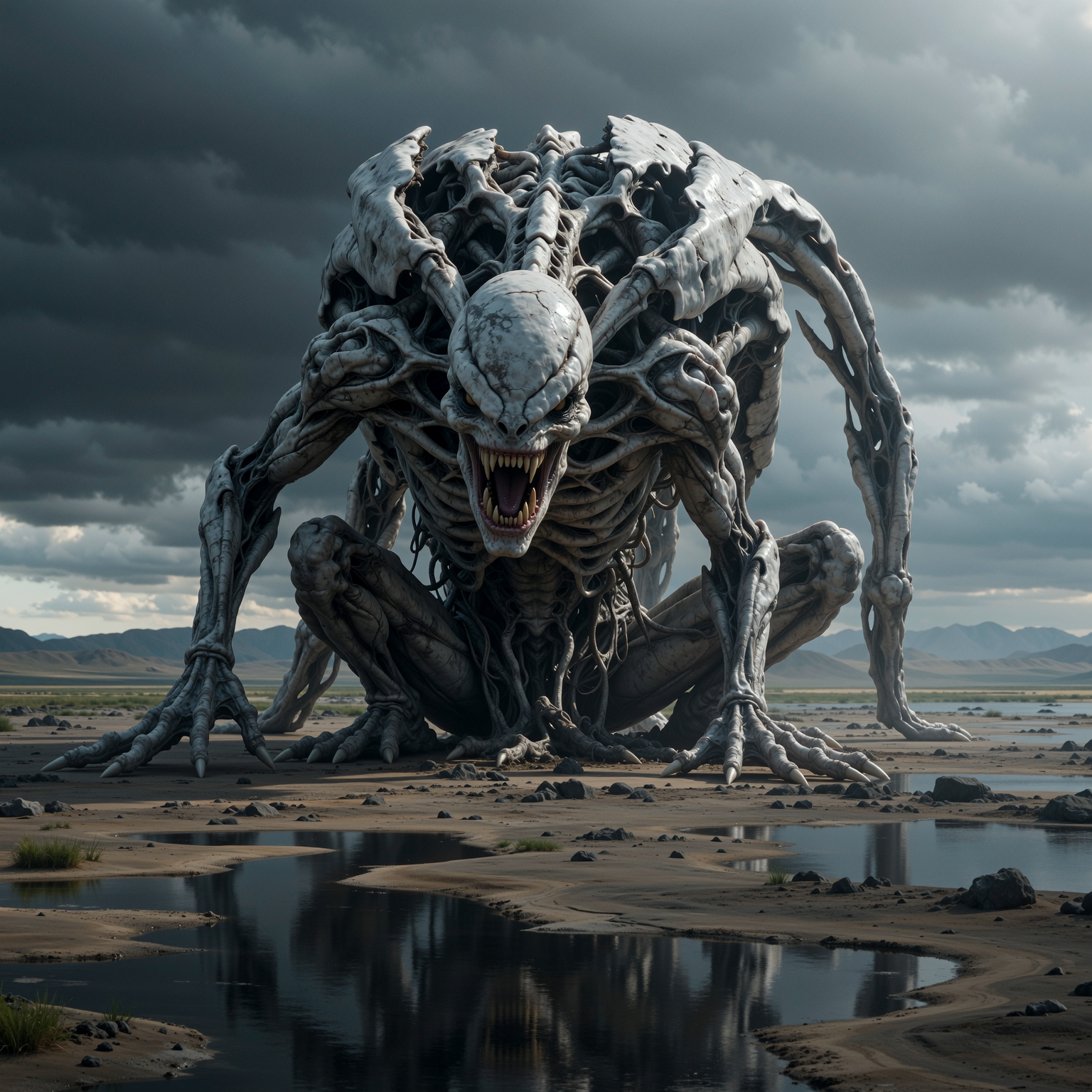
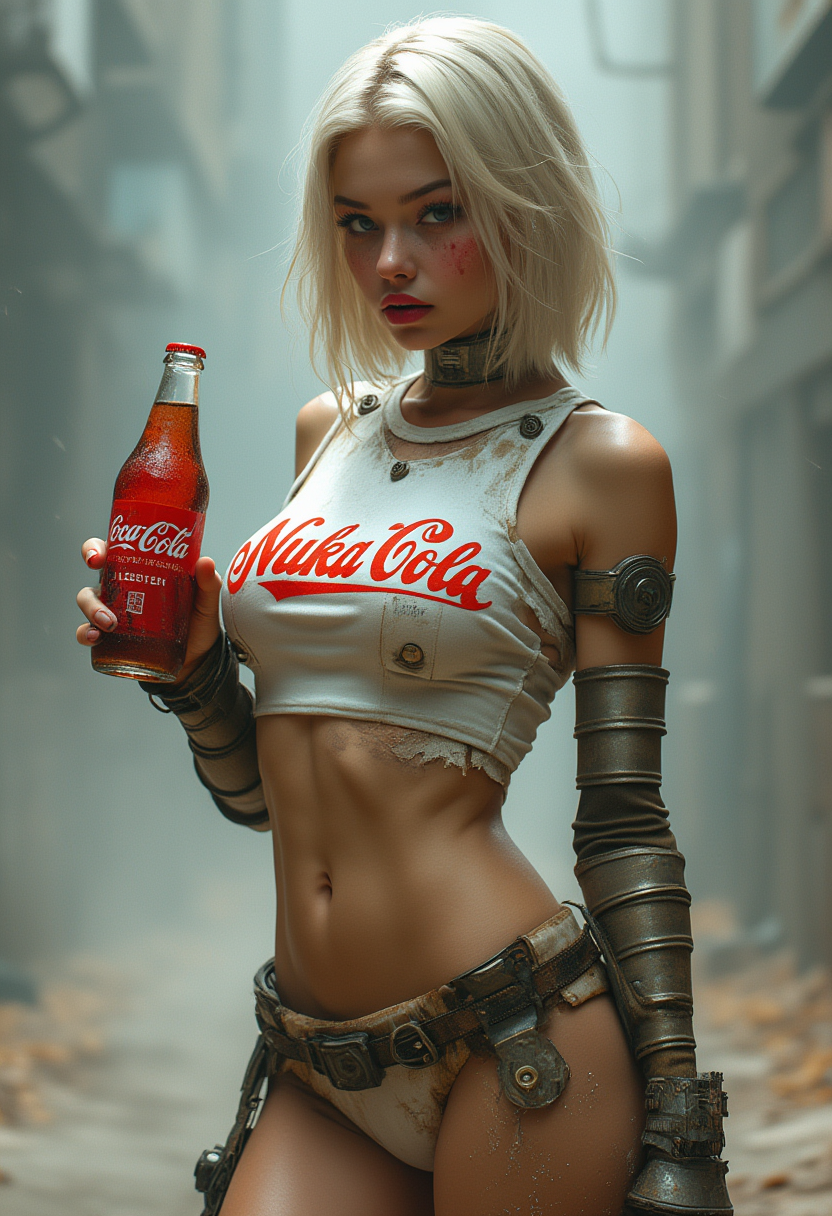
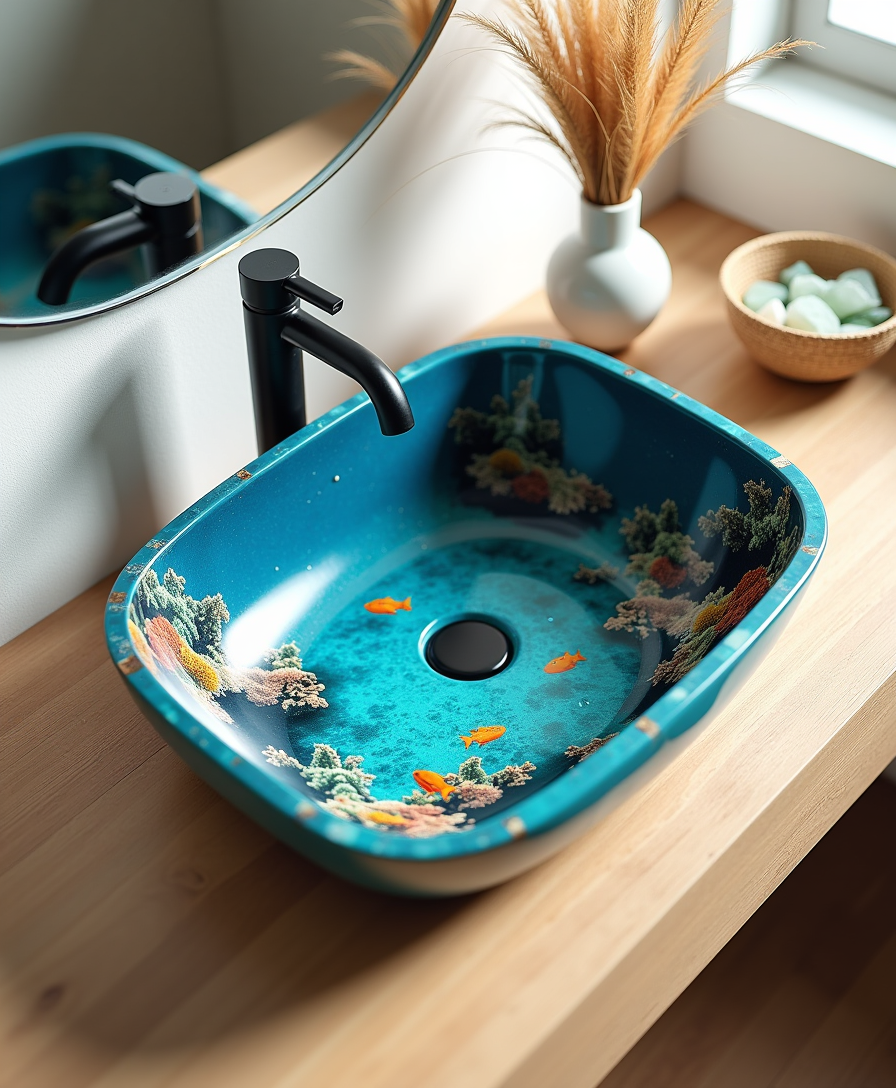
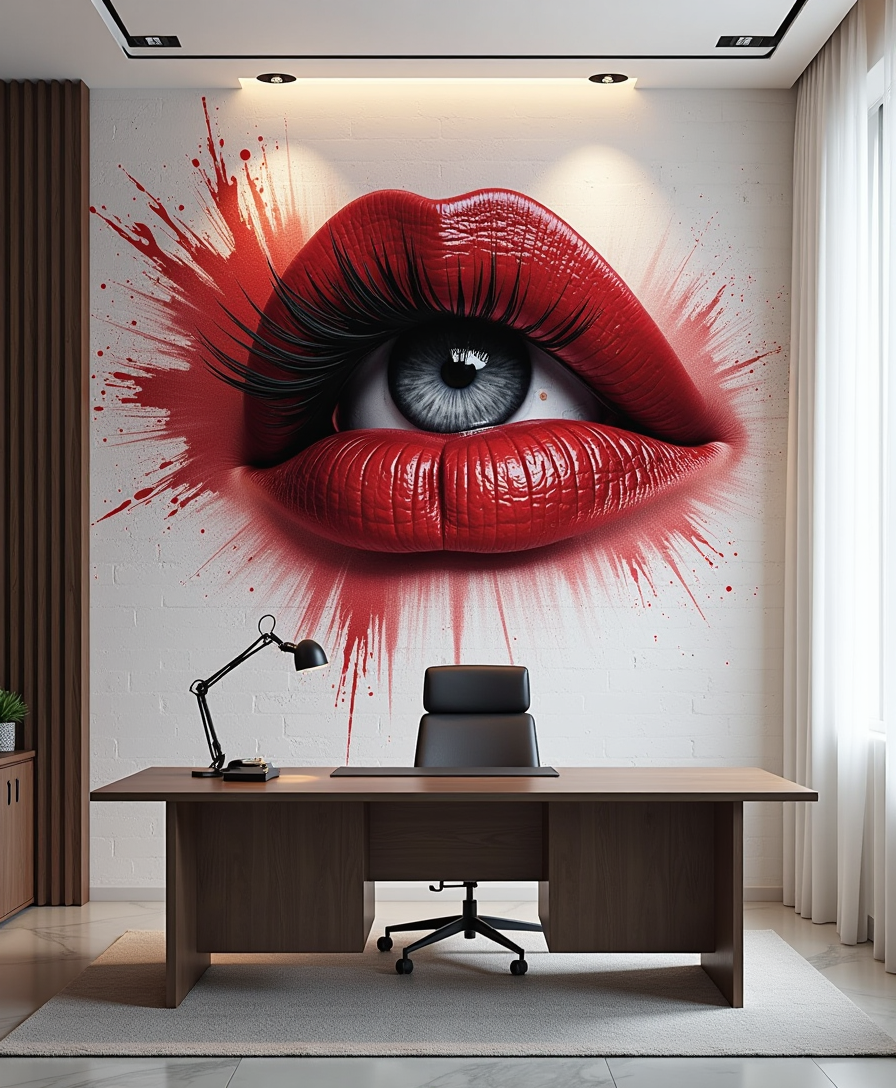
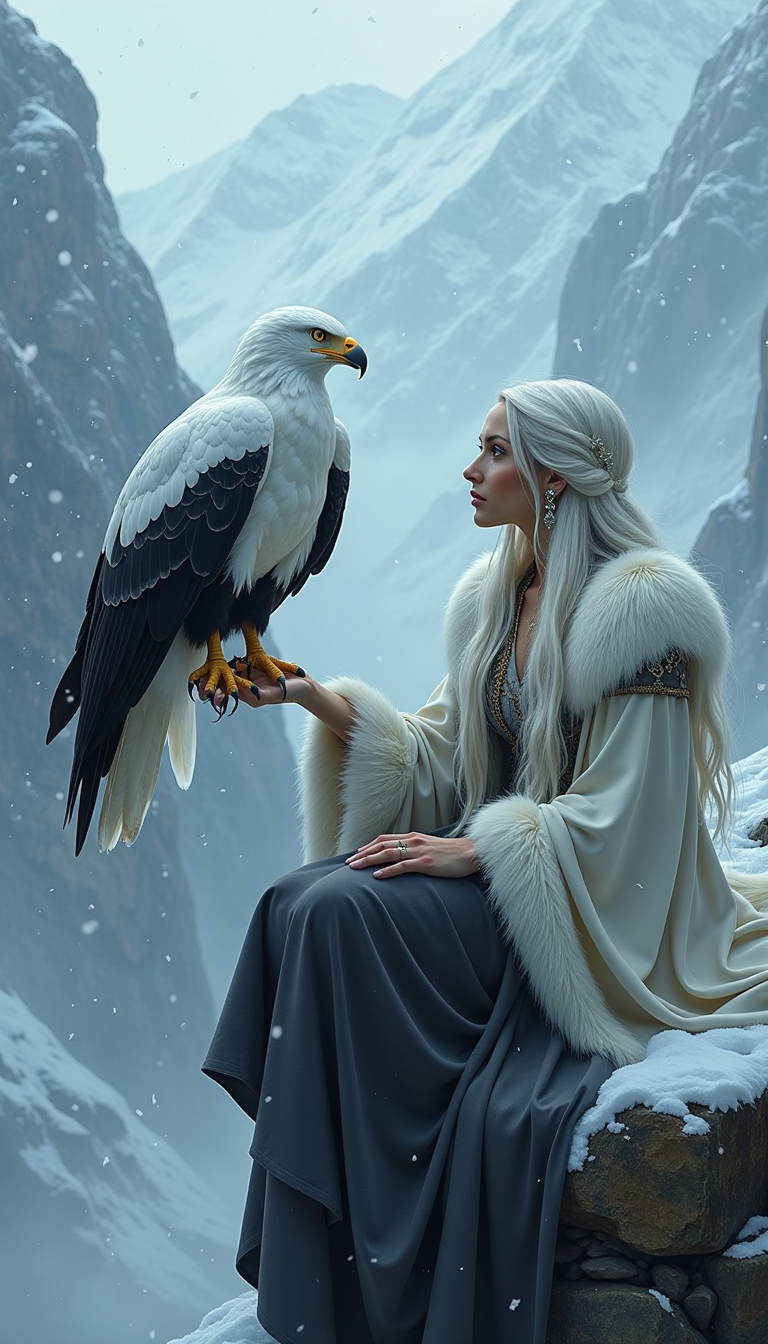
The Pixel Dojo Advantage
Why PixelDojo is the superior choice for AI image generation:
| Others | Pixel Dojo |
|---|---|
| Traditional Design Methods | Eliminate the need for extensive manual design work, saving time and resources. |
| Generic AI Tools | Benefit from specialized tools and features that offer greater control and customization over your images. |
| Stock Images | Create unique, tailor-made visuals that stand out, avoiding the limitations of pre-existing stock photos. |
Loved by creators on PixelDojo
Real feedback from people using PixelDojo, pulled from our in-product surveys.
All the tools, plus the guidance
Excellent tools. Ease of use. Well thought out interface. Wide variety of AI tools and features which are up to date with more added each month
I really like how the site is kept up to date, and the leaderboard (where I'm currently #11 most popular artist)
This is the best image generator I've used so far. Well done!
es facil de comprender asi uno no sea programador
amazing web site
Explore more AI tools on PixelDojo
AI Tools
Compare & Switch
- Best AI Image Generators
- Best AI Video Generators
- Midjourney Alternatives
- Civitai Alternatives
- Runway Alternatives
- Leonardo Alternatives
- Pika Alternatives
- Luma Alternatives
- Magnific Alternatives
- Veo Alternatives
- Flux Alternatives
- Freepik Alternatives
- Seedance Alternatives
- Seedream Alternatives
- Pixverse Alternatives
- GPT Image Alternatives
- Synthesia Alternatives
- Playground Alternatives
- NightCafe Alternatives
- Canva AI Alternatives
- ElevenLabs Alternatives
- ComfyUI Alternatives
- Fal Alternatives
- Replicate Alternatives
Common Questions
Everything you need to know about AI image prompt guide
How can I create effective AI image prompts?
To craft effective prompts, be specific about the subject, setting, style, and mood. For example, instead of 'a landscape,' specify 'a tranquil mountain landscape at sunrise with mist covering the valley.'
Which PixelDojo tools are best for beginners?
For those new to AI image generation, Flux Creator and SDXL Image Creator offer user-friendly interfaces and versatile features to get you started.
Can I edit AI-generated images within PixelDojo?
Yes, PixelDojo provides editing features that allow you to refine and adjust your AI-generated images to better match your vision.
Is there a limit to the number of images I can generate?
PixelDojo offers various subscription plans to suit different needs, including options with unlimited image generation.
Do I need prior design experience to use PixelDojo?
No prior design experience is necessary. PixelDojo's tools are designed to be intuitive and accessible for users of all skill levels.
How does PixelDojo ensure the quality of generated images?
PixelDojo utilizes advanced AI models and continuous updates to ensure high-quality, realistic, and creative image outputs.