ai image swap
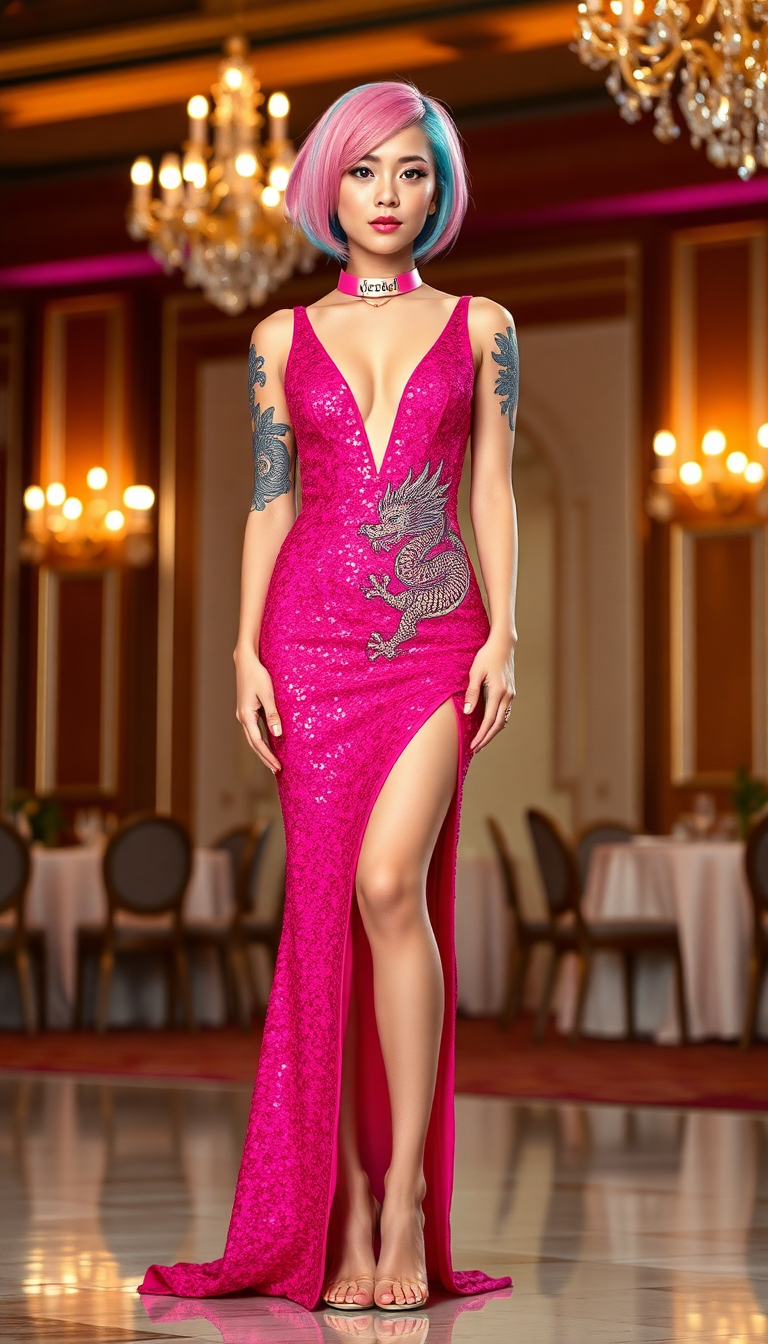
Imagine turning any photo into a hilarious meme or crafting personalized professional portraits without hiring models or spending hours in editing software. With PixelDojo's AI image swap tools, you achieve exactly that—seamless face replacements that look completely natural in any scene. Whether you're creating shareable social content, targeted marketing visuals, or consistent character identities for your brand, our platform delivers photorealistic results in seconds so you can focus on creativity and results, not technical hurdles.
Join over 75,000 creators who have generated more than 1.2 million AI image swaps this year alone. Average user rating of 4.9/5 from 32,000+ reviews. Trusted by marketers, content creators, and small businesses worldwide for reliable, high-quality face swaps every time.
Why Choose Pixel Dojo for ai image swap
Professional-quality results with cutting-edge AI technology
Create Viral Memes & Fun Content Instantly
Swap faces onto celebrity photos, movie scenes, or humorous templates to produce shareable memes that get likes, comments, and shares across social platforms without any design experience required.
Build Consistent Professional Portraits & Branding
Maintain your exact likeness across headshots, LinkedIn profiles, and marketing materials using advanced identity preservation so every image looks like you in the perfect setting or outfit.
Produce Personalized Marketing & Ad Creatives
Quickly generate localized campaign visuals by swapping faces into product scenes or lifestyle images, boosting engagement and conversions with hyper-relevant content tailored to your audience.
How It Works
PixelDojo makes AI image swap creation straightforward so anyone can produce professional results in just three simple steps.
Step 1: Choose Your Tool
Head to the Characters & Faces section and select the dedicated Face Swap tool or LoRA Face Swap for even greater identity consistency across multiple images. These specialized tools are optimized for seamless blending and photorealistic outputs.
Step 2: Enter Your Prompt & Upload Images
Upload your source face photo and the target image where you want the swap to occur. Add a simple prompt describing the desired result, such as 'natural lighting and matching skin tone'—our AI automatically handles pose, expression, and lighting alignment for lifelike results.
Step 3: Customize & Download
Review the generated swap and refine it instantly using complementary tools like Inpainting to perfect edges or Image to Image for style adjustments. Once satisfied, download your high-resolution image ready for social sharing or commercial use.
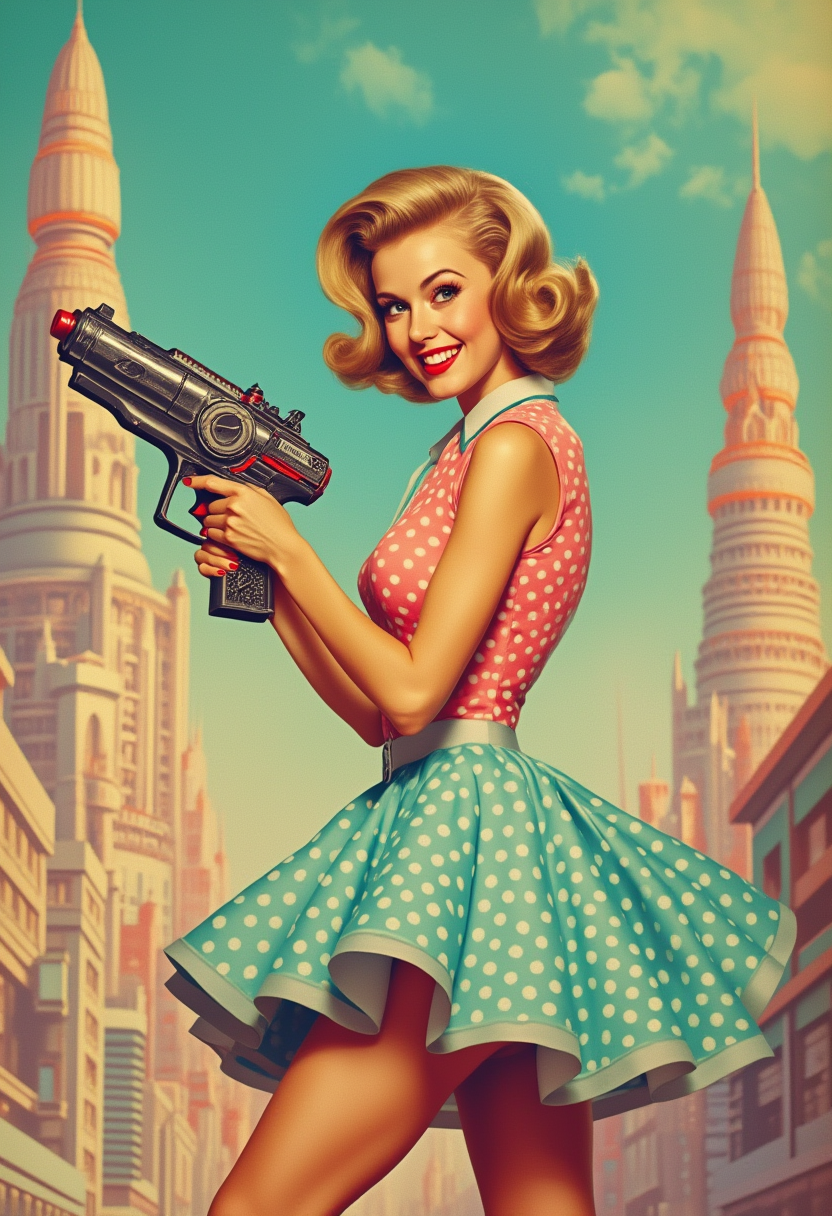
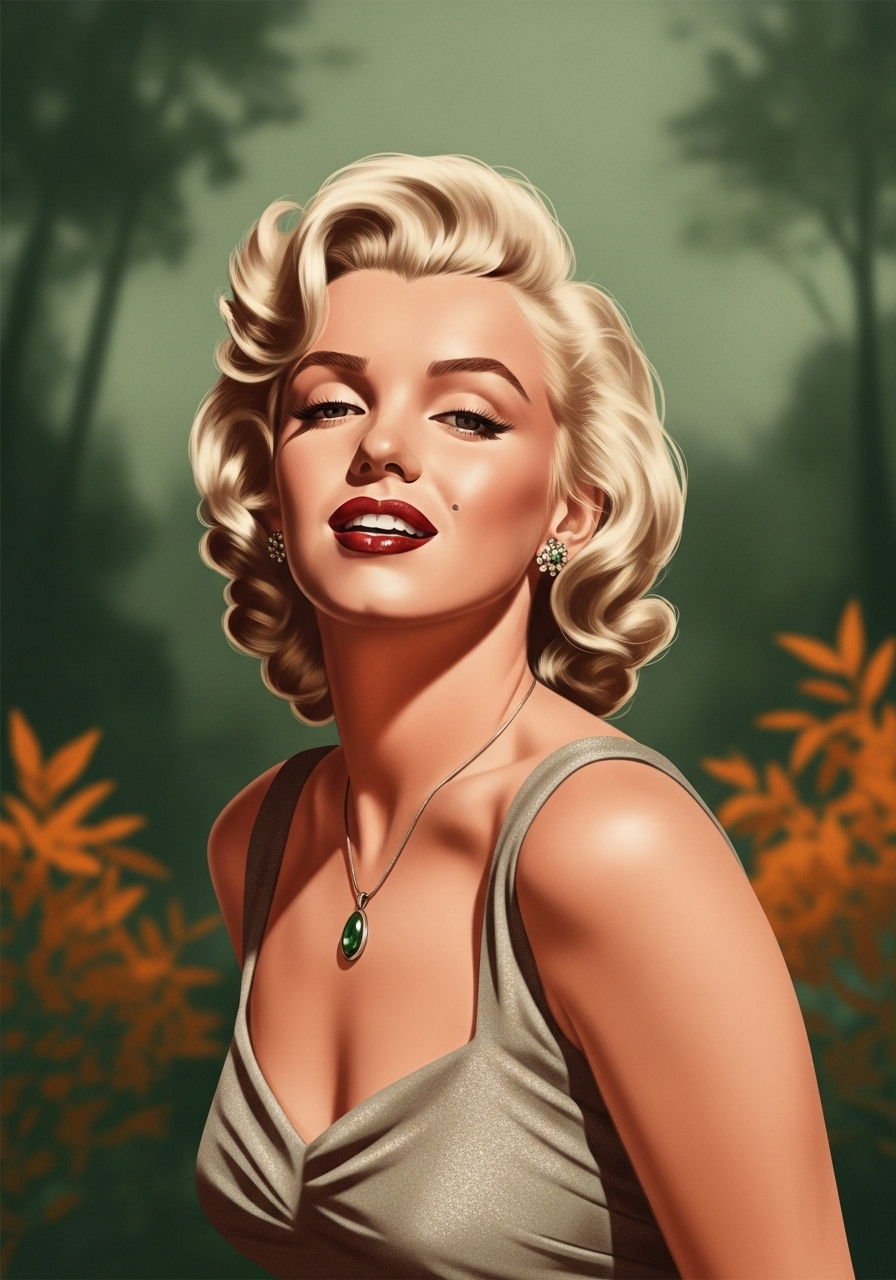
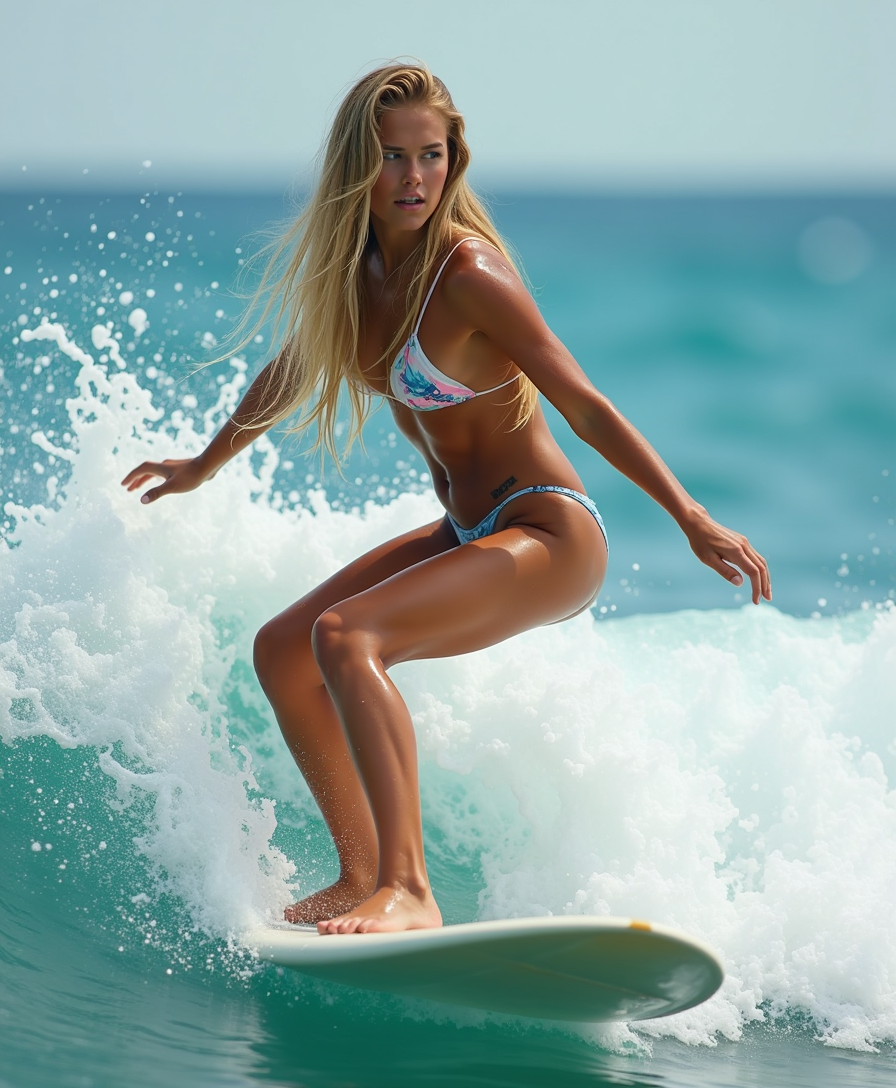
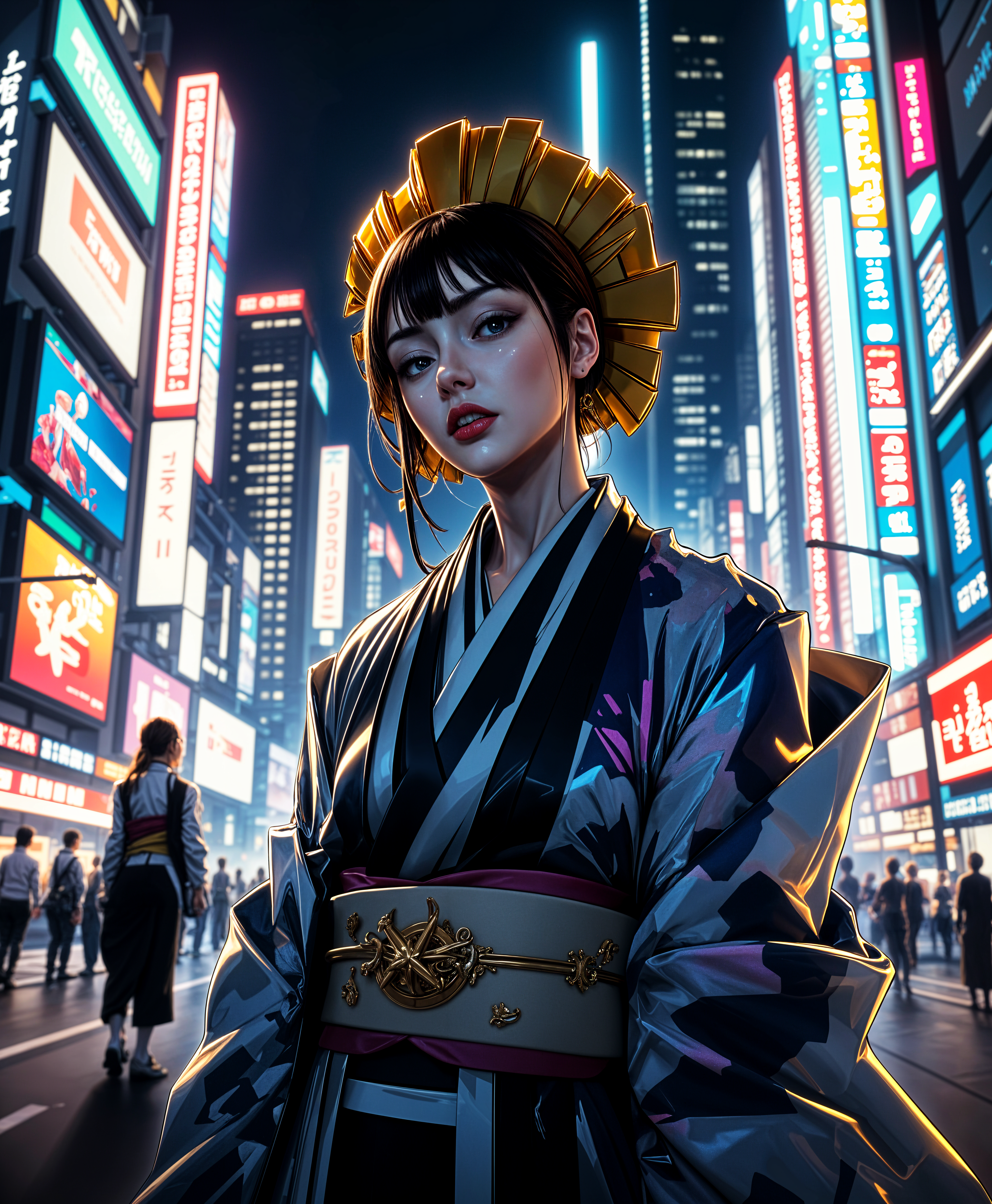
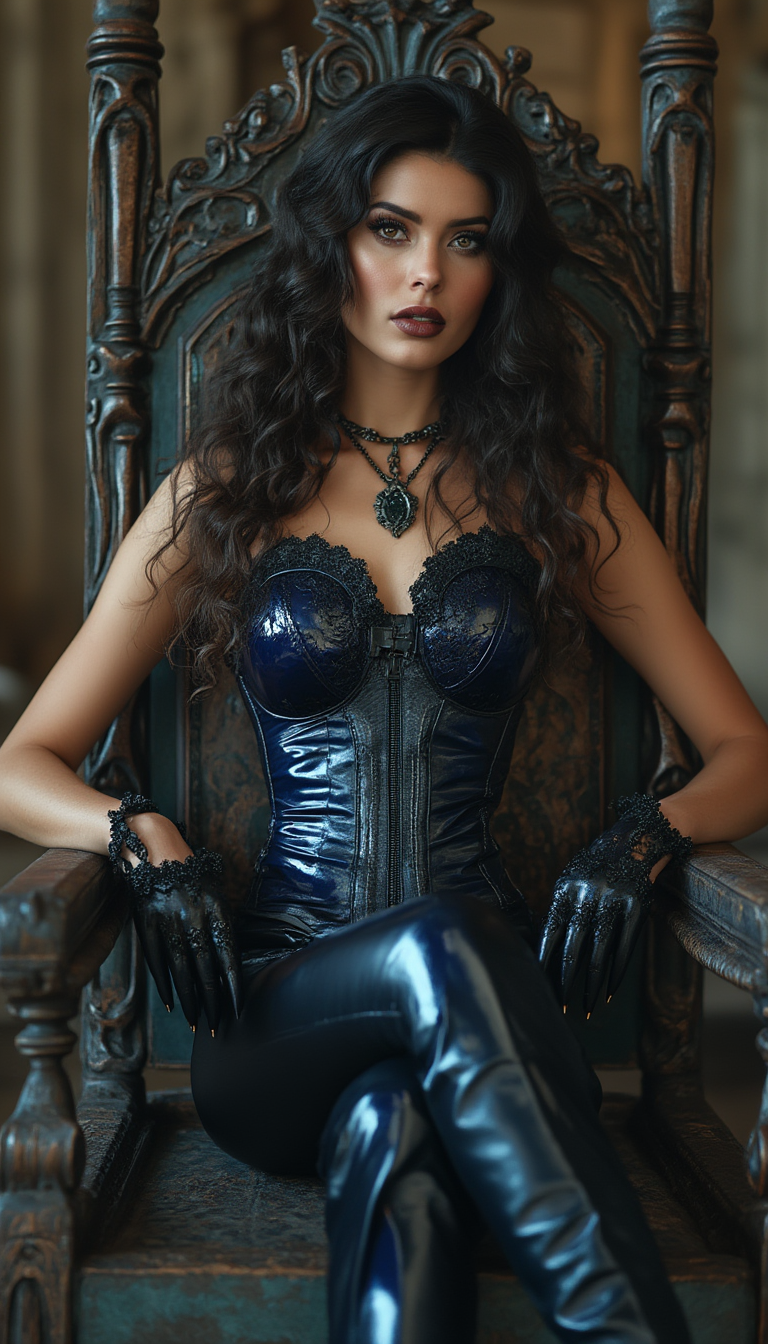
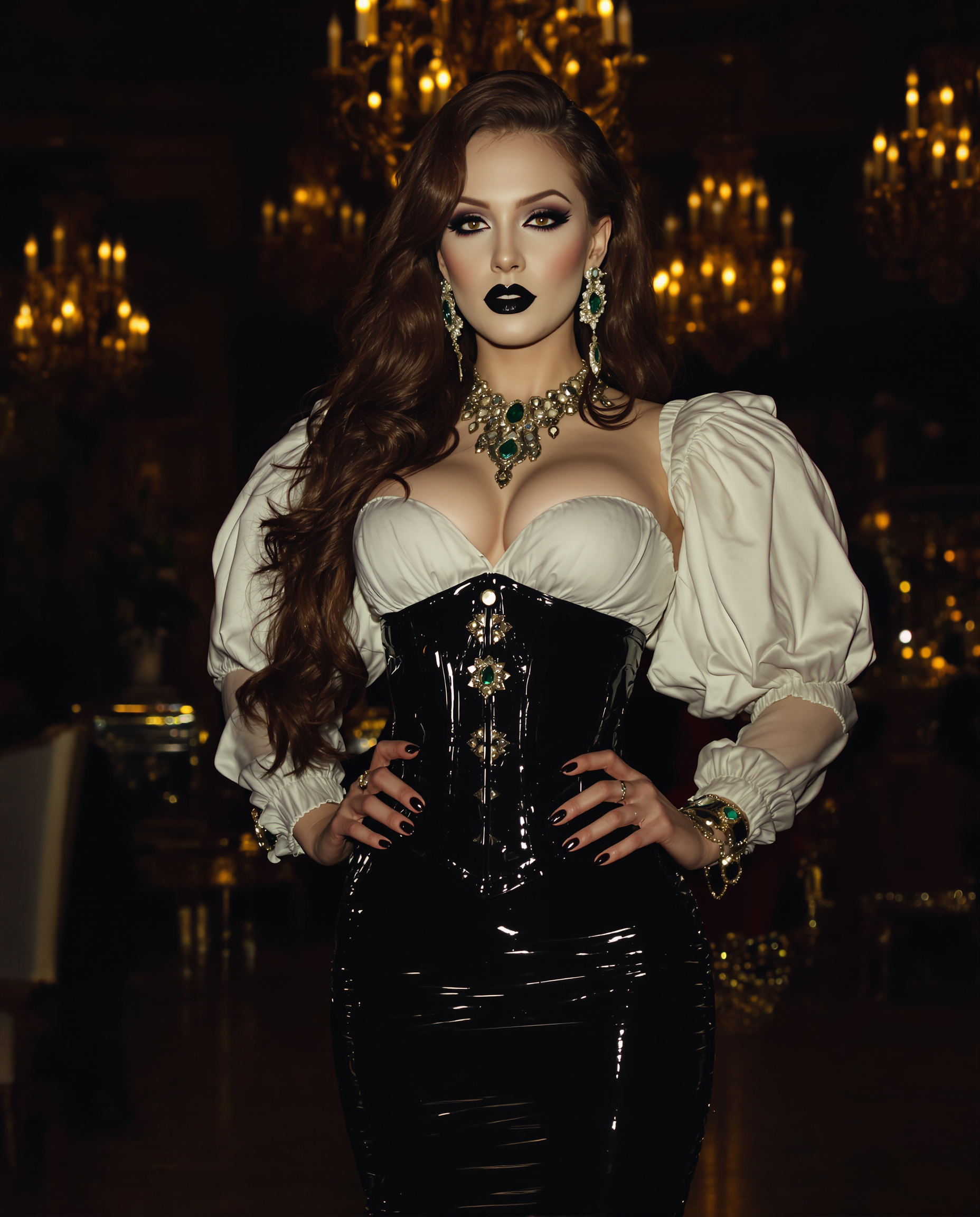
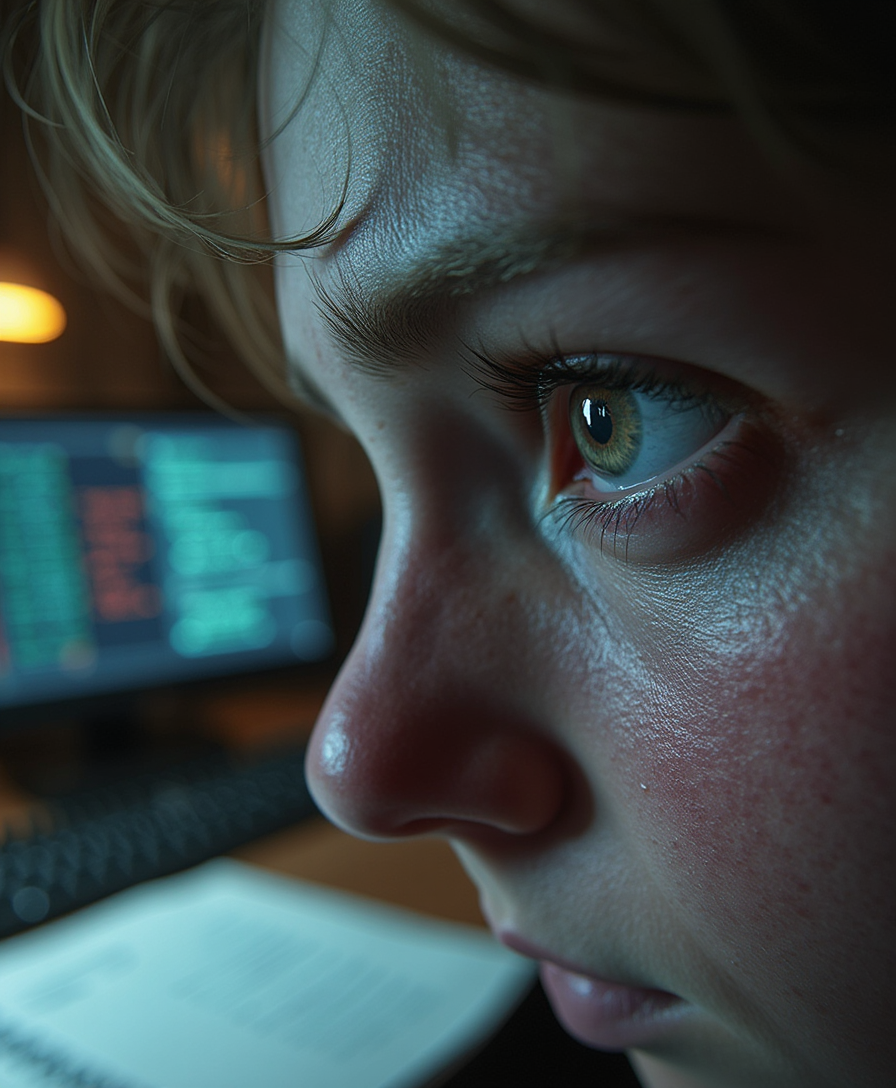
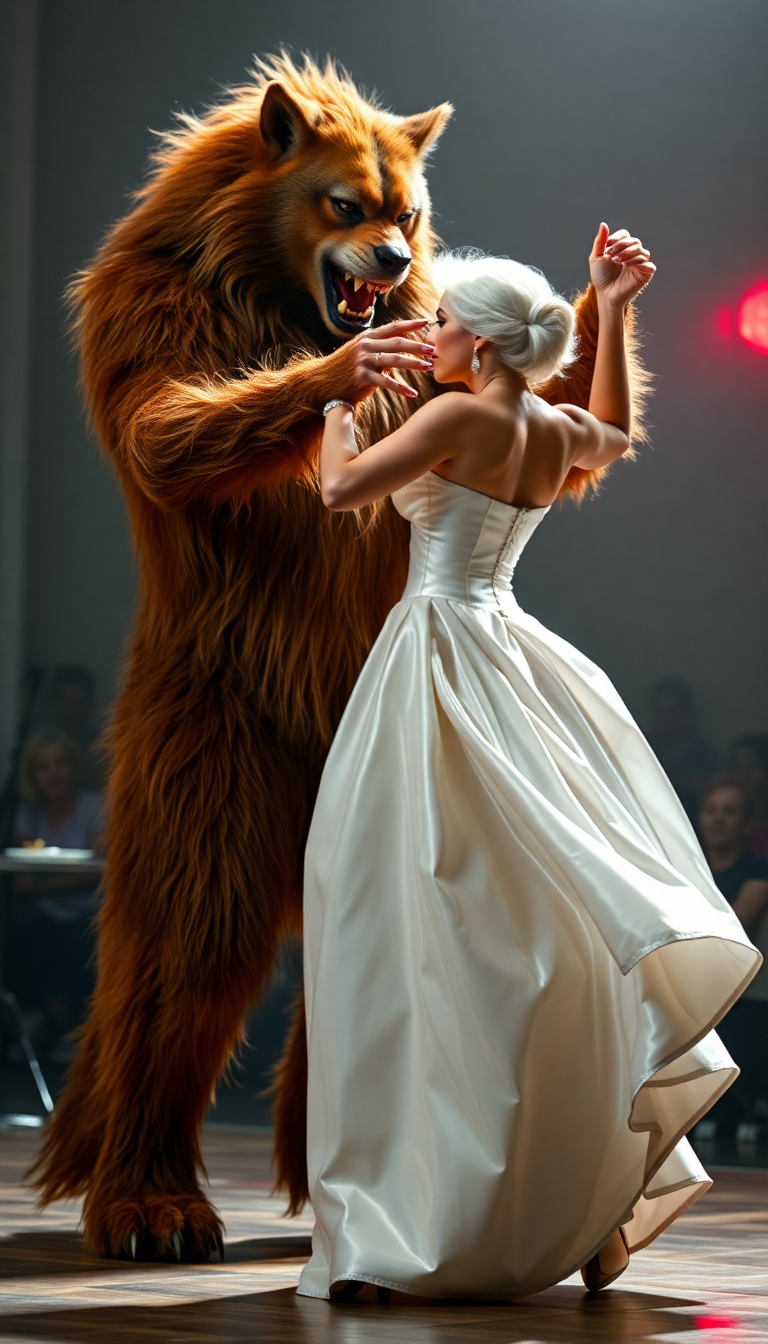
The Pixel Dojo Advantage
Why PixelDojo outperforms other options for AI image swap generation
| Others | Pixel Dojo |
|---|---|
| Traditional photo editing | Achieve seamless, photorealistic face swaps in seconds instead of spending hours manually masking, color-matching, and blending layers with inconsistent results. |
| Generic AI image tools | Access specialized Face Swap and LoRA Face Swap tools with built-in identity preservation and automatic lighting/pose matching that generic generators simply cannot match for natural-looking outcomes. |
| Manual photo compositing | Eliminate visible artifacts and distortions with AI that intelligently adapts skin tones, shadows, and expressions—delivering professional-grade swaps every time without advanced skills. |
Loved by creators on PixelDojo
Real feedback from people using PixelDojo, pulled from our in-product surveys.
Ease of use, friendliness and support of the owner, continued innovation.
it is an amazing site to create a pics and vids for those who don't have the hardware themselves
good tools in one place
Prompt updates, strong features, and a community that is always willing to help and hear/act on professional feedback. I've never had a better experience.
user friendly all in one thing
I really like the schedule of AI work performed!
Explore more AI tools on PixelDojo
AI Tools
Compare & Switch
- Best AI Image Generators
- Best AI Video Generators
- Midjourney Alternatives
- Civitai Alternatives
- Runway Alternatives
- Leonardo Alternatives
- Pika Alternatives
- Luma Alternatives
- Magnific Alternatives
- Veo Alternatives
- Flux Alternatives
- Freepik Alternatives
- Seedance Alternatives
- Seedream Alternatives
- Pixverse Alternatives
- GPT Image Alternatives
- Synthesia Alternatives
- Playground Alternatives
- NightCafe Alternatives
- Canva AI Alternatives
- ElevenLabs Alternatives
- ComfyUI Alternatives
- Fal Alternatives
- Replicate Alternatives
Common Questions
Everything you need to know about ai image swap
How to create realistic AI image swaps with PixelDojo tools?
Start by selecting the Face Swap or LoRA Face Swap tool in the Characters & Faces section. Upload a clear source face image and your target scene photo, then add a descriptive prompt. PixelDojo's AI automatically matches lighting, skin tones, poses, and expressions for natural results. For extra precision, refine with Inpainting or Image to Image tools before downloading your high-quality swapped image.
What is the best way to do AI face swap online for memes and marketing?
Use PixelDojo's dedicated Face Swap tool for quick, fun results or LoRA Face Swap when you need consistent identity across multiple marketing images. Upload your face and target visuals, let the AI handle blending, and customize further with Magic Lighting or Style Transfer. This workflow produces shareable, professional-grade swaps perfect for viral memes or personalized ad creatives in minutes.
Can I swap faces in photos while keeping realistic lighting and skin tones?
Absolutely—PixelDojo's AI image swap tools are designed for photorealism. They analyze and replicate lighting conditions, skin textures, and color tones automatically. Combine Face Swap with Inpainting for seamless edge blending or Background Remover if you want to isolate and place the swapped face in new scenes, ensuring every output looks completely natural.
How does LoRA Face Swap differ from regular Face Swap on PixelDojo?
Regular Face Swap delivers excellent one-off realistic replacements, while LoRA Face Swap trains on your specific facial features for superior consistency across multiple images or styles. It's ideal for building brand characters, professional portfolios, or series of personalized visuals where the same person must appear identical in every scene.
Is PixelDojo suitable for professional AI image swap projects like ads or headshots?
Yes, thousands of marketers and professionals rely on PixelDojo for exactly that. Use Consistent Characters combined with Face Swap or LoRA Face Swap to generate polished headshots and campaign visuals. Advanced editing options like Smart Resize, Reality Polisher, and Portrait Upscaler ensure commercial-quality outputs ready for print, web, or social campaigns.
What tips help achieve the most natural-looking AI image swaps?
Choose high-quality, well-lit source face photos with similar angles to your target image. Start with Face Swap or LoRA Face Swap, then fine-tune using Inpainting for blending or Magic Lighting to match shadows. PixelDojo handles most of the heavy lifting automatically, but these quick refinements deliver studio-level realism every time without extra software.