ai image to video free
Generated on PixelDojo. Produced by PixelDojo's generation pipeline.
Imagine turning your static images into dynamic, engaging videos that captivate your audience—all without any prior video editing experience. With PixelDojo's free AI Image to Video Generator, you can effortlessly breathe life into your visuals, enhancing your storytelling and boosting engagement across platforms.
Real video examples generated on PixelDojo
Every example below was produced on PixelDojo. Hover to see the prompt.
A man talking
image-to-video
A woman says "hi
image-to-video
A friendly female podcaster in a cool modern studio announcing that Pixel Dojo now has sup…
image-to-video
Video to sound generation
image-to-video

Create a YouTube Header for "FLUXPRO" AI image generation
flux
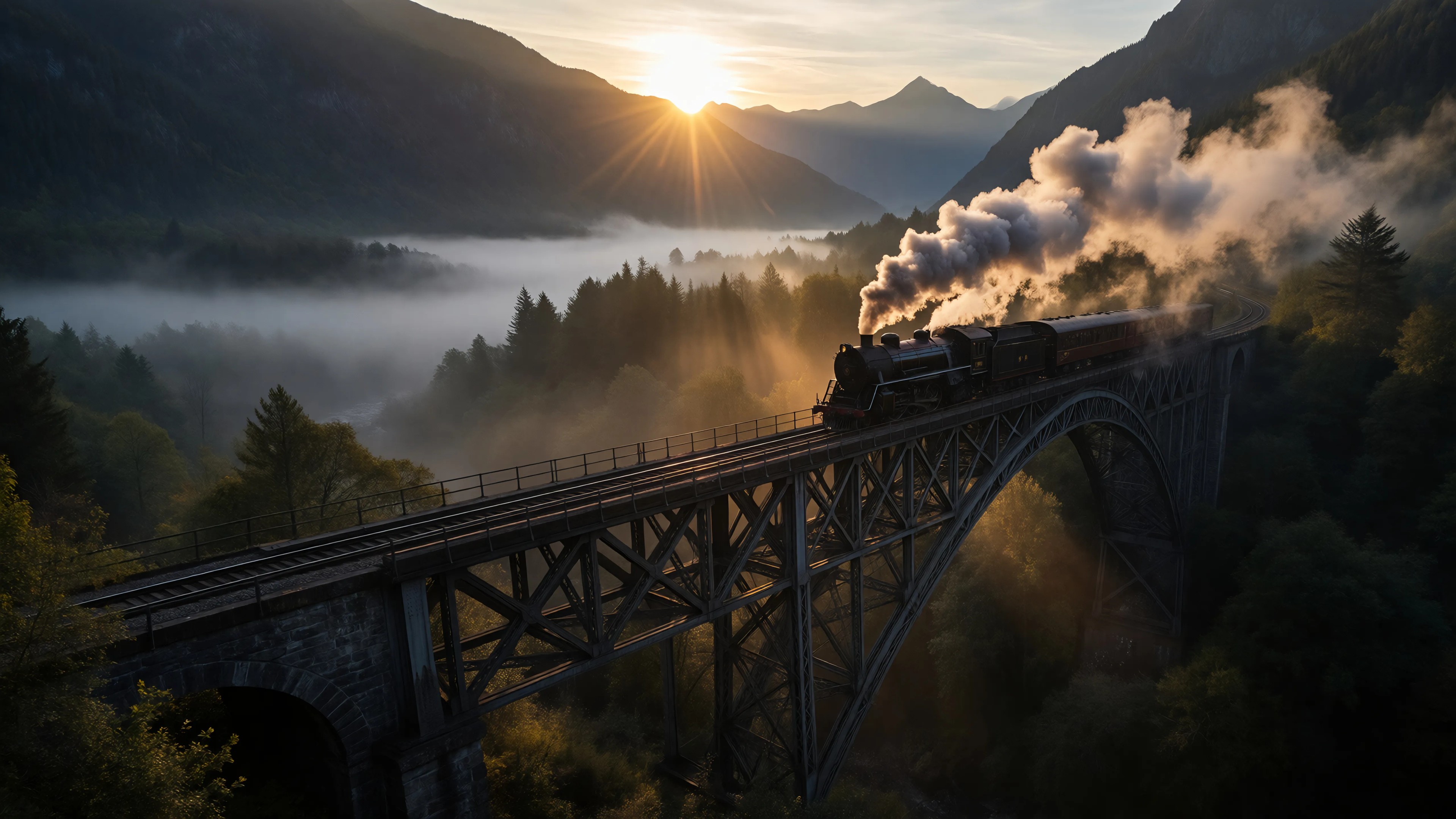
Ia-cinematic
image-to-image
Models you can run on PixelDojo for ai image to video free
Switch models without switching tools. Each one runs in the same PixelDojo studio.
What you can do with ai image to video free on PixelDojo
Image to Video Conversion
Creators upload an image and we generate a video with motion applied to the scene.
Free Tool Access
We provide video generation from images at no cost to users.
Motion Direction Controls
Creators set basic movement paths for elements within the generated video.
Video Length Selection
We allow selection of output duration before processing the image input.
Join over 10,000 satisfied creators who have transformed their images into compelling videos using PixelDojo's AI tools. Rated 4.8/5 based on 2,000+ reviews.
Why Choose Pixel Dojo for ai image to video free
Professional-quality results with cutting-edge AI technology
Effortless Video Creation
Convert images to videos in minutes without any prior experience, saving time and effort.
Cost-Effective Solution
Access powerful AI video generation tools for free, eliminating the need for expensive software or professional services.
Professional-Quality Results
Utilize cutting-edge AI technology to produce high-quality videos that enhance your content's appeal.
How It Works
Creating dynamic videos from your images is simple with PixelDojo. Follow these steps to get started:
Step 1: Choose Your Tool
Select the 'LTX-2 Video' tool from PixelDojo's suite of AI video generators.
Step 2: Upload Your Image
Click on the upload button to add your static image. Ensure it's high-resolution for the best results.
Step 3: Customize & Generate
Adjust settings like video length and style. Once satisfied, click 'Generate' to create your video.
The Pixel Dojo Advantage
Why PixelDojo outperforms other options for AI image-to-video generation
| Others | Pixel Dojo |
|---|---|
| Traditional Video Editing | No need for complex software or editing skills; create videos effortlessly. |
| Generic AI Tools | Access a comprehensive suite of AI tools tailored for diverse creative needs. |
| Manual Animation | Save hours of manual work with automated, high-quality video generation. |
Loved by creators on PixelDojo
Real feedback from people using PixelDojo, pulled from our in-product surveys.
versatile menu of tools
Best AI tool availble the suite is rad
Versatility quality, value, ROI, innovation
variety of tools available and prompt tools
A "one-stop-shop" for creators! Thanks!!
Lots of different tools. It's easy to purchase more credits.
Explore more AI tools on PixelDojo
AI Tools
Compare & Switch
- Best AI Image Generators
- Best AI Video Generators
- Midjourney Alternatives
- Civitai Alternatives
- Runway Alternatives
- Leonardo Alternatives
- Pika Alternatives
- Luma Alternatives
- Magnific Alternatives
- Veo Alternatives
- Flux Alternatives
- Freepik Alternatives
- Seedance Alternatives
- Seedream Alternatives
- Pixverse Alternatives
- GPT Image Alternatives
- Synthesia Alternatives
- Playground Alternatives
- NightCafe Alternatives
- Canva AI Alternatives
- ElevenLabs Alternatives
- ComfyUI Alternatives
- Fal Alternatives
- Replicate Alternatives
Common Questions
Everything you need to know about ai image to video free
Is PixelDojo's AI image to video generator truly free?
Yes, PixelDojo offers a free AI image to video generator that allows you to create videos without any cost. There are no hidden fees or subscriptions required.
Do I need prior video editing experience to use PixelDojo?
No, PixelDojo's tools are designed to be user-friendly, enabling anyone to create professional-quality videos without prior experience.
Can I use the generated videos for commercial purposes?
Yes, videos created with PixelDojo can be used for both personal and commercial projects, providing flexibility for various applications.
How long does it take to generate a video?
Most videos are generated in less than 10 minutes. However, processing times may vary depending on server load and video complexity.
Are there customization options available?
Yes, PixelDojo offers various customization options, including video length, style, and motion intensity, allowing you to tailor the output to your needs.
Is there a limit to the number of videos I can create?
PixelDojo allows unlimited video generation, so you can create as many videos as you need without restrictions.