AI Image Upscaling vs Traditional Upscaling
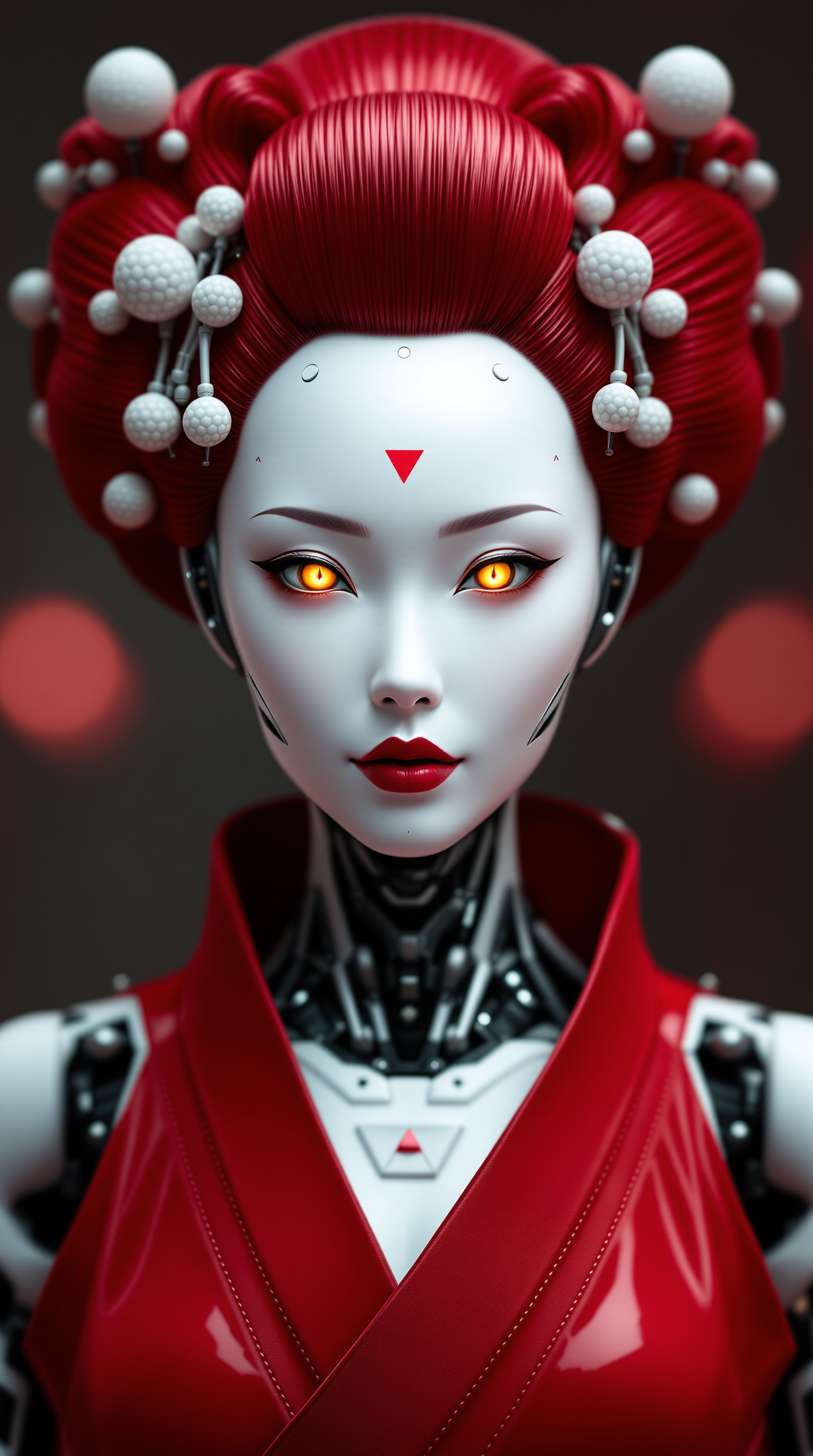
Elevate your images to new heights with AI-powered upscaling. Unlike traditional methods that often result in pixelation and loss of detail, AI upscaling intelligently enhances your images, delivering crisp, high-resolution results effortlessly. With PixelDojo's advanced tools, you can transform your visuals with ease, achieving professional-quality enhancements in just a few clicks.
Join over 10,000 creators who have enhanced their images using PixelDojo's AI upscaling tools, achieving a 95% satisfaction rate.
Why Choose Pixel Dojo for AI Image Upscaling vs Traditional Upscaling
Professional-quality results with cutting-edge AI technology
Achieve Stunning Image Quality
Transform low-resolution images into high-definition masterpieces without compromising on detail.
Save Time with Automated Enhancement
Let AI handle the upscaling process, reducing manual effort and delivering quick results.
Preserve Original Details
Maintain the integrity of your original images while enhancing clarity and sharpness.
How It Works
Enhancing your images with PixelDojo's AI upscaling tools is simple and efficient. Follow these steps to achieve superior results:
Step 1: Select the Creative Upscaler Tool
Navigate to PixelDojo's 'Enhance' category and choose the 'Creative Upscaler' tool to begin the upscaling process.
Step 2: Upload Your Image
Click on the upload button to select the image you wish to upscale from your device.
Step 3: Customize Upscaling Settings
Adjust the upscaling parameters to your preference, such as scale factor and noise reduction levels.
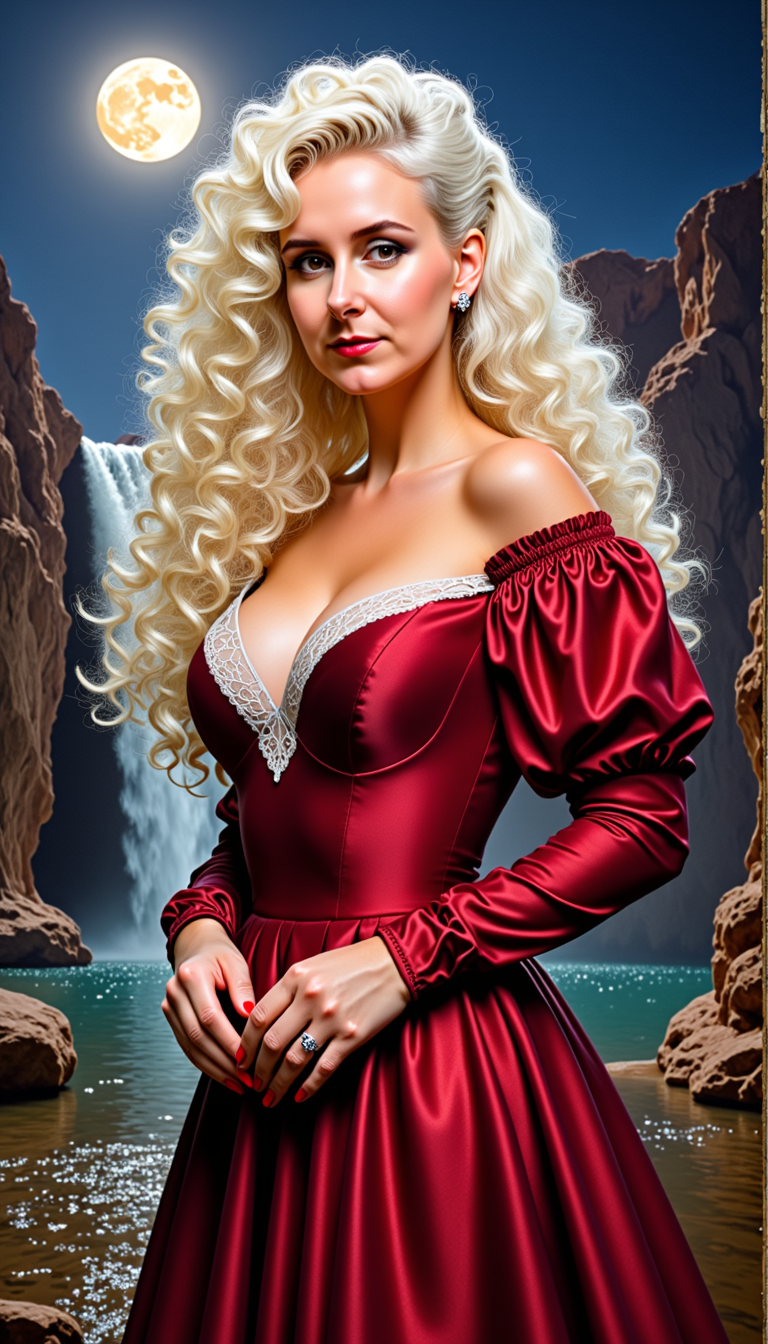
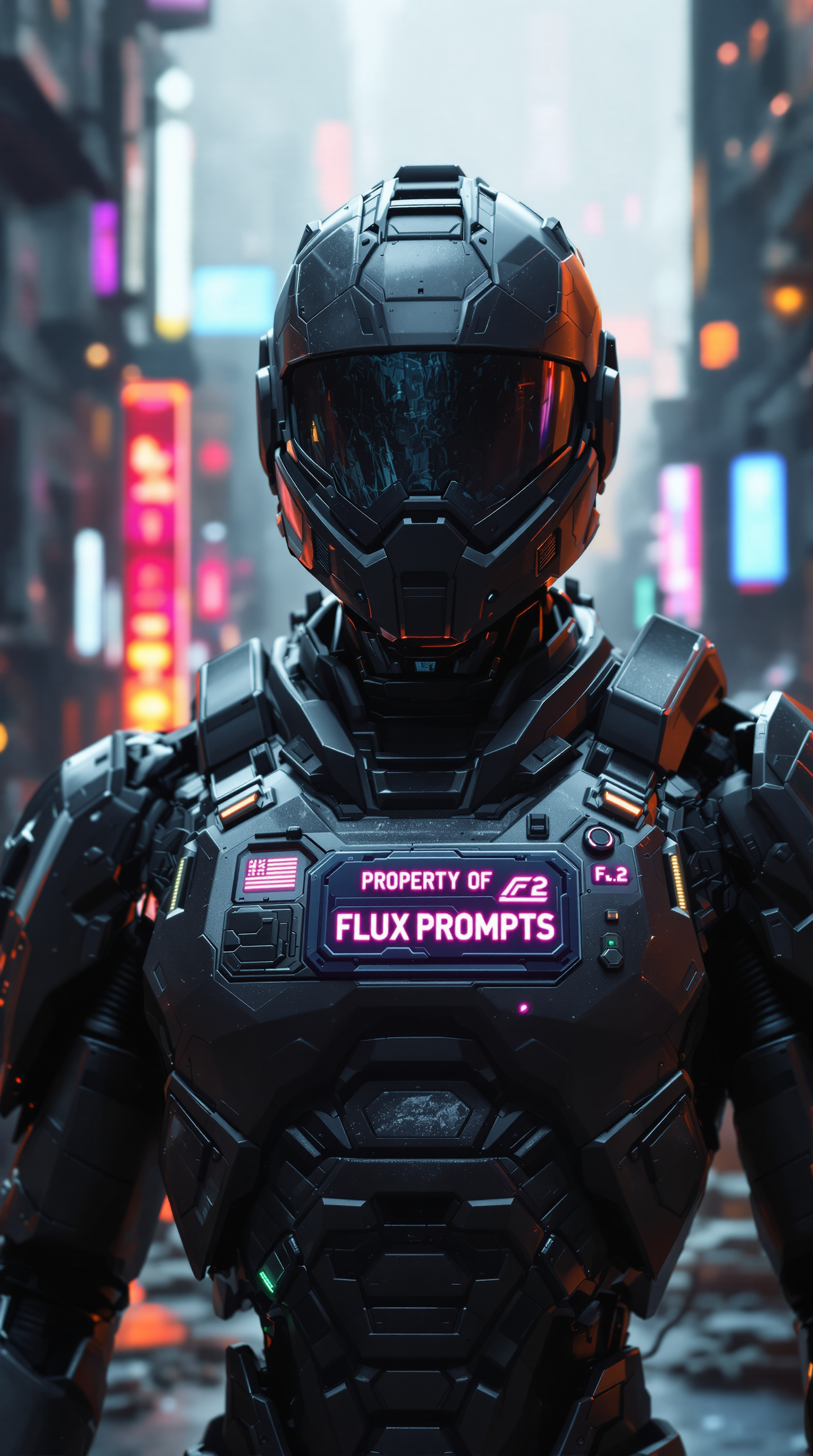
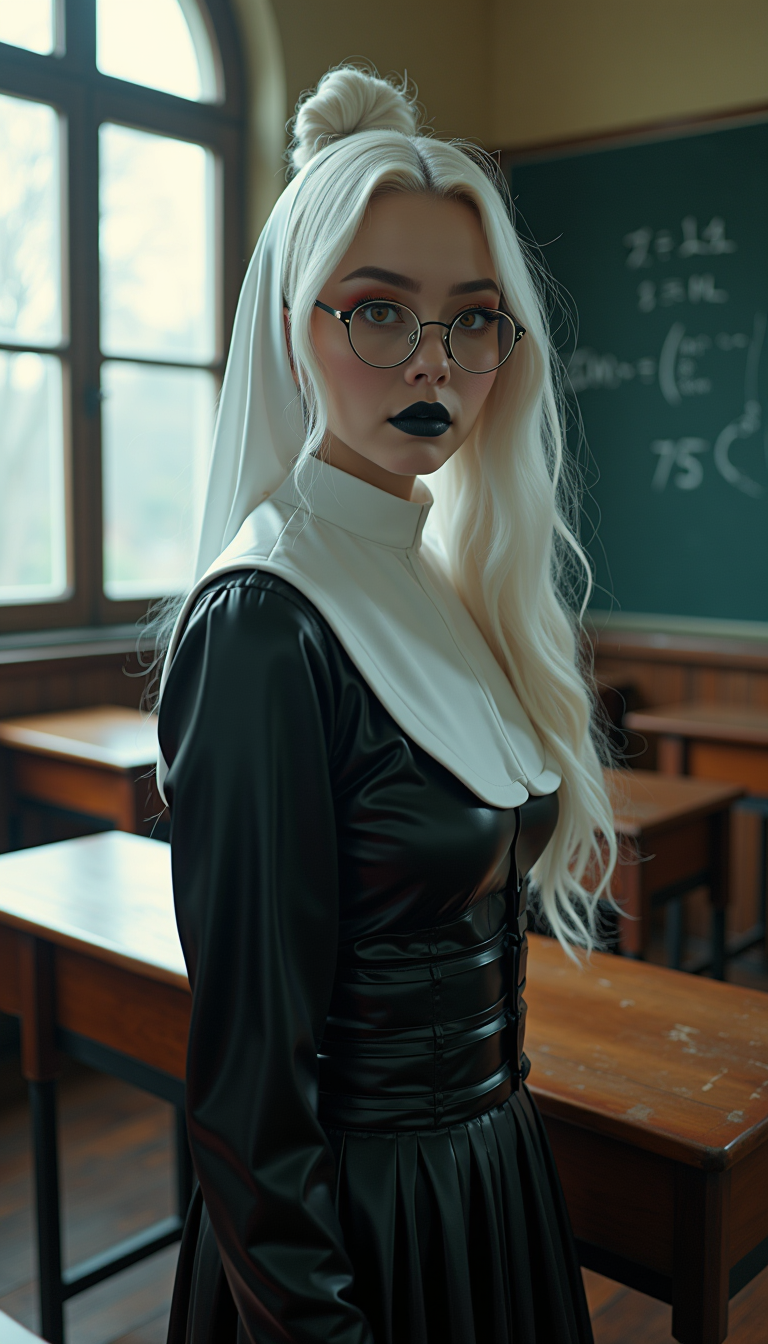
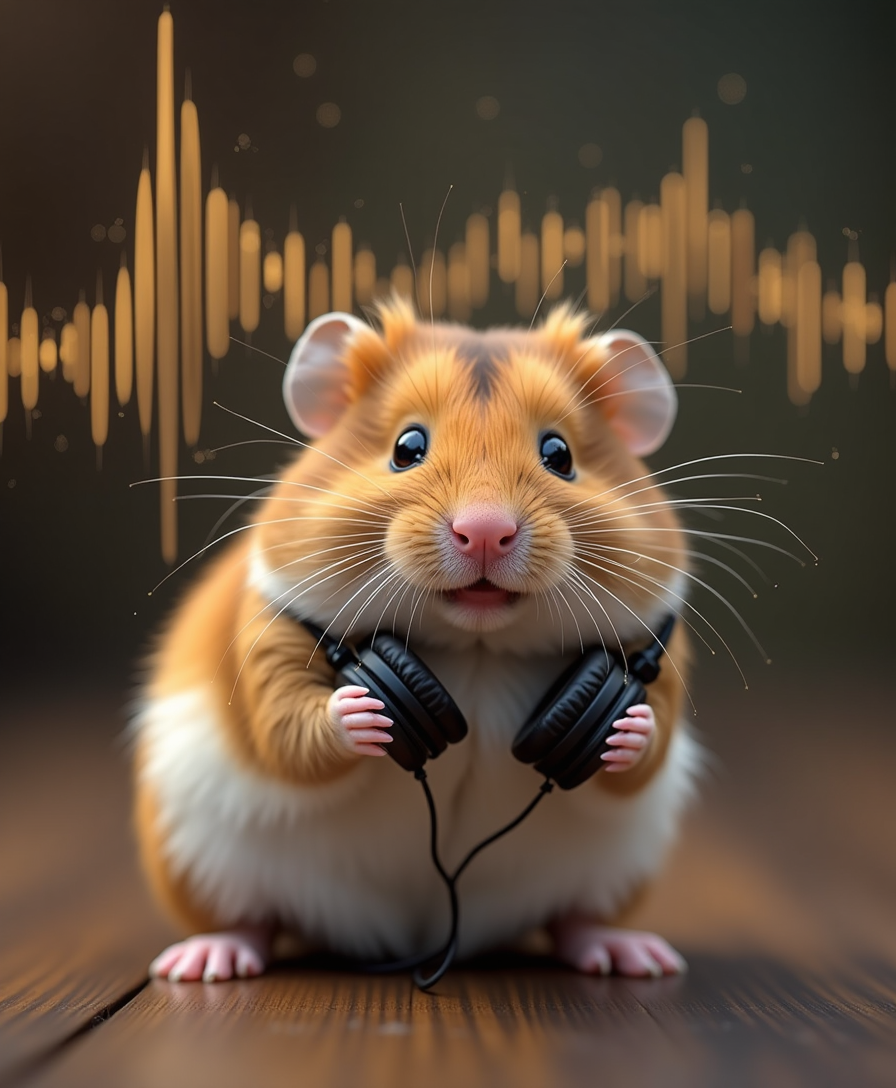
The Pixel Dojo Advantage
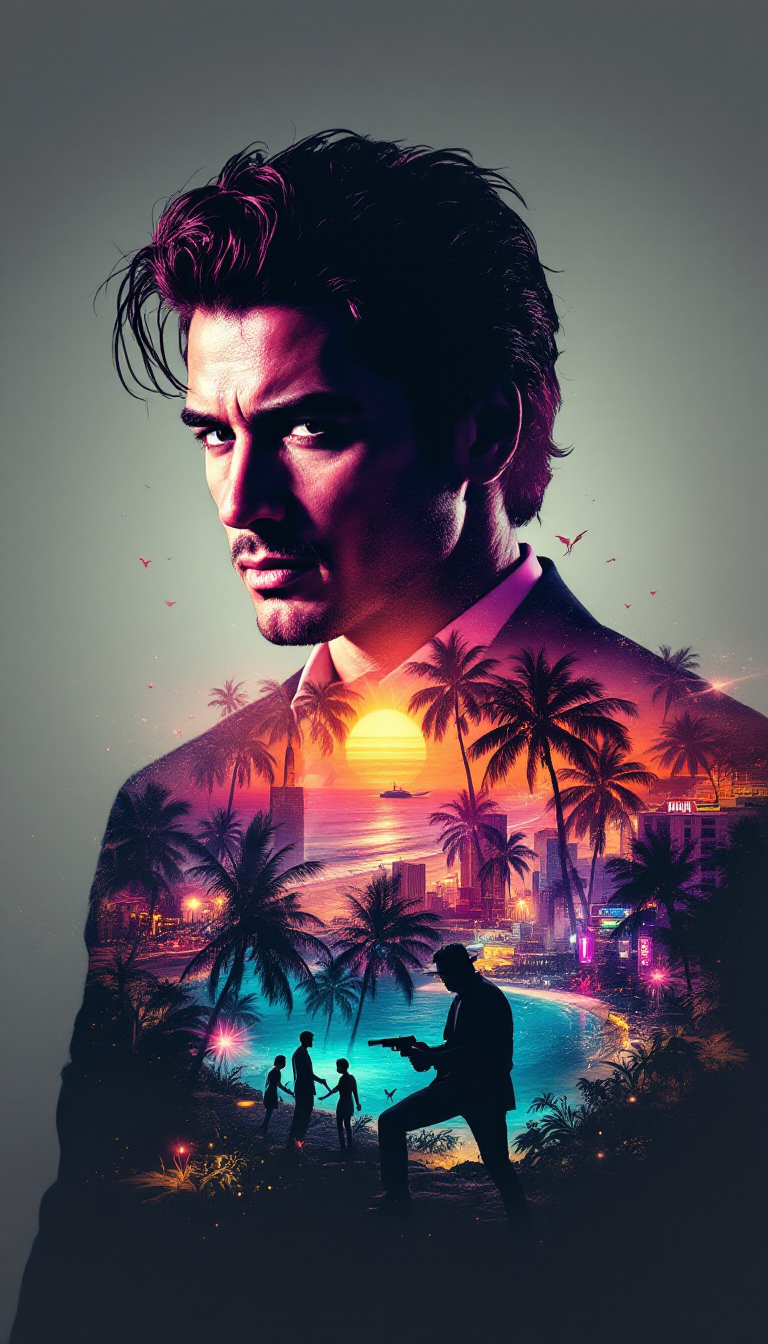
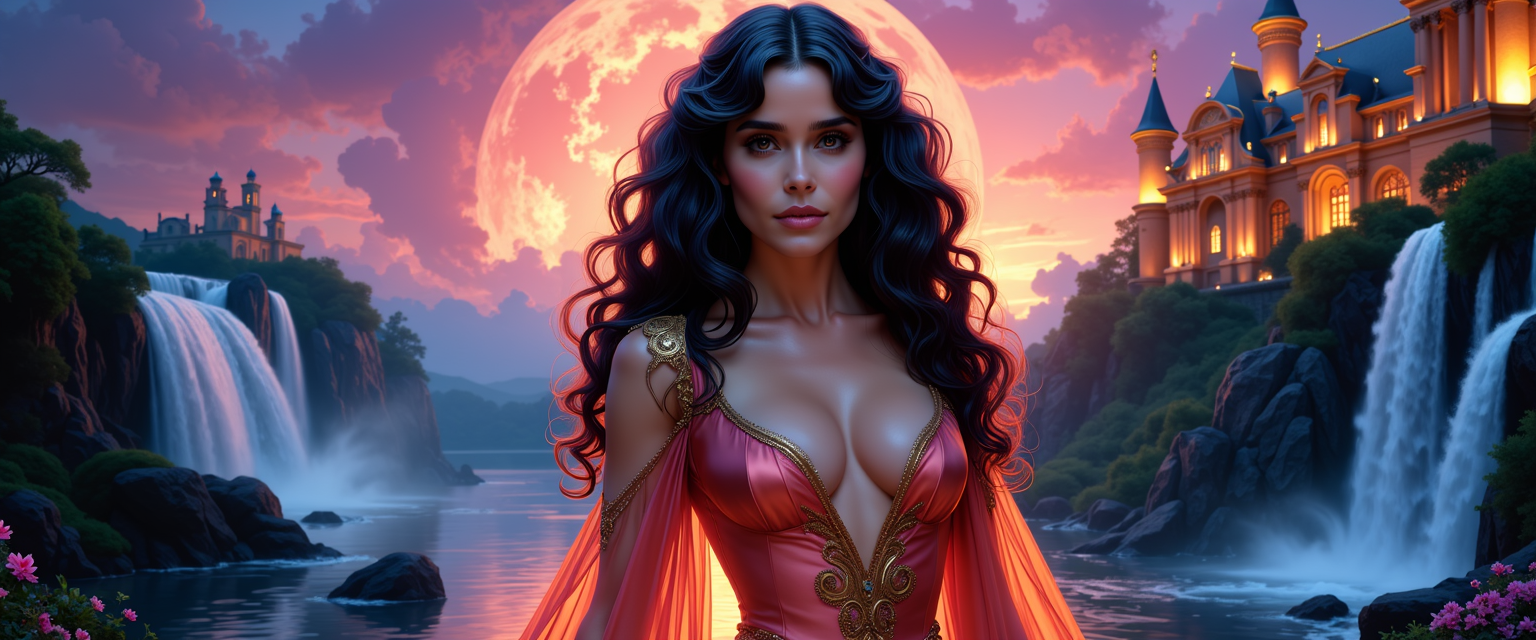
Discover how PixelDojo's AI upscaling surpasses traditional methods in delivering superior image quality:
| Others | Pixel Dojo |
|---|---|
| Traditional Upscaling Techniques | AI upscaling intelligently reconstructs image details, avoiding pixelation and blurriness common in traditional methods. |
| Generic AI Upscaling Tools | PixelDojo offers customizable settings and a user-friendly interface, providing more control and better results than generic tools. |
| Manual Photo Editing | Automated AI upscaling saves time and effort compared to labor-intensive manual editing processes. |
Loved by creators on PixelDojo
Real feedback from people using PixelDojo, pulled from our in-product surveys.
All the tools needed in one dashboard
Very fair and very broad in tools.
Accurate results
Great site and so much fun to use!
very useful set of tools for image creation, upscaling and enhancement
ease of use, variety of tools, high quality trainings, and a well-maintained discord channel
Explore more AI tools on PixelDojo
AI Tools
Compare & Switch
- Best AI Image Generators
- Best AI Video Generators
- Midjourney Alternatives
- Civitai Alternatives
- Runway Alternatives
- Leonardo Alternatives
- Pika Alternatives
- Luma Alternatives
- Magnific Alternatives
- Veo Alternatives
- Flux Alternatives
- Freepik Alternatives
- Seedance Alternatives
- Seedream Alternatives
- Pixverse Alternatives
- GPT Image Alternatives
- Synthesia Alternatives
- Playground Alternatives
- NightCafe Alternatives
- Canva AI Alternatives
- ElevenLabs Alternatives
- ComfyUI Alternatives
- Fal Alternatives
- Replicate Alternatives
Common Questions
Everything you need to know about AI Image Upscaling vs Traditional Upscaling
How does AI image upscaling improve image quality?
AI image upscaling uses advanced algorithms to analyze and enhance image details, resulting in sharper and more detailed images compared to traditional upscaling methods.
Can I upscale images without losing quality?
Yes, PixelDojo's AI upscaling tools are designed to enhance image resolution while preserving original quality, minimizing artifacts and distortion.
Is AI upscaling suitable for all types of images?
AI upscaling is effective for various image types, including photographs, digital art, and graphics, providing enhanced clarity and detail across different formats.
How long does the AI upscaling process take?
The upscaling process is quick, typically taking only a few seconds to a minute, depending on the image size and selected settings.
Do I need technical expertise to use PixelDojo's AI upscaling tools?
No, PixelDojo's tools are user-friendly and designed for creators of all skill levels, requiring no technical expertise to achieve professional results.
Can I try PixelDojo's AI upscaling tools before committing?
Absolutely! PixelDojo offers a trial period, allowing you to explore and experience the benefits of AI upscaling before making a commitment.