ai inpainting AI Generator
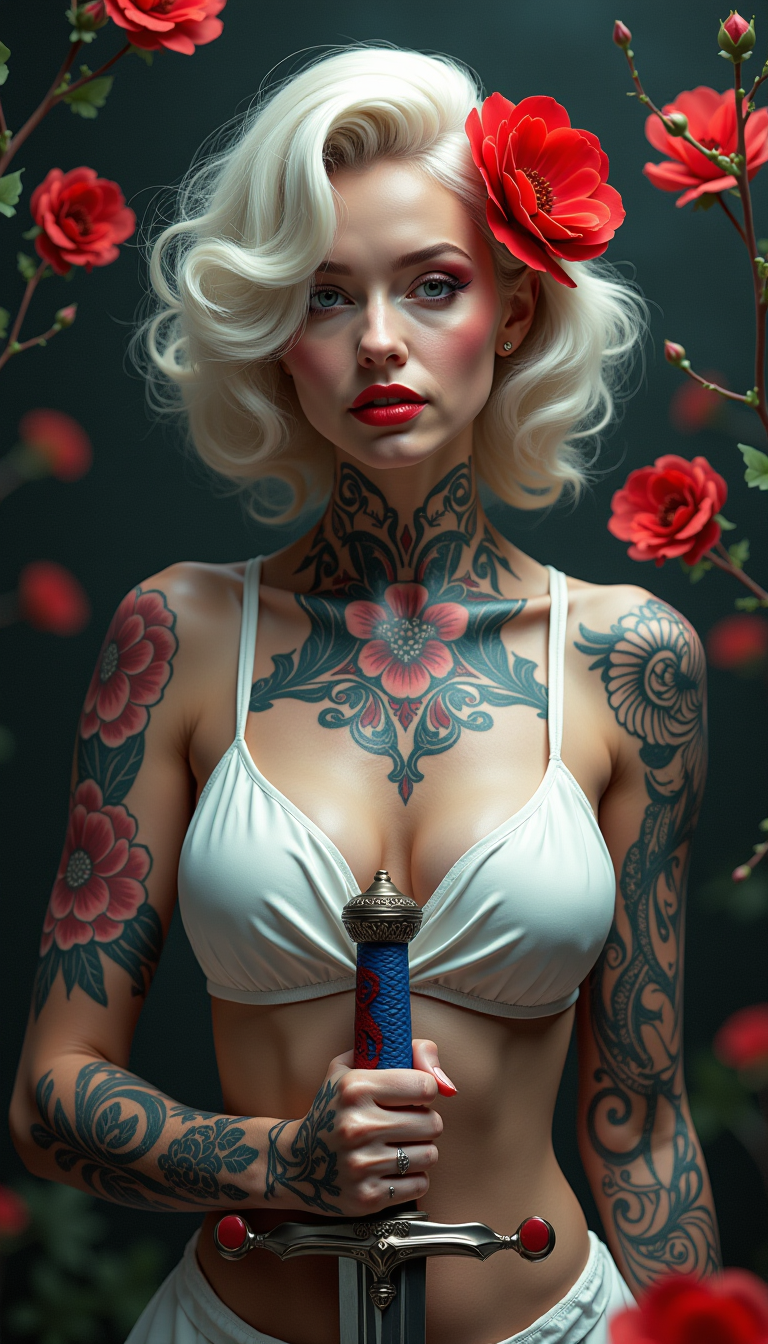
Imagine effortlessly restoring old photographs, removing unwanted objects, or enhancing image details with just a few clicks. With PixelDojo's AI inpainting tools, you can achieve professional-grade image restoration and enhancement without the need for complex software or technical expertise. Our AI-powered solutions empower you to bring your creative visions to life, whether you're a photographer, designer, or hobbyist.

AI Generated
Get Started TodayResults in seconds50+ AI models

Join over 10,000 satisfied users who have transformed their images using PixelDojo's cutting-edge AI tools. Rated 4.8/5 based on 2,000+ reviews.

Why Choose Pixel Dojo for ai inpainting

Professional-quality results with cutting-edge AI technology

Effortless Image Restoration

Revive old or damaged photos by seamlessly filling in missing or deteriorated areas, preserving cherished memories.

Remove Unwanted Elements

Easily eliminate unwanted objects or imperfections from your images, enhancing their overall composition and appeal.

Enhance Image Details

Refine and improve specific areas of your images, such as facial features or backgrounds, to achieve a polished and professional look.

How It Works

Transforming your images with PixelDojo's inpainting tools is a straightforward process. Follow these simple steps to achieve stunning results:

1

Step 1: Select Your Image

Upload the photo you wish to edit to PixelDojo's platform.

2

Step 2: Mask the Area

Use the intuitive brush tool to highlight the area you want to modify or remove.

3

Step 3: Apply AI Inpainting

Let PixelDojo's AI seamlessly fill in the masked area based on the surrounding content, delivering a natural and cohesive result.
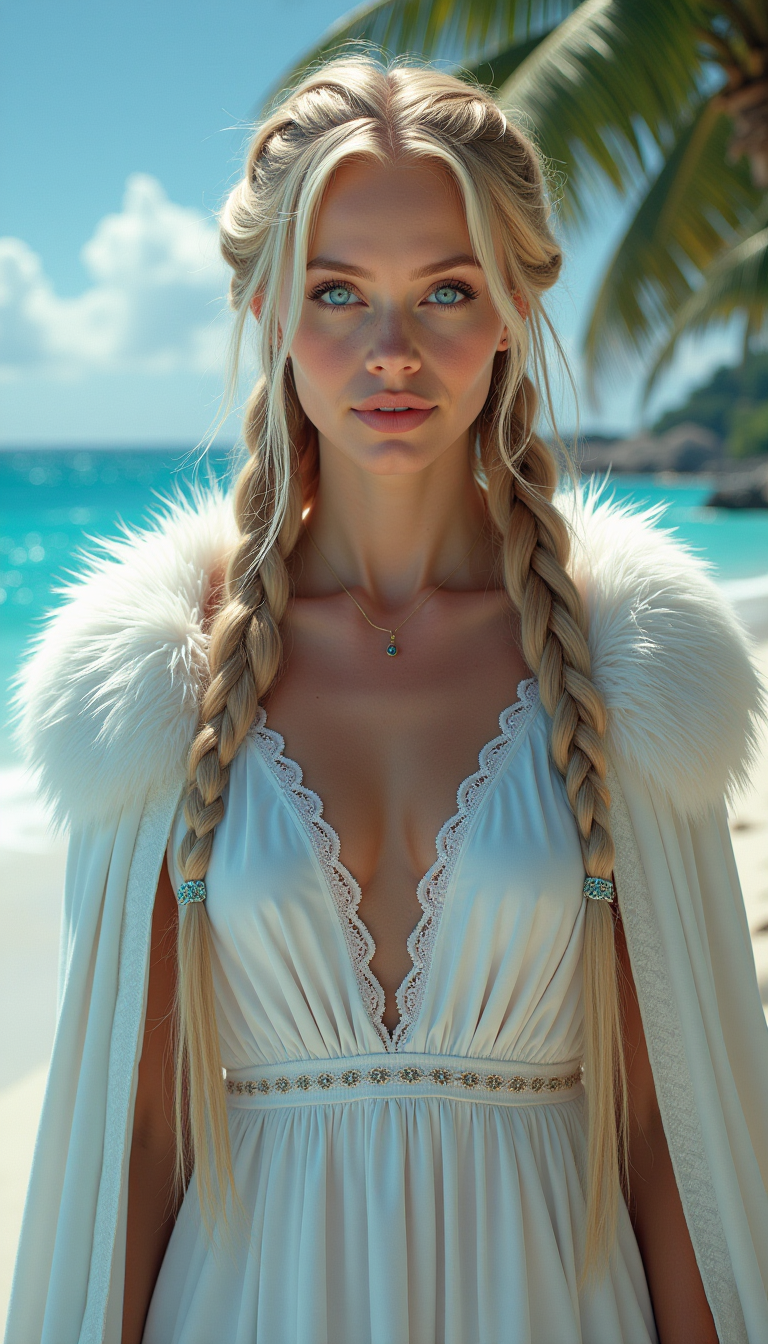
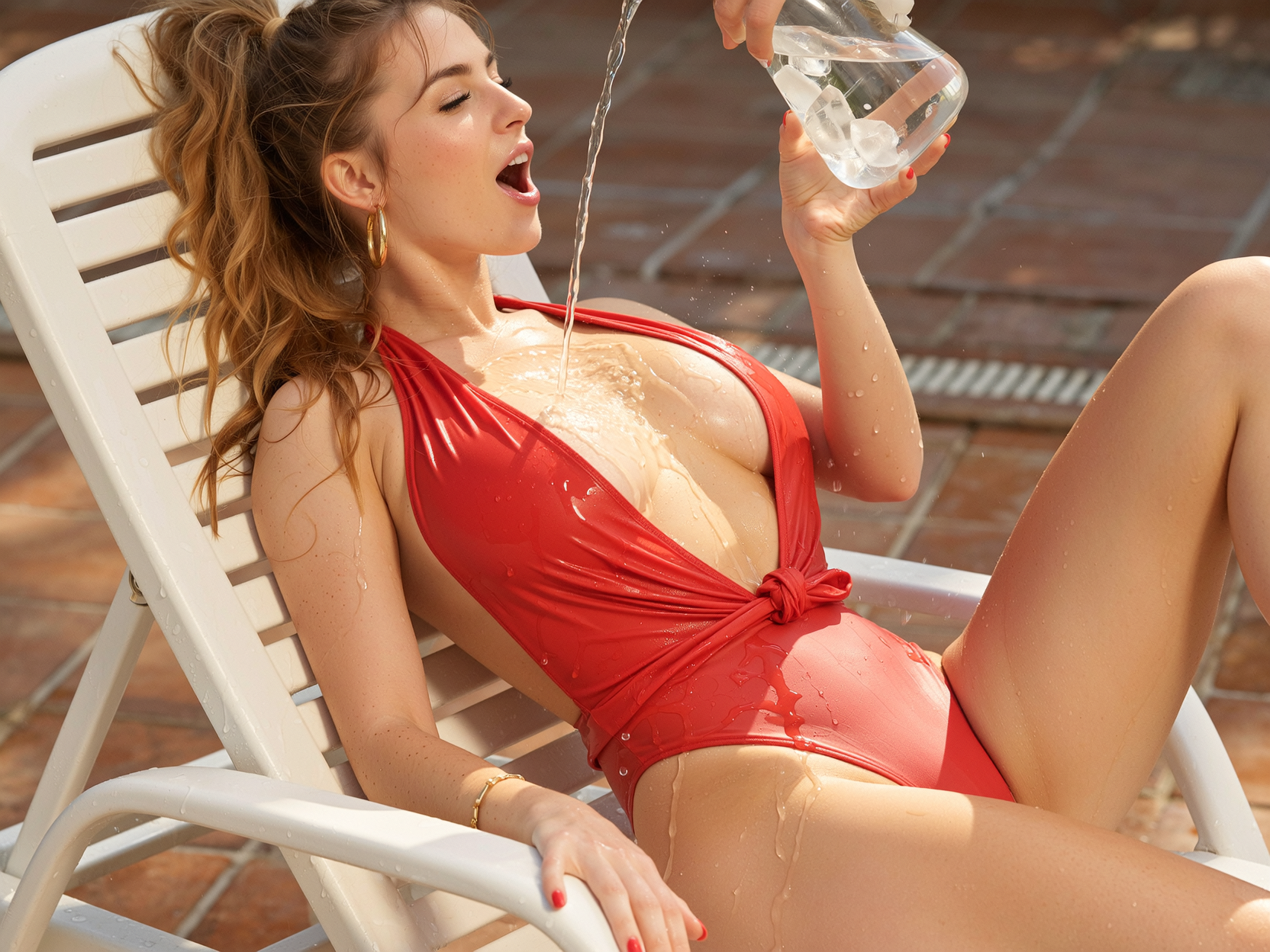
Community ai inpainting Gallery

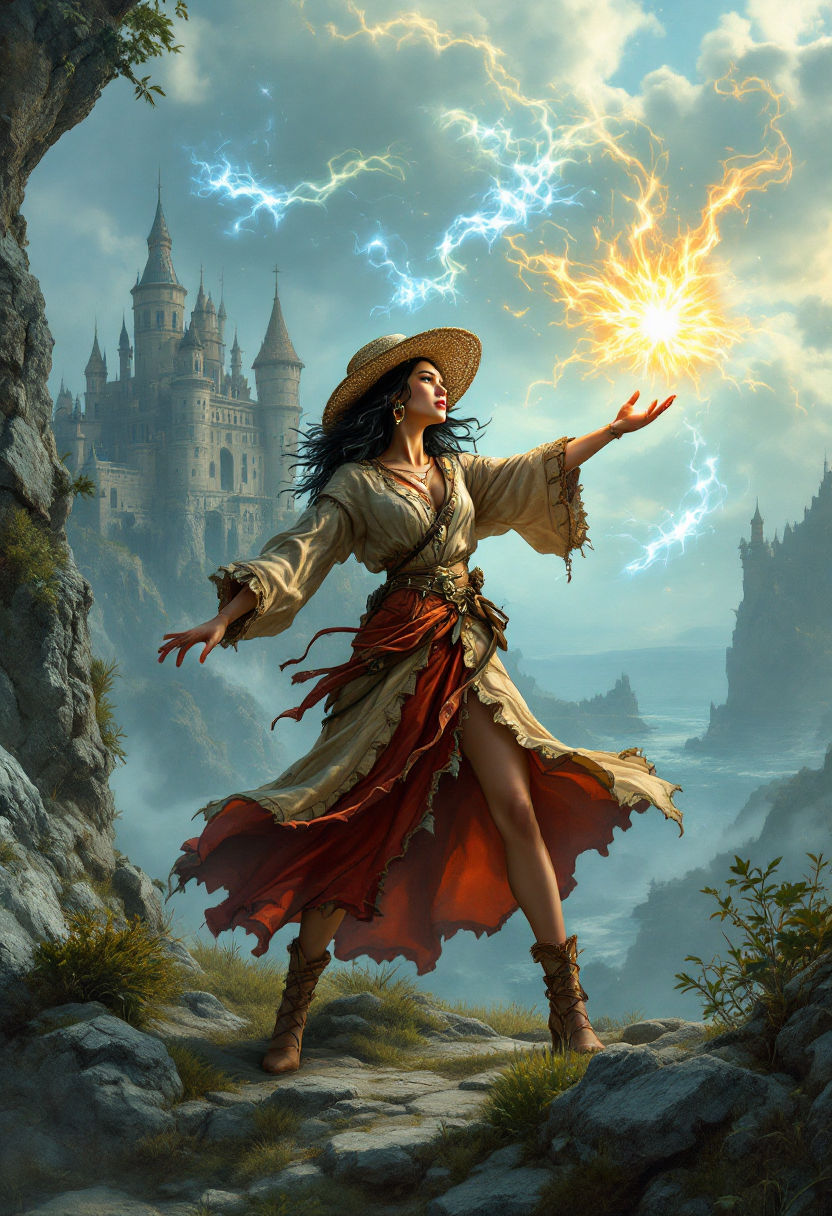
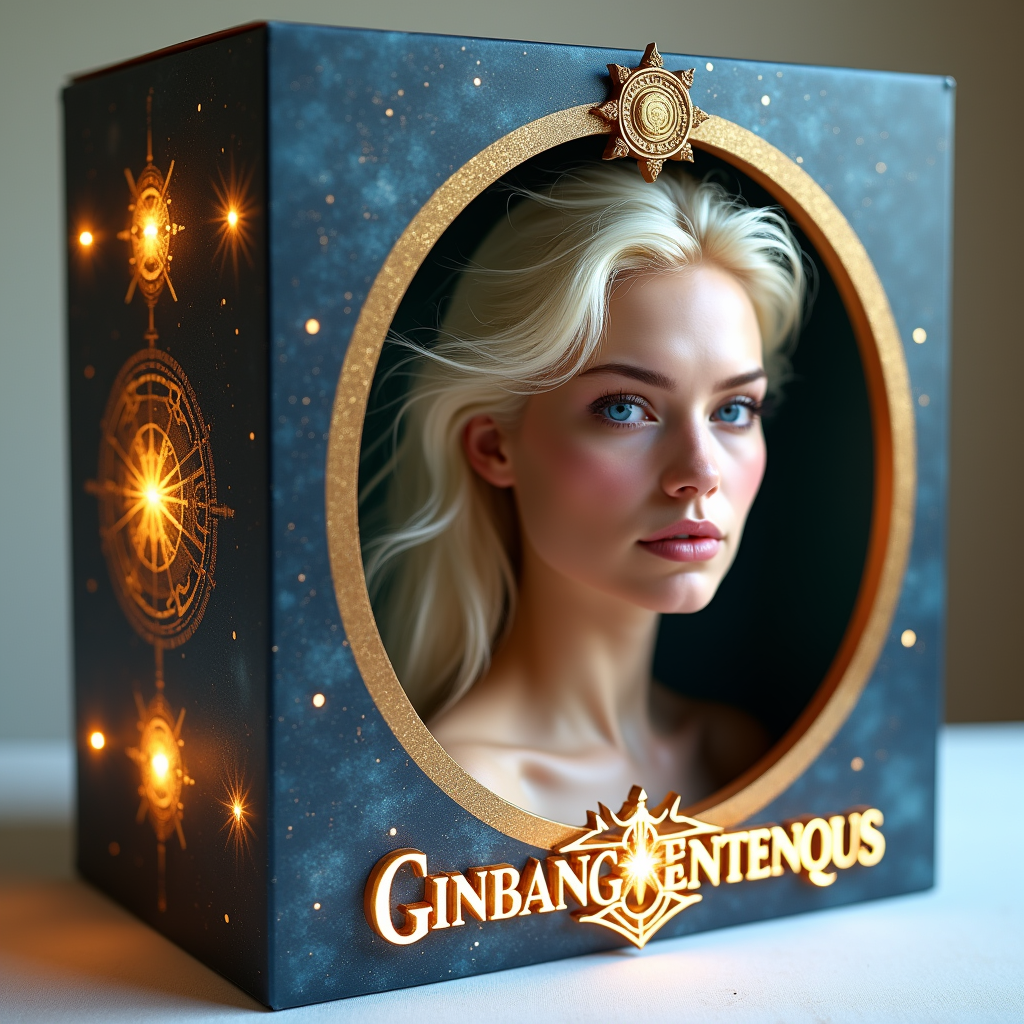
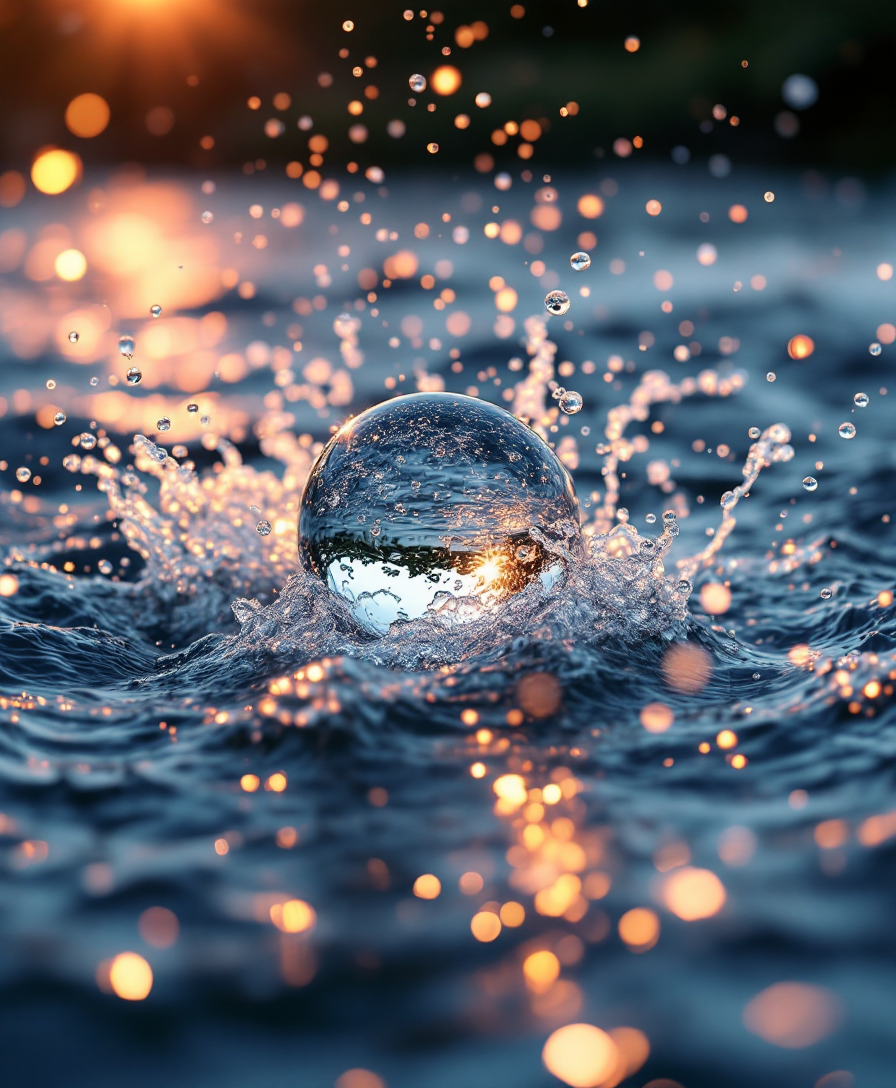
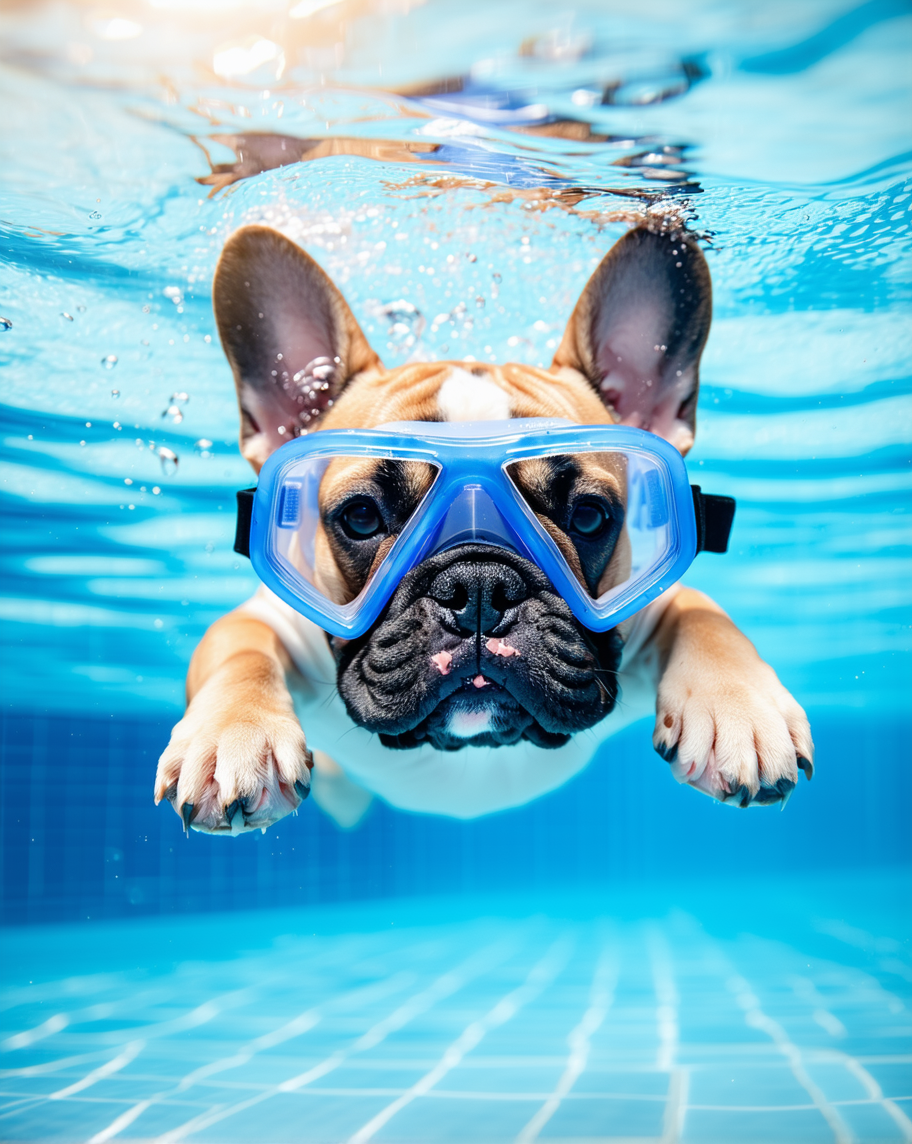
Real examples created by our community

a photo of a ninja in front of a japanese dojo. on the wall a sign reads PixelDojo.ai Now with Imagen 4
a photo of a man flying through the air on a drone. the clouds say "PixelDojo.ai Now With Imagen 4"
a photo of a ninja turtle in front of a japanese dojo. on the wall a sign reads PixelDojo.ai Now with Imagen 4
A petite blonde woman in her late teens, hovering gracefully in mid-flight above the iconic skyline of Chicago during golden hour. She wears a striking, shiny blue latex uniform with long sleeves and a pleated micro mini skirt that catches the light with a glossy, reflective sheen. A bold, elongated white star emblem adorns her chest, standing out as a symbol of heroism. A shiny white latex cape billows dramatically behind her, rippling in the wind with a smooth, liquid-like texture. Her shiny blue latex high-heel boots gleam with a polished finish, emphasizing her dynamic pose. The camera angle is slightly low, looking up at her to accentuate her powerful, commanding presence against the backdrop of towering skyscrapers and the shimmering Lake Michigan in the distance. The scene is bathed in warm, golden sunlight with soft lens flares, creating a cinematic and heroic atmosphere. The style is hyper-realistic digital art with a focus on detailed textures, vibrant colors, and dramatic lighting, inspired by modern comic book illustrations. The composition centers her as the focal point, with the sprawling urban landscape below adding depth and scale, while faint clouds and a clear sky enhance the sense of altitude and freedom.
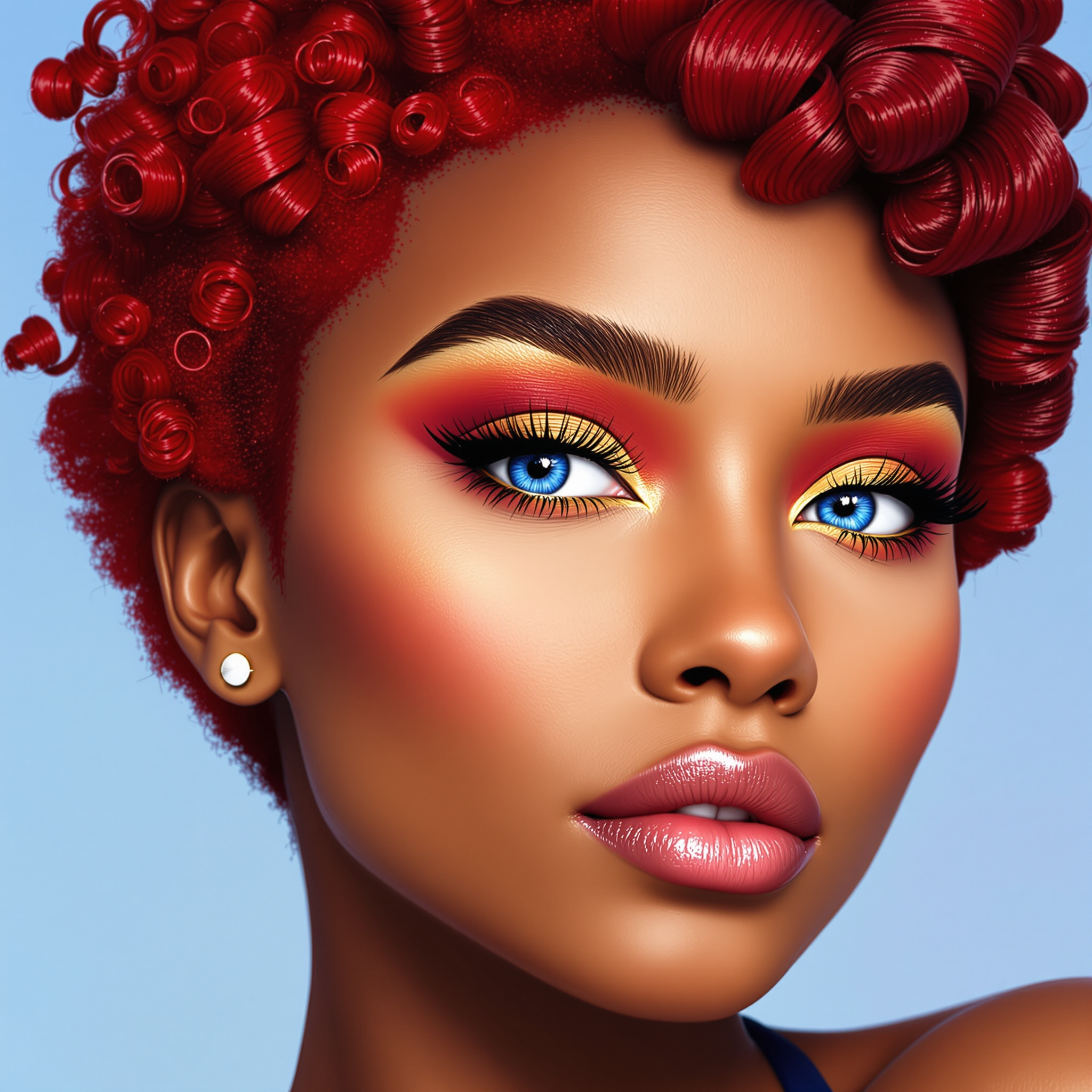
masterpiece, best quality, highres, sharp image, more detail <lora:more_details:0.5> <lora:SDXLrender_v2.0:1>, masterpiece, best quality, highres, sharp image, more detail, A hyper-realistic digital artwork of a female figure in a close-up profile view, crafted with a blend of digital painting and stylized illustration. The composition focuses tightly on the subject’s face and hair, framed to emphasize intricate details and textures. The art style is vibrant and modern, with smooth color blending characteristic of high-end digital painting software, showcasing a polished, brushstroke-free finish. The color palette is bold and saturated, dominated by deep purples, blues, and pinks, with striking accents of luminous yellow, fiery orange, and vivid red, infusing the piece with energy and motion. Dramatic lighting enhances the depth and dimension, featuring intense highlights that illuminate the subject’s features against deep, velvety shadows, creating a cinematic effect. The subject’s hair is rendered with extraordinary realism, each strand meticulously detailed with subtle highlights and a silky texture. Surrounding the figure, the background is an ethereal cosmic expanse, filled with tiny, glittering particles resembling stars or distant galaxies, evoking a dreamlike, otherworldly atmosphere. The mood is surreal yet grounded, balancing realism with a sense of wonder, set against a backdrop of infinite space. The overall ambiance is enchanting and dynamic, captured as if under a twilight sky, with a focus on high contrast and luminous glow, inviting viewers into a mesmerizing, fantastical world.
This image is a realistic photo (photograph) of a digital artwork that features a central figure that appears to be a fiery demon or creature. The art style is highly detailed and realistic, with a focus on textures and lighting that give the image a threedimensional quality.The medium used to create this image is digital painting, as evidenced by the smooth gradients and seamless blending of colors. The artist has employed a variety of brush strokes and layering techniques to achieve the intricate details and shading.The colors in the image are primarily warm and fiery tones, with oranges, yellows, and reds dominating the palette. These colors are complemented by cooler blues and purples in the creatures armor and the background, which create a sense of depth and contrast. The use of highlights and shadows adds to the realism, with the creatures face and hands glowing intensely, and the rest of its body casting a fiery glow.The objects in the image include the central fiery creature, which is wearing intricate armor that resembles lava or molten rock. The armor is textured and rugged, with protrusions and spikes that give it a menacing appearance. The creatures face is obscured by a skulllike mask with glowing eyes and sharp horns that curve backward. Its hands are raised, with fingers spread wide, and it appears to be channeling or controlling the flames that surround it.In the background, there is a chaotic scene filled with flying embers, sparks, and shattered rock formations. The background is dark and ominous, with a sense of depth created by the layering of the rocks and the swirling patterns of fire. The overall effect is one of power and ferocity, as the creature seems to be the embodiment of destruction and chaos.
This image features a cartoon depiction of a duck, specifically resembling Donald Duck from Disney, standing in a forest setting. The duck is wearing a red hoodie and brown pants, holding a glass of orange juice. There is a spilled orange juice stain on the ground, suggesting the duck may have knocked over the glass. The background shows a snowy landscape with trees, indicating a cold environment.The art style is cartoonish with a bold, clean line that gives the image a playful and humorous feel. The colors are bright and vivid, with the red of the hoodie standing out against the white of the ducks belly and the snowy background. The orange of the juice adds a pop of color to the scene.The text in the image reads, "Im retired. I was tired yesterday, and I am tired again today. RE-TIRED." This text plays on the word retired to suggest a humorous sense of being tired to the point of retirement, which is emphasized by the repetition of the word and the pun RETIRED.Overall, the image is a playful take on the concept of being tired, using the familiar character of Donald Duck and a pun to create a lighthearted and amusing visual joke.
In a modern kitchen with a stand mixer now covered in batter, a wide shot of Pamela, with dark hair and green eyes, wearing a messy black kitchen apron over a sexy short skirt, sad as she stands amid scattered ingredients on the floor, highlighting the disarray.

Start Creating AI Inpainting Images Today

40+ cutting edge AI tools, loved by thousands of creators worldwide, cancel anytime, try it today

The Pixel Dojo Advantage

Why PixelDojo outperforms other options for AI inpainting image generation

OthersPixel Dojo
Traditional Photo Editing SoftwareNo need for complex manual editing skills; our AI handles the heavy lifting for you.
Generic AI ToolsSpecialized inpainting algorithms ensure more accurate and natural results tailored to your specific needs.
Manual Retouching ServicesAchieve professional-quality edits instantly without the wait or high costs associated with manual services.

Loved by Creators

See what our community says about ai inpainting

"PixelDojo's inpainting tools have revolutionized my photo editing process. I can now remove unwanted objects and restore old photos with ease."

Jane Doe

Professional Photographer

"As a graphic designer, PixelDojo has become an indispensable part of my workflow. The AI inpainting feature saves me hours of manual editing."

John Smith

Graphic Designer

Common Questions

Everything you need to know about ai inpainting AI generation

How does PixelDojo's AI inpainting work?

Our AI analyzes the surrounding areas of the masked region and intelligently fills it in to create a seamless and natural-looking result.

Can I use PixelDojo to restore old or damaged photos?

Absolutely! Our inpainting tools are perfect for repairing scratches, tears, and other imperfections in old photographs.

Is PixelDojo suitable for beginners?

Yes, our platform is designed with user-friendliness in mind, making it accessible for users of all skill levels.

What file formats does PixelDojo support?

We support a wide range of image formats, including JPEG, PNG, and TIFF.

Is there a limit to the number of images I can edit?

With our subscription plans, you can edit an unlimited number of images. Cancel anytime if you're not satisfied.

How long does it take to process an image?

Processing times are typically under a minute, depending on the complexity of the edit.

Ready to create amazing AI inpainting images?

Ready to Create Amazing ai inpainting Images?

Join thousands of creators using AI to bring their ideas to life