Language Flashcard Images
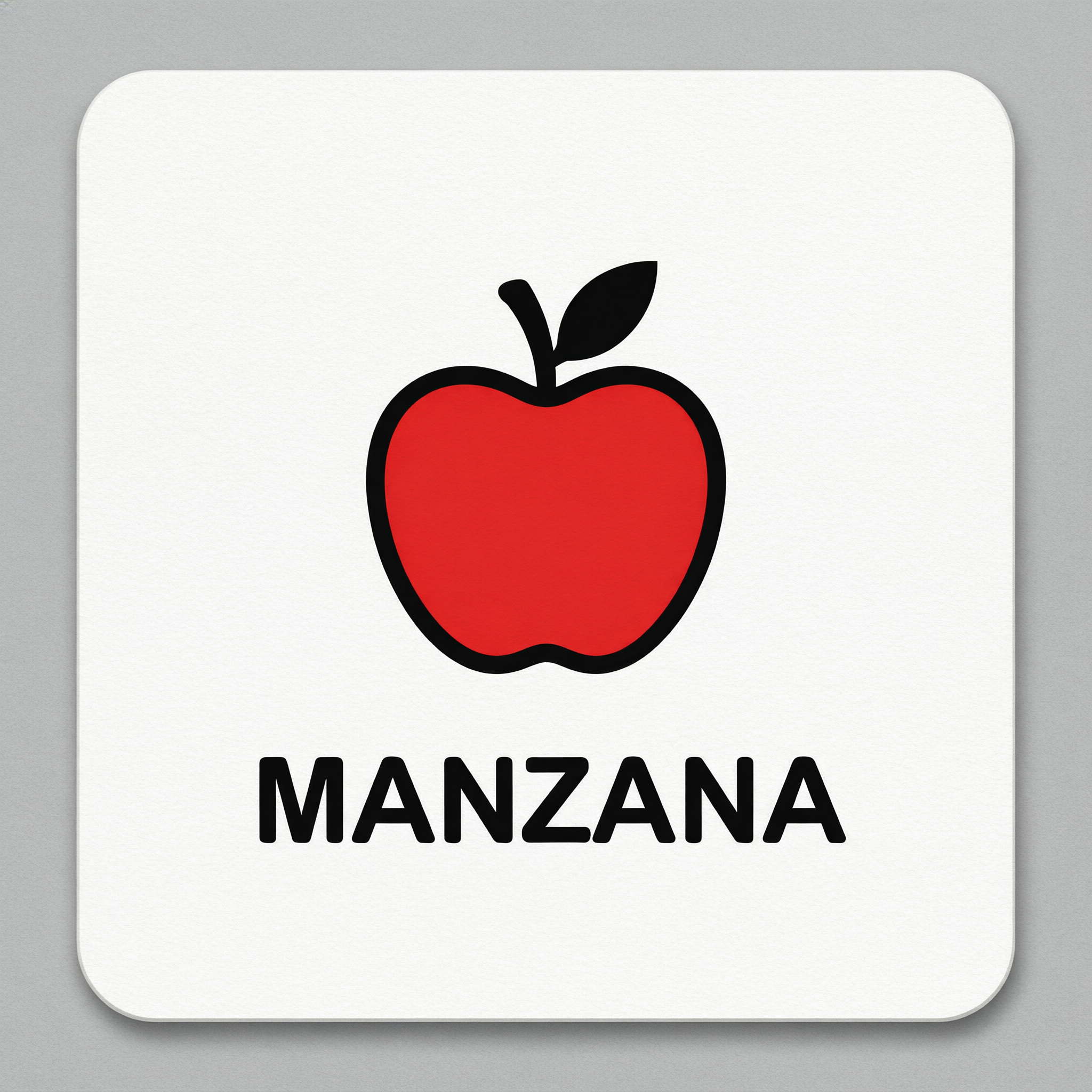
Generated on PixelDojo with QWEN Image 2.0 Pro. Produced by PixelDojo's generation pipeline.
You can make a language learning flashcard with one image prompt: name the icon, then put the vocabulary word in single quotes so the model treats it as text to render rather than a caption to interpret. We ran this on August 26, 2026 with QWEN Image 2.0 Pro, 2 credits, about 39 seconds, asking for a flat red apple icon with the Spanish word MANZANA underneath it. The word came back spelled correctly on the first attempt, on a plain white card with no stray marks anywhere in the frame. This page walks through the prompt pattern and what a full deck costs.
The 2 credit flashcard, word spelled correctly on the first try
Every example below was produced on PixelDojo. Hover to see the prompt.
A language learning flashcard design, a simple flat-color icon of an apple, with the word 'MANZANA' printed in bold black sans-serif letters at the bottom, white background, minimal, high contrast, vector illustration style, no other text
QWEN Image 2.0 Pro
One icon, one word, one card, August 26, 2026: QWEN Image 2.0 Pro, 2 credits, about 39 seconds, MANZANA spelled correctly on the first try.
Why Choose Pixel Dojo for Language Flashcard Images
Professional-quality results with cutting-edge AI technology
One quoted word per card
Putting the vocabulary word in single quotes inside the prompt, separate from the icon description, is what kept it from turning into decorative squiggles.
2 credits, about 39 seconds
Timed from request to finished file on August 26, 2026, no retries needed to get a correct spelling.
The same pattern works for any language pair
Swap the icon and the quoted word for whatever you are studying. The prompt structure, icon first, quoted word second, does not change.
How It Works
How we built the first card, so you can build a full deck:
Separate the icon from the word
Our prompt described a simple flat-color icon first, then gave the vocabulary word in single quotes as its own instruction. Quoting the exact word is what keeps a text-capable model from turning it into decorative squiggles instead of real letters.
Generate on a model that sets a clean single line
We ran the prompt on QWEN Image 2.0 Pro for 2 credits. It returned MANZANA in bold black sans-serif under a red apple icon, correctly spelled, in about 39 seconds, with no other marks in the frame.
Repeat per word and assemble the deck
Each card is a separate 2 credit run with a new icon and a new quoted word. A 20 word starter deck comes to 40 credits, and every card can be generated from the tool page or over the API.
Loved by creators on PixelDojo
Real feedback from people using PixelDojo, pulled from our in-product surveys.
very easy to use and good support
Very easy to use
super easy to use
it's very easy to use
Practically every Ai suite in one place? Who wouldn't?
versatile menu of tools
Explore more AI tools on PixelDojo
AI Tools
Compare & Switch
- Best AI Image Generators
- Best AI Video Generators
- Midjourney Alternatives
- Civitai Alternatives
- Runway Alternatives
- Leonardo Alternatives
- Pika Alternatives
- Luma Alternatives
- Magnific Alternatives
- Veo Alternatives
- Flux Alternatives
- Freepik Alternatives
- Seedance Alternatives
- Seedream Alternatives
- Pixverse Alternatives
- GPT Image Alternatives
- Synthesia Alternatives
- Playground Alternatives
- NightCafe Alternatives
- Canva AI Alternatives
- ElevenLabs Alternatives
- ComfyUI Alternatives
- Fal Alternatives
- Replicate Alternatives
Common Questions
Everything you need to know about Language Flashcard Images
What does an AI language flashcard cost?
2 credits per card on QWEN Image 2.0 Pro, the model we used. A 20 card starter deck comes to 40 credits.
How do I get the word spelled correctly?
Put it in single quotes inside the prompt, as its own instruction separate from the icon description. Our card read MANZANA correctly on the first attempt with this pattern.
How fast is it?
About 39 seconds in our August 26, 2026 run, measured from submission to the finished file.
Which model should I use for flashcards?
One that renders a single clean line of text reliably. QWEN Image 2.0 Pro did that for us at 2 credits. A cheaper model can work too, but check the spelling at full size before committing to a full deck.
Can I make flashcards for a language with a different alphabet or script?
You can try, but we only tested Latin script here. Check the rendered word at full resolution before printing or publishing a deck in a script we have not verified.
Can I generate a whole deck through the API?
Yes. POST to /api/v1/models/qwen-image-2.0-pro/run with a new icon and quoted word on each call, using the same API key for every request.