ai make image
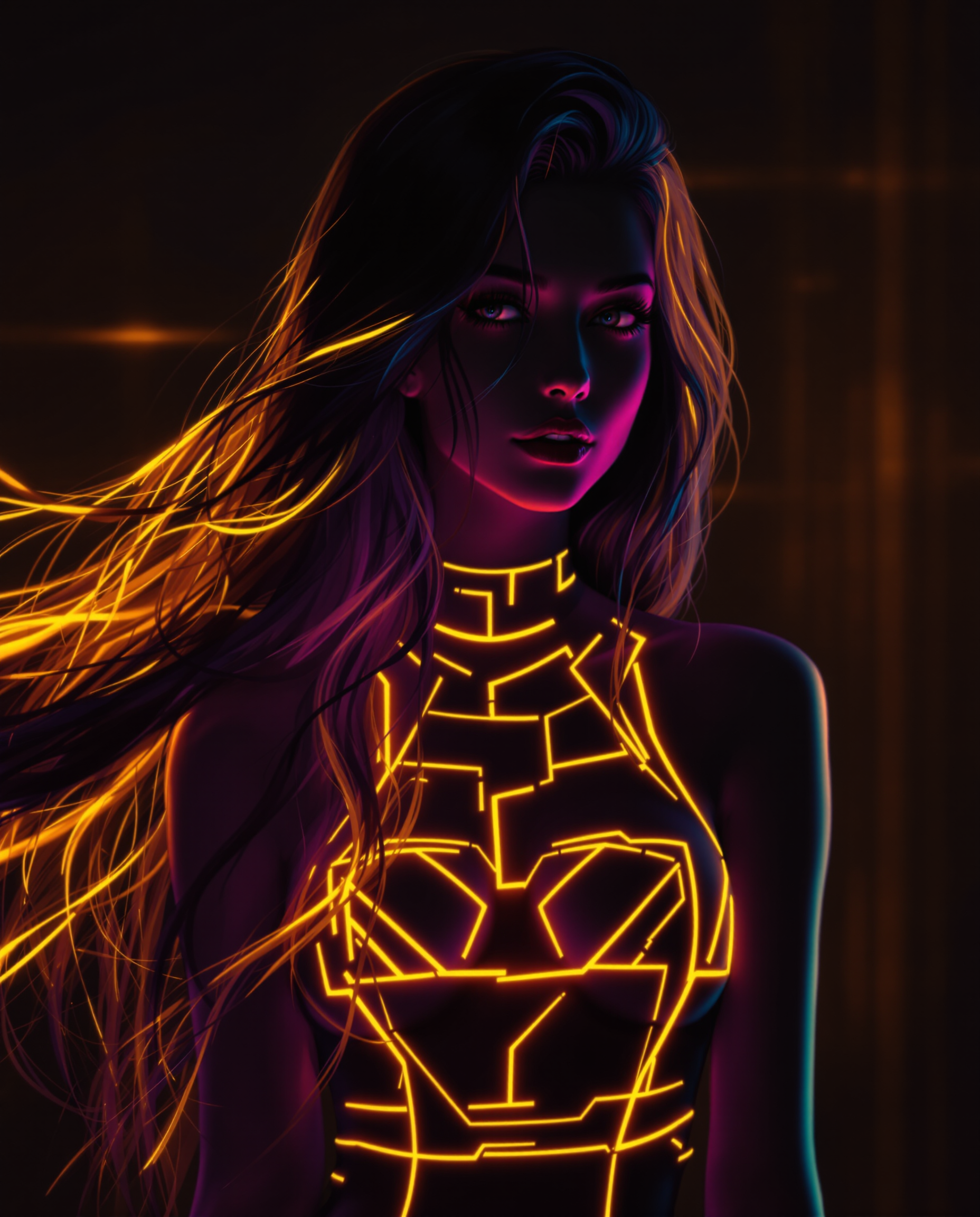
Imagine bringing your most vivid ideas to life as stunning visuals without any prior design experience. With PixelDojo's AI image generation tools, you can effortlessly transform text descriptions into captivating images, perfect for art projects, marketing materials, or personal enjoyment. Our suite of AI-powered tools empowers you to create professional-quality visuals in minutes, unlocking a new realm of creative possibilities.
Join over 10,000 creators who have generated more than 1 million images using PixelDojo's AI tools. Rated 4.8/5 by our satisfied users.
Why Choose Pixel Dojo for ai make image
Professional-quality results with cutting-edge AI technology
Effortless Creativity
Generate high-quality images from simple text prompts, eliminating the need for complex design skills.
Time-Saving Solutions
Quickly produce visuals for marketing, social media, or personal projects, reducing the time spent on manual design.
Unlimited Possibilities
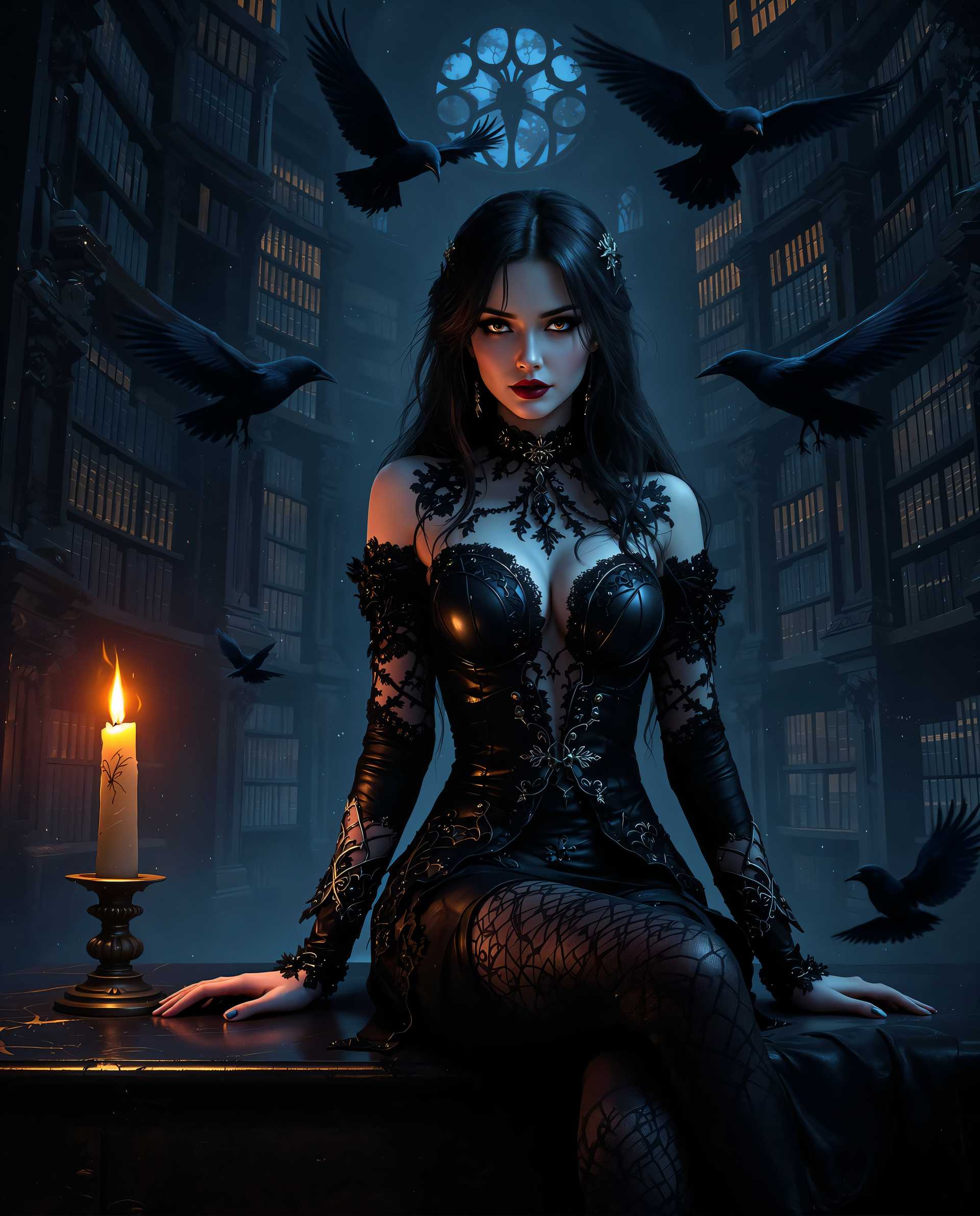
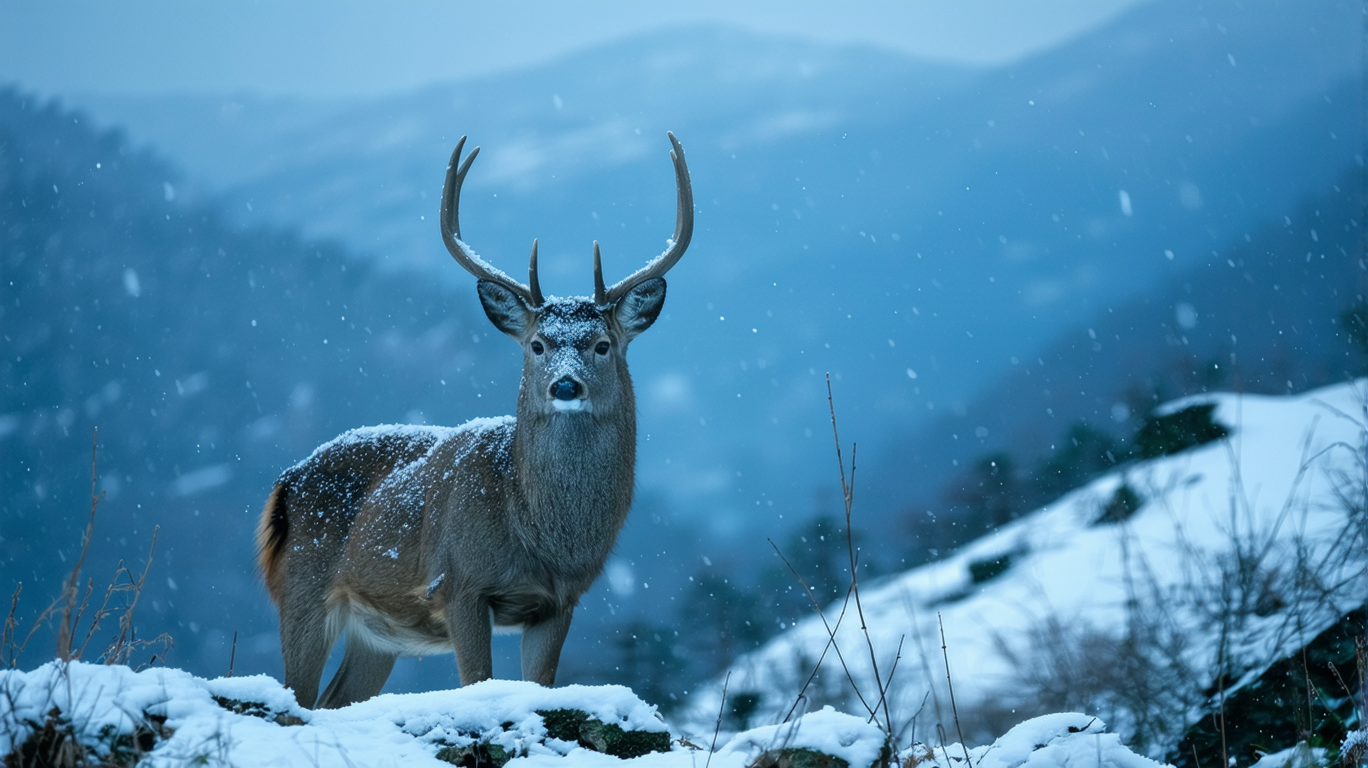
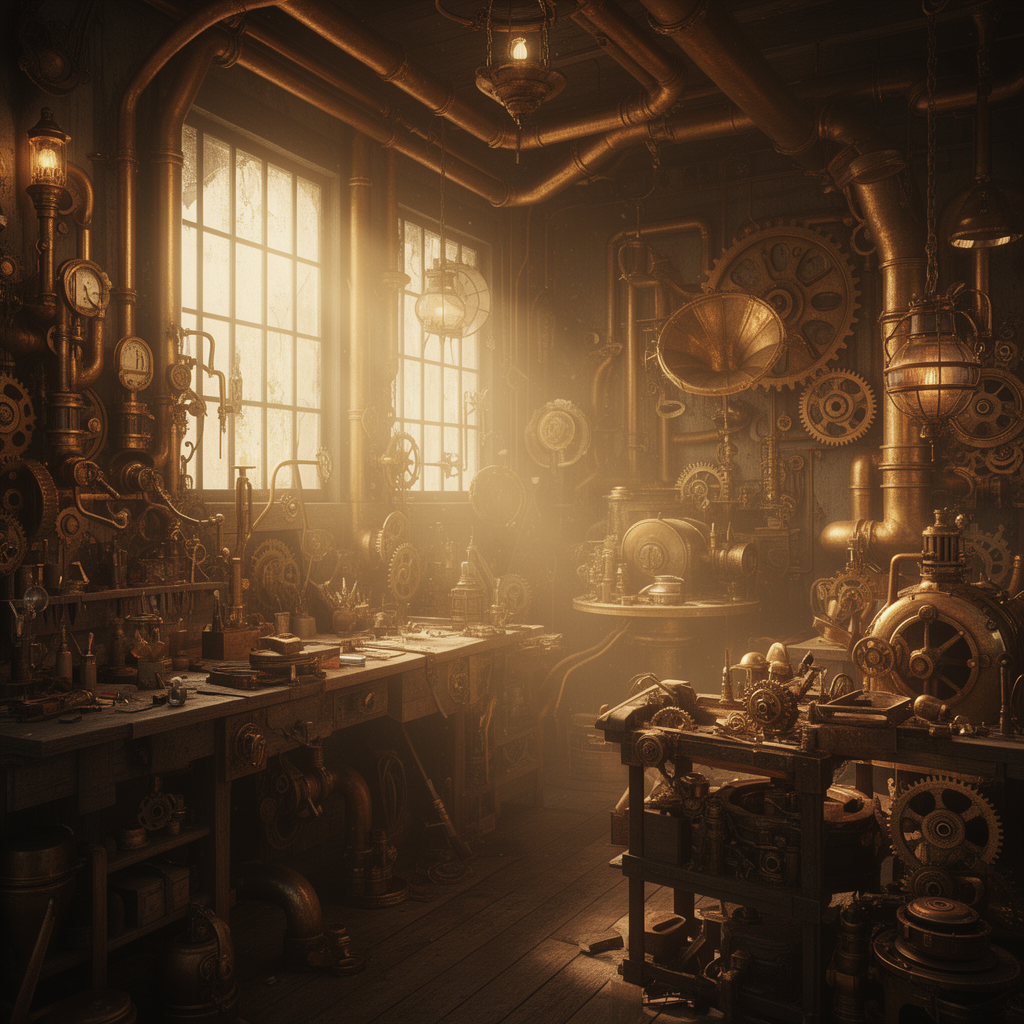
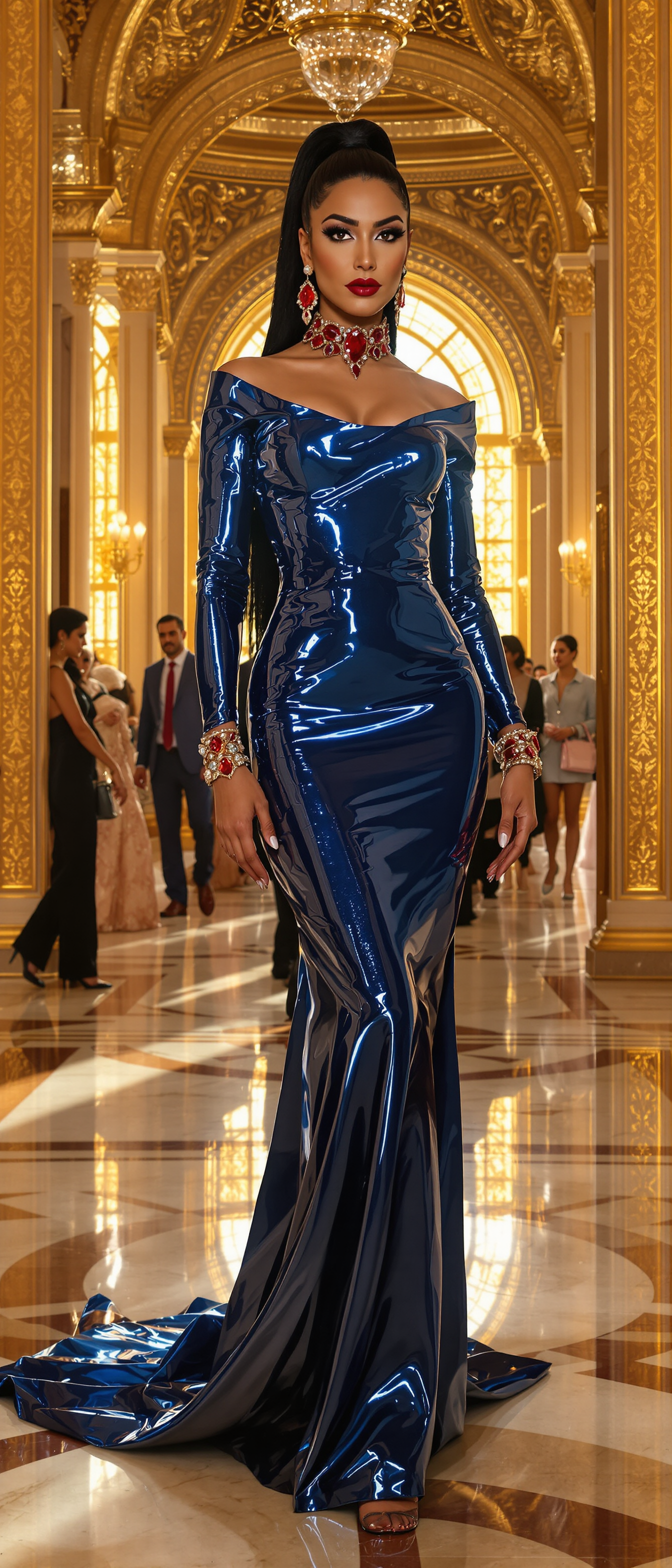
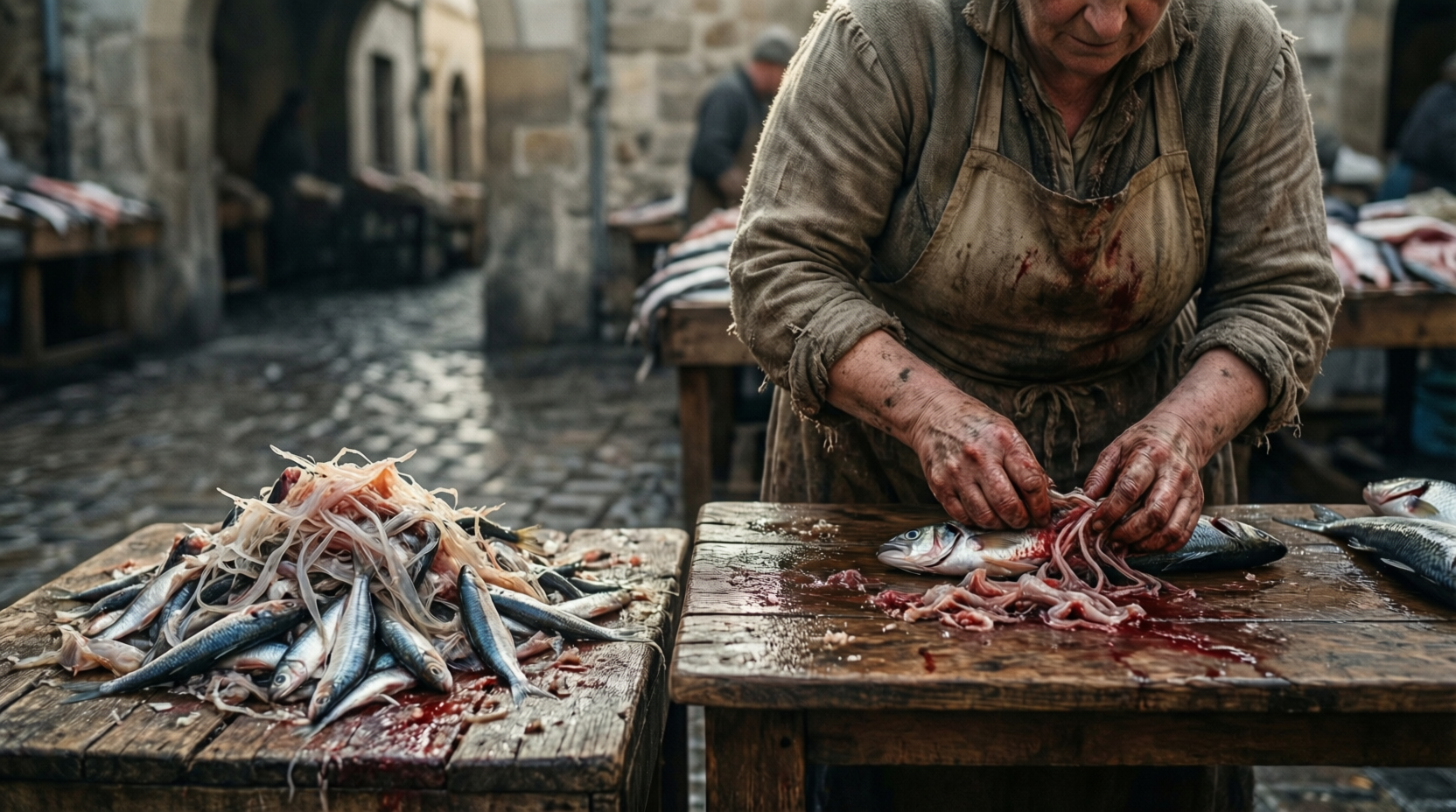
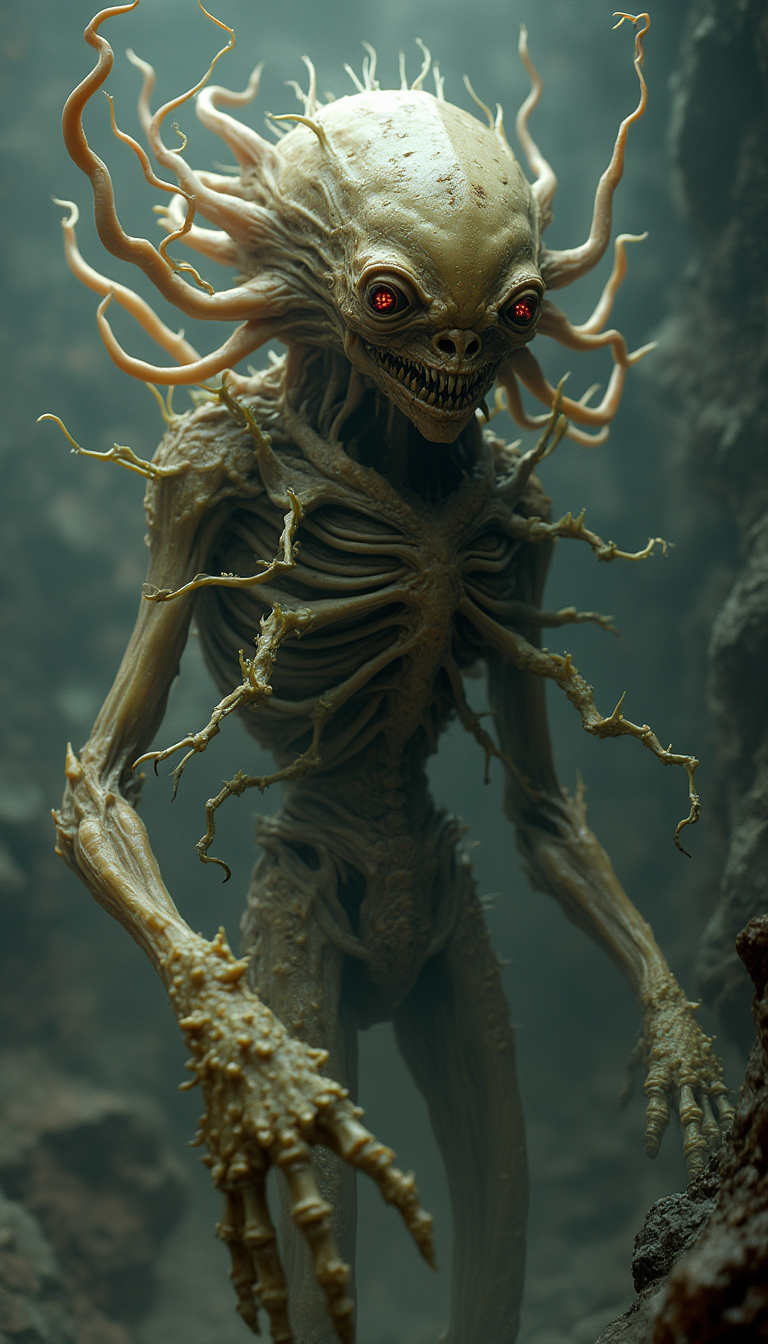
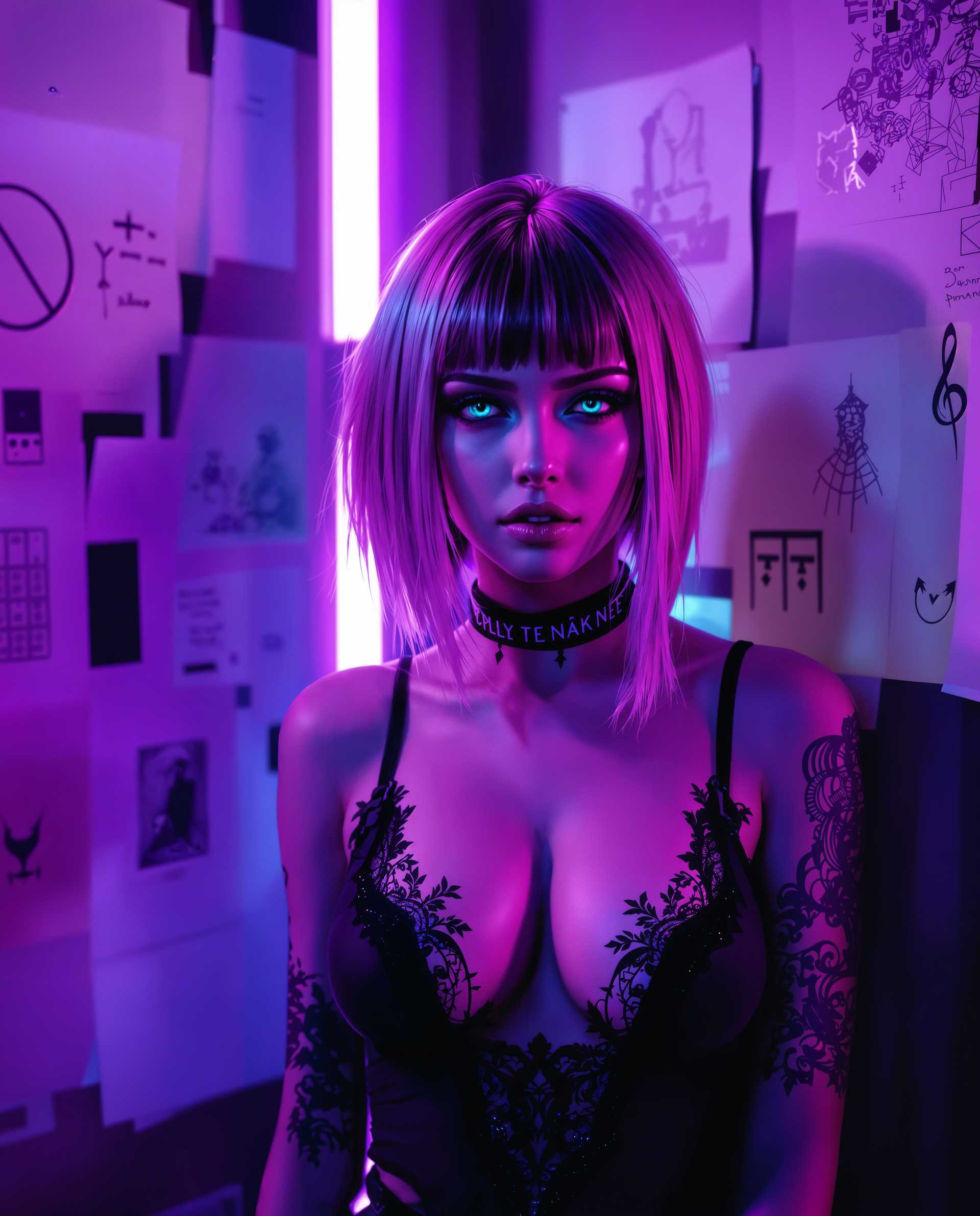
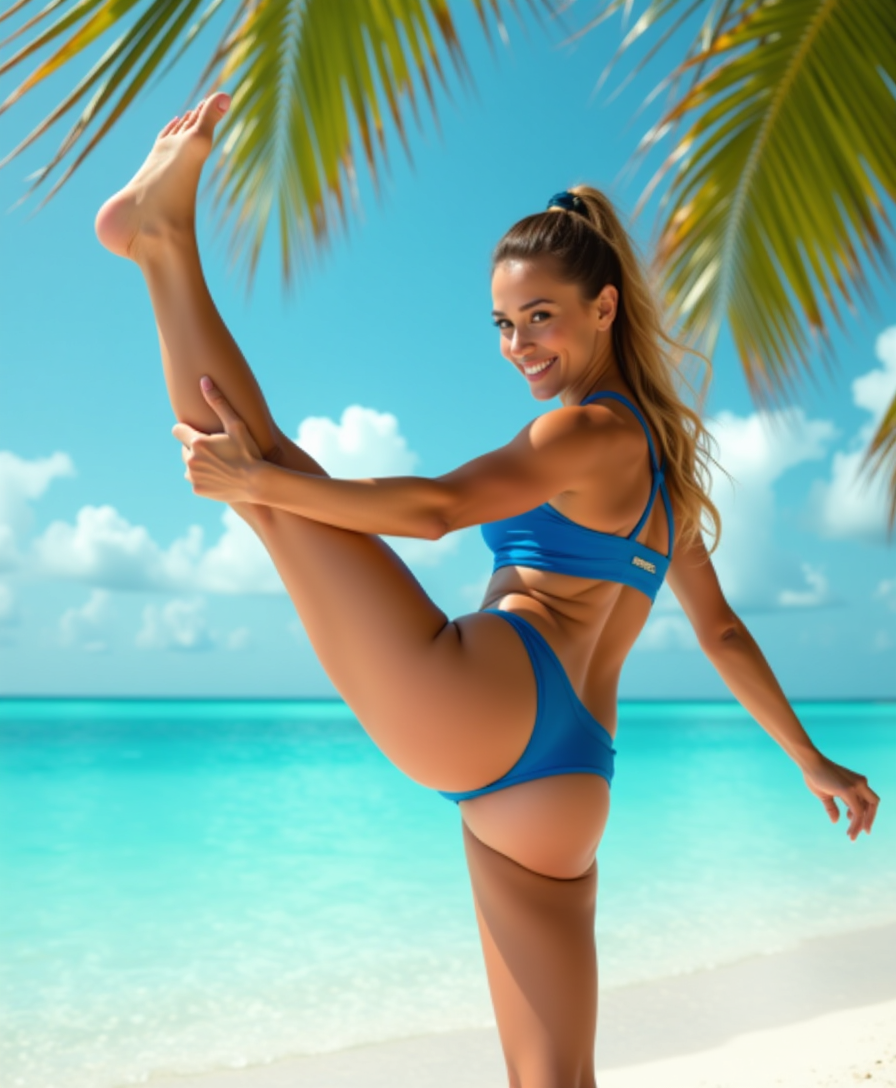
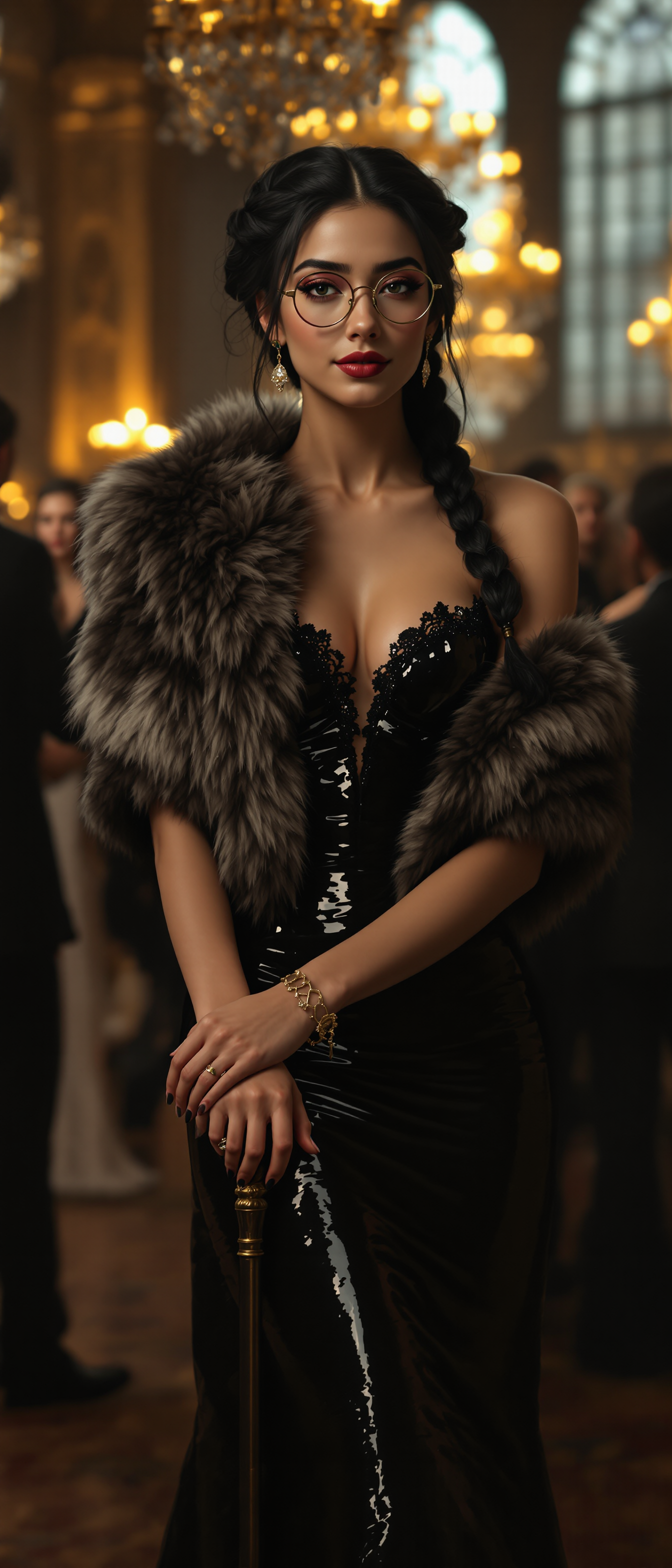
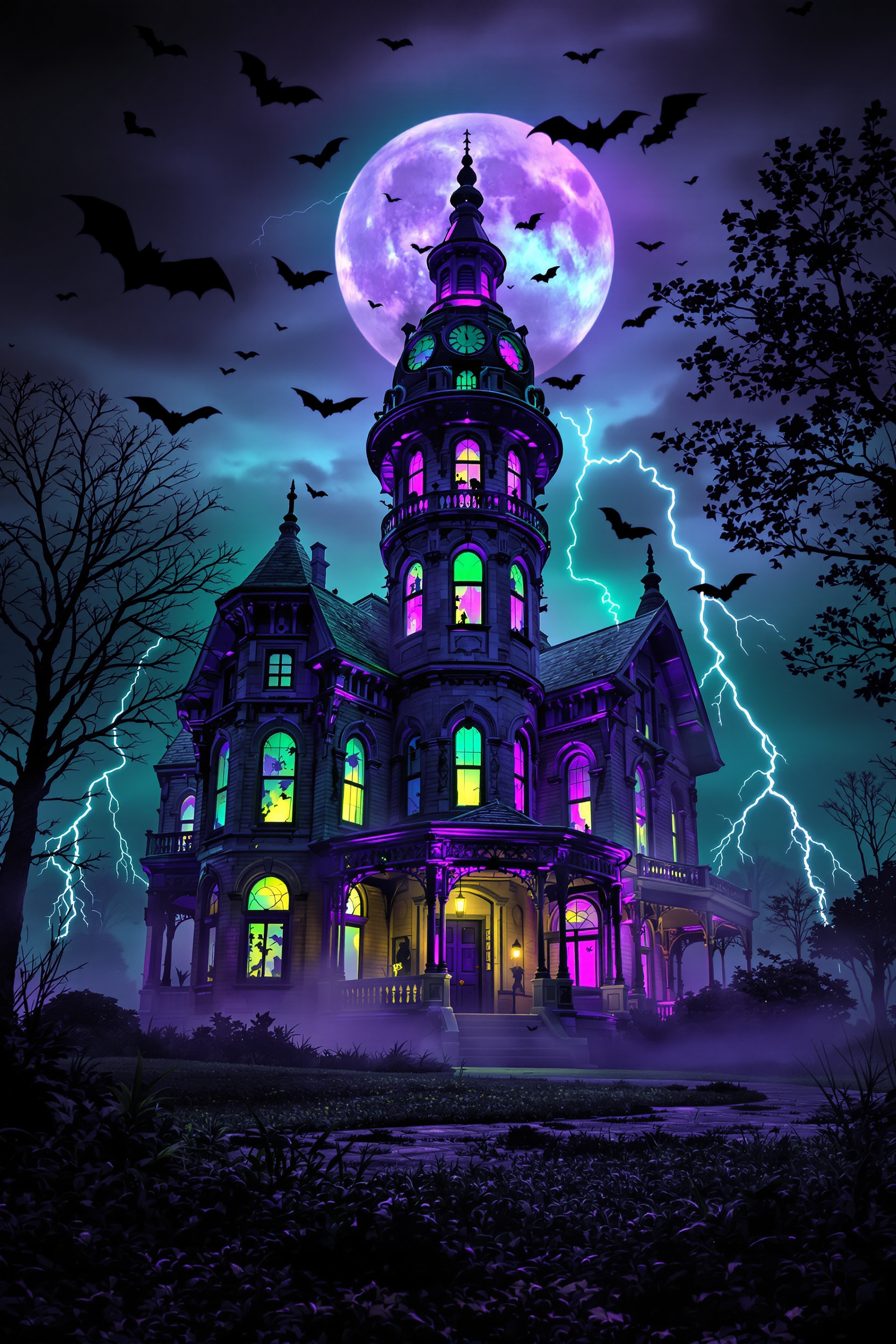
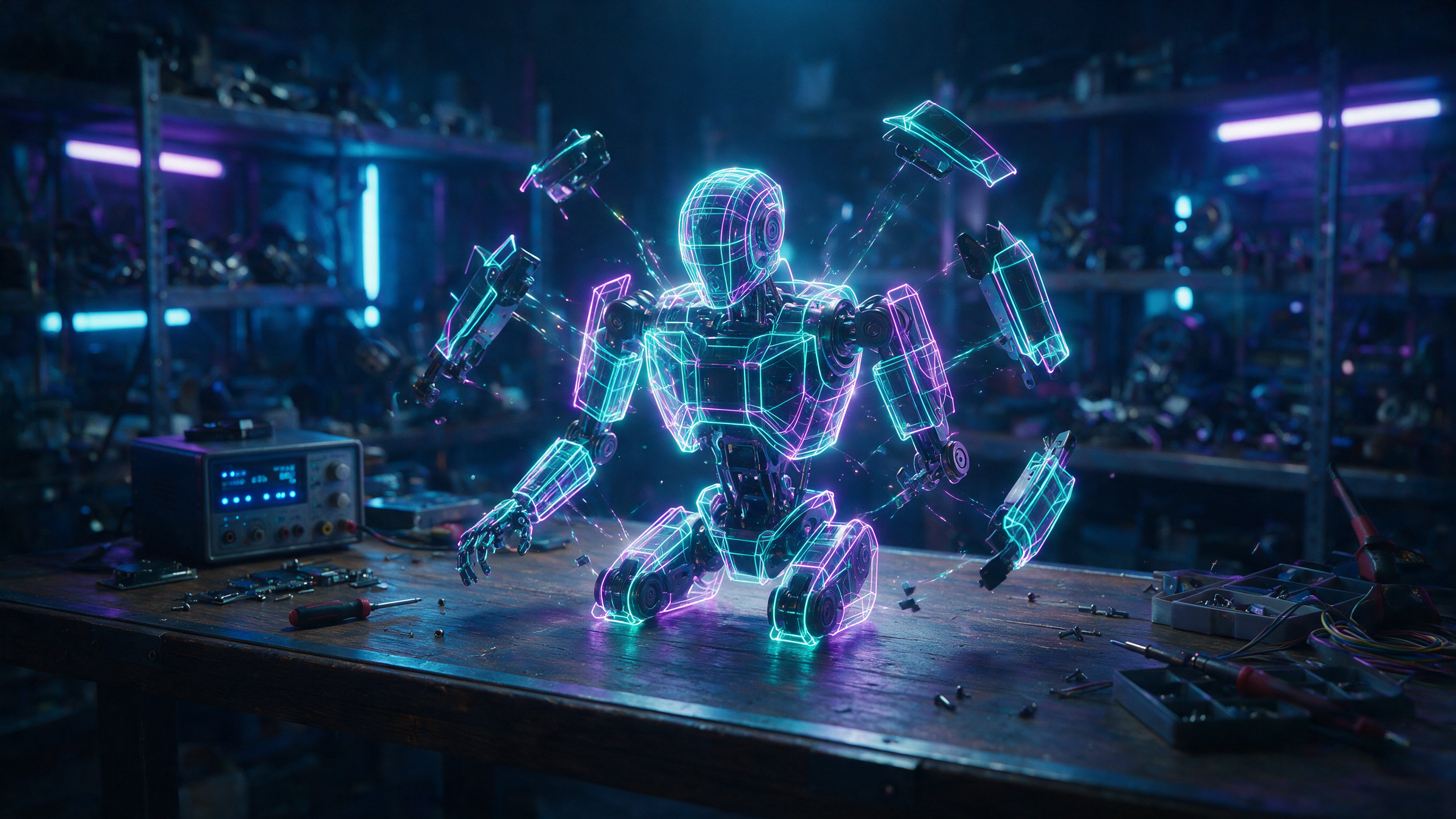
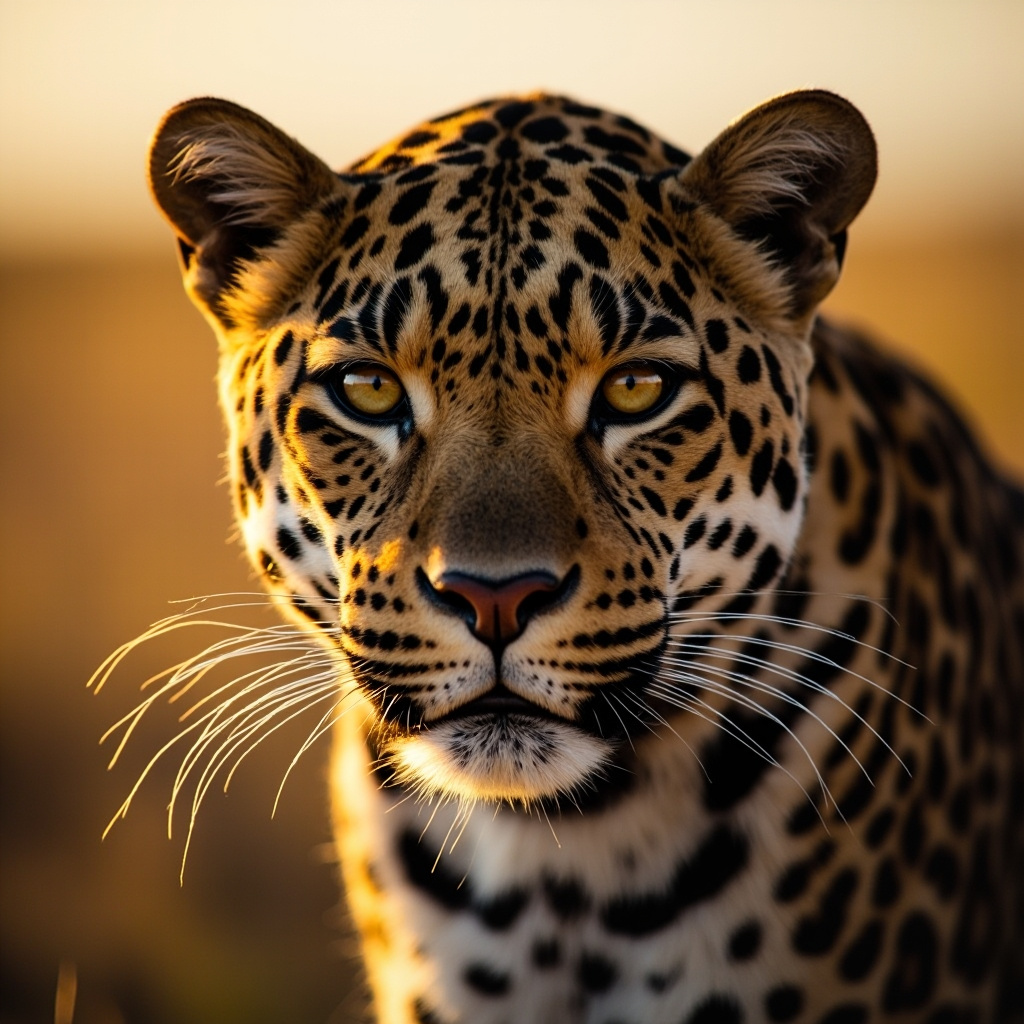
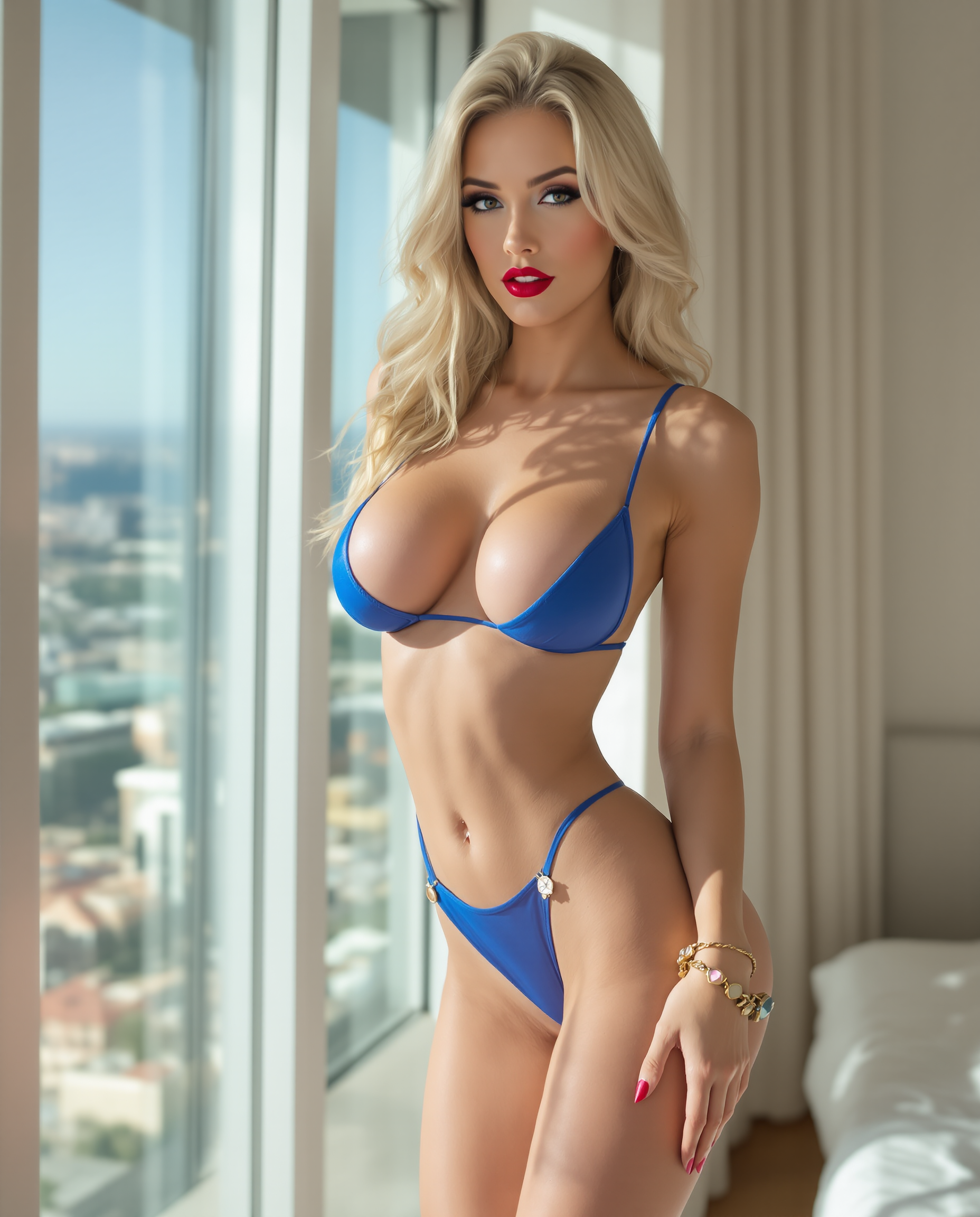
Explore various styles and concepts, from realistic portraits to abstract art, with our versatile AI models.
How It Works
Creating stunning AI-generated images with PixelDojo is a simple three-step process:
Step 1: Choose Your Tool
Select from our range of AI image generators, such as Flux Creator or SDXL Image Creator, to match your creative needs.
Step 2: Enter Your Prompt
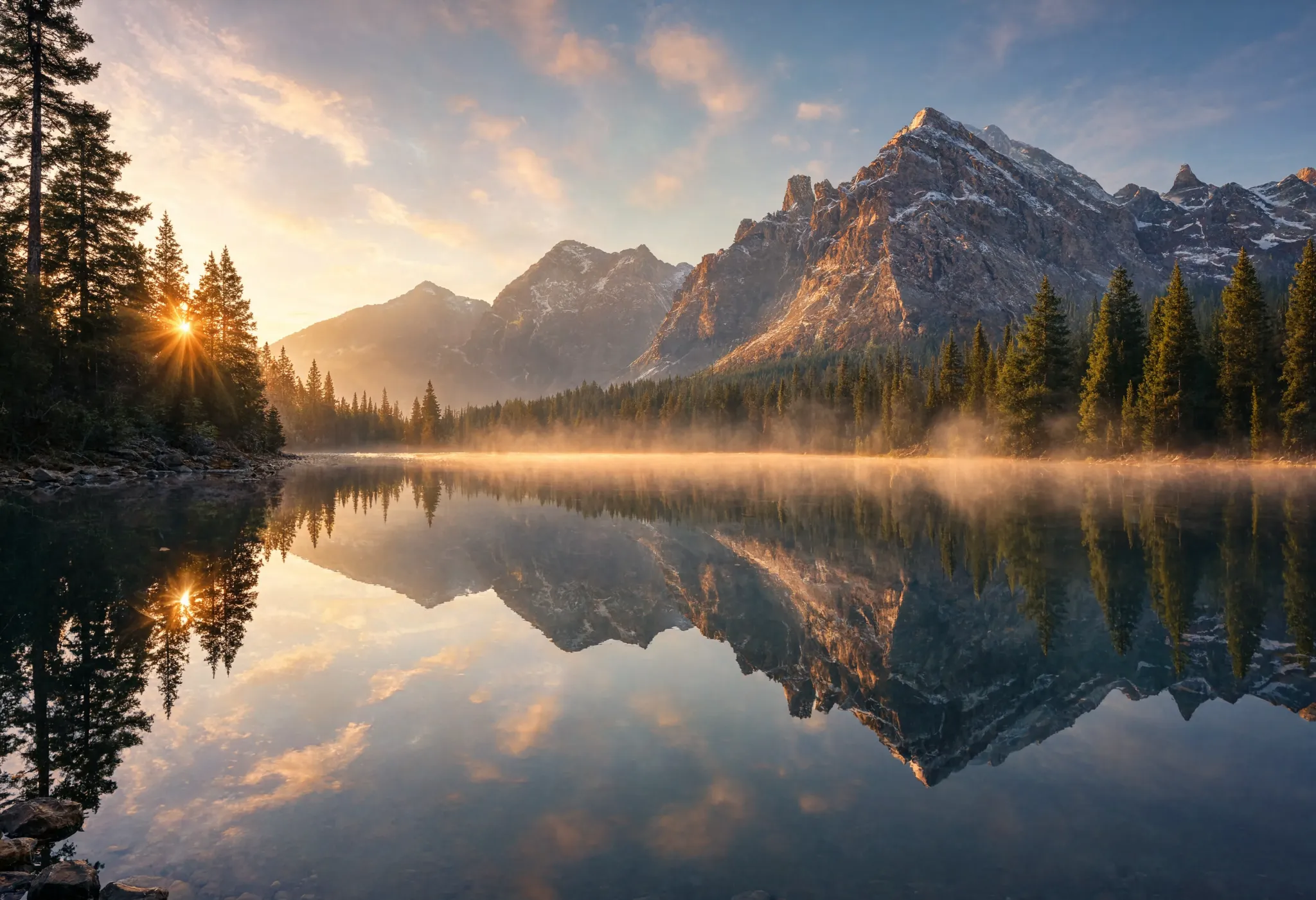
Input a descriptive text prompt detailing the image you envision. For example, 'a serene sunset over a mountain range.'
Step 3: Customize & Download
Review the generated image, make any desired adjustments, and download the final high-resolution image for your use.


The Pixel Dojo Advantage
Why PixelDojo outperforms other options for AI image generation:
| Others | Pixel Dojo |
|---|---|
| Traditional Image Creation | Eliminates the need for manual design skills, enabling anyone to create professional-quality images. |
| Generic AI Tools | Offers a comprehensive suite of specialized tools tailored for diverse creative needs. |
| Manual Photo Editing | Significantly reduces the time and effort required to produce high-quality visuals. |
Loved by creators on PixelDojo
Real feedback from people using PixelDojo, pulled from our in-product surveys.
Versatility quality, value, ROI, innovation
variety of tools available and prompt tools
A "one-stop-shop" for creators! Thanks!!
Lots of different tools. It's easy to purchase more credits.
Amazing performance!
Excellent website for creating all types of media
Explore more AI tools on PixelDojo
AI Tools
Compare & Switch
- Best AI Image Generators
- Best AI Video Generators
- Midjourney Alternatives
- Civitai Alternatives
- Runway Alternatives
- Leonardo Alternatives
- Pika Alternatives
- Luma Alternatives
- Magnific Alternatives
- Veo Alternatives
- Flux Alternatives
- Freepik Alternatives
- Seedance Alternatives
- Seedream Alternatives
- Pixverse Alternatives
- GPT Image Alternatives
- Synthesia Alternatives
- Playground Alternatives
- NightCafe Alternatives
- Canva AI Alternatives
- ElevenLabs Alternatives
- ComfyUI Alternatives
- Fal Alternatives
- Replicate Alternatives
Common Questions
Everything you need to know about ai make image
How does PixelDojo's AI image generation work?
PixelDojo utilizes advanced AI models to convert your text descriptions into high-quality images. Simply input your prompt, and our tools generate the corresponding visual.
Is PixelDojo suitable for beginners?
Absolutely! Our user-friendly interface and intuitive tools are designed for creators of all skill levels, making it easy for anyone to generate stunning images.
Can I customize the generated images?
Yes, after generating an image, you can make adjustments to refine the output to your liking before downloading the final version.
What types of images can I create with PixelDojo?
You can create a wide range of images, including realistic portraits, landscapes, abstract art, and more, depending on your input prompt and chosen tool.
Are there any limitations on the number of images I can generate?
PixelDojo offers various subscription plans to suit different needs, with options that include unlimited image generation.
Can I use the generated images for commercial purposes?
Yes, images created with PixelDojo can be used for both personal and commercial projects, subject to our terms of service.