Newsletter Header Images
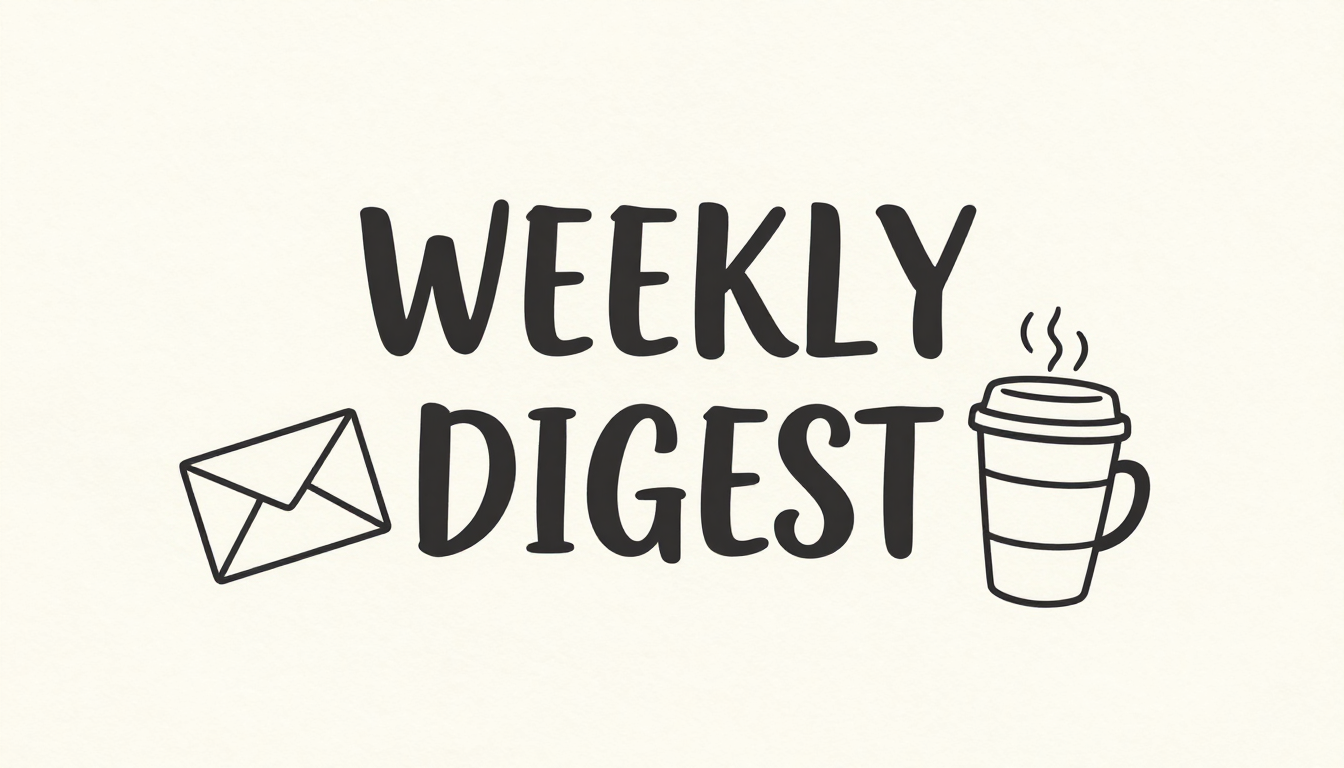
Generated on PixelDojo with Z-Image Turbo. Produced by PixelDojo's generation pipeline.
You can make a newsletter header image with AI by putting the exact headline in quotes inside the prompt and describing a simple illustration around it. We ran this on Z-Image Turbo on August 26, 2026 for 0.5 credit in about 18 seconds and the words came back spelled correctly on the first try. This page walks through the prompt, the result, and how to fit it into an email template.
The header image, first result kept
Every example below was produced on PixelDojo. Hover to see the prompt.
A newsletter header design with the words 'WEEKLY DIGEST' in clean modern hand-lettered type, minimalist line illustration of a mail envelope and a coffee cup beside it, soft cream paper texture background
Z-Image Turbo
One prompt, one header image, August 26, 2026: 0.5 credit on Z-Image Turbo, about 18 seconds, headline spelled correctly on the first result.
Why Choose Pixel Dojo for Newsletter Header Images
Professional-quality results with cutting-edge AI technology
0.5 credit per header
Z-Image Turbo charges the same 0.5 credit whether the prompt includes rendered text or not.
About 18 seconds, measured
Timed from request to finished file on August 26, 2026, with the headline spelled correctly on the first try.
Both words landed clean
Short headlines in quotes, two words in our case, are the easiest case for text rendering and came back with no dropped or garbled letters.
How It Works
Three steps to a header your subscribers can actually read:
Put the exact words in quotes
Text rendering works best when the prompt names the precise words rather than a vague theme. Ours asked for the words 'WEEKLY DIGEST' in hand-lettered type, plus a small line illustration of an envelope and a coffee cup. It ran on Z-Image Turbo for 0.5 credit and came back in about 18 seconds as a 1280 by 720 image with both words spelled correctly.
Keep the layout simple for an inbox
Most email clients clip images at the sides on mobile, so a header with the headline centered and a plain background survives more inboxes than a busy edge to edge design. We described a soft cream background with the text and two small icons, which left clean margins on every side.
Drop it into your email template
The 1280 by 720 file works as a full width header block in most email builders. If the color scheme needs to match your existing template, send the file to the Image Editor with a plain English instruction to shift the palette.
Loved by creators on PixelDojo
Real feedback from people using PixelDojo, pulled from our in-product surveys.
Love you guys!!
Trained my Lora super fast. Still working out how to creat content wit it, but I love it so far.
I love this app
It has all the tools I can think of...
deployment rate of splendid features is incredible. Legend
large selection of tools on one platform
Explore more AI tools on PixelDojo
AI Tools
Compare & Switch
- Best AI Image Generators
- Best AI Video Generators
- Midjourney Alternatives
- Civitai Alternatives
- Runway Alternatives
- Leonardo Alternatives
- Pika Alternatives
- Luma Alternatives
- Magnific Alternatives
- Veo Alternatives
- Flux Alternatives
- Freepik Alternatives
- Seedance Alternatives
- Seedream Alternatives
- Pixverse Alternatives
- GPT Image Alternatives
- Synthesia Alternatives
- Playground Alternatives
- NightCafe Alternatives
- Canva AI Alternatives
- ElevenLabs Alternatives
- ComfyUI Alternatives
- Fal Alternatives
- Replicate Alternatives
Common Questions
Everything you need to know about Newsletter Header Images
What does an AI newsletter header cost?
0.5 credit on Z-Image Turbo, the model we used for this run, whether or not the prompt asks it to render text.
How fast is it?
About 18 seconds in our August 26, 2026 run, measured from the prompt to the finished 1280 by 720 file.
How do I get the headline to spell correctly?
Put the exact words in quotes inside the prompt rather than describing the message in general terms. Our two word headline came back spelled correctly on the first result.
What size should the header be for email?
We generated at the 16:9 aspect ratio, which outputs 1280 by 720 pixels. Most email builders scale a header of that shape to fit the template width without distortion.
Can I match my brand colors?
Describe the colors directly in the prompt, or generate first and send the result to the Image Editor with a plain English instruction to shift the palette.
Can I automate a header for every send?
Yes. POST the headline and a short scene description to /api/v1/models/z-image-turbo/run with your API key, so a new header can be generated automatically for each newsletter issue.