AI object insertion AI Generator

Imagine effortlessly adding new elements to your photos—be it a missing product in a catalog, a decorative item in an interior design shot, or a character in a scene. With PixelDojo's AI object insertion tools, you can seamlessly integrate objects into your images, enhancing visual storytelling and creative expression without the need for complex editing skills.
Join over 10,000 creators who have enhanced their visuals using PixelDojo's AI tools, achieving a 95% satisfaction rate in seamless object integration.
Why Choose Pixel Dojo for AI object insertion
Professional-quality results with cutting-edge AI technology
Enhance Visual Storytelling
Add depth and context to your images by incorporating relevant objects, making your visuals more compelling and engaging.
Save Time and Effort
Eliminate the need for complex photo shoots or manual editing by effortlessly inserting objects with AI precision.
Achieve Professional Results
Ensure natural integration of objects, maintaining lighting, perspective, and shadows for a realistic outcome.
How It Works
Creating stunning images with AI object insertion is simple and intuitive with PixelDojo. Follow these steps to transform your visuals:
Step 1: Select the 'Inpainting' Tool
Navigate to PixelDojo's 'Inpainting' feature, designed for seamless object insertion and removal.
Step 2: Upload Your Image
Choose the image you wish to edit by uploading it to the platform.
Step 3: Define the Insertion Area
Highlight the area where you want to insert the new object using the selection tool.





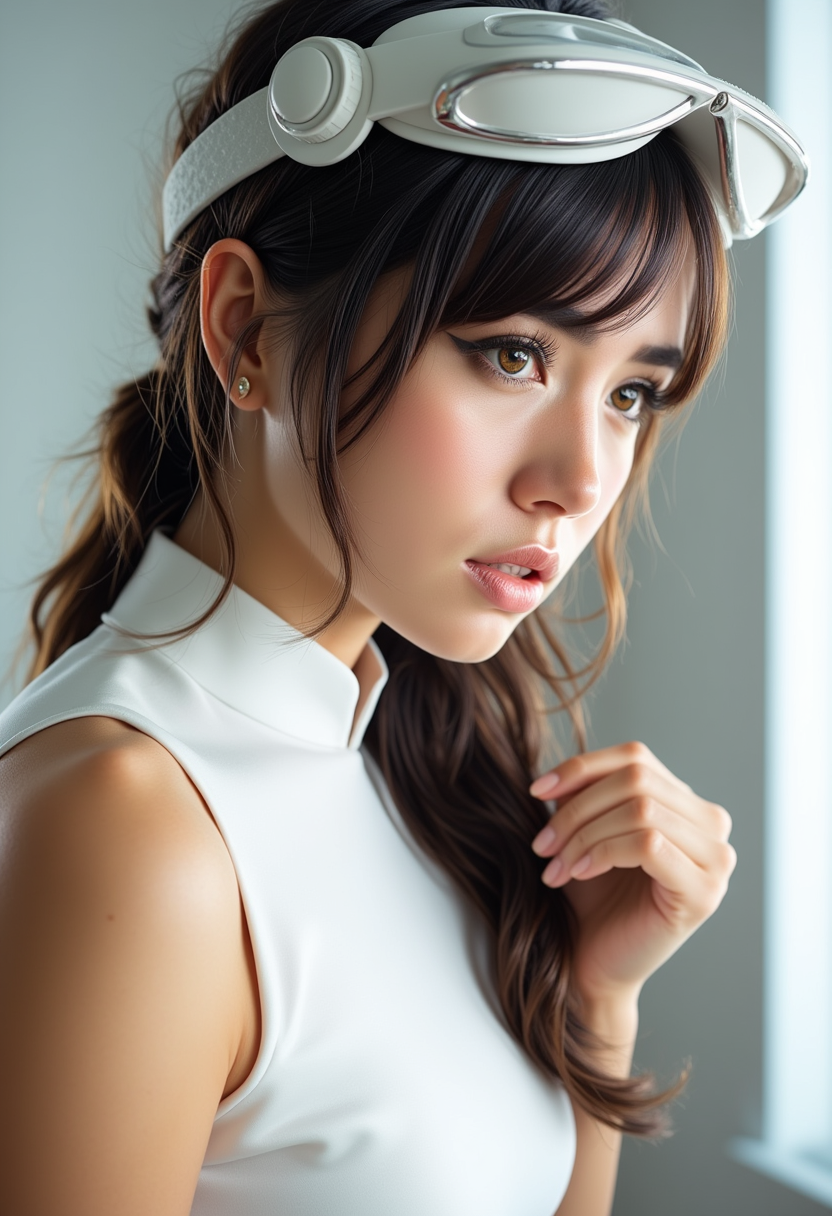
![Modern Robot 7 years old girl , computer wallpapers, in the style of futurist mechanical precision, xiaofei yue, [dark silver and light gold], unreal engine 5, close-up, metallic rotation, sunrays shine upon it](https://cdn.pixeldojo.ai/cdn-cgi/image/f=auto,q=90,w=3840/pixeldojo/generated-images/1749429437223-sy24ui4nu.png)


The Pixel Dojo Advantage
Why PixelDojo is the superior choice for AI object insertion:
| Others | Pixel Dojo |
|---|---|
| Traditional Photo Editing | No need for manual selection and blending; AI handles seamless integration automatically. |
| Generic AI Tools | Specialized object insertion features ensure context-aware placement and realism. |
| Stock Photo Libraries | Customize your images with unique objects instead of relying on generic stock photos. |
Loved by creators on PixelDojo
Real feedback from people using PixelDojo, pulled from our in-product surveys.
large selection of tools on one platform
the amount you can do on this site
all in one place
It is a lot of fun to uae and easy too.
So many different models to try out
You keep adding to it to stay up to date and that is GOLD.
Explore more AI tools on PixelDojo
AI Tools
Compare & Switch
- Best AI Image Generators
- Best AI Video Generators
- Midjourney Alternatives
- Civitai Alternatives
- Runway Alternatives
- Leonardo Alternatives
- Pika Alternatives
- Luma Alternatives
- Magnific Alternatives
- Veo Alternatives
- Flux Alternatives
- Freepik Alternatives
- Seedance Alternatives
- Seedream Alternatives
- Pixverse Alternatives
- GPT Image Alternatives
- Synthesia Alternatives
- Playground Alternatives
- NightCafe Alternatives
- Canva AI Alternatives
- ElevenLabs Alternatives
- ComfyUI Alternatives
- Fal Alternatives
- Replicate Alternatives
Common Questions
Everything you need to know about AI object insertion
How does AI object insertion work in PixelDojo?
PixelDojo utilizes advanced AI algorithms to analyze your image and seamlessly integrate new objects based on your text prompts, ensuring natural placement and blending.
Can I insert multiple objects into a single image?
Yes, you can add multiple objects by repeating the insertion process for each item, allowing for complex scene creation.
Is there a limit to the types of objects I can insert?
No, you can insert a wide range of objects as long as you provide clear descriptions in your prompts.
Will the inserted objects match the lighting and perspective of my image?
Absolutely. PixelDojo's AI considers the existing lighting and perspective to ensure the inserted objects blend naturally with your image.
Do I need any prior editing experience to use this feature?
Not at all. PixelDojo's intuitive interface is designed for users of all skill levels, making AI object insertion accessible to everyone.
Can I edit the inserted objects after generation?
Yes, you can make adjustments to the inserted objects to fine-tune their appearance and positioning as needed.