ai photo
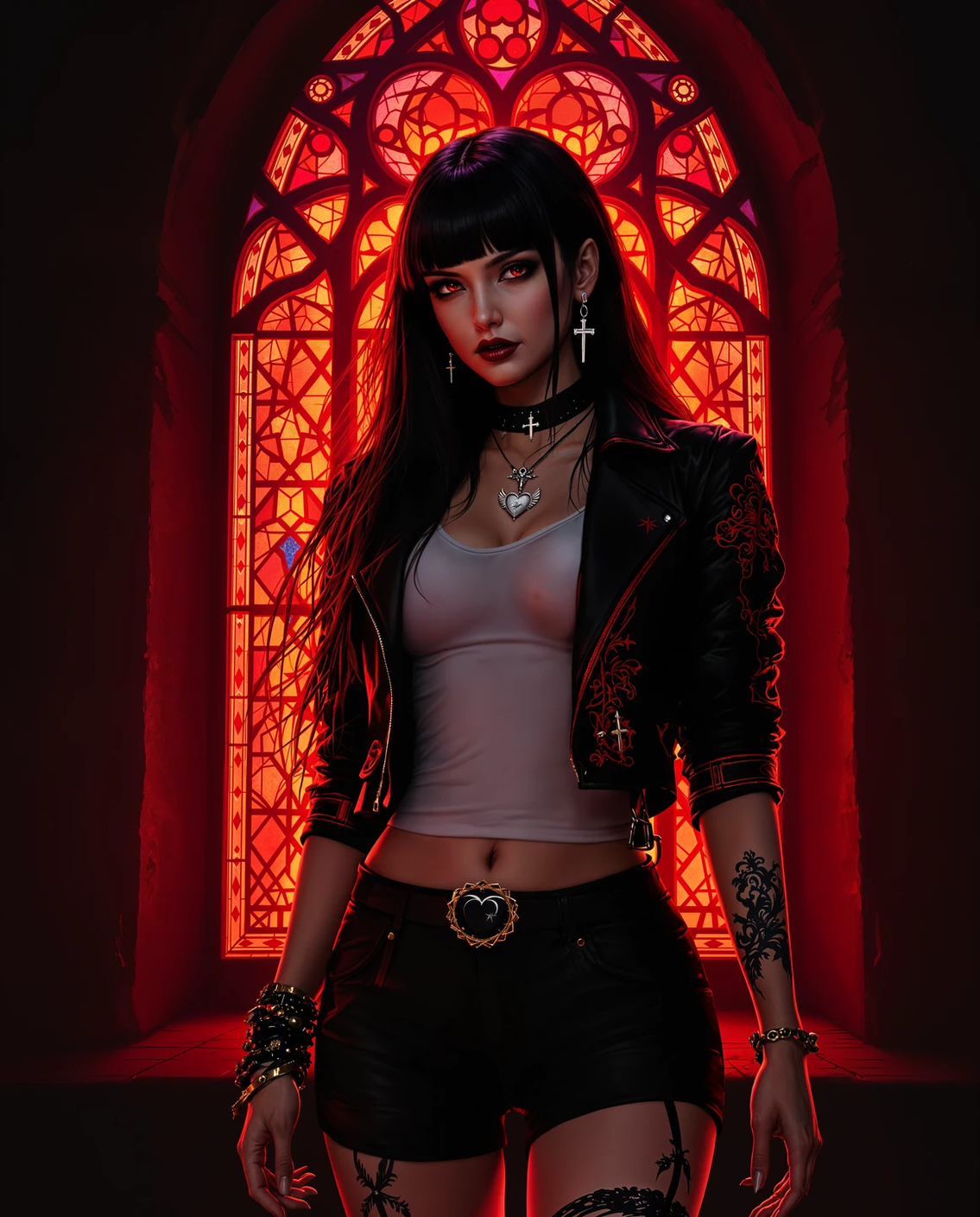
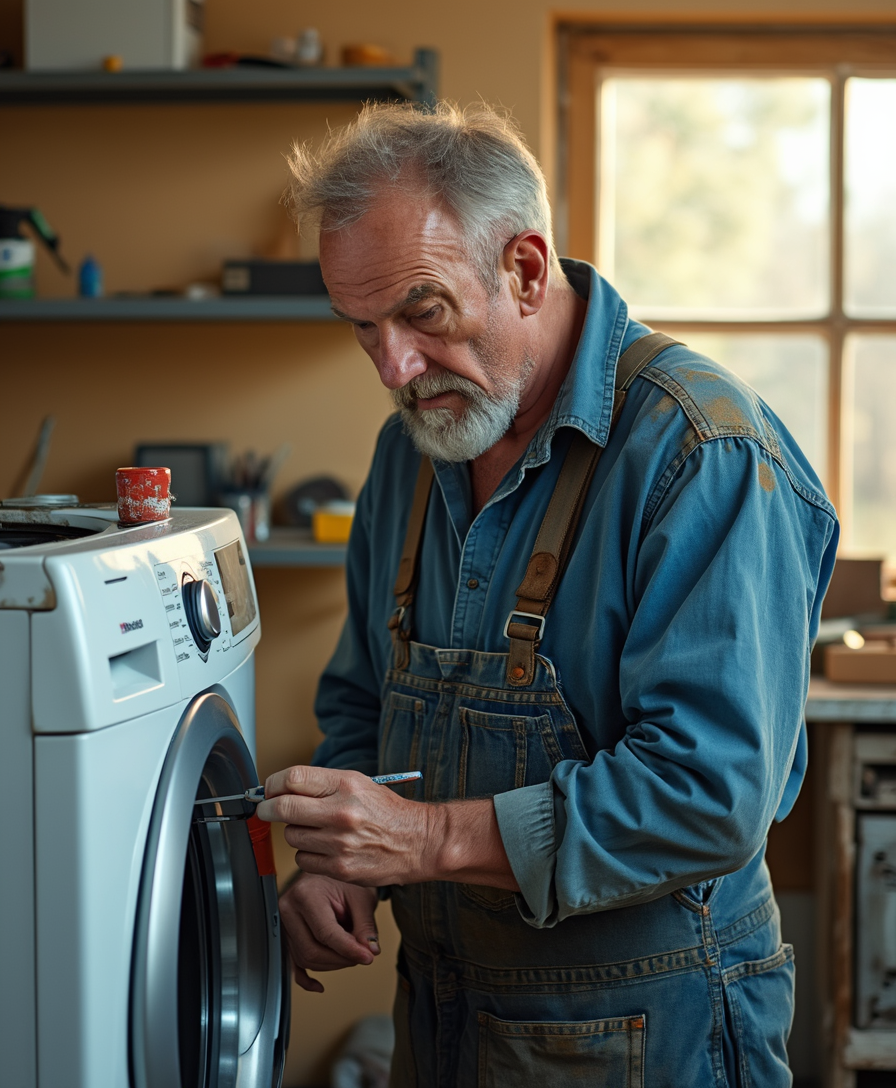
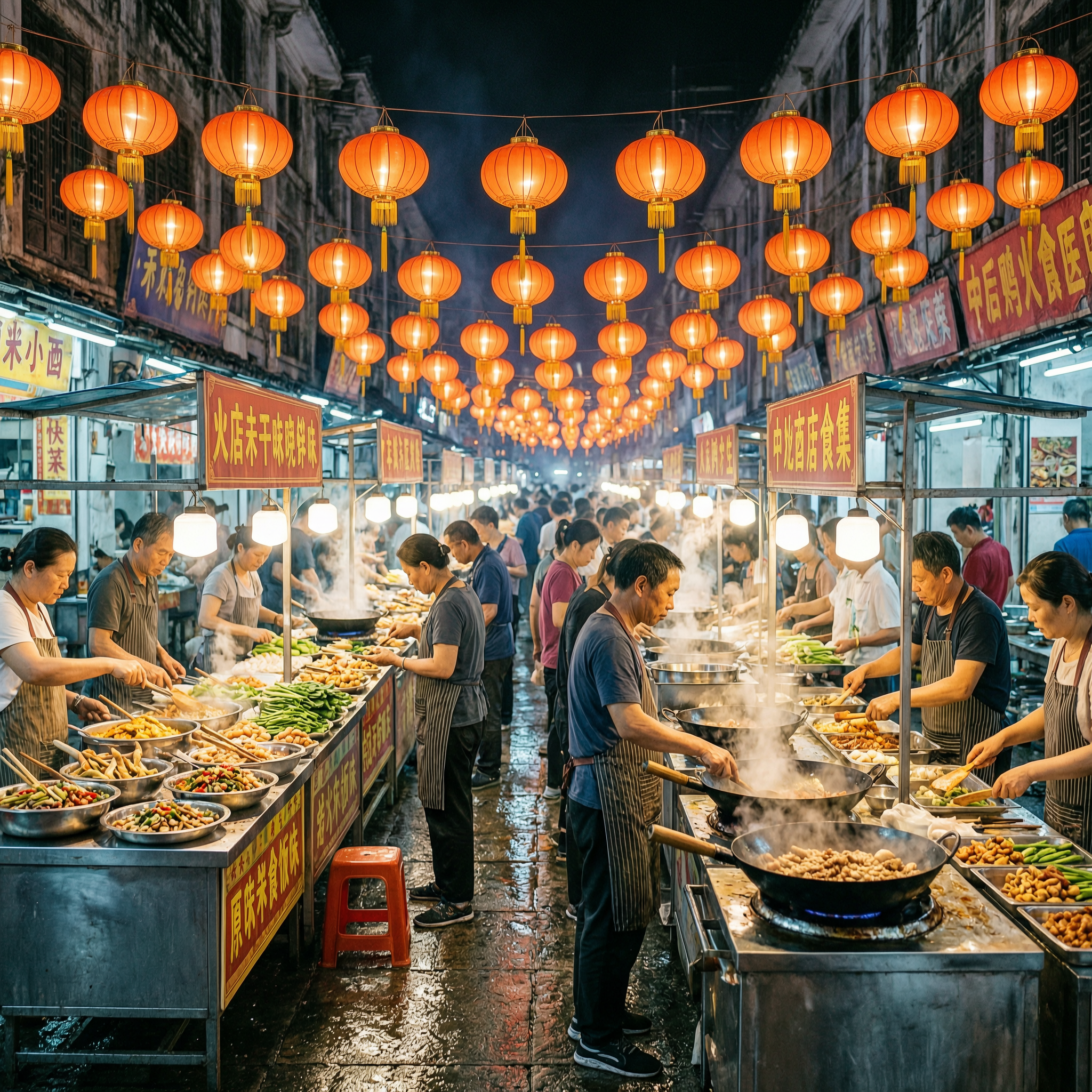
Imagine turning any idea into a stunning, lifelike photograph in seconds. With PixelDojo's AI photo tools, you can produce professional-quality images that capture real-world details, lighting, and textures without hiring photographers, renting studios, or waiting days for edits. Whether you need eye-catching product shots for your online store, consistent brand characters for marketing campaigns, or personalized portraits that feel authentic, PixelDojo empowers you to achieve polished results that drive engagement and sales. Focus on your vision while the platform handles the technical precision, helping you create visuals that resonate with audiences and elevate your projects.
Over 50,000 creators trust PixelDojo for AI photo generation, with a 4.9/5 average rating from 12,000+ reviews. Users report generating more than 2 million realistic photos monthly, achieving up to 3x faster content production compared to traditional methods. Join a community of marketers, designers, and entrepreneurs who rely on our tools for commercial-ready results every day.
Why Choose Pixel Dojo for ai photo
Professional-quality results with cutting-edge AI technology
Produce Commercial-Ready Product Photos Instantly
Create hyper-realistic product images with accurate textures, reflections, and lighting that convert browsers into buyers. PixelDojo's Flux.2 Studio and Nano Banana 2 deliver photos indistinguishable from studio shots, perfect for e-commerce, catalogs, and ads.
Maintain Perfect Character Consistency Across Campaigns
Generate endless variations of the same person or character in different scenes, outfits, and poses. Tools like Consistent Characters and Character Sheets ensure your brand ambassador or story protagonist looks identical every time, saving hours of manual matching.
Edit and Enhance Photos with Precision
Refine any image using Image to Image, Inpainting, Magic Lighting, and Reality Polisher to fix imperfections, change backgrounds, or adjust angles. Achieve professional retouching results in minutes instead of hours with dedicated editing suites.
How It Works
Creating photorealistic AI photos with PixelDojo is straightforward and fast. Choose from specialized tools optimized for realism, enter descriptive prompts using photographic terms, and refine with editing features for perfect outcomes.
Step 1: Choose Your Tool
Select Flux.2 Studio or Nano Banana 2 from the Generate Images section for unmatched photorealism, or start with Ideogram 4 for detailed scenes. For character-focused work, pick Consistent Characters to lock in likenesses from the start.
Step 2: Enter Your Prompt
Describe your scene using real photography language like 'shot on Canon EOS R5, natural window light, shallow depth of field, subtle skin texture, 35mm lens.' Reference real environments and details to guide the AI toward authentic results with tools like GPT Image 2 or Grok Image.
Step 3: Customize & Download
Use Image to Image or Inpainting to tweak elements, apply Style Transfer for mood adjustments, or upscale with Portrait Upscaler and Clarity Pro. Add final touches like Background Remover or Magic Lighting before downloading high-resolution files ready for any use.
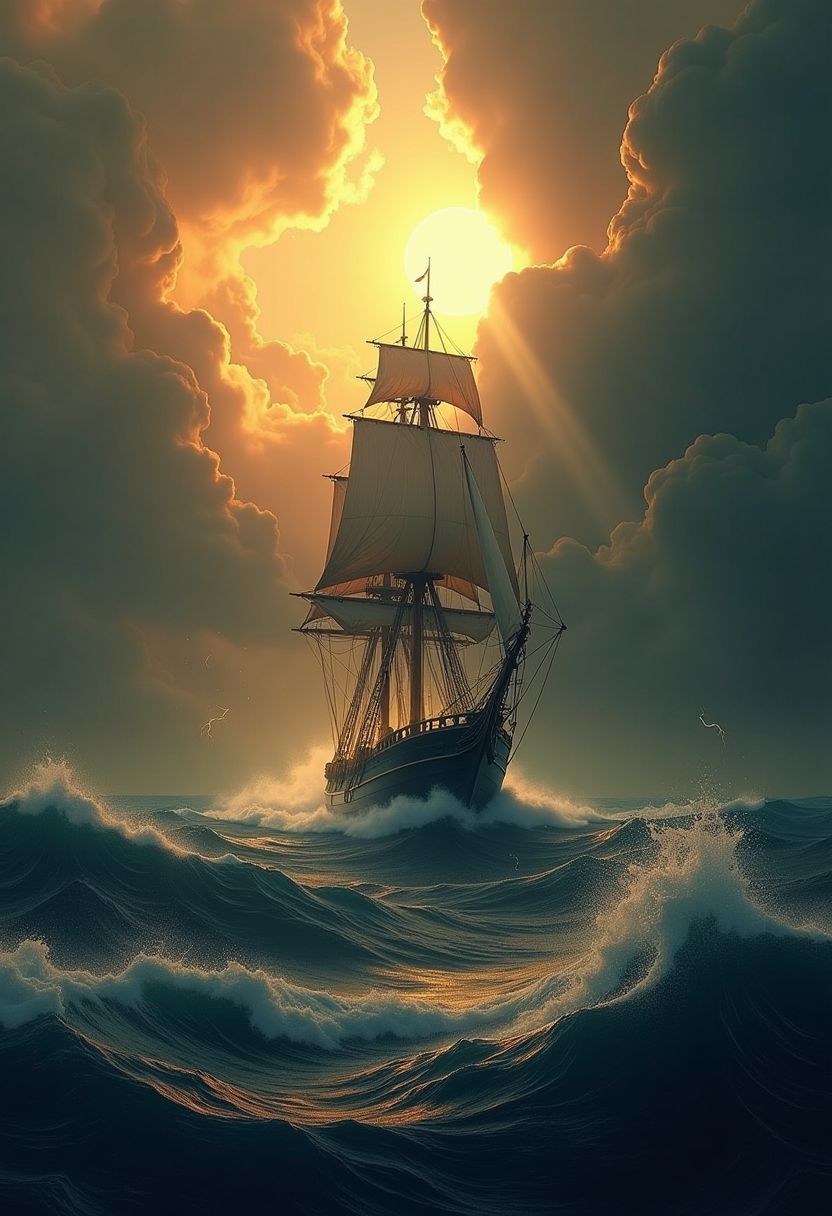
![Modern Robotic T-Rex , computer wallpapers, in the style of futurist mechanical precision, xiaofei yue, [dark purple and light gold], unreal engine 5, close-up, metallic rotation, sunrays shine upon it](https://cdn.pixeldojo.ai/cdn-cgi/image/f=auto,q=90,w=3840/pixeldojo/generated-images/1749429273306-tucv40yli.png)
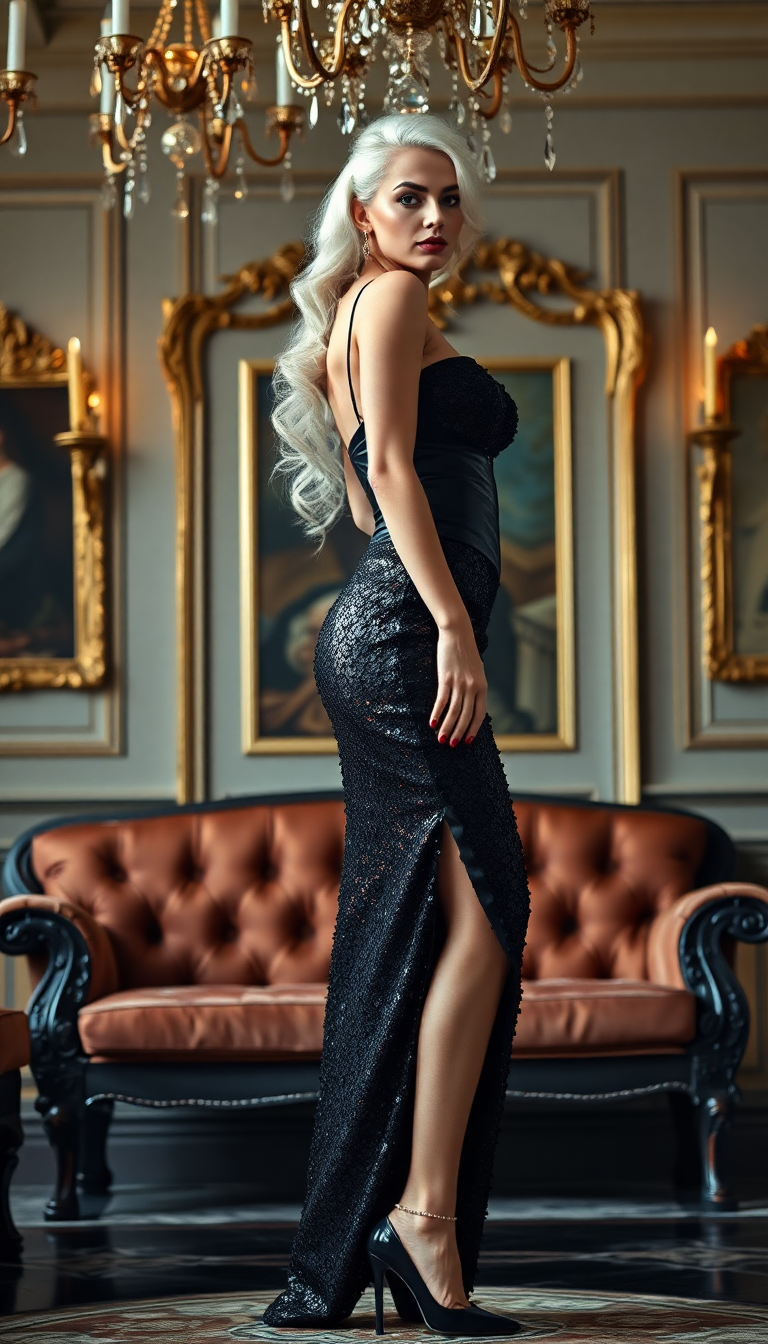
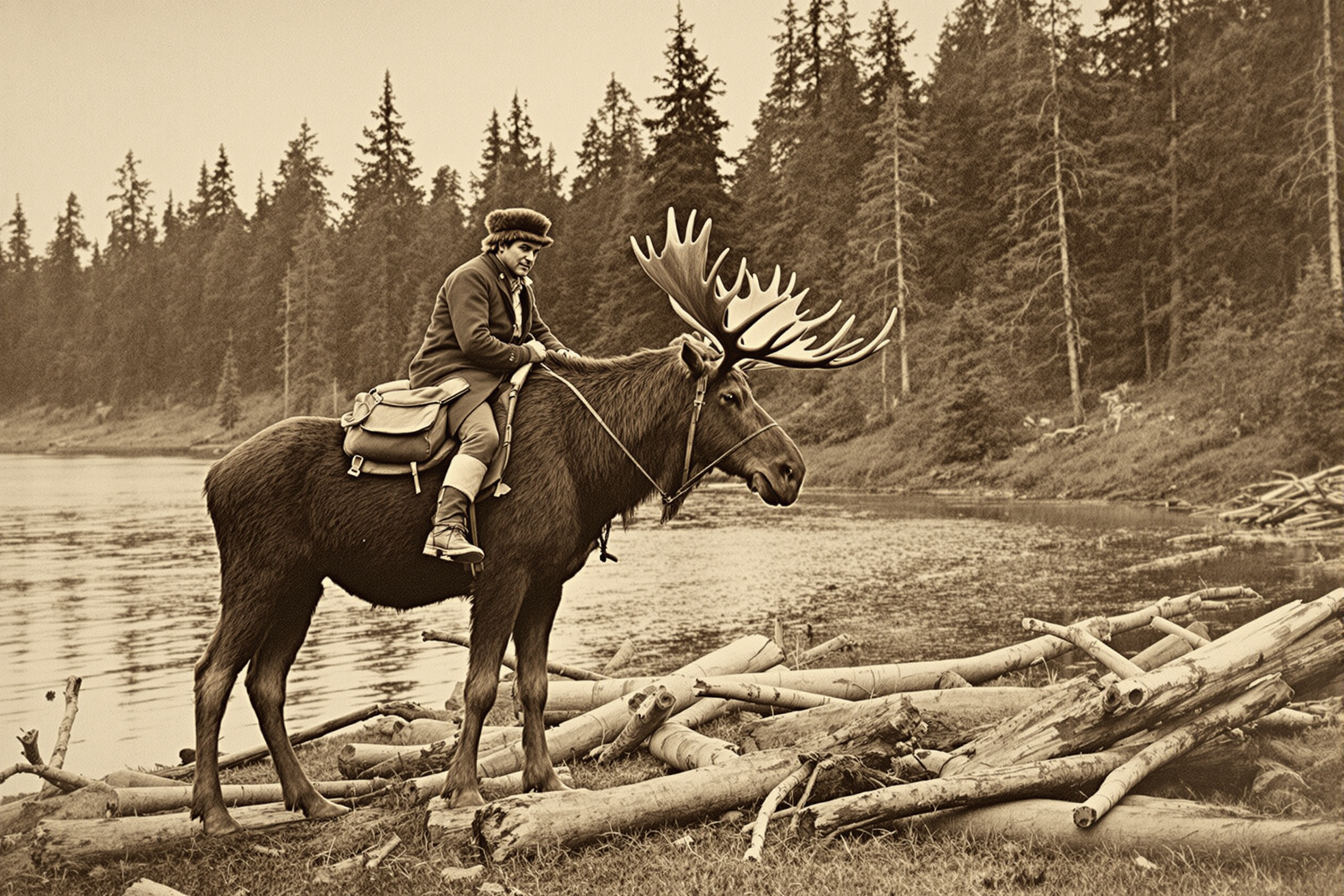
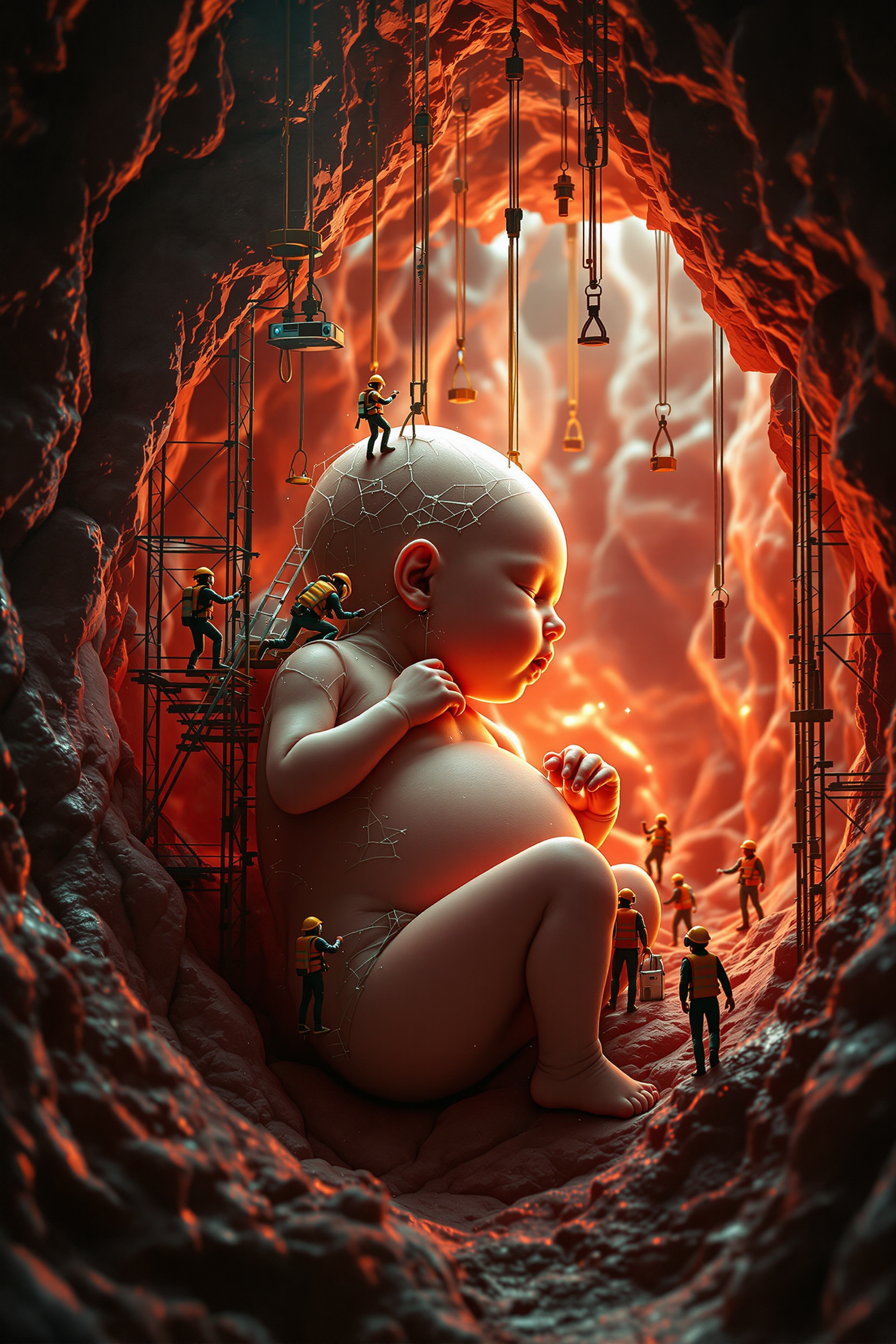
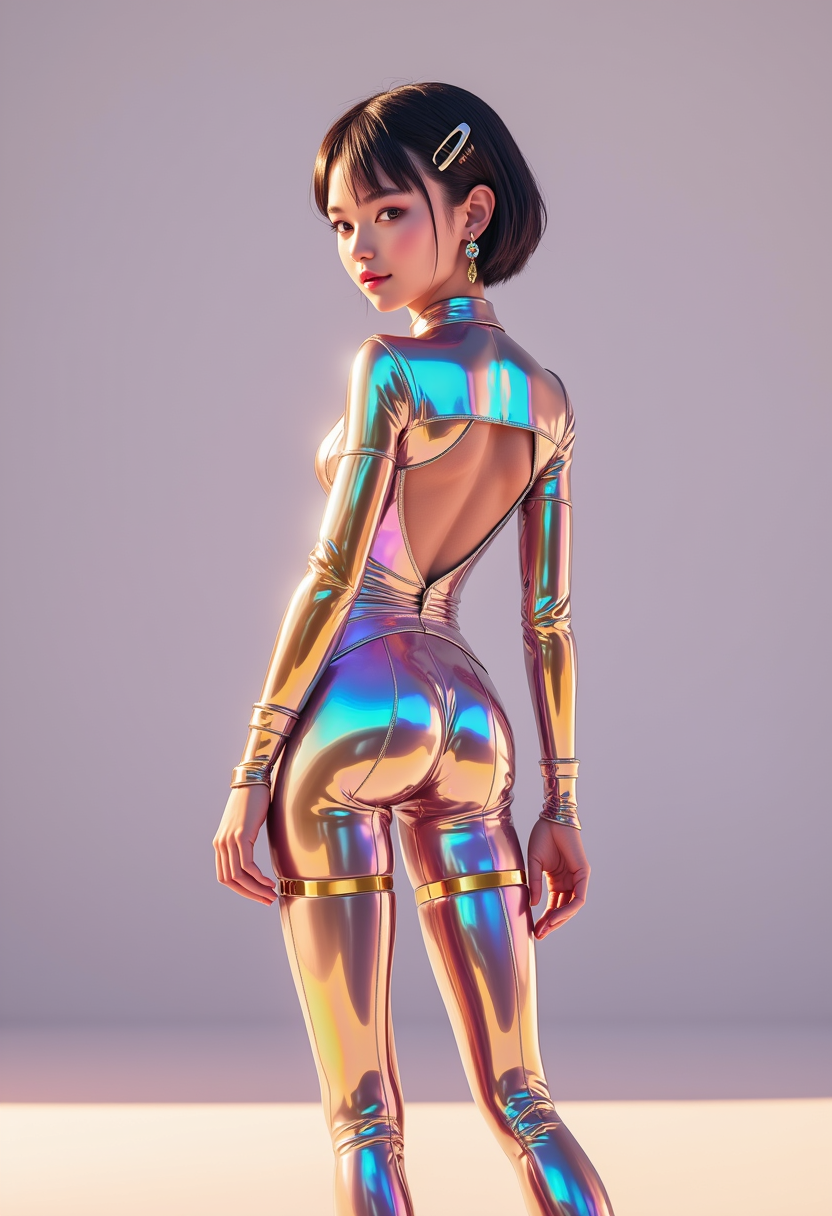
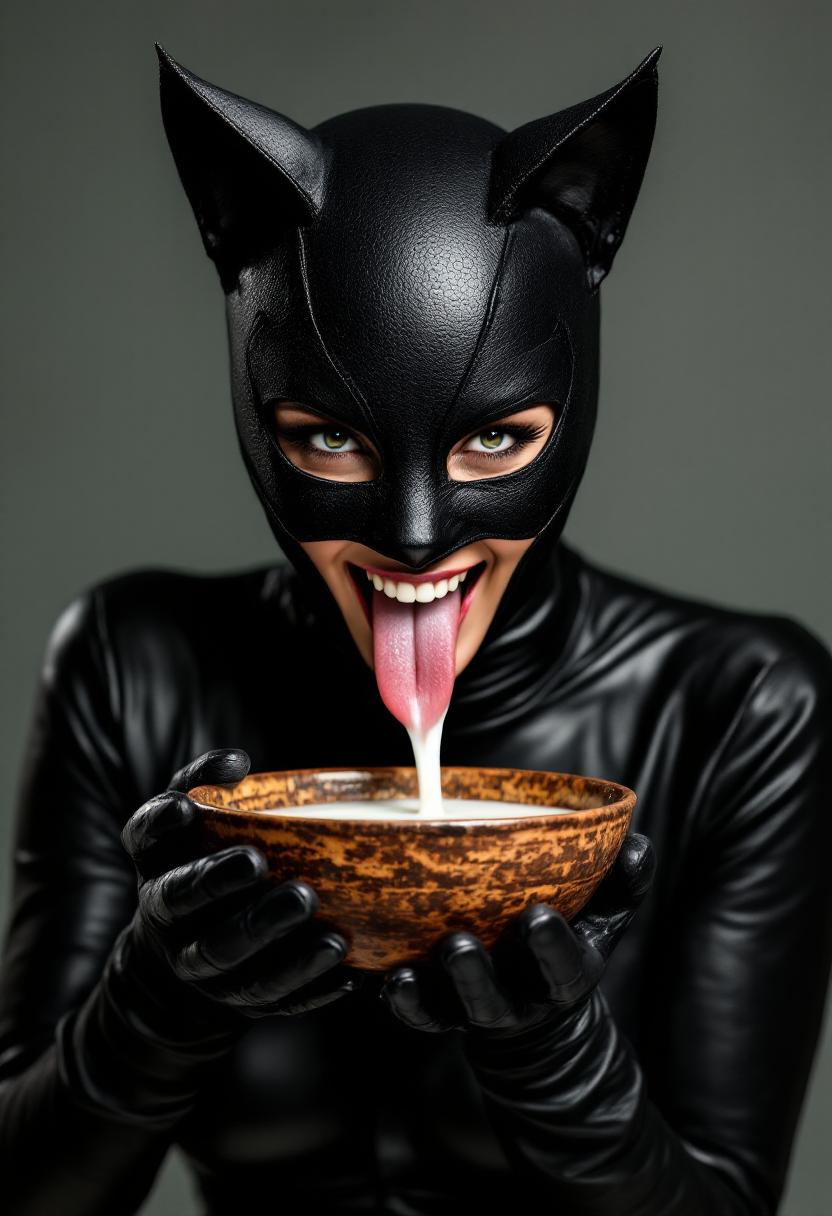
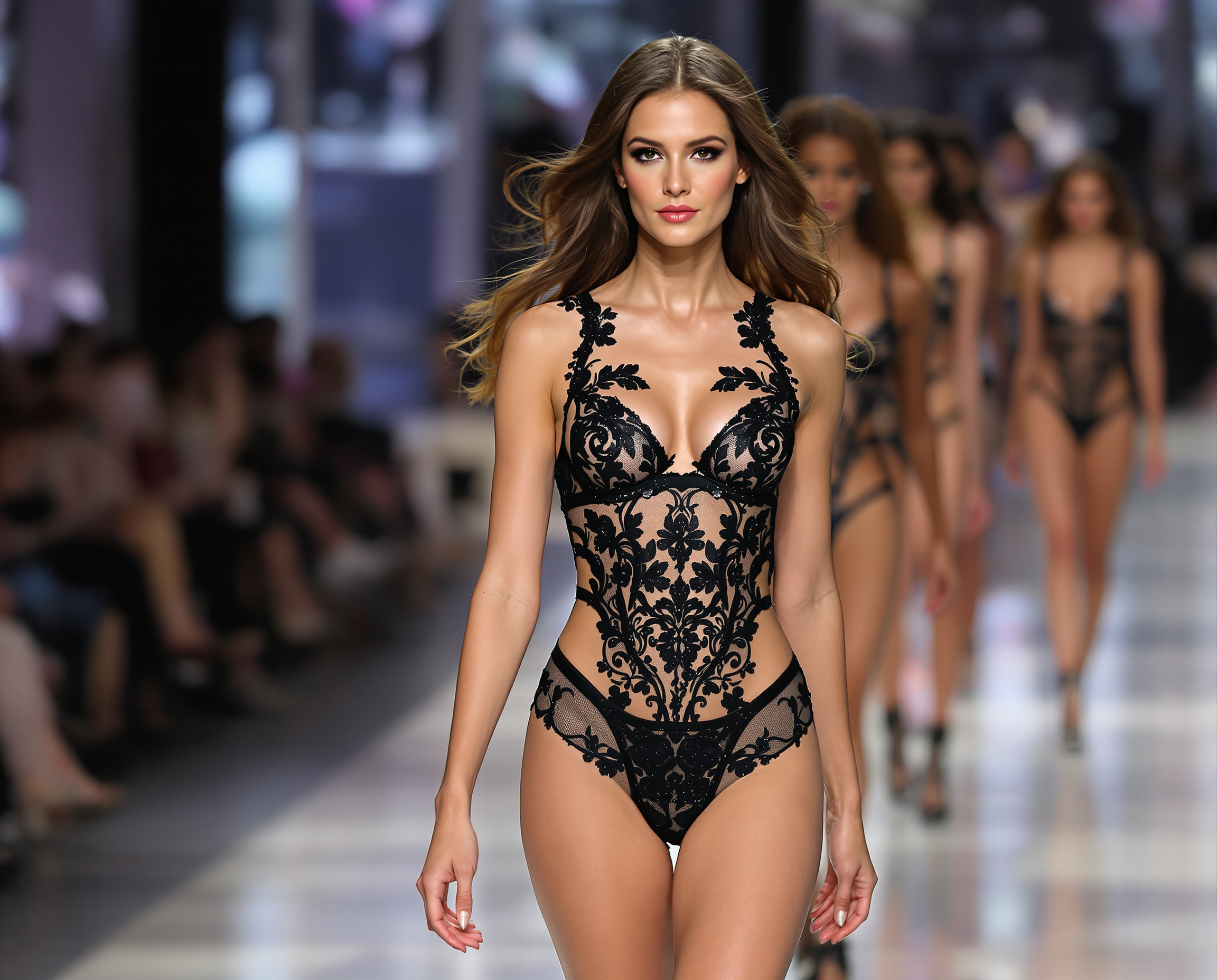
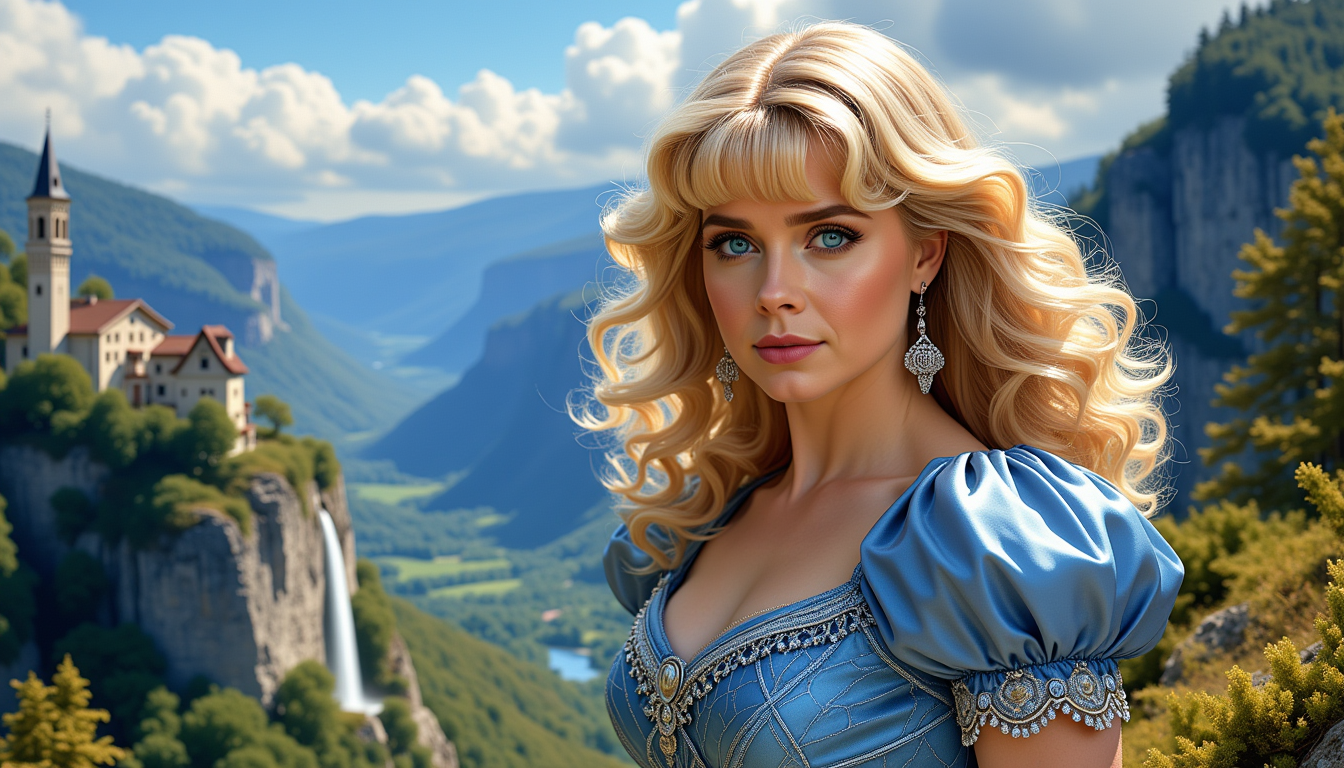
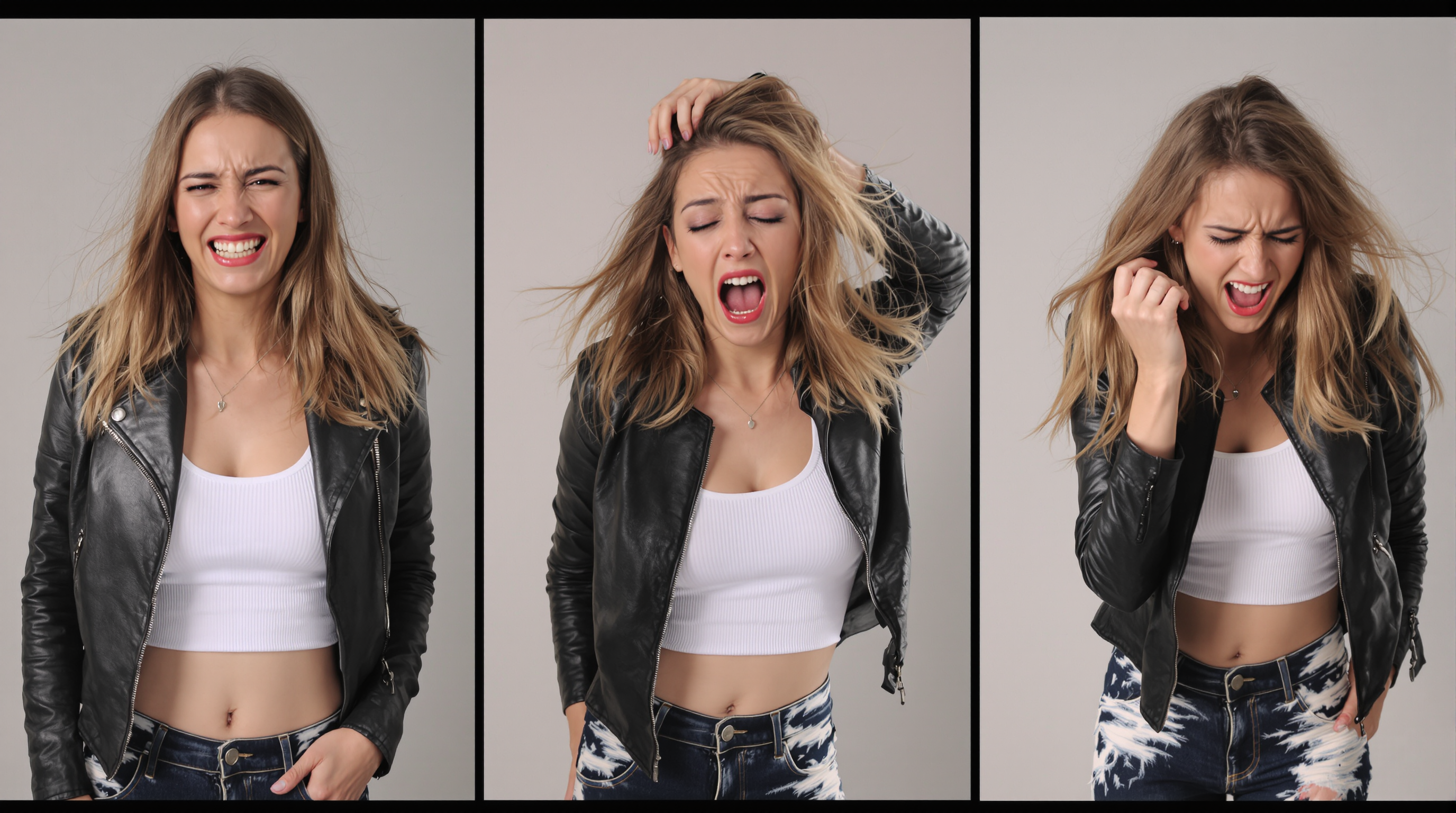
The Pixel Dojo Advantage
Why PixelDojo outperforms other options for realistic AI photo generation
| Others | Pixel Dojo |
|---|---|
| Traditional photography | Eliminate costs, scheduling, and location limitations while producing unlimited variations on demand with consistent quality and instant turnaround. |
| Generic AI tools | Access 40+ specialized models including Flux.2 Studio and Nano Banana 2 optimized specifically for photorealism, plus seamless editing and consistency features in one platform. |
| Manual photo editing | Accelerate workflows dramatically with AI-powered Inpainting, Character Sheets, and Virtual Try-On that handle complex changes automatically while preserving realism. |
Loved by creators on PixelDojo
Real feedback from people using PixelDojo, pulled from our in-product surveys.
The overall quality of the site and it's amazing variety of tools. The continued updates of the UI. The unbelievable level of tech support.
THIS IS SO DOPE !
I have already recommended it to friends
All the tools, plus the guidance
Excellent tools. Ease of use. Well thought out interface. Wide variety of AI tools and features which are up to date with more added each month
I really like how the site is kept up to date, and the leaderboard (where I'm currently #11 most popular artist)
Explore more AI tools on PixelDojo
AI Tools
Compare & Switch
- Best AI Image Generators
- Best AI Video Generators
- Midjourney Alternatives
- Civitai Alternatives
- Runway Alternatives
- Leonardo Alternatives
- Pika Alternatives
- Luma Alternatives
- Magnific Alternatives
- Veo Alternatives
- Flux Alternatives
- Freepik Alternatives
- Seedance Alternatives
- Seedream Alternatives
- Pixverse Alternatives
- GPT Image Alternatives
- Synthesia Alternatives
- Playground Alternatives
- NightCafe Alternatives
- Canva AI Alternatives
- ElevenLabs Alternatives
- ComfyUI Alternatives
- Fal Alternatives
- Replicate Alternatives
Common Questions
Everything you need to know about ai photo
How to generate realistic AI photos that look like real photographs with PixelDojo?
Start with Flux.2 Studio or Nano Banana 2 and craft prompts using photography terminology such as camera models, focal lengths, lighting setups, and natural imperfections like skin texture. Combine with Consistent Characters for repeated subjects and refine via Image to Image or Reality Polisher to ensure every output passes as an authentic photo.
What are the best PixelDojo tools for creating consistent character AI photos?
Use the dedicated Consistent Characters and Character Sheets tools alongside Flux.2 Studio or Ideogram 4. Upload a reference image once, then generate unlimited scenes with the same person while maintaining exact facial features, body type, and style across marketing series or storytelling projects.
Can I edit existing photos to make them more realistic using PixelDojo AI?
Absolutely. Upload any image to Image to Image, Inpainting, or Magic Lighting tools. Enhance details with Portrait Upscaler, remove or change backgrounds instantly, adjust camera angles, or apply Reality Polisher to correct artifacts and achieve true photographic fidelity.
How does PixelDojo help with product photography using AI photos?
Leverage Flux.2 Studio and Grok Image for hyper-detailed product renders with accurate materials and lighting. Follow up with Smart Resize, Background Remover, and Creative Upscaler to produce multiple angles and lifestyle contexts perfect for e-commerce listings and ads.
What techniques ensure photorealistic results in AI generated photos on PixelDojo?
Incorporate specific details like 'shot on 50mm lens with natural sunlight, subtle film grain, real-world reflections' in prompts. Utilize editing tools such as Style Transfer for mood, LoRA Face Swap for personalization, and Video Upscaler equivalents in stills for sharpness. Trends in 2026 emphasize authenticity through imperfections and grounded scenes.
Is PixelDojo suitable for professional commercial AI photo projects?
Yes, with commercial-safe outputs from tools like Flux.2 Studio and extensive editing capabilities. Thousands of businesses use it daily for campaigns, producing thousands of images monthly that meet professional standards while offering the flexibility to cancel anytime.