AI Photo Enhancer & Upscaler
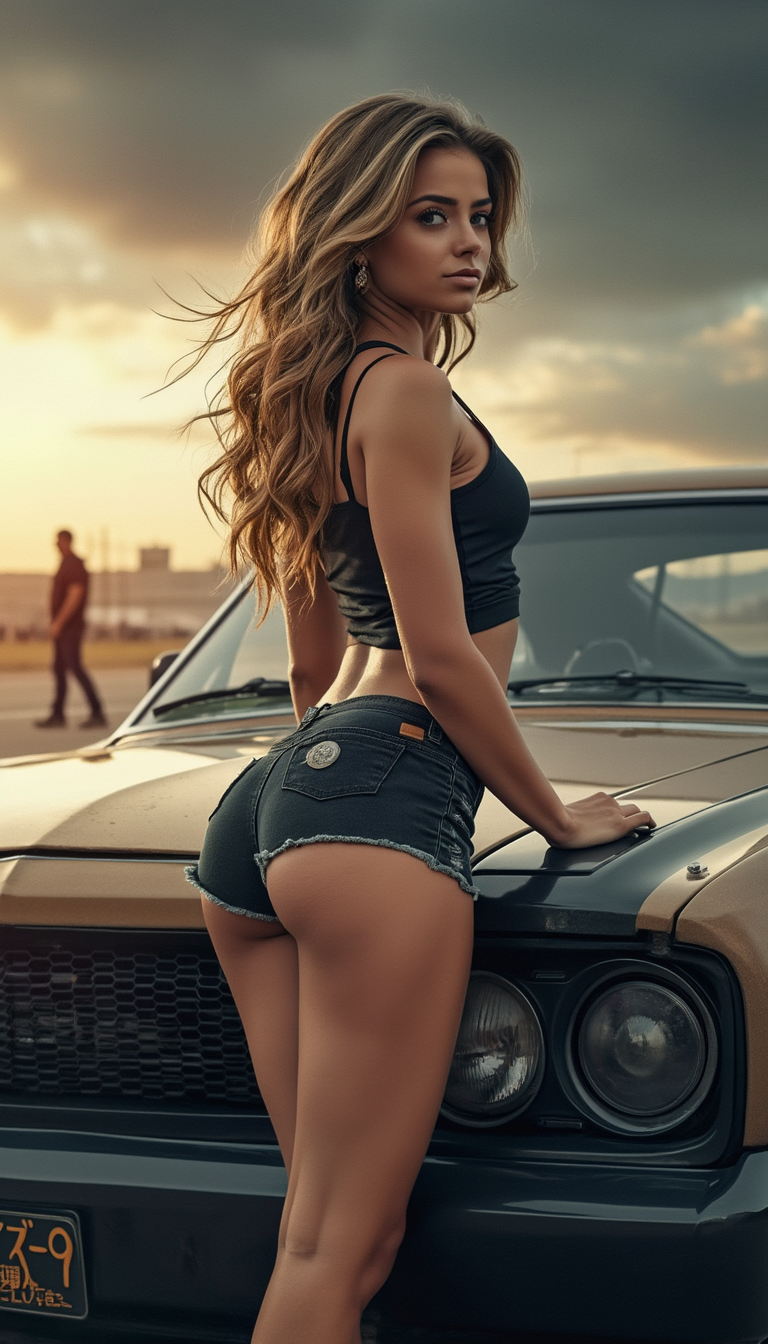
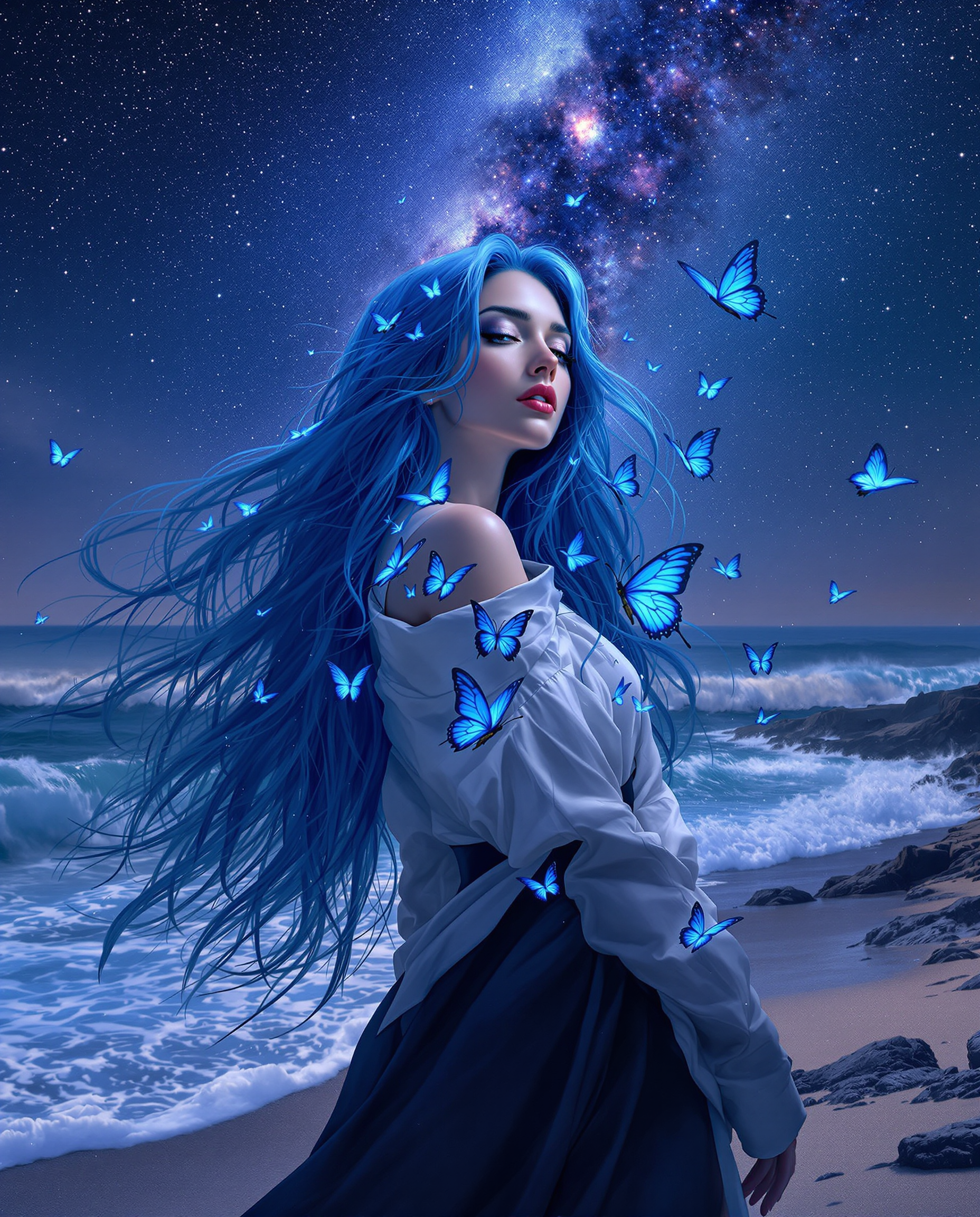
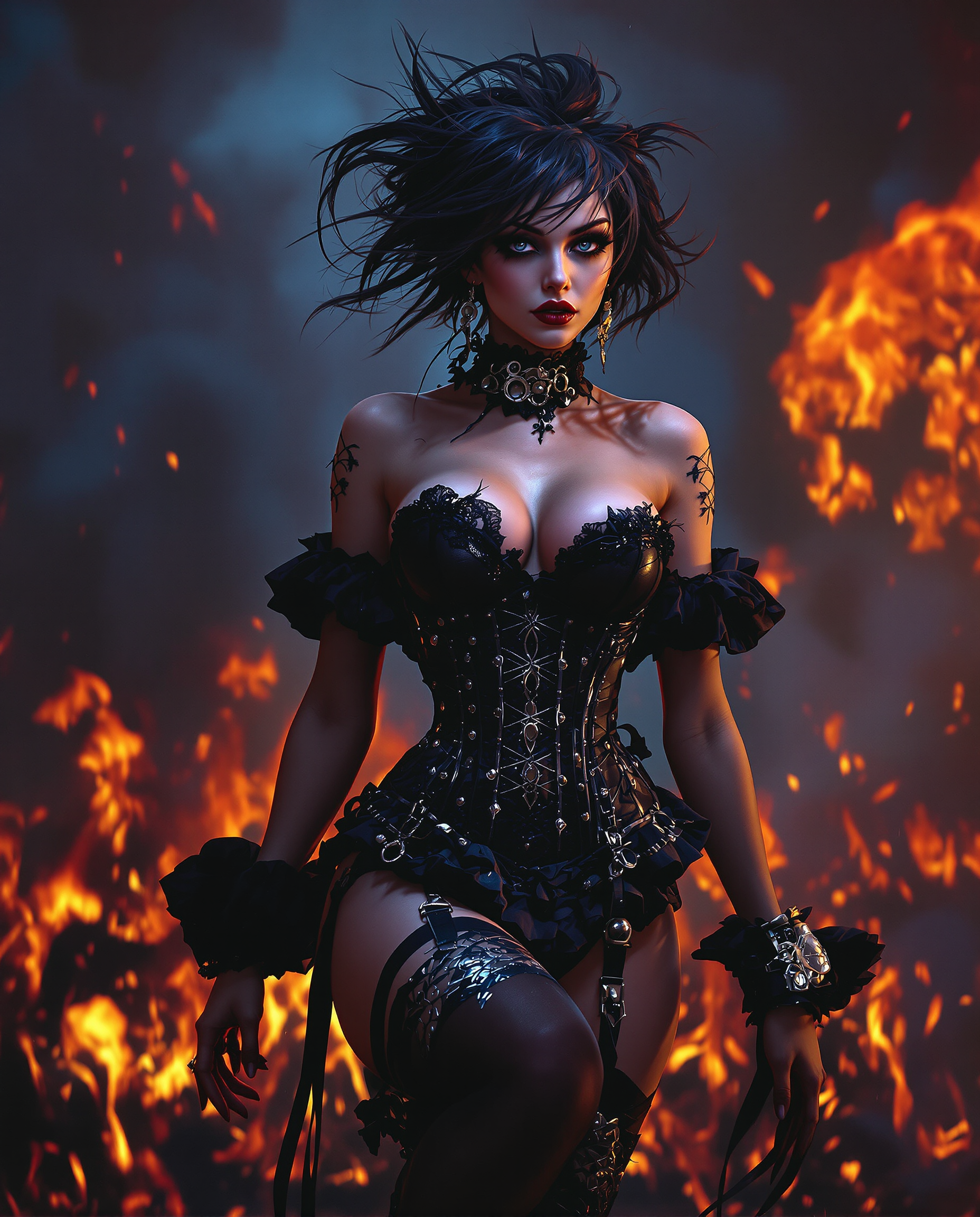
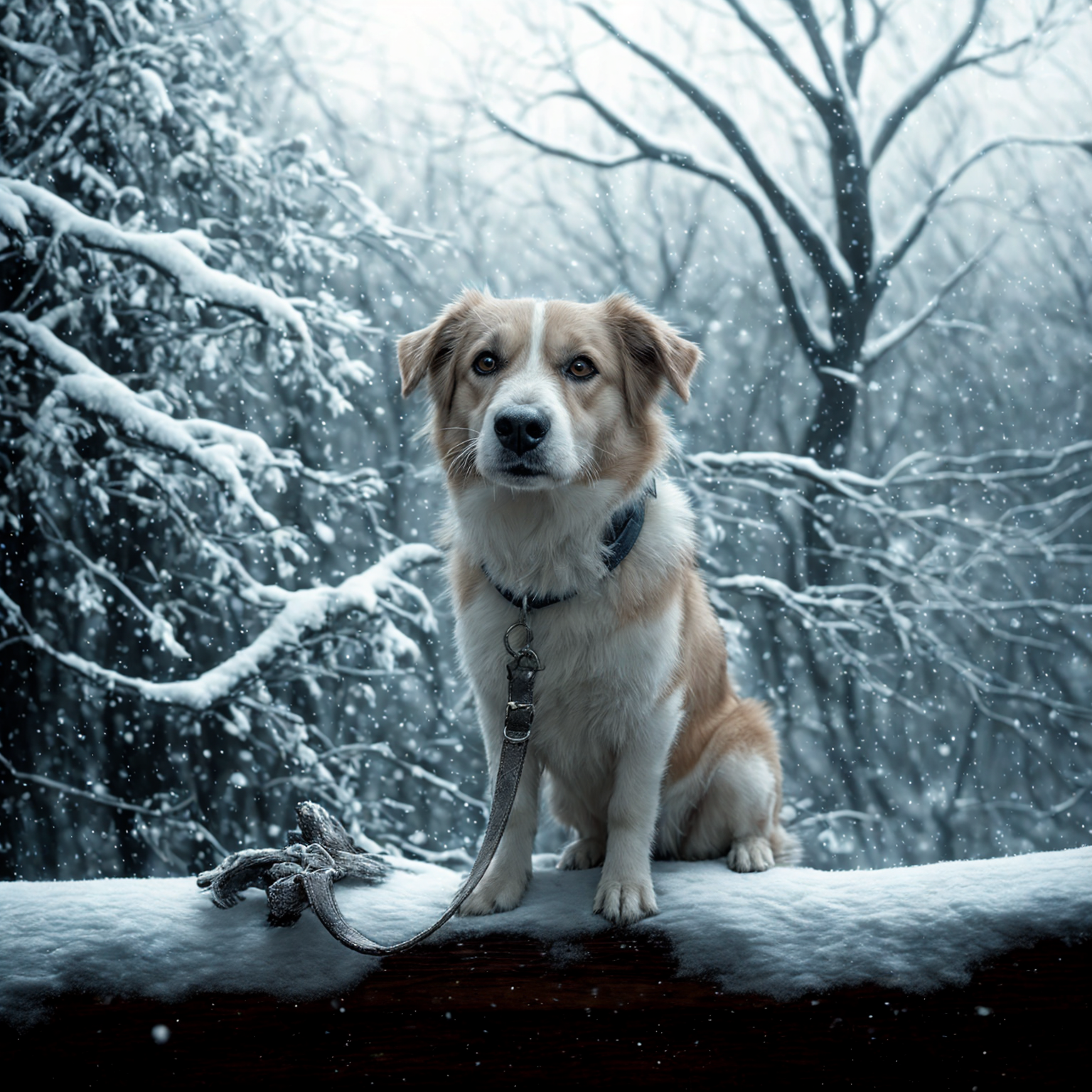
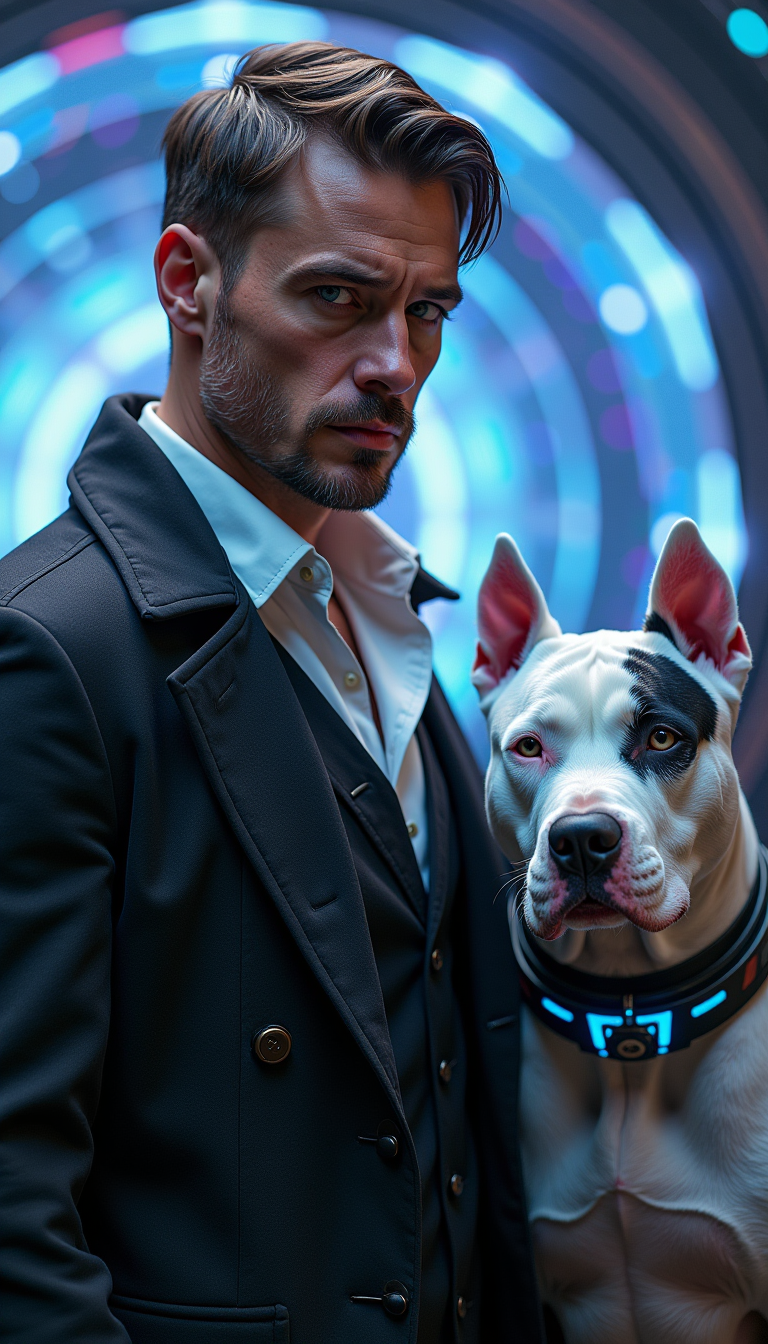
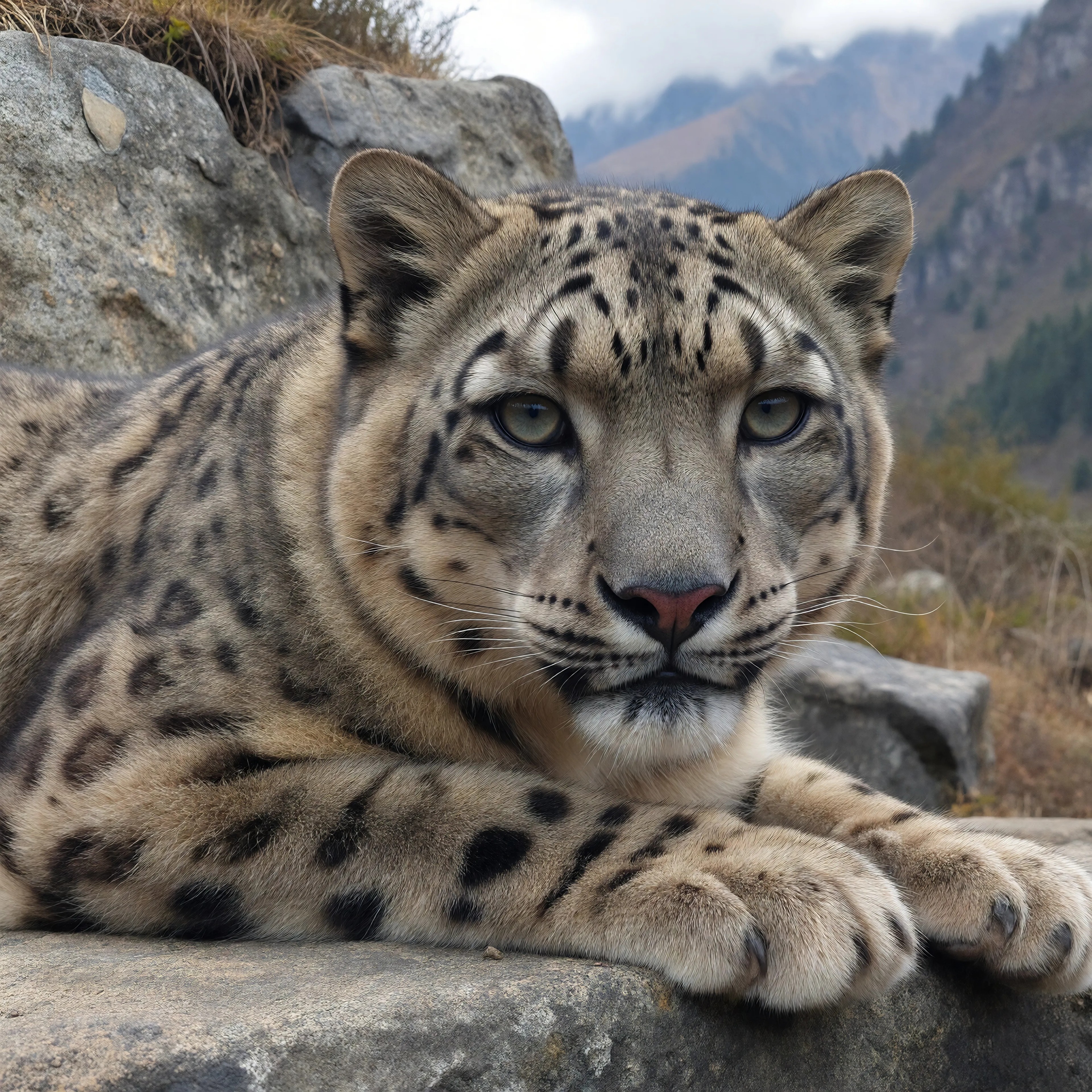
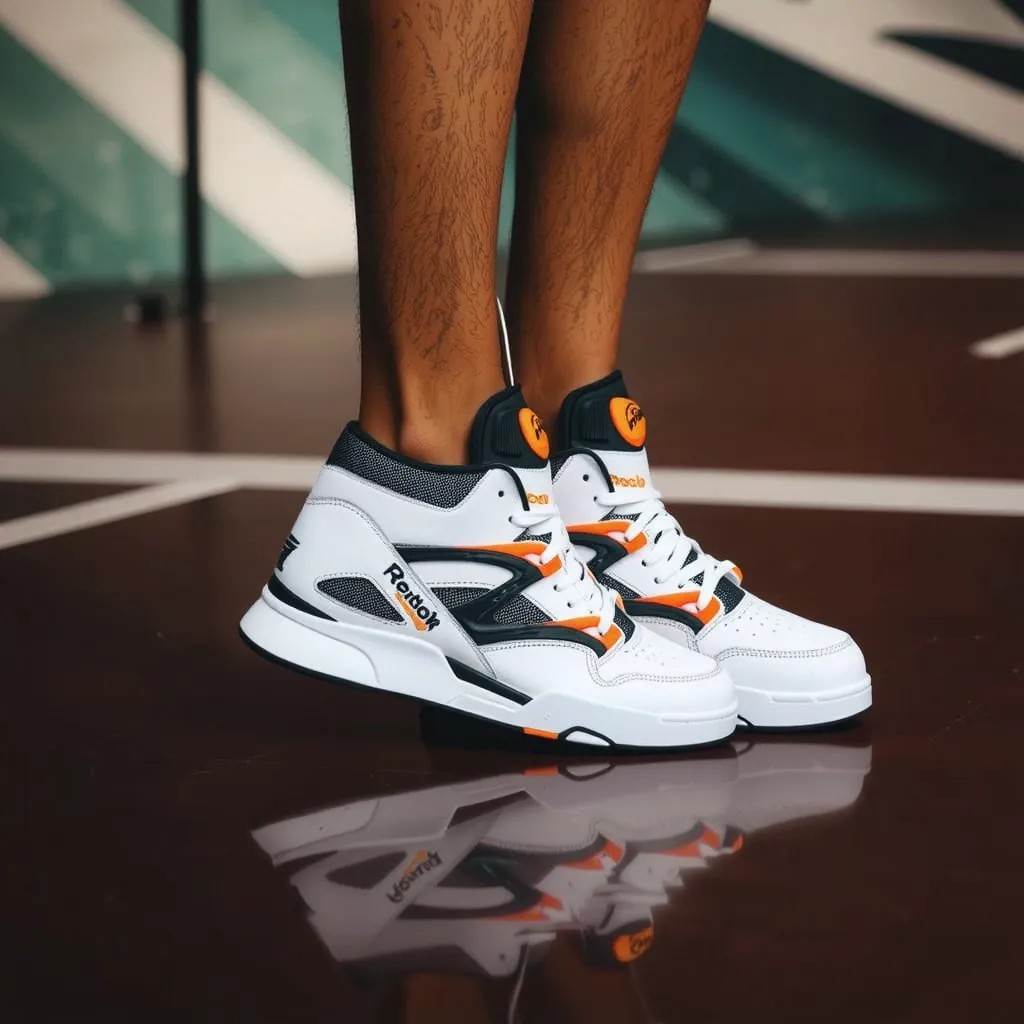
Transform your low-resolution images into stunning, high-definition visuals effortlessly with PixelDojo's AI Photo Enhancer & Upscaler. Whether you're a photographer aiming to refine your portfolio, a marketer seeking crisp images for campaigns, or someone looking to restore cherished memories, our advanced AI tools empower you to achieve professional-grade results in seconds.
Join over 10,000 satisfied users who have enhanced more than 1 million images using PixelDojo's AI technology.
Why Choose Pixel Dojo for AI Photo Enhancer & Upscaler
Professional-quality results with cutting-edge AI technology
Achieve Crystal-Clear Images Instantly
Elevate your photos to high-definition quality with just a few clicks, eliminating the need for complex editing software.
Save Time with Automated Enhancements
Our AI-driven tools process your images swiftly, allowing you to focus on your creative projects without manual editing.
Preserve and Restore Precious Memories
Bring old or low-quality photos back to life by enhancing details and resolution, ensuring your memories are preserved beautifully.
How It Works
Enhancing and upscaling your photos with PixelDojo is a straightforward process. Follow these simple steps to transform your images:
Step 1: Select the AI Photo Enhancer Tool
Navigate to the 'Enhance' section on PixelDojo and choose the 'Creative Upscaler' tool to begin the enhancement process.
Step 2: Upload Your Image
Click on the 'Upload Image' button to select the photo you wish to enhance from your device.
Step 3: Customize Enhancement Settings
Adjust the upscaling factor and other enhancement settings as per your preference to achieve the desired quality.




The Pixel Dojo Advantage
Discover why PixelDojo stands out in AI photo enhancement and upscaling:
| Others | Pixel Dojo |
|---|---|
| Traditional Photo Editing Software | Eliminates the steep learning curve and time-consuming processes associated with manual editing. |
| Generic AI Tools | Offers specialized tools like 'Creative Upscaler' tailored for precise photo enhancement needs. |
| Manual Upscaling Methods | Utilizes advanced AI algorithms to upscale images without compromising quality, unlike manual methods that often result in pixelation. |
Loved by creators on PixelDojo
Real feedback from people using PixelDojo, pulled from our in-product surveys.
Excellent website for creating all types of media
Very eay to use, works well to train SDXL loras.
The amazing tools
Top notch quality and strong prompt adherence.
A well resourced sunscription with attention to updates.
Easy to use and there's lots of options.
Explore more AI tools on PixelDojo
AI Tools
Compare & Switch
- Best AI Image Generators
- Best AI Video Generators
- Midjourney Alternatives
- Civitai Alternatives
- Runway Alternatives
- Leonardo Alternatives
- Pika Alternatives
- Luma Alternatives
- Magnific Alternatives
- Veo Alternatives
- Flux Alternatives
- Freepik Alternatives
- Seedance Alternatives
- Seedream Alternatives
- Pixverse Alternatives
- GPT Image Alternatives
- Synthesia Alternatives
- Playground Alternatives
- NightCafe Alternatives
- Canva AI Alternatives
- ElevenLabs Alternatives
- ComfyUI Alternatives
- Fal Alternatives
- Replicate Alternatives
Common Questions
Everything you need to know about AI Photo Enhancer & Upscaler
How does PixelDojo's AI Photo Enhancer improve image quality?
Our AI Photo Enhancer analyzes your image and intelligently adds details, sharpens edges, and increases resolution, resulting in a clearer and more vibrant photo.
Can I enhance multiple photos at once?
Yes, PixelDojo supports batch processing, allowing you to enhance multiple images simultaneously, saving you time and effort.
Is there a limit to the image size I can upload?
PixelDojo accommodates a wide range of image sizes. For optimal performance, we recommend uploading images up to 20MB in size.
Do I need any prior editing experience to use PixelDojo's tools?
Not at all. Our user-friendly interface is designed for both beginners and professionals, making photo enhancement accessible to everyone.
What file formats are supported for enhancement?
PixelDojo supports various image formats, including JPEG, PNG, and WebP, ensuring compatibility with most photos.
Can I try PixelDojo's AI Photo Enhancer before committing to a subscription?
Absolutely! We offer a free trial that allows you to experience the full capabilities of our AI Photo Enhancer before making a decision.