ai photo generator from image
Imagine turning your everyday photos into breathtaking works of art or enhancing them to professional quality with just a few clicks. With PixelDojo's advanced AI tools, you can effortlessly transform your existing images into stunning visuals that captivate and inspire. Whether you're looking to apply artistic styles, enhance realism, or create entirely new compositions, our platform empowers you to achieve remarkable outcomes without any technical expertise.
Join over 10,000 satisfied creators who have transformed their photos using PixelDojo's AI tools, rated 4.8/5 by our community.
Why Choose Pixel Dojo for ai photo generator from image
Professional-quality results with cutting-edge AI technology
Effortless Image Transformation
Convert your photos into various artistic styles or enhance their quality with minimal effort.
Professional-Quality Results
Achieve high-resolution, realistic images suitable for portfolios, social media, or personal projects.
Time-Saving Automation
Leverage AI to perform complex edits and transformations in seconds, saving you hours of manual work.
How It Works
Transforming your photos with PixelDojo is simple and intuitive. Follow these steps to create stunning images from your existing photos:
Step 1: Upload Your Photo
Select the 'Image to Image' tool and upload the photo you wish to transform.
Step 2: Choose a Transformation Style
Pick from a variety of styles such as 'Enhance Realism', 'Style Transfer', or 'Magic Lighting' to apply to your photo.
Step 3: Customize and Download
Adjust the intensity of the transformation to your liking, preview the result, and download the final image.
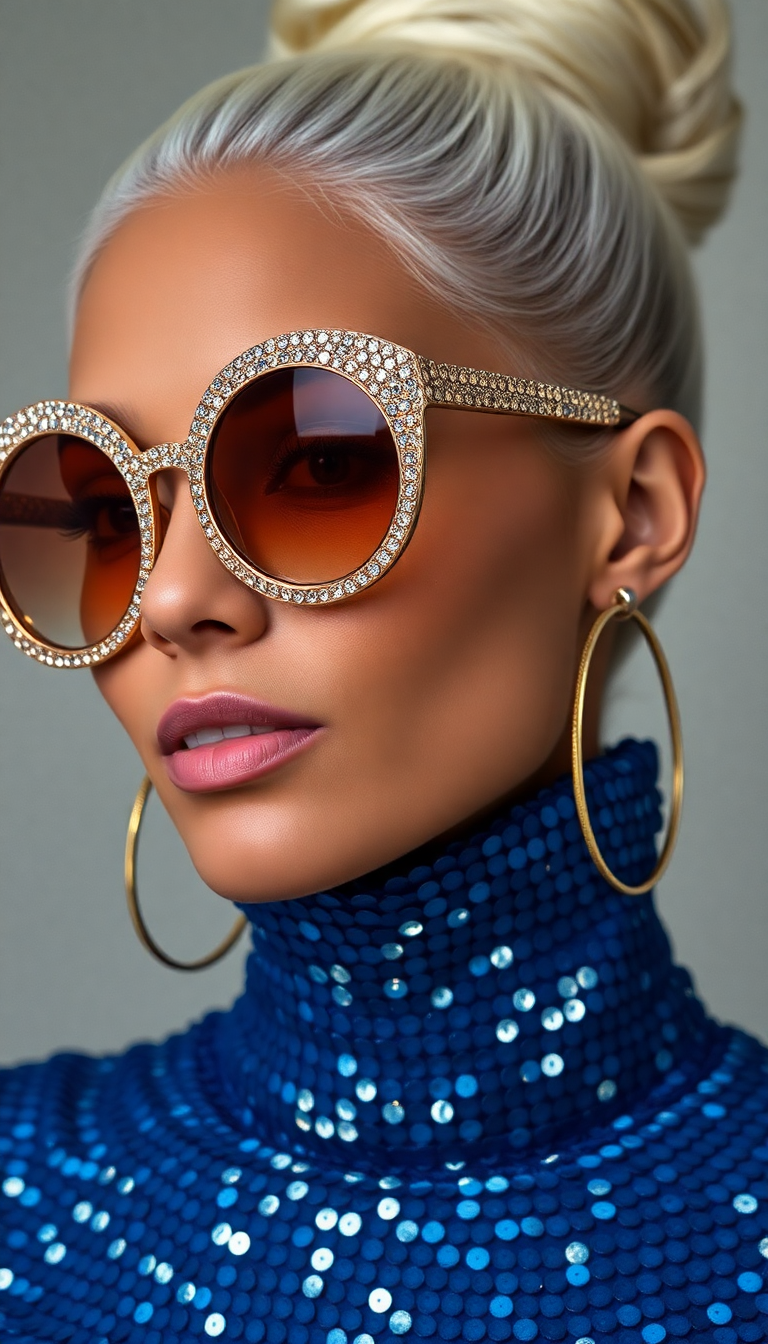
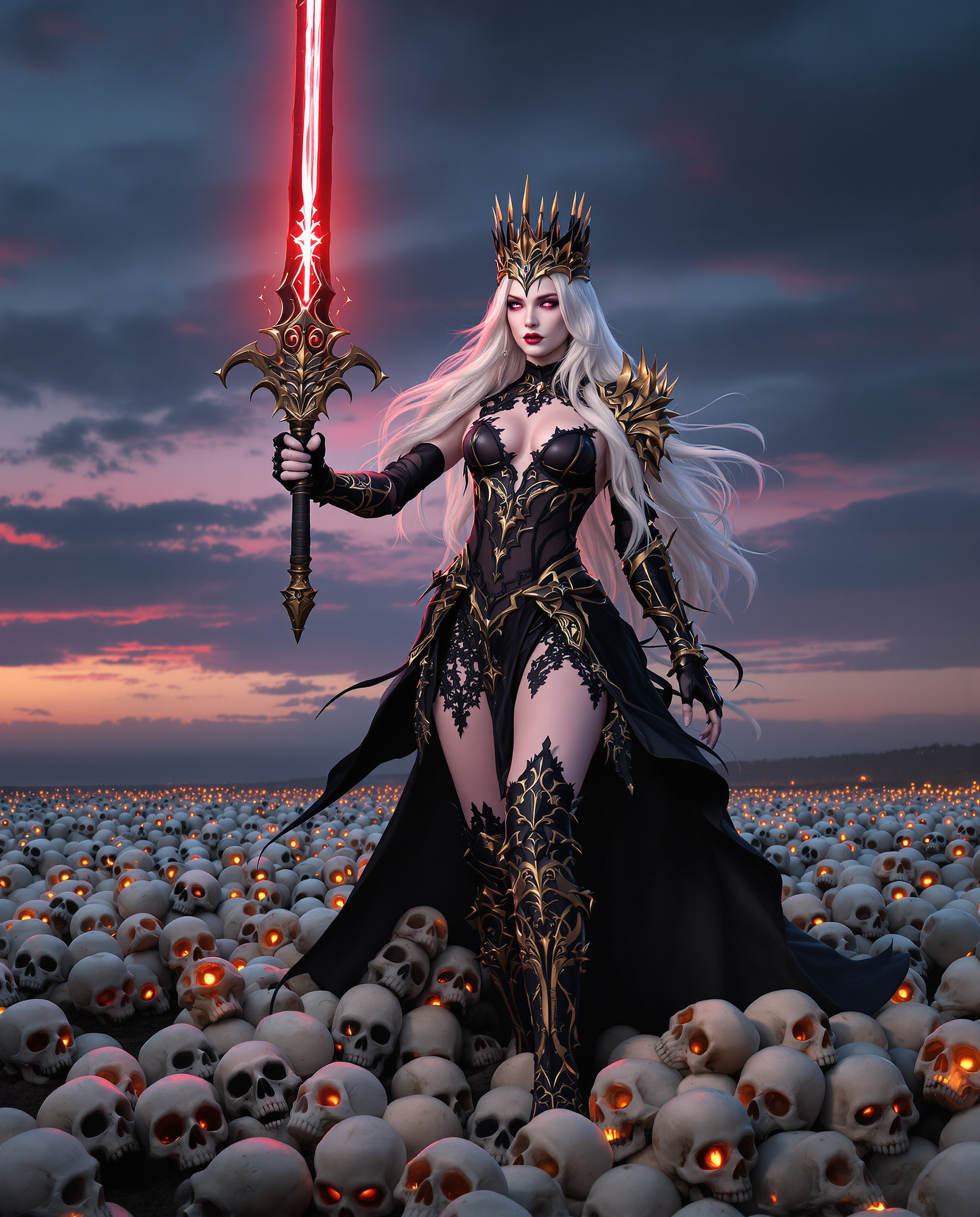
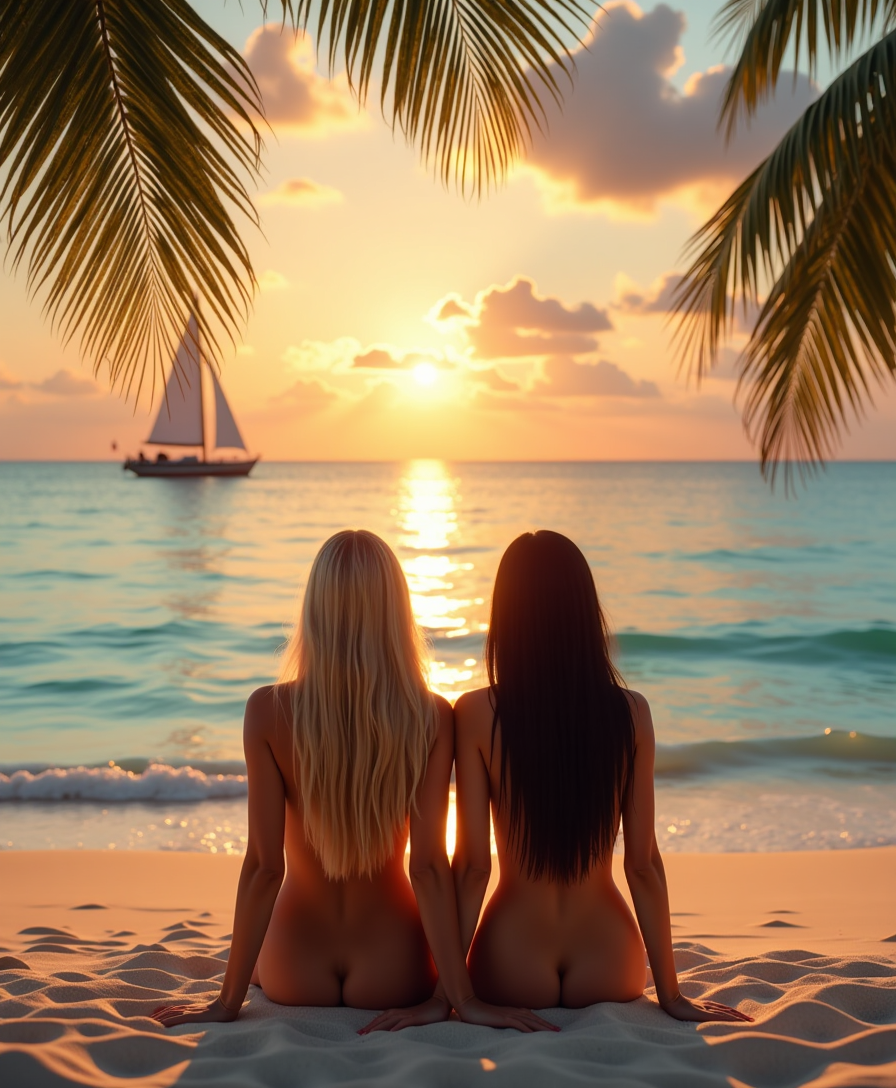
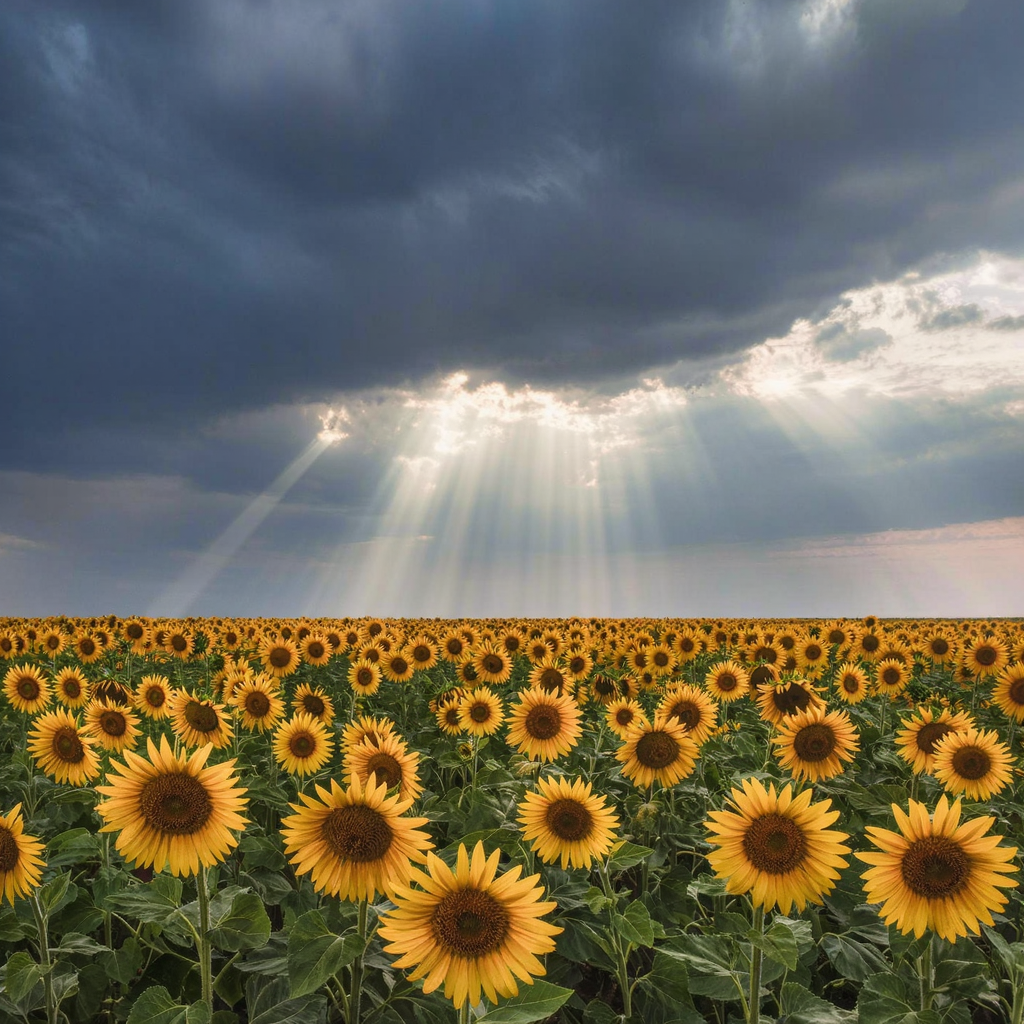
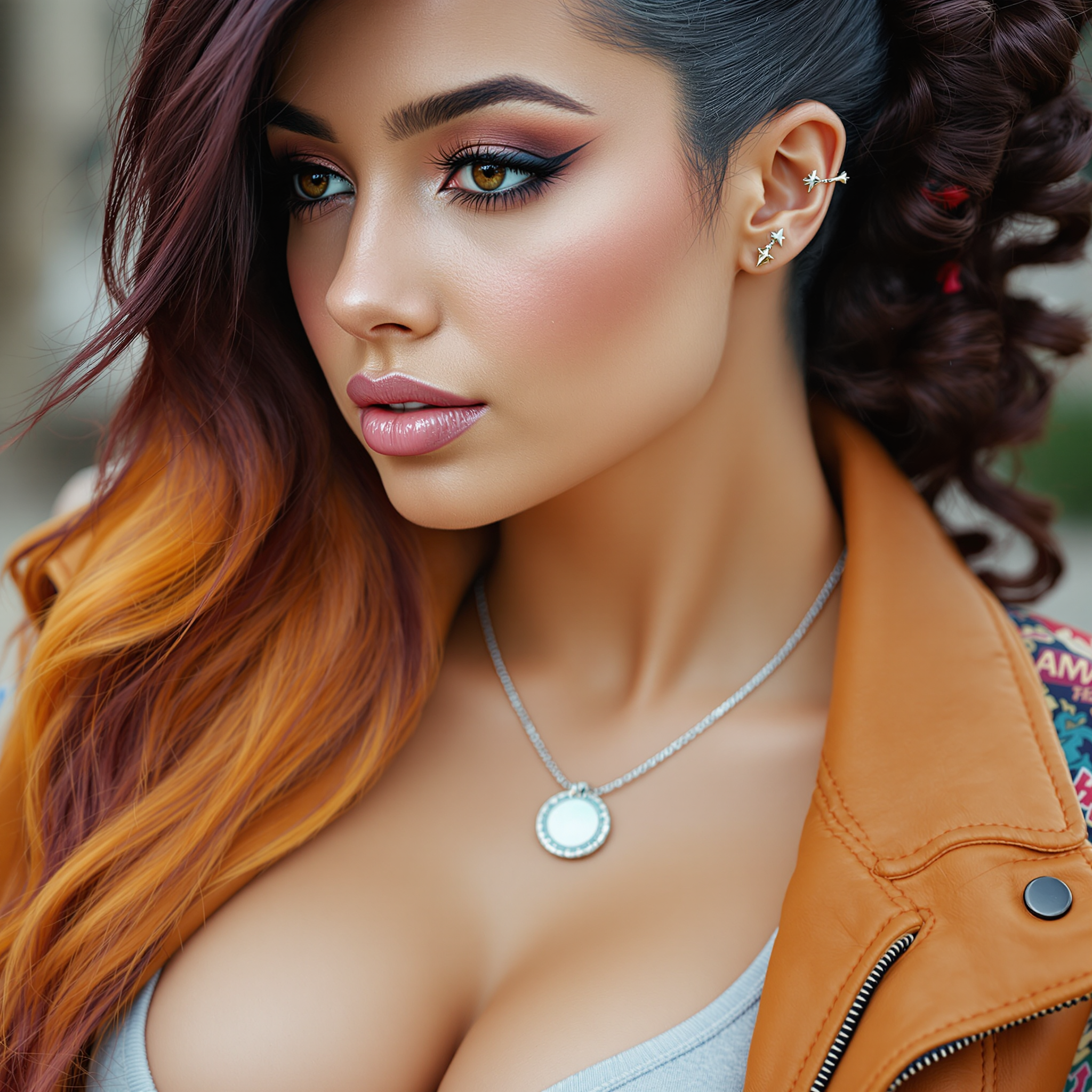

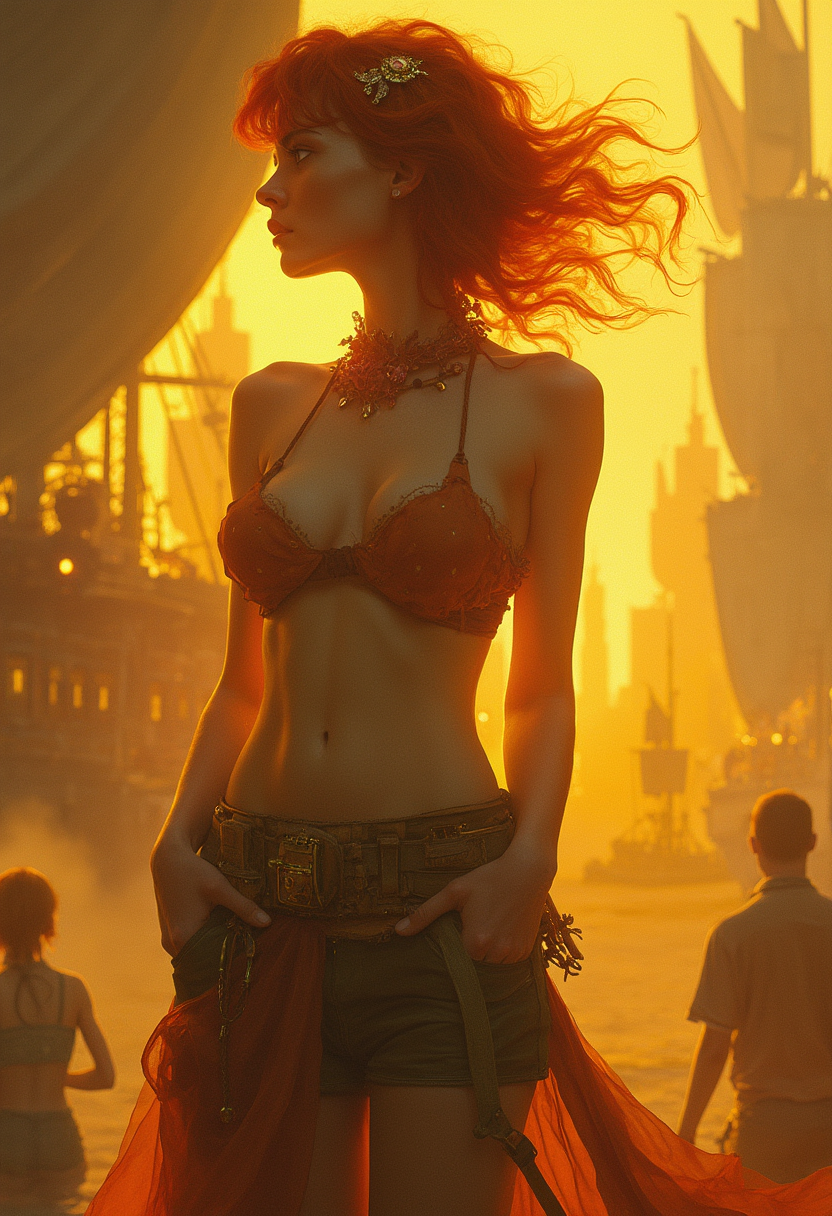
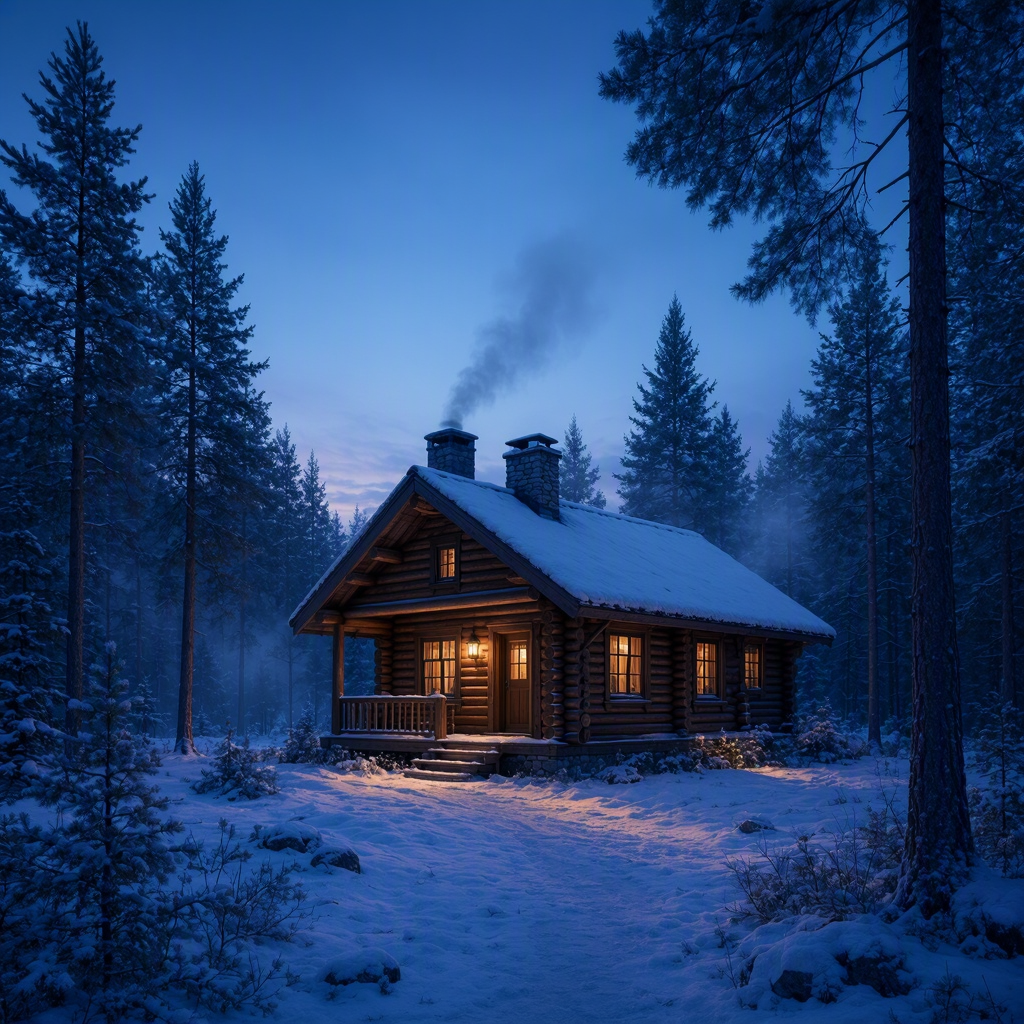
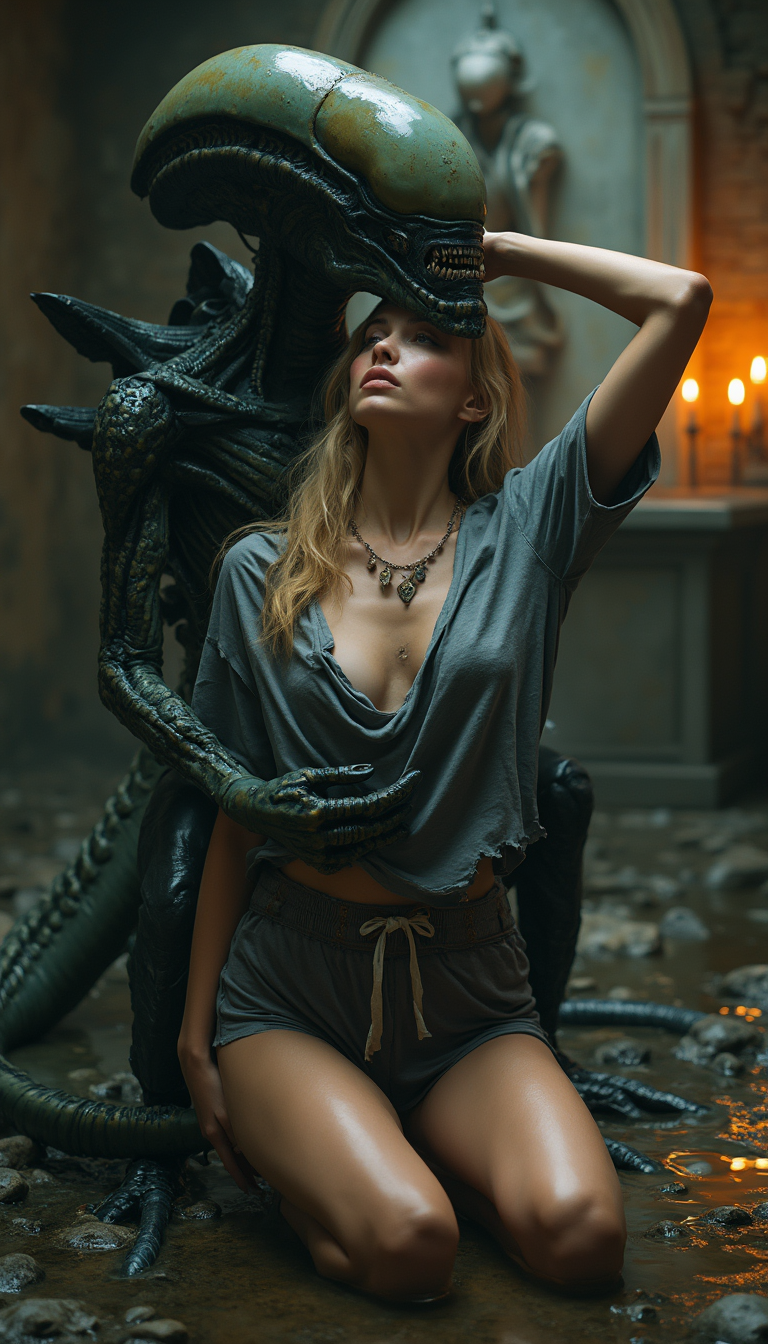
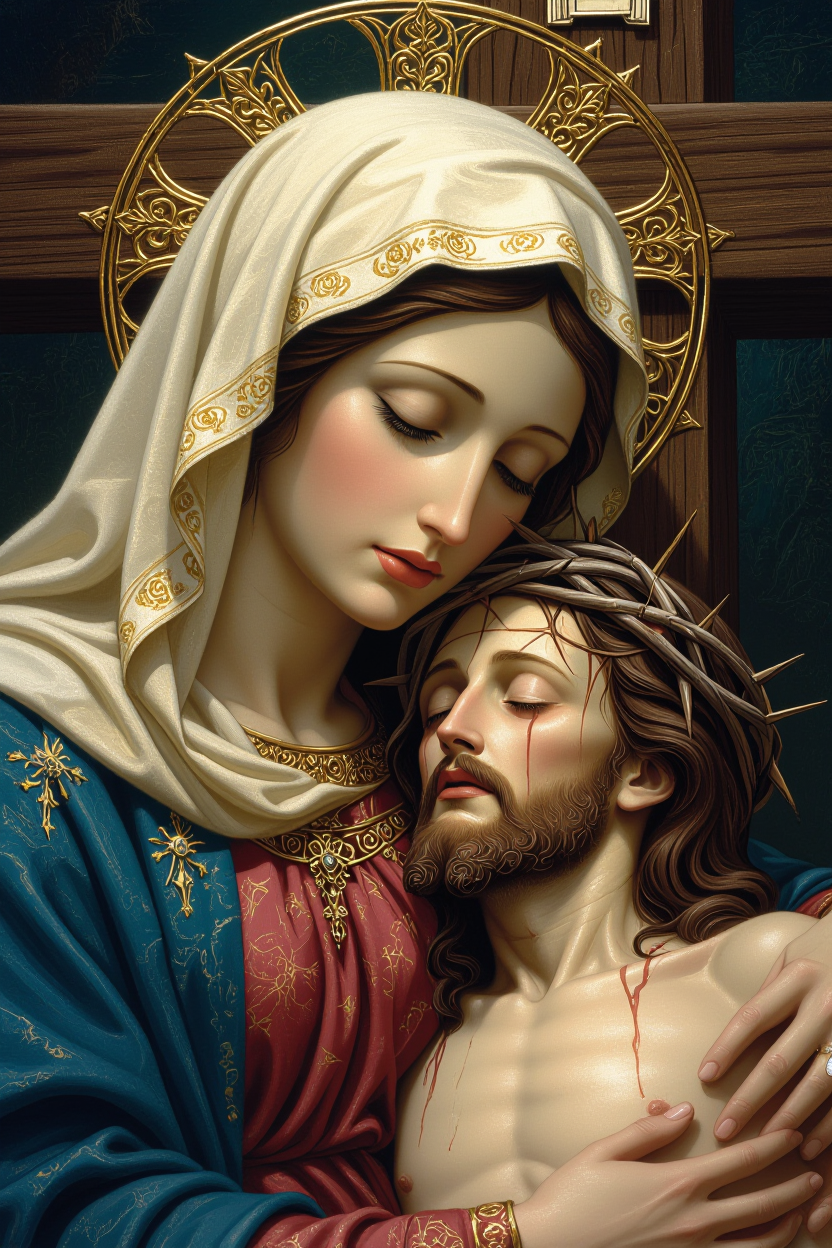
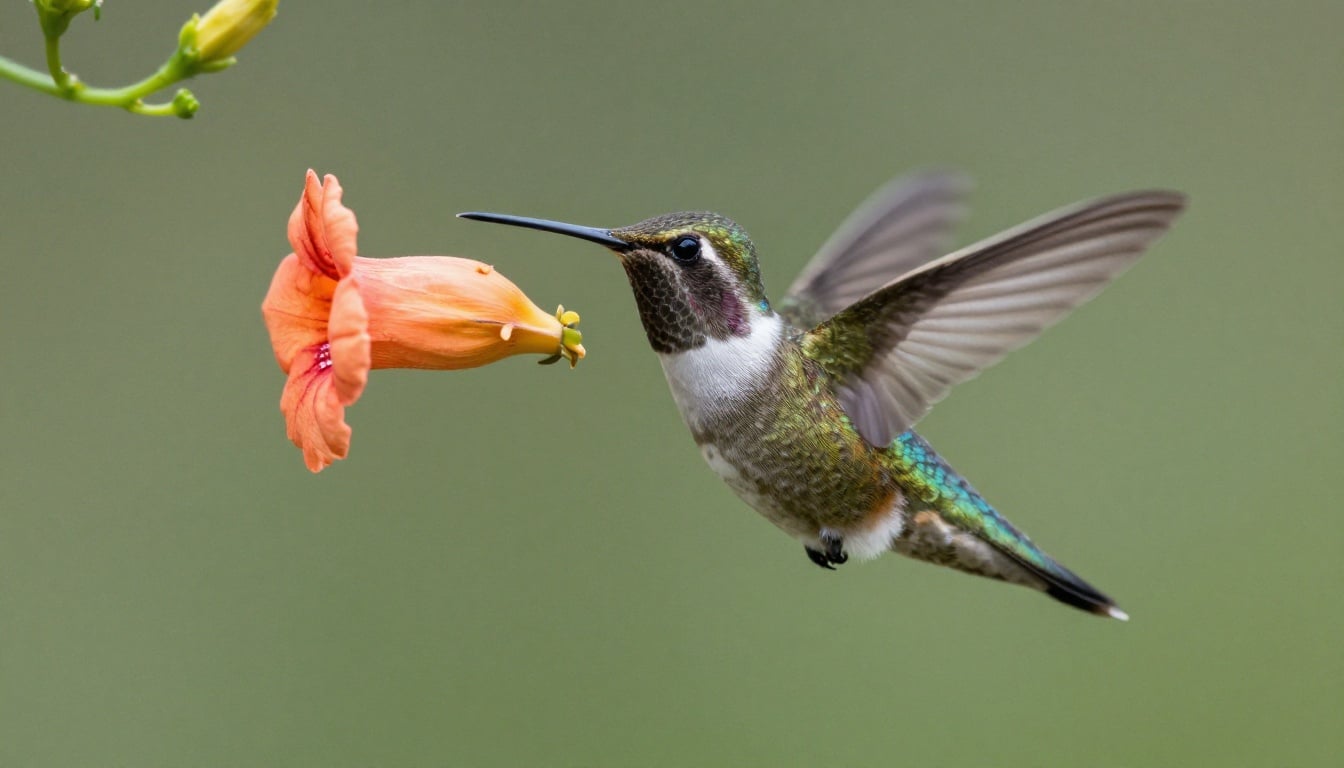
The Pixel Dojo Advantage
Why PixelDojo is the superior choice for transforming your photos with AI:
| Others | Pixel Dojo |
|---|---|
| Traditional Photo Editing Software | Automates complex edits, eliminating the need for manual adjustments and extensive learning curves. |
| Generic AI Tools | Offers a comprehensive suite of specialized tools tailored for various image transformations, providing more control and precision. |
| Manual Artistic Rendering | Enables quick application of artistic styles without requiring artistic skills or significant time investment. |
Loved by creators on PixelDojo
Real feedback from people using PixelDojo, pulled from our in-product surveys.
super easy to use
it's very easy to use
Practically every Ai suite in one place? Who wouldn't?
versatile menu of tools
Best AI tool availble the suite is rad
Versatility quality, value, ROI, innovation
Explore more AI tools on PixelDojo
AI Tools
Compare & Switch
- Best AI Image Generators
- Best AI Video Generators
- Midjourney Alternatives
- Civitai Alternatives
- Runway Alternatives
- Leonardo Alternatives
- Pika Alternatives
- Luma Alternatives
- Magnific Alternatives
- Veo Alternatives
- Flux Alternatives
- Freepik Alternatives
- Seedance Alternatives
- Seedream Alternatives
- Pixverse Alternatives
- GPT Image Alternatives
- Synthesia Alternatives
- Playground Alternatives
- NightCafe Alternatives
- Canva AI Alternatives
- ElevenLabs Alternatives
- ComfyUI Alternatives
- Fal Alternatives
- Replicate Alternatives
Common Questions
Everything you need to know about ai photo generator from image
How does PixelDojo's AI photo generator from image work?
PixelDojo utilizes advanced AI algorithms to analyze your uploaded photo and apply selected transformations, such as style transfer or realism enhancement, to produce a new, customized image.
Can I use PixelDojo to enhance the quality of low-resolution photos?
Yes, our 'Enhance Realism' tool is designed to improve the resolution and overall quality of low-resolution images, making them suitable for various uses.
Is any technical expertise required to use PixelDojo's AI tools?
No, PixelDojo is user-friendly and requires no technical skills. Our intuitive interface guides you through each step of the transformation process.
Are there any limitations on the types of photos I can upload?
You can upload a wide range of photo types. However, for optimal results, we recommend using clear, well-lit images.
Can I customize the intensity of the applied transformations?
Absolutely. PixelDojo allows you to adjust the intensity of transformations to achieve your desired effect.
Is there a cost associated with using PixelDojo's AI photo generator from image?
PixelDojo offers various subscription plans to suit different needs. You can explore our pricing options on the subscription page.