ai pic generator

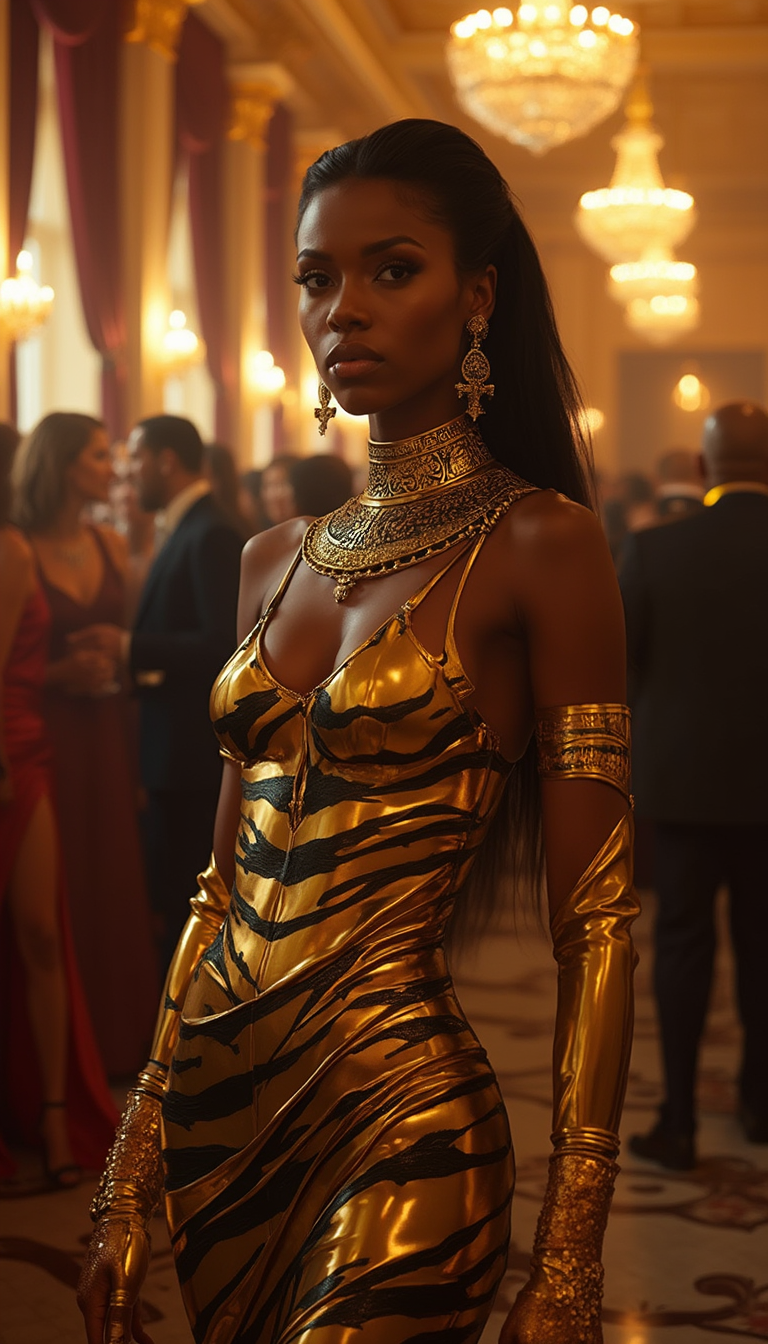
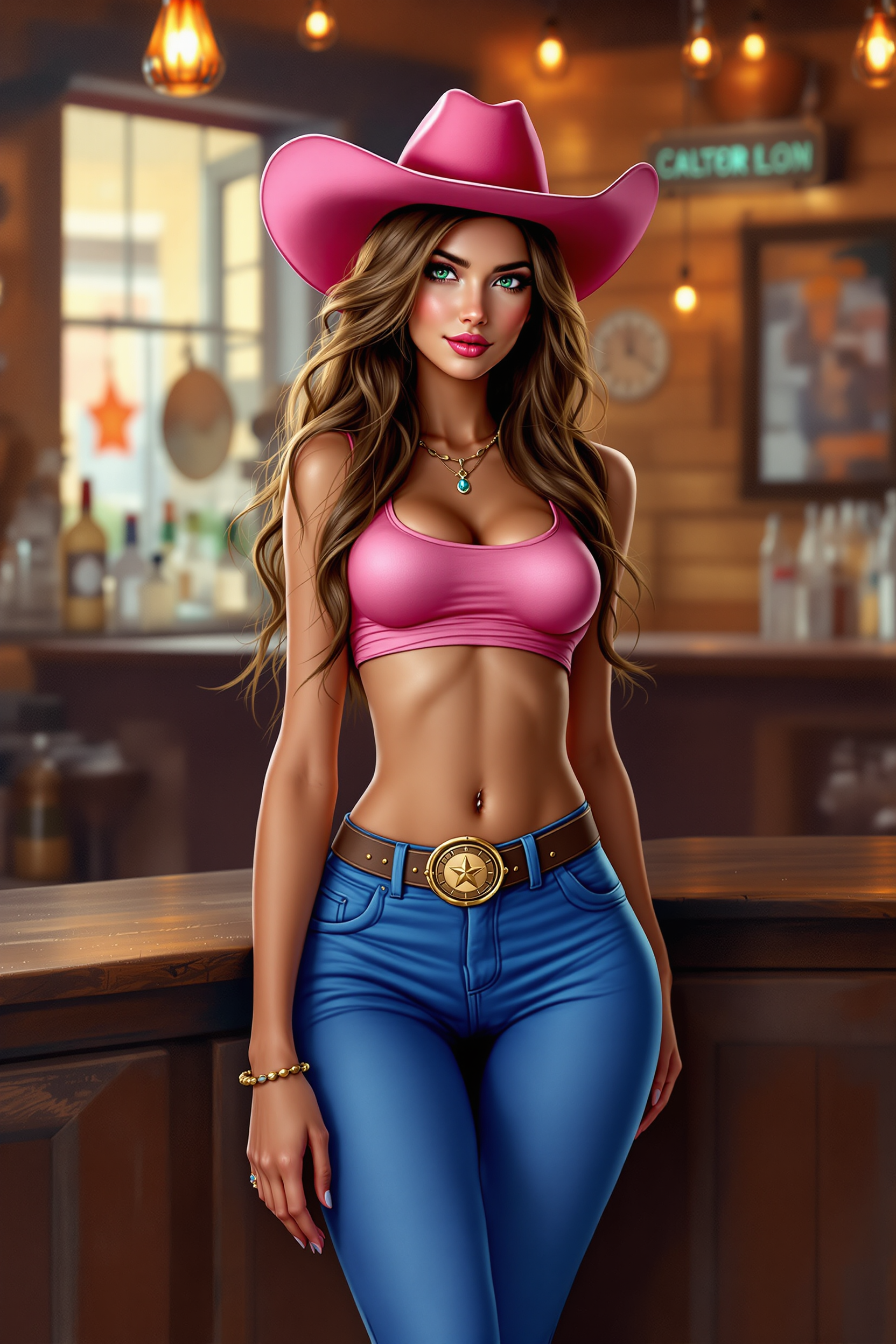
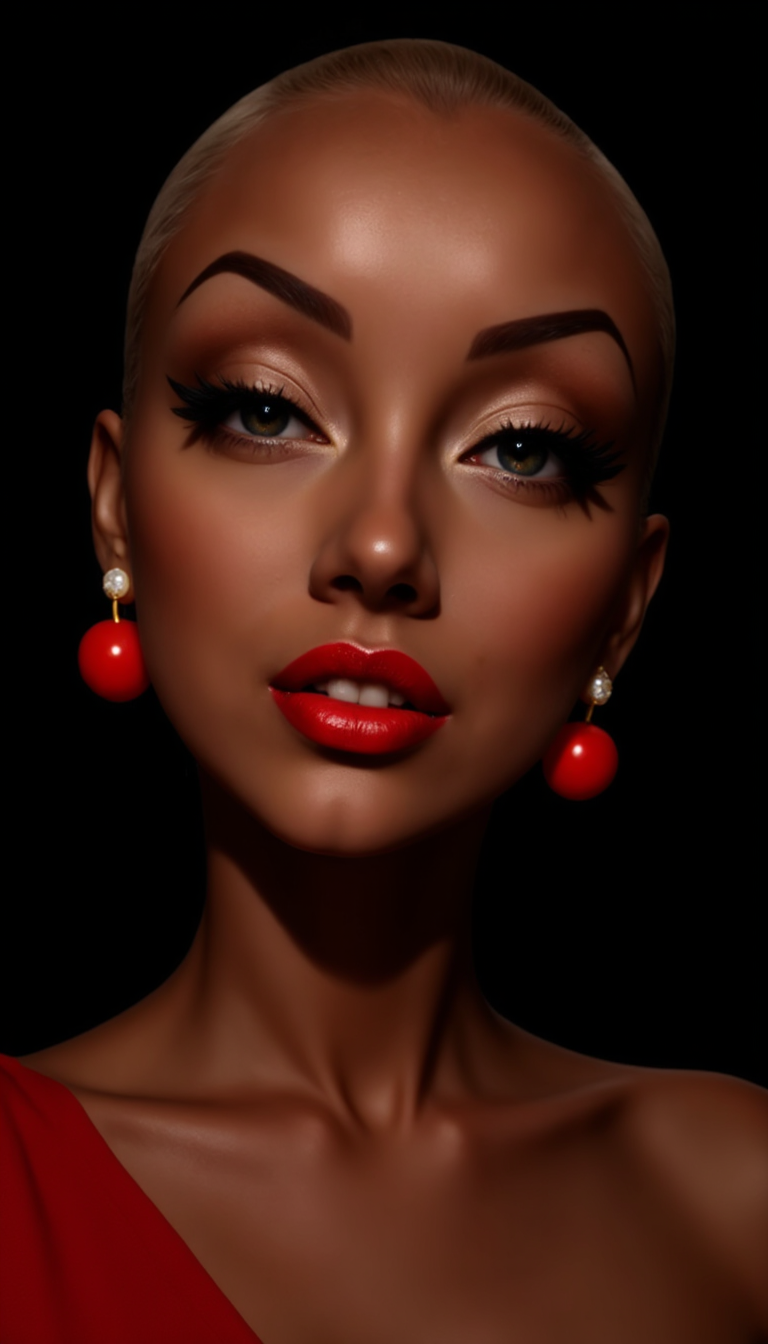
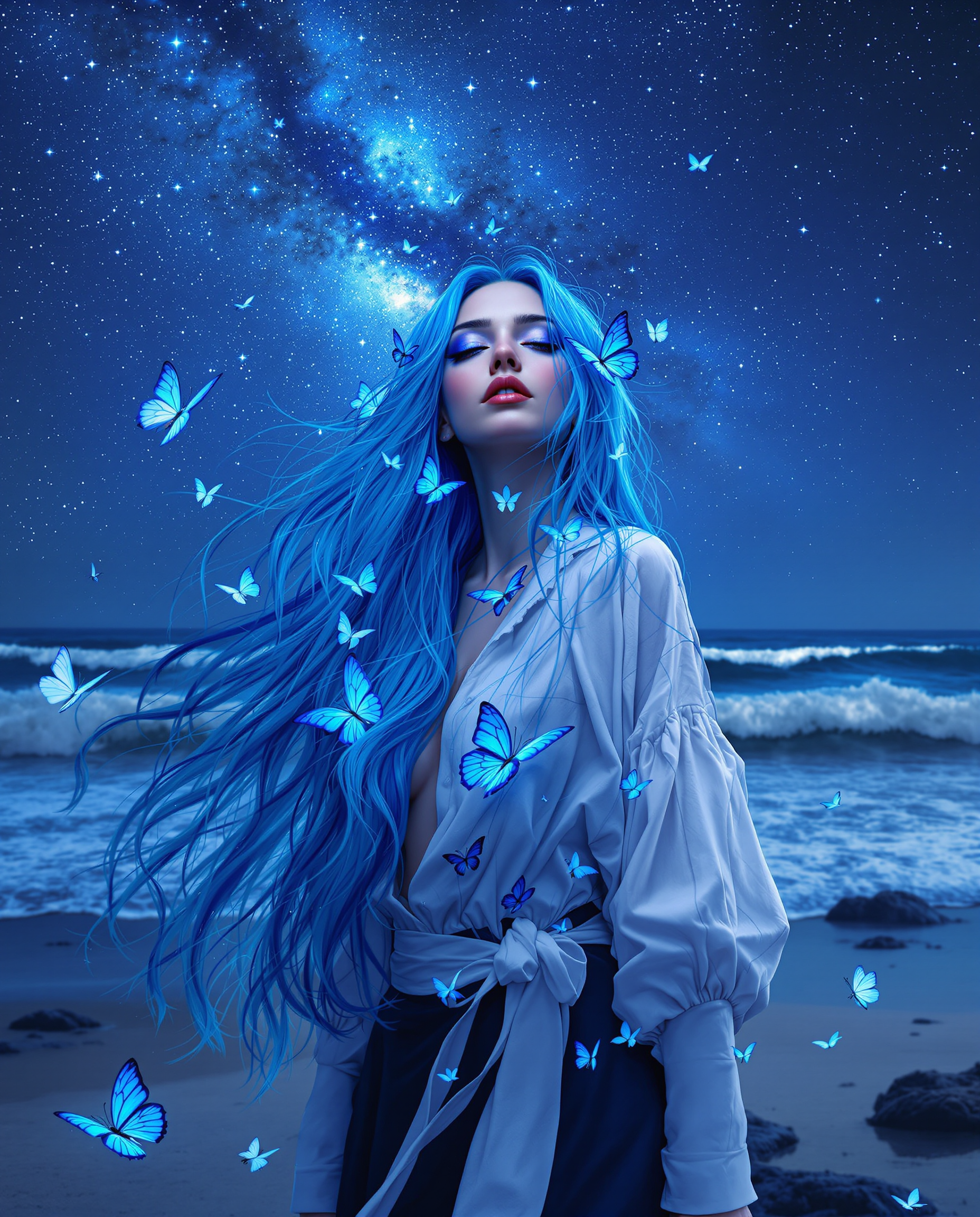
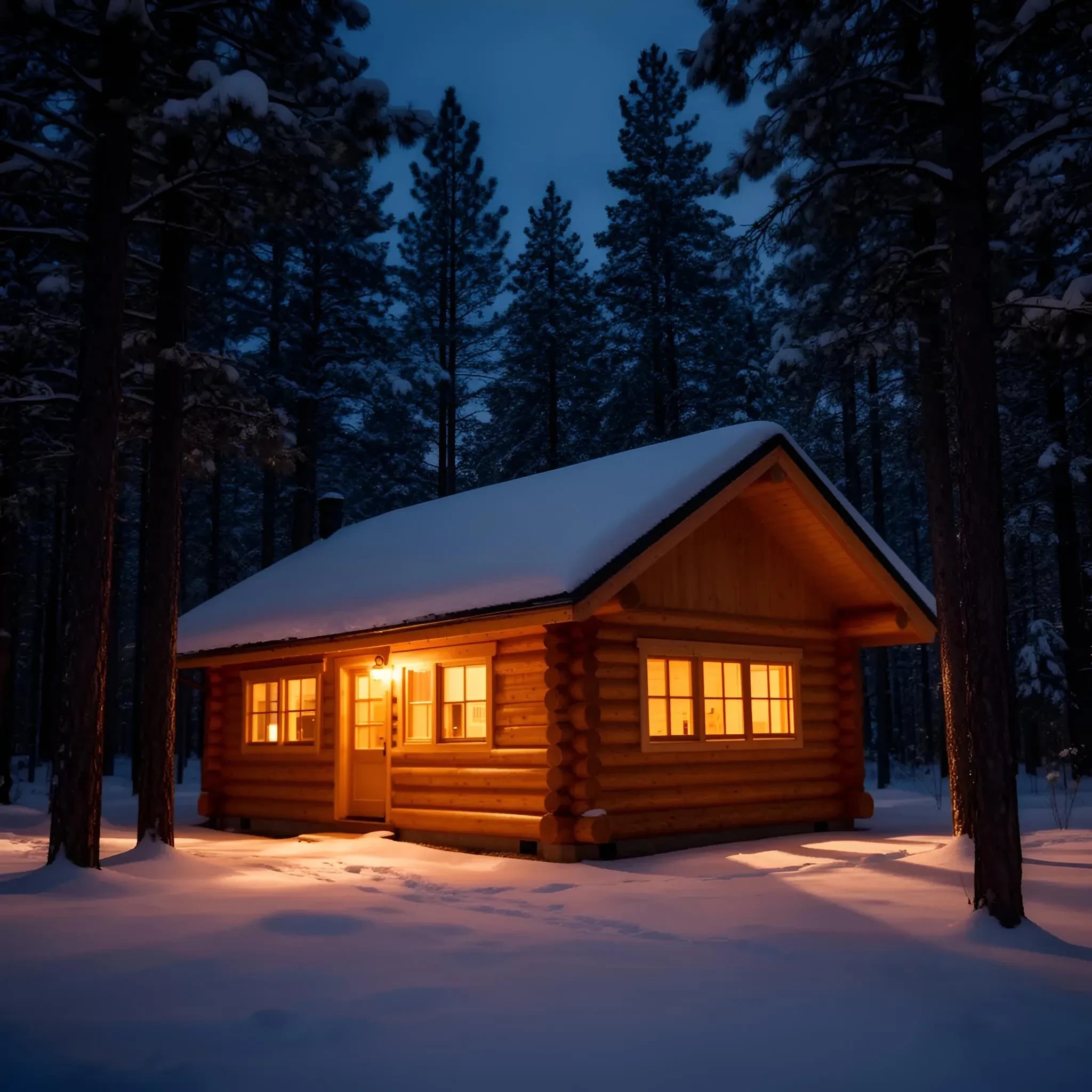
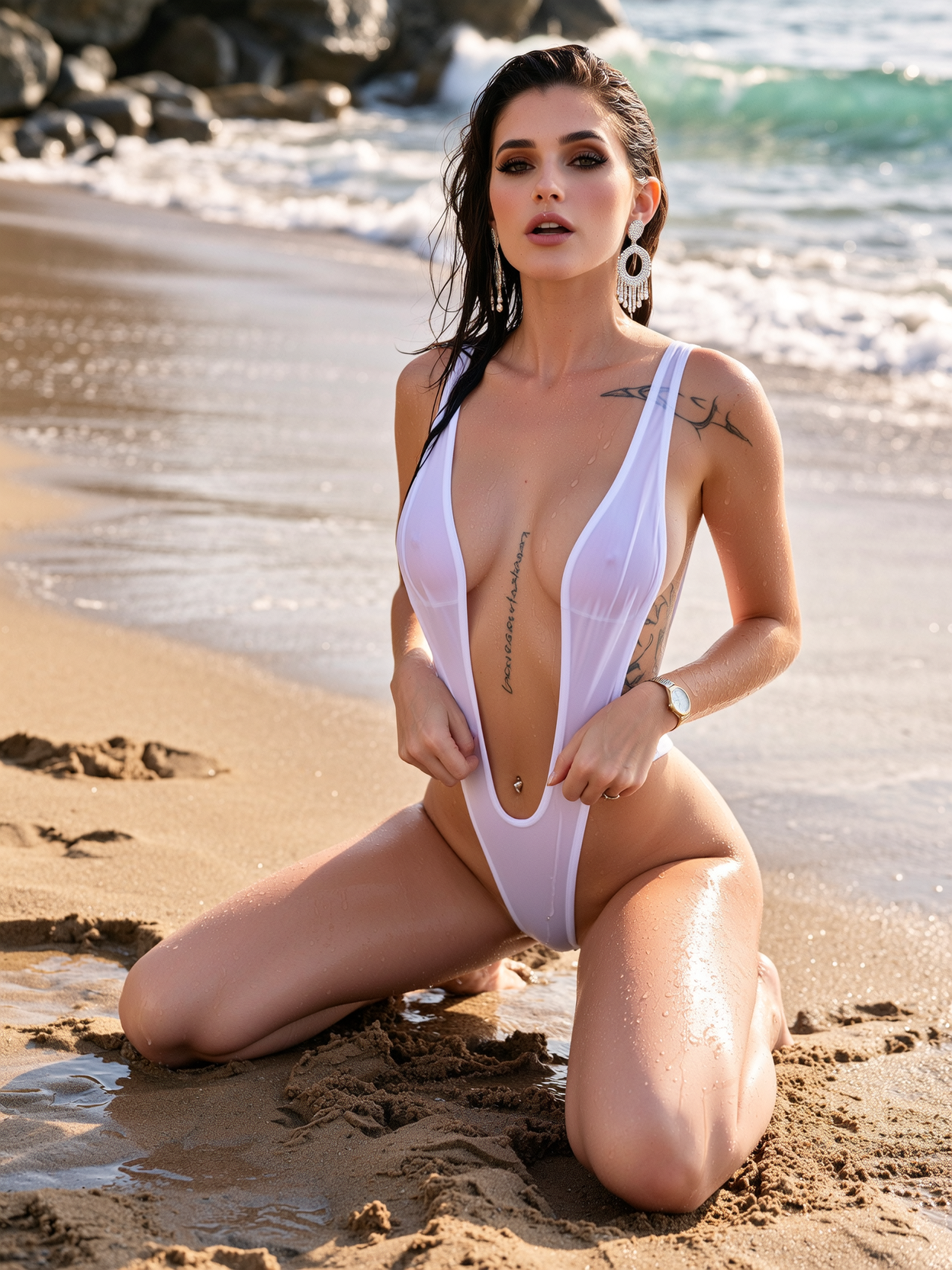
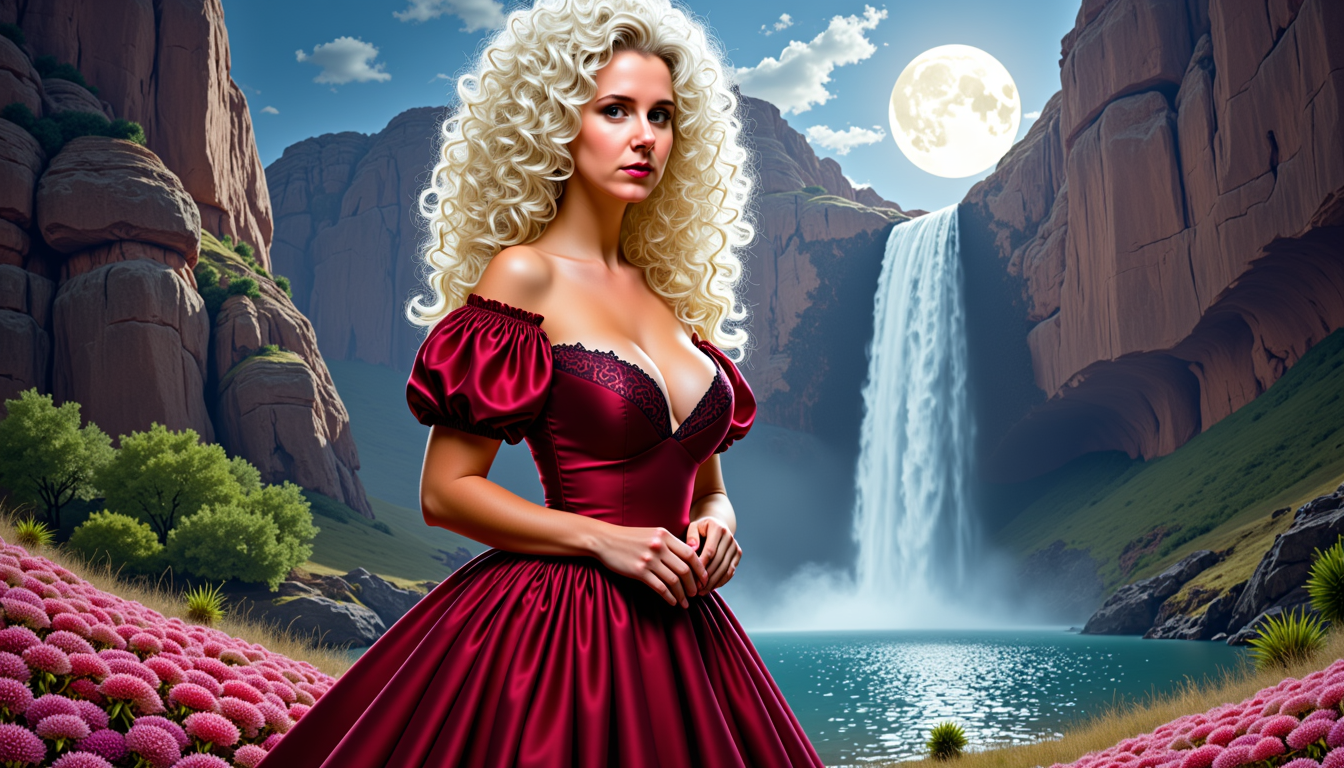
Imagine turning any idea into a breathtaking image in seconds—no design experience required. With PixelDojo's AI pic generator, you create photorealistic visuals, eye-catching social content, and consistent brand characters that captivate your audience. Whether you're a marketer needing quick campaign assets, a creator building a visual story, or a business owner showcasing products, you achieve professional results that drive engagement and sales. Focus on your vision while our tools handle the complexity, delivering high-quality AI pics tailored exactly to your needs.
Loved by 75,000+ creators worldwide with a 4.9/5 average rating. Over 12 million AI pics generated this month alone. Trusted for commercial projects with full usage rights included.
Why Choose Pixel Dojo for ai pic generator
Professional-quality results with cutting-edge AI technology
Create Professional Visuals Instantly
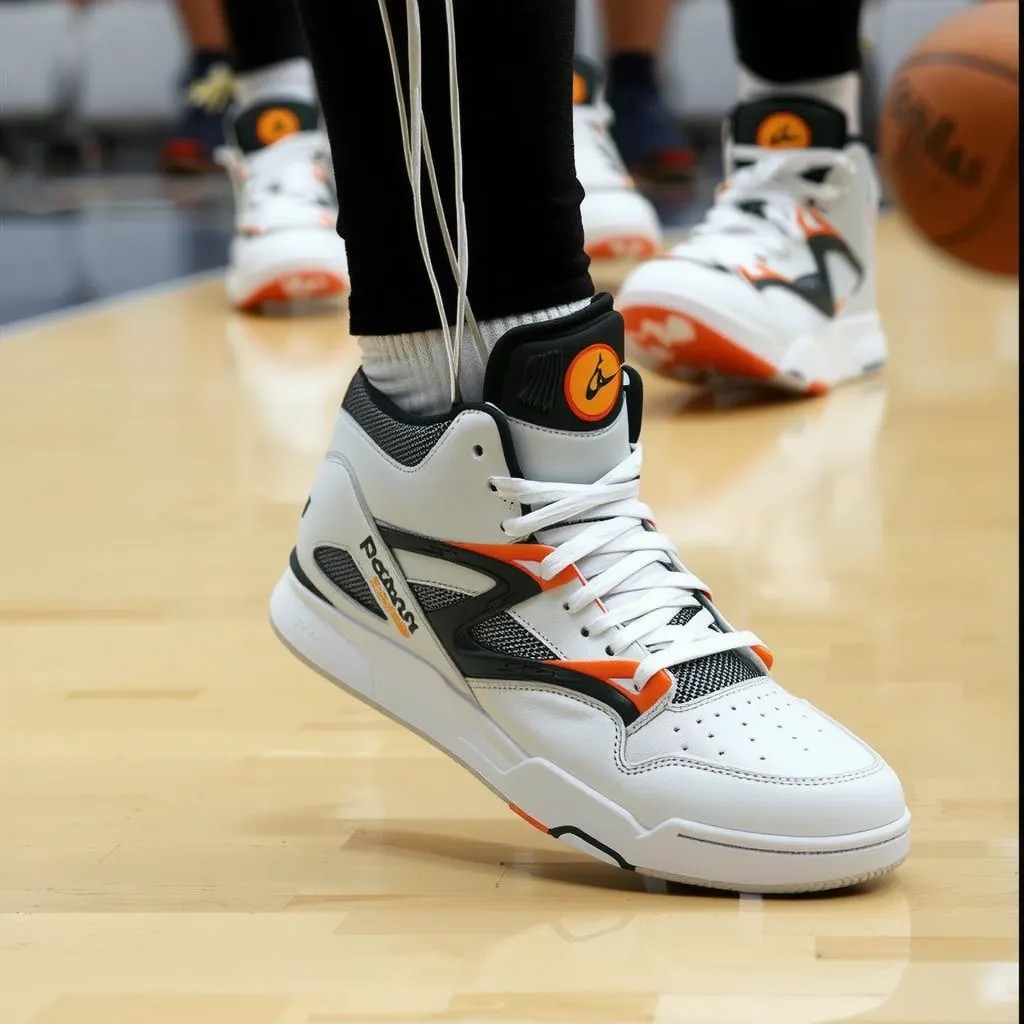
Generate marketing materials, product mockups, and social media graphics that look like they took hours—but take seconds. Use tools like Flux.2 Studio for cinematic realism or GPT Image 2 for quick, polished results that elevate your brand presence.
Maintain Perfect Character Consistency
Build recognizable characters across multiple images for stories, campaigns, or virtual influencers. Our Consistent Characters and Character Sheets tools ensure your AI pics maintain the same face, style, and details every time, saving hours of rework.
Refine and Customize with Ease
Edit generated AI pics using Inpainting to change specific elements, Style Transfer for artistic looks, or Magic Lighting to adjust moods. Achieve exactly what you envision without starting over, perfect for iterative creative work.
How It Works
Creating stunning AI pics is simple with our intuitive platform and 40+ specialized tools. Follow these steps to go from idea to finished image in minutes.
Step 1: Choose Your Tool
Browse our Generate Images section and select from top performers like Nano Banana 2 for realistic characters, Flux.2 Studio for photorealism, or Krea Image for creative styles. Each tool is optimized for specific outcomes so you pick the perfect match for your project.
Step 2: Enter Your Prompt
Describe your vision in natural language—add details about style, lighting, mood, or composition. Tools like Ideogram 4 excel at text in images while Grok Image handles imaginative concepts. Preview variations instantly to refine before generating.
Step 3: Customize & Download
Use editing tools like Inpainting, Change Camera Angle, or Background Remover to perfect your AI pic. Apply Consistent Characters for series work or upscale with P-Image Upscale. Download in high resolution ready for any use, with commercial rights included.
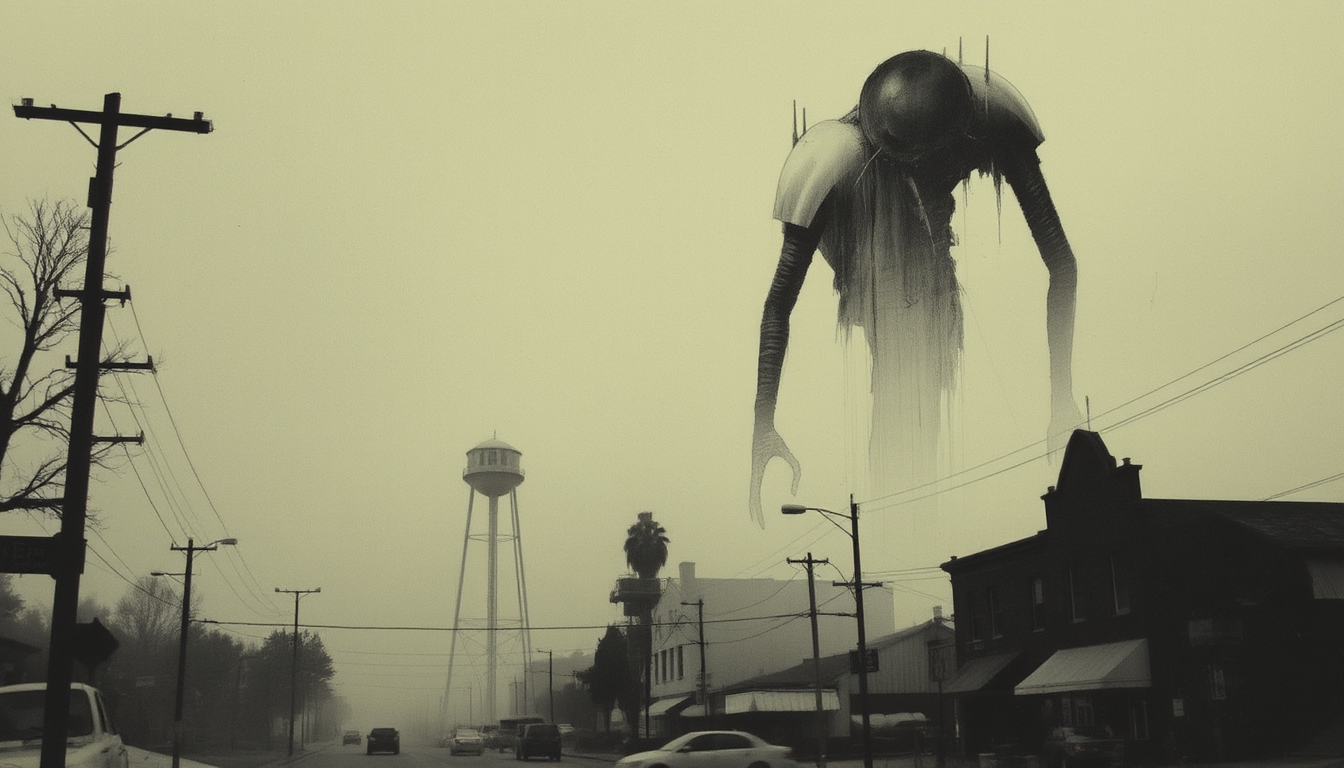
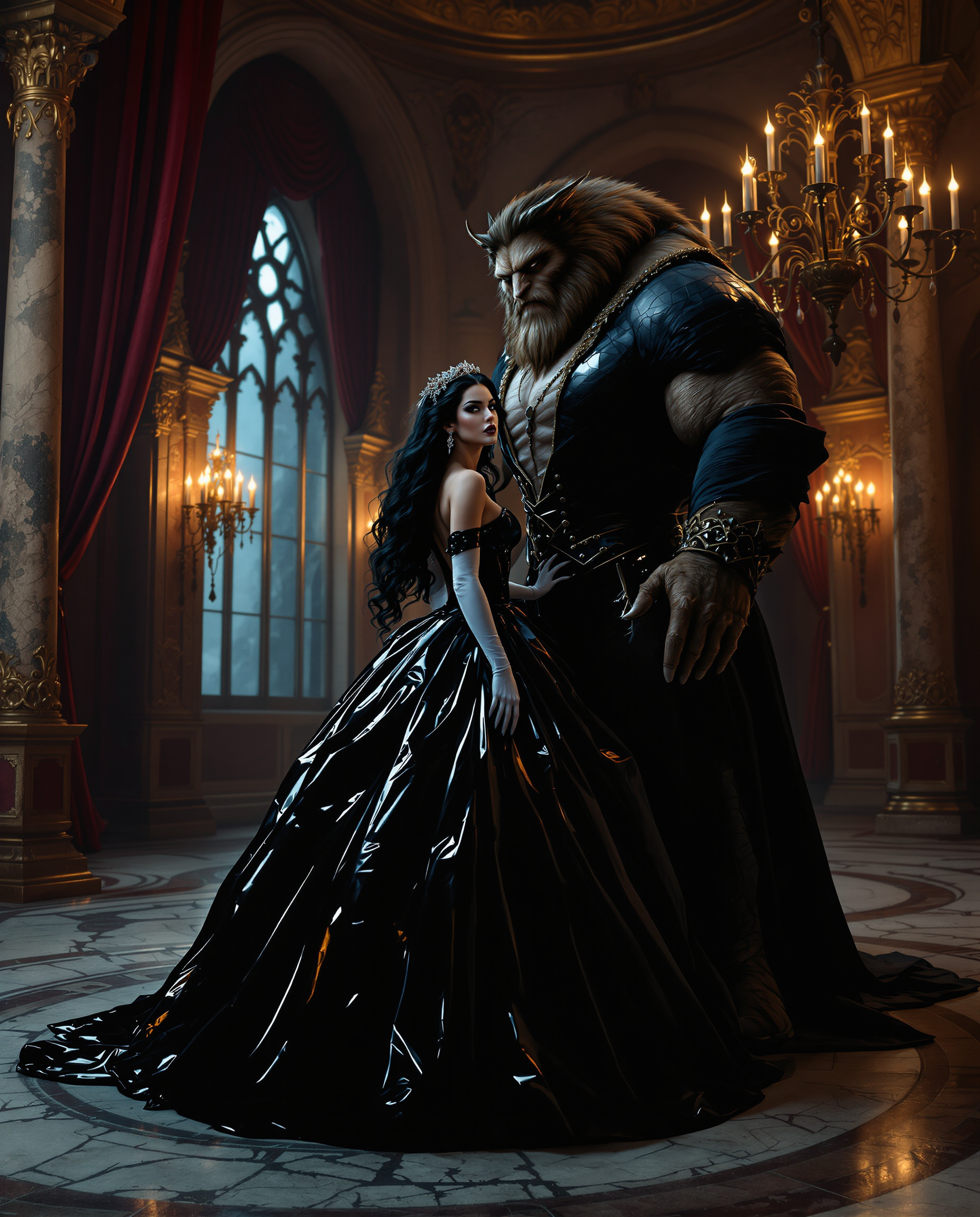
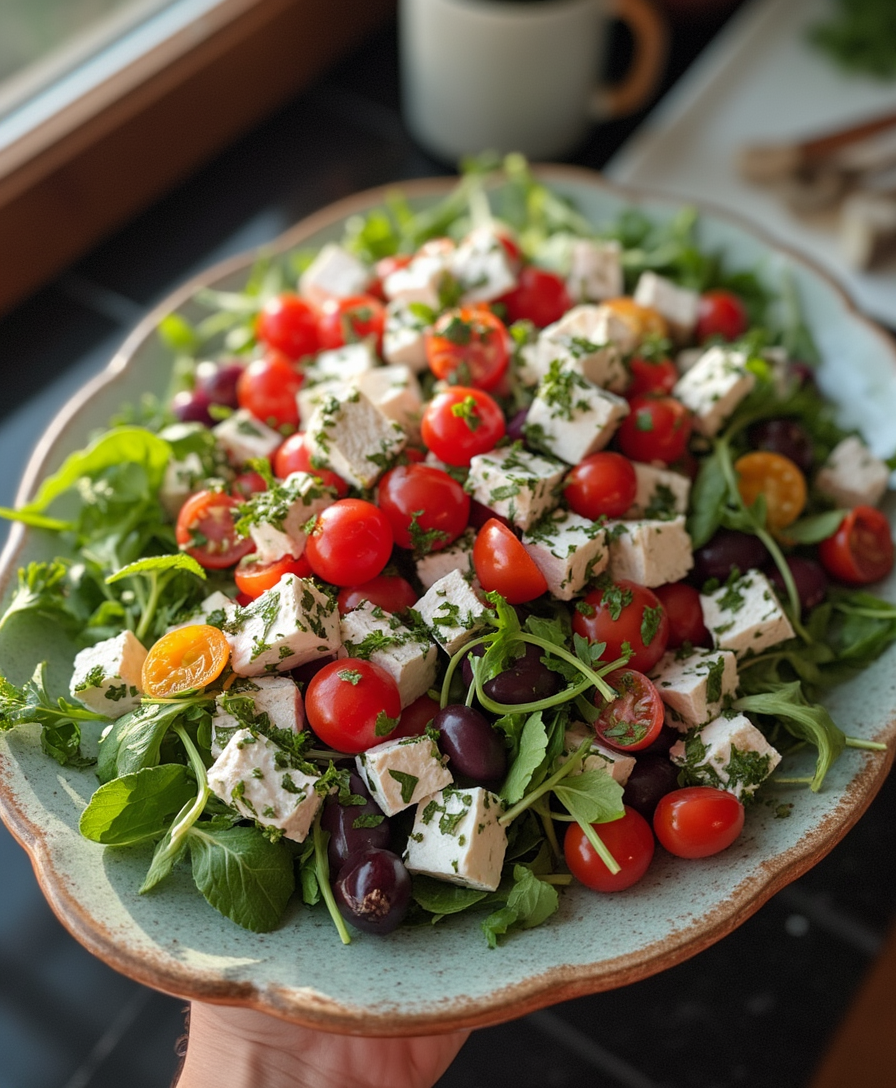
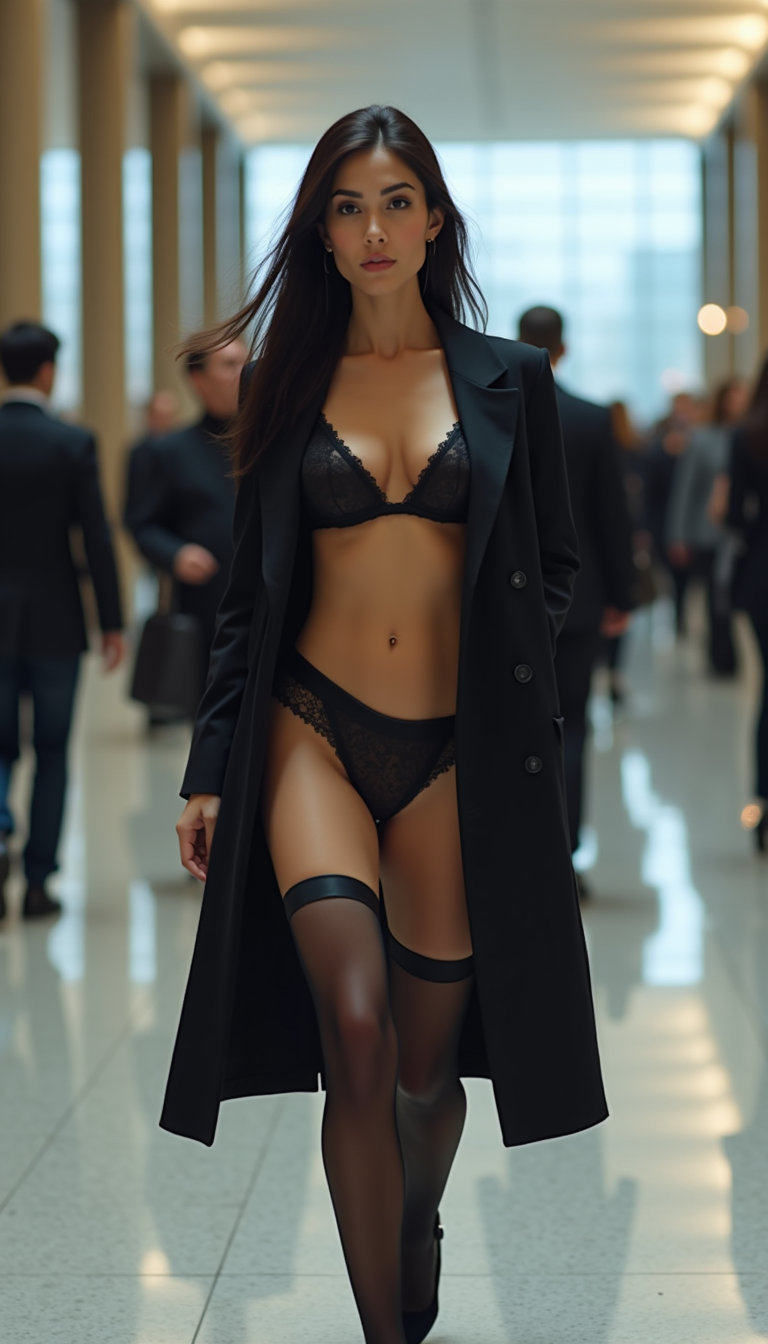
The Pixel Dojo Advantage
Why PixelDojo outperforms other options for ai pic generator image creation
| Others | Pixel Dojo |
|---|---|
| Traditional ai pic creation | Skip expensive photographers, studios, and weeks of waiting—produce unlimited professional AI pics in minutes with full creative control and no recurring production costs. |
| Generic AI tools | Access 40+ specialized models including Flux.2 Studio, Nano Banana 2, and Ideogram 4 plus seamless editing and character consistency features all in one place, with better results tailored to real creative workflows. |
| Manual photo editing | Eliminate tedious hours in complex software—our AI pic generator combined with smart tools like Reality Polisher and Smart Resize delivers polished, ready-to-use images faster and with less frustration. |
Loved by creators on PixelDojo
Real feedback from people using PixelDojo, pulled from our in-product surveys.
easiest workflow to get best output image or video
awesome functionality, UX, constant flood of improvements, discord interactivity
Awesome site with so many features
Love how I can almost create anything
The Flux Pro Ultra is just amazing!
Very easy to use, and they have fast wan 2.2 video generation with custom loras available.
Explore more AI tools on PixelDojo
AI Tools
Compare & Switch
- Best AI Image Generators
- Best AI Video Generators
- Midjourney Alternatives
- Civitai Alternatives
- Runway Alternatives
- Leonardo Alternatives
- Pika Alternatives
- Luma Alternatives
- Magnific Alternatives
- Veo Alternatives
- Flux Alternatives
- Freepik Alternatives
- Seedance Alternatives
- Seedream Alternatives
- Pixverse Alternatives
- GPT Image Alternatives
- Synthesia Alternatives
- Playground Alternatives
- NightCafe Alternatives
- Canva AI Alternatives
- ElevenLabs Alternatives
- ComfyUI Alternatives
- Fal Alternatives
- Replicate Alternatives
Common Questions
Everything you need to know about ai pic generator
How does an AI pic generator help create consistent characters for branding?
PixelDojo's Consistent Characters and Character Sheets tools let you generate a base character with Nano Banana 2 or Flux.2 Studio, then reuse the exact likeness across unlimited images. Maintain the same face, clothing style, and expressions for cohesive brand stories, social campaigns, or virtual influencers without manual matching.
What makes PixelDojo the best AI pic generator for photorealistic images in 2026?
Our platform combines leading models like Flux.2 Studio for cinematic photorealism, GPT Image 2 for natural lighting, and advanced editing like Magic Lighting and Reality Polisher. You achieve studio-quality results with text that renders perfectly and details that look authentic, all with commercial usage rights.
Can I edit AI generated pics after creation on PixelDojo?
Absolutely. After generating with tools like Krea Image or Grok Image, use Inpainting to replace elements, Style Transfer for new artistic directions, Change Camera Angle, or Background Remover. These integrated editing features let you iterate quickly until your AI pic is perfect.
Is PixelDojo's AI pic generator suitable for commercial use and marketing?
Yes, all generated images come with full commercial rights. Marketers and businesses use our AI pic generator to create product visuals, ad creatives, and social content at scale. Tools like WAN Image and Recraft V4.1 ensure professional output that meets brand standards every time.
How fast can I generate and customize multiple AI pics with PixelDojo?
Most images generate in seconds using our fastest tools like Z Image Turbo or Seedream 4.5. Then apply batch-friendly edits or Consistent Characters features to produce variations rapidly. The entire workflow from prompt to final download often takes under five minutes per high-quality AI pic.
What are the best prompts for getting great results from an AI pic generator?
Be specific about subject, style, lighting, composition, and mood. For example, 'photorealistic close-up of a diverse team collaborating in a bright startup office, natural window light, shot on 85mm lens' works well with Flux.2 Studio. Our platform includes prompt suggestions and refinement tools to help you master results quickly.