ai porn prompts AI Generator
Imagine turning your most intimate fantasies into breathtaking, custom AI-generated adult images in seconds. With PixelDojo's advanced AI porn prompt capabilities, you can create personalized erotic art that matches your exact vision—whether it's hyper-realistic portraits, seductive poses, or elaborate scenes tailored to your desires. No more settling for generic results. You get full creative control to explore and visualize anything you can describe, safely and privately. Thousands of creators are already using PixelDojo to bring their wildest ideas to life with stunning detail, perfect anatomy, and professional-quality lighting. Start with simple descriptions and refine them using our specialized tools to achieve photorealistic skin textures, dynamic expressions, and immersive environments that feel incredibly real. Your perfect custom adult images are just a few prompts away.
Loved by over 85,000 creators worldwide • 4.9/5 average rating from 12,000+ reviews • 250,000+ AI porn images generated this month • 40+ cutting-edge tools, cancel anytime
Why Choose Pixel Dojo for ai porn prompts
Professional-quality results with cutting-edge AI technology
Personalized Fantasies on Demand
Craft adult images that perfectly match your unique preferences—from body types and outfits to specific poses, expressions, and settings. Bring any scenario to life exactly as you imagine it.
Stunning Photorealistic Quality
Achieve flawless skin details, natural lighting, and anatomically perfect results every time. Your images look like professional photography, not generic AI art.
Safe & Private Exploration
Experiment freely with your desires in a secure environment. Generate, iterate, and download unlimited custom adult content without judgment or limits.
How It Works
Creating stunning AI porn images with PixelDojo is simple and intuitive. Follow these three steps to transform your ideas into reality using our specialized NSFW-optimized tools.
Step 1: Choose Your Tool
Select from PixelDojo's top NSFW performers like PonyXL for anime-style hentai with booru tags, Flux.1 Studio or Flux.2 Studio for natural-language photorealism, SDXL or Grok Image for versatile realistic results, or WAN Image and QWEN Image for unique artistic styles. These tools excel at handling explicit adult prompts with superior anatomy and detail.
Step 2: Enter Your Prompt
Write detailed prompts starting with subject (e.g., 'seductive 28-year-old woman with long auburn hair'), add body details, pose ('arching back on silk sheets'), expression ('aroused, parted lips'), lighting ('soft golden hour'), style ('photorealistic, 8k, intricate skin texture'), and quality boosters. Use negative prompts like 'deformed hands, blurry, extra limbs, clothing' for best results. Reference tools like PonyXL with score_9, score_8_up tags or Flux natural descriptions.
Step 3: Customize & Download
Adjust parameters like aspect ratio, steps, or CFG scale. Use edit tools such as Inpainting to refine specific areas, Style Transfer for mood changes, or Consistent Characters for series. Preview variations, then upscale with Magnific Upscaler or Portrait Upscaler for print-ready quality. Download high-res images instantly.
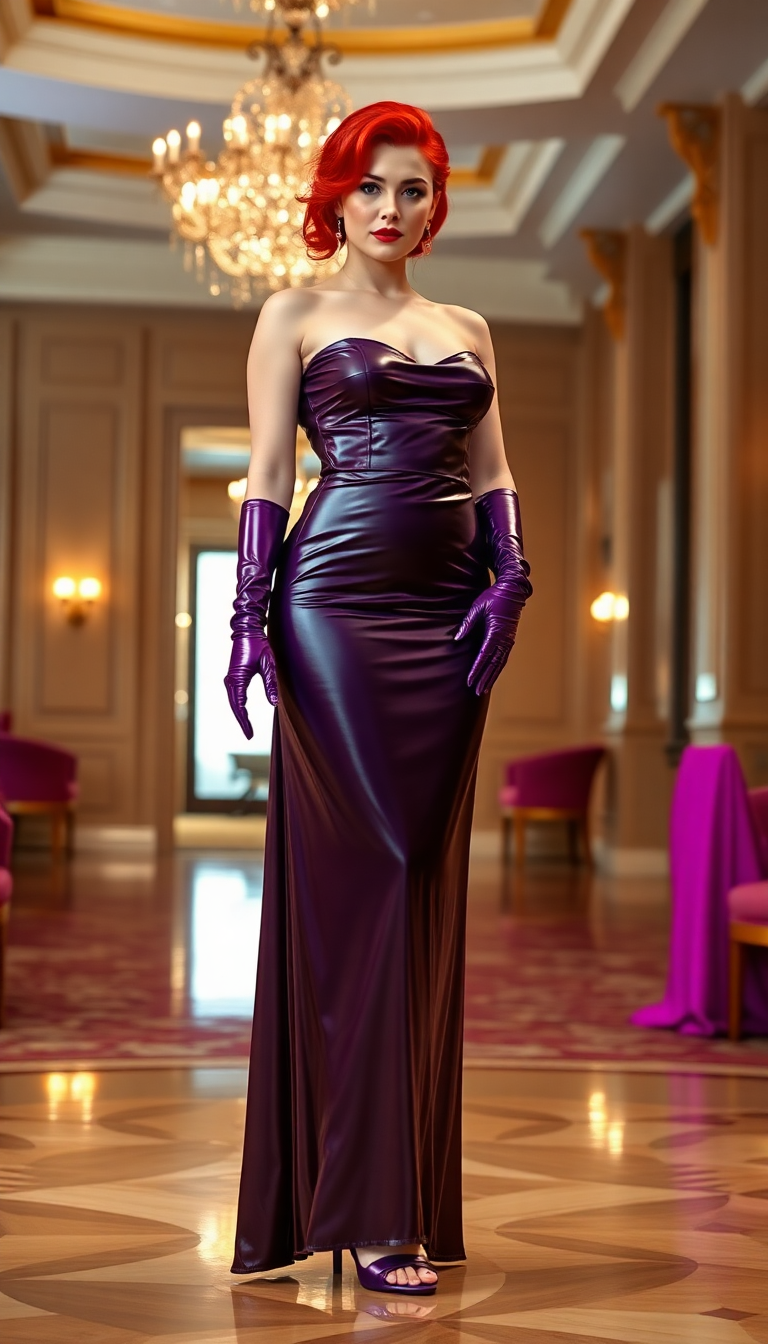
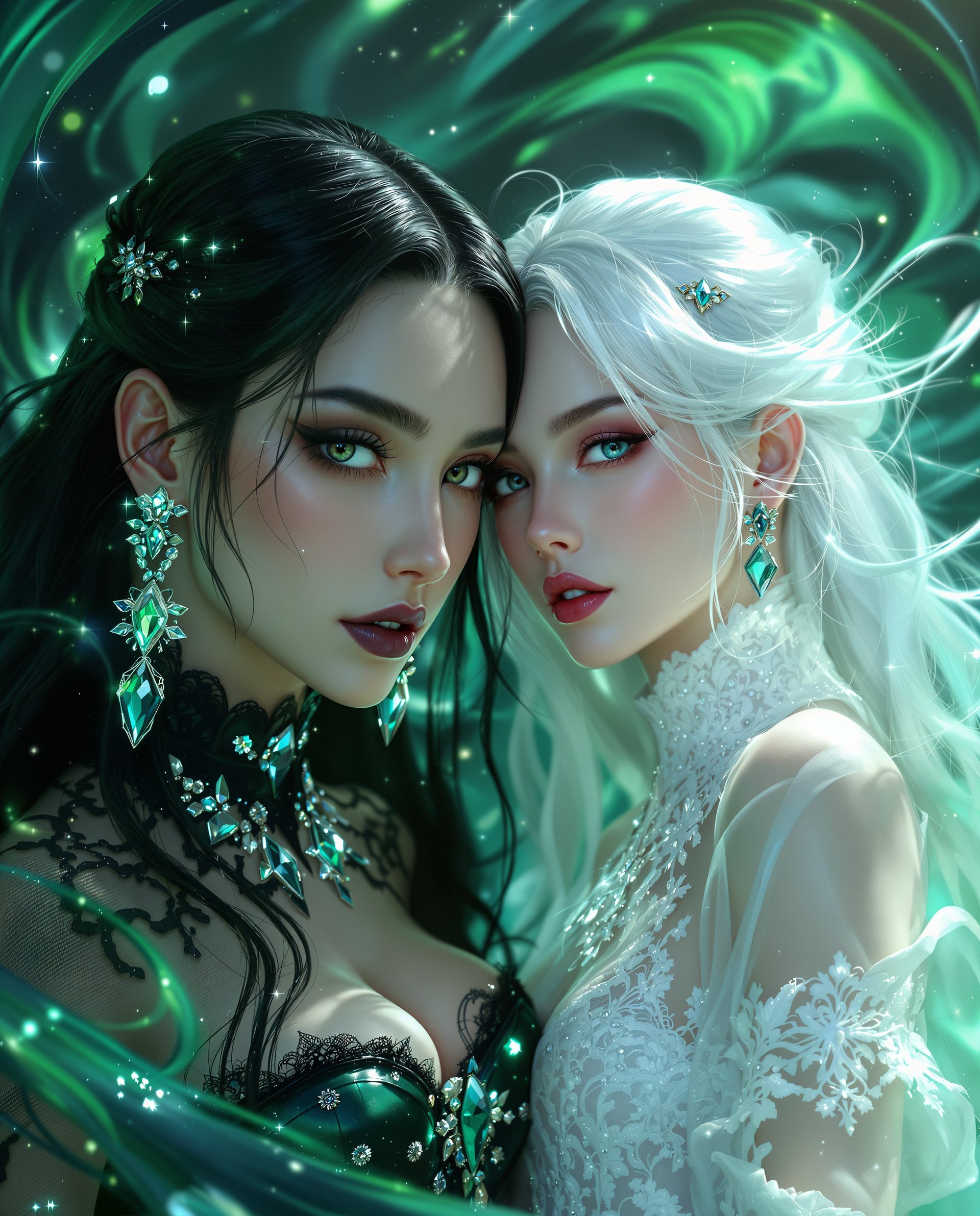
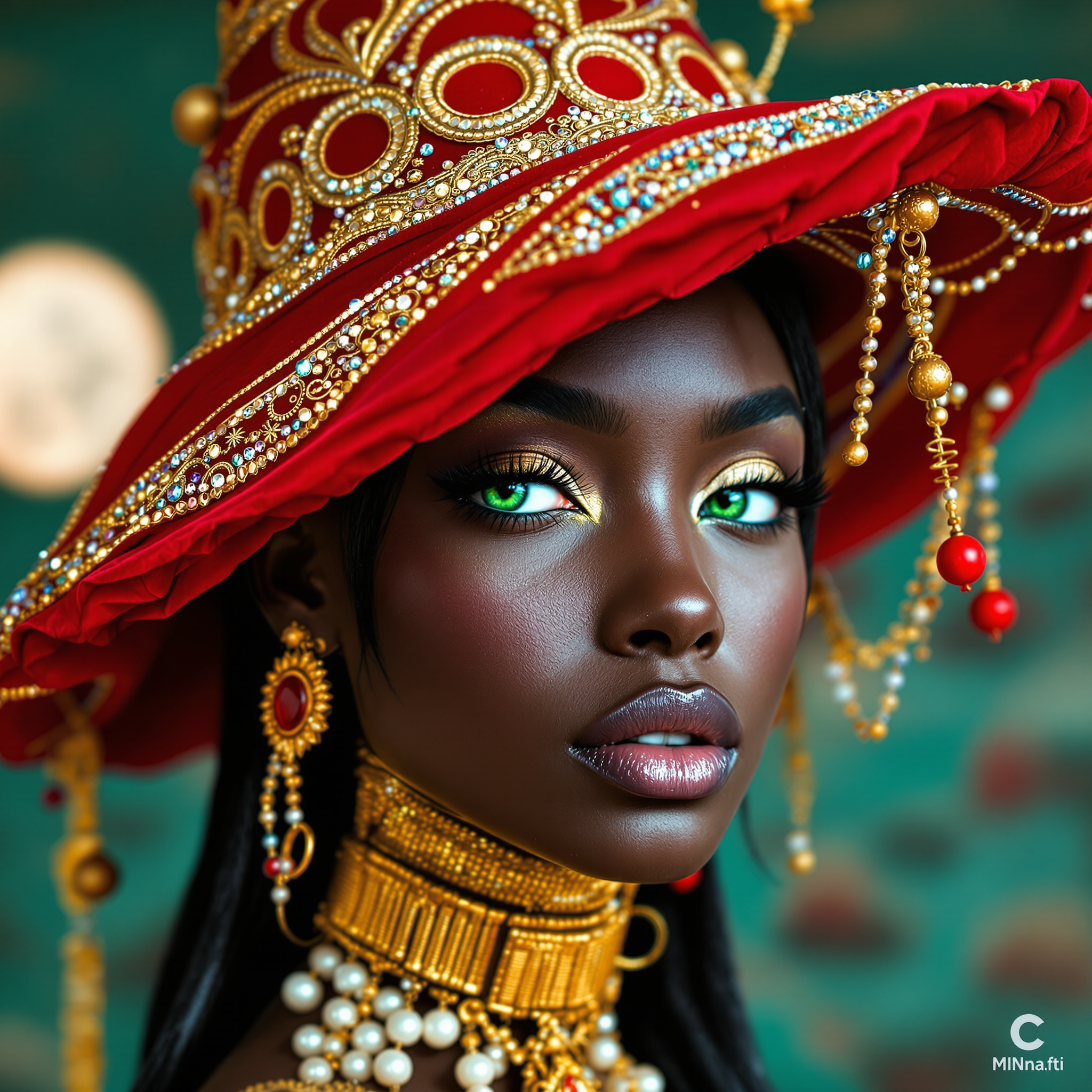
The Pixel Dojo Advantage
Why PixelDojo outperforms other options for AI porn prompt image generation
| Others | Pixel Dojo |
|---|---|
| Traditional adult content creation | Instant generation of unlimited custom scenes without models, studios, or high costs—your ideas come to life in seconds with perfect control. |
| Generic AI tools | Specialized NSFW-optimized models like PonyXL and Flux.1 Studio deliver superior anatomy, explicit detail handling, and consistent high-quality adult results without censorship issues. |
| Manual photo editing | AI handles complex compositions, lighting, and details automatically while you focus on creative prompts—achieve professional results faster and easier. |
Loved by creators on PixelDojo
Real feedback from people using PixelDojo, pulled from our in-product surveys.
super easy to use
it's very easy to use
Practically every Ai suite in one place? Who wouldn't?
versatile menu of tools
Best AI tool availble the suite is rad
Versatility quality, value, ROI, innovation
Explore more AI tools on PixelDojo
AI Tools
Compare & Switch
- Best AI Image Generators
- Best AI Video Generators
- Midjourney Alternatives
- Civitai Alternatives
- Runway Alternatives
- Leonardo Alternatives
- Pika Alternatives
- Luma Alternatives
- Magnific Alternatives
- Veo Alternatives
- Flux Alternatives
- Freepik Alternatives
- Seedance Alternatives
- Seedream Alternatives
- Pixverse Alternatives
- GPT Image Alternatives
- Synthesia Alternatives
- Playground Alternatives
- NightCafe Alternatives
- Canva AI Alternatives
- ElevenLabs Alternatives
- ComfyUI Alternatives
- Fal Alternatives
- Replicate Alternatives
Common Questions
Everything you need to know about ai porn prompts
What are the best AI porn prompts for realistic images using PonyXL on PixelDojo?
For realistic results with PonyXL, start with quality tags like score_9, score_8_up, score_7_up, then describe your subject in detail: body type, hair, expression (e.g., 'seductive gaze, flushed cheeks'), pose, and environment. Add 'photorealistic, detailed skin pores, natural lighting, 8k'. Use negative prompts: 'deformed, blurry, extra limbs, cartoon'. PixelDojo's PonyXL tool handles these perfectly for explicit adult scenes.
How to write effective AI porn prompts for Flux.1 Studio and Flux.2 Studio?
Flux tools excel with natural, descriptive sentences. Example: 'A photorealistic portrait of a confident 30-year-old woman with wavy black hair and olive skin, completely nude, reclining on a velvet chaise in a softly lit bedroom, aroused expression with parted lips, intricate skin texture and subtle shadows, cinematic lighting, sharp focus, 8k.' Add specifics for pose and mood. PixelDojo's Flux.1 Studio and Flux.2 Studio deliver exceptional anatomy and realism for your custom fantasies.
Can I create consistent characters across multiple AI porn images with PixelDojo?
Yes! Use the Consistent Characters tool alongside your prompts. Describe the character once in detail, then reference the same traits in follow-up prompts. Combine with LoRA Face Swap or Character Stylist for series of images featuring the same person in different explicit scenarios. Perfect for building visual stories.
What negative prompts work best for high-quality NSFW AI images?
Essential negatives include: 'deformed hands, extra fingers, blurry, low resolution, clothing, text, watermark, ugly, mutated, bad anatomy, cartoon, anime' (unless desired). PixelDojo tools let you apply these easily, ensuring clean, professional adult image results every time.
How do I upscale and enhance AI generated porn images on PixelDojo?
After generating, use Magnific Upscaler or Creative Upscaler for 4x-8x resolution with enhanced details. Portrait Upscaler is ideal for close-ups, while Clarity Pro sharpens skin and lighting. Video Upscaler works if extending to motion. These tools preserve explicit details while boosting quality dramatically.
Are there advanced techniques for AI porn prompts like weights and styles in 2026?
Yes—use emphasis like (detailed skin:1.3) or [blurry:0.8] in prompts. Combine styles with 'in the style of professional photography' or specific lighting. PixelDojo supports these in tools like SDXL, Grok Image, and WAN Image. Experiment with Inpainting for targeted edits and Style Transfer for mood shifts to refine your perfect adult scenes.