ai portrait generator free

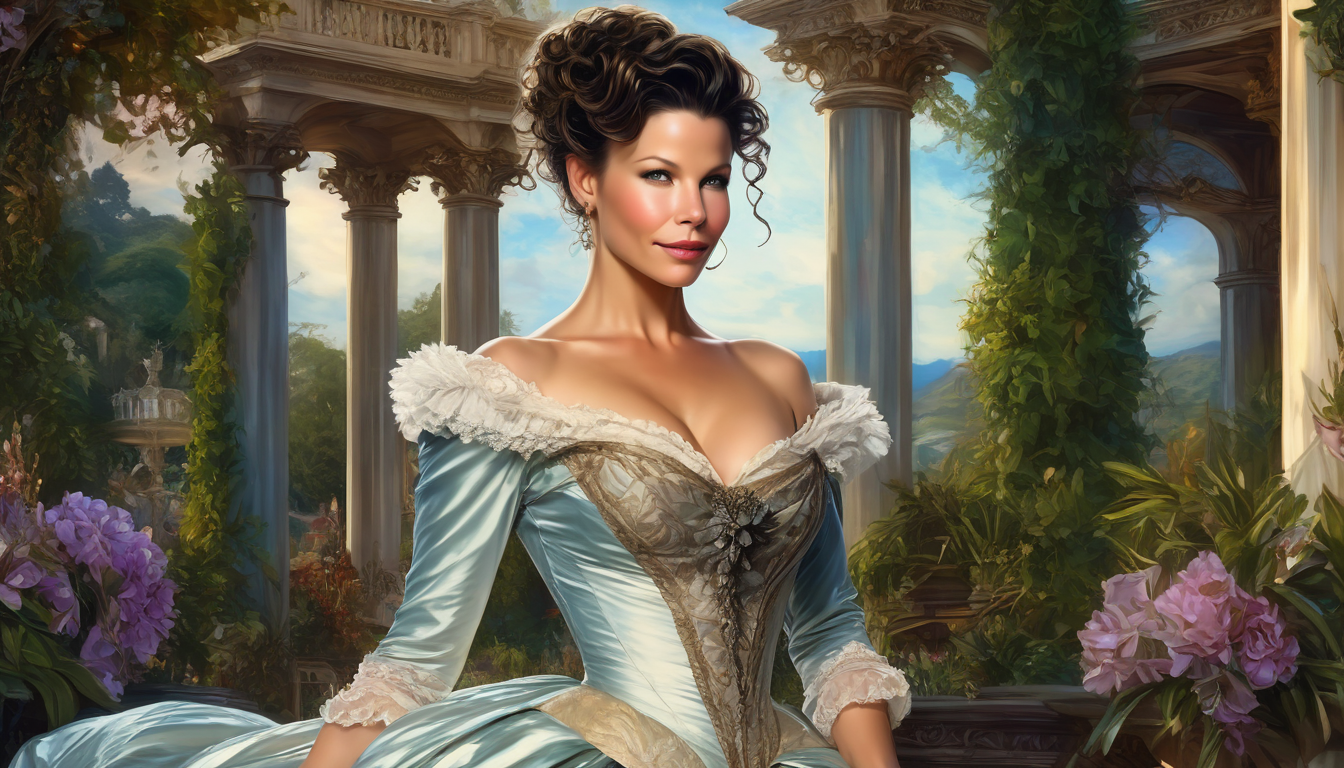
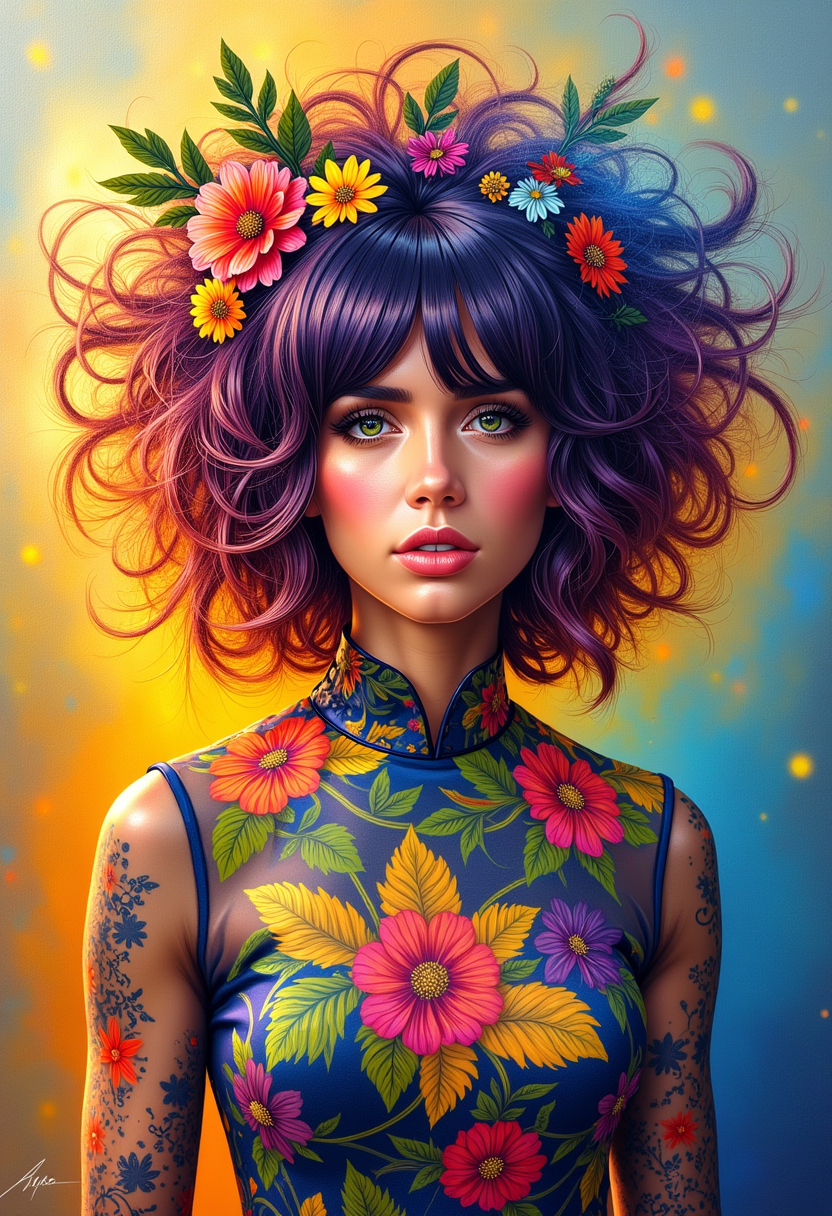
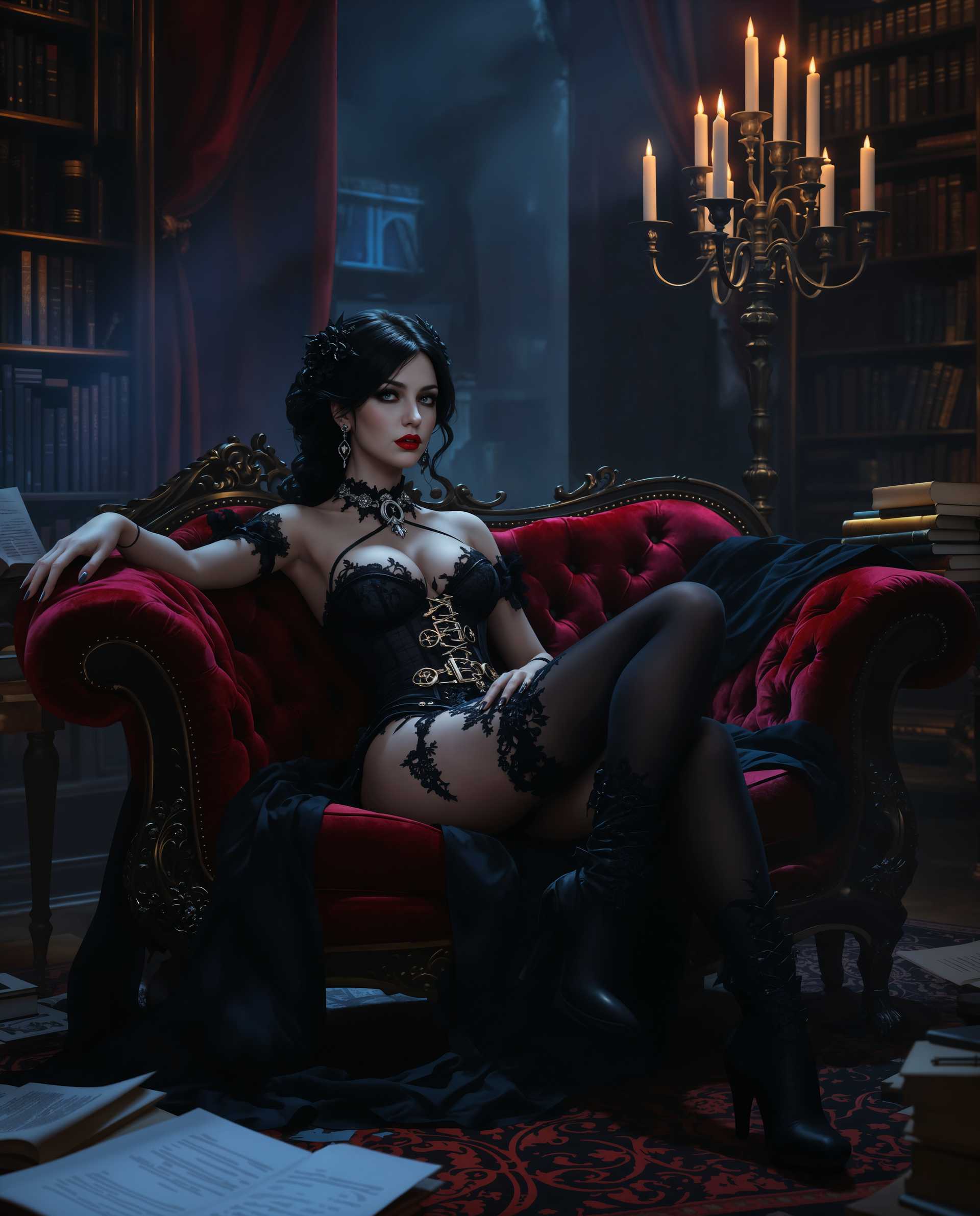
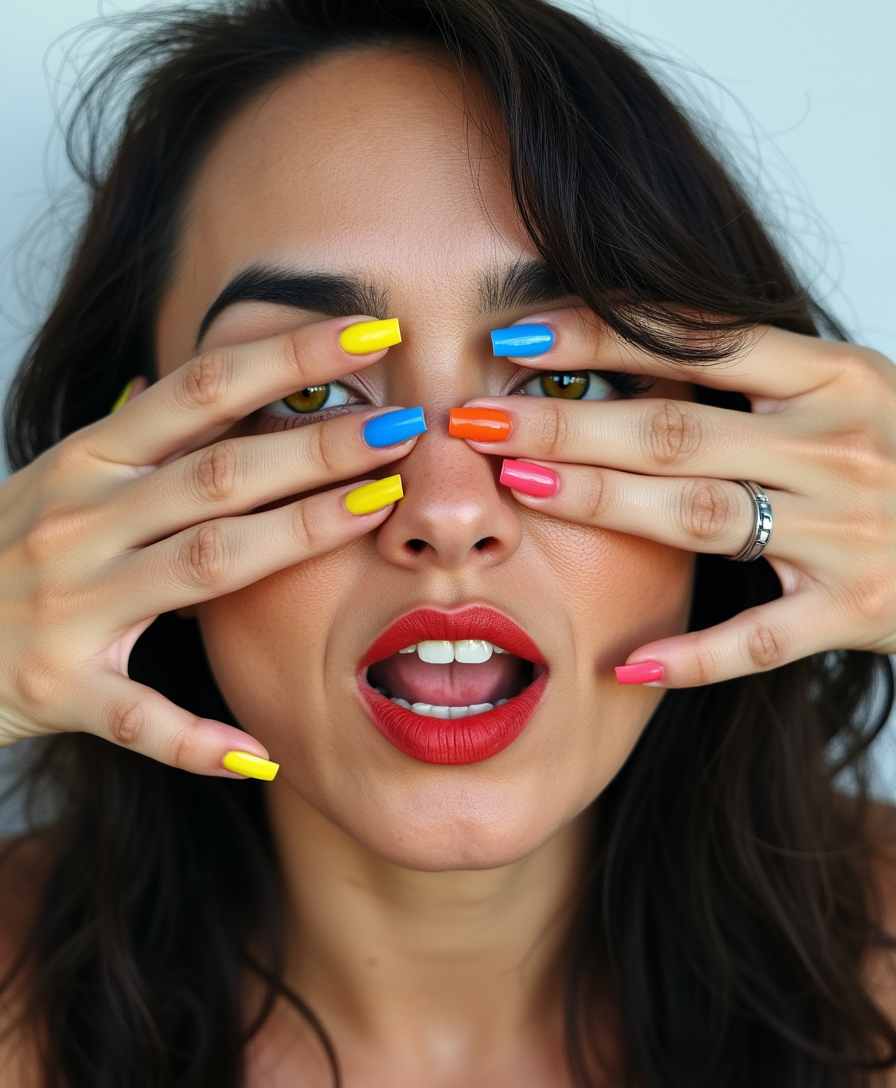
Imagine having professional-quality portraits ready in minutes without booking a photographer or spending hours in a studio. With PixelDojo's free AI portrait generator, you can create lifelike headshots for LinkedIn, eye-catching social media avatars, consistent characters for your stories, or stylized portraits that match any trend. Upload a selfie or describe exactly what you want, and watch as advanced models deliver polished results you can use immediately for personal branding, content creation, or creative projects.
Join over 85,000 creators who have generated millions of portraits. Rated 4.9/5 stars with thousands of five-star reviews. Trusted by freelancers, marketers, and influencers worldwide for reliable, high-quality free AI portraits.
Why Choose Pixel Dojo for ai portrait generator free
Professional-quality results with cutting-edge AI technology
Professional Headshots Without the Studio Cost
Transform casual selfies into studio-quality LinkedIn portraits with perfect lighting, flattering angles, and clean backgrounds—ready for job applications or professional profiles in under a minute.
Consistent Characters Across Every Scene
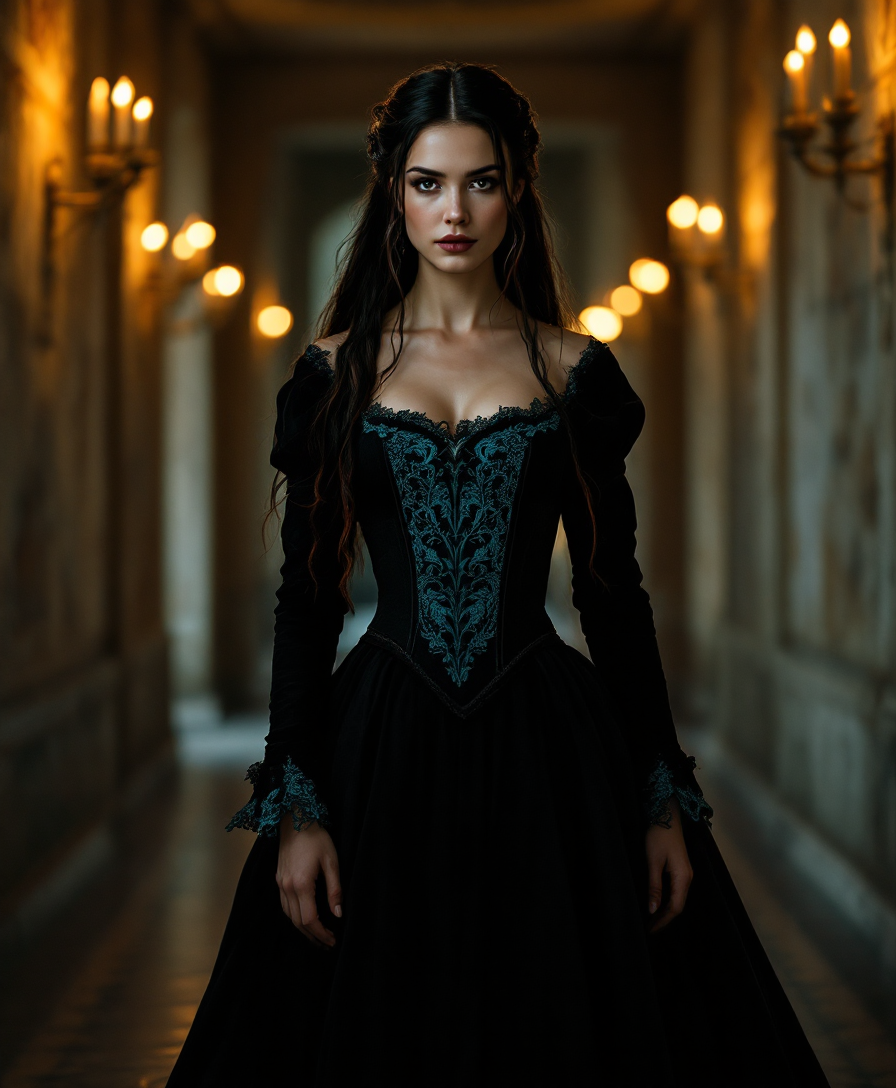
Create one character and reuse their exact likeness in multiple portraits, outfits, and settings for storytelling, branding, or social media series that feel cohesive and professional.
Viral Stylized Portraits in Any Trend
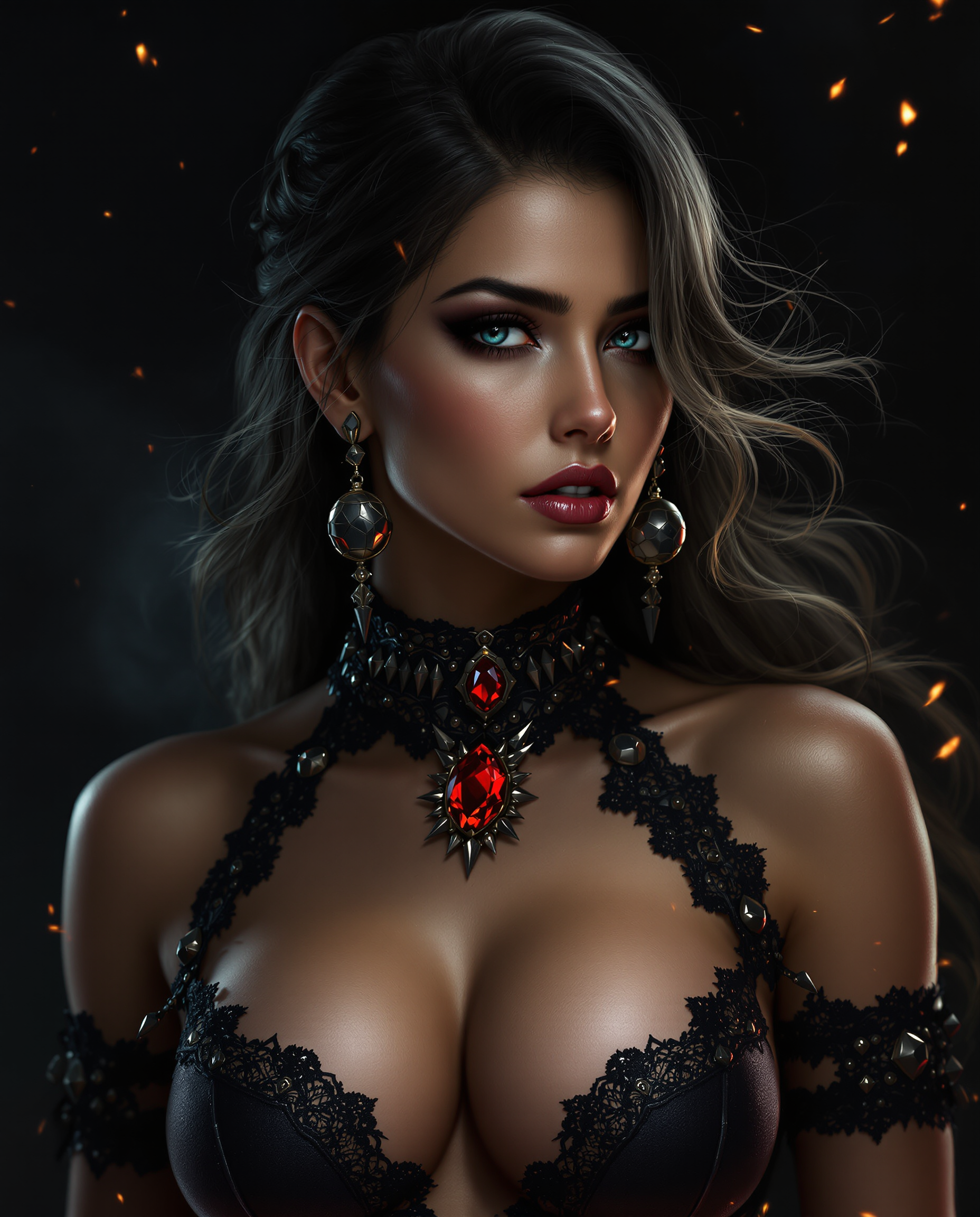
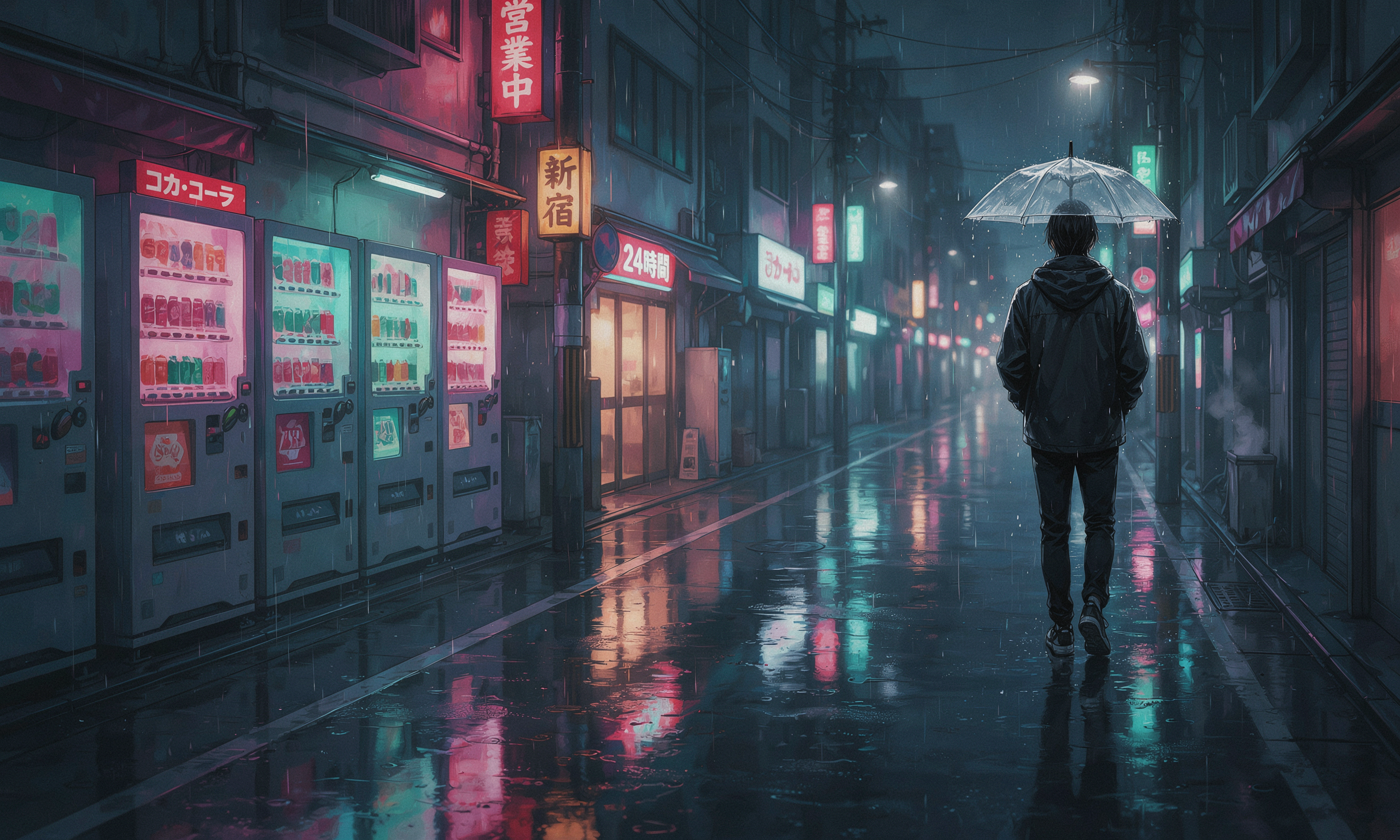
Generate trending styles like action figure portraits, pop art, anime-inspired, or hyper-realistic versions of yourself or clients—perfect for engaging content that stands out and drives shares.
How It Works
Creating stunning free AI portraits with PixelDojo takes just three simple steps using our specialized tools.
Step 1: Choose Your Tool
Select from powerful options like Flux.1 Studio or Grok Image for photorealistic starts, or Consistent Characters for reusable likenesses. These tools are optimized for portrait quality and free to begin using.
Step 2: Enter Your Prompt or Upload a Photo
Describe your ideal portrait in natural language or upload a reference selfie. Add details like 'professional headshot, soft studio lighting, neutral background' or choose styles. Models like SDXL and QWEN Image excel at accurate faces and expressions.
Step 3: Customize & Download
Refine with edits like Magic Lighting, Background Remover, Style Transfer, or Portrait Upscaler. Apply Face Swap or Pose Control for variations, then download high-resolution images ready for any use.





The Pixel Dojo Advantage
Why PixelDojo outperforms other options for free AI portrait generation
| Others | Pixel Dojo |
|---|---|
| Traditional portrait creation | Skip expensive photoshoots and waiting times—generate unlimited professional headshots instantly from your device with consistent quality every time. |
| Generic AI tools | Access specialized portrait tools like Consistent Characters and Portrait Upscaler alongside 40+ models for superior face accuracy, lighting control, and easy editing workflows. |
| Manual photo editing | Achieve polished results in minutes instead of hours—AI handles complex tasks like perfect skin tones, background removal, and style matching automatically. |
Loved by creators on PixelDojo
Real feedback from people using PixelDojo, pulled from our in-product surveys.
Love you guys!!
Trained my Lora super fast. Still working out how to creat content wit it, but I love it so far.
I love this app
It has all the tools I can think of...
deployment rate of splendid features is incredible. Legend
large selection of tools on one platform
Explore more AI tools on PixelDojo
AI Tools
Compare & Switch
- Best AI Image Generators
- Best AI Video Generators
- Midjourney Alternatives
- Civitai Alternatives
- Runway Alternatives
- Leonardo Alternatives
- Pika Alternatives
- Luma Alternatives
- Magnific Alternatives
- Veo Alternatives
- Flux Alternatives
- Freepik Alternatives
- Seedance Alternatives
- Seedream Alternatives
- Pixverse Alternatives
- GPT Image Alternatives
- Synthesia Alternatives
- Playground Alternatives
- NightCafe Alternatives
- Canva AI Alternatives
- ElevenLabs Alternatives
- ComfyUI Alternatives
- Fal Alternatives
- Replicate Alternatives
Common Questions
Everything you need to know about ai portrait generator free
How do I create a free AI portrait generator headshot from a selfie?
Upload your selfie to PixelDojo's Consistent Characters or Flux.1 Studio tool, add a prompt like 'professional headshot with soft lighting,' and generate. Use Portrait Upscaler and Magic Lighting for final polish—all starting free with no credit card required.
What is the best free AI portrait generator for consistent characters?
PixelDojo's dedicated Consistent Characters tool lets you lock in a face once and generate unlimited variations across poses, outfits, and scenes. Combine with Ideogram Character or LoRA Face Swap for even more control while staying completely free to start.
Can I make stylized AI portraits like anime or pop art for free?
Yes—use Grok Image, QWEN Image, or Style Transfer on PixelDojo to create trending styles including anime, action figure portraits, and pop art versions. Start with a base portrait from Flux.2 Studio and apply creative edits instantly at no cost.
Is PixelDojo's AI portrait generator truly free with no limits?
You can generate high-quality portraits for free right away using tools like Flux.1 Studio and Background Remover. Generous daily credits are included, with easy upgrades only if you need more volume—cancel anytime with full access to 40+ tools.
How accurate are free AI generated portraits for professional use?
PixelDojo models like SDXL, Recraft V4.1, and Portrait Upscaler produce photorealistic results with natural skin textures and accurate facial features. Many users replace traditional photos for LinkedIn and marketing with zero detectable differences.
Can I edit and upscale my AI portraits after generation for free?
Absolutely—apply free edits like Image to Image, Smart Resize, Clarity Pro, or Video Upscaler equivalents for stills. Tools such as Reality Polisher and Creative Upscaler refine details and boost resolution while keeping everything within your free workflow.