ai replace face AI Generator
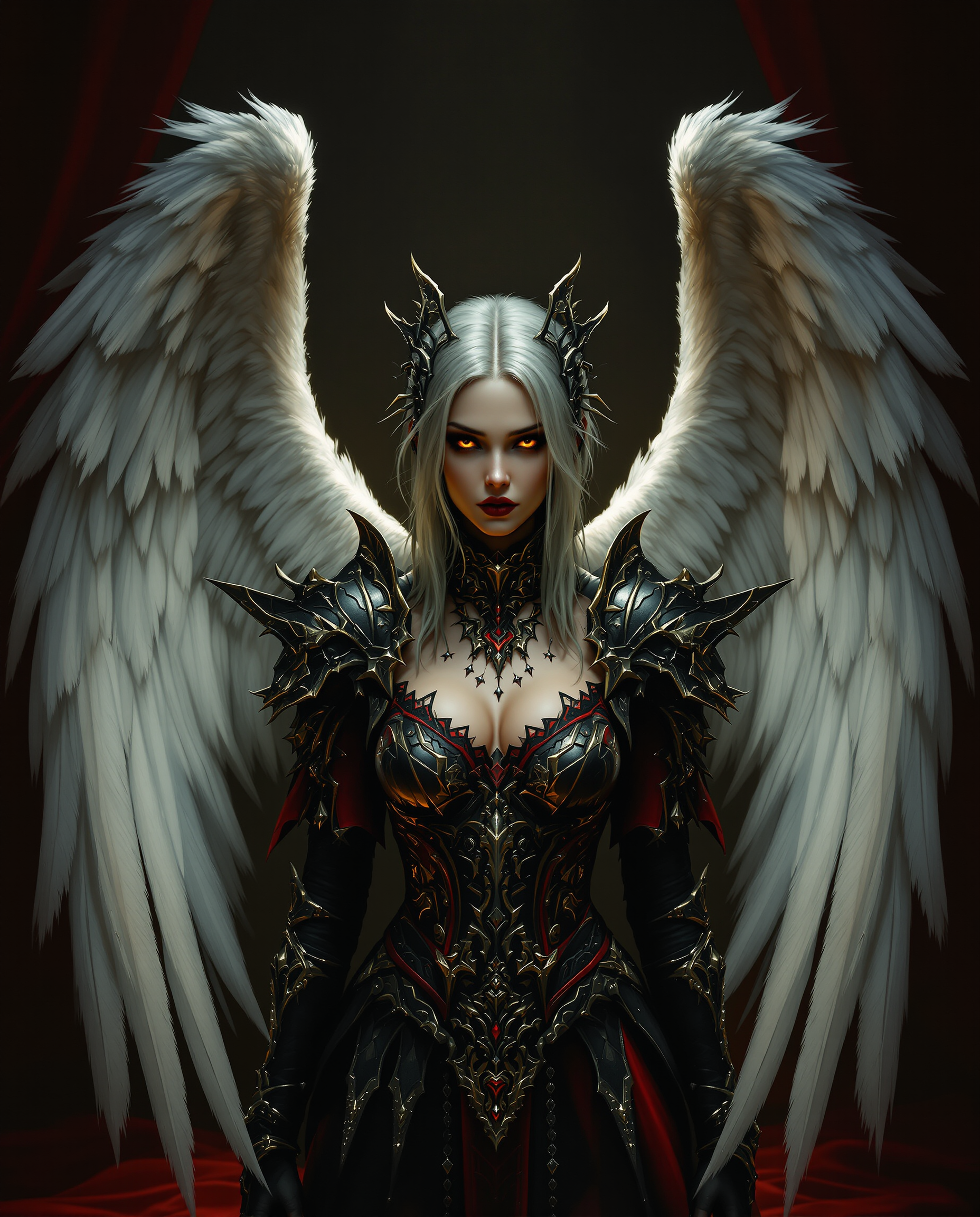
Transform any photo by replacing faces with AI precision. You can create hilarious memes featuring your friends, craft professional headshots from casual snapshots, build consistent characters for stories or marketing, and personalize images for social media or client projects — all in seconds without any design skills or expensive software.
Over 75,000 creators trust PixelDojo for face replacement. 4.9/5 average rating from 18,000+ reviews. Millions of realistic face swaps generated this month alone.
Why Choose Pixel Dojo for ai replace face
Professional-quality results with cutting-edge AI technology
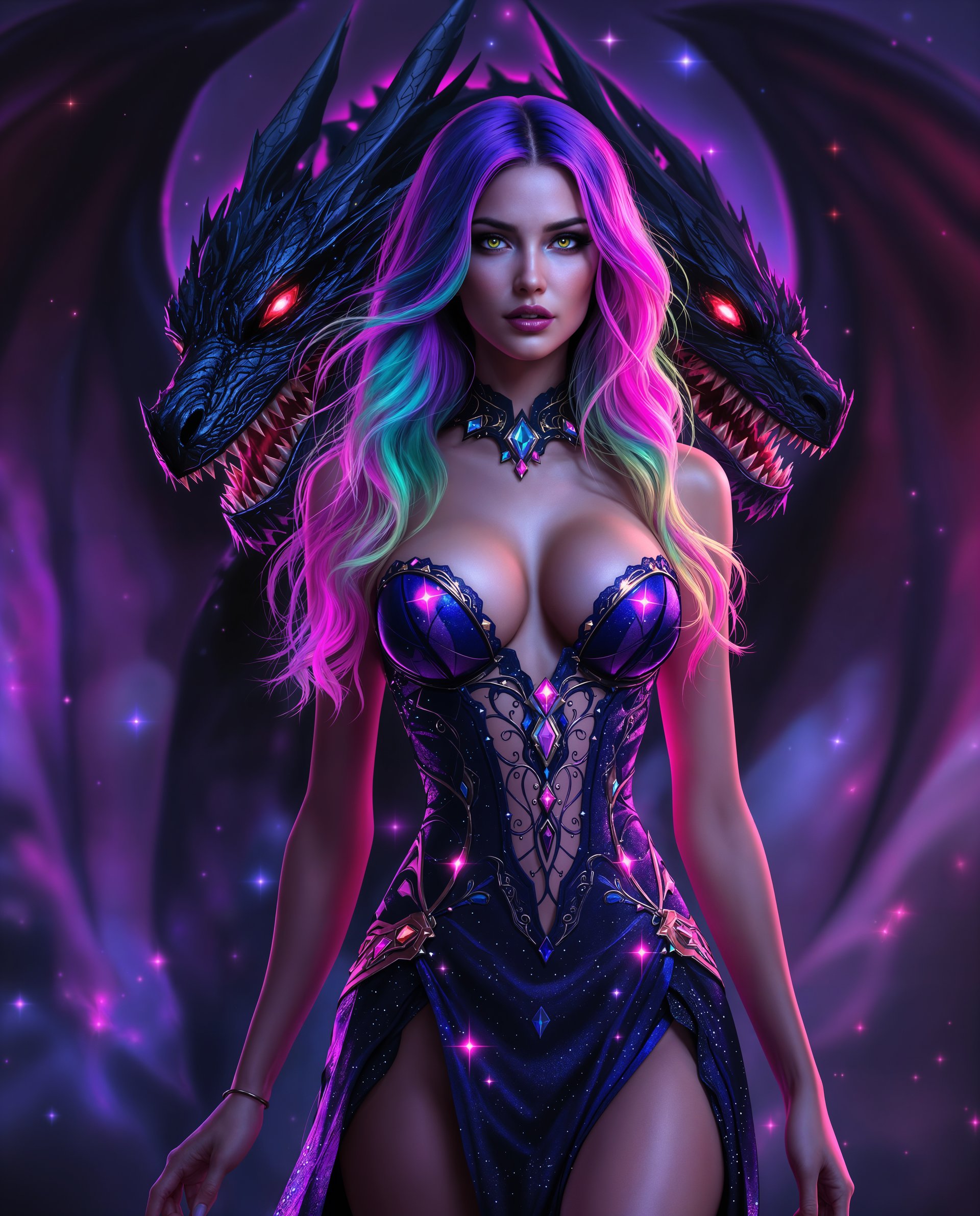
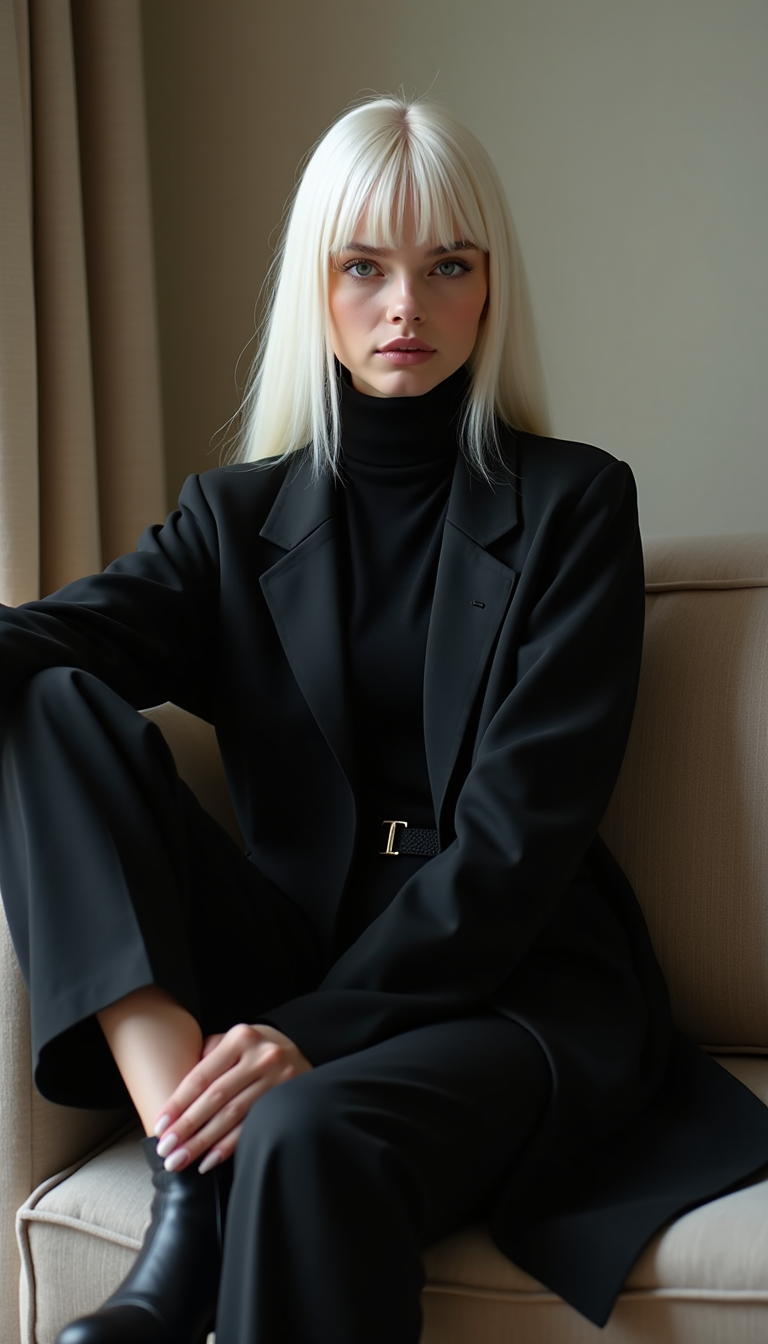
Photorealistic Results in Seconds
Achieve natural-looking face replacements that match lighting, skin tone, and expressions perfectly so your images look completely authentic.
Unlimited Creative Freedom
Place any face on any body or scene to generate viral social content, personalized gifts, brand campaigns, or fun experiments limited only by your imagination.
Consistent Characters Across Projects
Maintain the same face identity across multiple images, videos, or styles for cohesive storytelling, character development, or professional marketing assets.
How It Works
Creating AI face replacements is simple with PixelDojo's specialized tools. Follow these steps to get stunning results every time.
Step 1: Choose Your Tool
Select the Face Swap tool for quick single-image swaps or LoRA Face Swap for training custom faces and achieving maximum consistency. You can also use Consistent Characters for multi-image projects.
Step 2: Enter Your Prompt & Upload Images
Upload your source face photo and target image. Add a simple prompt like 'realistic face swap with natural lighting' or describe the desired style. Tools like Image to Image or Inpainting help refine details.
Step 3: Customize & Download
Generate your swap, then use Magic Lighting, Style Transfer, or Reality Polisher for final tweaks. Preview multiple variations and download high-resolution results instantly.

The Pixel Dojo Advantage
Why PixelDojo outperforms other options for AI face replacement image generation
| Others | Pixel Dojo |
|---|---|
| Traditional face replacement creation | Hours or days of manual work replaced by instant, high-quality AI results that require zero technical expertise |
| Generic AI tools | Access to 40+ specialized face replacement tools including dedicated Face Swap, LoRA training, and video character swap options not found elsewhere |
| Manual photo editing | Effortless one-click swaps with automatic lighting and expression matching versus tedious layer masking and color correction |
Loved by creators on PixelDojo
Real feedback from people using PixelDojo, pulled from our in-product surveys.
The Flux Pro Ultra is just amazing!
Very easy to use, and they have fast wan 2.2 video generation with custom loras available.
The overall quality of the site and it's amazing variety of tools. The continued updates of the UI. The unbelievable level of tech support.
THIS IS SO DOPE !
I have already recommended it to friends
All the tools, plus the guidance
Explore more AI tools on PixelDojo
AI Tools
Compare & Switch
- Best AI Image Generators
- Best AI Video Generators
- Midjourney Alternatives
- Civitai Alternatives
- Runway Alternatives
- Leonardo Alternatives
- Pika Alternatives
- Luma Alternatives
- Magnific Alternatives
- Veo Alternatives
- Flux Alternatives
- Freepik Alternatives
- Seedance Alternatives
- Seedream Alternatives
- Pixverse Alternatives
- GPT Image Alternatives
- Synthesia Alternatives
- Playground Alternatives
- NightCafe Alternatives
- Canva AI Alternatives
- ElevenLabs Alternatives
- ComfyUI Alternatives
- Fal Alternatives
- Replicate Alternatives
Common Questions
Everything you need to know about ai replace face
How does AI face replacement work for realistic photo edits?
PixelDojo's Face Swap and LoRA Face Swap tools analyze facial features from your source image and intelligently map them onto the target while preserving lighting, angles, and expressions. Combine with Inpainting or Magic Lighting for even more natural results.
What is the best way to create consistent characters using AI face replacement?
Start with the Consistent Characters or LoRA Face Swap tool to train your face once, then apply it across images and videos. Use WAN Video Character Swap or Kling Video Character Swap for moving content while keeping identity locked in.
Can I do AI face replacement in group photos or complex scenes?
Yes! Upload your group image to the Face Swap tool and select multiple faces if needed. Follow up with Background Remover or Smart Resize for perfect compositions. Reality Polisher ensures seamless blending in busy scenes.
How to get photorealistic AI face swaps without editing skills?
Simply upload clear source and target photos to Face Swap, add a brief prompt describing the desired look, and generate. Tools like Portrait Upscaler and Clarity Pro automatically enhance realism so you get professional results instantly.
Is AI face replacement suitable for professional marketing or branding?
Absolutely. Use Consistent Characters and Character Stylist to create on-brand visuals, then apply Style Transfer for different campaigns. Many businesses generate personalized ads and social content at scale with PixelDojo's 40+ tools.
How do I train a custom face model for repeated AI replacements?
Use the Flux 2 Trainer or dedicated LoRA Face Swap workflow. Upload 10-20 photos of the person, train in minutes, then apply the model to any image or video for perfect consistency across all your projects.