ai seedance 2.0 AI Generator

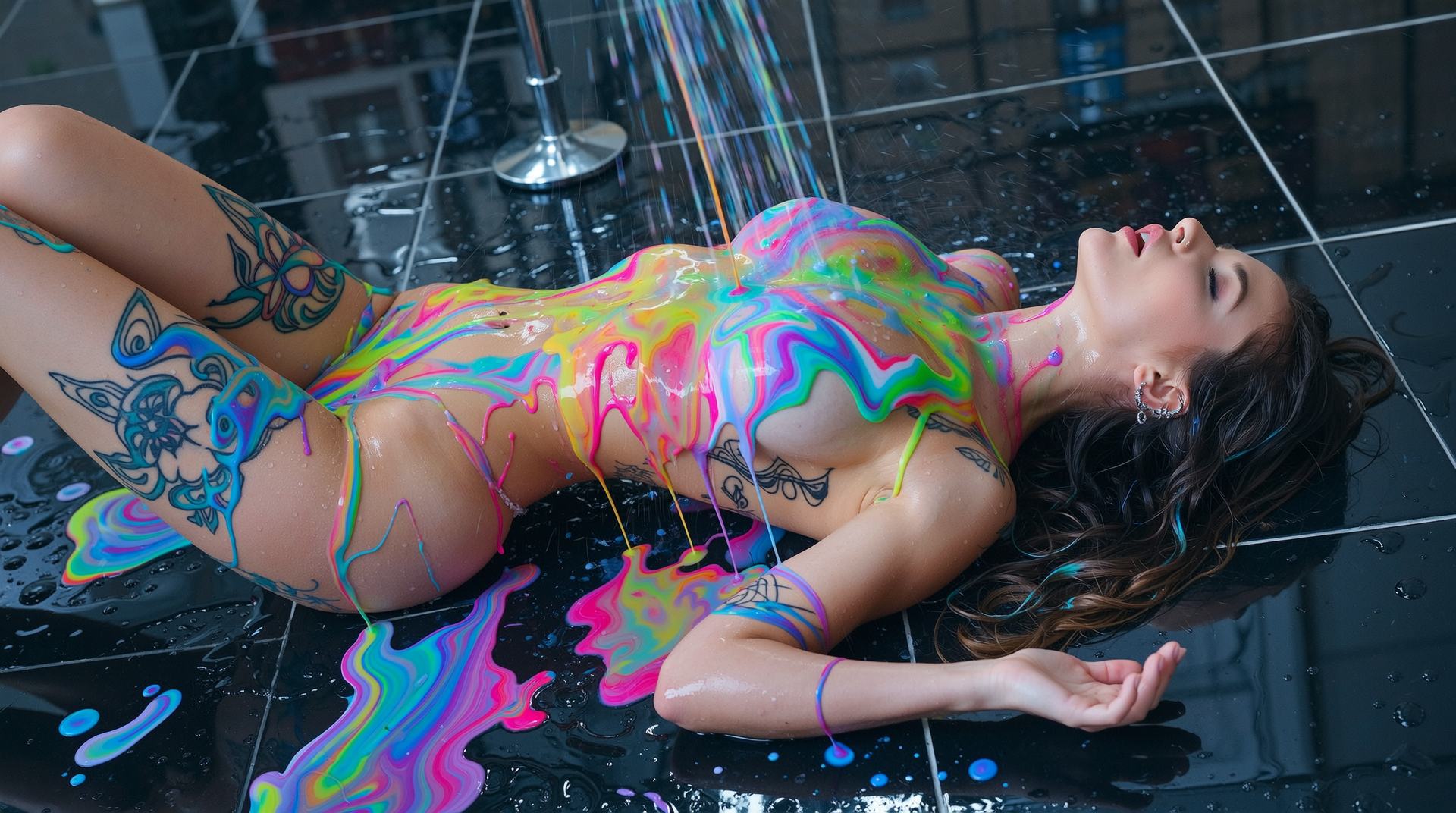
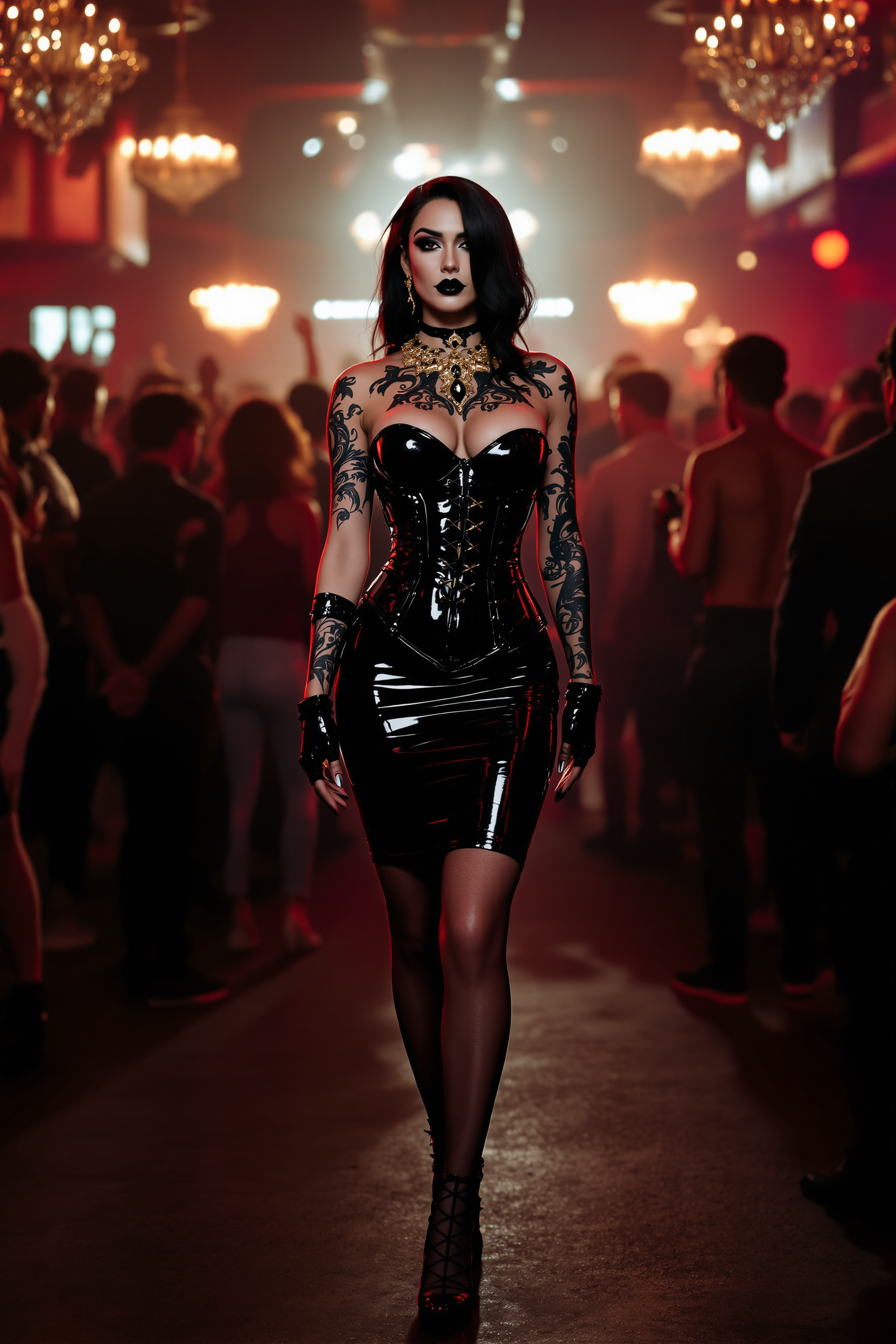
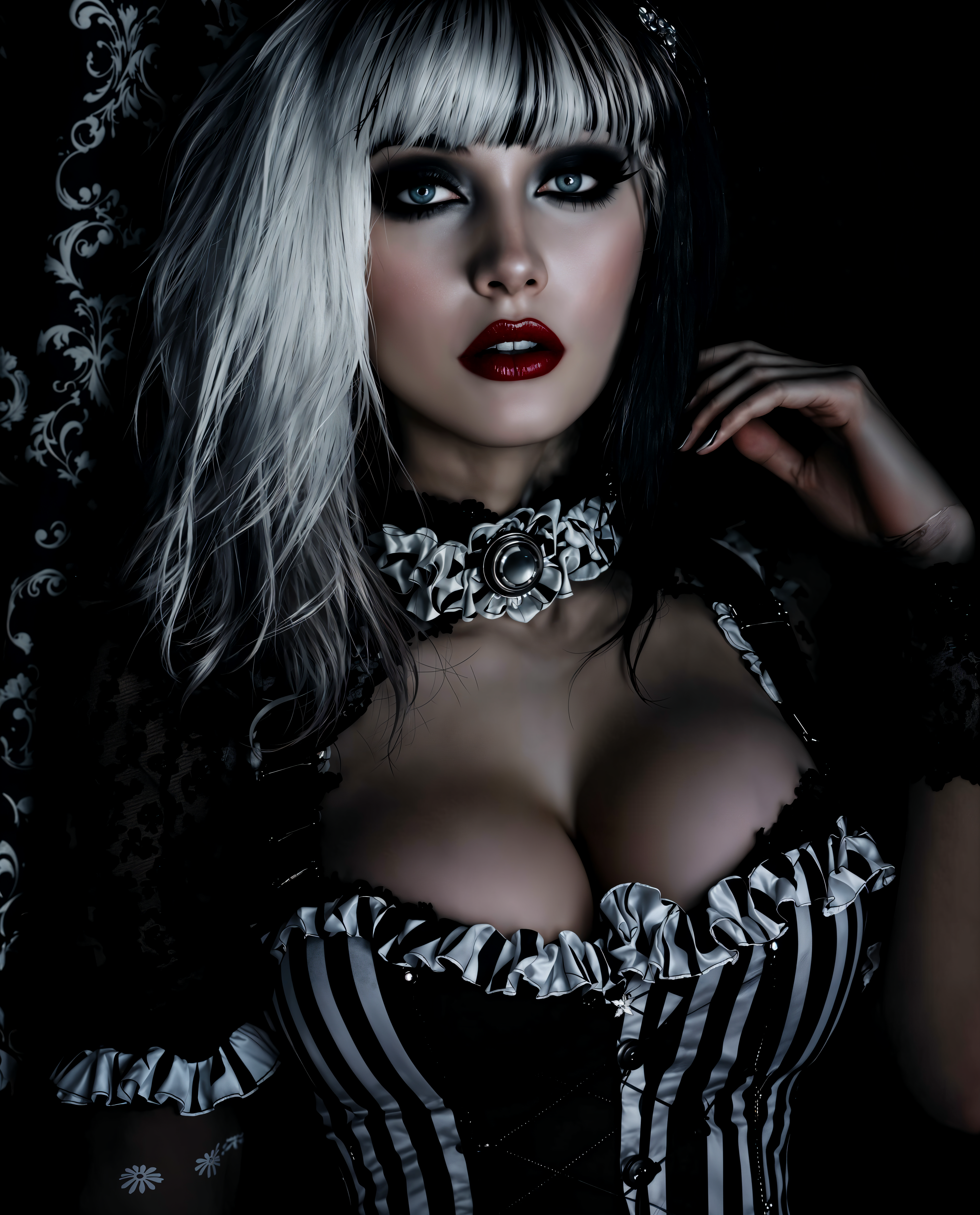
Transform your creative ideas into breathtaking cinematic images that capture attention and tell stories. With PixelDojo’s AI Seedance 2.0 optimized tools, you can generate ultra-realistic visuals, maintain perfect character consistency, and produce professional-grade artwork ready for video projects or standalone use—all in seconds, without any prior design experience.
Loved by 52,000+ creators worldwide • 4.9/5 average rating from 18,000+ reviews • Over 2.4 million Seedance-style images generated this month • Trusted by filmmakers, marketers, and brands for consistent, high-impact visuals
Why Choose Pixel Dojo for ai seedance 2.0
Professional-quality results with cutting-edge AI technology
Achieve Flawless Character Consistency
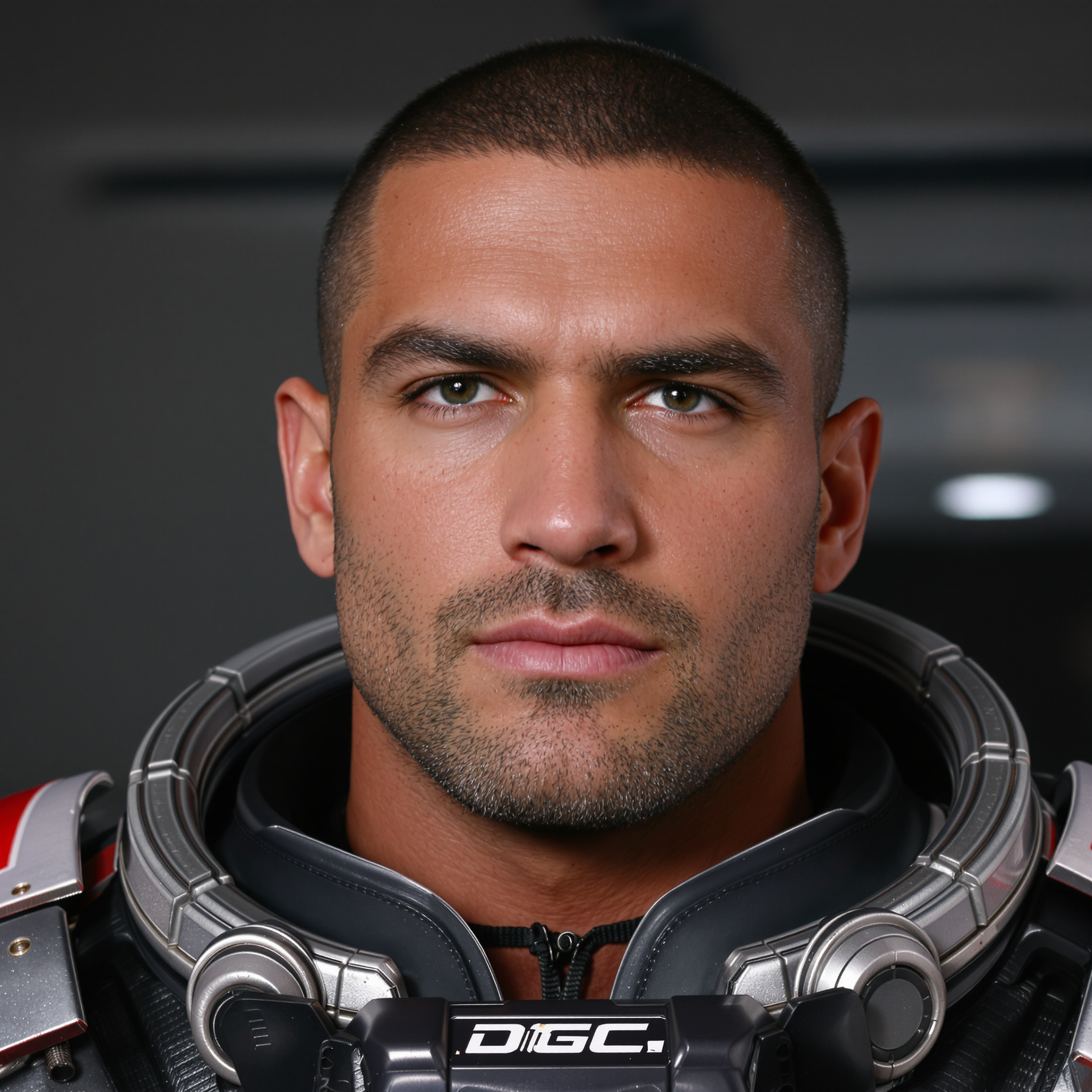
Create the same character across dozens of images with identical faces, outfits, and expressions. Perfect for storyboards, brand mascots, or video pre-production using Seedream 5 Lite and Consistent Characters tools.
Produce Cinematic-Quality Images Instantly
Generate Hollywood-level lighting, dramatic compositions, and photorealistic details that rival professional photography. Flux.2 Studio and Ideogram 4 deliver the rich depth and mood that Seedance 2.0 video workflows demand.
Seamlessly Prepare Images for Video Production
Create reference images optimized for Seedance 2 Reference and Seedance 2 tools. Maintain exact poses, lighting, and style so your videos look cohesive and professional from the first frame.
How It Works
Creating AI Seedance 2.0 style images on PixelDojo takes just three simple steps—no technical expertise required.
Step 1: Choose Your Tool
Select from Seedream 5 Lite for lightning-fast cinematic results, Flux.2 Studio for maximum realism and detail, or Ideogram 4 for precise text integration and composition control.
Step 2: Enter Your Prompt
Describe your vision using Seedance 2.0-inspired techniques: detailed subject descriptions, camera angles, lighting mood, and reference tags like @Image1 for consistency. Add style keywords such as 'cinematic lighting, 8K resolution, film grain'.
Step 3: Customize & Download
Refine with Image to Image, Inpainting, or Magic Lighting tools. Use Character Sheets for multiple consistent variations, then upscale with Magnific Upscaler or Portrait Upscaler before downloading in high resolution.

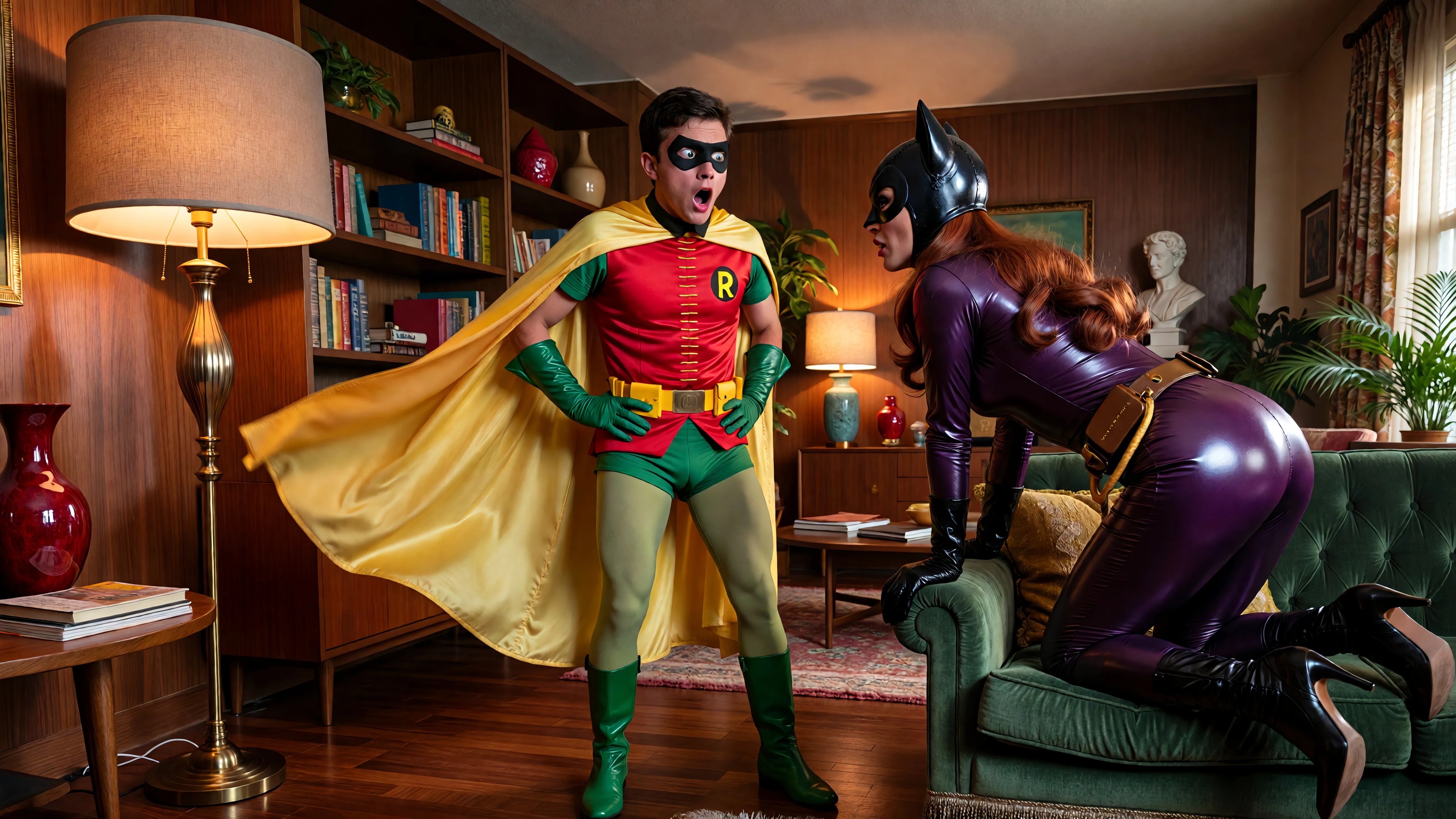
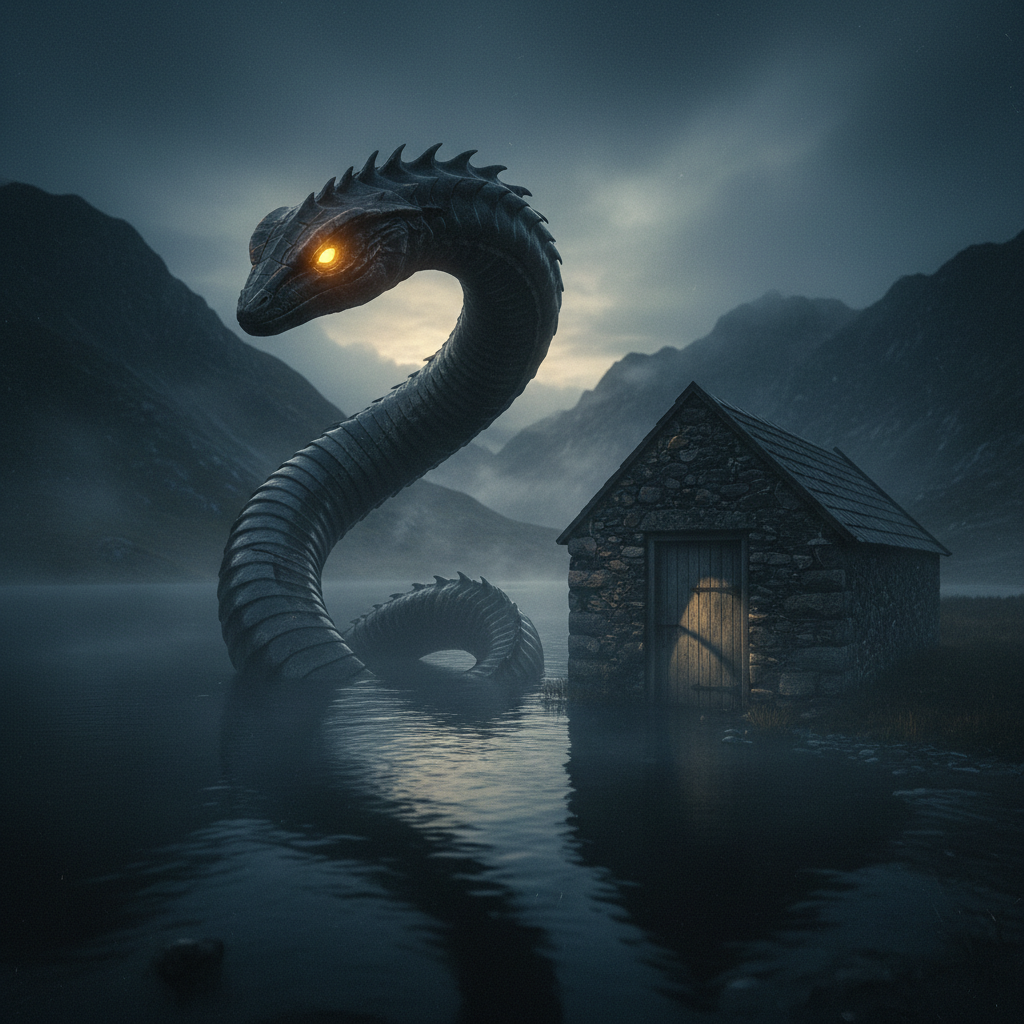
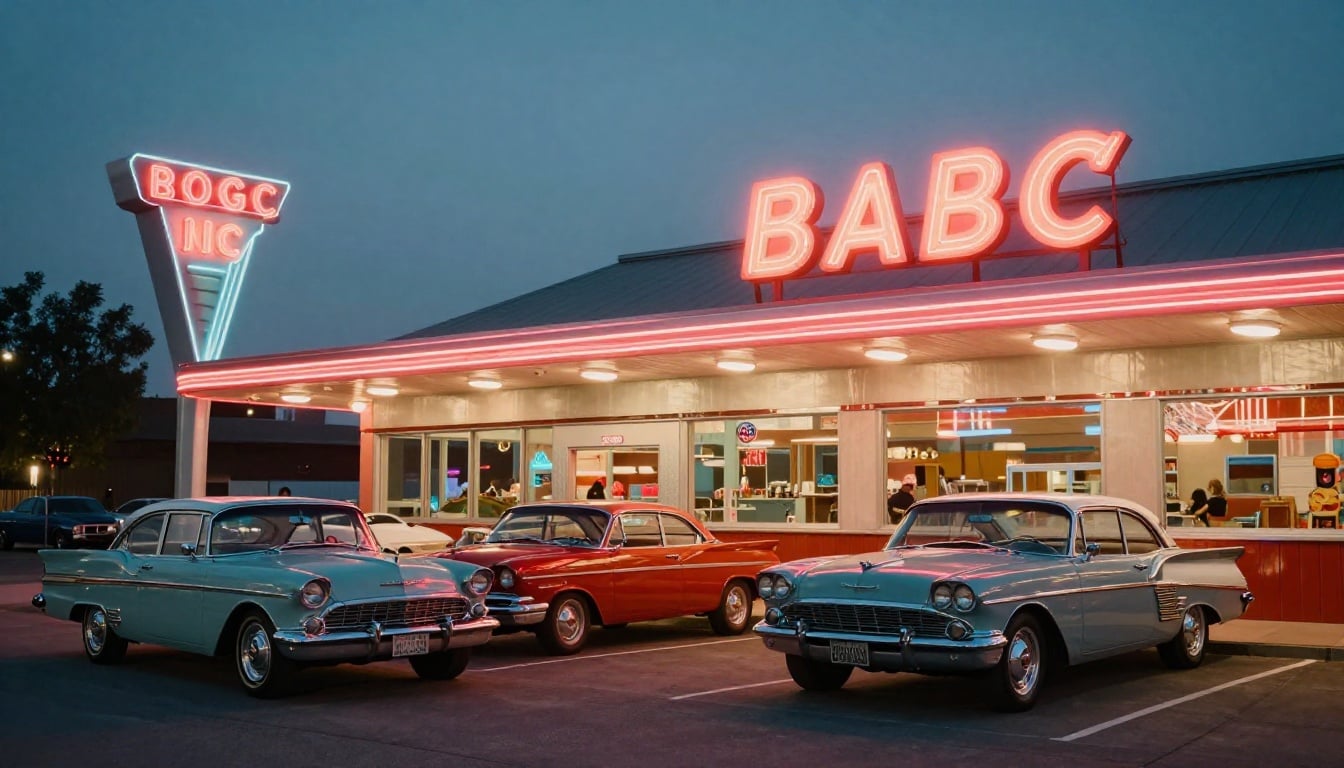
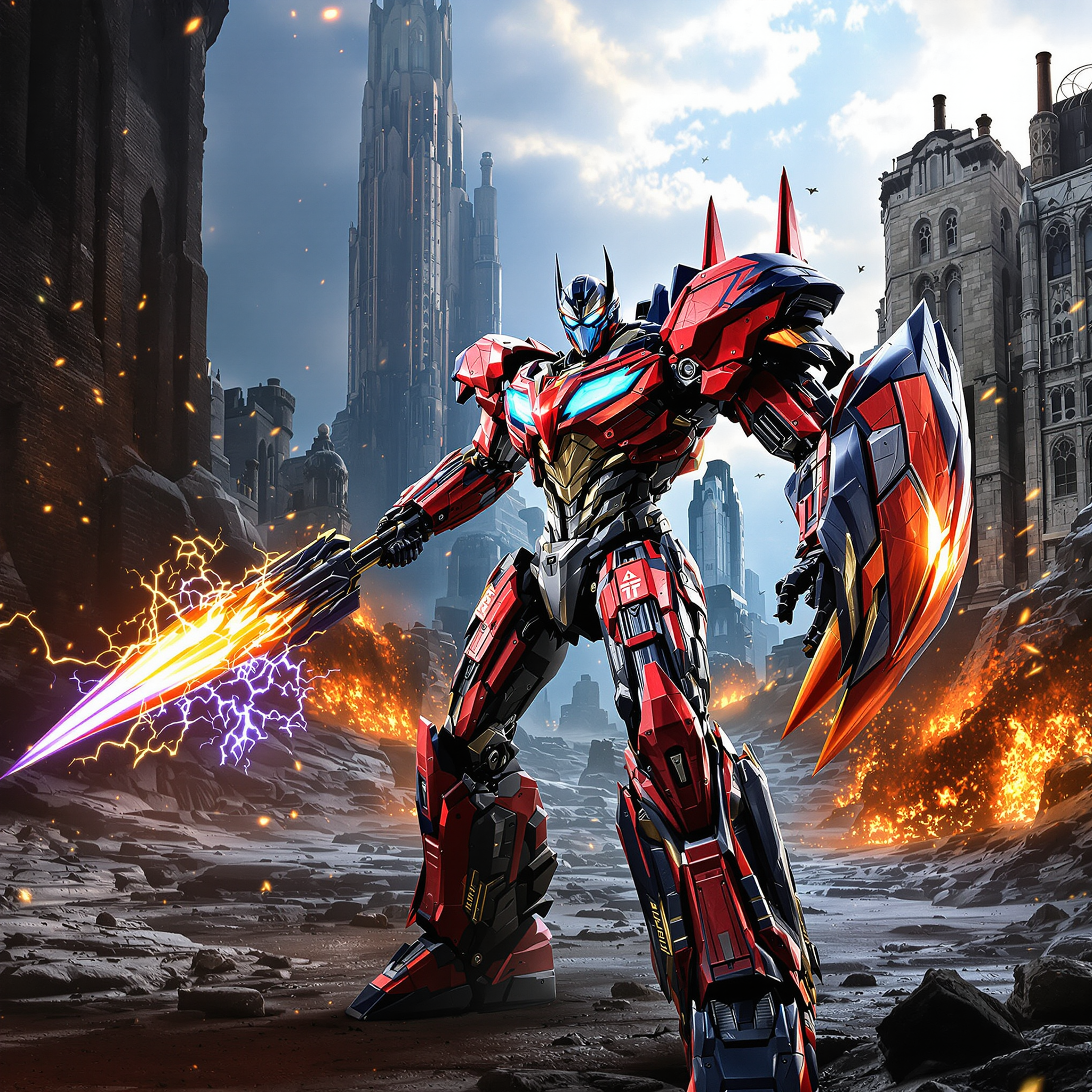
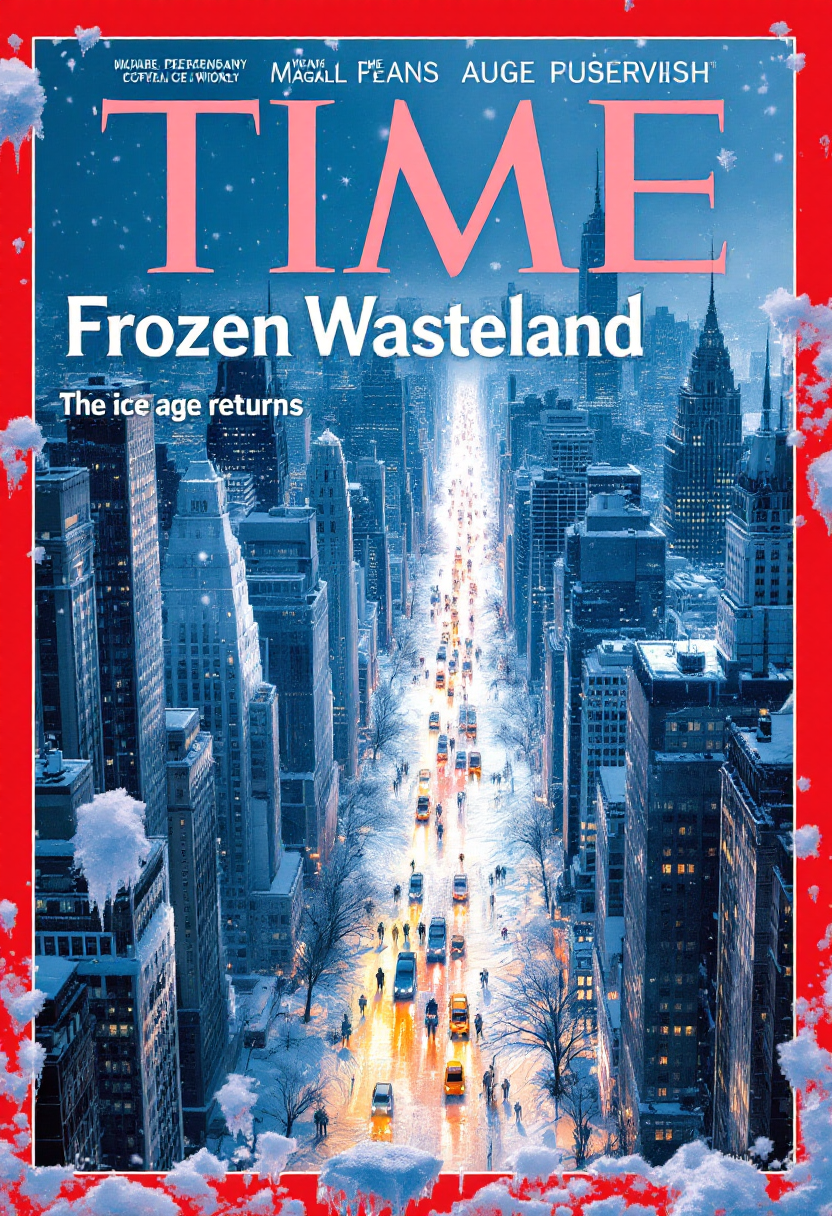

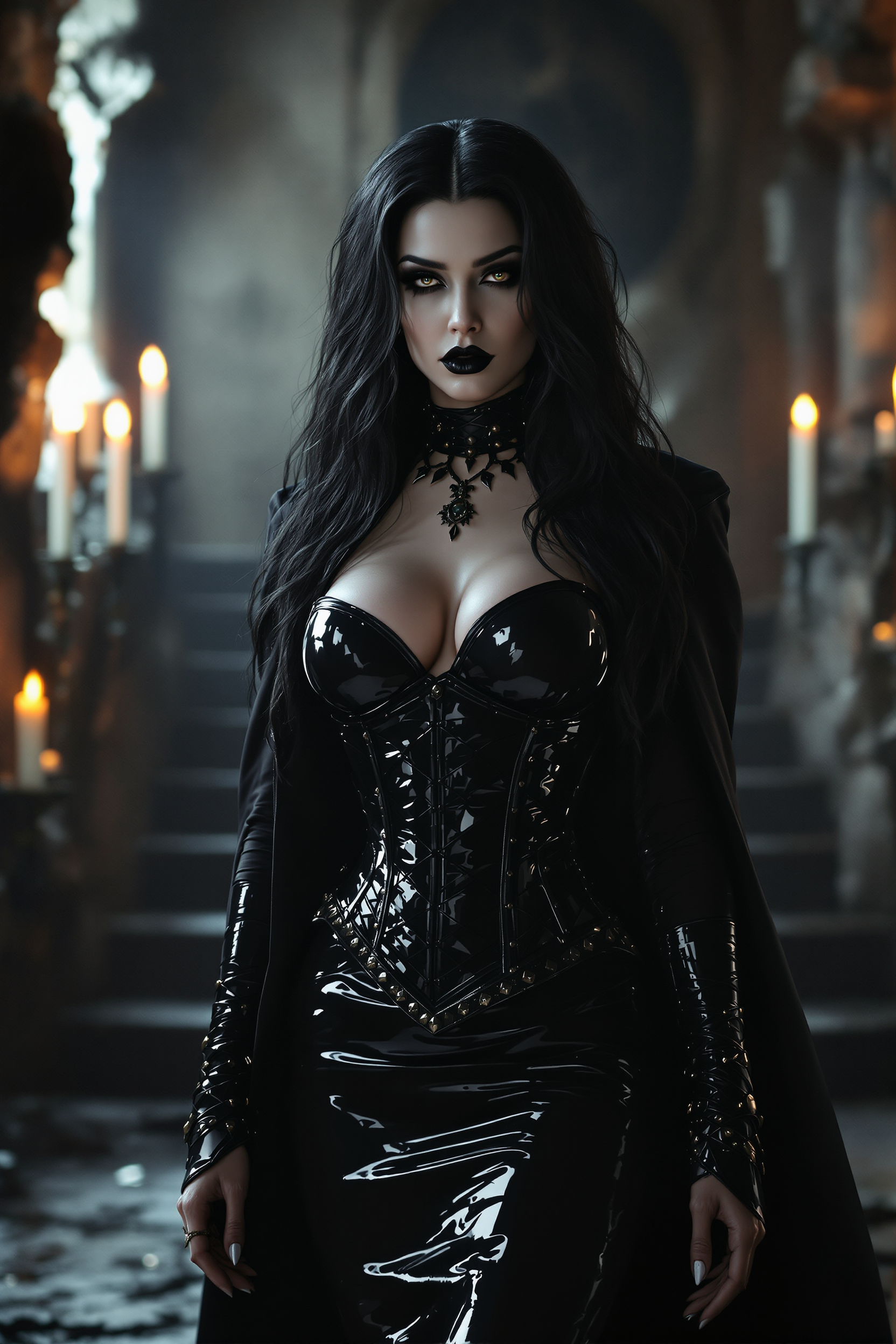
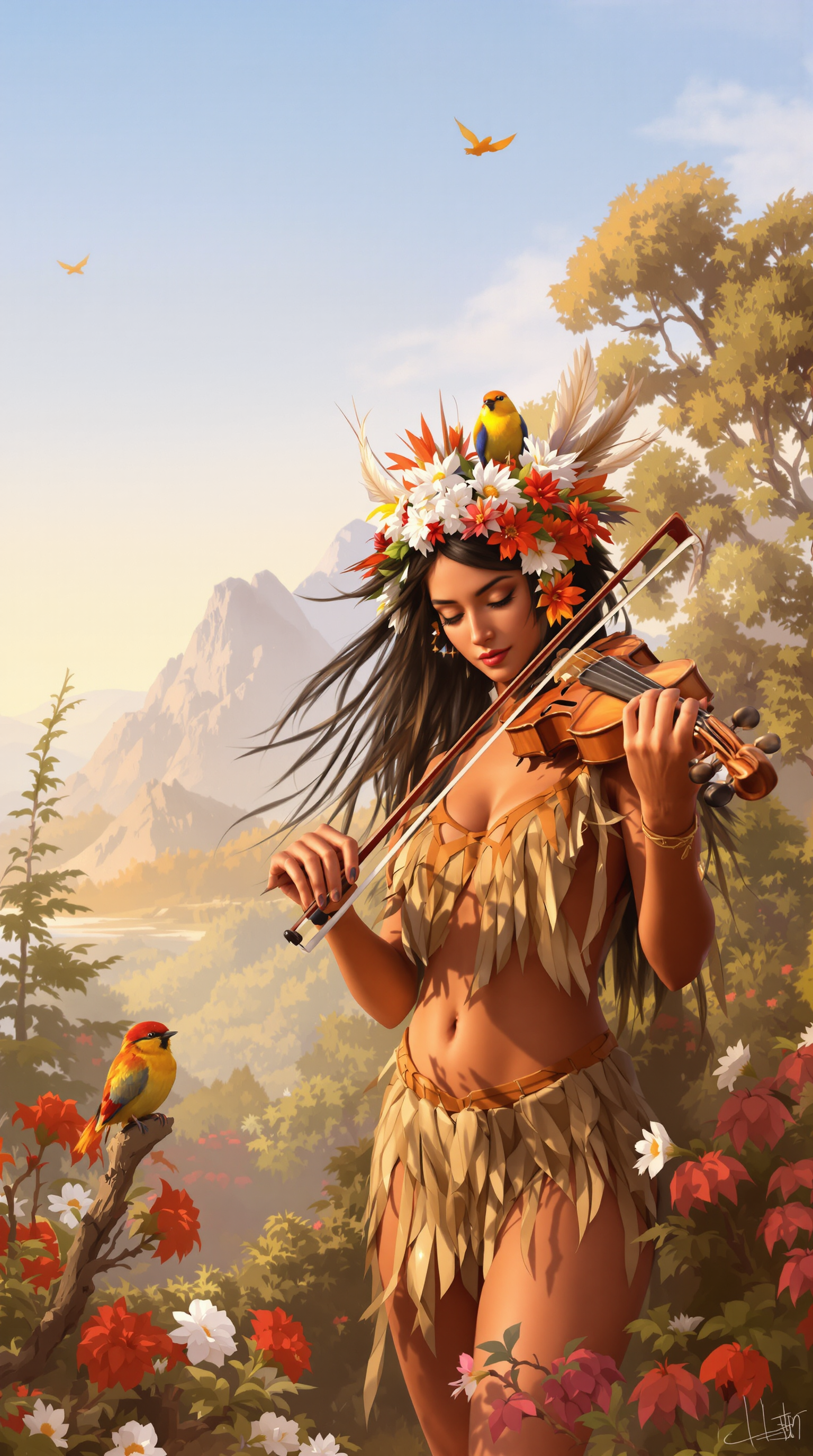
The Pixel Dojo Advantage
Why PixelDojo outperforms other options for Seedance 2.0 style image generation
| Others | Pixel Dojo |
|---|---|
| Traditional photography or illustration | Produce dozens of consistent, cinematic images in minutes instead of hours or days of shooting and editing |
| Generic AI tools | Access 40+ specialized models including Seedream 5 Lite and Flux.2 Studio with built-in Seedance 2.0 prompt optimization and seamless video handoff |
| Manual photo editing | Achieve perfect character consistency and professional lighting automatically—no hours spent masking or color-matching |
Loved by creators on PixelDojo
Real feedback from people using PixelDojo, pulled from our in-product surveys.
All the tools, readily available and easy to understand
You guys, the LORA training is the BEST in the space right now, great job with that!
Tons of variety. Ease of use. Tools for beginners and advance users.
easiest workflow to get best output image or video
awesome functionality, UX, constant flood of improvements, discord interactivity
Awesome site with so many features
Explore more AI tools on PixelDojo
AI Tools
Compare & Switch
- Best AI Image Generators
- Best AI Video Generators
- Midjourney Alternatives
- Civitai Alternatives
- Runway Alternatives
- Leonardo Alternatives
- Pika Alternatives
- Luma Alternatives
- Magnific Alternatives
- Veo Alternatives
- Flux Alternatives
- Freepik Alternatives
- Seedance Alternatives
- Seedream Alternatives
- Pixverse Alternatives
- GPT Image Alternatives
- Synthesia Alternatives
- Playground Alternatives
- NightCafe Alternatives
- Canva AI Alternatives
- ElevenLabs Alternatives
- ComfyUI Alternatives
- Fal Alternatives
- Replicate Alternatives
Common Questions
Everything you need to know about ai seedance 2.0
How do I create consistent characters with AI Seedance 2.0 on PixelDojo?
Use the Consistent Characters tool combined with Seedream 5 Lite or Flux.2 Studio. Upload a reference face once, then generate unlimited images where the character remains identical across different poses, outfits, and scenes—ideal for video pre-production.
What are the best prompts for Seedance 2.0 image generation?
Structure prompts with subject + action + camera + lighting + style. Example: 'Young explorer in leather jacket, standing on misty mountain peak at sunrise, low angle shot, golden hour lighting, cinematic color grade, ultra realistic, shot on 35mm film'. Reference PixelDojo’s Seedance 2 Reference workflow for best video results.
Can I generate images specifically optimized for Seedance 2 video on PixelDojo?
Yes. Create reference images with Seedream 5 Lite or Grok Image, then feed them directly into Seedance 2 or Seedance 2 Reference tools. The consistent lighting and character details transfer perfectly into high-quality video clips.
How long does it take to generate a Seedance 2.0 style image?
Most images generate in under 10 seconds with Seedream 5 Lite. More complex scenes with Flux.2 Studio or Ideogram 4 take 15–30 seconds. Batch generation lets you create 10+ variations simultaneously.
Is there a free way to try AI Seedance 2.0 image generation?
Absolutely. PixelDojo offers generous free credits daily across all tools including Seedream 5 Lite and Flux.2 Studio. Upgrade only when you need higher volume or priority rendering—no long-term commitment required.
What editing tools help refine Seedance 2.0 images after generation?
Use Inpainting to fix details, Magic Lighting to adjust mood, Background Remover for clean cutouts, and Reality Polisher for extra photorealism. Character Stylist and LoRA Face Swap give you even more control over final results.