ai swap face AI Generator
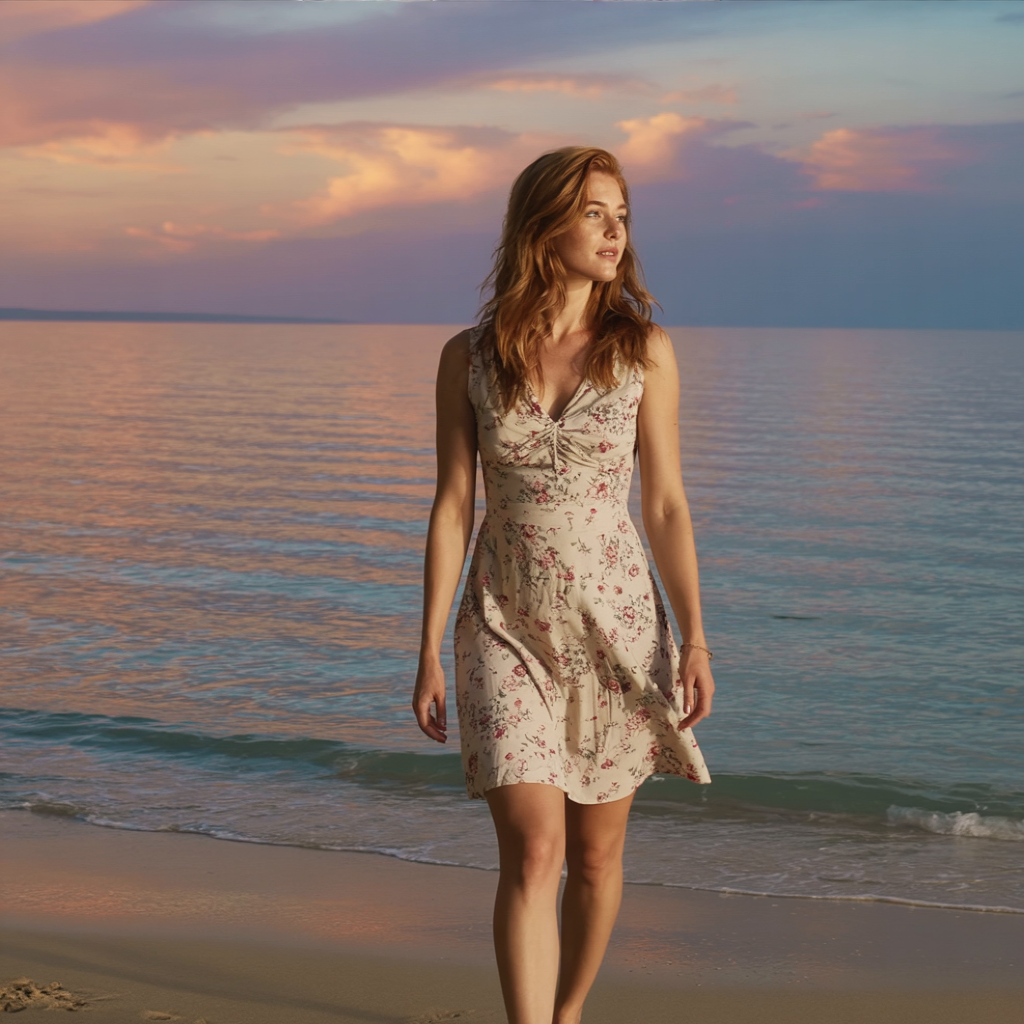
Imagine instantly placing your face on any character, celebrity, or scene with photorealistic precision. PixelDojo's AI face swap tools empower you to create personalized images that captivate audiences, boost your social media presence, and bring your creative visions to life without any photo editing experience. Whether you're crafting hilarious memes, designing custom marketing visuals, or building a consistent character for your stories, you achieve seamless, natural-looking results in minutes that look like professional studio work.
Join over 75,000 creators who have generated more than 2.5 million AI face swaps. 4.9/5 average rating from 18,000+ verified reviews. Trusted by influencers, marketers, and hobbyists worldwide for consistently realistic outcomes.
Why Choose Pixel Dojo for ai swap face
Professional-quality results with cutting-edge AI technology
Go Viral with Hilarious, Shareable Content
Swap your face onto movie stars, historical figures, or funny scenarios to create memes and social posts that rack up thousands of likes and shares. Your audience engages more because the results feel personal and authentic.
Visualize Yourself in Any Look Instantly
Try on new hairstyles, outfits, or makeup virtually before committing. Perfect for fashion enthusiasts, beauty influencers, and anyone wanting to experiment with their appearance risk-free.
Build Consistent Characters for Stories & Brands
Maintain your exact likeness across dozens of images for comic books, social campaigns, or virtual influencers. Your audience recognizes and connects with the character every time.
How It Works
PixelDojo makes AI face swap simple and powerful using dedicated tools like LoRA Face Swap, Virtual Try-On, and Flux Pro Virtual Try-On alongside image editors. You focus on the creative outcome while the AI handles the technical magic.
Step 1: Choose Your Tool
Head to the Characters & Faces section and select LoRA Face Swap for precise identity transfer or Virtual Try-On for lifestyle visualizations. Alternatively, start with Flux.1 Studio or Ideogram 4 to generate base images before swapping.
Step 2: Enter Your Prompt & Upload References
Upload your source face photo and the target image or scene. Describe the desired result in natural language, such as 'swap this face onto the person in the red dress with matching lighting and expression'. The AI analyzes anchor points like eyes, jawline, and skin tone for seamless integration.
Step 3: Customize, Refine & Download
Review the initial swap, then use Inpainting or Reality Polisher for fine adjustments around edges and lighting. Apply Style Transfer if needed, upscale with Portrait Upscaler, and download your high-resolution result ready for sharing or printing.



The Pixel Dojo Advantage
Why PixelDojo outperforms other options for AI face swap image generation
| Others | Pixel Dojo |
|---|---|
| Traditional face swap creation | No need for expensive software or hours of manual masking—achieve studio-quality swaps in seconds with AI that understands facial structure and lighting automatically. |
| Generic AI tools | Specialized face tools like LoRA Face Swap and Flux Pro Virtual Try-On deliver superior identity preservation and expression matching compared to general-purpose generators that often distort features. |
| Manual photo editing | Skip the steep learning curve and pixel-by-pixel work. Our AI handles complex blending, shadow matching, and angle adjustments so you get pro results without any technical skills. |
Loved by creators on PixelDojo
Real feedback from people using PixelDojo, pulled from our in-product surveys.
So many different models to try out
You keep adding to it to stay up to date and that is GOLD.
very easy to use and good support
Very easy to use
super easy to use
it's very easy to use
Explore more AI tools on PixelDojo
AI Tools
Compare & Switch
- Best AI Image Generators
- Best AI Video Generators
- Midjourney Alternatives
- Civitai Alternatives
- Runway Alternatives
- Leonardo Alternatives
- Pika Alternatives
- Luma Alternatives
- Magnific Alternatives
- Veo Alternatives
- Flux Alternatives
- Freepik Alternatives
- Seedance Alternatives
- Seedream Alternatives
- Pixverse Alternatives
- GPT Image Alternatives
- Synthesia Alternatives
- Playground Alternatives
- NightCafe Alternatives
- Canva AI Alternatives
- ElevenLabs Alternatives
- ComfyUI Alternatives
- Fal Alternatives
- Replicate Alternatives
Common Questions
Everything you need to know about ai swap face
How to do realistic AI face swap on photos with PixelDojo?
Upload your reference face and target image into LoRA Face Swap or Virtual Try-On. Use a detailed prompt describing the scene and lighting. The AI maps facial landmarks for natural results. Refine with Inpainting for perfect edges, then upscale. Thousands of users achieve photorealistic swaps this way for personal and professional projects.
What is the best AI face swap tool for consistent character images?
LoRA Face Swap combined with Consistent Characters and Character Stylist lets you lock in your likeness across multiple generations. Generate a base with Flux.1 Studio or Ideogram 4, then apply swaps repeatedly. This creates a recognizable character for stories, branding, or social content without drift in appearance.
Can I use AI face swap for virtual try-on clothing and hairstyles?
Yes! Flux Pro Virtual Try-On and Virtual Try-On are designed exactly for this. Upload a selfie and product images or describe styles in your prompt. The AI seamlessly composites your face onto models wearing the items with accurate lighting and angles, helping you make confident fashion decisions or create compelling product visuals.
How do I create viral AI face swap memes and social media content?
Start with a fun target image like a movie poster or meme template. Use LoRA Face Swap to place your face or a friend's. Add humorous prompts and refine lighting with Magic Lighting. Download and share—the realistic quality makes posts stand out and encourages shares and engagement.
Is AI face swap with PixelDojo suitable for professional marketing images?
Absolutely. Marketers use Virtual Try-On and LoRA Face Swap to create personalized ad variations, virtual influencers, and campaign visuals. Combine with Style Transfer for brand consistency and Background Remover for clean assets. Results look polished and save hours compared to traditional photoshoots.
What tips ensure the most realistic AI face swap results every time?
Choose high-quality, well-lit reference photos with clear facial features. Match angles and expressions in your prompt. Use Reality Polisher or Inpainting for any minor adjustments. Our tools like WAN Image and P-Image help maintain skin tones and details. Experiment with different base generators like Krea Image for optimal starting points.