ai swap faces AI Generator

Transform any photo or video by seamlessly swapping faces with AI that preserves lighting, expressions, and natural details. Whether you're creating viral social media memes, building consistent characters for stories, or previewing new looks for clients, PixelDojo lets you achieve professional-grade results instantly without any technical skills or expensive software.
Join over 50,000 creators who have generated millions of face swaps. 4.9/5 average rating from 12,000+ reviews. Trusted by influencers, marketers, and studios worldwide.
Why Choose Pixel Dojo for ai swap faces
Professional-quality results with cutting-edge AI technology
Create Viral Social Content in Minutes
Turn ordinary selfies into scroll-stopping memes, celebrity swaps, or trending challenges that drive engagement and shares across TikTok, Instagram, and beyond.
Build Consistent Characters Effortlessly
Maintain the same face identity across multiple scenes, styles, and poses for comics, animations, branding, or virtual influencers that feel authentic.
Professional Edits Without the Hassle
Fix group photos, preview hairstyles or outfits, localize marketing campaigns, or create personalized gifts with photorealistic results every time.
How It Works
Getting started with AI face swaps on PixelDojo is simple and intuitive. Use our dedicated Face Swap and LoRA Face Swap tools to achieve stunning results in three easy steps.
Step 1: Choose Your Tool
Select Face Swap for quick single-image swaps or LoRA Face Swap for training custom consistent characters. You can also combine with Consistent Characters or Virtual Try-On for advanced projects.
Step 2: Enter Your Prompt
Upload your source face image and target photo or video. Describe the desired output like 'swap this face onto the person in the red dress, natural lighting, photorealistic' or use reference images for precise control.
Step 3: Customize & Download
Refine with Pose Control, Style Transfer, or Magic Lighting if needed. Adjust intensity for seamless blending, then download your high-resolution result or extend to video with WAN Video Character Swap.


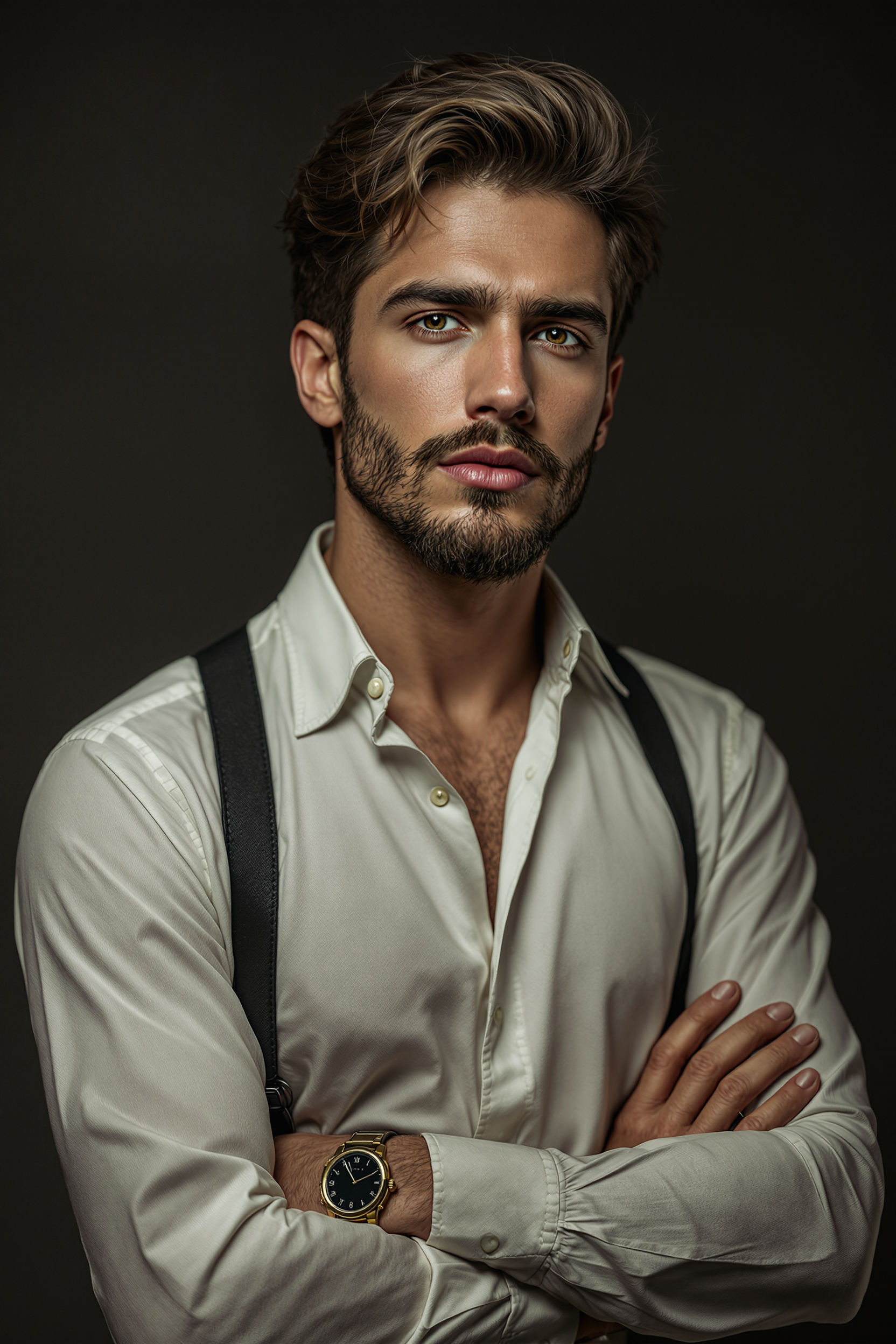
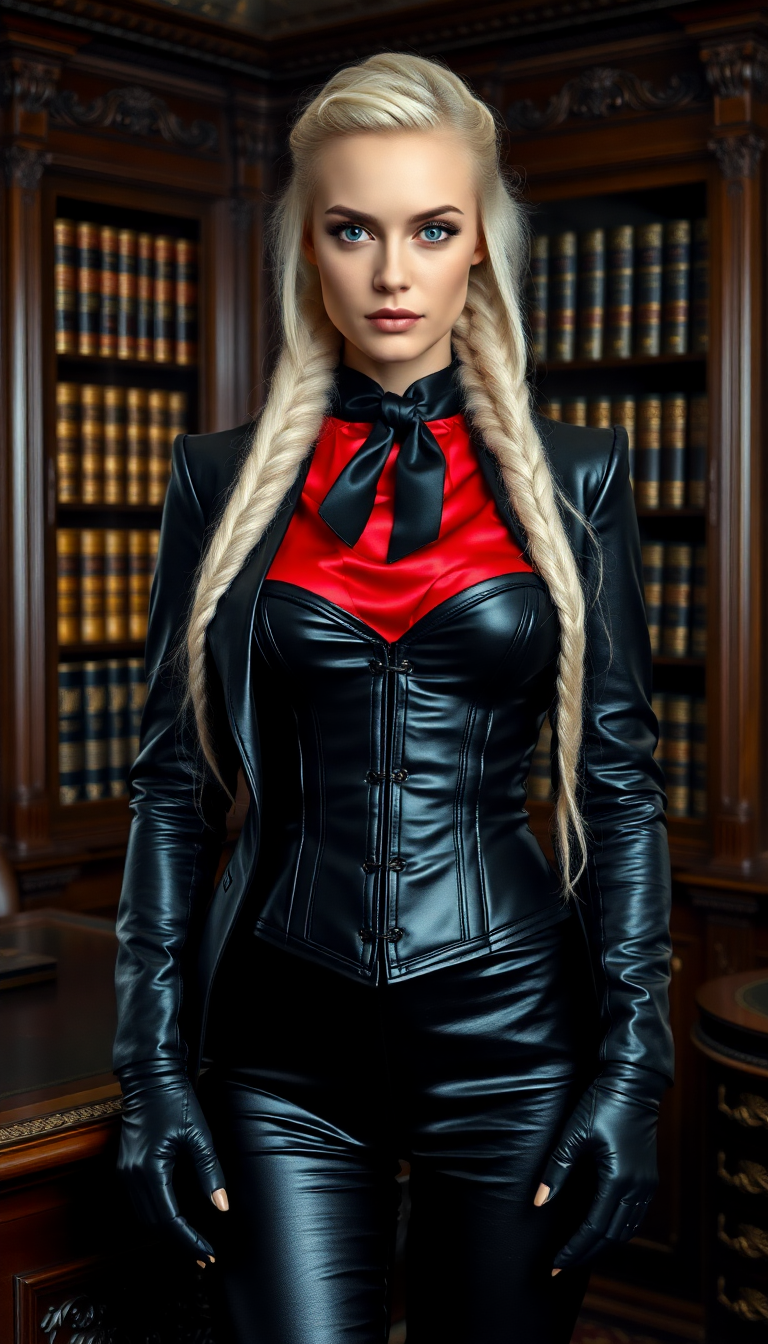

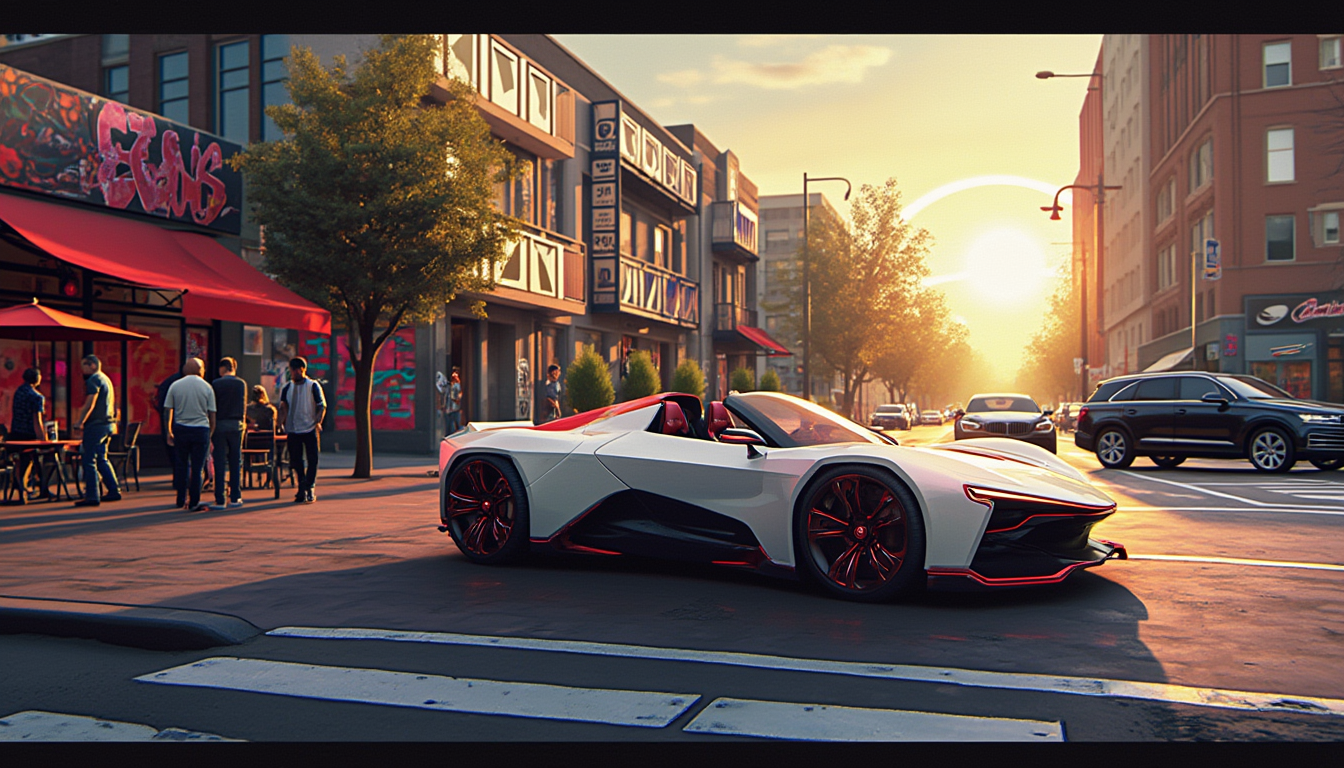
The Pixel Dojo Advantage
Why PixelDojo outperforms other options for AI face swap image generation
| Others | Pixel Dojo |
|---|---|
| Traditional face swap creation | No manual Photoshop skills or hours of editing required—achieve professional results in seconds with AI that handles lighting and blending automatically. |
| Generic AI tools | Specialized Face Swap and LoRA Face Swap tools deliver superior identity preservation and consistency compared to general-purpose generators. |
| Manual photo editing | Instant batch processing, video extensions, and consistent character training eliminate repetitive work and deliver higher quality without fatigue. |
Loved by creators on PixelDojo
Real feedback from people using PixelDojo, pulled from our in-product surveys.
ease of use, variety of tools, high quality trainings, and a well-maintained discord channel
Ease of use, friendliness and support of the owner, continued innovation.
it is an amazing site to create a pics and vids for those who don't have the hardware themselves
good tools in one place
Prompt updates, strong features, and a community that is always willing to help and hear/act on professional feedback. I've never had a better experience.
user friendly all in one thing
Explore more AI tools on PixelDojo
AI Tools
Compare & Switch
- Best AI Image Generators
- Best AI Video Generators
- Midjourney Alternatives
- Civitai Alternatives
- Runway Alternatives
- Leonardo Alternatives
- Pika Alternatives
- Luma Alternatives
- Magnific Alternatives
- Veo Alternatives
- Flux Alternatives
- Freepik Alternatives
- Seedance Alternatives
- Seedream Alternatives
- Pixverse Alternatives
- GPT Image Alternatives
- Synthesia Alternatives
- Playground Alternatives
- NightCafe Alternatives
- Canva AI Alternatives
- ElevenLabs Alternatives
- ComfyUI Alternatives
- Fal Alternatives
- Replicate Alternatives
Common Questions
Everything you need to know about ai swap faces
How does AI face swap work on PixelDojo for realistic results?
PixelDojo's Face Swap and LoRA Face Swap tools use advanced AI to detect facial features, match lighting and angles, then blend seamlessly. Upload a clear source face and target image, add a descriptive prompt, and generate photorealistic swaps that preserve expressions and skin tones naturally.
Can I use AI face swap to create consistent characters for stories or branding?
Yes! Train a custom model with LoRA Face Swap or use Consistent Characters to lock in a face identity. Generate the same person across different poses, outfits, and scenes for comics, videos, or marketing campaigns with perfect consistency.
What are the best prompts for high-quality AI face swaps in images?
Use prompts like 'photorealistic face swap, natural lighting, matching skin tone and expression, high detail' combined with your uploaded images. Reference specific styles or add 'seamless blend, no artifacts' for even better results on PixelDojo.
Is PixelDojo's AI face swap suitable for video content creation?
Absolutely. Start with image swaps using Face Swap, then extend to video with tools like WAN Video Character Swap or Kling Video Character Swap for lip-sync accurate results. Perfect for short-form social content or longer edits.
How many faces can I swap at once with PixelDojo AI tools?
Our tools support single and multi-face swaps in group photos. Use batch capabilities or combine with Inpainting and Background Remover for complex edits, handling multiple people efficiently in one workflow.
Are there any limitations or best practices for ethical AI face swap use?
PixelDojo emphasizes responsible creation—always obtain consent when swapping real people's faces. Our tools deliver high-quality results for creative, entertainment, and professional uses while encouraging ethical practices like clear disclosure for public content.