ai tattoo generator free
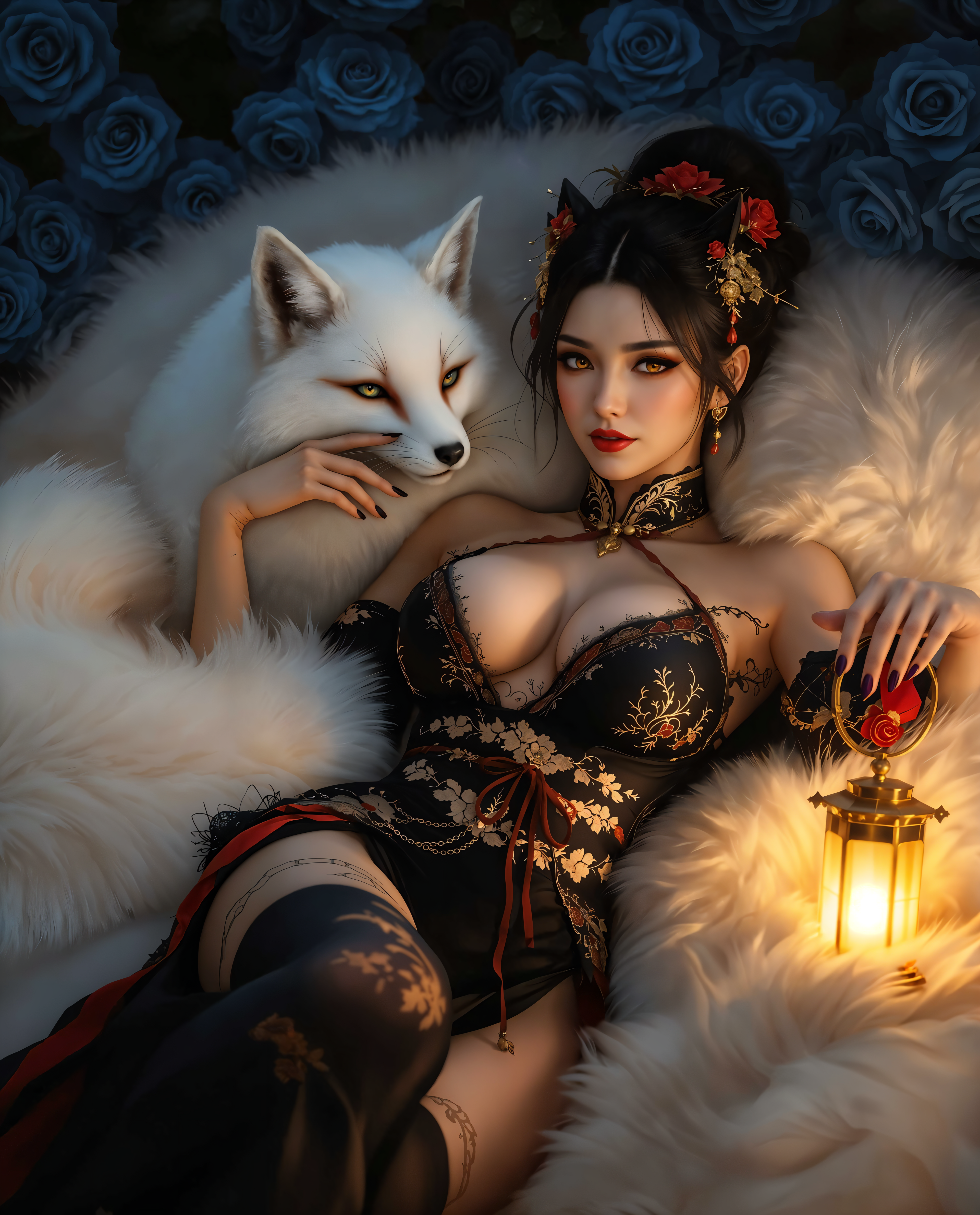
Imagine seeing your dream tattoo come to life before you ever sit in the chair. With PixelDojo's free AI tattoo generator, you can turn any idea into stunning, artist-ready designs in seconds. Whether you're exploring a delicate floral piece for your wrist or a bold geometric sleeve, you'll get unlimited inspiration that helps you visualize exactly what you want – completely free, with no hidden fees or commitments.
Over 120,000 creators have generated more than 650,000 custom tattoo designs this month alone. Rated 4.9/5 by tattoo enthusiasts and artists worldwide, with thousands sharing their success stories daily.
Why Choose Pixel Dojo for ai tattoo generator free
Professional-quality results with cutting-edge AI technology
Instant Personalized Inspiration
Describe your perfect tattoo and receive dozens of unique variations tailored to your preferred style, size, and body placement – helping you discover designs you'd never think of on your own.
Risk-Free Style Exploration
Test bold colors, intricate details, and different cultural styles like Japanese irezumi or neo-traditional without any commitment, so you can confidently choose what truly resonates before booking your appointment.
Artist-Ready Professional Designs
Download high-resolution images optimized for tattoo artists, complete with clean lines and realistic shading that translate perfectly from screen to skin.
How It Works
Creating your ideal tattoo design takes just three simple steps using PixelDojo's powerful free tools.
Step 1: Choose Your Tool
Select from specialized image generation tools like Flux.2 Studio or PonyXL in the Generate Images section – these excel at producing detailed, tattoo-perfect artwork with crisp lines and vibrant styles.
Step 2: Enter Your Prompt
Type a detailed description such as 'majestic wolf howling at moon in traditional Japanese irezumi style, black and grey, vertical forearm placement, intricate details, for tattoo design' and generate multiple options instantly.
Step 3: Customize & Download
Use Style Transfer or Image to Image tools to refine colors, adjust placement, or apply tattoo-specific effects like shading, then download your high-res files ready to share with your artist.
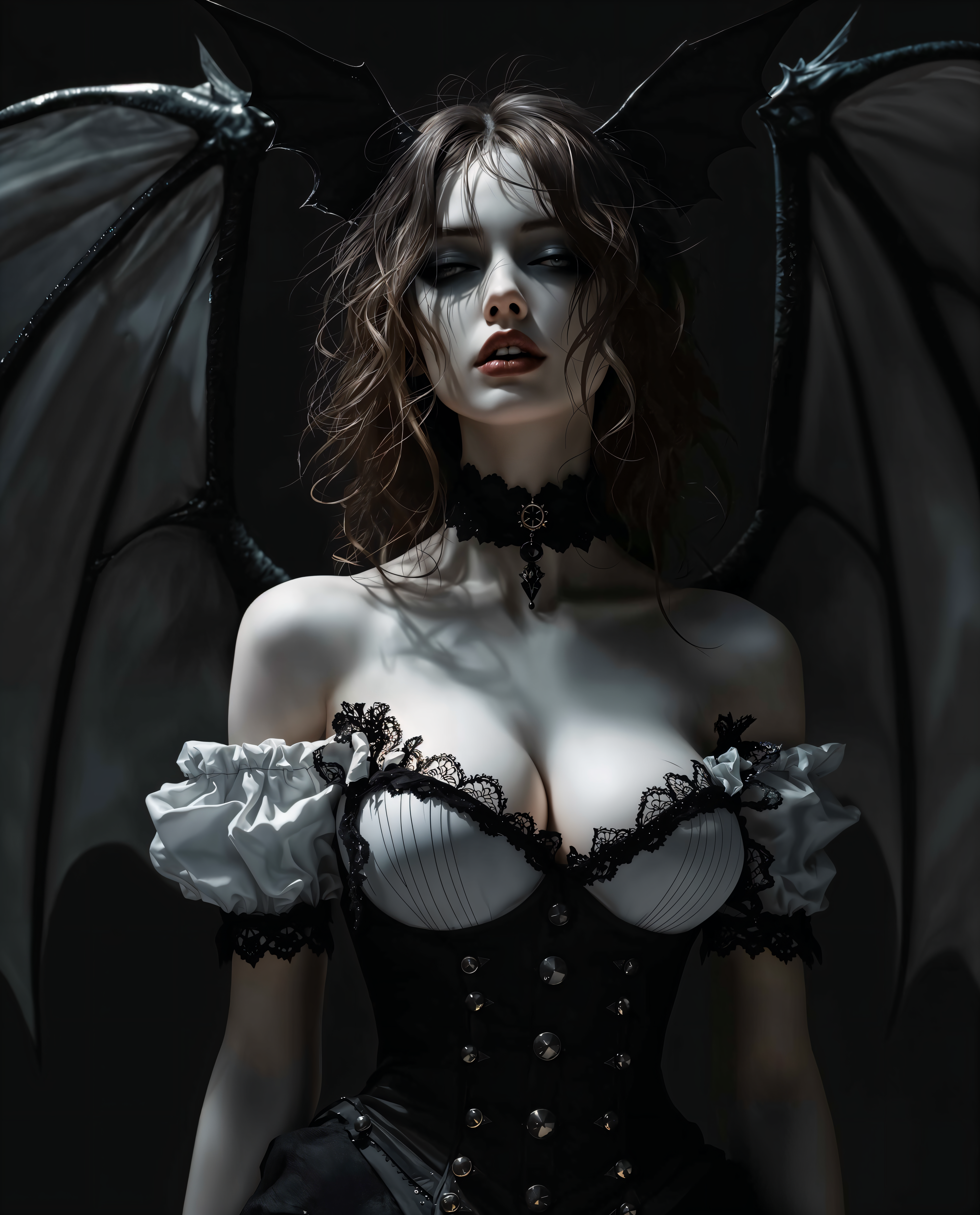
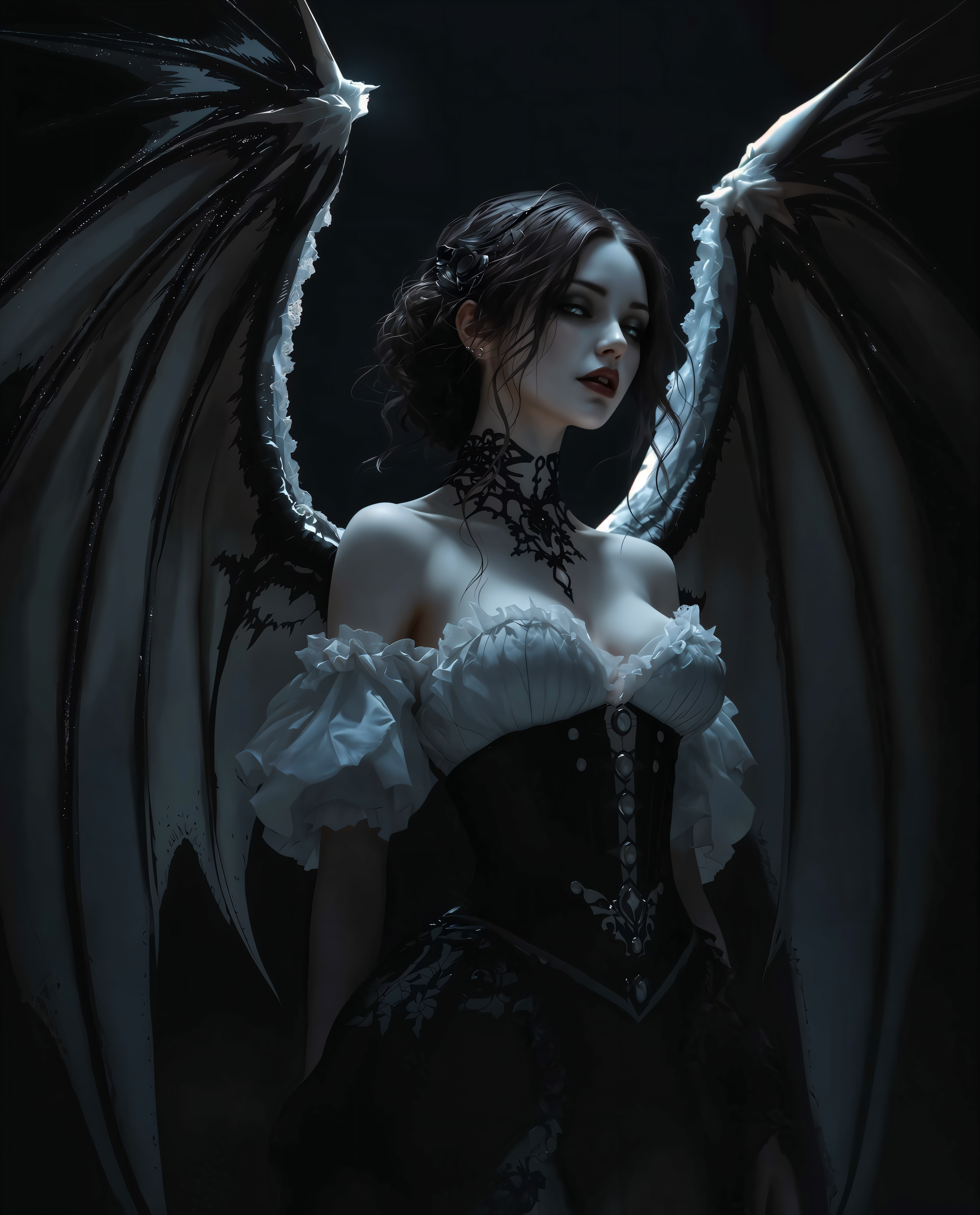
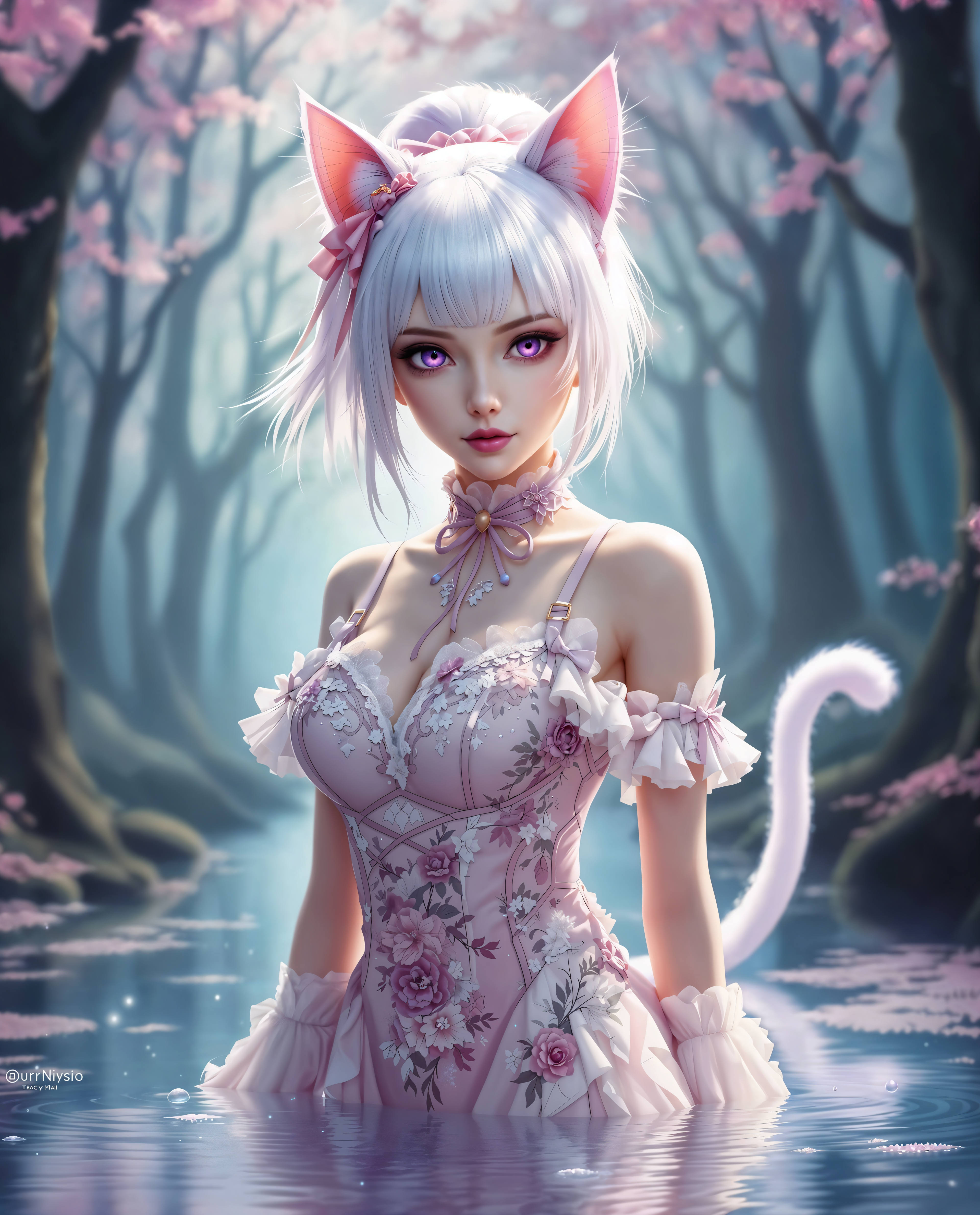
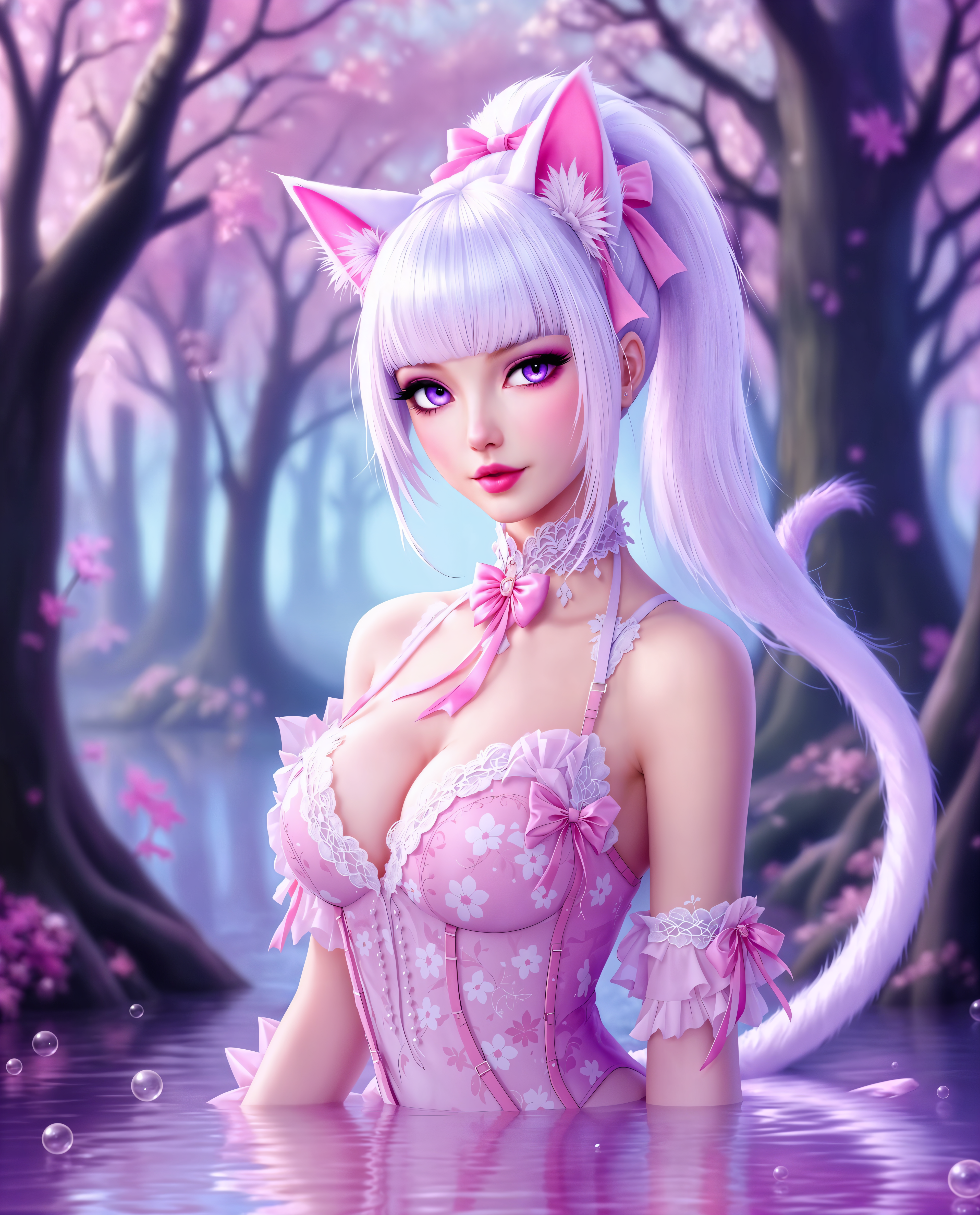
The Pixel Dojo Advantage
Why PixelDojo outperforms other options for free AI tattoo generation
| Others | Pixel Dojo |
|---|---|
| Traditional tattoo sketching | Generate dozens of polished concepts in minutes instead of spending hours with pencil and paper, letting you explore far more ideas quickly. |
| Generic AI tools | Access specialized tattoo-focused models and editing tools like Style Transfer and Magic Lighting that produce clean, skin-ready results every time. |
| Manual photo editing | Skip complex software learning curves – simply describe your vision and let AI handle the heavy lifting for professional outcomes in seconds. |
Loved by creators on PixelDojo
Real feedback from people using PixelDojo, pulled from our in-product surveys.
versatile menu of tools
Best AI tool availble the suite is rad
Versatility quality, value, ROI, innovation
variety of tools available and prompt tools
A "one-stop-shop" for creators! Thanks!!
Lots of different tools. It's easy to purchase more credits.
Explore more AI tools on PixelDojo
AI Tools
Compare & Switch
- Best AI Image Generators
- Best AI Video Generators
- Midjourney Alternatives
- Civitai Alternatives
- Runway Alternatives
- Leonardo Alternatives
- Pika Alternatives
- Luma Alternatives
- Magnific Alternatives
- Veo Alternatives
- Flux Alternatives
- Freepik Alternatives
- Seedance Alternatives
- Seedream Alternatives
- Pixverse Alternatives
- GPT Image Alternatives
- Synthesia Alternatives
- Playground Alternatives
- NightCafe Alternatives
- Canva AI Alternatives
- ElevenLabs Alternatives
- ComfyUI Alternatives
- Fal Alternatives
- Replicate Alternatives
Common Questions
Everything you need to know about ai tattoo generator free
Is there a completely free AI tattoo generator without sign-up or limits?
PixelDojo offers generous free access to its AI tattoo generator with no mandatory sign-up for initial generations. You can create custom designs using tools like Grok Image and WAN Image right away, with optional free credits available daily. Thousands of users generate professional tattoo concepts daily without spending a cent.
What are the best prompts for a free AI tattoo generator to get realistic results?
Effective prompts combine subject, style, details, and placement like 'delicate cherry blossom branch in watercolor style, soft pastels, inner wrist placement, fine line details, for tattoo design.' PixelDojo's Flux.1 Studio and Recraft V4.1 deliver highly realistic outputs when you include 'tattoo design' at the end of your prompt.
How can I preview how a tattoo will look on my skin using free AI tools?
Use PixelDojo's Virtual Try-On and Image to Image tools together. Upload a photo of your body part and generate the tattoo design directly onto it for a realistic preview. This helps you visualize placement, size, and flow before committing to ink.
Can a free AI tattoo generator create designs in popular 2026 styles like cyber tribal or botanical realism?
Absolutely. PixelDojo supports trending styles through tools like PonyXL and HiDream O1. Simply specify 'cyber tribal with neon accents' or 'hyper-realistic botanical with dew drops' in your prompt to generate fresh, on-trend designs perfect for 2026.
Is PixelDojo's free AI tattoo generator suitable for professional tattoo artists?
Yes – many artists rely on PixelDojo's Consistent Characters, Style Transfer, and high-resolution outputs from Flux.2 Studio to create client mockups quickly. The designs are clean, scalable, and easy to adapt into stencils for real skin application.
How do I make sure my free AI tattoo design will translate well when tattooed?
Focus on clean lines and high contrast in prompts, then refine with Inpainting or Magic Lighting tools. PixelDojo's outputs from Bria 3.2 and Recraft V4.1 are optimized for tattooing, with many users reporting excellent results when sharing files directly with their artists.