ai to create images
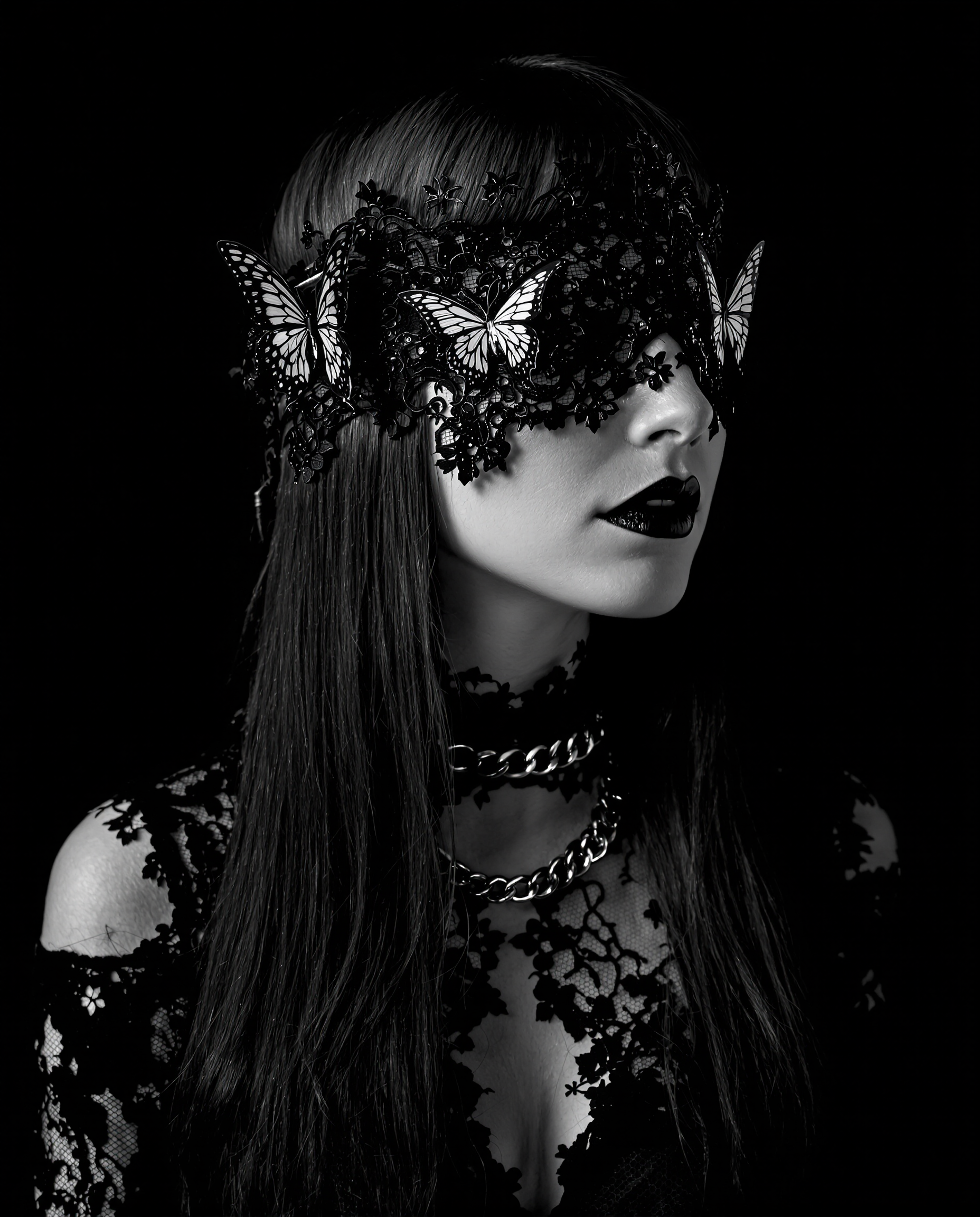
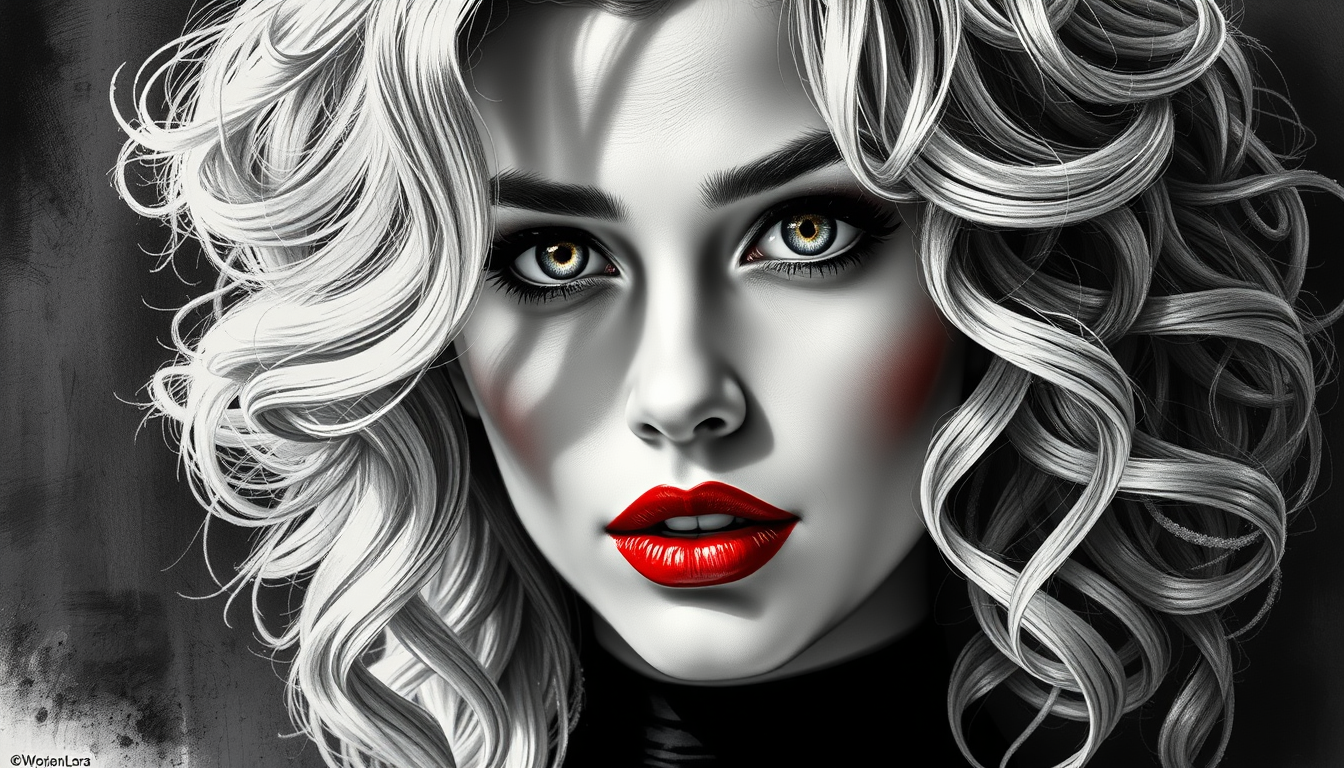
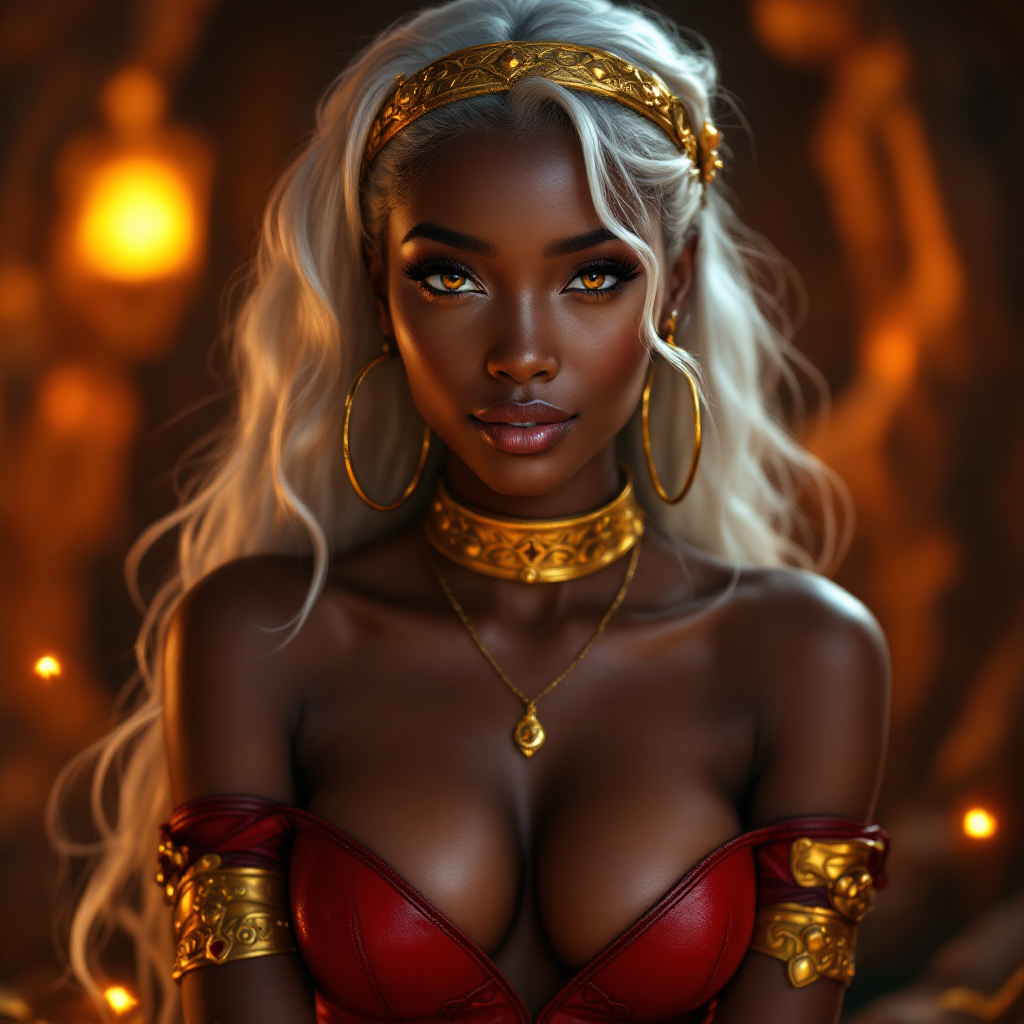
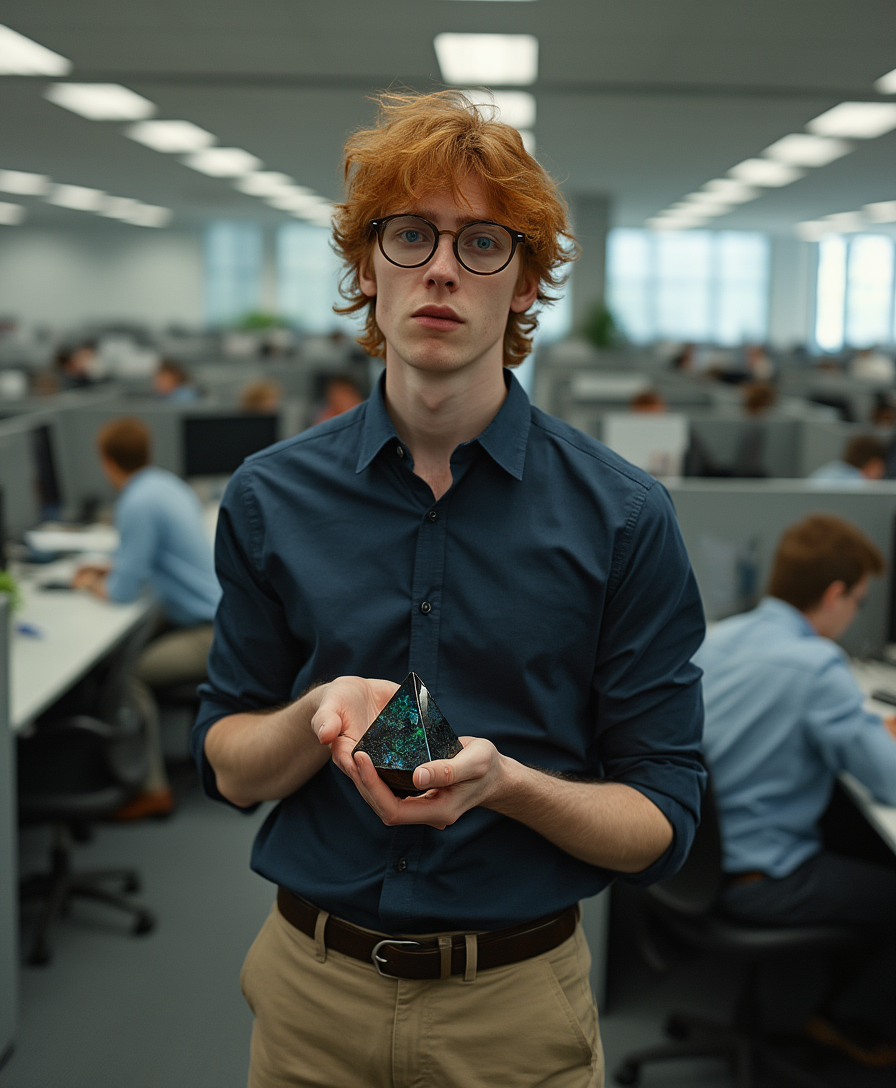
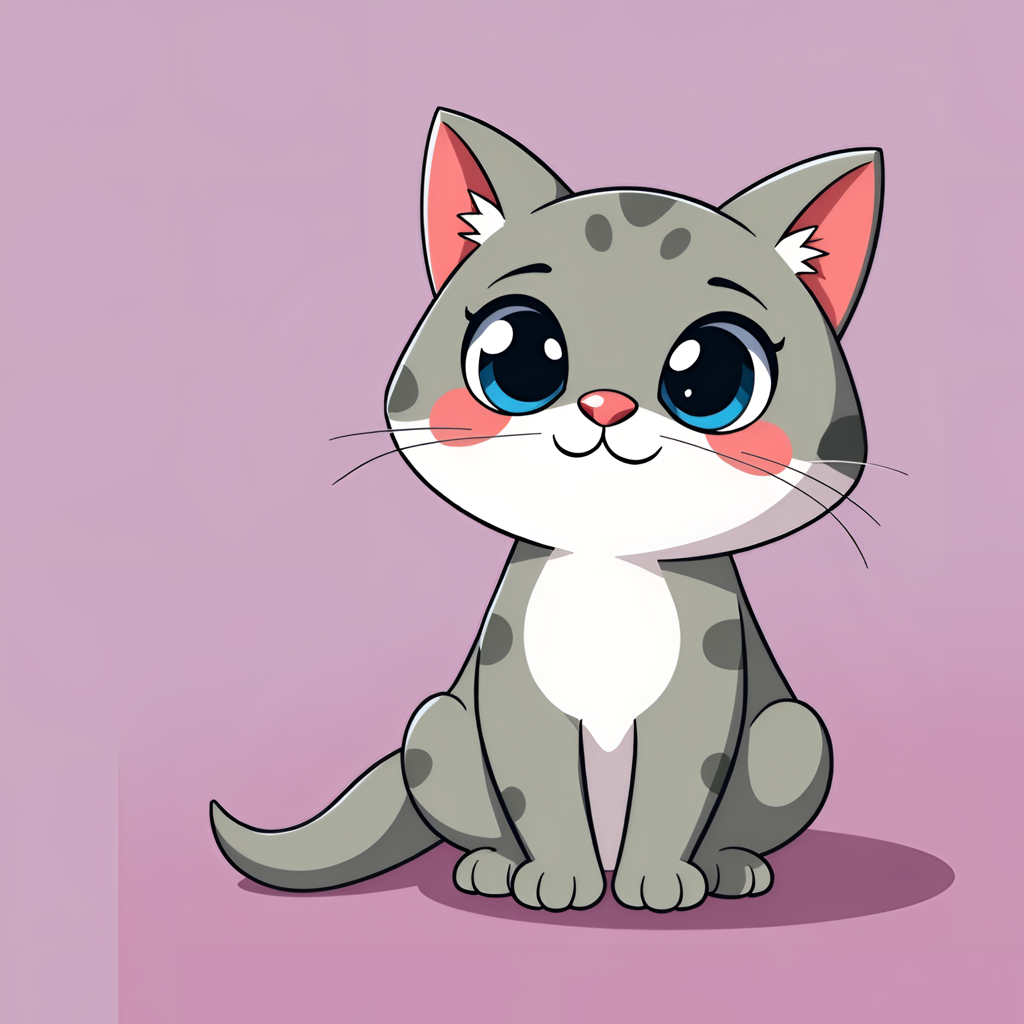
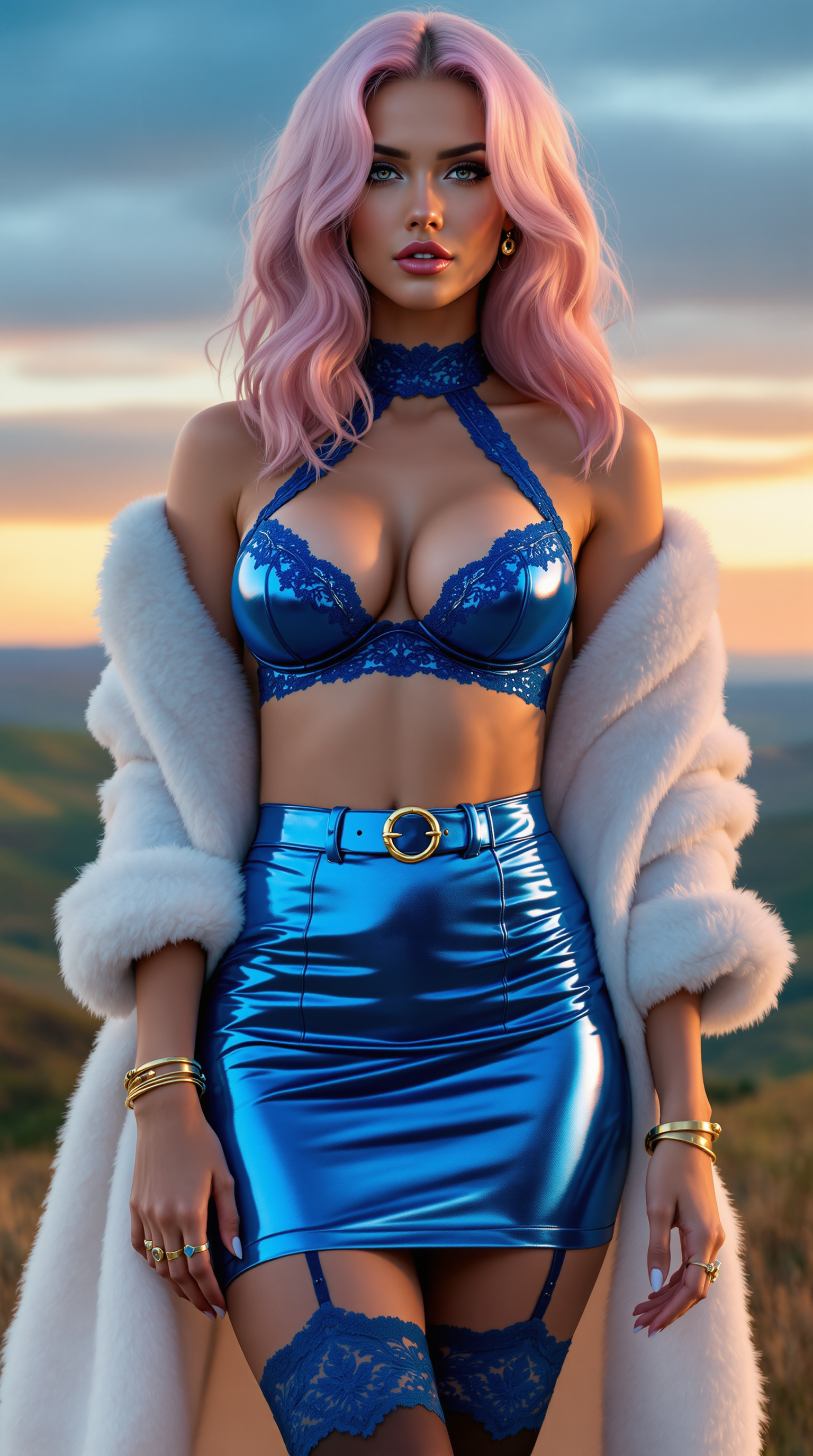
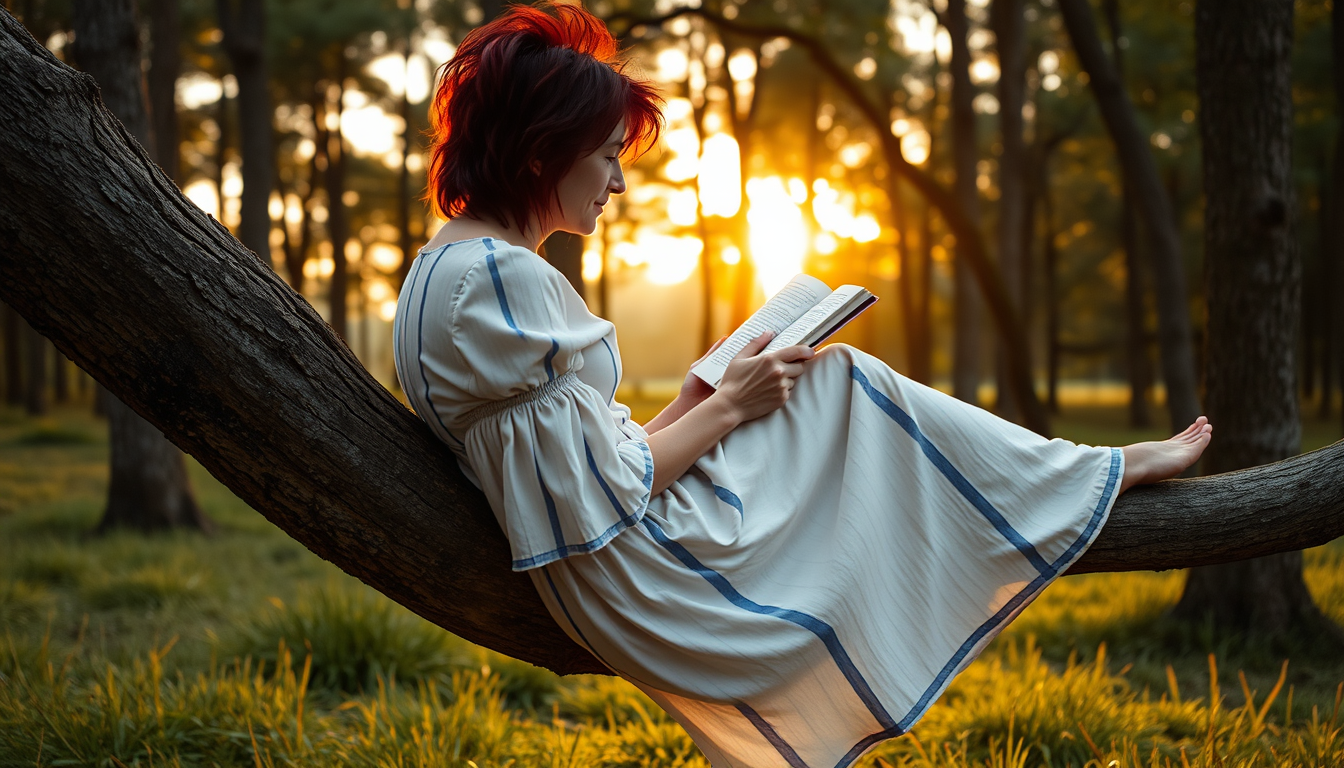
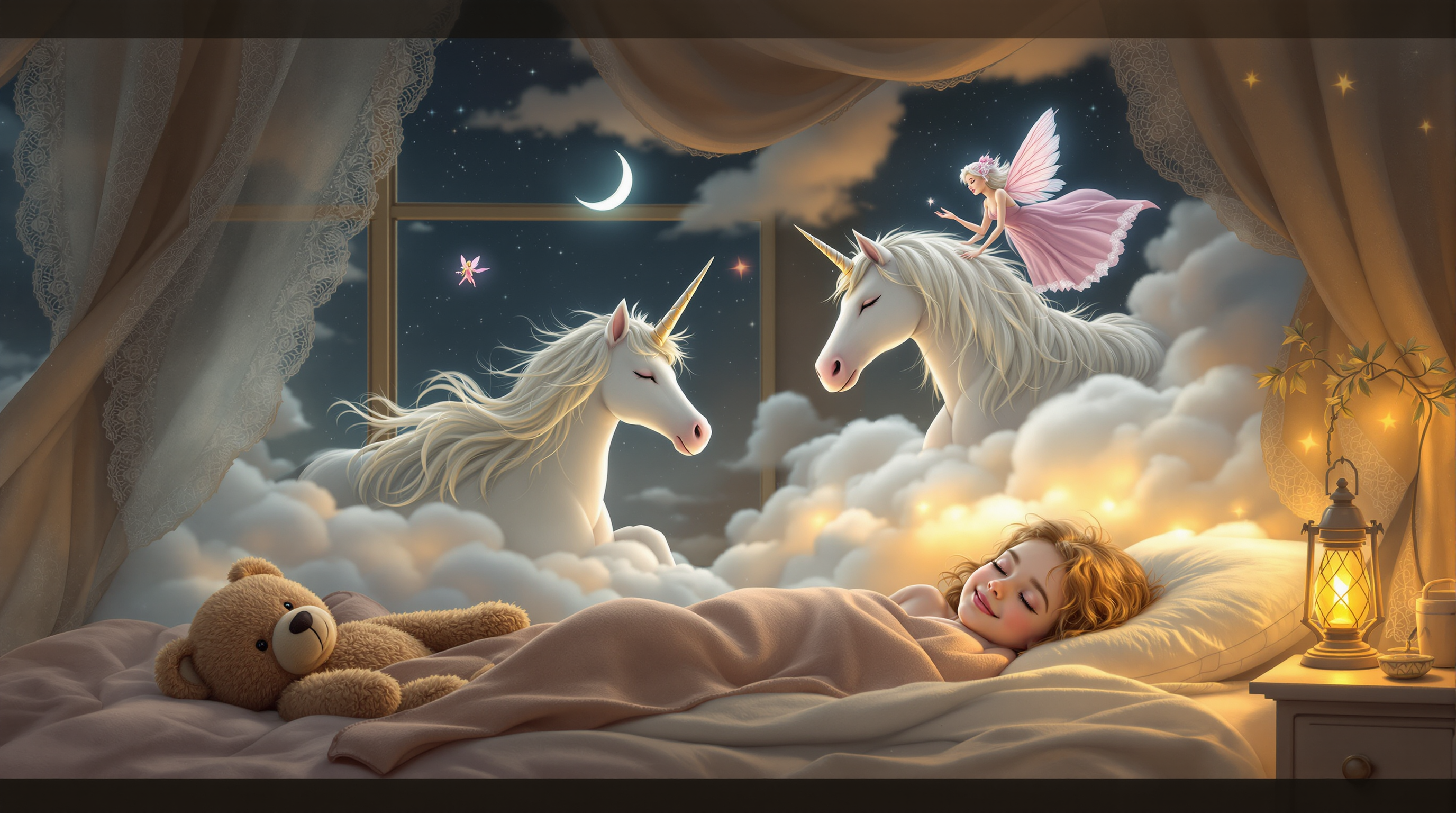
Imagine bringing your creative visions to life with just a few words. With PixelDojo's AI image generation tools, you can effortlessly transform text descriptions into stunning visuals. Whether you're an artist seeking inspiration, a marketer crafting compelling content, or someone exploring the realms of digital art, PixelDojo empowers you to create captivating images that resonate with your audience.
Join over 10,000 creators who have generated more than 1 million images using PixelDojo's AI tools. Rated 4.8/5 by our satisfied users.
Why Choose Pixel Dojo for ai to create images
Professional-quality results with cutting-edge AI technology
Effortless Creativity
Generate high-quality images from simple text prompts, eliminating the need for complex design skills.
Time-Saving Solutions
Quickly produce visuals for marketing, social media, or personal projects, reducing the time spent on manual design.
Versatile Applications
Create images suitable for various industries, including advertising, entertainment, and education.
How It Works
Creating stunning images with PixelDojo is a straightforward process. Here's how you can get started:
Step 1: Choose Your Tool
Select from PixelDojo's suite of AI image generation tools, such as Flux Creator or Imagen 3, to begin your creation.
Step 2: Enter Your Prompt
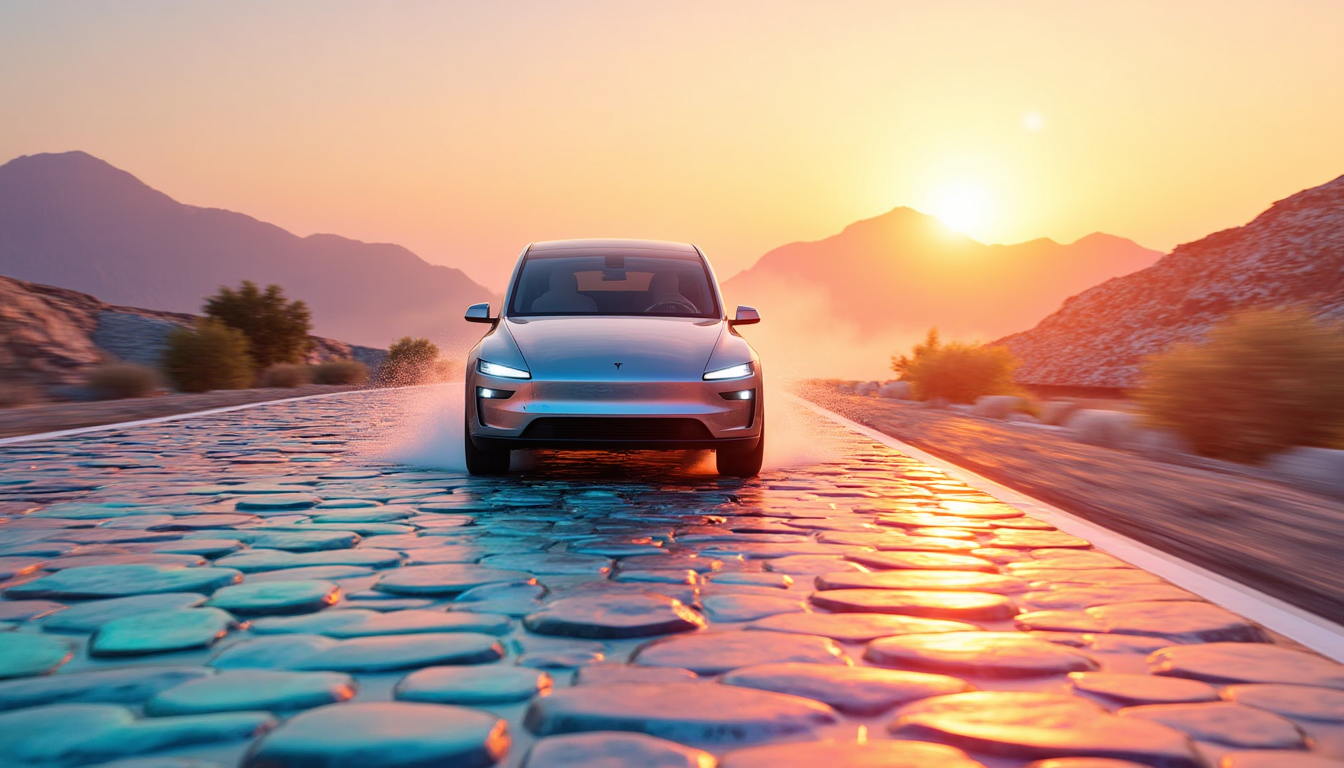
Input a descriptive text prompt detailing the image you envision. For example, 'A serene sunset over a mountain range.'
Step 3: Customize & Download
Review the generated image, make any desired adjustments, and download the final version for your use.
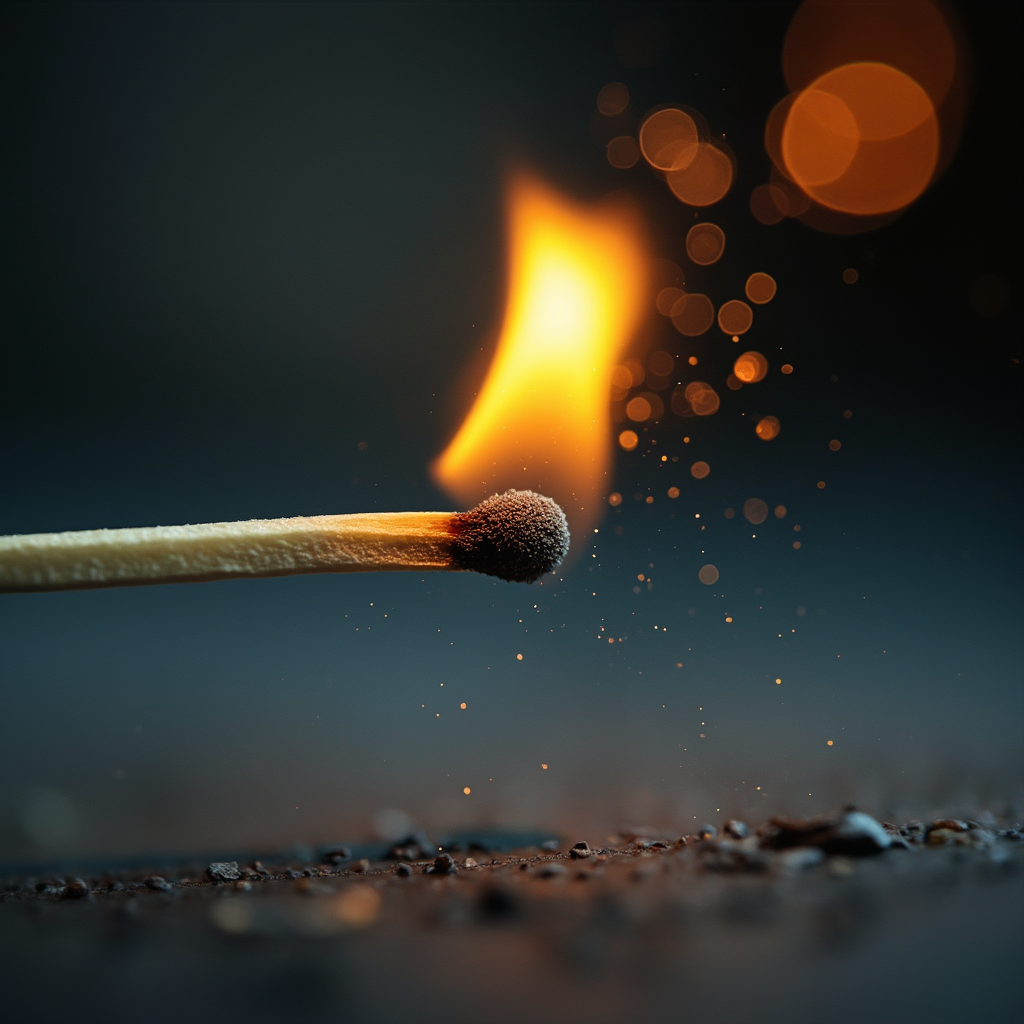
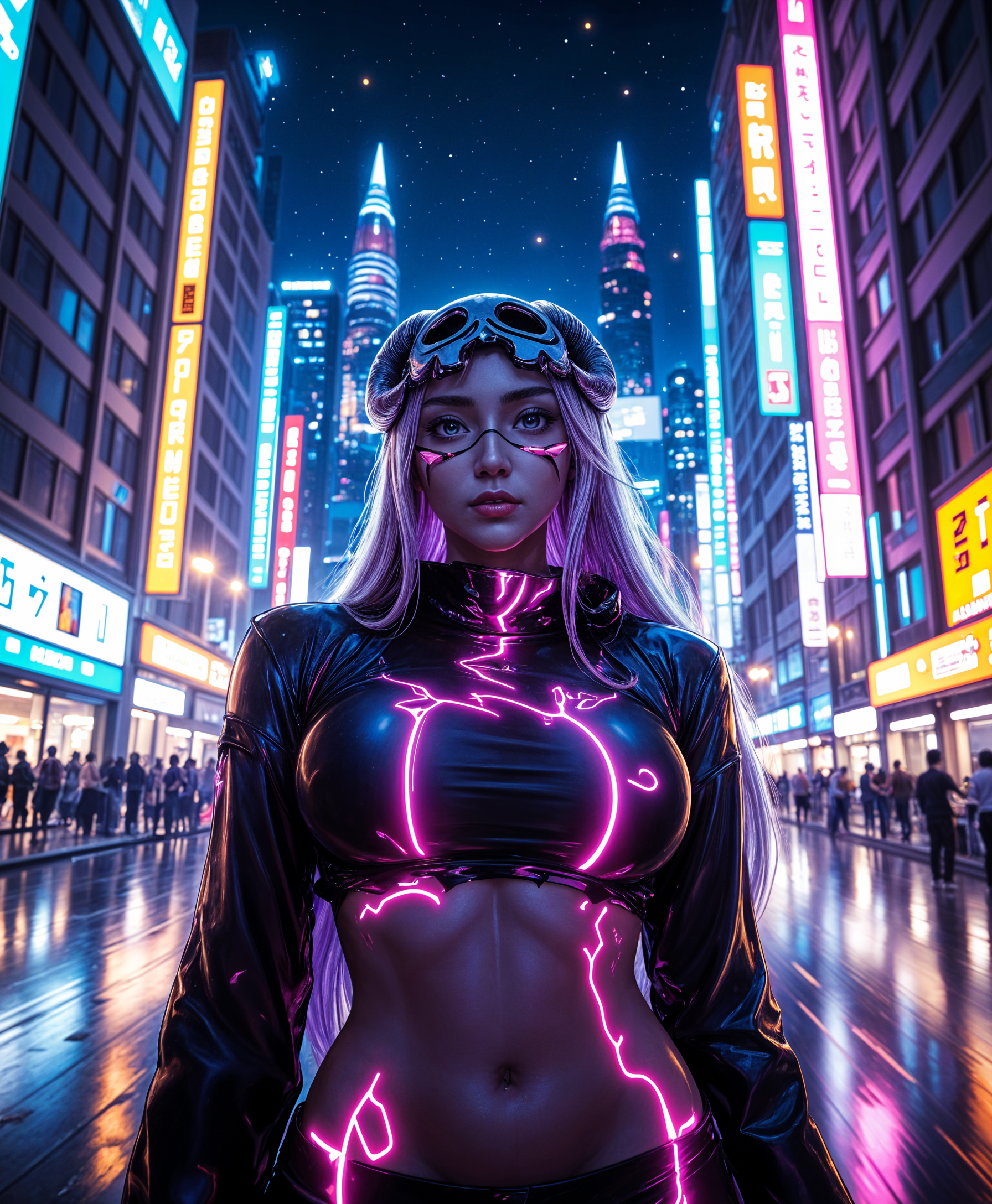
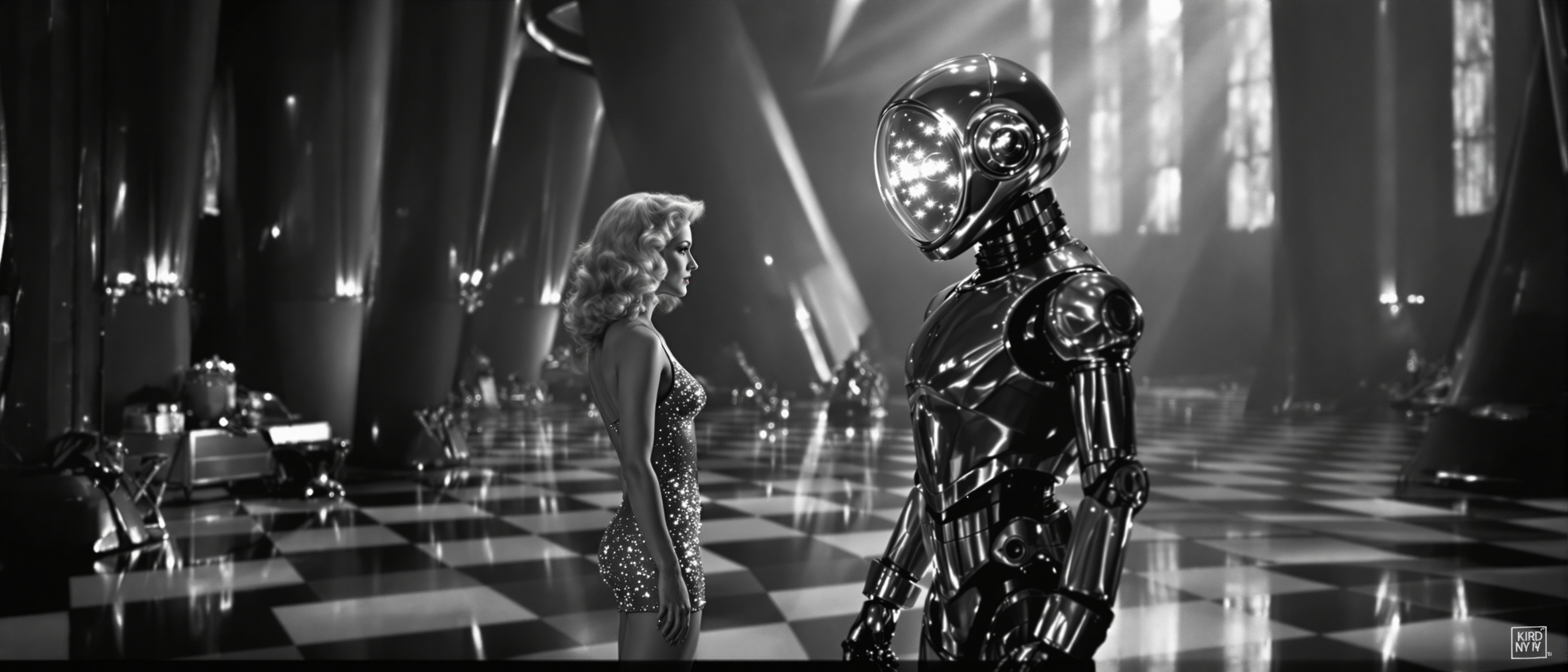


The Pixel Dojo Advantage
Why PixelDojo outperforms other options for AI image generation
| Others | Pixel Dojo |
|---|---|
| Traditional Image Creation | Eliminates the need for manual design skills, allowing anyone to create professional-quality images. |
| Generic AI Tools | Offers a comprehensive suite of over 40 specialized AI tools tailored for diverse creative needs. |
| Manual Photo Editing | Significantly reduces the time and effort required to produce high-quality visuals. |
Loved by creators on PixelDojo
Real feedback from people using PixelDojo, pulled from our in-product surveys.
es facil de comprender asi uno no sea programador
amazing web site
phenomenal site. would highly recommend
Amazing features, easy to use, privacy
the number of options, and especially the quick response to questions on Discord
Love you guys!!
Explore more AI tools on PixelDojo
AI Tools
Compare & Switch
- Best AI Image Generators
- Best AI Video Generators
- Midjourney Alternatives
- Civitai Alternatives
- Runway Alternatives
- Leonardo Alternatives
- Pika Alternatives
- Luma Alternatives
- Magnific Alternatives
- Veo Alternatives
- Flux Alternatives
- Freepik Alternatives
- Seedance Alternatives
- Seedream Alternatives
- Pixverse Alternatives
- GPT Image Alternatives
- Synthesia Alternatives
- Playground Alternatives
- NightCafe Alternatives
- Canva AI Alternatives
- ElevenLabs Alternatives
- ComfyUI Alternatives
- Fal Alternatives
- Replicate Alternatives
Common Questions
Everything you need to know about ai to create images
How does PixelDojo's AI image generation work?
PixelDojo utilizes advanced AI models to interpret your text prompts and generate corresponding images. By inputting a descriptive prompt, the AI processes the information and produces a visual representation that aligns with your description.
Is PixelDojo suitable for beginners?
Absolutely! PixelDojo is designed with user-friendliness in mind. Our intuitive interface and guided process make it easy for users of all skill levels to create stunning images without prior design experience.
Can I customize the generated images?
Yes, after generating an image, you can make adjustments to refine the output. PixelDojo offers various customization options to ensure the final image meets your specific requirements.
What types of images can I create with PixelDojo?
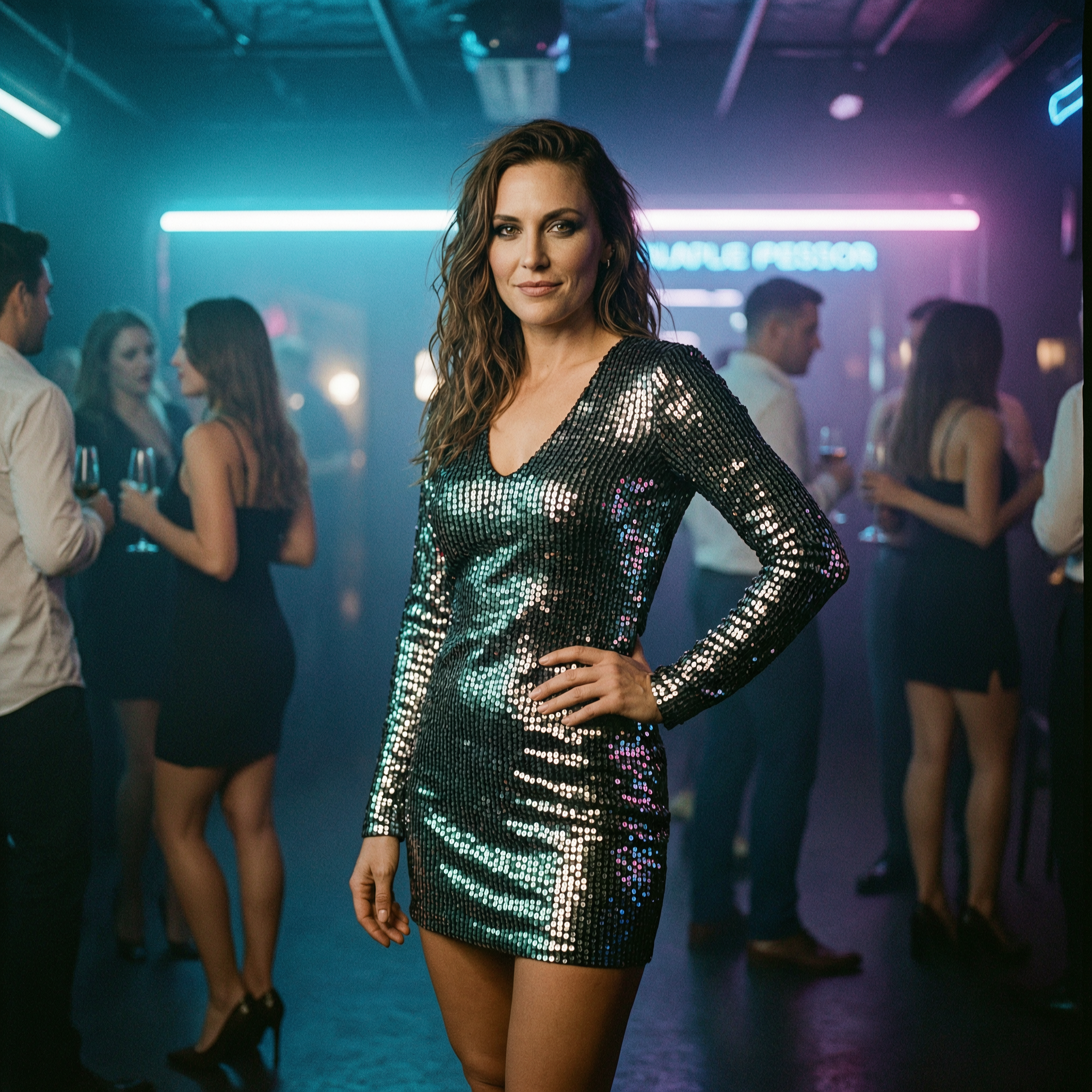
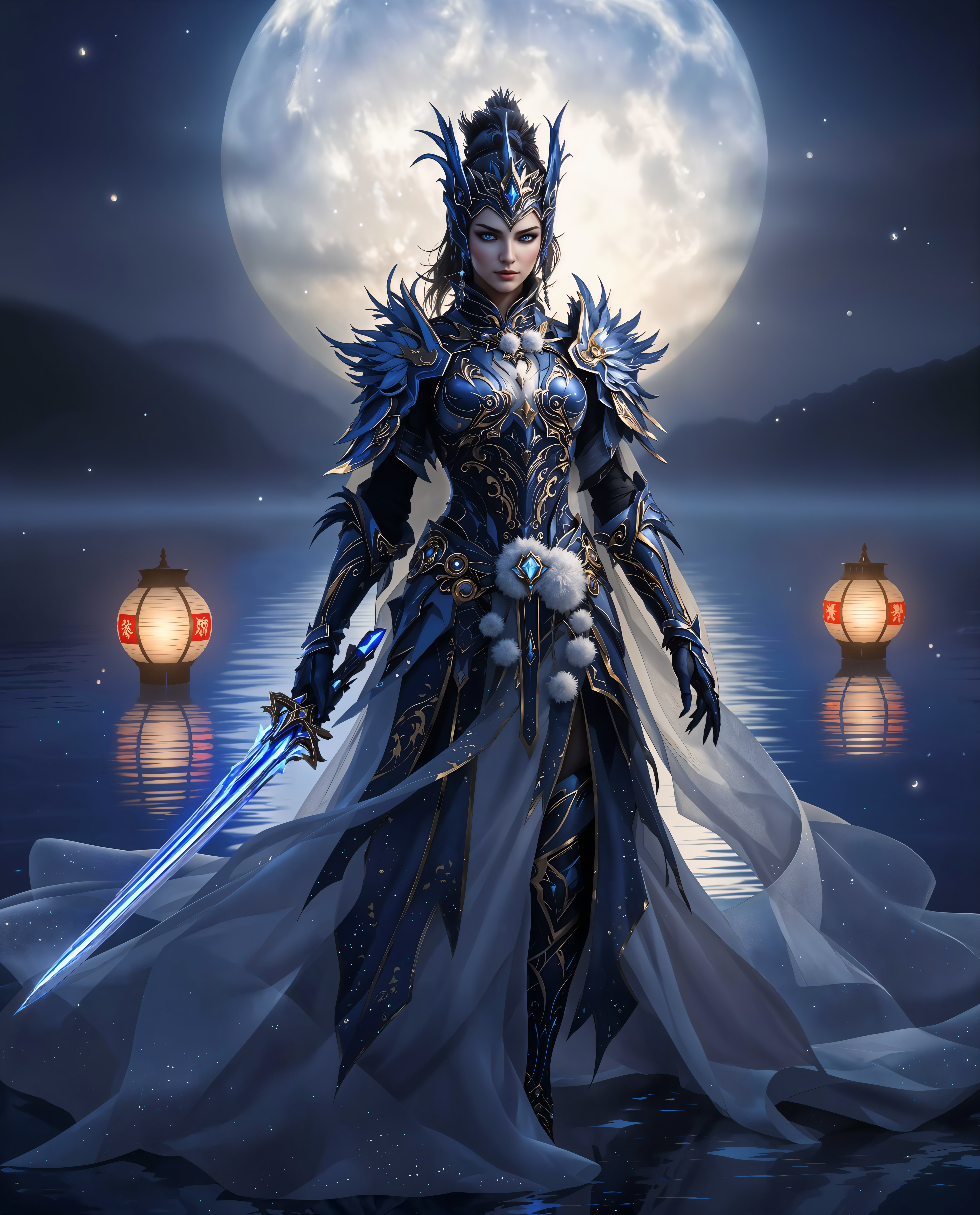
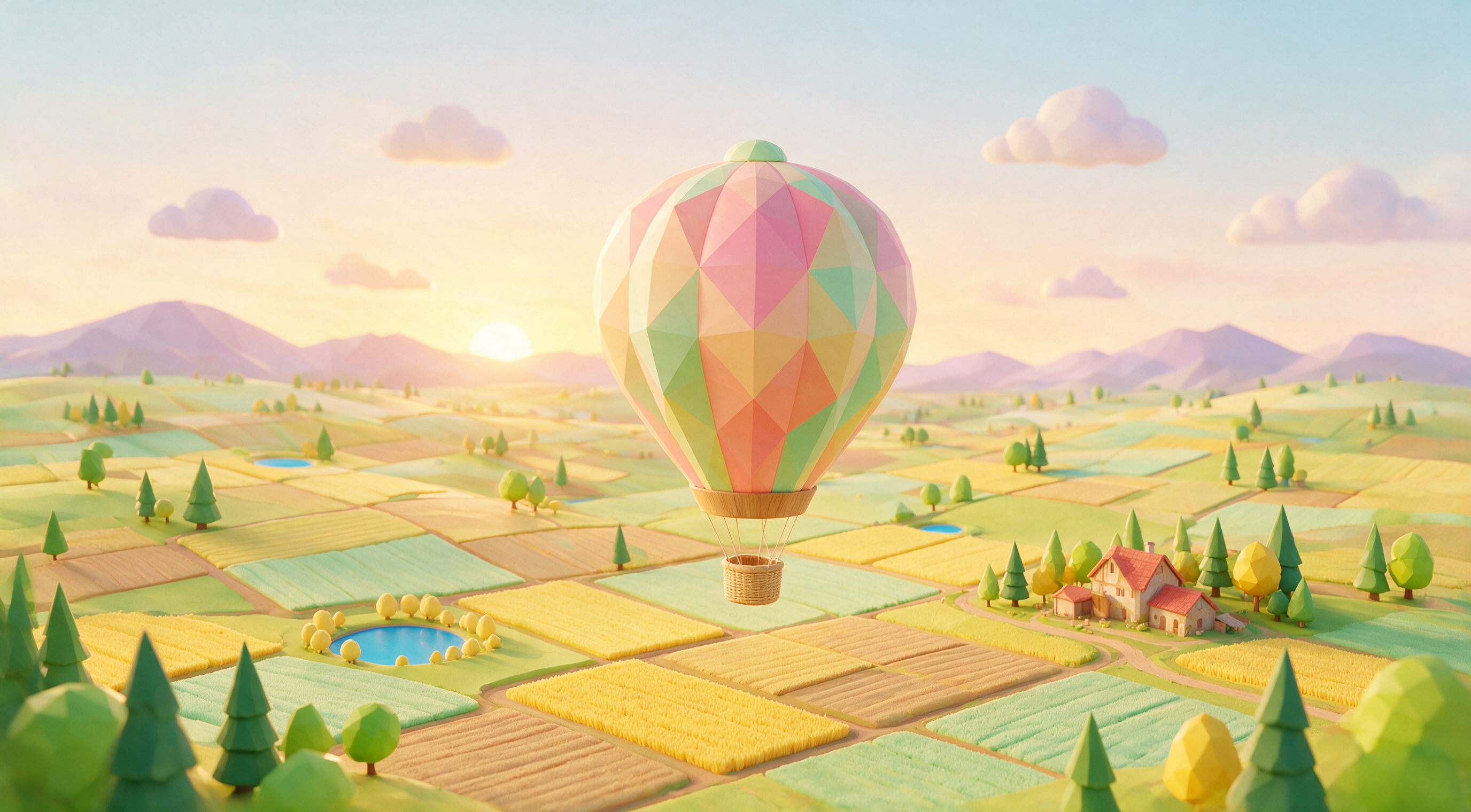
PixelDojo supports a wide range of image styles, including photorealistic images, paintings, cartoons, and more. The versatility of our tools allows you to create visuals suitable for various applications.
Is there a limit to the number of images I can generate?
PixelDojo offers various subscription plans to cater to different needs. Depending on your chosen plan, you can generate a specific number of images per month. Please refer to our pricing page for detailed information.
How does PixelDojo ensure the quality of generated images?
Our AI models are trained on extensive datasets to produce high-quality images. Additionally, we continuously update and refine our models to enhance performance and output quality.