ai uncensoring tool

Unlock the full potential of your images with PixelDojo's AI Uncensoring Tool. Whether you're looking to restore censored photos or remove unwanted obstructions, our advanced AI technology empowers you to achieve clear, realistic results effortlessly. Say goodbye to obscured details and hello to pristine images in just a few clicks.
Join over 10,000 satisfied users who have successfully restored their images using PixelDojo's AI tools. Rated 4.8/5 based on 2,500+ reviews.
Why Choose Pixel Dojo for ai uncensoring tool
Professional-quality results with cutting-edge AI technology
Effortless Restoration
Quickly and easily remove censorship from your images without any technical expertise.
High-Quality Results
Achieve clear, realistic images with our advanced AI algorithms that intelligently reconstruct obscured areas.
User-Friendly Interface
Navigate through the uncensoring process with an intuitive interface designed for users of all skill levels.
How It Works
Restoring censored images with PixelDojo is a straightforward process. Follow these simple steps to achieve optimal results:
Step 1: Upload Your Image
Select the censored image you wish to restore by uploading it to the PixelDojo platform.
Step 2: Select the Censored Area
Use the intuitive selection tool to highlight the areas of the image that are censored or obscured.
Step 3: Apply AI Restoration
Click the 'Uncensor' button to let PixelDojo's AI algorithms process and restore the selected areas.

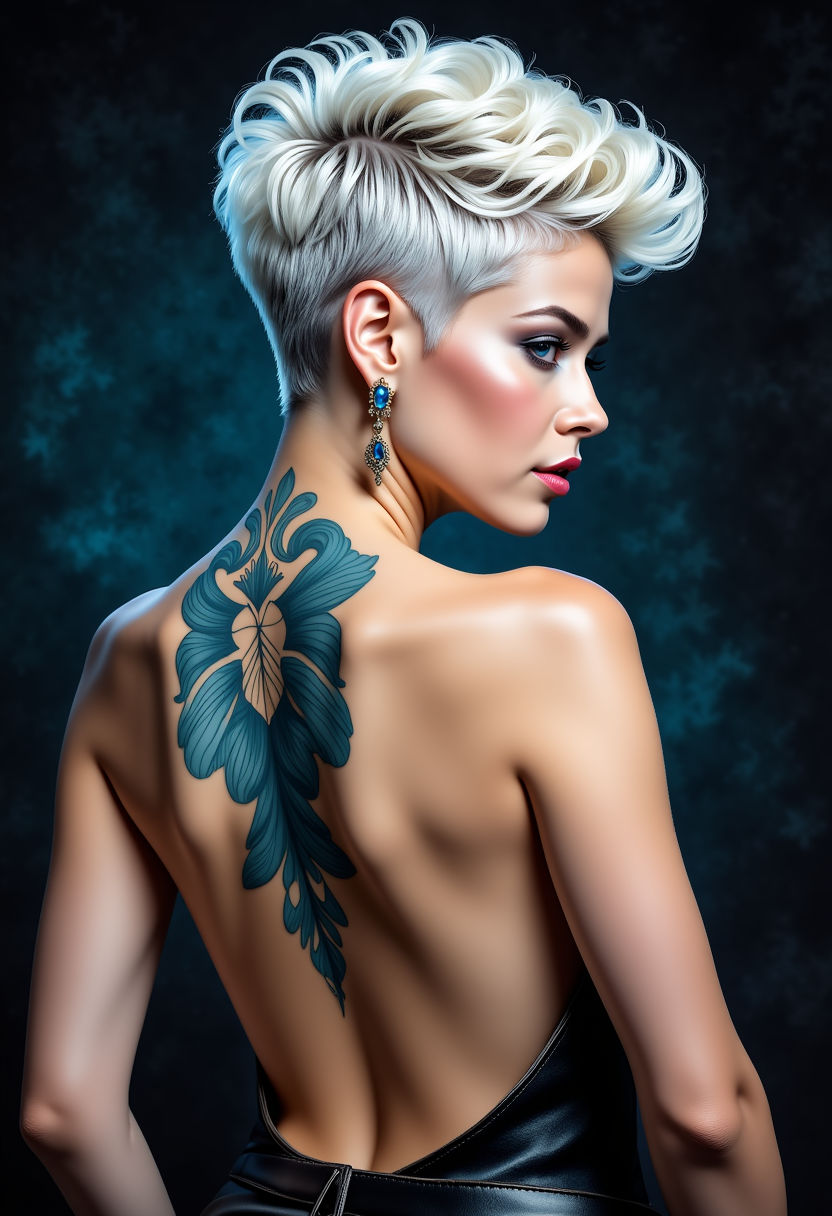

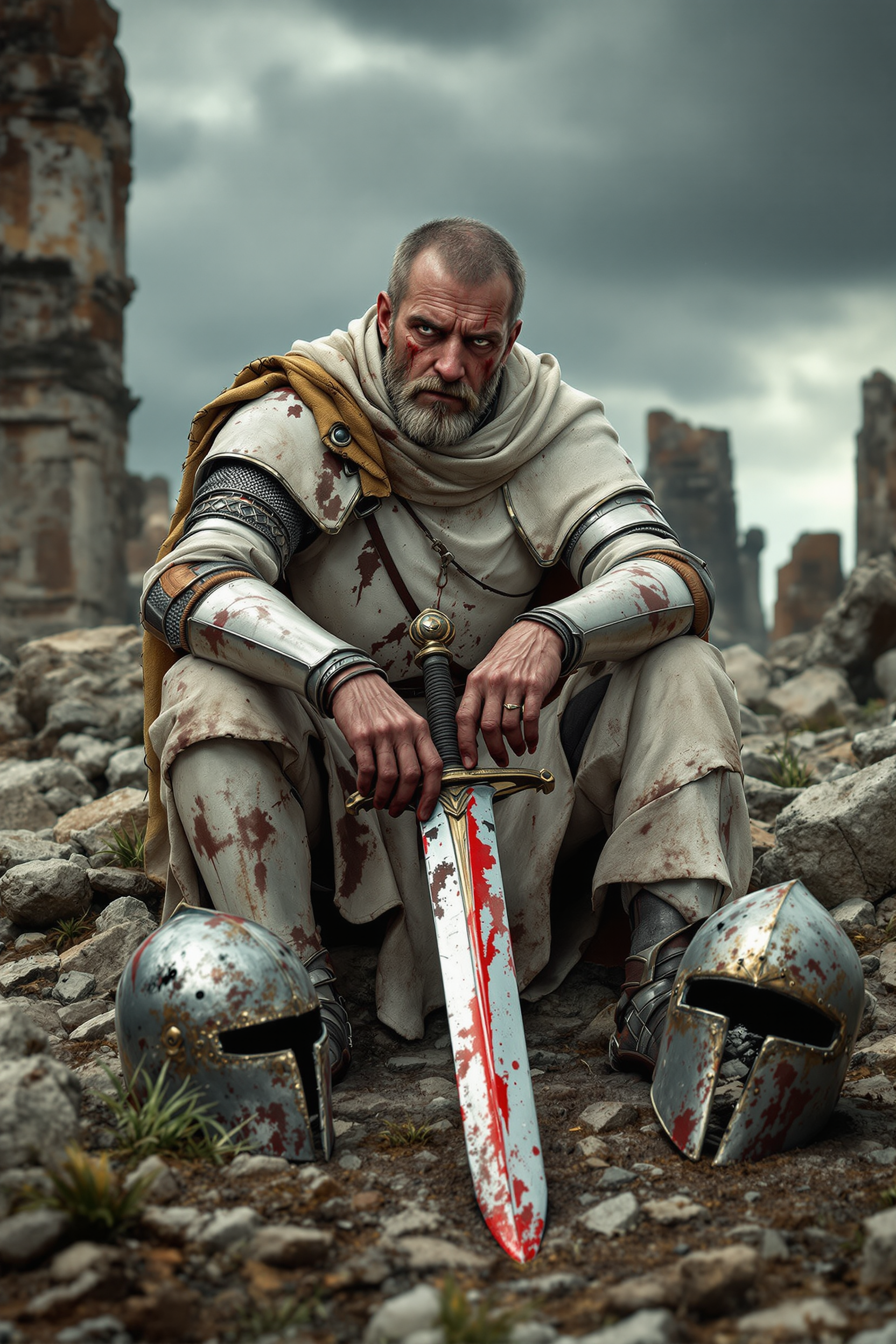
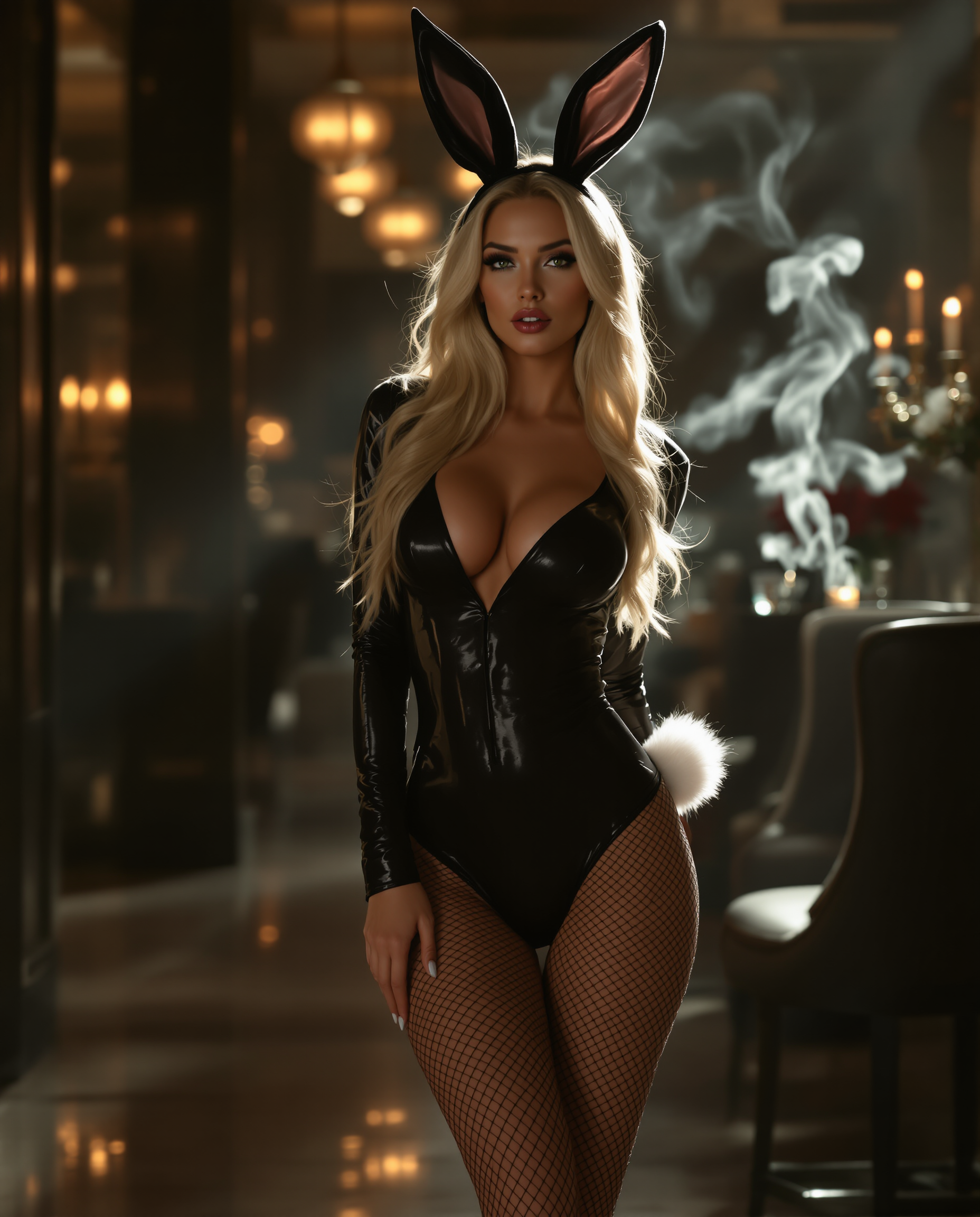
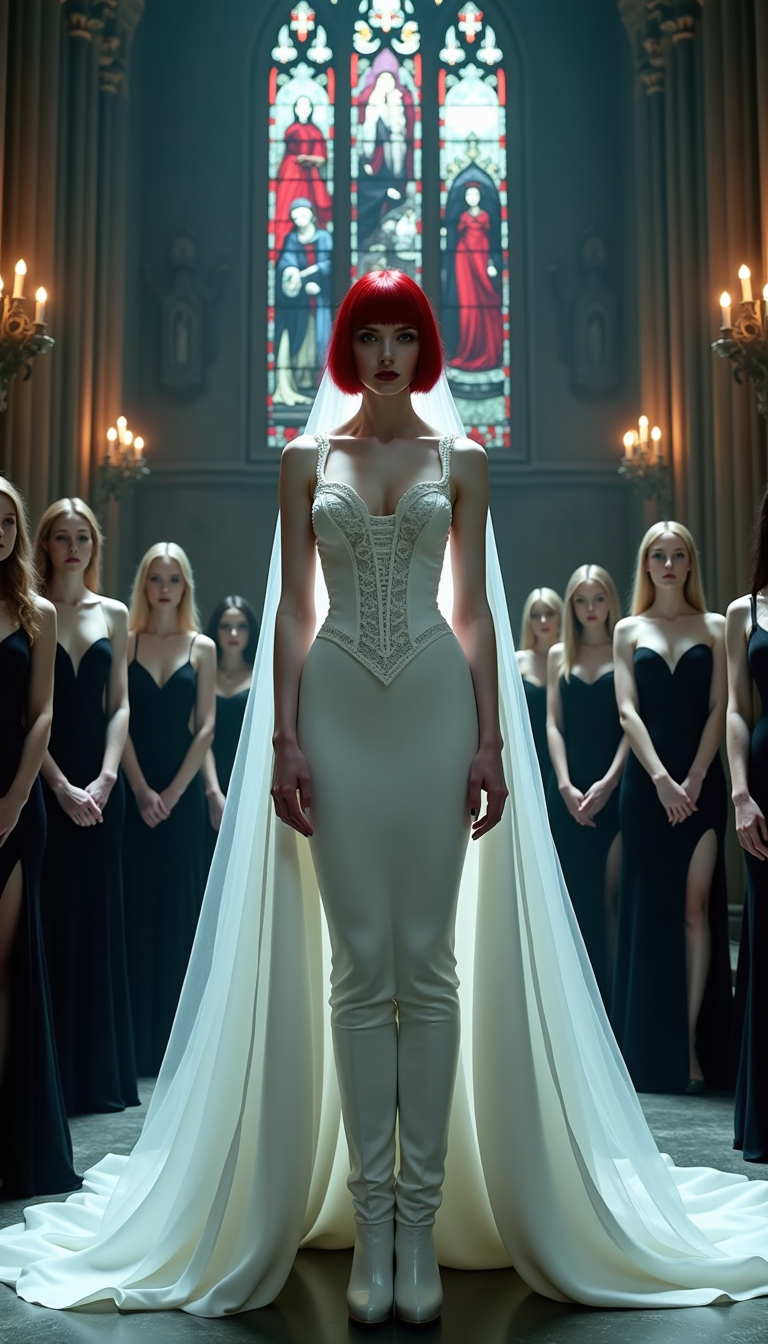



The Pixel Dojo Advantage
Why PixelDojo is the superior choice for image uncensoring compared to other methods:
| Others | Pixel Dojo |
|---|---|
| Manual Photo Editing | Eliminates the need for complex software and extensive editing skills, saving you time and effort. |
| Generic AI Tools | Specifically designed for image uncensoring, ensuring more accurate and realistic results. |
| Traditional Restoration Services | Provides instant results without the high costs and long wait times associated with professional services. |
Loved by creators on PixelDojo
Real feedback from people using PixelDojo, pulled from our in-product surveys.
Easy to use and there's lots of options.
super lora download
Great variety of tools to create and modify images and video.
Lots of Tools, and the one time I needed support I got help right away
Easy to use once you get the hang of it
Love it make anything I can think of so far
Explore more AI tools on PixelDojo
AI Tools
Compare & Switch
- Best AI Image Generators
- Best AI Video Generators
- Midjourney Alternatives
- Civitai Alternatives
- Runway Alternatives
- Leonardo Alternatives
- Pika Alternatives
- Luma Alternatives
- Magnific Alternatives
- Veo Alternatives
- Flux Alternatives
- Freepik Alternatives
- Seedance Alternatives
- Seedream Alternatives
- Pixverse Alternatives
- GPT Image Alternatives
- Synthesia Alternatives
- Playground Alternatives
- NightCafe Alternatives
- Canva AI Alternatives
- ElevenLabs Alternatives
- ComfyUI Alternatives
- Fal Alternatives
- Replicate Alternatives
Common Questions
Everything you need to know about ai uncensoring tool
How does PixelDojo's AI Uncensoring Tool work?
Our tool uses advanced AI algorithms to analyze and reconstruct censored areas of your images, restoring them to their original state with high accuracy.
Is there a limit to the number of images I can uncensor?
PixelDojo offers various subscription plans to suit your needs, including options with unlimited image processing. Choose the plan that best fits your requirements.
Can I use the restored images for commercial purposes?
Yes, images restored using PixelDojo's AI Uncensoring Tool can be used for both personal and commercial purposes, subject to our terms of service.
Is my data secure when using PixelDojo?
Absolutely. We prioritize user privacy and data security, ensuring that your images are processed securely and are not stored without your consent.
Do I need any technical skills to use the tool?
No technical skills are required. Our user-friendly interface guides you through the process, making it accessible to everyone.
What image formats are supported?
PixelDojo supports a wide range of image formats, including JPEG, PNG, BMP, and more, ensuring compatibility with your files.