ai video for tiktok
Ready to dominate TikTok without endless filming, editing, or expensive equipment? With PixelDojo's AI video for TikTok tools, you transform simple text prompts or still images into vertical, high-retention short-form videos that stop the scroll and skyrocket your views. Achieve consistent posting, test viral formats like freeze-to-motion reveals, product showcases, surreal transformations, and faceless explainers in minutes—not days. Creators use these AI-generated TikTok videos to build audiences faster, promote products authentically, and ride trends with stunning visuals that pair perfectly with trending audio. Focus on growth and creativity while PixelDojo handles the production of 9:16 clips optimized for maximum completion rates and algorithm favor.
Trusted by thousands of creators worldwide who generate viral-ready content daily. 40+ cutting-edge AI tools powering millions of images and videos. Loved for speed, quality, and results that turn ideas into engaged followers—cancel anytime with zero risk.
Why Choose Pixel Dojo for ai video for tiktok
Professional-quality results with cutting-edge AI technology
Hook Viewers Instantly with Freeze-to-Motion Magic
Generate a striking still image then animate it into dynamic video. This proven technique creates immediate visual hooks that boost completion rates—the key metric TikTok rewards—helping your content climb the For You Page and drive shares.
Scale Content Volume Without Burnout
Batch-create multiple variations of product reveals, educational explainers, surreal scenes, or UGC-style clips in minutes. Post consistently, A/B test styles, and stay ahead of trends to grow your following and engagement faster than manual creators.
Create Faceless or Branded Videos That Convert
Produce professional short-form content for product marketing, storytelling, or niche authority without showing your face. Optimize for high retention, add captions easily, and turn viewers into customers or loyal fans with polished, platform-native results.
How It Works
Creating high-performing AI video for TikTok on PixelDojo is simple and outcome-focused. Start with powerful image generation, animate with specialized video tools, refine, and export vertical clips ready for trending sounds and posting.
Step 1: Generate Your Eye-Catching Base Image
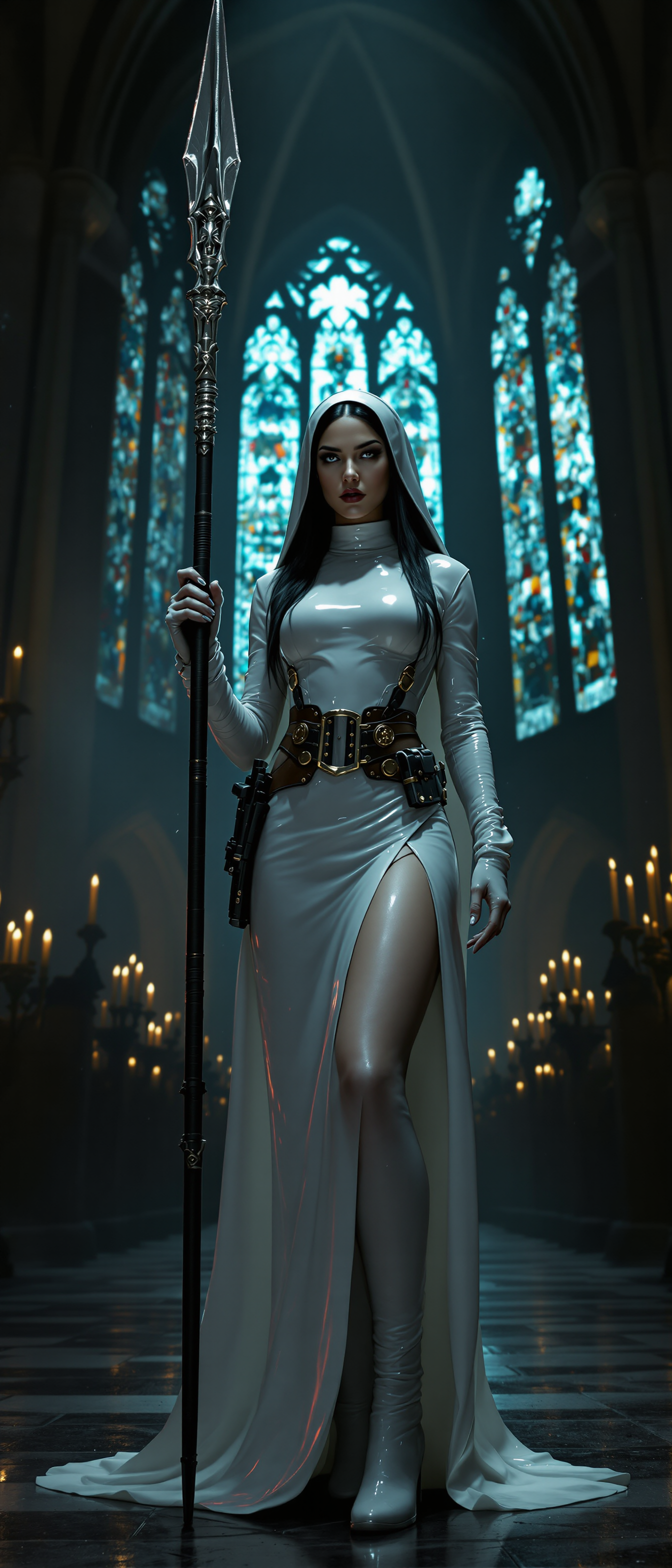
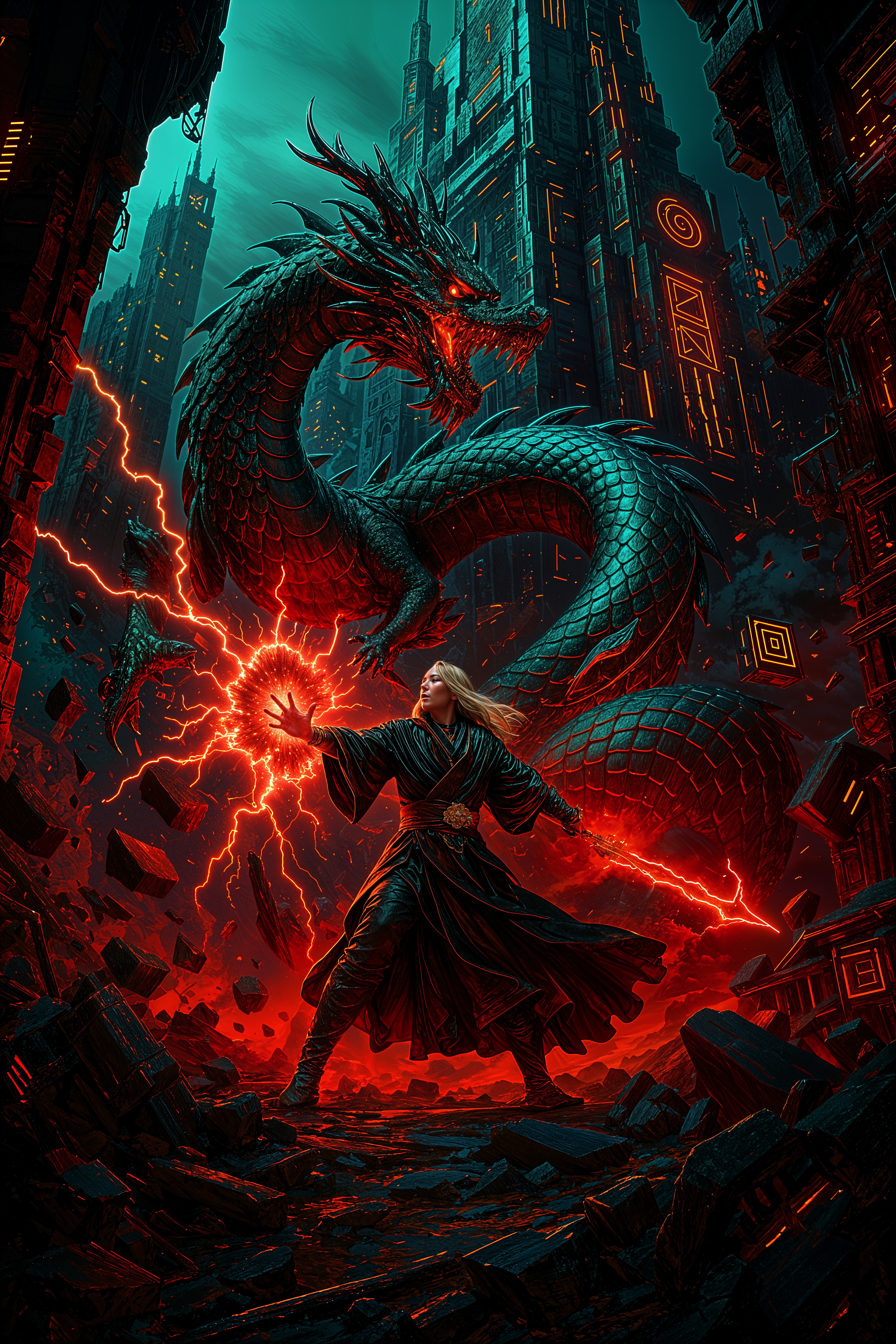
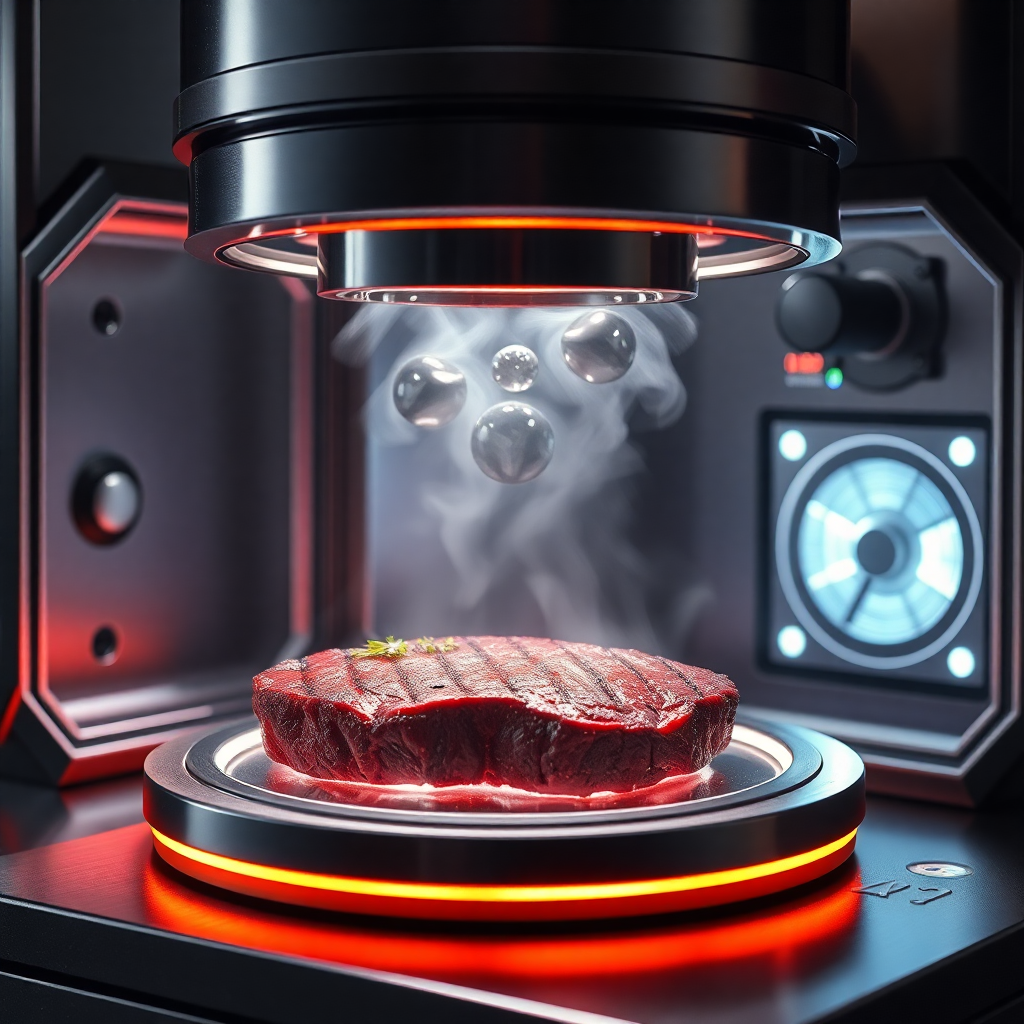
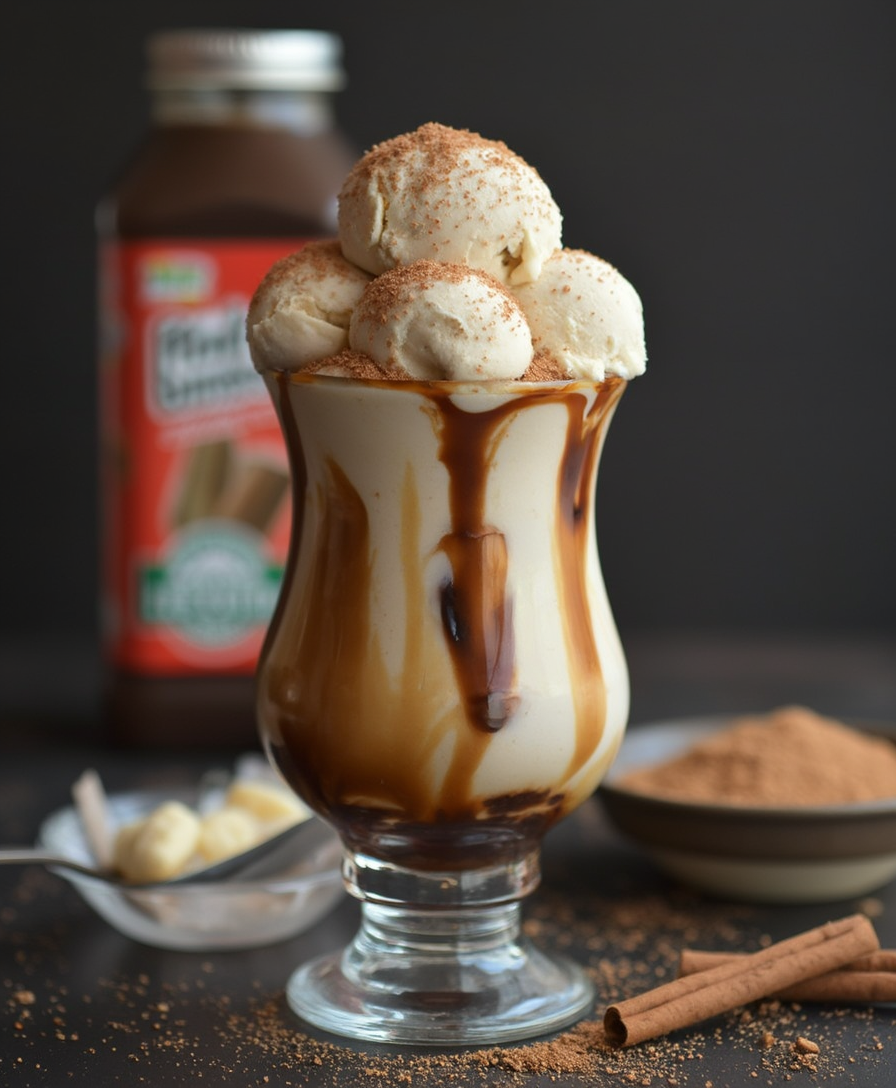
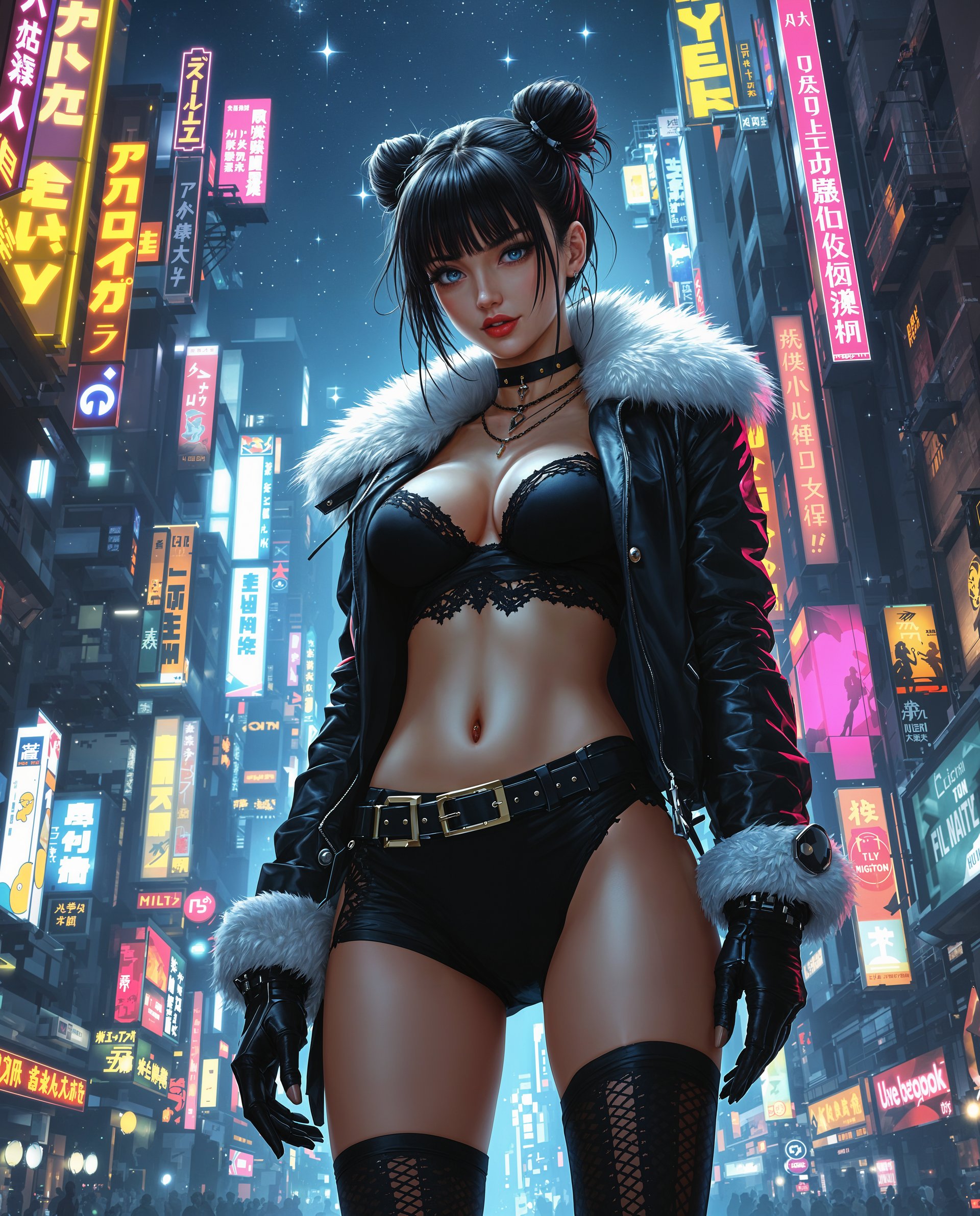
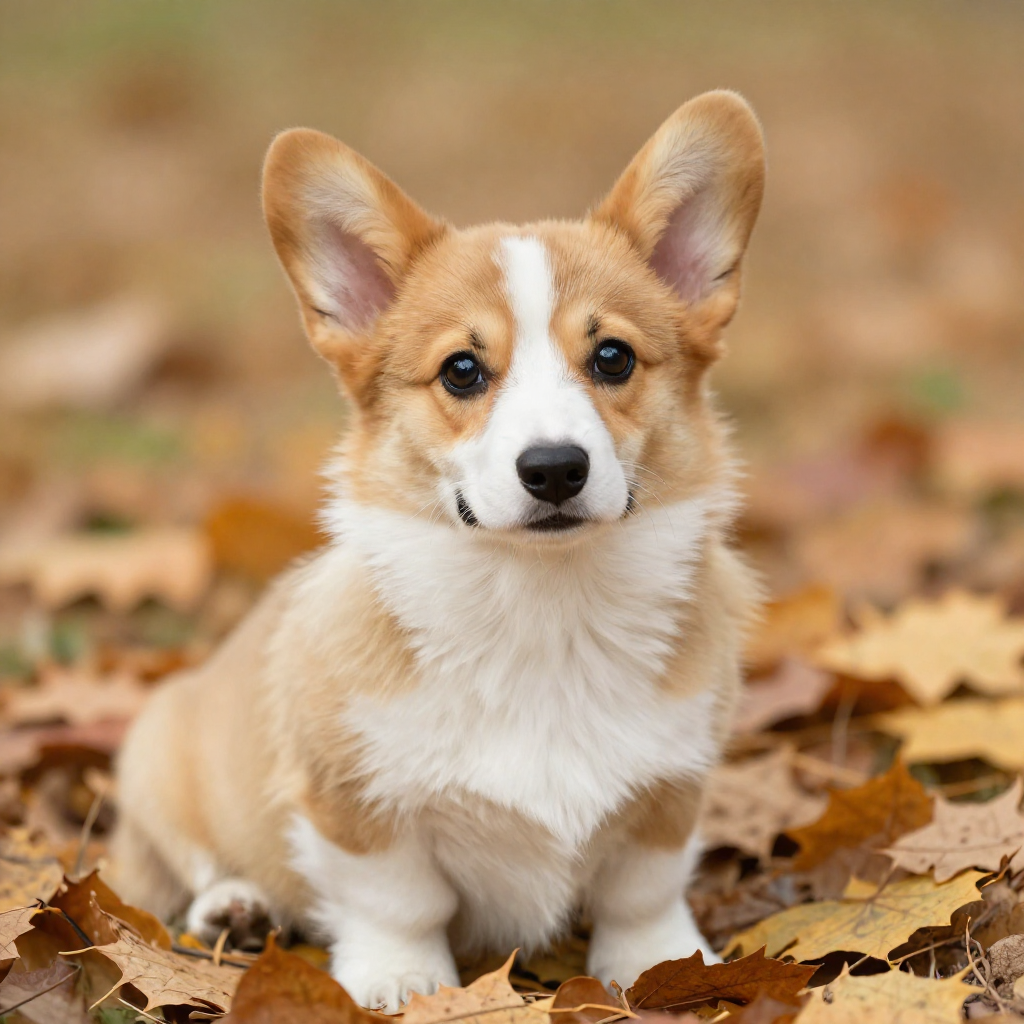
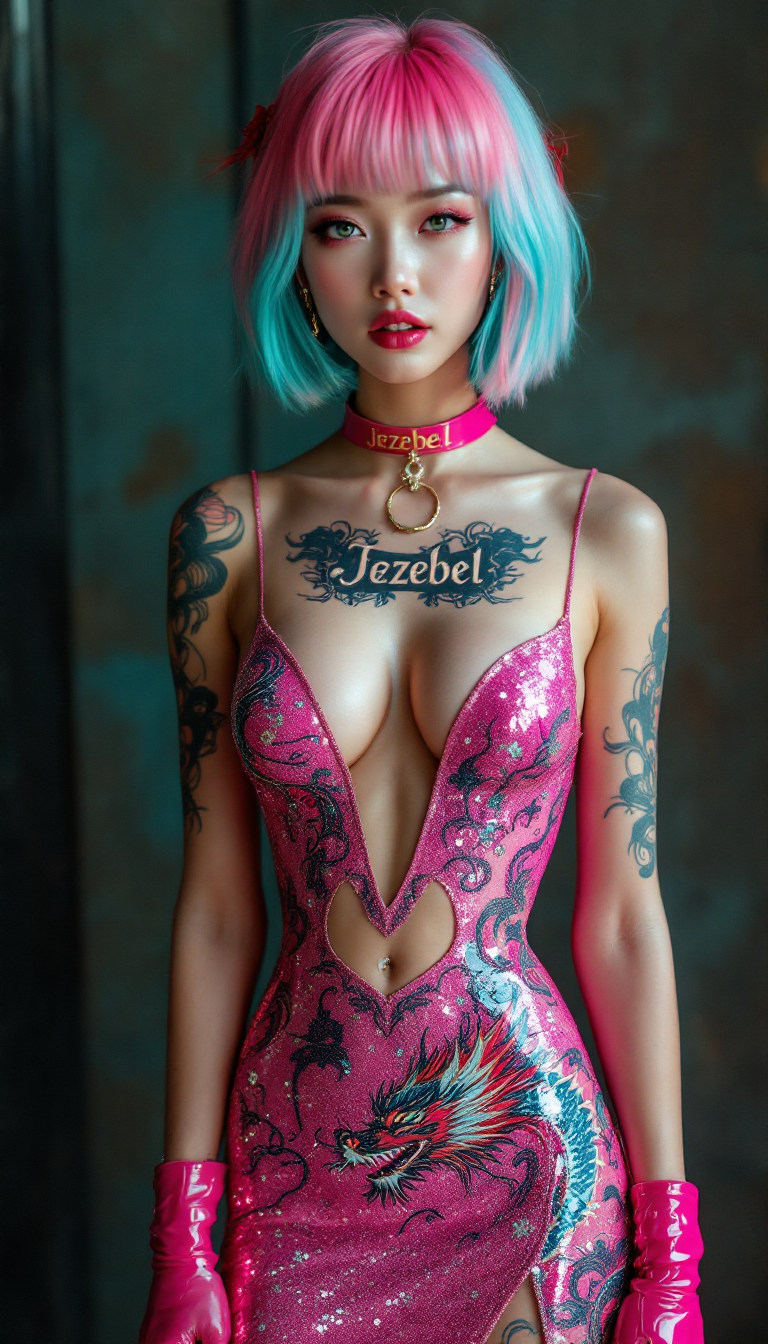
Choose from top image tools like Flux.2 Studio, Nano Banana 2, Ideogram 4, Seedream 5, Kling Image, or QWEN Image 2. Craft a prompt for a product shot, surreal scene, portrait, or hook visual optimized for vertical framing. Generate multiple options quickly to find the perfect scroll-stopping still that will become your video's foundation.
Step 2: Animate into Dynamic TikTok Video
Upload your image to image-to-video powerhouses like WAN 2.7 Spicy Image-to-Video, WAN 2.2 Spicy Image-to-Video, P Video Animate, Kling Reference to Video, Seedance 2 Reference, or Happy Horse Reference. Or go pure text-to-video with Kling Video, VEO 3.1, Seedance 2, Vidu Q3, PixVerse V6, or LTX-2 Video. Specify motion, style, and short duration (ideal 5-30 seconds) for high-retention vertical output. Use Marketing Studio or Film Studio for polished marketing clips.
Step 3: Enhance, Caption, Upscale & Download
Refine with Edit Videos tools including Video Autocaption for on-screen text, Video Reframe for perfect safe zones, Grok Video Edit, Kling Video Edit, or WAN 2.7 Video Edit. Upscale with Video Upscaler or P-Image Upscale for crisp quality. Add character consistency via Consistent Characters or face tools if needed. Download your HD vertical video, pair with trending audio on TikTok, label as AI-generated if required, and post to watch the views roll in.



The Pixel Dojo Advantage
Why PixelDojo outperforms other options for AI video for TikTok generation and helps you achieve real growth faster
| Others | Pixel Dojo |
|---|---|
| Traditional TikTok video creation | Skip hours of filming, lighting setups, and editing. Generate polished vertical clips from text or images in minutes, enabling daily posting volume that traditional methods can't match for algorithm momentum. |
| Generic AI tools | Access specialized image-to-video pipelines (WAN Spicy series, P Video Animate, Kling Reference) plus dozens of image models and editors in one place. Create freeze-to-motion hooks and batch variations optimized specifically for short-form retention and virality. |
| Manual photo editing and animation | Turn static shots into fluid, engaging motion instantly without complex software skills. Focus on creative strategy and trend-jacking while PixelDojo delivers professional results that drive higher completion rates and conversions. |
Loved by creators on PixelDojo
Real feedback from people using PixelDojo, pulled from our in-product surveys.
Great for all your ideas use it encourage more people to use it
Because it is awesome
exceptional quality and great overall design of platform and interface. very intuative. love the creative freedom.
Qwen image 2 is amazing!!
Creative freedom, range of tools and options.
I love the training feature
Explore more AI tools on PixelDojo
AI Tools
Compare & Switch
- Best AI Image Generators
- Best AI Video Generators
- Midjourney Alternatives
- Civitai Alternatives
- Runway Alternatives
- Leonardo Alternatives
- Pika Alternatives
- Luma Alternatives
- Magnific Alternatives
- Veo Alternatives
- Flux Alternatives
- Freepik Alternatives
- Seedance Alternatives
- Seedream Alternatives
- Pixverse Alternatives
- GPT Image Alternatives
- Synthesia Alternatives
- Playground Alternatives
- NightCafe Alternatives
- Canva AI Alternatives
- ElevenLabs Alternatives
- ComfyUI Alternatives
- Fal Alternatives
- Replicate Alternatives
Common Questions
Everything you need to know about ai video for tiktok
What is the best way to create AI video for TikTok that goes viral?
Focus on strong hooks in the first 3 seconds using freeze-to-motion: generate a compelling still with tools like Flux.2 Studio or Nano Banana 2, then animate it via WAN 2.7 Spicy Image-to-Video or Kling Reference to Video. Keep clips short (15-30 seconds), ensure 9:16 vertical format with safe zones, pair with trending audio, use captions via Video Autocaption, and label AI content properly. Batch variations for testing and post consistently—PixelDojo makes this workflow seamless for high completion rates and shares.
Can I create faceless AI TikTok videos for marketing or niches with PixelDojo?
Absolutely. Use text-to-video tools like Seedance 2, VEO 3.1, PixVerse V6, or Marketing Studio for product demos, explainers, storytelling, and UGC-style content. Combine with image generators for custom visuals, then animate. Add consistent characters or avatars if desired via Character tools. Thousands of creators build profitable faceless accounts this way, driving product sales and audience growth without appearing on camera.
How does image-to-video work for TikTok on PixelDojo and why is it effective?
Generate or upload a high-quality still (using Ideogram 4, Seedream 5, or others), then feed it into specialized tools like WAN 2.7 Spicy Image-to-Video, P Video Animate, or Happy Horse Reference. The AI adds natural motion, camera moves, and effects while preserving details. This freeze-to-motion style creates an instant hook that improves watch time and algorithm performance, making it one of the most reliable formats for viral short-form content.
Do I need to label AI-generated videos on TikTok and how does PixelDojo help?
Yes, TikTok requires labeling realistic AI-generated content to maintain transparency and avoid reach penalties. After creating your clip with PixelDojo's video tools (Kling Video, Vidu Q3, etc.), simply add the creator AI label, a hashtag, or description note when posting. Our high-quality, customizable outputs make professional content easy while you stay compliant and focus on engagement.
What PixelDojo tools are best for high-quality AI video for TikTok product promotions?
Start with product images via Flux.2 Studio, Recraft V4.1, or Bria 3.2. Animate with WAN Image-to-Video variants, Kling Reference to Video, or Seedance 2 Reference for dynamic reveals. Enhance with Video Autocaption, Magic Lighting on images first, Video Upscaler, and Marketing Studio for complete campaigns. This produces authentic-looking promos that convert viewers into buyers faster than static posts.
How quickly can I go from idea to posted AI TikTok video using PixelDojo?
Most users create ready-to-post vertical videos in under 10-15 minutes: prompt an image (seconds), animate it (1-5 minutes depending on tool), add captions/edits, upscale if needed, and download. With 40+ tools including rapid options like Z Image Turbo for bases and fast video models, you can produce multiple daily posts. Cancel anytime, so experiment risk-free and scale what works for explosive growth.