ai video from reference images
Transform your still reference images into dynamic, consistent AI videos that captivate audiences and drive results. Whether you're bringing characters to life across multiple scenes, animating product shots for higher engagement, or crafting marketing stories without expensive shoots, PixelDojo empowers you to achieve professional cinematic quality in minutes. Upload one or multiple reference images of faces, products, outfits, or scenes, and watch as advanced tools generate fluid motion while locking in identity, details, and style. No cameras, actors, or editing expertise required—just your vision turned into shareable video content that boosts engagement, strengthens brand consistency, and accelerates your creative output. Loved by thousands of creators worldwide with 40+ cutting-edge AI tools and cancel anytime flexibility.
Trusted by thousands of creators, marketers, and filmmakers worldwide. Generate consistent videos that deliver up to 156% higher engagement on product listings and power modern marketing workflows. 40+ AI tools in one platform, rated highly for reliability and results—cancel anytime.
Why Choose Pixel Dojo for ai video from reference images
Professional-quality results with cutting-edge AI technology
Lock in Perfect Character & Product Consistency
Maintain exact faces, outfits, logos, textures, and details across every shot and scene so your stories and brand assets stay recognizable and professional without manual fixes or identity drift.
Produce Marketing & Story Videos in Minutes
Turn product photos or character concepts into engaging video ads, social clips, and multi-scene narratives that convert viewers—skip costly production and launch content faster than ever.
Achieve Cinematic Motion from Any Still Image
Add natural camera moves, subject actions, lighting, and atmosphere to your references for polished, high-resolution videos ready for social, ads, or storytelling projects.
How It Works
Creating AI video from reference images on PixelDojo is simple and powerful. Start with your images or generate them first, then animate with specialized reference tools for unmatched consistency and quality.
Step 1: Prepare or Generate Your Reference Images
Upload your own photos, product shots, or character images. Or create perfect references using PixelDojo tools like Flux.2 Studio, Nano Banana 2, Seedream 5, Ideogram 4, or GPT Image 2. For characters, use Consistent Characters or Character Sheets to build strong multi-angle references. Enhance with Reality Polisher, Background Remover, or P-Image Upscale for best results.
Step 2: Select a Reference-to-Video Tool and Prompt
Choose from Kling Reference to Video, Seedance 2 Reference, WAN Reference to Video, Happy Horse Reference, VEO 3.1, P Video Animate, or WAN 2.7 Spicy Image-to-Video. Upload 1-9 reference images, describe the desired motion, camera moves (zoom, pan, dolly), actions, and style in your prompt. Set aspect ratio, duration, and resolution for social or cinematic output.
Step 3: Generate, Refine, Enhance & Download
Generate your video instantly. Refine with Video Edit tools like Kling Video Edit, WAN 2.7 Video Edit, Seedance 2 Video Edit, or Grok Video Edit. Upscale with Video Upscaler or Clarity Pro, add captions via Video Autocaption, merge clips, or extract frames. Download high-quality results ready to share or further customize with Marketing Studio.



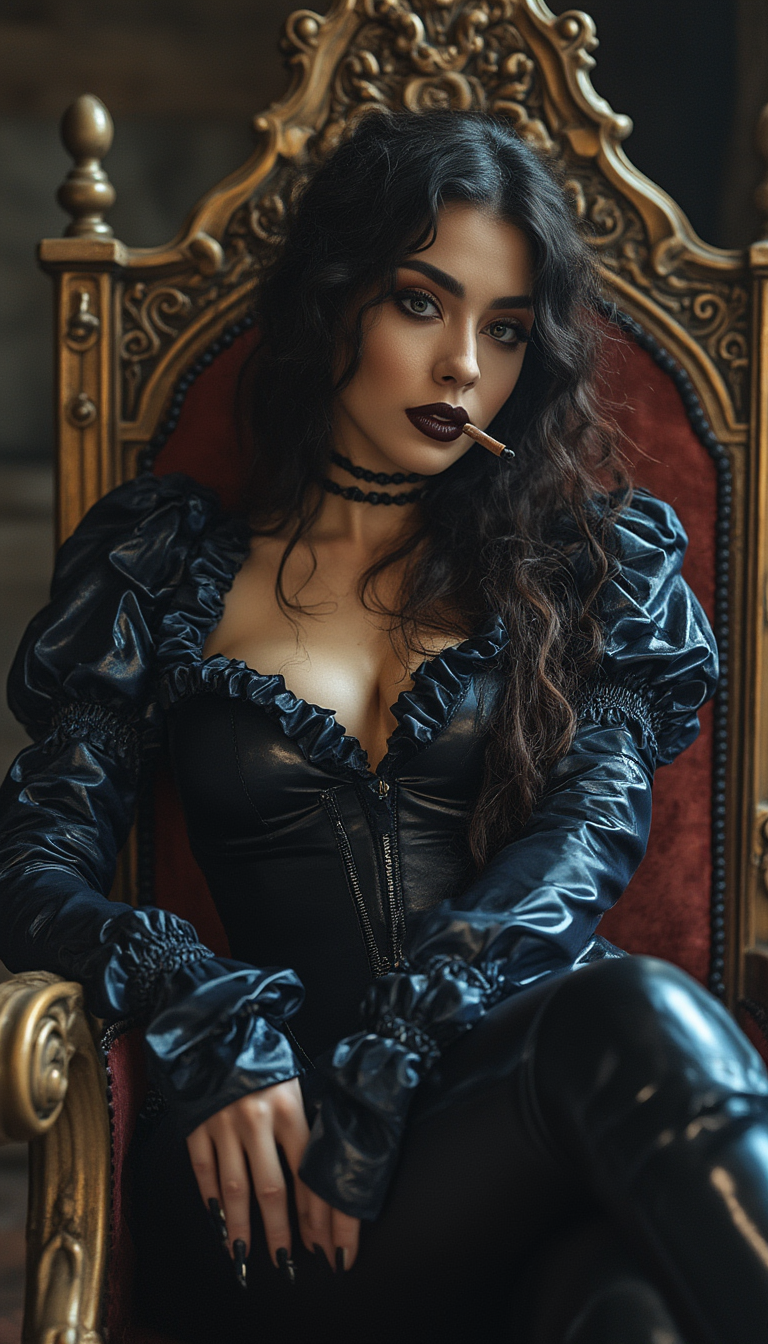
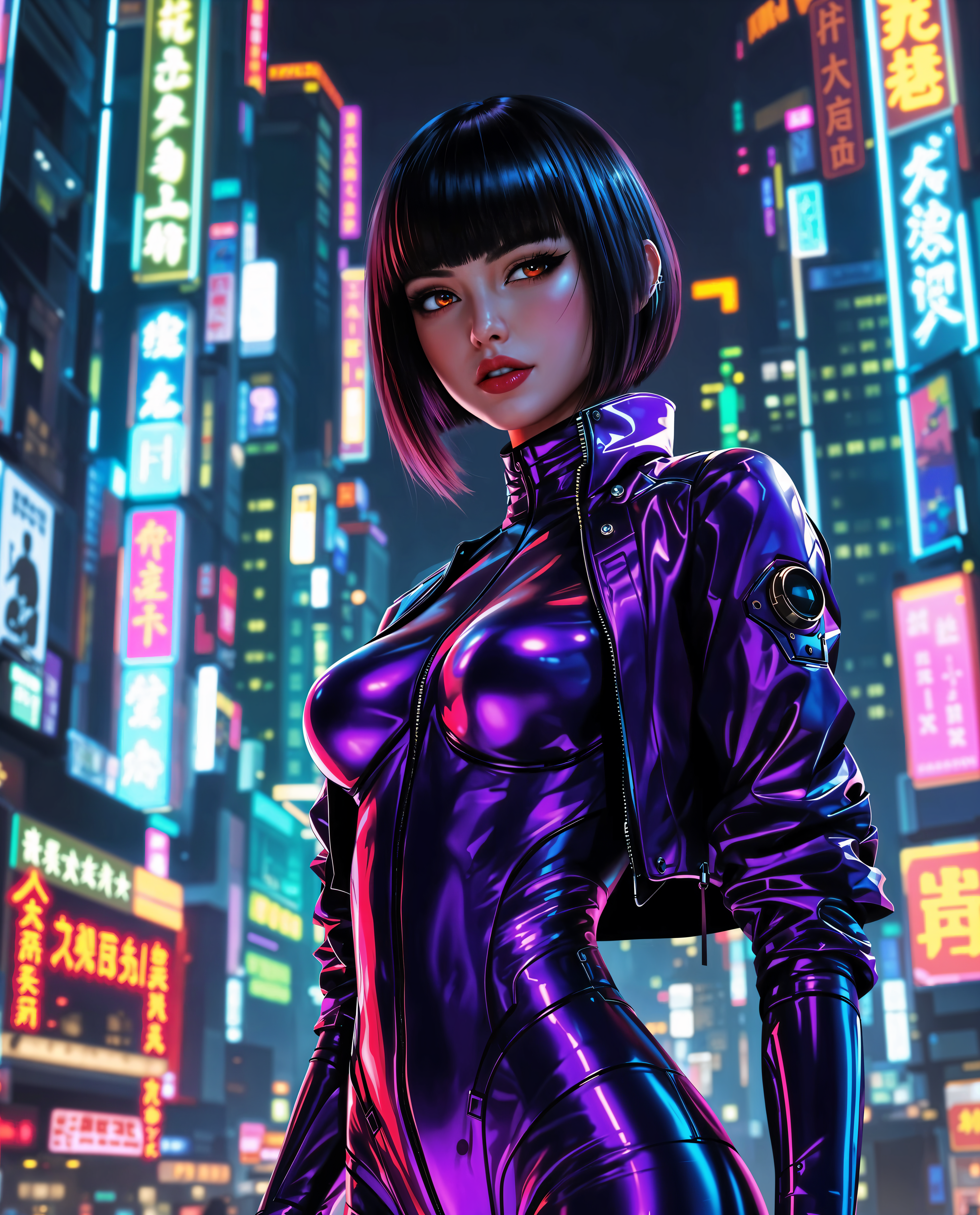

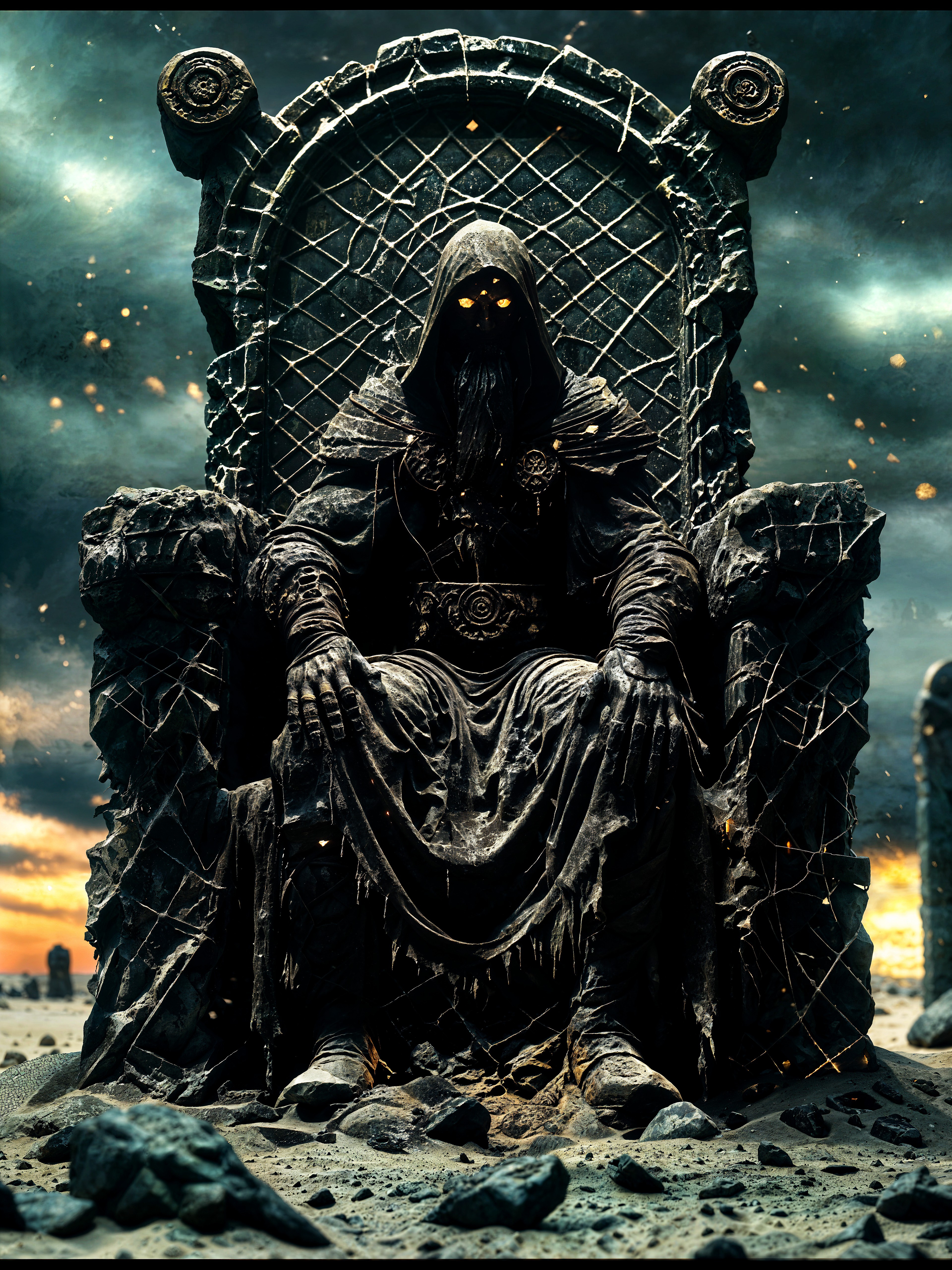
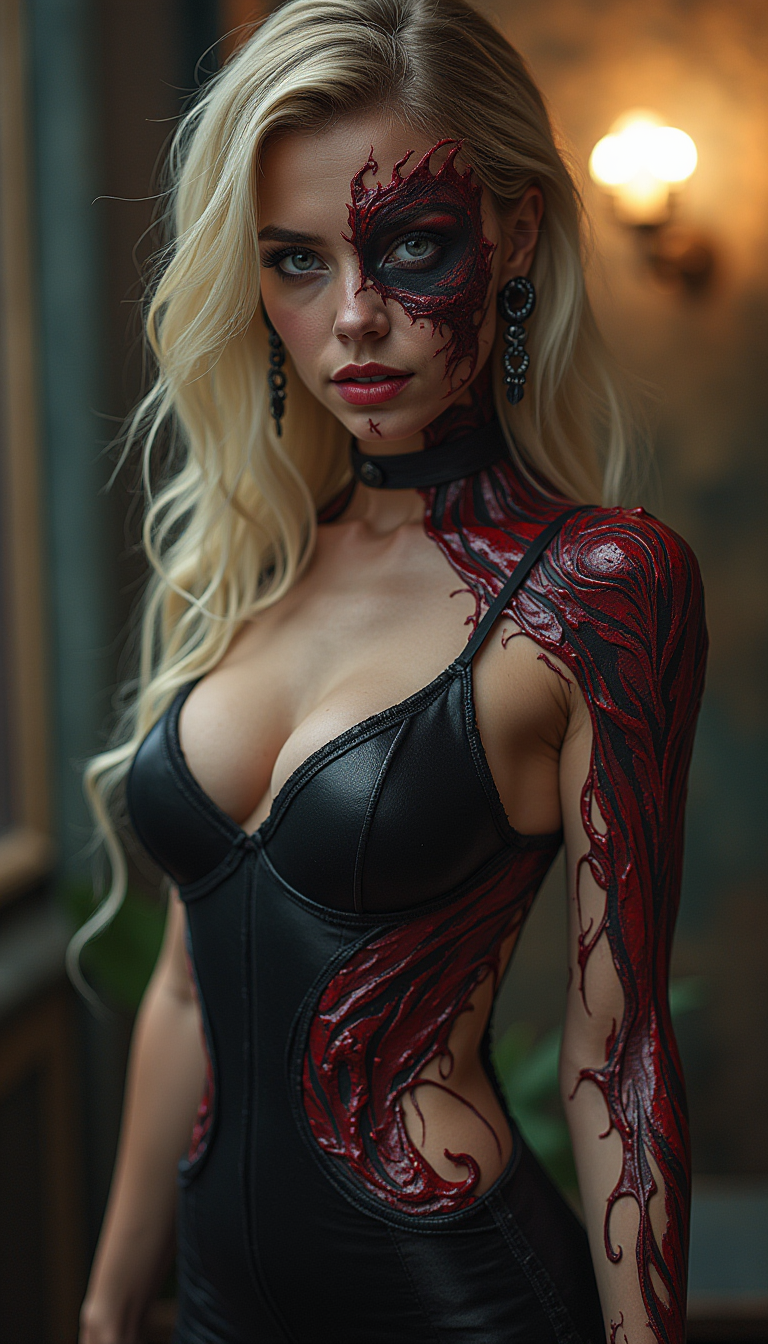


The Pixel Dojo Advantage
Why PixelDojo outperforms other options for AI video from reference images
| Others | Pixel Dojo |
|---|---|
| Traditional video production | Skip crews, locations, actors, and weeks of shooting/editing—generate consistent multi-scene videos from simple image references in minutes at a fraction of the cost while maintaining full creative control. |
| Generic AI tools | Access specialized reference tools like Kling Reference to Video, Seedance 2 Reference, and WAN Reference to Video plus seamless image generation, editing, upscaling, and character consistency features all in one subscription for superior results without switching platforms. |
| Manual photo editing and animation | Eliminate frame-by-frame work and complex software—AI handles natural motion, identity locking, and cinematic effects automatically so you focus on storytelling and strategy instead of technical labor. |
Loved by creators on PixelDojo
Real feedback from people using PixelDojo, pulled from our in-product surveys.
all in one place
It is a lot of fun to uae and easy too.
So many different models to try out
You keep adding to it to stay up to date and that is GOLD.
very easy to use and good support
Very easy to use
Explore more AI tools on PixelDojo
AI Tools
Compare & Switch
- Best AI Image Generators
- Best AI Video Generators
- Midjourney Alternatives
- Civitai Alternatives
- Runway Alternatives
- Leonardo Alternatives
- Pika Alternatives
- Luma Alternatives
- Magnific Alternatives
- Veo Alternatives
- Flux Alternatives
- Freepik Alternatives
- Seedance Alternatives
- Seedream Alternatives
- Pixverse Alternatives
- GPT Image Alternatives
- Synthesia Alternatives
- Playground Alternatives
- NightCafe Alternatives
- Canva AI Alternatives
- ElevenLabs Alternatives
- ComfyUI Alternatives
- Fal Alternatives
- Replicate Alternatives
Common Questions
Everything you need to know about ai video from reference images
What is the best way to create AI video from reference images for consistent characters?
Upload multiple clear reference images (face, full body, outfit angles) into PixelDojo tools like Kling Reference to Video, Seedance 2 Reference, or WAN Reference to Video. These lock visual traits across shots. Combine with Consistent Characters or Ideogram Character for even stronger identity preservation, then prompt for specific actions and camera moves. This delivers multi-scene stories without drift.
Can I turn product photos into engaging AI marketing videos using reference images?
Absolutely. Use tools such as Seedance 2 Reference, VEO 3.1, P Video Animate, or WAN 2.7 Spicy Image-to-Video with your product shots as references. Prompt for rotations, zooms, lifestyle actions, or dynamic lighting. Results preserve textures, logos, and details perfectly—ideal for ecommerce ads that boost engagement significantly. Enhance further with Marketing Studio and Video Upscaler.
How many reference images can I use for AI video generation on PixelDojo?
It varies by tool: many support 1-9 references (images plus optional video/audio clips in advanced ones like Seedance 2 Reference). Kling Reference to Video and Happy Horse Reference excel with 3-5 for character locking. Start with strong multi-angle images generated via Flux.2 Studio or Seedream 5 for optimal consistency across complex scenes.
What makes PixelDojo better for AI video from reference images than basic image-to-video tools?
PixelDojo offers dedicated reference-to-video models (Kling Reference to Video, WAN Reference to Video, Seedance 2 Reference, Happy Horse Reference) focused on multi-shot consistency, plus full workflow integration: generate references with 30+ image models, edit with Inpainting or Style Transfer, upscale, add audio via Text to Speech or Seed Audio, and train custom models. One subscription, cancel anytime, loved by thousands.
How do I write effective prompts for AI video from reference images?
Describe motion spatially and temporally: “Slow cinematic dolly around the product revealing texture, soft lighting, 5 seconds” or “Character smiles and turns head while walking forward, camera follows smoothly.” Reference key elements from your images. Iterate with tools like VEO 3.1 or Grok Video. Pair with high-quality inputs for best natural motion and fidelity.
Can beginners create professional AI videos from reference images without experience?
Yes—PixelDojo is designed for everyone. Simply upload images, pick a tool like P Video Animate or Kling Reference to Video, enter a simple prompt, and generate. Built-in editors, analyzers, and one-click enhancements handle the rest. Thousands of creators worldwide produce marketing clips, stories, and animations daily. Start free-trial style with cancel-anytime access to 40+ tools.