ai work photo generator
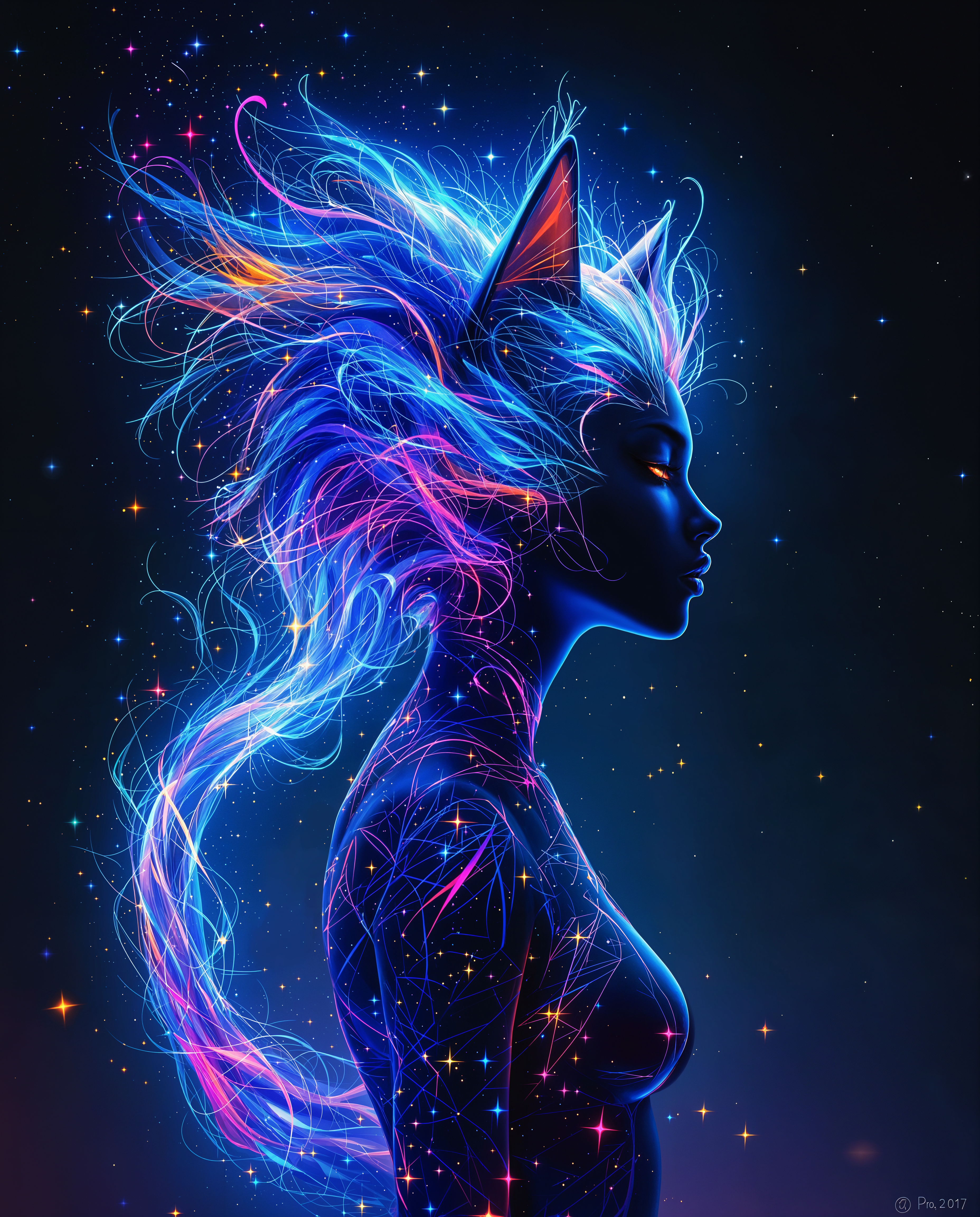
In today's digital age, a compelling professional image is crucial. Whether you're updating your LinkedIn profile, enhancing your resume, or building a corporate team page, high-quality work photos make a significant impact. PixelDojo's AI work photo generator empowers you to create stunning, professional images effortlessly, saving time and resources while ensuring you present your best self.
Join over 10,000 satisfied users who have generated more than 1 million images with PixelDojo's AI tools. Rated 4.8/5 based on 2,000+ reviews.
Why Choose Pixel Dojo for ai work photo generator
Professional-quality results with cutting-edge AI technology
Effortless Professionalism
Generate polished work photos without the need for expensive photo shoots or advanced editing skills.
Time and Cost Efficiency
Save hours and reduce expenses by creating high-quality images in minutes.
Versatile Applications
Use your AI-generated photos across various platforms, including resumes, social media, and corporate websites.
How It Works
Creating professional work photos with PixelDojo is simple and intuitive. Follow these steps to bring your professional image to life:
Step 1: Choose Your Tool
Select the 'Consistent Characters' tool from PixelDojo's suite to begin creating your professional work photo.
Step 2: Upload Your Photo
Upload a clear, front-facing photo of yourself. Ensure good lighting and a neutral background for optimal results.
Step 3: Customize & Download
Use the AI tools to adjust attire, background, and lighting to match your desired professional look. Once satisfied, download your high-resolution work photo.
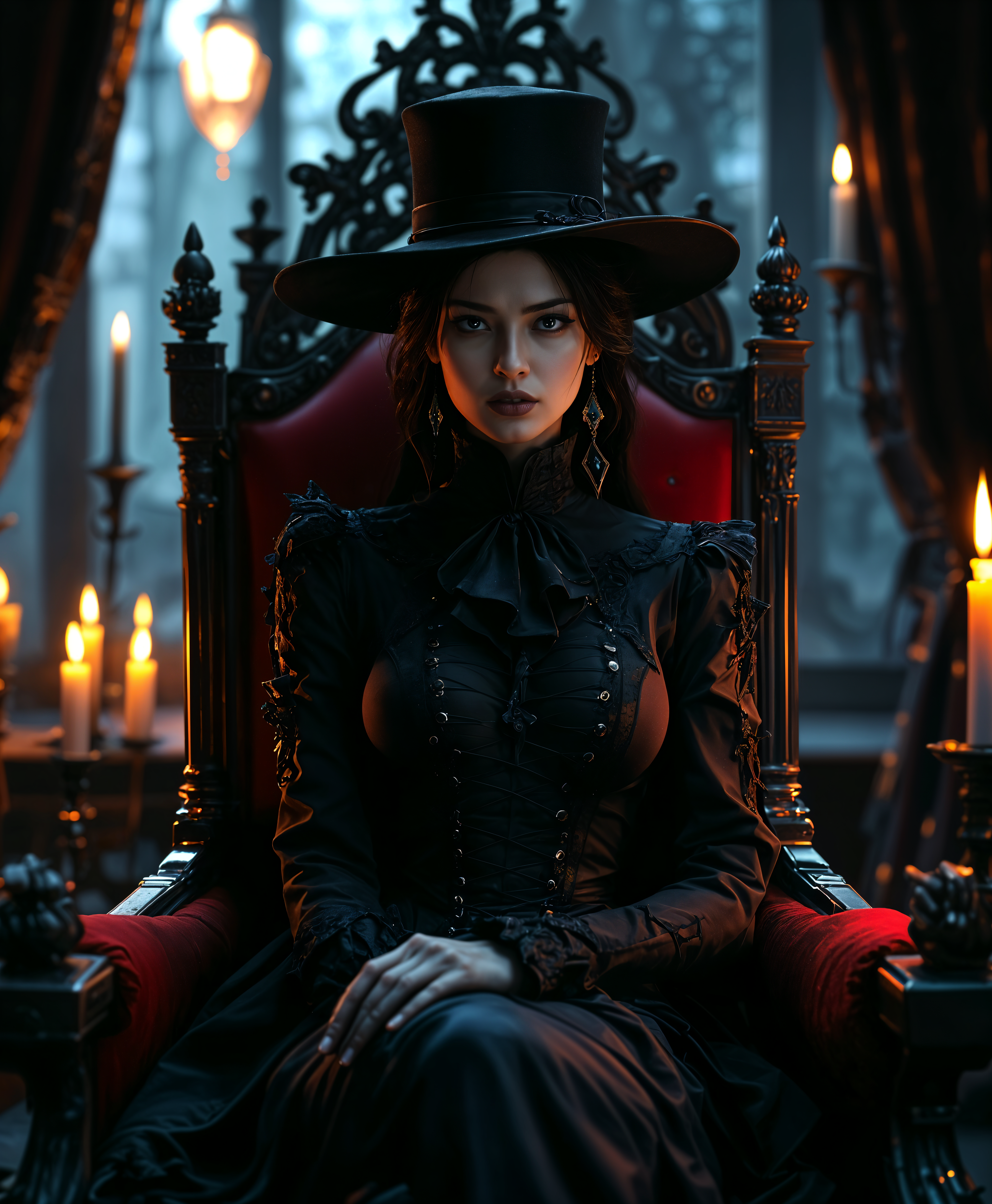
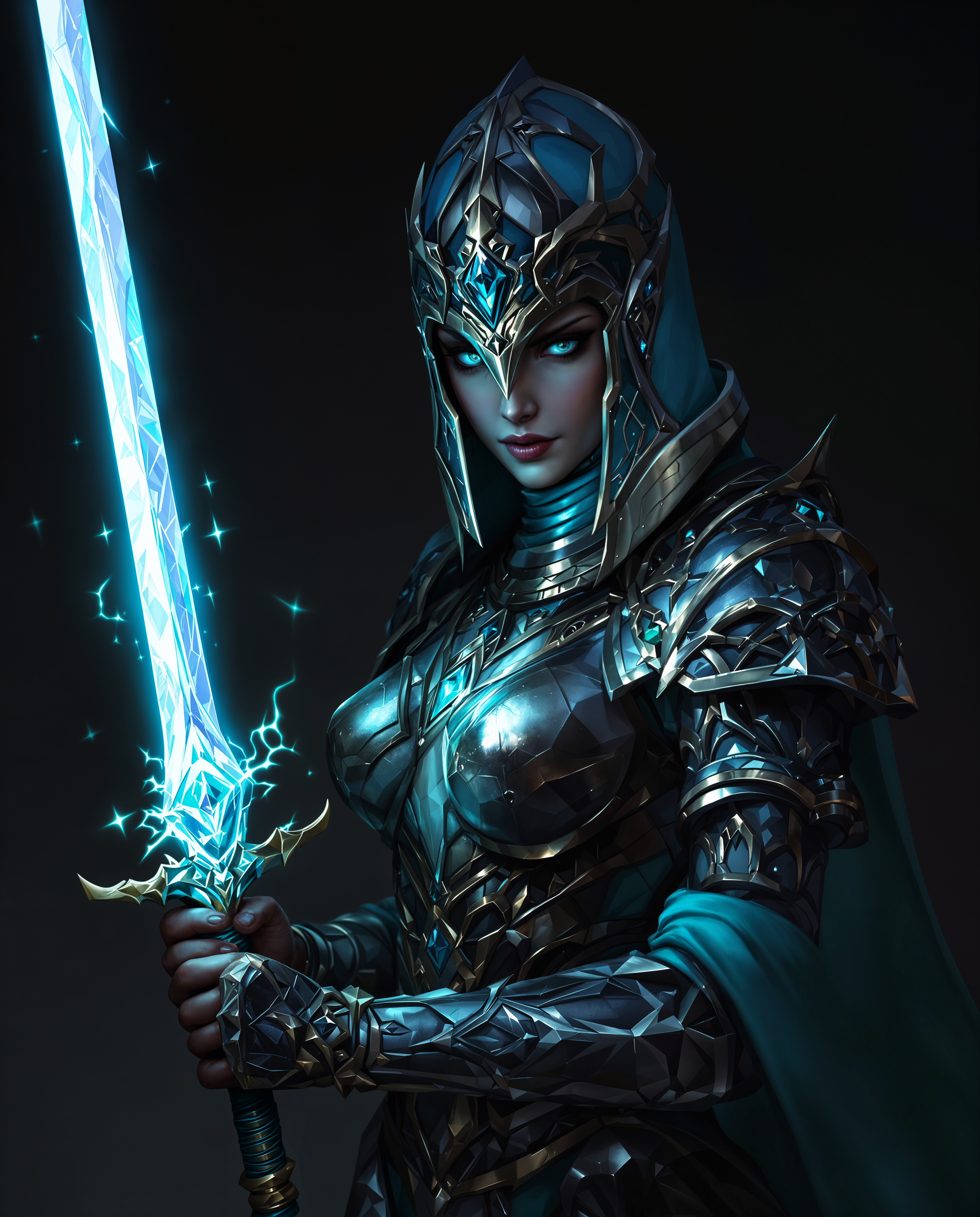
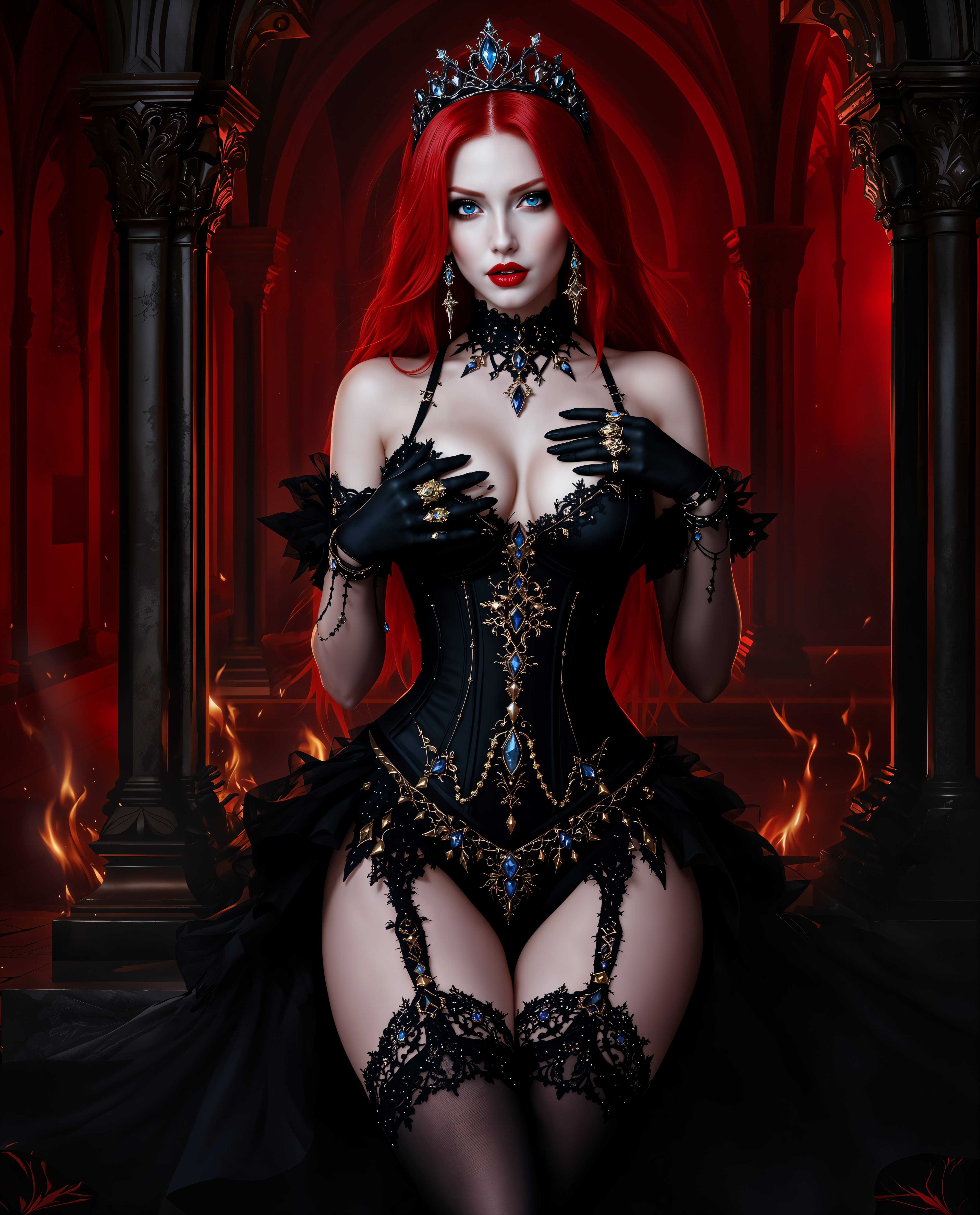
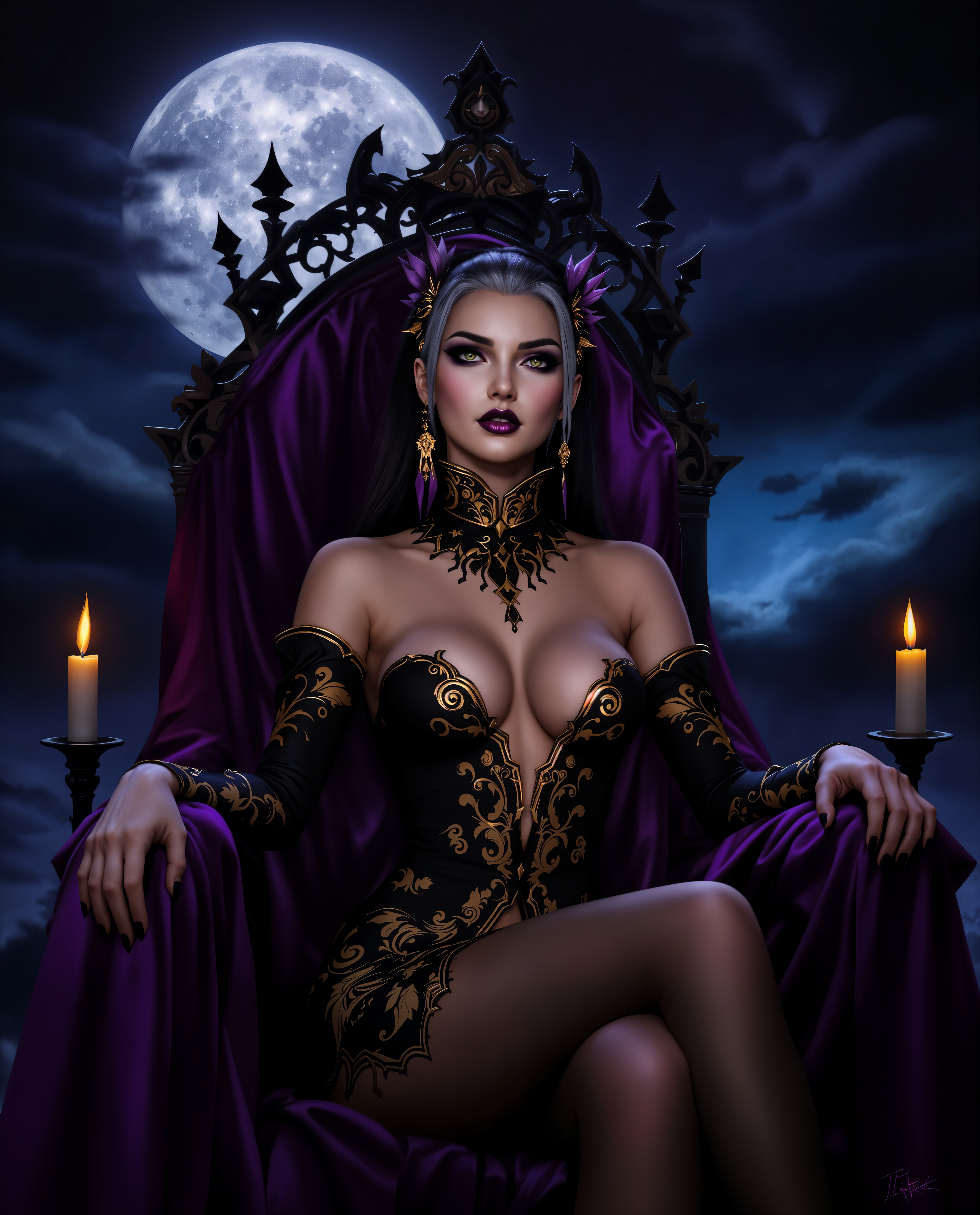
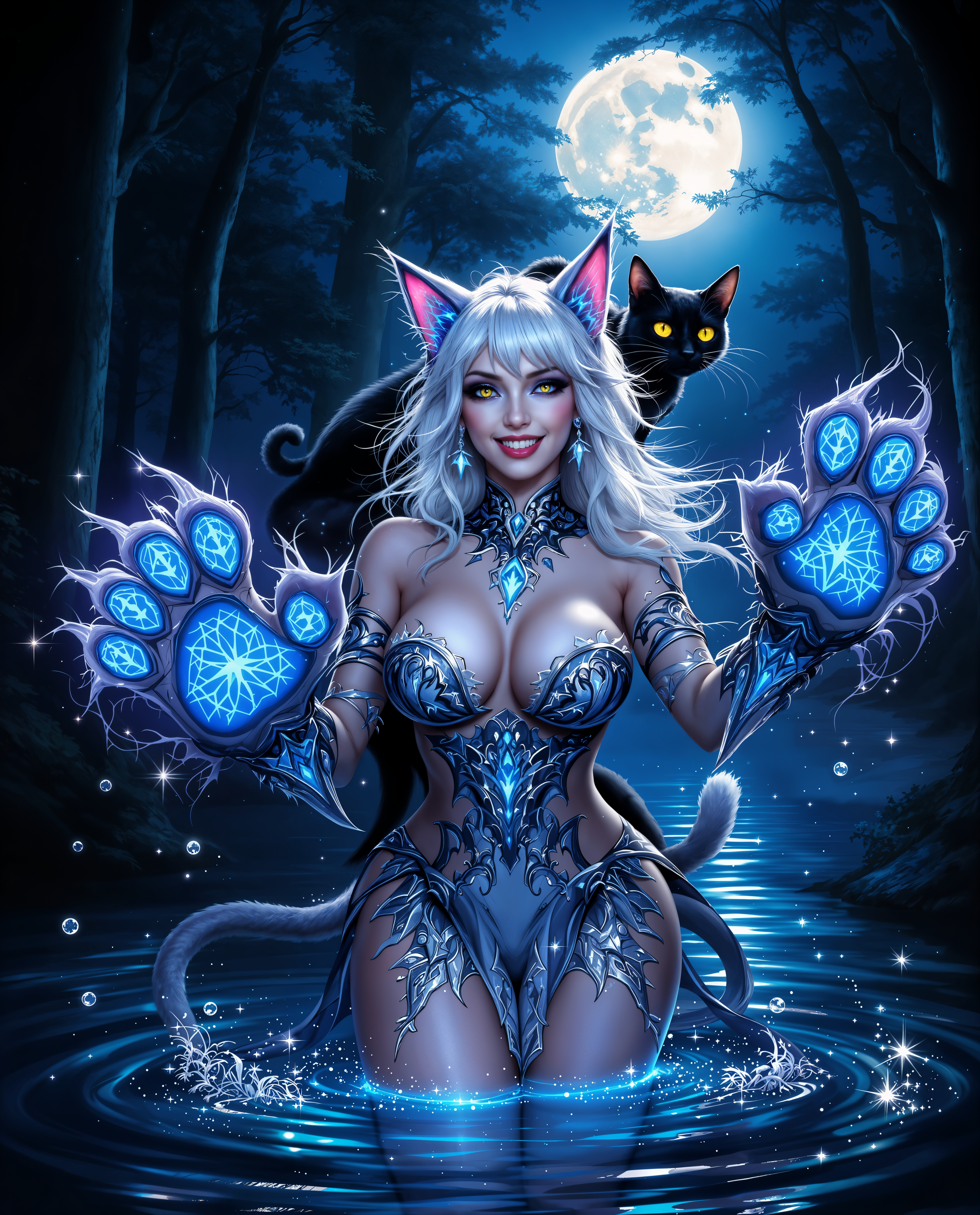
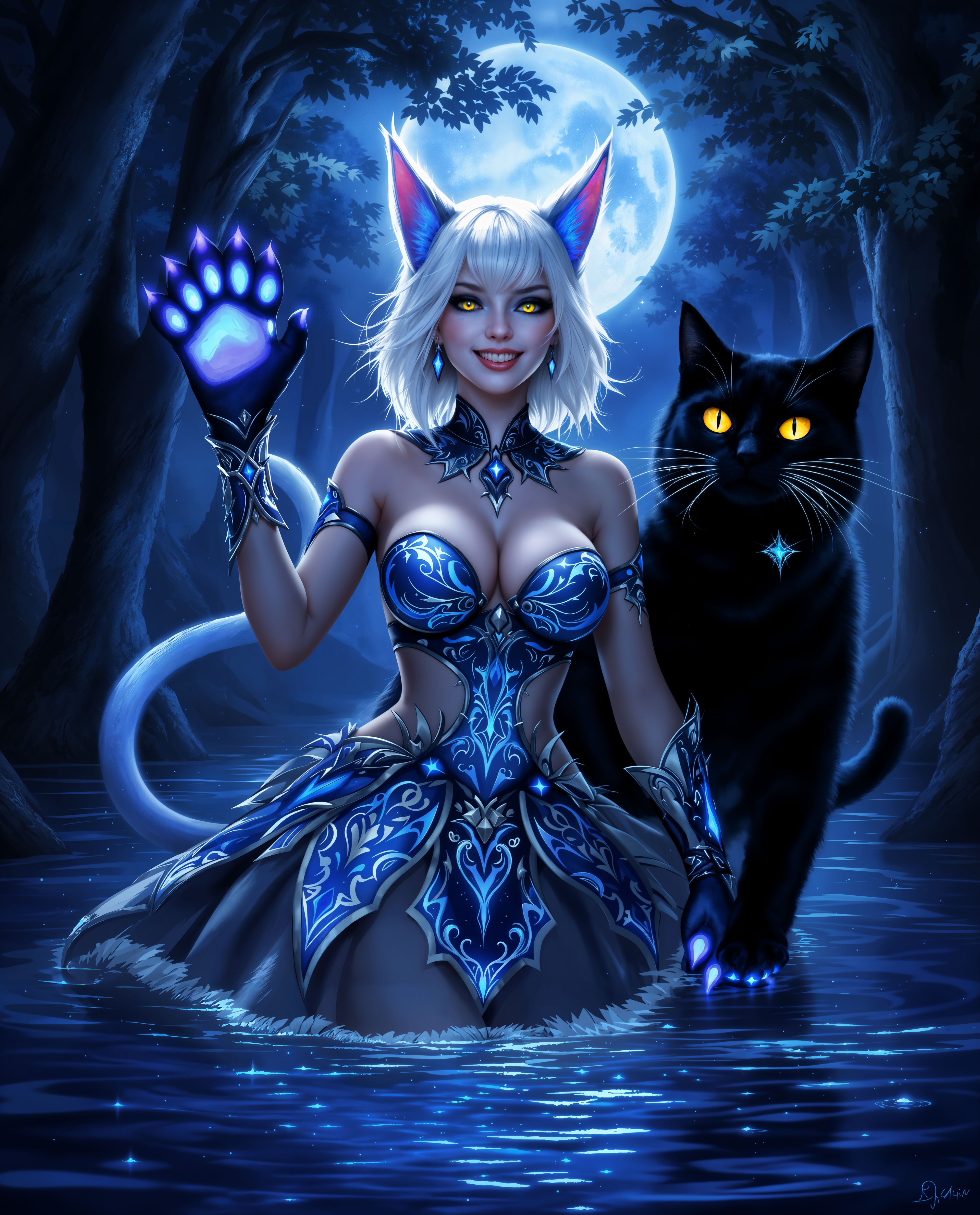
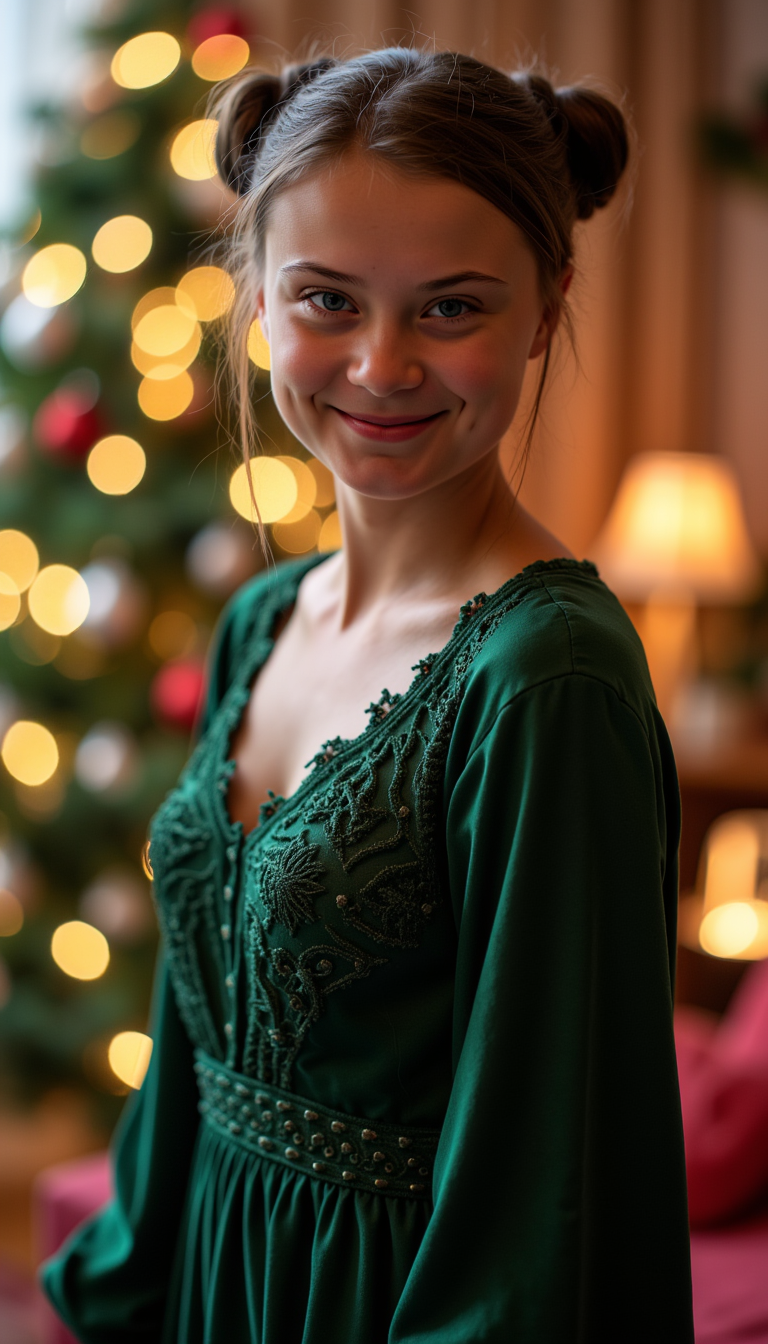
The Pixel Dojo Advantage
Why PixelDojo outperforms other options for AI work photo generation:
| Others | Pixel Dojo |
|---|---|
| Traditional Photo Shoots | Eliminate the need for costly and time-consuming photo sessions by generating professional images instantly. |
| Generic AI Tools | Access specialized tools designed specifically for creating consistent and high-quality professional work photos. |
| Manual Photo Editing | Avoid the complexity and learning curve of manual editing software with our user-friendly AI solutions. |
Loved by creators on PixelDojo
Real feedback from people using PixelDojo, pulled from our in-product surveys.
it's very easy to use
Practically every Ai suite in one place? Who wouldn't?
versatile menu of tools
Best AI tool availble the suite is rad
Versatility quality, value, ROI, innovation
variety of tools available and prompt tools
Explore more AI tools on PixelDojo
AI Tools
Compare & Switch
- Best AI Image Generators
- Best AI Video Generators
- Midjourney Alternatives
- Civitai Alternatives
- Runway Alternatives
- Leonardo Alternatives
- Pika Alternatives
- Luma Alternatives
- Magnific Alternatives
- Veo Alternatives
- Flux Alternatives
- Freepik Alternatives
- Seedance Alternatives
- Seedream Alternatives
- Pixverse Alternatives
- GPT Image Alternatives
- Synthesia Alternatives
- Playground Alternatives
- NightCafe Alternatives
- Canva AI Alternatives
- ElevenLabs Alternatives
- ComfyUI Alternatives
- Fal Alternatives
- Replicate Alternatives
Common Questions
Everything you need to know about ai work photo generator
How does PixelDojo's AI work photo generator work?
PixelDojo utilizes advanced AI algorithms to transform your uploaded photos into professional work images. By analyzing facial features and applying enhancements, the AI creates polished photos suitable for professional use.
Do I need photography experience to use PixelDojo?
Not at all. PixelDojo is designed for users of all skill levels. Our intuitive interface guides you through the process, making it easy to create professional work photos without any prior experience.
Can I use the generated images for commercial purposes?
Yes, images created with PixelDojo can be used for both personal and commercial projects, giving you full creative freedom.
What types of images can I create with PixelDojo?
You can create a wide range of professional images, including headshots, team photos, and corporate portraits, tailored to your specific needs.
Is there a limit to the number of images I can generate?
Our subscription plans offer varying levels of access, including options for unlimited image generation. Choose the plan that best fits your needs.
How do I get started with PixelDojo?
Simply sign up for an account, choose the 'Consistent Characters' tool, upload your photo, and start creating. Our platform guides you through each step of the process.