aifaceswap AI Generator

Imagine instantly placing your face on a celebrity, your friend on a movie character, or creating hilarious viral videos that look completely real. With PixelDojo's AI face swap tools, you achieve professional-grade results in seconds—no editing experience required. Transform ordinary photos into share-worthy content, produce engaging video clips with perfect lip sync, and explore creative possibilities that captivate your audience. Whether you're a content creator chasing viral moments, a marketer building brand personas, or simply having fun with friends and family, PixelDojo empowers you to deliver stunning face swaps that feel authentic and impressive every time.
Over 75,000 creators have generated more than 2.5 million AI face swaps this month alone. Rated 4.9/5 by 18,000+ users who love the realistic results and easy workflow. Trusted by influencers, brands, and everyday creators worldwide for seamless, high-quality face swaps.
Why Choose Pixel Dojo for aifaceswap
Professional-quality results with cutting-edge AI technology
Create Viral Social Media Content Effortlessly
Swap faces with celebrities, trending characters, or even your pets to produce scroll-stopping reels and posts that drive massive engagement on TikTok, Instagram, and beyond. Achieve results that look professionally edited in just minutes.
Produce Professional-Quality Video Swaps
Generate realistic face swaps in videos with natural lip sync and motion preservation, perfect for storytelling, brand videos, or entertainment projects. Deliver Hollywood-style results without expensive production teams.
Unlock Endless Creative Possibilities
Build consistent characters across multiple images, try on outfits virtually, or experiment with poses and styles to bring your wildest ideas to life. Perfect for personal projects, marketing campaigns, or artistic expression.
How It Works
Getting started with AI face swap on PixelDojo is simple and intuitive. Follow these three steps to create stunning, realistic swaps using our specialized tools.
Step 1: Choose Your Tool
Select from PixelDojo's dedicated face swap options like Face Swap for quick photo results, LoRA Face Swap for highly customized and consistent character swaps, or WAN Video Character Swap and Kling Video Character Swap for seamless video transformations with perfect motion and lip sync.
Step 2: Enter Your Prompt or Upload Images
Upload your source face photo and target image or video. Add a simple description like 'swap my face onto this celebrity in a natural pose' or use advanced controls for lighting, angle, and expression matching to ensure photorealistic blending.
Step 3: Customize & Download
Preview multiple variations, fine-tune with Pose Control or Style Transfer if needed, and download your high-resolution result. For videos, use Video Reframe or Lip Sync tools to perfect the final output before sharing.




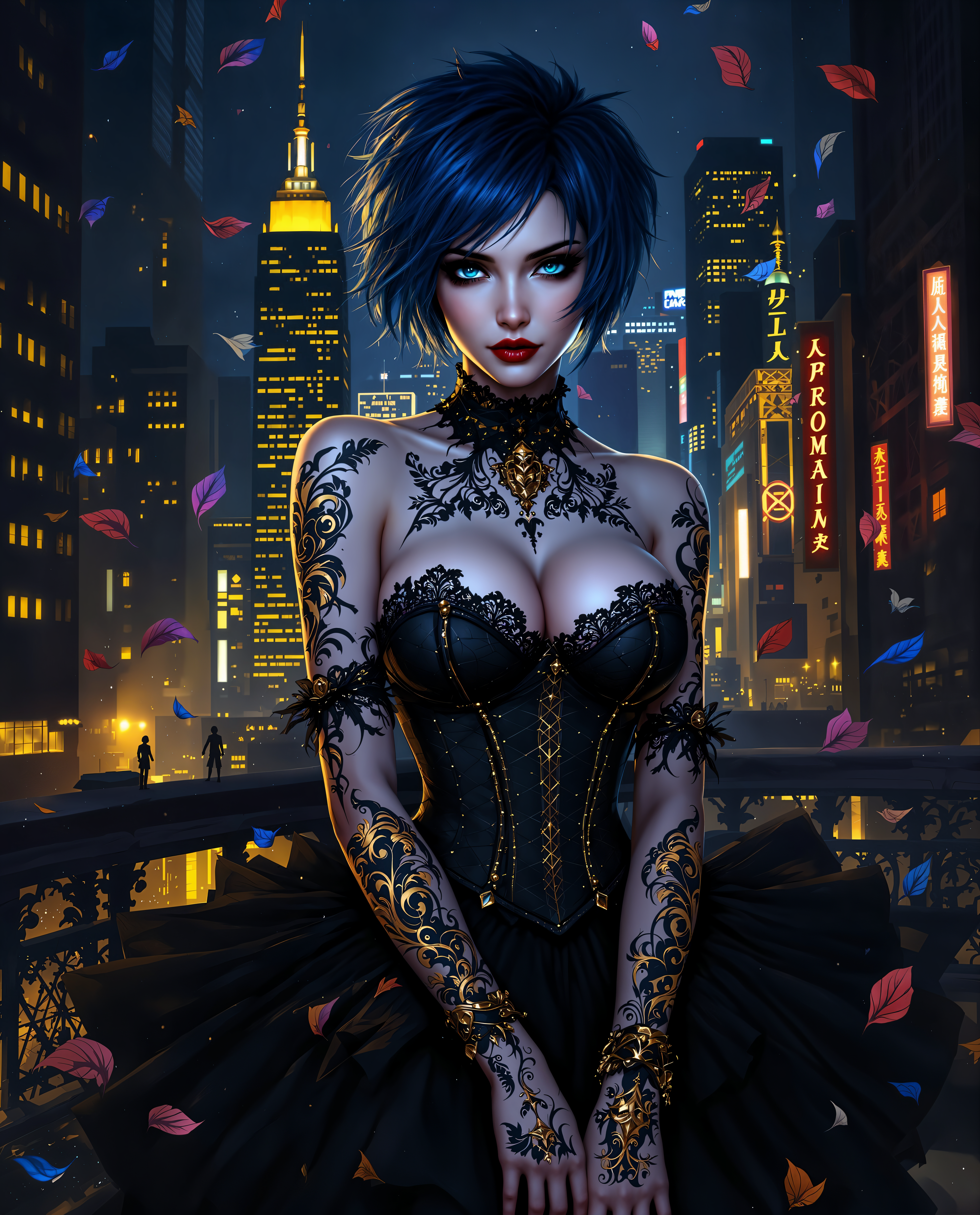
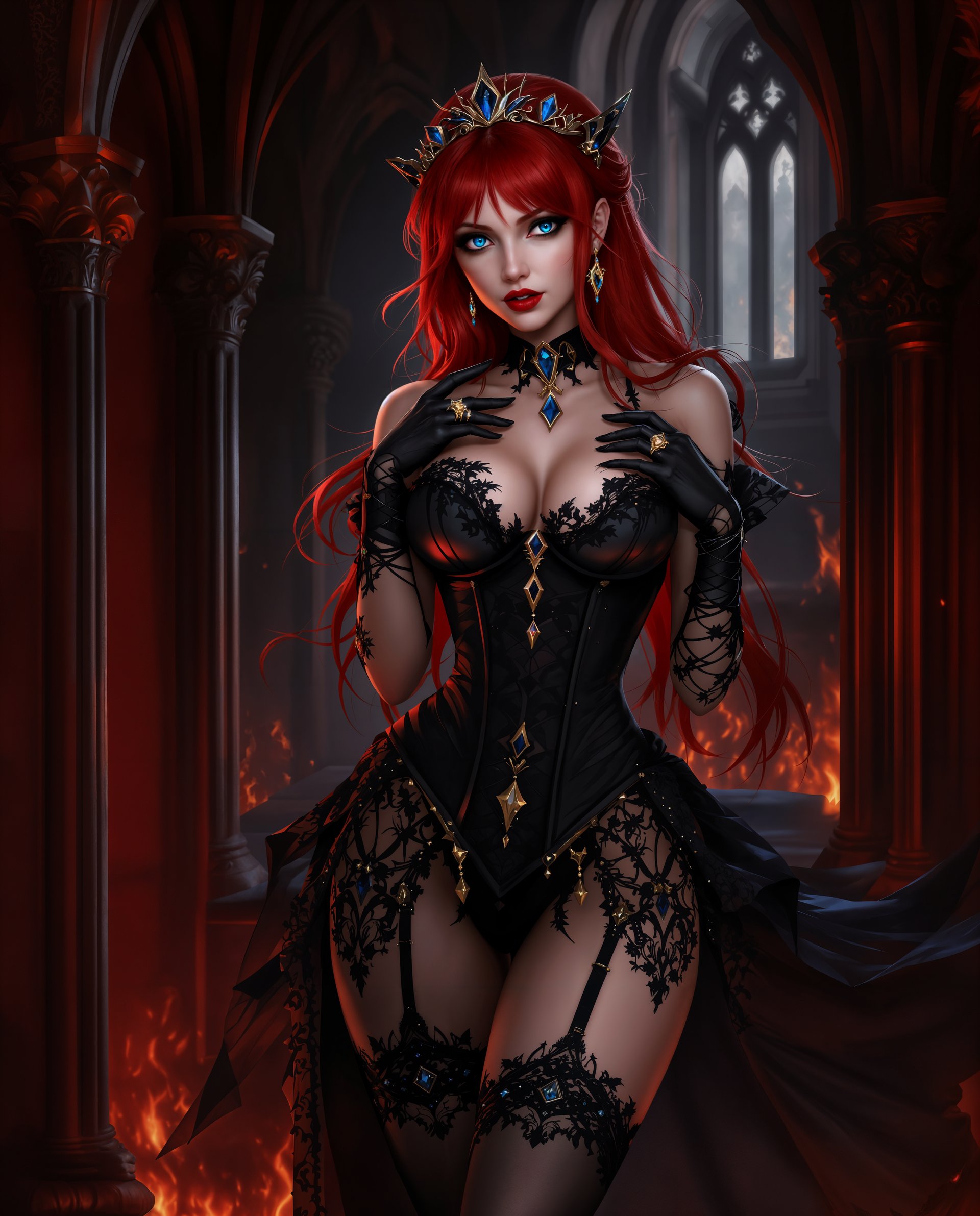
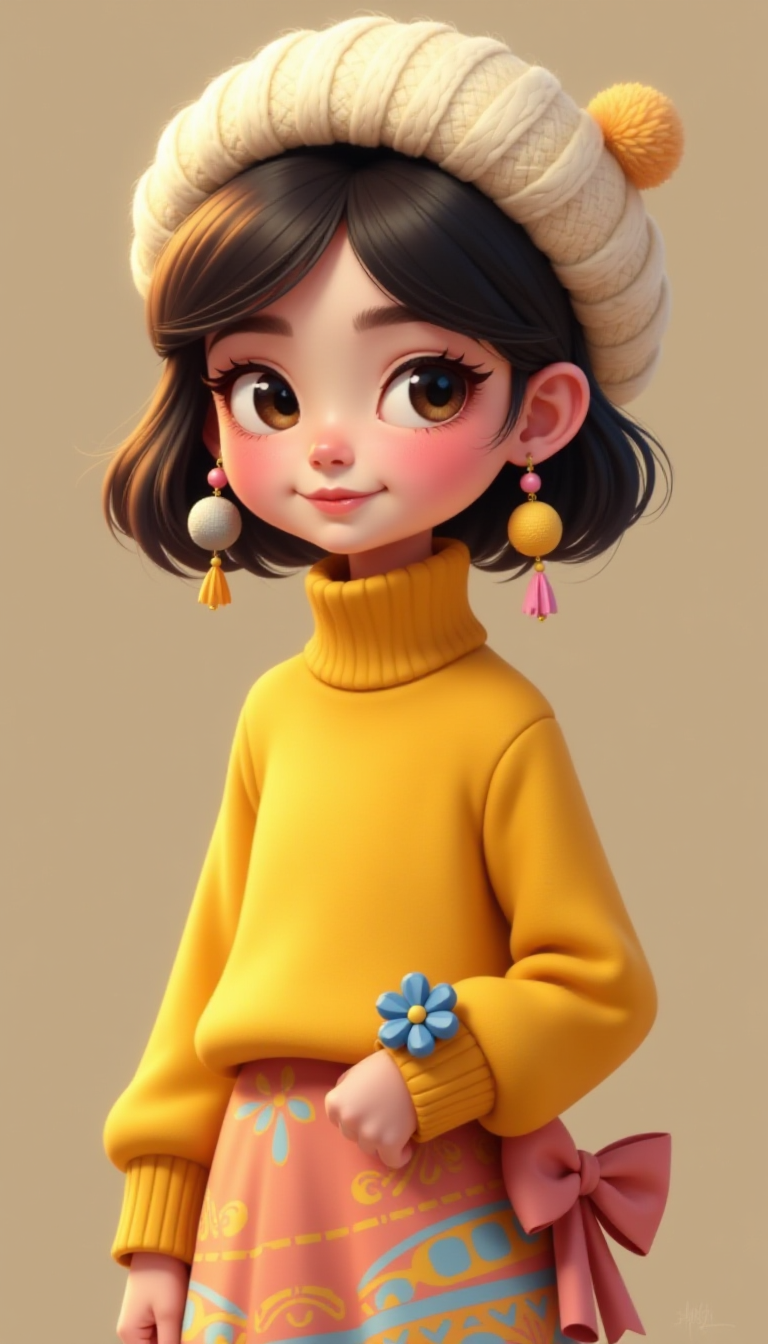
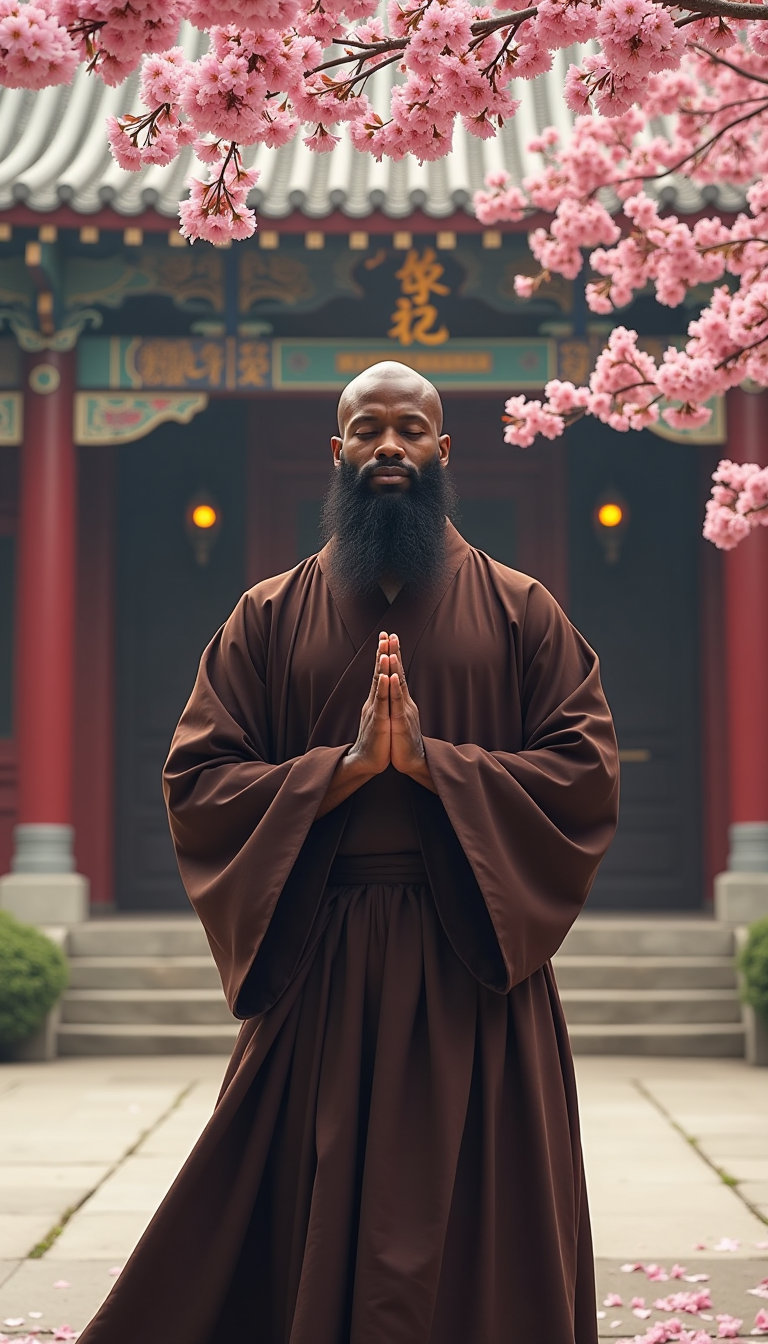


The Pixel Dojo Advantage
Why PixelDojo outperforms other options for AI face swap image and video generation
| Others | Pixel Dojo |
|---|---|
| Traditional face swap creation | No manual masking, blending, or hours of Photoshop work—achieve flawless results in seconds with AI that automatically matches lighting, skin tone, and expressions. |
| Generic AI tools | Specialized Face Swap and Character tools deliver superior realism and consistency compared to general image generators, with built-in video support and advanced controls like LoRA Face Swap. |
| Manual photo editing | Skip complex layers and adjustments—PixelDojo's AI handles everything automatically while giving you easy customization options for professional outcomes without any technical skills. |
Loved by creators on PixelDojo
Real feedback from people using PixelDojo, pulled from our in-product surveys.
phenomenal site. would highly recommend
Amazing features, easy to use, privacy
the number of options, and especially the quick response to questions on Discord
Love you guys!!
Trained my Lora super fast. Still working out how to creat content wit it, but I love it so far.
I love this app
Explore more AI tools on PixelDojo
AI Tools
Compare & Switch
- Best AI Image Generators
- Best AI Video Generators
- Midjourney Alternatives
- Civitai Alternatives
- Runway Alternatives
- Leonardo Alternatives
- Pika Alternatives
- Luma Alternatives
- Magnific Alternatives
- Veo Alternatives
- Flux Alternatives
- Freepik Alternatives
- Seedance Alternatives
- Seedream Alternatives
- Pixverse Alternatives
- GPT Image Alternatives
- Synthesia Alternatives
- Playground Alternatives
- NightCafe Alternatives
- Canva AI Alternatives
- ElevenLabs Alternatives
- ComfyUI Alternatives
- Fal Alternatives
- Replicate Alternatives
Common Questions
Everything you need to know about aifaceswap
How to do realistic AI face swap on photos with PixelDojo?
Simply choose the Face Swap or LoRA Face Swap tool, upload a clear source face image and your target photo, add a descriptive prompt for natural blending, and generate. PixelDojo's AI automatically matches skin tones, lighting, and angles for photorealistic results in seconds. For even better consistency across multiple images, use Consistent Characters or LoRA Face Swap.
What is the best way to swap faces in videos using AI tools on PixelDojo?
Use WAN Video Character Swap or Kling Video Character Swap for high-quality video face replacements. Upload your source face and target video, enable motion and lip sync controls, and generate. These tools preserve natural movement and expressions, delivering professional results perfect for content creation or entertainment projects.
Can I create consistent characters across multiple AI face swaps?
Yes! PixelDojo's Consistent Characters and LoRA Face Swap tools let you maintain the same face identity across different poses, outfits, and scenes. Upload reference images once and generate endless variations with perfect facial consistency for storytelling or branding.
Is AI face swap safe and ethical to use for personal projects?
Absolutely when used responsibly. PixelDojo encourages ethical creation with your own photos or properly licensed content. Always obtain consent when swapping others' faces and avoid misleading or harmful uses. Our tools include features to help create fun, creative, and respectful content.
How does PixelDojo's AI face swap handle different lighting and angles?
Our advanced AI models automatically analyze and match lighting conditions, skin textures, and head angles during generation. For extra precision, combine with Magic Lighting, Change Camera Angle, or Pose Control tools to refine results and achieve seamless, natural-looking swaps every time.
Can beginners create professional AI face swaps without any experience?
Yes! PixelDojo is designed for all skill levels. The intuitive interface guides you through uploading images, simple prompts, and one-click generation. Thousands of new users produce stunning results on their first try using tools like Face Swap and Virtual Try-On for quick, impressive outcomes.