ainface swap AI Generator

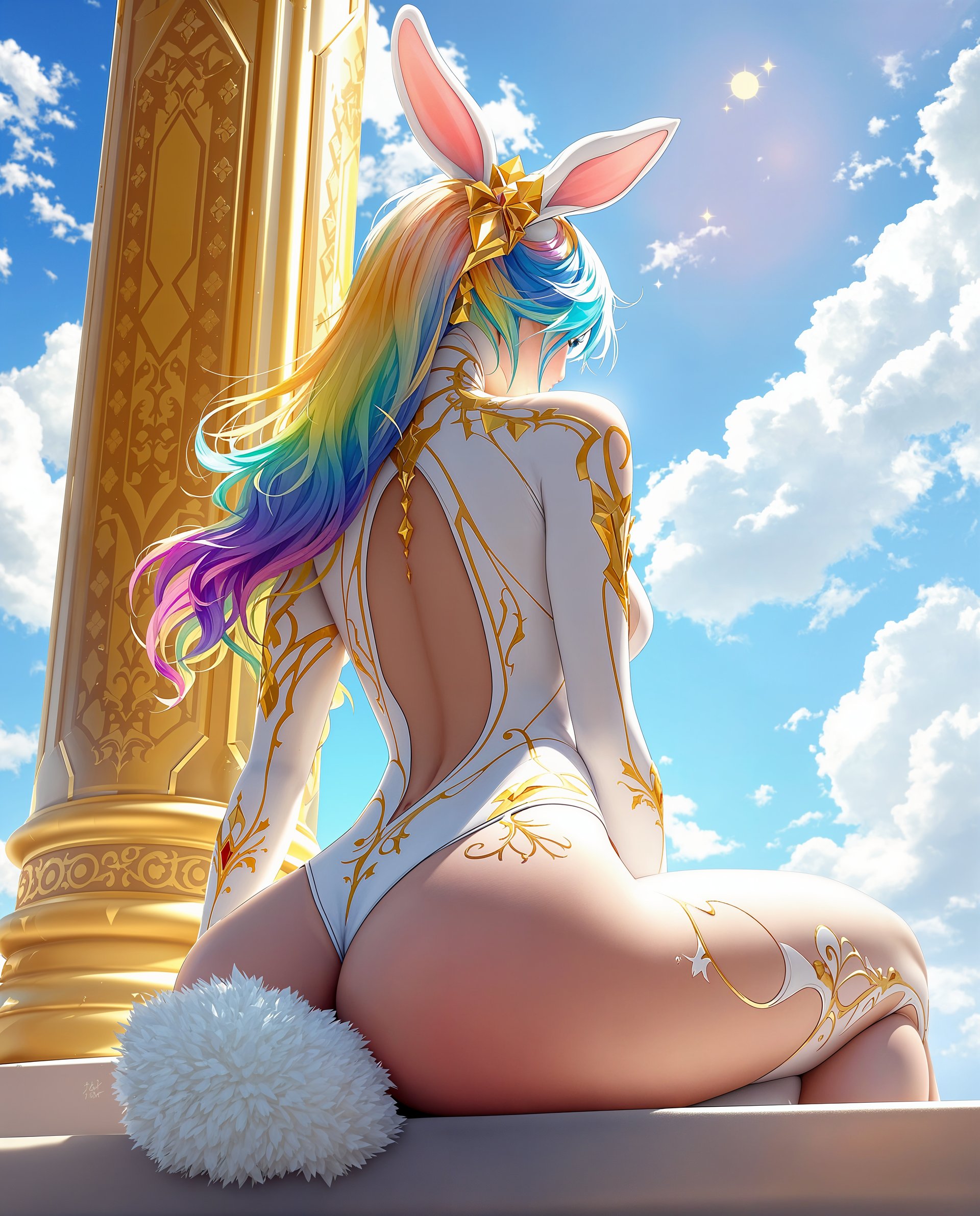
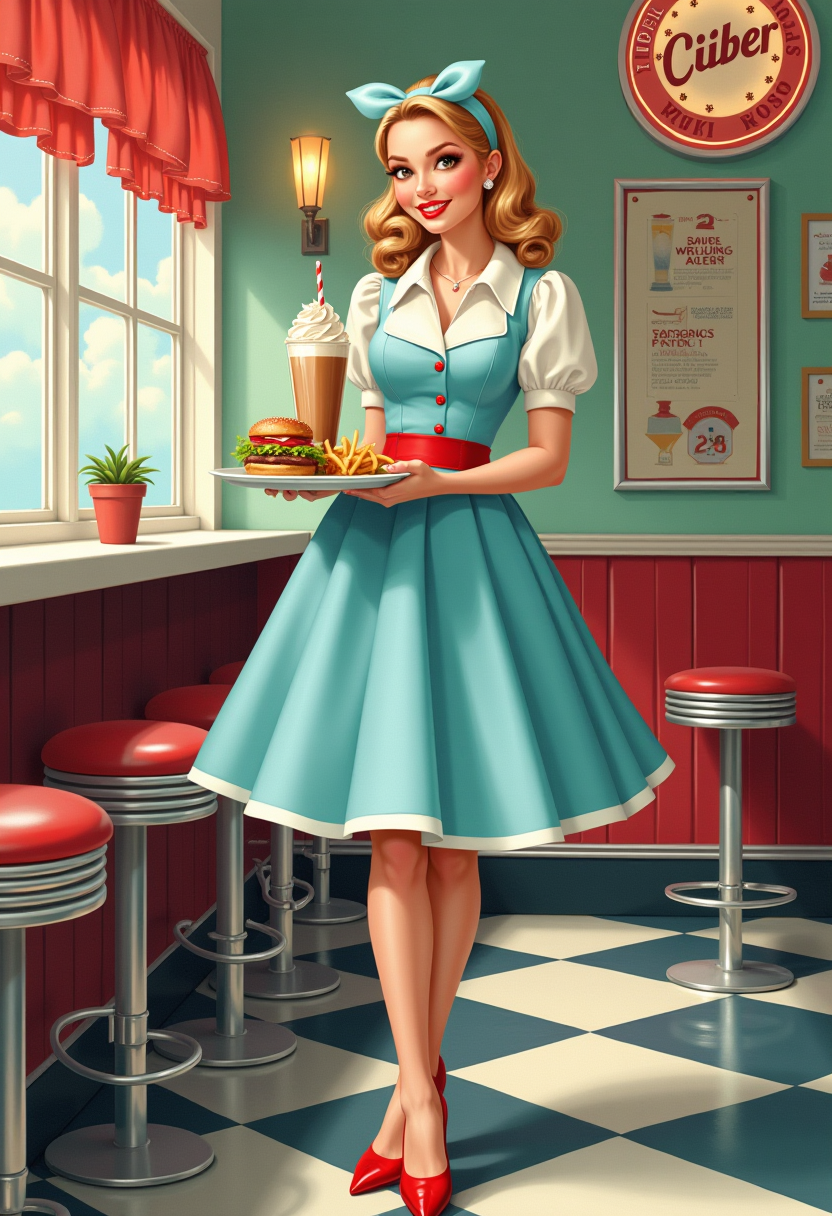
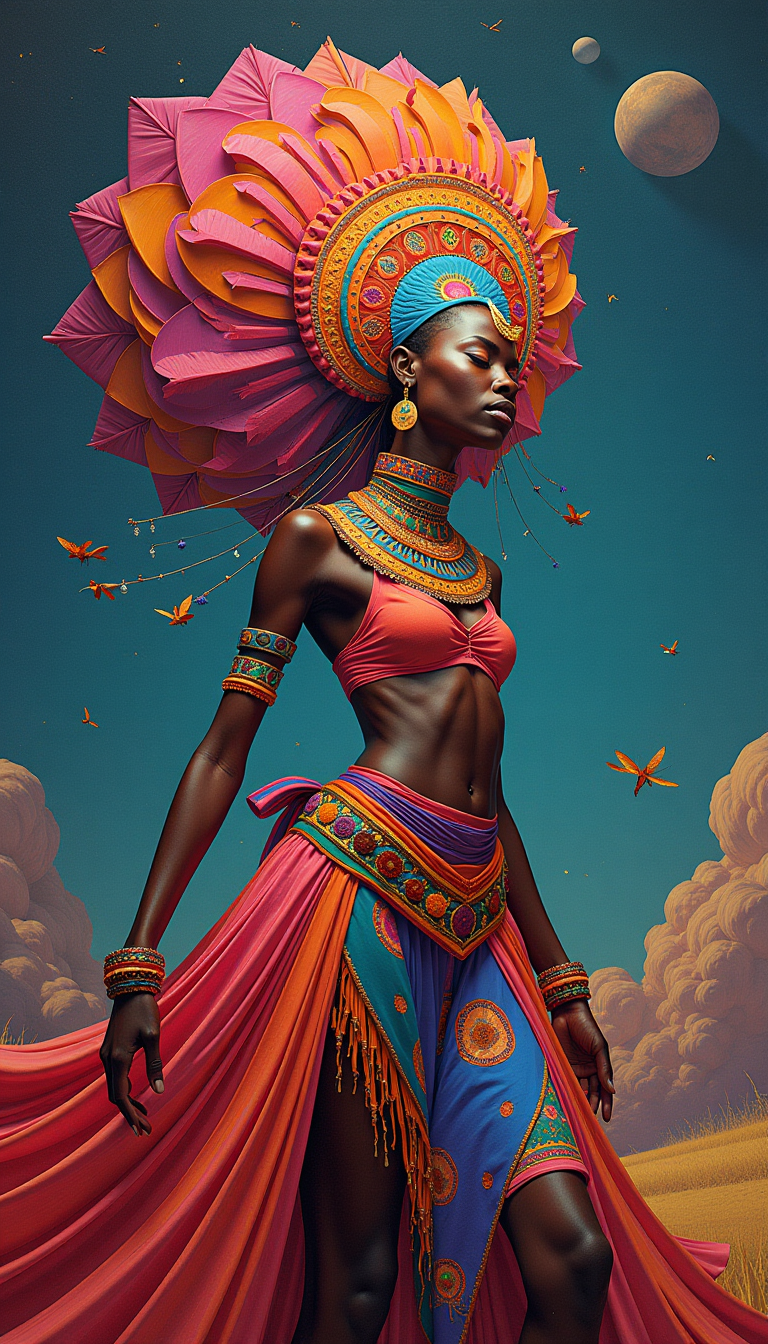
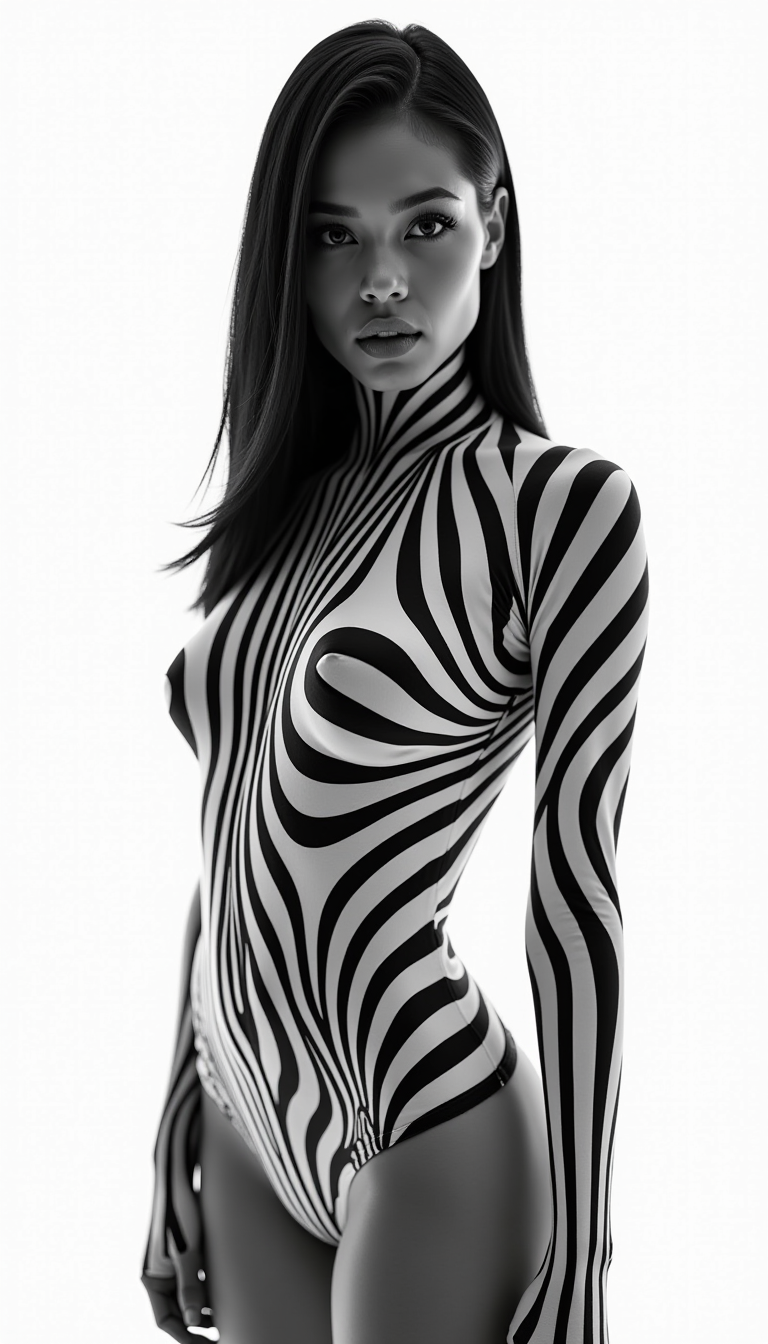
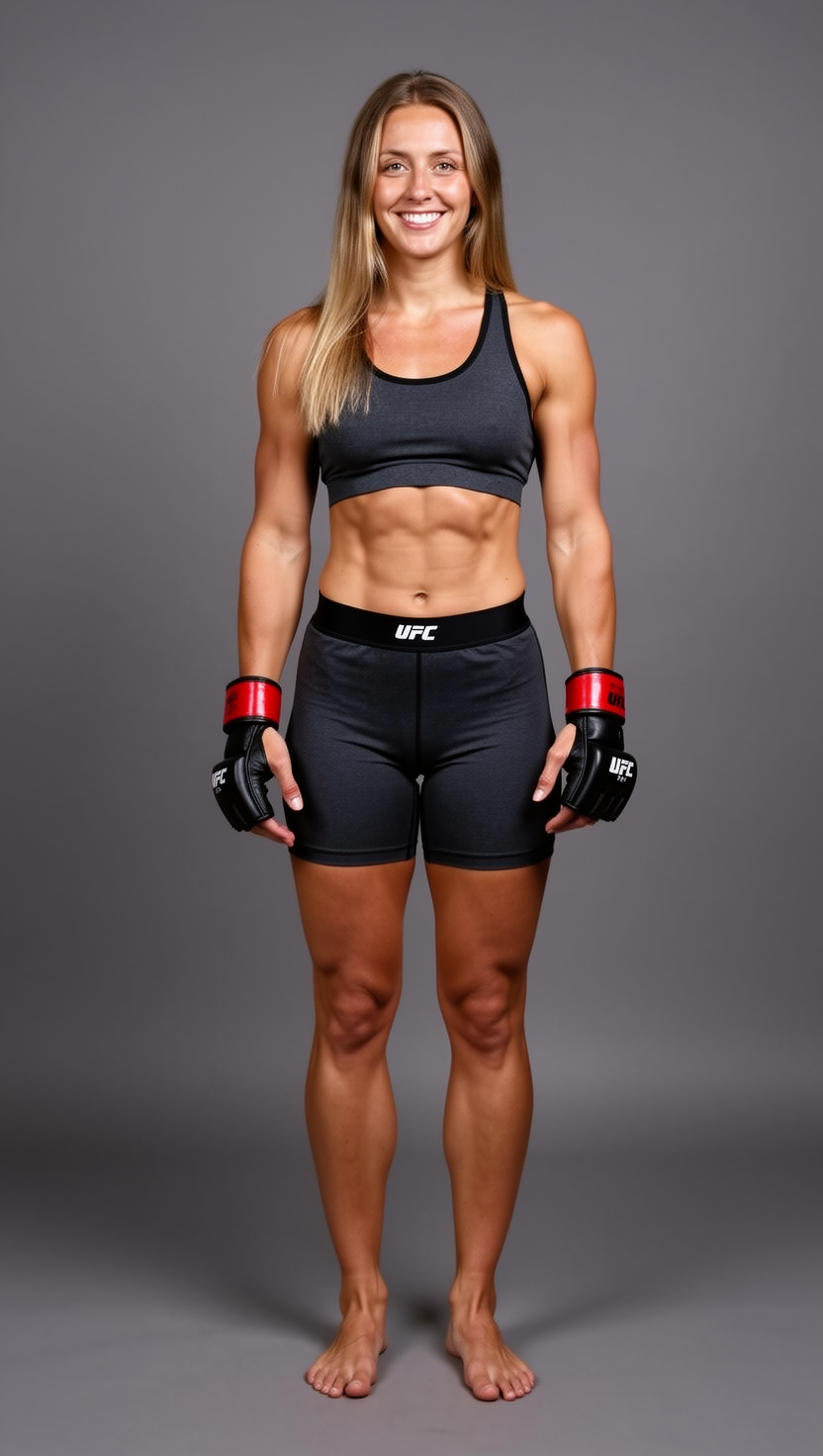
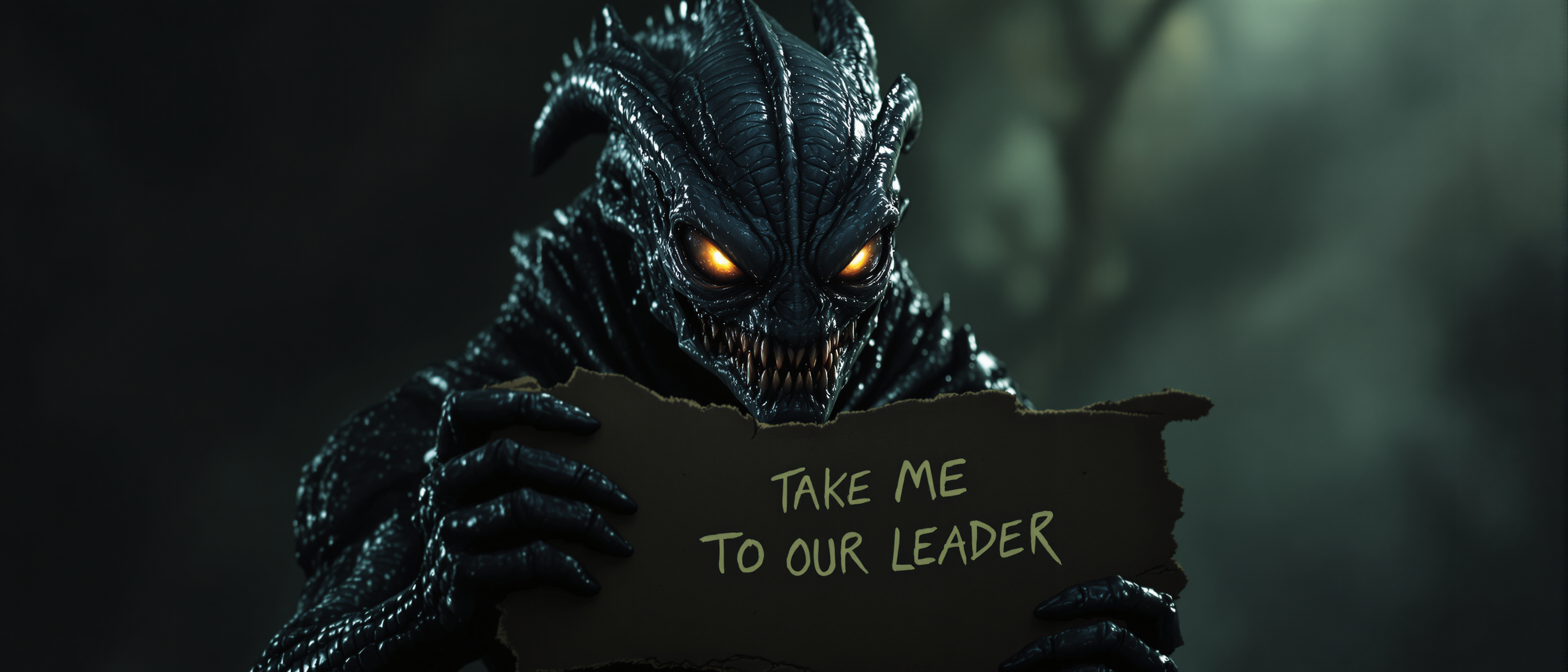
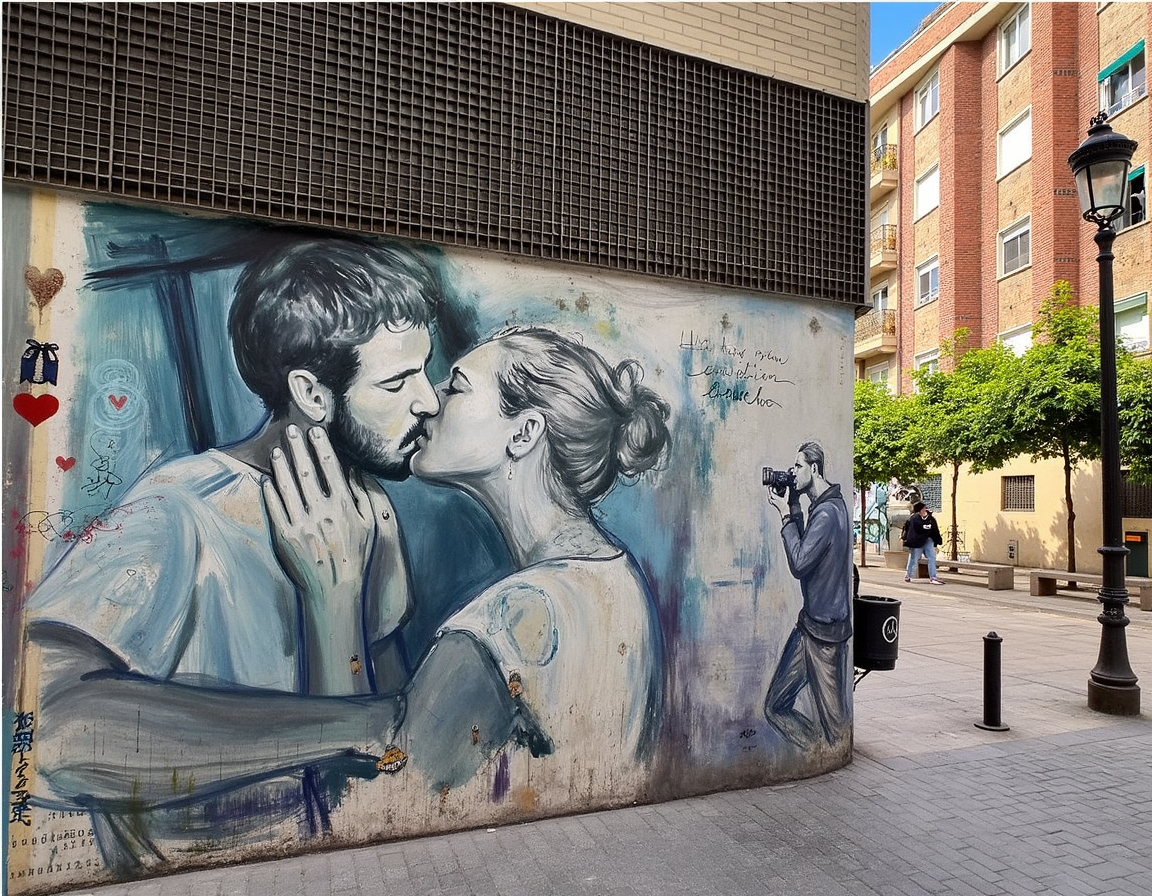
Imagine effortlessly placing your face on a celebrity, historical icon, or your favorite character — all with stunning realism that looks completely natural. With PixelDojo's AI face swap tools, you can transform any photo in seconds, achieving professional-grade results without any editing skills or expensive software. Whether you're crafting viral social media content, personalizing marketing materials, or simply having fun with friends and family, our platform delivers seamless, high-quality face swaps that preserve lighting, expressions, and details perfectly. Users report creating share-worthy images in under a minute, unlocking endless creative possibilities and saving hours compared to traditional methods.
Over 75,000 creators have generated more than 2.5 million realistic face swaps on PixelDojo this year alone. Average user rating: 4.9/5 from 12,000+ reviews. Trusted by influencers, marketers, and everyday creators worldwide for photorealistic results every time.
Why Choose Pixel Dojo for ainface swap
Professional-quality results with cutting-edge AI technology
Viral-Worthy Social Content in Minutes
Turn ordinary selfies into hilarious memes or trending challenges by swapping faces with celebrities, pets, or iconic figures — perfect for TikTok, Instagram, and Reels that drive engagement and shares.
Professional Headshots & Marketing Assets
Create consistent brand personas or personalized ad creatives by swapping faces across multiple scenes, saving thousands on photoshoots while maintaining perfect lighting and realism.
Personalized Memories & Gifts
Swap faces in family photos, historical recreations, or fantasy scenes to produce unique keepsakes, greeting cards, and surprise gifts that feel truly one-of-a-kind.
How It Works
Getting started with realistic AI face swaps on PixelDojo is simple and intuitive — no technical expertise required. Follow these three steps to create professional results every time.
Step 1: Choose Your Tool
Head to the Characters & Faces section and select the dedicated Face Swap tool or LoRA Face Swap for even more precise identity control. You can also combine with Consistent Characters for multi-image projects.
Step 2: Upload Your Images or Describe the Scene
Upload your source face photo and the target image where you want the swap. Or start with any of our 40+ image generators like Flux.2 Studio or Grok Image to create a base scene, then apply the face swap directly.
Step 3: Customize, Generate & Download
Fine-tune with Image to Image, Inpainting for seamless blending, or Magic Lighting to match tones perfectly. Hit generate and download your high-resolution result in seconds — ready to share or edit further.


The Pixel Dojo Advantage
Why PixelDojo outperforms other options for AI face swap image generation
| Others | Pixel Dojo |
|---|---|
| Traditional face swap creation | No manual masking or hours in Photoshop — achieve Hollywood-level realism automatically in under 60 seconds with perfect lighting and expression matching |
| Generic AI tools | Specialized Face Swap and LoRA Face Swap tools deliver superior identity preservation and natural blending compared to general-purpose generators |
| Manual photo editing | AI handles complex details like skin texture, shadows, and angles automatically — no expertise needed and consistent results across dozens of images |
Loved by creators on PixelDojo
Real feedback from people using PixelDojo, pulled from our in-product surveys.
amazing web site
phenomenal site. would highly recommend
Amazing features, easy to use, privacy
the number of options, and especially the quick response to questions on Discord
Love you guys!!
Trained my Lora super fast. Still working out how to creat content wit it, but I love it so far.
Explore more AI tools on PixelDojo
AI Tools
Compare & Switch
- Best AI Image Generators
- Best AI Video Generators
- Midjourney Alternatives
- Civitai Alternatives
- Runway Alternatives
- Leonardo Alternatives
- Pika Alternatives
- Luma Alternatives
- Magnific Alternatives
- Veo Alternatives
- Flux Alternatives
- Freepik Alternatives
- Seedance Alternatives
- Seedream Alternatives
- Pixverse Alternatives
- GPT Image Alternatives
- Synthesia Alternatives
- Playground Alternatives
- NightCafe Alternatives
- Canva AI Alternatives
- ElevenLabs Alternatives
- ComfyUI Alternatives
- Fal Alternatives
- Replicate Alternatives
Common Questions
Everything you need to know about ainface swap
How to create realistic AI face swaps with PixelDojo for free?
Simply sign up for a free account on PixelDojo, navigate to Characters & Faces, and use the Face Swap tool. Upload your source face and target image, adjust settings like lighting with Magic Lighting if needed, and generate. Free credits allow multiple high-quality swaps daily with no watermarks on basic exports.
What makes PixelDojo's AI face swap better than other tools for photorealistic results?
PixelDojo combines specialized tools like Face Swap, LoRA Face Swap, and integration with top generators such as Flux.2 Studio and Grok Image. Advanced features including Inpainting for edge blending, Consistent Characters for series, and automatic lighting matching deliver superior realism and consistency that generic tools can't match.
Can I use AI face swap on PixelDojo for professional marketing and brand photos?
Absolutely. Many marketers use our Face Swap and Consistent Characters tools to create personalized campaigns, localized ads, and consistent brand avatars. The results maintain professional lighting and expressions, making them perfect for social media, websites, and client presentations.
How do I swap faces in group photos or complex scenes using PixelDojo?
Upload your group photo to the Face Swap tool, select individual faces to replace, or use Inpainting and Background Remover for precise control. Combine with Image Analyzer for automatic detection and Smart Resize to maintain proportions — ideal for family portraits or team shots.
What tips help achieve the most natural looking AI face swaps on PixelDojo?
Use well-lit, front-facing source photos with similar angles and expressions to your target. Leverage Magic Lighting and Inpainting for seamless blending. Start with high-resolution images from generators like WAN Image or Seedream, then apply LoRA Face Swap for ultimate fidelity.
Is PixelDojo's face swap tool suitable for video or just still images?
While optimized for high-quality image swaps, PixelDojo also supports video face swaps via Kling Video Character Swap, WAN Video Character Swap, and related editing tools like Lip Sync and Video Reframe for dynamic content creation.