Akool AI
Generated on PixelDojo with veo-3.1-standard. Produced by PixelDojo's generation pipeline.
Akool AI is an AI creative platform best known for face swap tools, talking avatar video, image generation, and marketing oriented video workflows. If you are searching for Akool AI, you can explore similar character-swap, avatar, and cinematic video creation workflows in PixelDojo, a multi-model studio built for creators who want access to several leading image and video models in one place.
Real video examples generated on PixelDojo
Every example below was produced on PixelDojo. Hover to see the prompt.
A man talking
image-to-video
The woman is talking and saying "welcome to pixel dojo the only AI tool you need"
image-to-video
A woman says "hi
image-to-video
A friendly female podcaster in a cool modern studio announcing that Pixel Dojo now has sup…
image-to-video
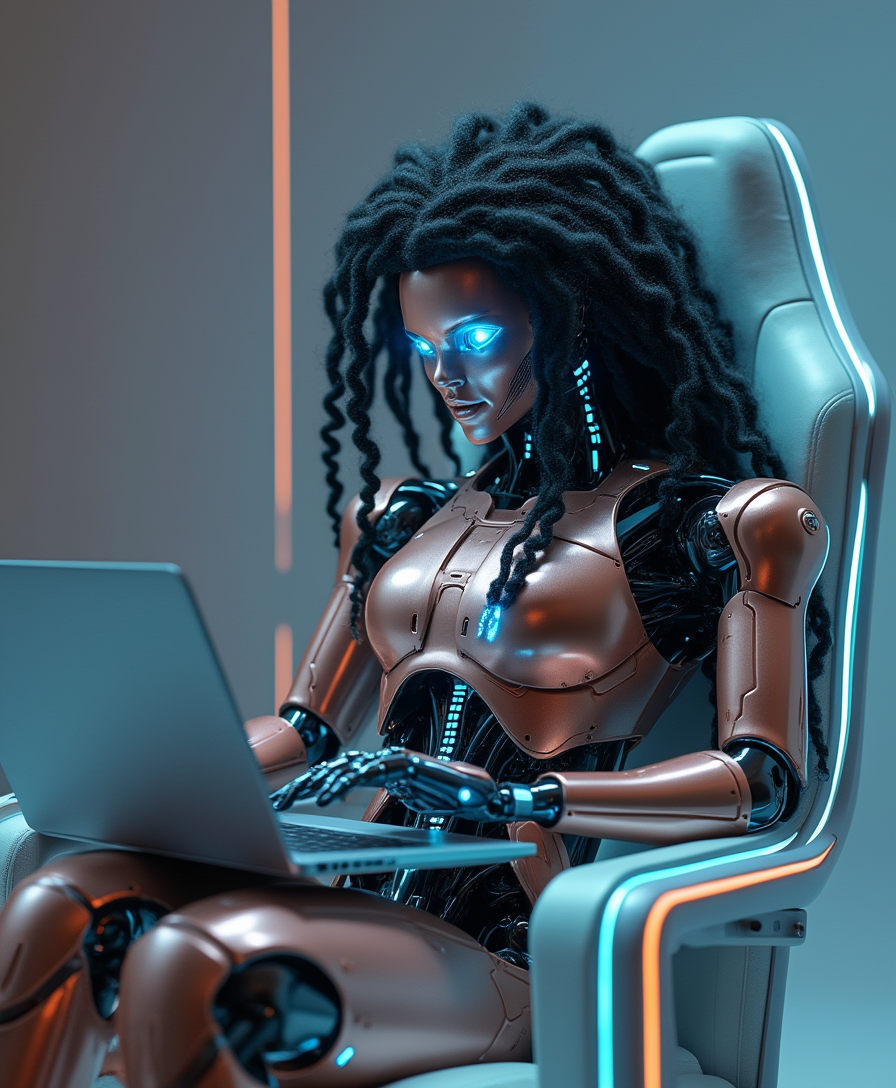
A highly detailed
stable-diffusion

A poised female AI assistant in a minimalist white suit
flux
Models you can run on PixelDojo for Akool AI
Switch models without switching tools. Each one runs in the same PixelDojo studio.
What you can do with Akool AI on PixelDojo
Text to Video Generation
We generate video clips from text prompts using Akool AI.
Image to Video Conversion
Creators upload images and add motion with Akool AI.
Video Style Application
We apply selected visual styles to video output.
Clip Length Adjustment
Creators set duration parameters for generated videos.
Why Choose Pixel Dojo for Akool AI
Professional-quality results with cutting-edge AI technology
Create character swaps without changing tools
Akool AI is widely associated with face swap and avatar video, which makes it useful for quick visual edits, social content, localization tests, and brand concepts. PixelDojo approaches the same creative need with character-swap workflows that let you preserve a person, character, or visual identity across different scenes, styles, and video concepts while staying inside one studio environment.
Move from avatar clips to full visual stories
Akool is a strong fit when you need a direct avatar or face replacement workflow. PixelDojo adds a broader production path, so you can generate source images, refine character references, create talking avatars, build cinematic shots, and iterate across image and video models for ads, shorts, explainers, music visuals, and concept films.
Use a multi-model workspace instead of a single-tool workflow
Many people search for Akool AI because they want one specific outcome, such as swapping a face or animating a speaker. PixelDojo is designed for users who want more than one route to a result, with access to multiple flagship models, prompt workflows, reference controls, upscaling, image generation, and video generation in a unified creative workspace.
How It Works
PixelDojo helps you turn an Akool AI search into a practical creation workflow for swaps, avatars, and cinematic video.
Choose the workflow
Start with the outcome you want: a character swap, a talking avatar, a cinematic shot, a social video, or a visual concept. PixelDojo guides you toward the right type of model and input format for the result, whether you are working from text, images, references, or existing creative assets.
Add prompts and references
Upload reference images when identity, style, wardrobe, or character consistency is important, then write a clear prompt describing the setting, action, camera feel, and desired tone. For best results, use high quality images, avoid cluttered source material, and keep prompts specific about what should stay consistent.
Generate, compare, and refine
Run generations across the selected workflow, review the strongest outputs, then adjust the prompt, reference strength, framing, or model choice. PixelDojo makes iteration central to the process, so you can move from a rough idea to a polished avatar clip, swap concept, or cinematic sequence.
Loved by creators on PixelDojo
Real feedback from people using PixelDojo, pulled from our in-product surveys.
ease of use, variety of tools, high quality trainings, and a well-maintained discord channel
Ease of use, friendliness and support of the owner, continued innovation.
it is an amazing site to create a pics and vids for those who don't have the hardware themselves
good tools in one place
Prompt updates, strong features, and a community that is always willing to help and hear/act on professional feedback. I've never had a better experience.
user friendly all in one thing
Explore more AI tools on PixelDojo
AI Tools
Compare & Switch
- Best AI Image Generators
- Best AI Video Generators
- Midjourney Alternatives
- Civitai Alternatives
- Runway Alternatives
- Leonardo Alternatives
- Pika Alternatives
- Luma Alternatives
- Magnific Alternatives
- Veo Alternatives
- Flux Alternatives
- Freepik Alternatives
- Seedance Alternatives
- Seedream Alternatives
- Pixverse Alternatives
- GPT Image Alternatives
- Synthesia Alternatives
- Playground Alternatives
- NightCafe Alternatives
- Canva AI Alternatives
- ElevenLabs Alternatives
- ComfyUI Alternatives
- Fal Alternatives
- Replicate Alternatives
Common Questions
Everything you need to know about Akool AI
What is Akool AI?
Akool AI is an AI content creation platform known for face swap, avatar video, talking photo, image generation, and business oriented video tools. It is often used for marketing content, social clips, localization ideas, virtual presenters, and creative experiments where a person or character needs to appear in a new visual context.
Can I use Akool AI on PixelDojo?
PixelDojo is a separate creative studio and should be treated as a multi-model alternative for many Akool-style tasks. You can use PixelDojo to create character swaps, talking avatars, image concepts, and cinematic videos, but PixelDojo does not represent Akool AI or claim to be the Akool platform unless a specific integration is clearly listed in the app.
How much does Akool AI cost on PixelDojo?
Akool AI pricing and PixelDojo pricing are separate. PixelDojo uses its own plans, credits, or access rules as shown on the current PixelDojo pricing page or inside your account, so the best way to confirm cost is to check the live pricing before you generate.
What is the best Akool AI alternative?
The best alternative depends on what you want to make. If your main goal is face swap or avatar video, Akool AI is a relevant option. If you want a broader creative studio with character-swap workflows, talking avatars, image generation, cinematic AI video, and access to multiple leading models, PixelDojo is a strong multi-model alternative.
Is Akool AI free to try?
Akool AI may offer trials, free credits, or limited access depending on its current policies, but those details can change. PixelDojo may also provide trial access or entry plans, so check the current PixelDojo pricing and account pages for the latest available options.
What can I make with Akool AI?
Akool AI is commonly used for face swaps, avatar videos, talking photos, localized marketing content, social media assets, and virtual presenter clips. In PixelDojo, you can create similar categories of content while also expanding into character design, style frames, cinematic video shots, product visuals, concept art, thumbnails, and campaign creative.
How do I get the best results?
Use clear, high resolution reference images with visible faces or characters, avoid heavy blur or harsh shadows, and describe the scene with specific details about pose, expression, lighting, camera angle, and style. For video, begin with a short focused concept, review multiple outputs, then refine one variable at a time so you can see which prompt or reference change improves the result.