alibaba wan AI Generator
Generated on PixelDojo. Produced by PixelDojo's generation pipeline.
You can transform your creative ideas into professional, high-converting images that match your exact vision using Alibaba WAN on PixelDojo. Design e-commerce product shots with locked-in brand colors, build entire campaigns around consistent characters, or produce marketing visuals packed with crisp readable text – all without photoshoots or lengthy editing sessions. PixelDojo puts Alibaba WAN 2.7, WAN Image and WAN 2.6 directly in your browser so you achieve studio-quality results in minutes. Generate a full set of matching product angles, craft lifelike portraits with custom facial details, or create infographics that look print-ready. These outcomes used to require expensive production teams; now you deliver them yourself while thousands of creators already rely on PixelDojo’s 40+ cutting-edge AI tools. Cancel anytime and start seeing the difference in your next campaign today.
Real video examples generated on PixelDojo
Every example below was produced on PixelDojo. Hover to see the prompt.
A machine walking
image-to-video
alibaba wan on PixelDojo
image-to-video
A nano banana
image-to-video
Your message
p-video-avatar
Ape is washing dishes
image-to-video
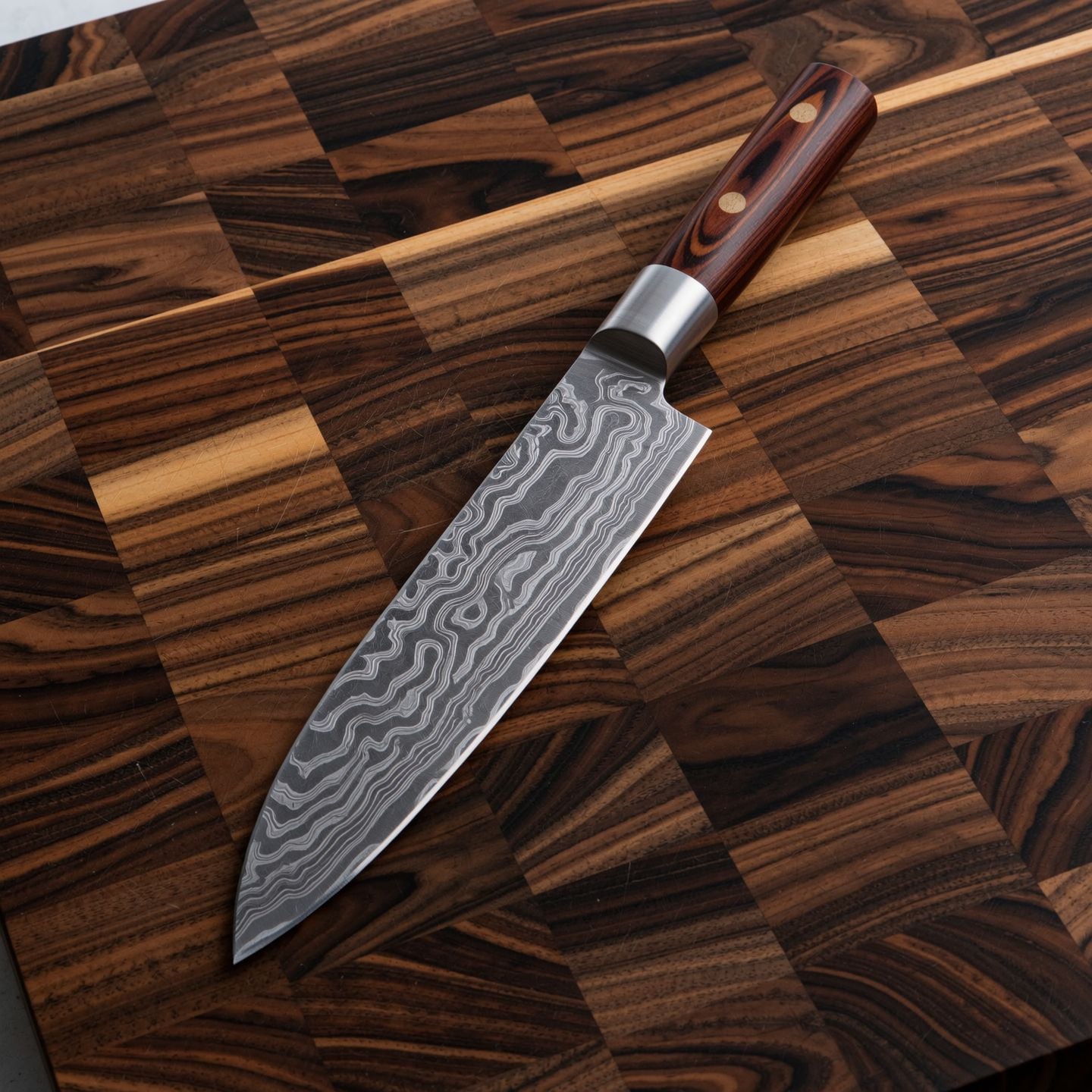
Wi-product
image-to-image
Models you can run on PixelDojo for alibaba wan
Switch models without switching tools. Each one runs in the same PixelDojo studio.
What you can do with alibaba wan on PixelDojo
Text to Video
We host Alibaba Wan so you can turn a written prompt into a short video clip on PixelDojo. You stay in one workspace from idea to generated footage.
Image to Video
We take a still you upload and run it through Wan to add motion. That helps you extend a keyframe or product shot into a moving scene.
Iterate in One Place
We keep prompts, seeds, and prior Wan outputs together so you can refine a clip without switching tools. Compare versions and reuse what already works.
Download and Reuse
We let you export generated videos in common formats for editors and social posts. Use the files in your own pipeline after they finish on PixelDojo.
Loved by thousands of creators worldwide who generate professional images daily. 40+ cutting-edge AI tools including WAN 2.7 and WAN Image. Cancel anytime – join the community producing high-converting visuals.
Why Choose Pixel Dojo for alibaba wan
Professional-quality results with cutting-edge AI technology
Lock in Exact Brand Colors Instantly
You enter HEX codes or extract palettes from references inside WAN 2.7 and receive images that match your brand guidelines perfectly, eliminating color mismatches that kill conversions in e-commerce and ads.
Build Consistent Characters Across Entire Campaigns
You generate up to 12 matching images of the same person, product or mascot with WAN Image and WAN 2.7, giving you ready-to-use storyboards, social sequences and character sheets that stay on-brand every time.
Deliver Print-Quality Text and Complex Layouts
You produce infographics, menus, ads and educational graphics with accurate multilingual text, formulas and tables using WAN 2.7, so your visuals look professional enough to print or publish immediately.
How It Works
You create professional Alibaba WAN images on PixelDojo in three straightforward steps that put precision control in your hands without any technical setup.
Step 1: Choose Your Tool
Open PixelDojo’s Generate Images section and select WAN 2.7 for thinking-mode precision and 4K hero shots or WAN Image for fast everyday production. Both sit alongside WAN 2.6 so you pick the exact capability your project needs.
Step 2: Enter Your Prompt
Describe the scene in natural language, add HEX color codes such as #1E90FF, upload up to nine reference images for identity lock, and turn on thinking mode so WAN 2.7 plans composition, lighting and layout before generating. Specify camera angle and lighting for cinematic results.
Step 3: Customize & Download
Generate multiple variants at once, refine with PixelDojo’s Image to Image, Inpainting or Style Transfer tools, then download 4K files ready for your store, social feed or print campaign. Your images stay consistent across the entire set.
The Pixel Dojo Advantage
Why PixelDojo outperforms other options for Alibaba WAN image generation
| Others | Pixel Dojo |
|---|---|
| Traditional photography and design | You skip costly photoshoots, location scouting and hours of retouching; WAN 2.7 and WAN Image deliver unlimited professional variations with exact colors and character consistency in minutes. |
| Generic AI tools | You get dedicated Alibaba WAN models with native HEX palette control, 12-image sequential generation and print-quality text rendering that generic platforms simply do not offer. |
| Manual photo editing | You produce complex multi-angle sets, lighting changes and layout variations instantly instead of spending hours in editing software, then refine further with PixelDojo’s built-in Inpainting and Background Remover. |
Loved by creators on PixelDojo
Real feedback from people using PixelDojo, pulled from our in-product surveys.
Very eay to use, works well to train SDXL loras.
The amazing tools
Top notch quality and strong prompt adherence.
A well resourced sunscription with attention to updates.
Easy to use and there's lots of options.
super lora download
Explore more AI tools on PixelDojo
AI Tools
Compare & Switch
- Best AI Image Generators
- Best AI Video Generators
- Midjourney Alternatives
- Civitai Alternatives
- Runway Alternatives
- Leonardo Alternatives
- Pika Alternatives
- Luma Alternatives
- Magnific Alternatives
- Veo Alternatives
- Flux Alternatives
- Freepik Alternatives
- Seedance Alternatives
- Seedream Alternatives
- Pixverse Alternatives
- GPT Image Alternatives
- Synthesia Alternatives
- Playground Alternatives
- NightCafe Alternatives
- Canva AI Alternatives
- ElevenLabs Alternatives
- ComfyUI Alternatives
- Fal Alternatives
- Replicate Alternatives
Common Questions
Everything you need to know about alibaba wan
How do I generate Alibaba WAN images with exact brand colors on PixelDojo?
Select WAN 2.7, type your prompt and include specific HEX codes such as “packaging in #FF5733 coral with #2C3E50 accents.” You can also upload a brand-guideline image as a reference. PixelDojo’s WAN 2.7 locks the palette so every generated image matches your guidelines perfectly, ready for e-commerce or ads. 40+ tools let you iterate instantly and cancel anytime.
Can I create consistent characters across multiple Alibaba WAN images?
Yes. WAN Image and WAN 2.7 let you generate up to 12 sequential images of the same character or product while preserving identity, clothing and style. Upload one or more reference photos, describe the scenes, and PixelDojo returns a cohesive set you can use for storyboards, social campaigns or character sheets. Combine with Consistent Characters and Character Sheets tools for even tighter control.
What is thinking mode in WAN 2.7 and how does it help my images?
Thinking mode is WAN 2.7’s built-in reasoning step that plans composition, lighting, subject placement and logic before pixels are generated. You simply toggle it on inside PixelDojo; the model then produces more coherent, professional results especially for complex layouts, group portraits and product scenes. It is available on both Standard and Pro tiers so you get better images without extra effort.
What resolutions and aspect ratios can I achieve with Alibaba WAN on PixelDojo?
WAN 2.7 Pro supports up to 4K (4096×4096) for text-to-image while WAN Image and WAN 2.6 deliver crisp 2K output. You choose from cinematic 16:9, vertical 9:16, square 1:1 and traditional photo ratios. All files download at print-ready quality so you can use them on websites, social media or physical packaging immediately.
Is Alibaba WAN good for e-commerce product images and marketing?
Absolutely. You generate photorealistic product shots from every angle, lock brand colors with HEX codes, add accurate on-image text and keep the same product identity across an entire campaign. PixelDojo’s WAN 2.7 plus Image to Image and Background Remover tools let you create complete product catalogs and ad sets in one sitting, loved by thousands of sellers who cancel anytime if it does not fit.
How do I get started with the WAN Image generator on PixelDojo?
Sign in, go to Generate Images, choose WAN Image or WAN 2.7, write a detailed prompt, add optional references and click generate. Your first images appear in seconds. Explore 40+ additional tools such as Flux.2 Studio, Inpainting and Character Stylist in the same account. Thousands of creators already produce professional work this way – try it today and cancel anytime.