anime photo editor online
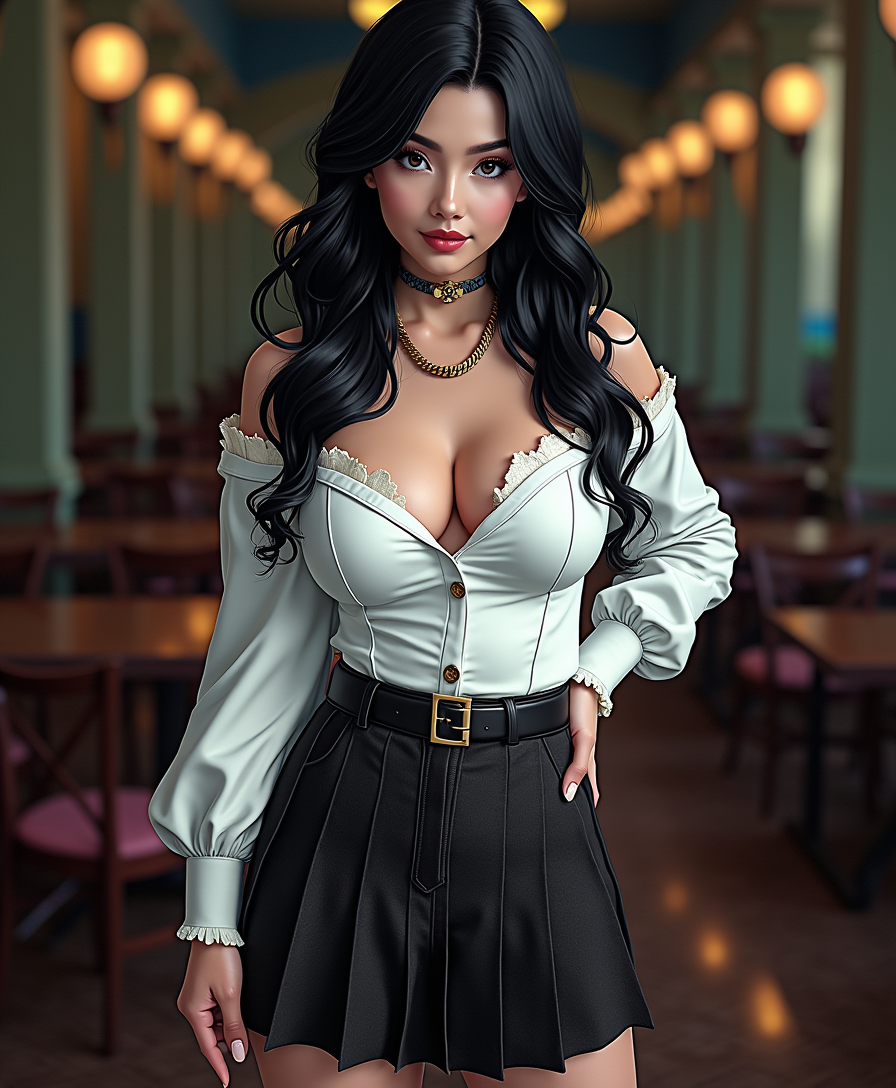
Generated on PixelDojo. Produced by PixelDojo's generation pipeline.
Ever wondered how you'd look as an anime character? With PixelDojo's AI-powered anime photo editor, you can effortlessly transform your photos into captivating anime-style artworks. Whether you're looking to create a unique profile picture, enhance your social media presence, or simply explore your creativity, our tools make it easy and fun.
Real image examples generated on PixelDojo
Every example below was produced on PixelDojo. Hover to see the prompt.
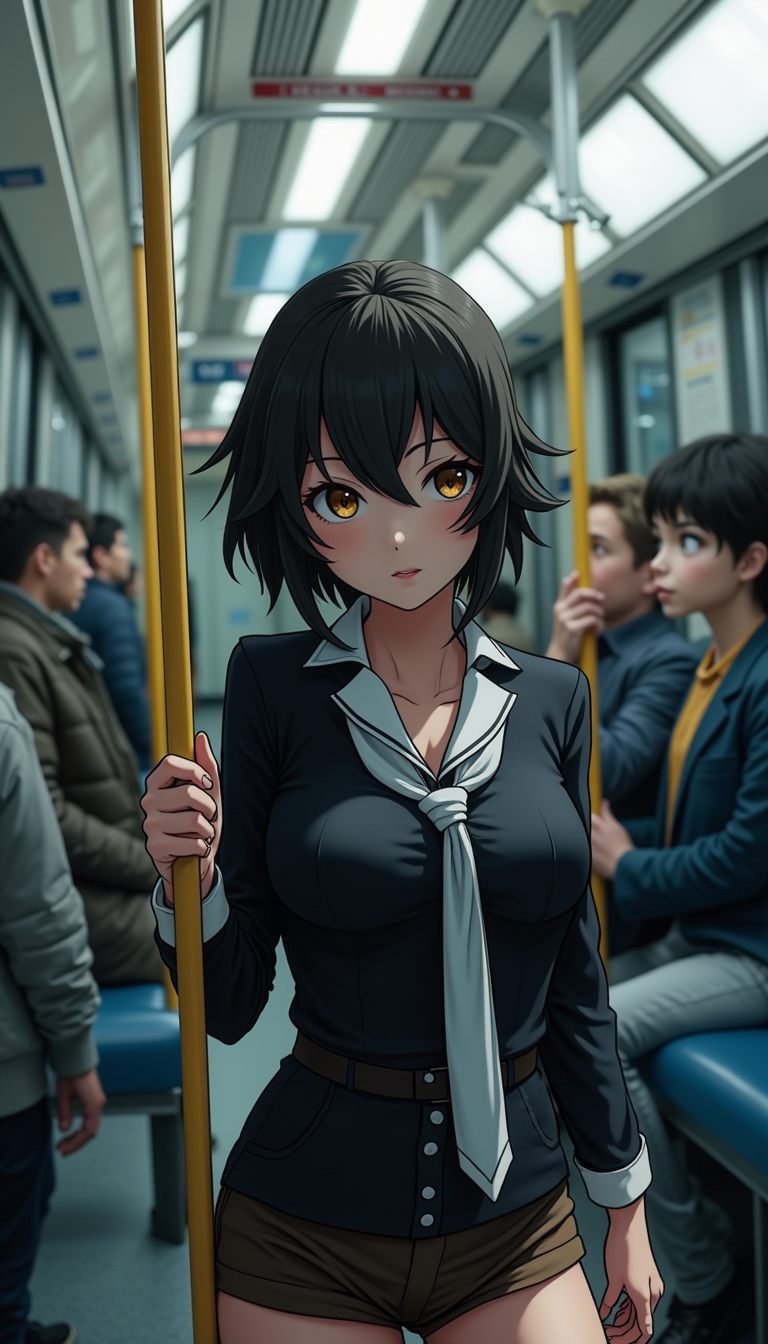
Anime character
flux
Anime character
flux
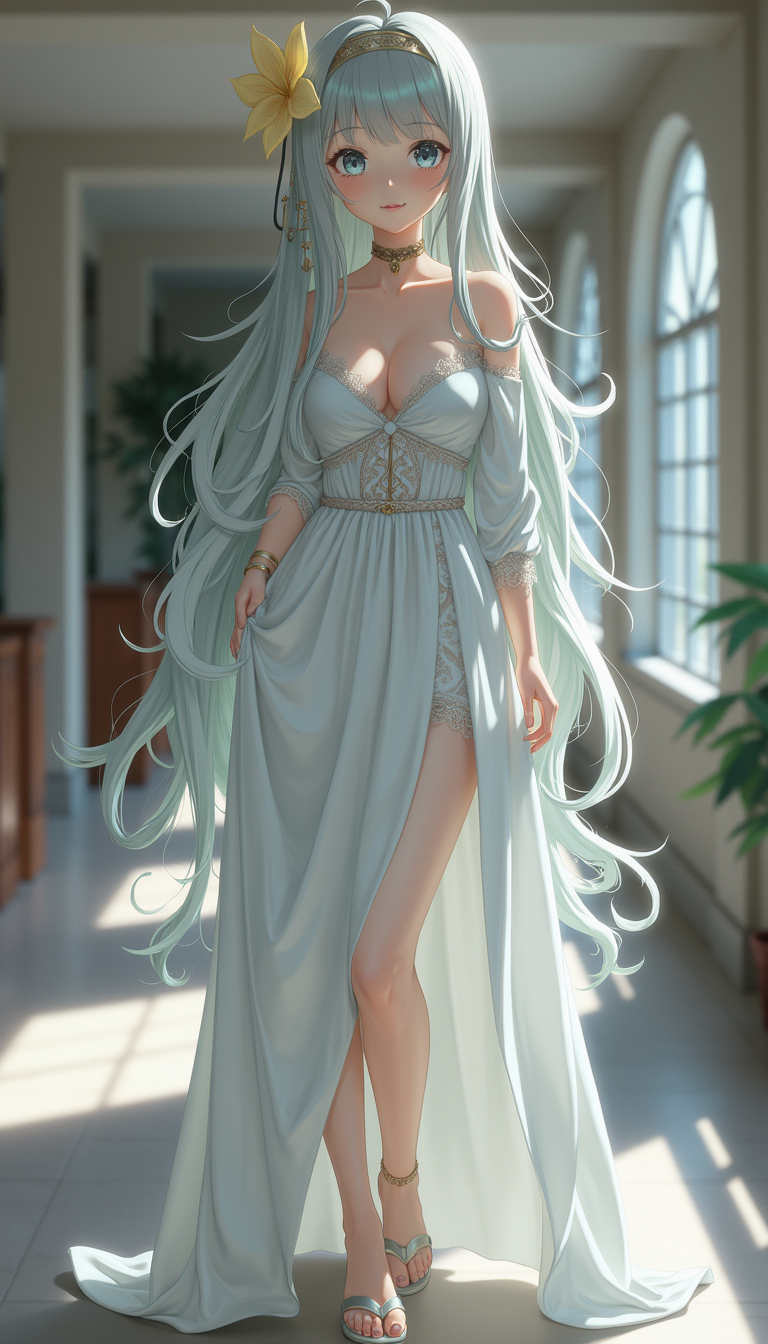
Anime character
flux
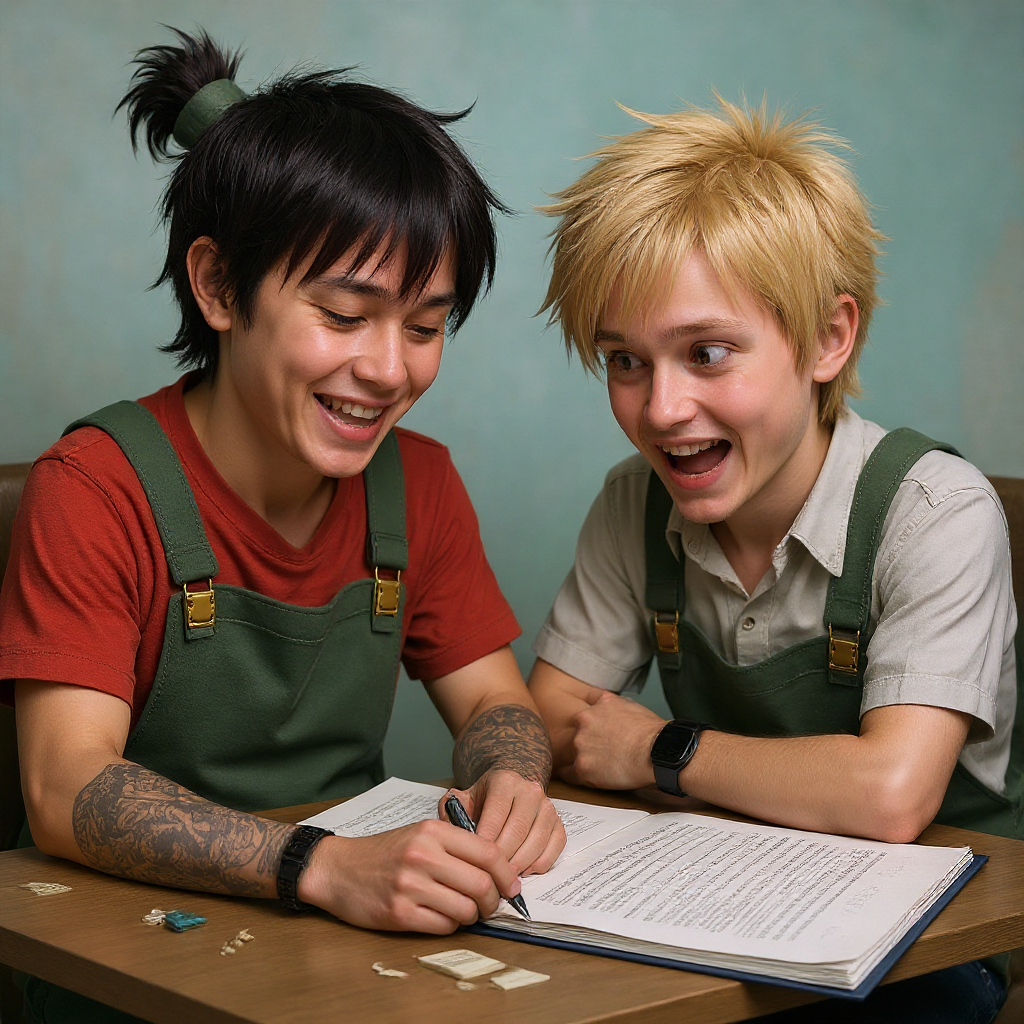
Make the characters photo realistic edit
flux-studio
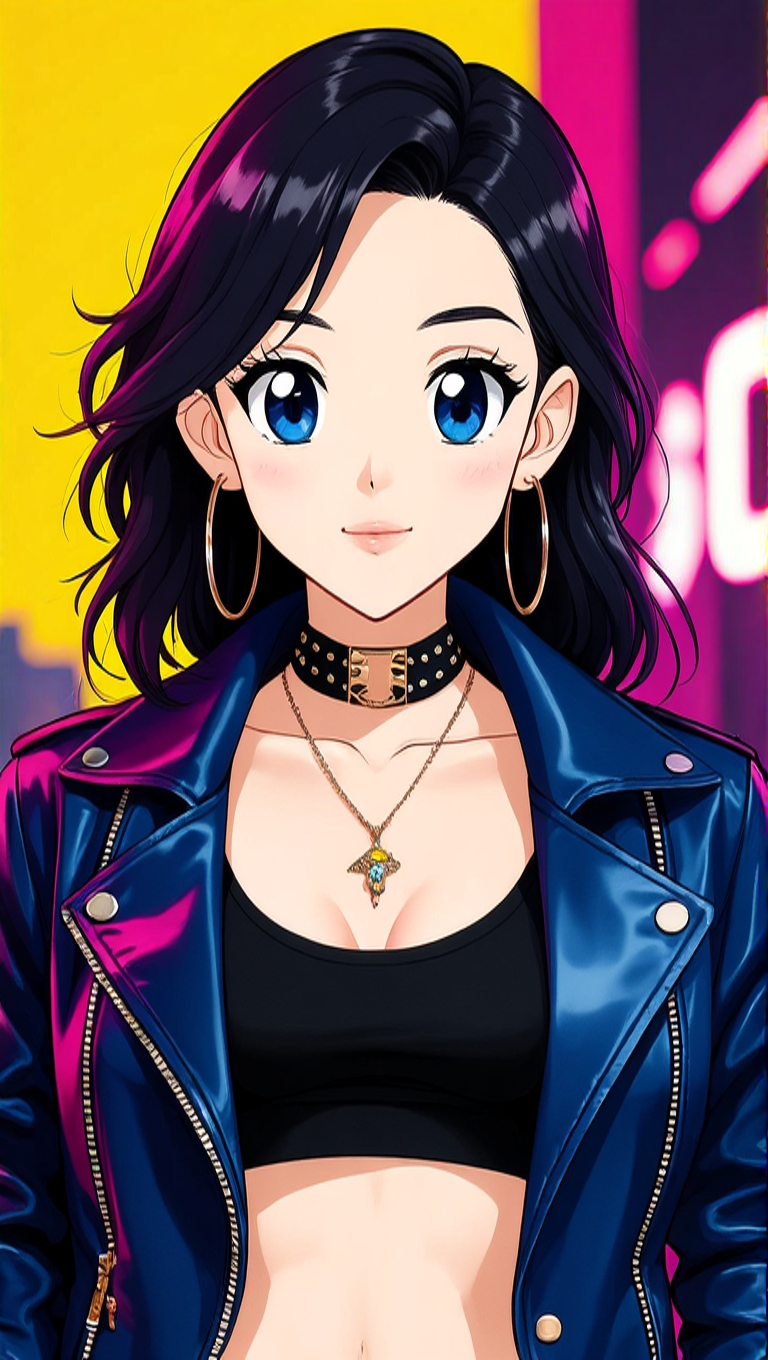
Make her look like an anime character edit
hidream
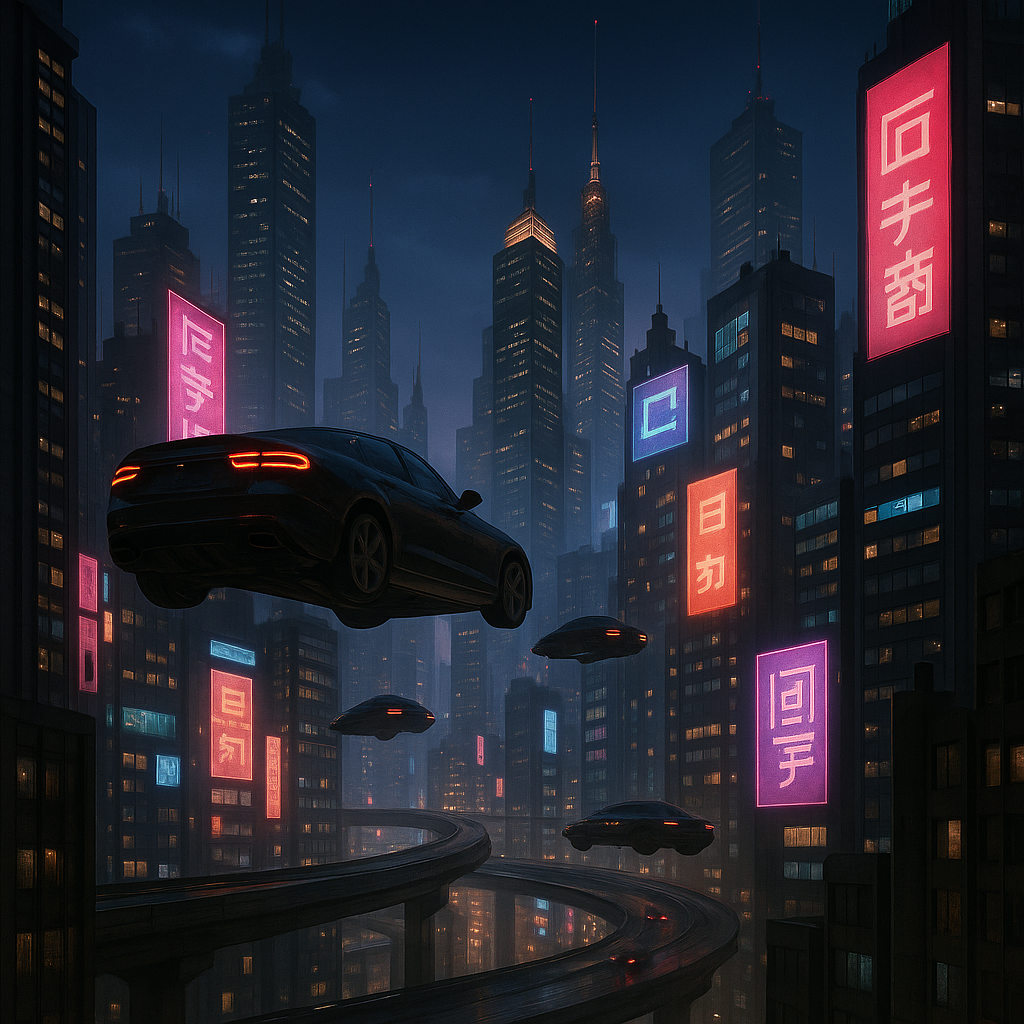
Make it photo realistic edit
stable-diffusion
Models you can run on PixelDojo for anime photo editor online
Switch models without switching tools. Each one runs in the same PixelDojo studio.
What you can do with anime photo editor online on PixelDojo
Upload Photos for Anime Style
We transform uploaded photos into anime versions with consistent character features.
Create Anime with Prompts
Enter text descriptions and we generate anime images based on those inputs.
Refine Generated Anime Images
We let creators make targeted edits to colors, poses, and details.
Export Anime Artwork Easily
Download finished anime images in common formats for further use or sharing.
Join over 10,000 creators who have generated more than 1 million images using PixelDojo's AI tools. Rated 4.8/5 by our satisfied users.
Why Choose Pixel Dojo for anime photo editor online
Professional-quality results with cutting-edge AI technology
Effortless Transformation
Convert your photos into anime art with just a few clicks, no design skills needed.
High-Quality Results
Generate stunning, high-resolution anime images that capture intricate details.
Versatile Applications
Use your anime-style images for avatars, social media content, or personalized gifts.
How It Works
Creating anime-style images with PixelDojo is simple and intuitive. Follow these steps to bring your photos to life:
Step 1: Choose Your Tool
Select from PixelDojo's suite of AI image generation tools, such as Flux Creator or Imagen 4, to begin your creation.
Step 2: Upload Your Photo
Upload the photo you want to transform into an anime-style image.
Step 3: Customize & Download
Adjust the generated image to your liking using customization options, then download the final product.
The Pixel Dojo Advantage
Why PixelDojo outperforms other options for anime image generation:
| Others | Pixel Dojo |
|---|---|
| Traditional Photo Editing | Eliminates the need for manual editing skills, making anime-style transformations accessible to everyone. |
| Generic AI Tools | Offers specialized tools tailored for anime-style image generation, ensuring more accurate and appealing results. |
| Manual Illustration | Significantly reduces the time and effort required to produce high-quality anime images. |
Loved by creators on PixelDojo
Real feedback from people using PixelDojo, pulled from our in-product surveys.
I really like the schedule of AI work performed!
The best tools for IA on the web !
The guy that operates the website is constantly updating it
I’ve been using PixelDojo for around 8 months now and it’s always worked wonderfully while constantly adding features.
The site is easy to navigate and use.
All the tools, readily available and easy to understand
Explore more AI tools on PixelDojo
AI Tools
Compare & Switch
- Best AI Image Generators
- Best AI Video Generators
- Midjourney Alternatives
- Civitai Alternatives
- Runway Alternatives
- Leonardo Alternatives
- Pika Alternatives
- Luma Alternatives
- Magnific Alternatives
- Veo Alternatives
- Flux Alternatives
- Freepik Alternatives
- Seedance Alternatives
- Seedream Alternatives
- Pixverse Alternatives
- GPT Image Alternatives
- Synthesia Alternatives
- Playground Alternatives
- NightCafe Alternatives
- Canva AI Alternatives
- ElevenLabs Alternatives
- ComfyUI Alternatives
- Fal Alternatives
- Replicate Alternatives
Common Questions
Everything you need to know about anime photo editor online
How does PixelDojo's anime photo editor work?
PixelDojo utilizes advanced AI models to transform your photos into anime-style images. Simply upload your photo, and our tools will generate the anime version for you.
Do I need any design experience to use PixelDojo?
No, PixelDojo is designed for users of all skill levels. Our intuitive interface allows anyone to create stunning anime images without prior design experience.
Can I customize the generated anime images?
Yes, after generating an image, you can use our customization options to adjust various aspects to match your vision.
What types of photos work best with PixelDojo's anime editor?
Clear and well-lit photos, such as portraits or simple backgrounds, yield the best results when transformed into anime-style images.
Is PixelDojo's anime photo editor free to use?
PixelDojo offers various subscription plans to suit different needs, with options for unlimited image generation.
How does PixelDojo ensure the quality of generated images?
PixelDojo employs state-of-the-art AI models and continuous optimization to deliver high-resolution, detailed images that meet professional standards.