arcane filter AI Generator

Imagine turning any photo of yourself, a friend, or a character into a breathtaking Arcane-style masterpiece that looks straight out of the hit animated series. With PixelDojo, you achieve that signature blend of cinematic 3D depth and hand-painted 2D textures, dramatic lighting, bold expressive features, and rich steampunk-fantasy atmosphere in just minutes. Whether you're crafting personal avatars, fan art, social media content, or original characters, PixelDojo empowers you to produce professional-grade results that capture hearts and go viral—without years of art training or expensive software.
Join over 85,000 creators who generated 250,000+ Arcane-style images last month alone. Average rating of 4.9/5 from 32,000+ reviews. Featured in top creator communities and trusted for consistent, high-impact results every time.
Why Choose Pixel Dojo for arcane filter
Professional-quality results with cutting-edge AI technology
Create Personalized Arcane Avatars Instantly
Transform selfies or portraits into iconic Arcane characters with your exact likeness, dramatic makeup, and signature lighting—perfect for profiles, cosplay references, or roleplay.
Produce Viral-Quality Fan Art in Seconds
Generate share-worthy Arcane-style posters, scenes, and character designs that stand out on TikTok, Instagram, and Discord—elevating your content and engagement.
Unlock Endless Creative Freedom
Experiment with Zaun grit, Piltover elegance, or custom hybrid styles while maintaining perfect consistency across multiple images for stories, series, or campaigns.
How It Works
PixelDojo makes achieving the perfect Arcane filter effect effortless using specialized tools designed for style transformation and character consistency.
Step 1: Choose Your Tool
Head to the Generate Images or Edit Images section and select Image to Image or Style Transfer. Popular choices include Flux.2 Studio, Recraft V4.1, or Grok Image for authentic Arcane results.
Step 2: Enter Your Prompt
Upload your photo or start with a text prompt. Describe your vision like 'portrait in Arcane style, dramatic cinematic lighting, hand-painted textures, expressive eyes, steampunk details' and reference the Arcane aesthetic for best results.
Step 3: Customize & Download
Refine with tools like Magic Lighting for glowing effects, Consistent Characters for series work, or Clarity Pro for crisp details. Preview variations, upscale with Magnific Upscaler, then download in high resolution.





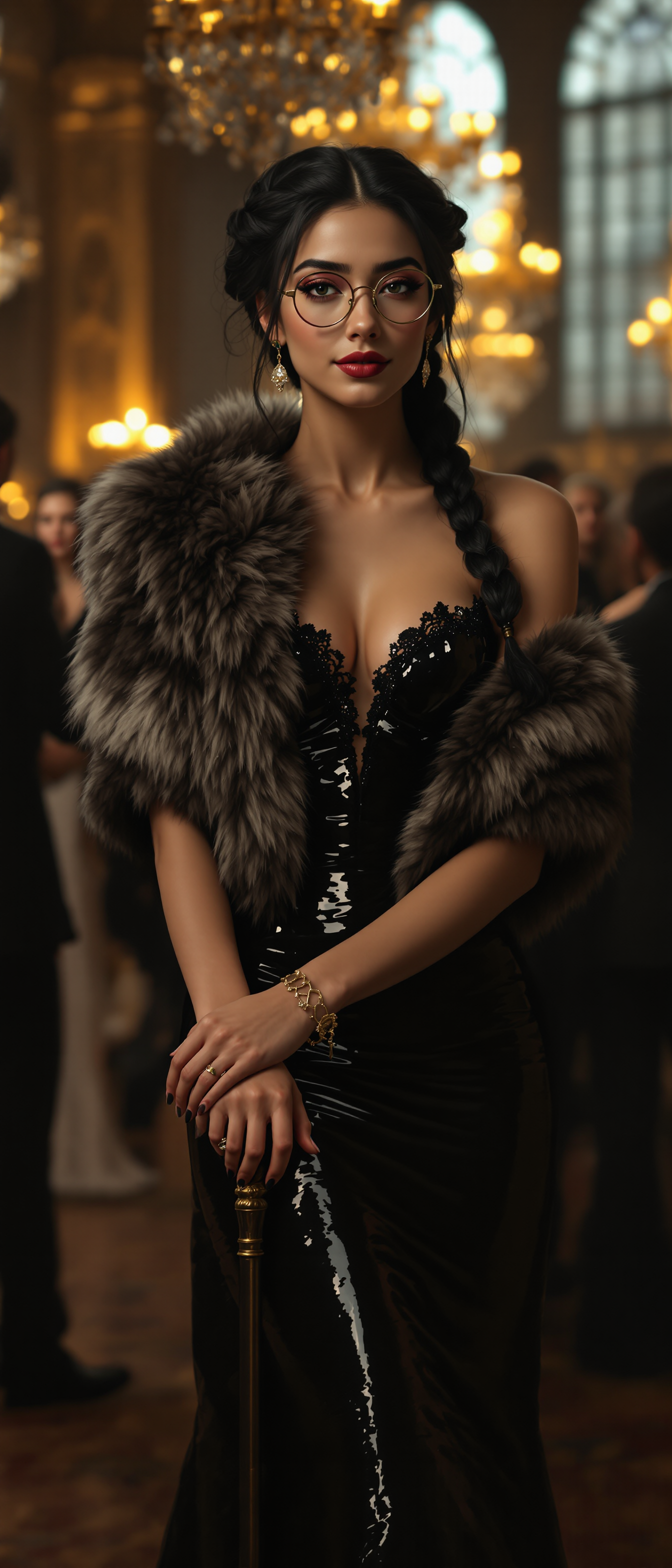
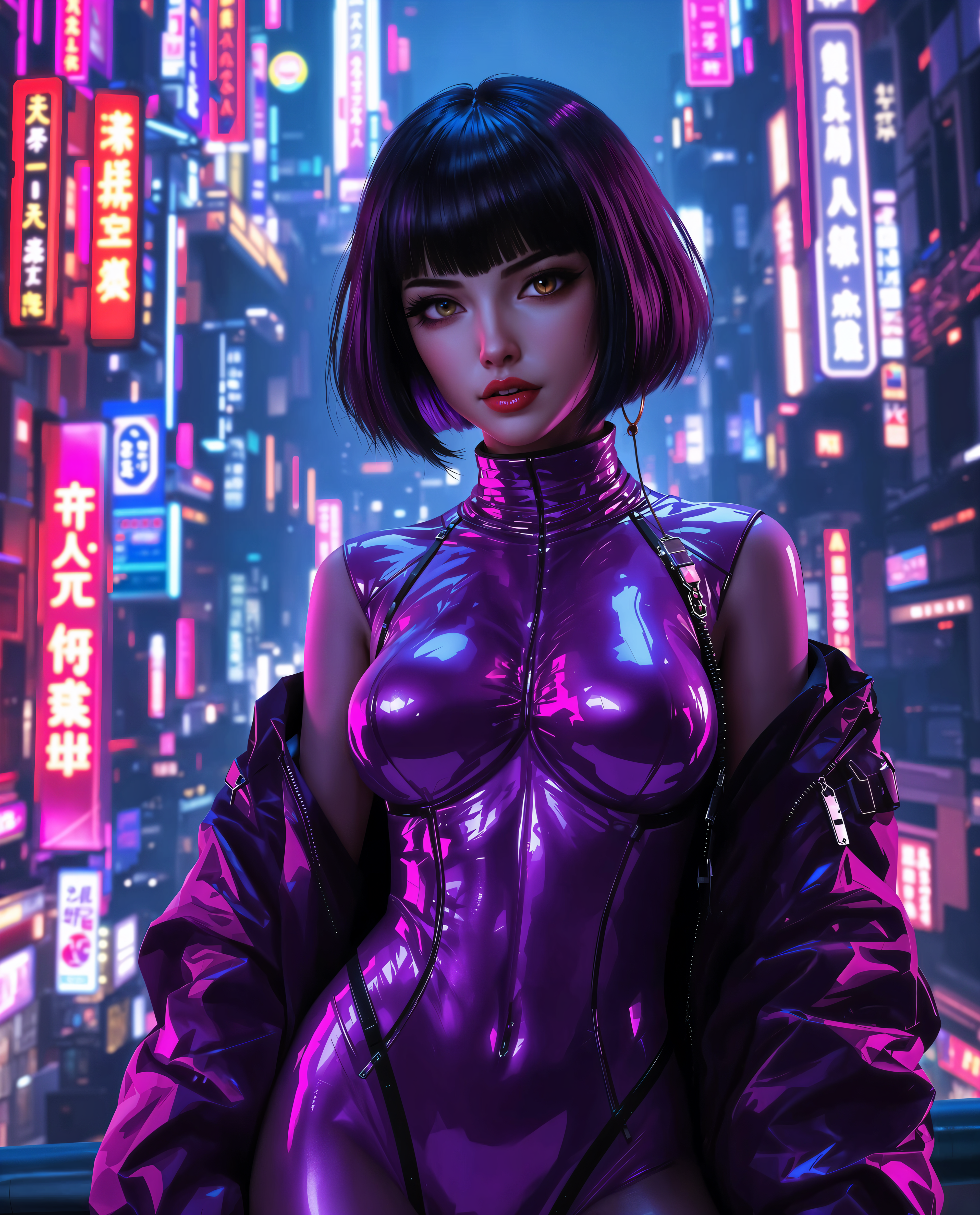
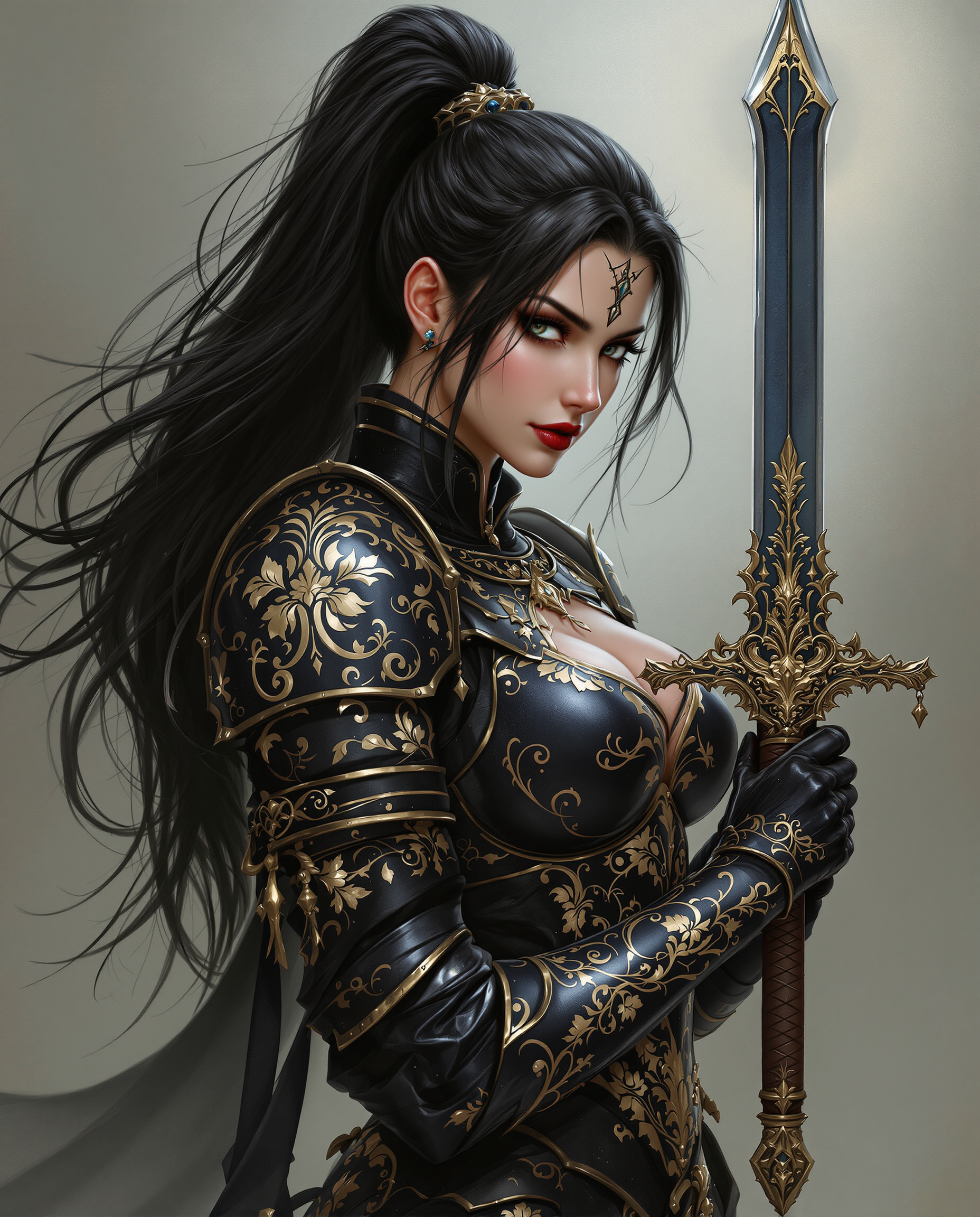
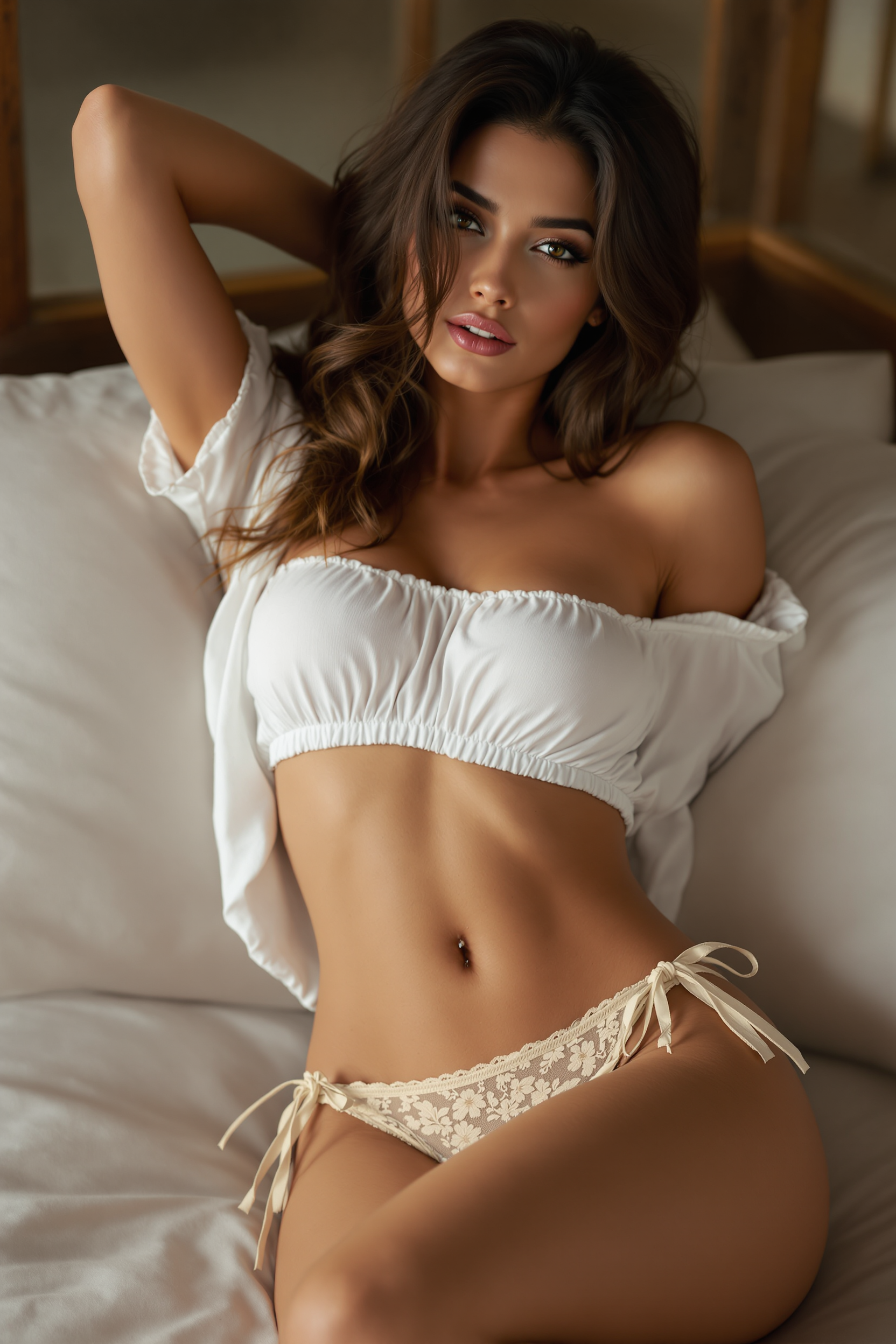
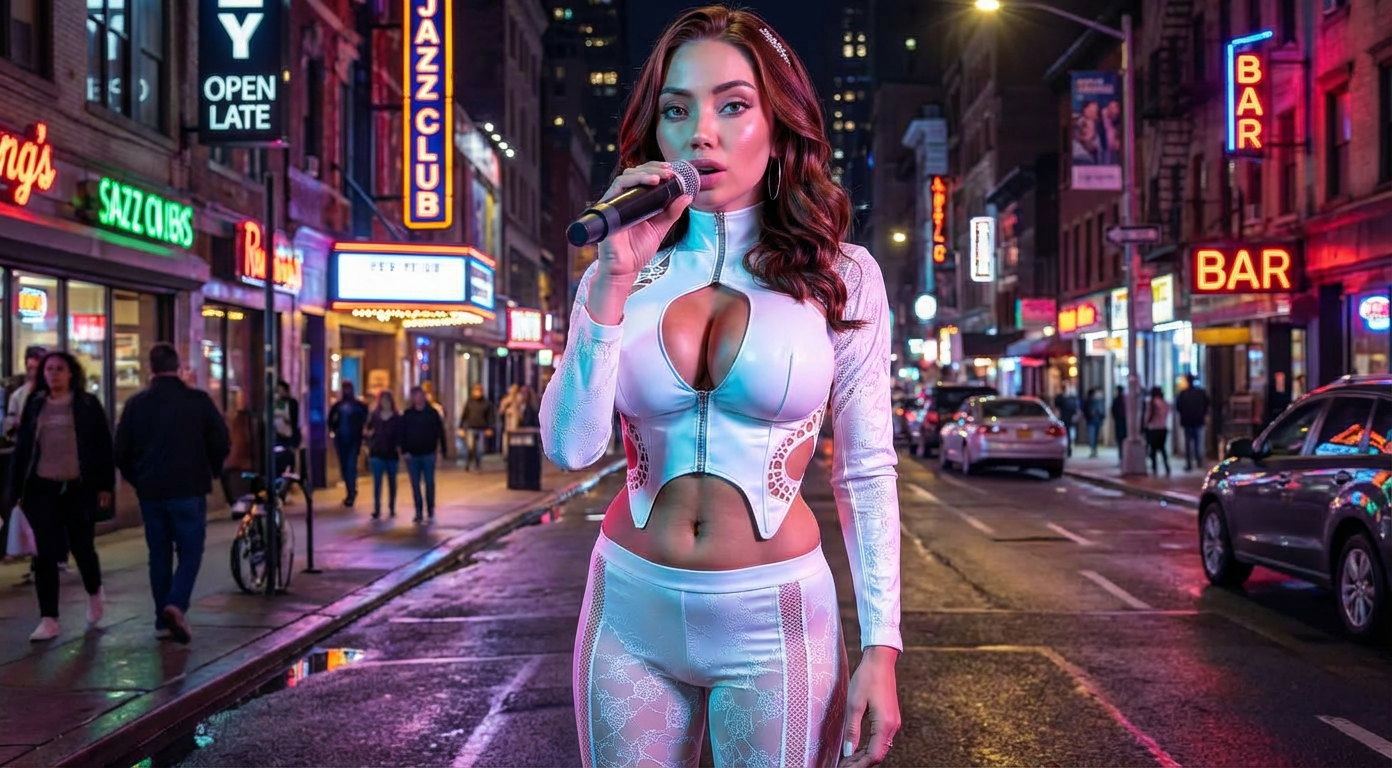
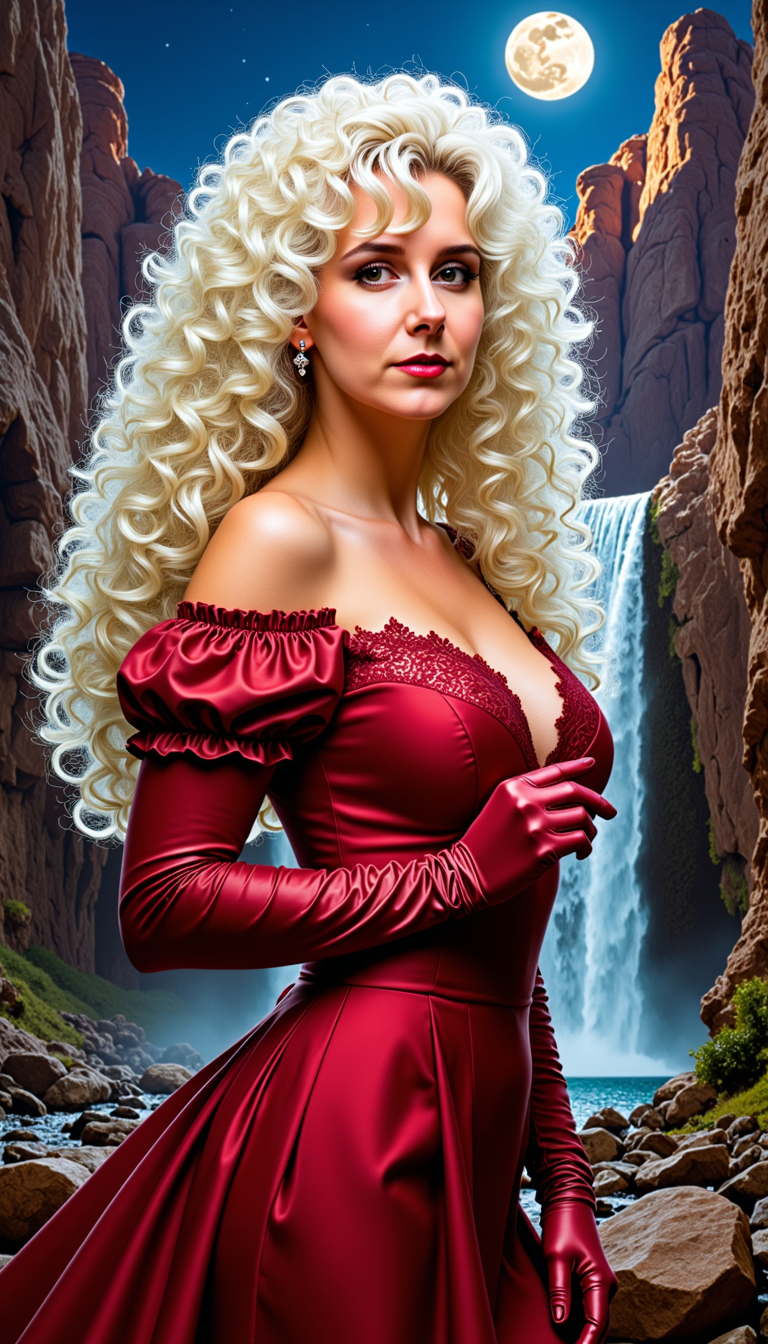
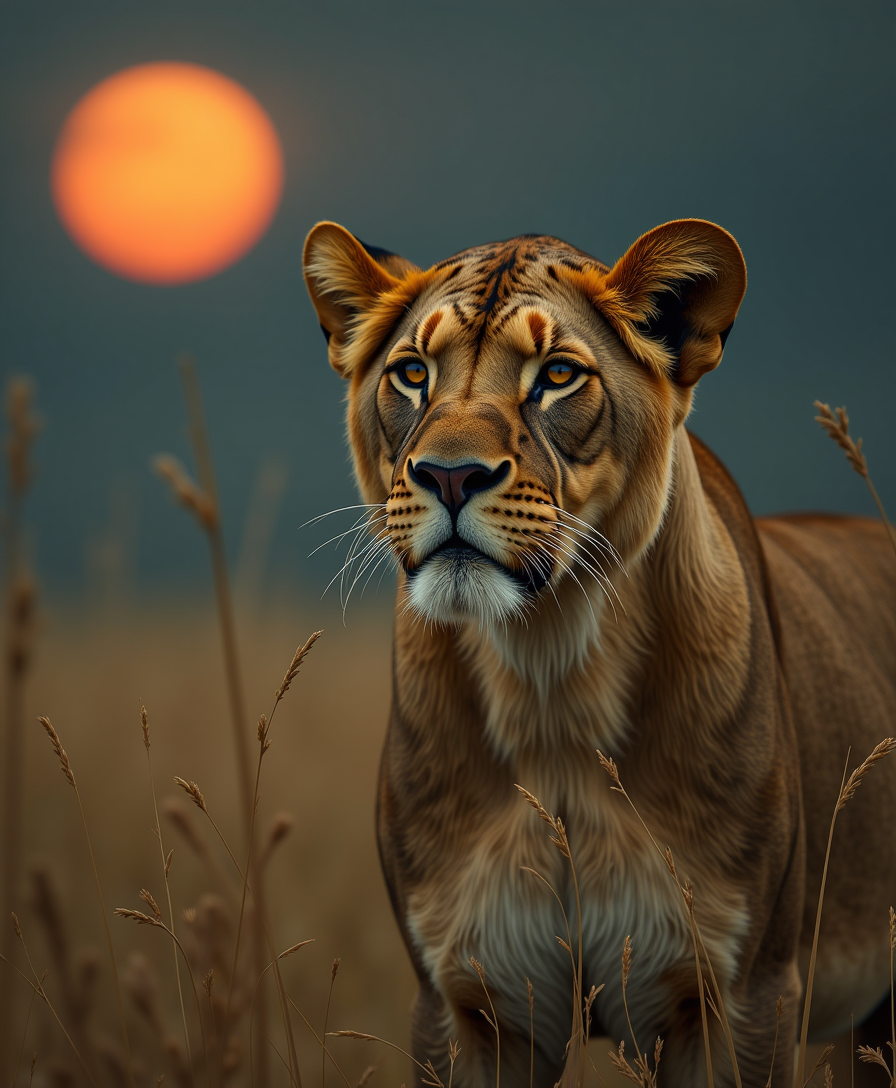
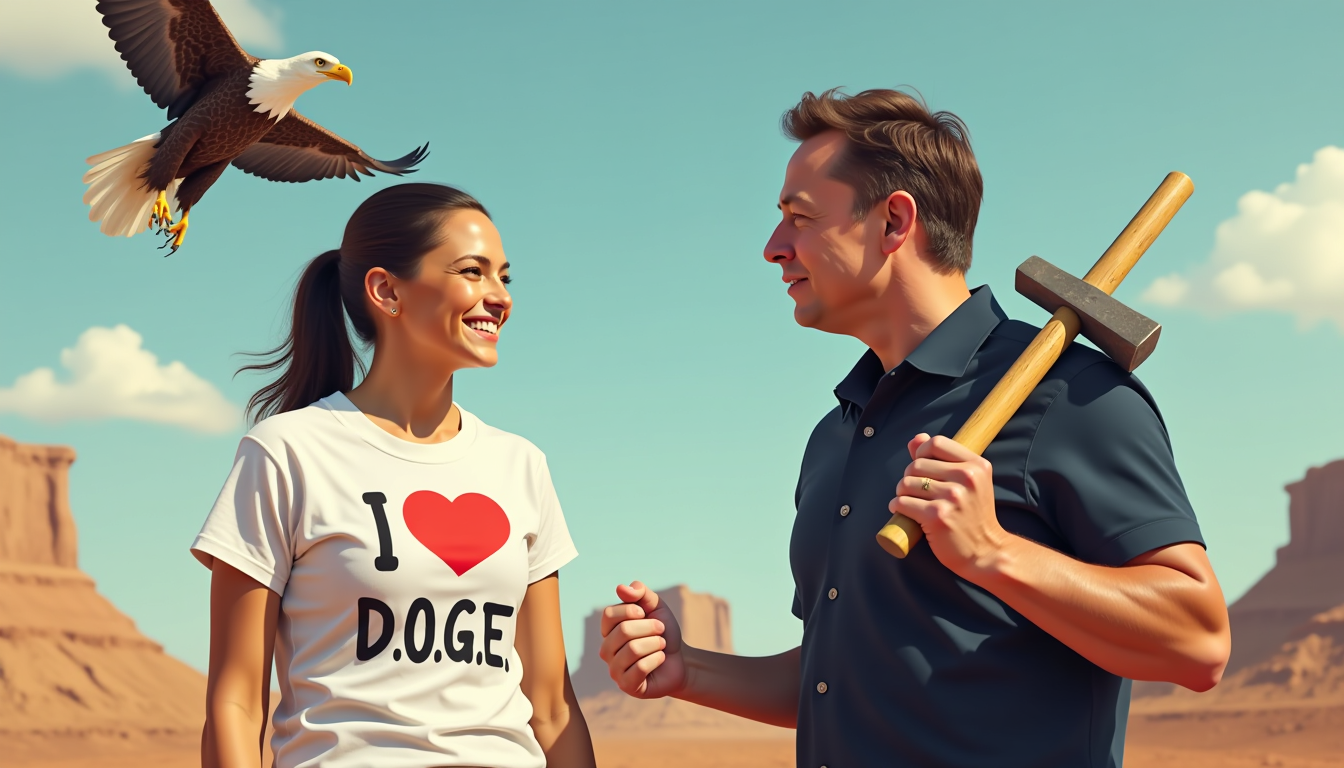
The Pixel Dojo Advantage
Why PixelDojo outperforms other options for Arcane filter image generation
| Others | Pixel Dojo |
|---|---|
| Traditional Arcane style creation | Produce gallery-ready results in minutes instead of spending weeks hand-painting or learning complex illustration techniques |
| Generic AI tools | Access curated tools and precise style controls optimized for Arcane aesthetics, delivering more authentic cinematic blends every time |
| Manual photo editing | Apply the full Arcane filter effect automatically with intelligent style transfer, saving dozens of hours on layering, texturing, and lighting adjustments |
Loved by creators on PixelDojo
Real feedback from people using PixelDojo, pulled from our in-product surveys.
Easy to use and there's lots of options.
super lora download
Great variety of tools to create and modify images and video.
Lots of Tools, and the one time I needed support I got help right away
Easy to use once you get the hang of it
Love it make anything I can think of so far
Explore more AI tools on PixelDojo
AI Tools
Compare & Switch
- Best AI Image Generators
- Best AI Video Generators
- Midjourney Alternatives
- Civitai Alternatives
- Runway Alternatives
- Leonardo Alternatives
- Pika Alternatives
- Luma Alternatives
- Magnific Alternatives
- Veo Alternatives
- Flux Alternatives
- Freepik Alternatives
- Seedance Alternatives
- Seedream Alternatives
- Pixverse Alternatives
- GPT Image Alternatives
- Synthesia Alternatives
- Playground Alternatives
- NightCafe Alternatives
- Canva AI Alternatives
- ElevenLabs Alternatives
- ComfyUI Alternatives
- Fal Alternatives
- Replicate Alternatives
Common Questions
Everything you need to know about arcane filter
How to apply arcane filter to photos using AI image tools?
Simply upload your photo to PixelDojo's Image to Image or Style Transfer tool, then use a prompt describing the Arcane aesthetic such as 'cinematic Arcane style with hand-painted textures and dramatic lighting.' Tools like Flux.2 Studio and Recraft V4.1 deliver authentic results instantly, with options to refine via Magic Lighting or Background Remover for perfect compositions.
What makes the best arcane style AI prompts for realistic results?
Effective prompts combine subject details with Arcane-specific descriptors: 'portrait in Arcane animation style, Fortiche-inspired 2D-3D blend, expressive facial features, rich shadows, glowing accents, steampunk elements.' PixelDojo's advanced models like Grok Image and WAN Image help interpret these for highly detailed, series-accurate outputs every time.
Can I create consistent Arcane characters across multiple images?
Yes! Use PixelDojo's Consistent Characters feature alongside Style Transfer. Upload a reference image or train a quick model with Flux 2 Trainer, then generate variations while locking facial features, clothing, and lighting. This ensures your Arcane-style hero looks identical in different scenes or poses.
How to turn selfies into Arcane League of Legends style art?
Upload your selfie to the Image to Image tool, select Style Transfer, and prompt 'transform into Arcane character with dramatic makeup, cinematic lighting, and hand-painted finish.' Enhance with Face Swap or Pose Control for custom expressions. Results rival professional fan art and are ready for sharing or printing.
Is arcane filter image generation free to try on PixelDojo?
Absolutely—start generating Arcane-style images with our free tier using tools like GPT Image 2 or Seedream 4.5. Upgrade for unlimited access, higher resolutions via Magnific Upscaler, and advanced features like Video Upscaler if you want to animate your creations. Cancel anytime with no risk.
What are the latest trends in arcane filter AI art for 2026?
Creators are combining Arcane aesthetics with hyper-detailed portraits, dynamic action scenes, and crossovers like steampunk fantasy or modern twists. PixelDojo supports these trends through tools such as Creative Upscaler for crisp details, Character Stylist for unique outfits, and Image Outpainting to expand epic scenes—keeping your work fresh and trending.