Automatic photo editor online free
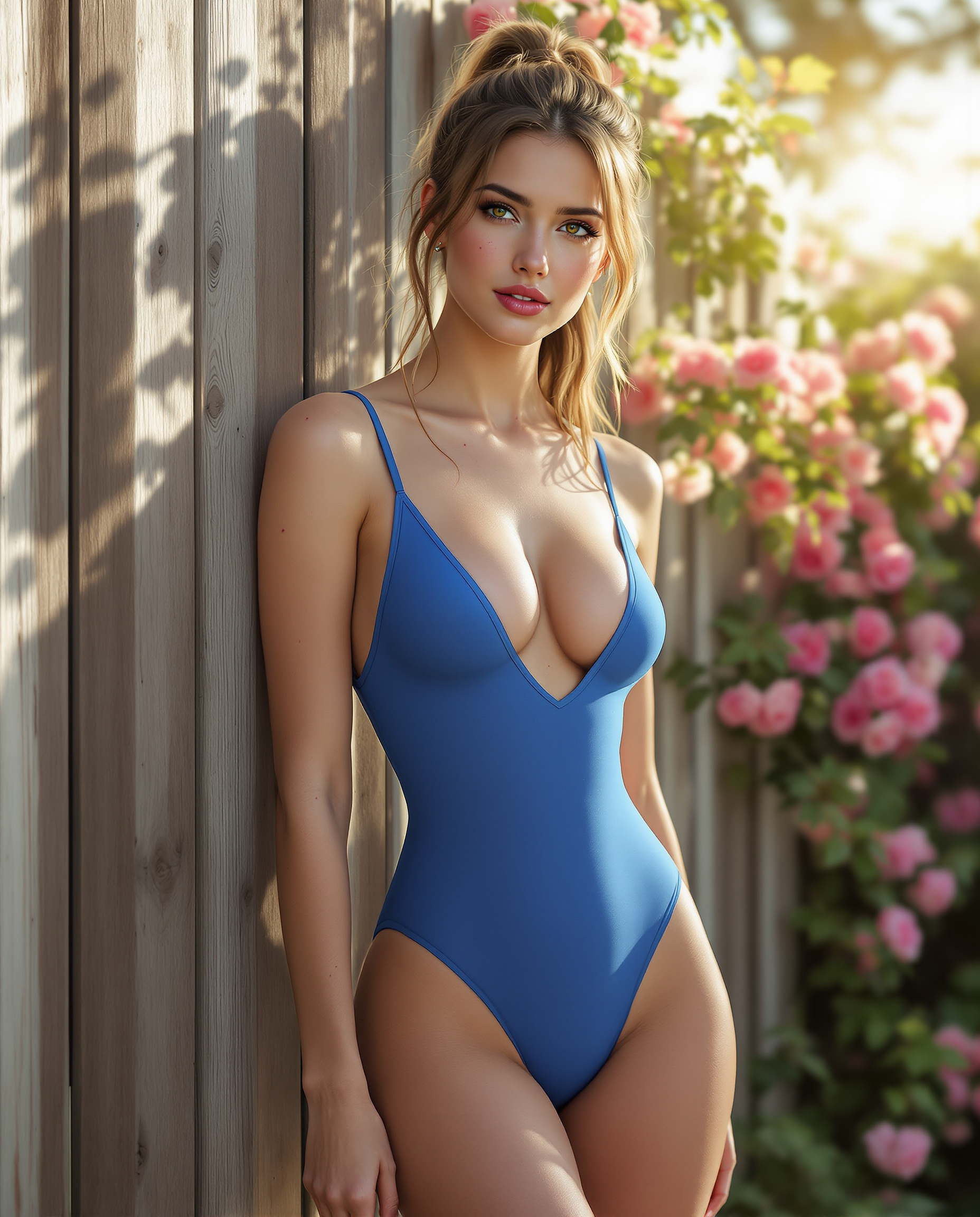
Transform your photos effortlessly with PixelDojo's free online automatic photo editor. Whether you're a professional photographer or a casual user, our AI-powered tools enable you to enhance images, remove backgrounds, and apply creative effects in seconds. Say goodbye to complex software and hello to stunning visuals with minimal effort.
Join over 10,000 satisfied users who have enhanced their photos using PixelDojo's AI tools. Rated 4.8/5 based on 2,000+ reviews.
Why Choose Pixel Dojo for Automatic photo editor online free
Professional-quality results with cutting-edge AI technology
Instant Photo Enhancement
Achieve professional-quality photo improvements with a single click, saving time and effort.
Effortless Background Removal
Remove or change backgrounds seamlessly to create clean, focused images without manual editing.
Creative Effects and Filters
Apply a variety of artistic effects and filters to give your photos a unique and personalized touch.
How It Works
Enhancing your photos with PixelDojo is simple and straightforward. Follow these steps to transform your images:
Step 1: Upload Your Photo
Select and upload the photo you wish to edit directly to our platform.
Step 2: Choose Your Editing Tool
Select from a range of AI-powered tools such as background remover, image enhancer, or creative filters.
Step 3: Apply Edits and Download
Apply the desired edits with a single click and download your enhanced photo instantly.
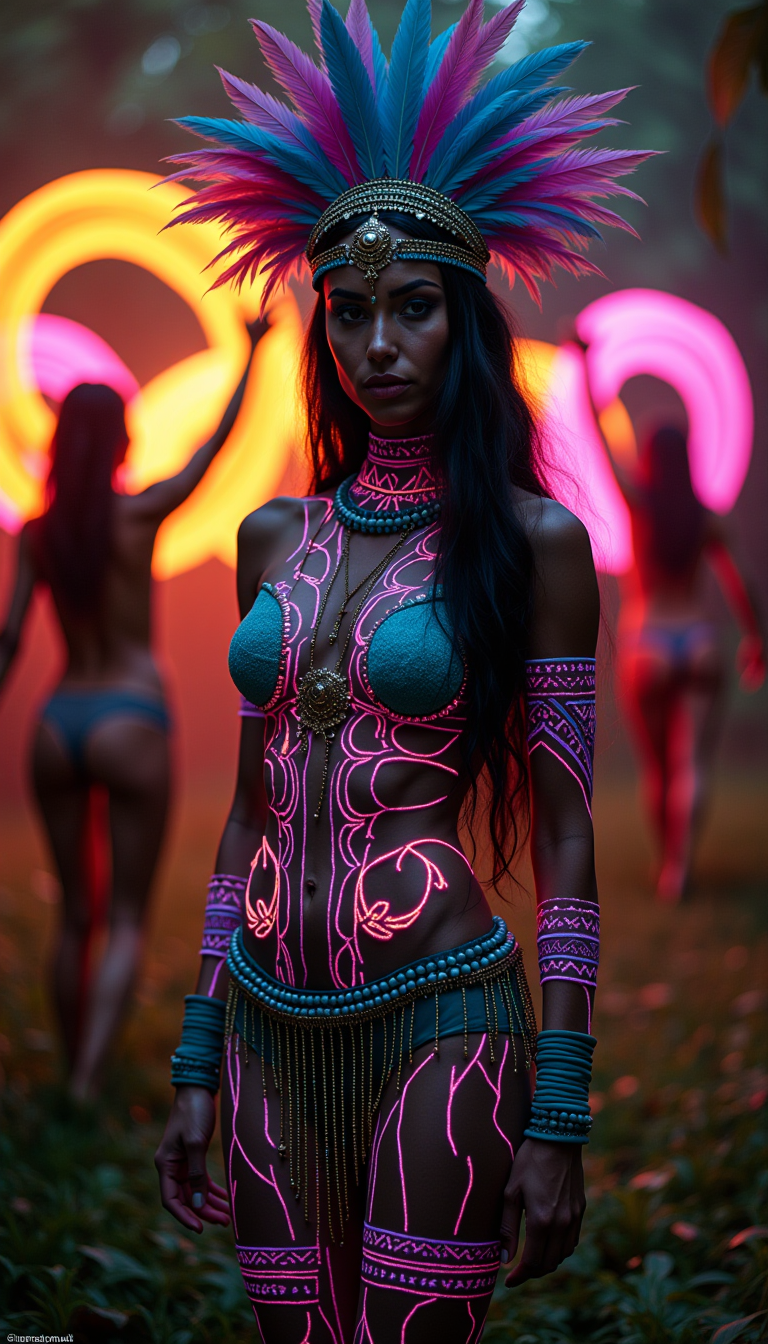

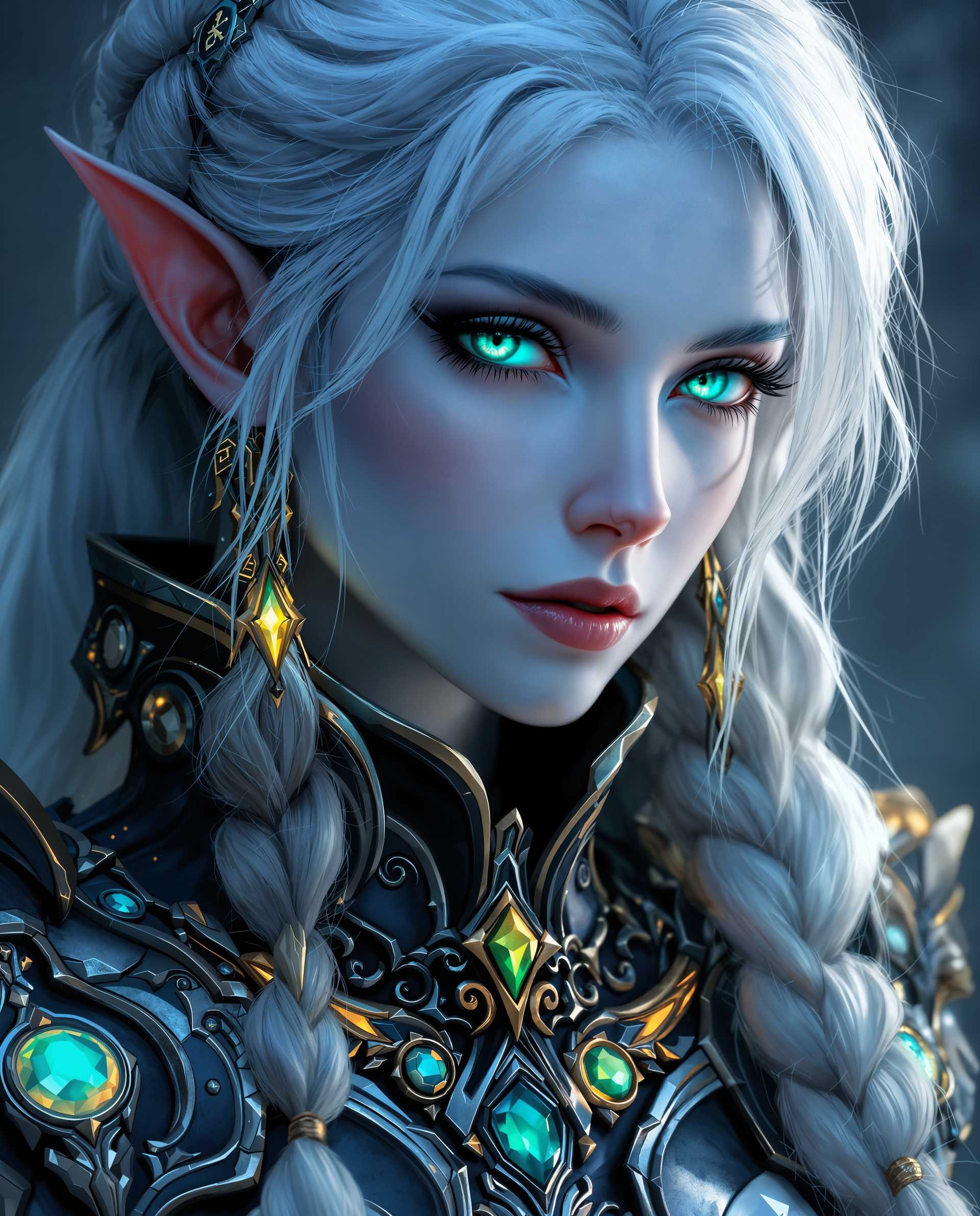
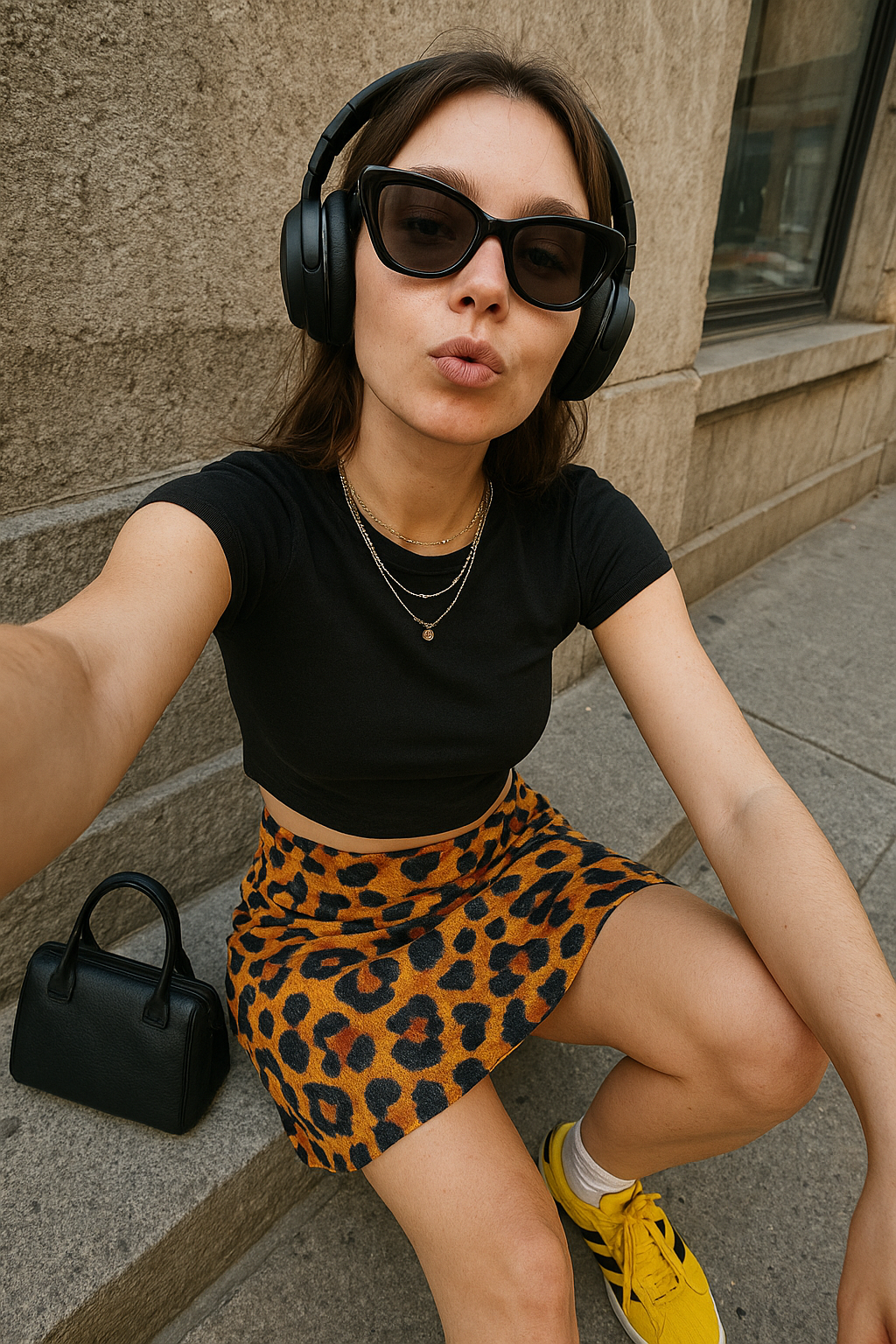







The Pixel Dojo Advantage
Why PixelDojo is the superior choice for online photo editing:
| Others | Pixel Dojo |
|---|---|
| Traditional Photo Editing Software | No downloads or installations required; edit photos directly in your browser. |
| Generic Online Editors | Advanced AI tools offer superior results with minimal user input. |
| Manual Editing Methods | Automated processes save time and eliminate the need for technical skills. |
Loved by creators on PixelDojo
Real feedback from people using PixelDojo, pulled from our in-product surveys.
Very eay to use, works well to train SDXL loras.
The amazing tools
Top notch quality and strong prompt adherence.
A well resourced sunscription with attention to updates.
Easy to use and there's lots of options.
super lora download
Explore more AI tools on PixelDojo
AI Tools
Compare & Switch
- Best AI Image Generators
- Best AI Video Generators
- Midjourney Alternatives
- Civitai Alternatives
- Runway Alternatives
- Leonardo Alternatives
- Pika Alternatives
- Luma Alternatives
- Magnific Alternatives
- Veo Alternatives
- Flux Alternatives
- Freepik Alternatives
- Seedance Alternatives
- Seedream Alternatives
- Pixverse Alternatives
- GPT Image Alternatives
- Synthesia Alternatives
- Playground Alternatives
- NightCafe Alternatives
- Canva AI Alternatives
- ElevenLabs Alternatives
- ComfyUI Alternatives
- Fal Alternatives
- Replicate Alternatives
Common Questions
Everything you need to know about Automatic photo editor online free
Is PixelDojo's automatic photo editor truly free?
Yes, PixelDojo offers a free version of our automatic photo editor with access to a range of AI-powered tools. Premium features are available through subscription.
Do I need to download any software to use PixelDojo?
No, PixelDojo is a web-based platform, allowing you to edit photos directly in your browser without any downloads or installations.
Can I edit multiple photos at once?
Yes, PixelDojo supports batch processing, enabling you to edit multiple photos simultaneously, saving you time and effort.
Is my data secure when using PixelDojo?
Absolutely. We prioritize user privacy and ensure that your data is securely processed and not shared with third parties.
What file formats does PixelDojo support?
PixelDojo supports various image formats, including JPEG, PNG, and WEBP, ensuring compatibility with your files.
Can I use PixelDojo on my mobile device?
Yes, PixelDojo is optimized for both desktop and mobile browsers, allowing you to edit photos on the go.