barbie filter AI Generator

Imagine turning any selfie or portrait into a hyper-realistic Barbie doll sealed in a glossy pink collector's box, complete with personalized accessories that showcase your personality, career, or hobbies. With PixelDojo's AI Barbie filter tools, you can create shareable, viral-ready images that capture the playful spirit of the trending Barbie doll aesthetic in just minutes. Whether you're a content creator looking for eye-catching social media posts, a business owner wanting branded visuals, or simply someone who loves fun self-expression, PixelDojo delivers professional-quality results without any design skills or expensive photoshoots. Your transformed Barbie images become instant conversation starters, perfect for TikTok, Instagram, or personal keepsakes that celebrate your unique style.
Over 75,000 Barbie filter images generated this month alone. Rated 4.9/5 by 12,000+ creators worldwide. Trusted by influencers, small businesses, and everyday users who love the instant viral potential. Cancel anytime with our flexible plans.
Why Choose Pixel Dojo for barbie filter
Professional-quality results with cutting-edge AI technology
Create Viral Social Media Content Instantly
Generate eye-catching Barbie doll images that stop the scroll on TikTok and Instagram. Personalized boxes with your name, career title, and custom accessories help you stand out and drive engagement like never before.
Express Your Unique Personality Effortlessly
Design one-of-a-kind Barbie versions of yourself or loved ones that reflect real hobbies, professions, and style preferences. From Teacher Barbie with books and pencils to Fashion Influencer Barbie with cameras and outfits, every creation tells your story.
Save Time and Money on Custom Visuals
Skip costly photoshoots, toy prototypes, or graphic designers. Produce professional-grade Barbie filter images in seconds using your existing photos, freeing you to focus on sharing and monetizing your creations.
How It Works
Creating your perfect Barbie filter image is simple with PixelDojo's intuitive tools. Upload a photo, apply the signature Barbie doll style, and customize to match your vision in three easy steps.
Step 1: Choose Your Tool
Select from powerful image generators like Flux.1 Studio, Ideogram 4, or Grok Image for stunning results. For photo-based transformations, start with the Image to Image tool to preserve your likeness while applying the iconic Barbie doll aesthetic.
Step 2: Enter Your Prompt
Upload your clear selfie or portrait photo. Use a detailed prompt like: 'Transform this person into a hyper-realistic 3D Barbie doll full figure in a glossy hot pink collector's box with plastic window, labeled [Your Name] Barbie Edition, include accessories like [hobbies/career items], studio lighting, vibrant colors.' Tools like Style Transfer or Consistent Characters ensure perfect facial accuracy.
Step 3: Customize & Download
Refine details with Magic Lighting, Background Remover, or Character Stylist for perfect poses and accessories. Generate variations using PonyXL or Recraft V4.1, then upscale with P-Image Upscale or Creative Upscaler. Download high-resolution images ready for sharing or printing.


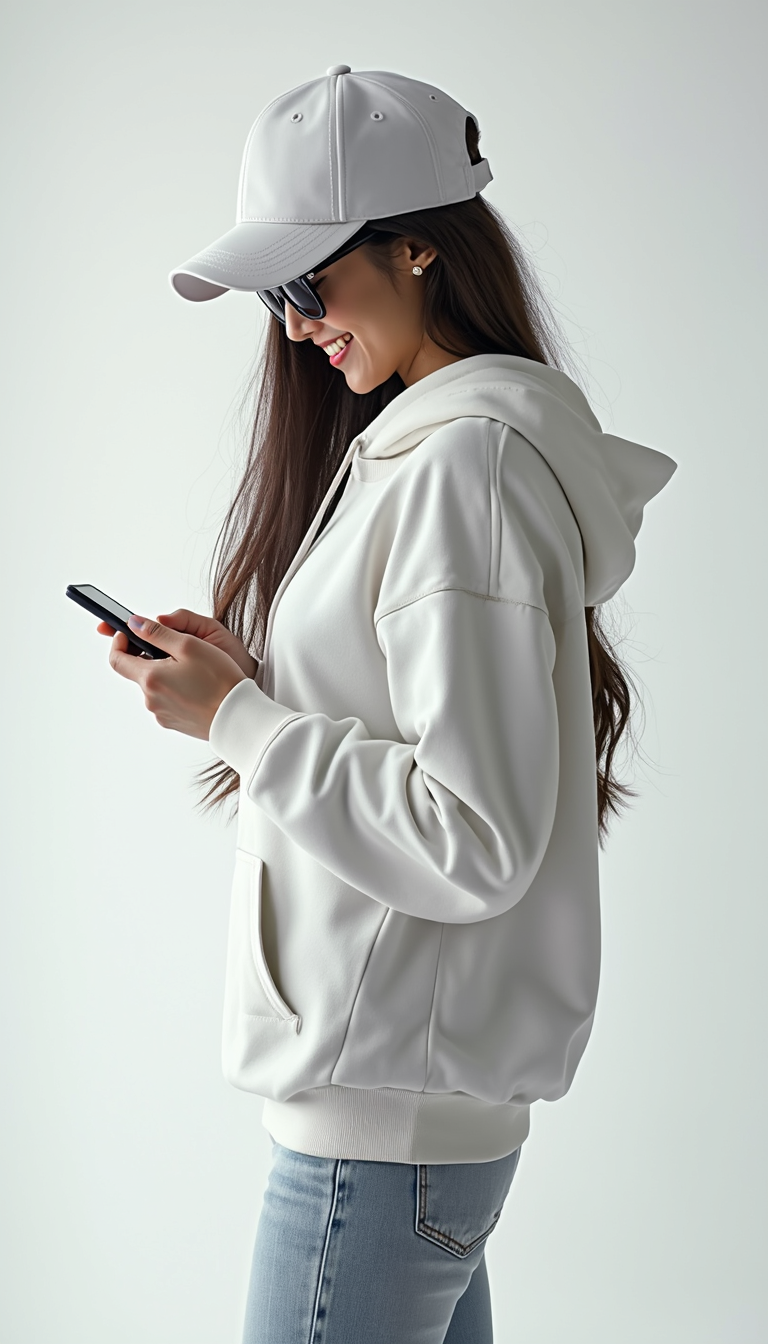
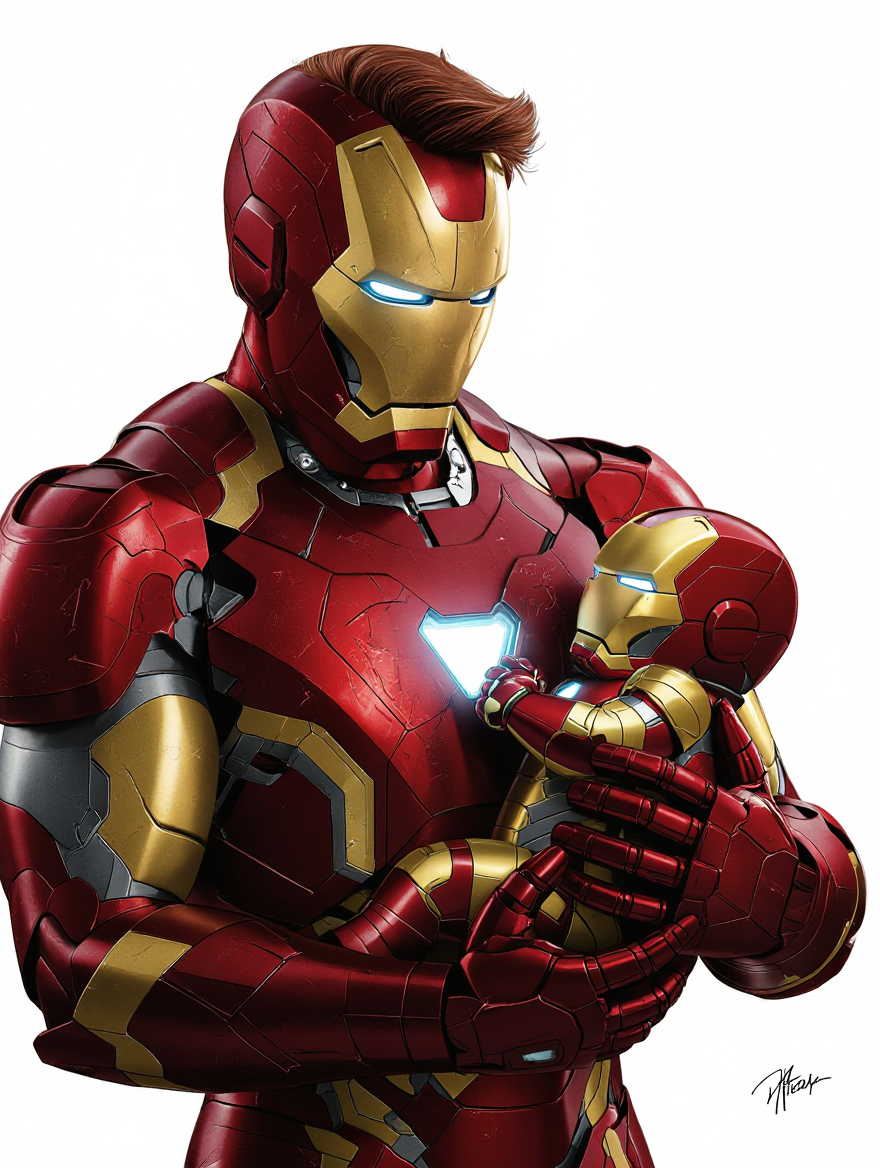
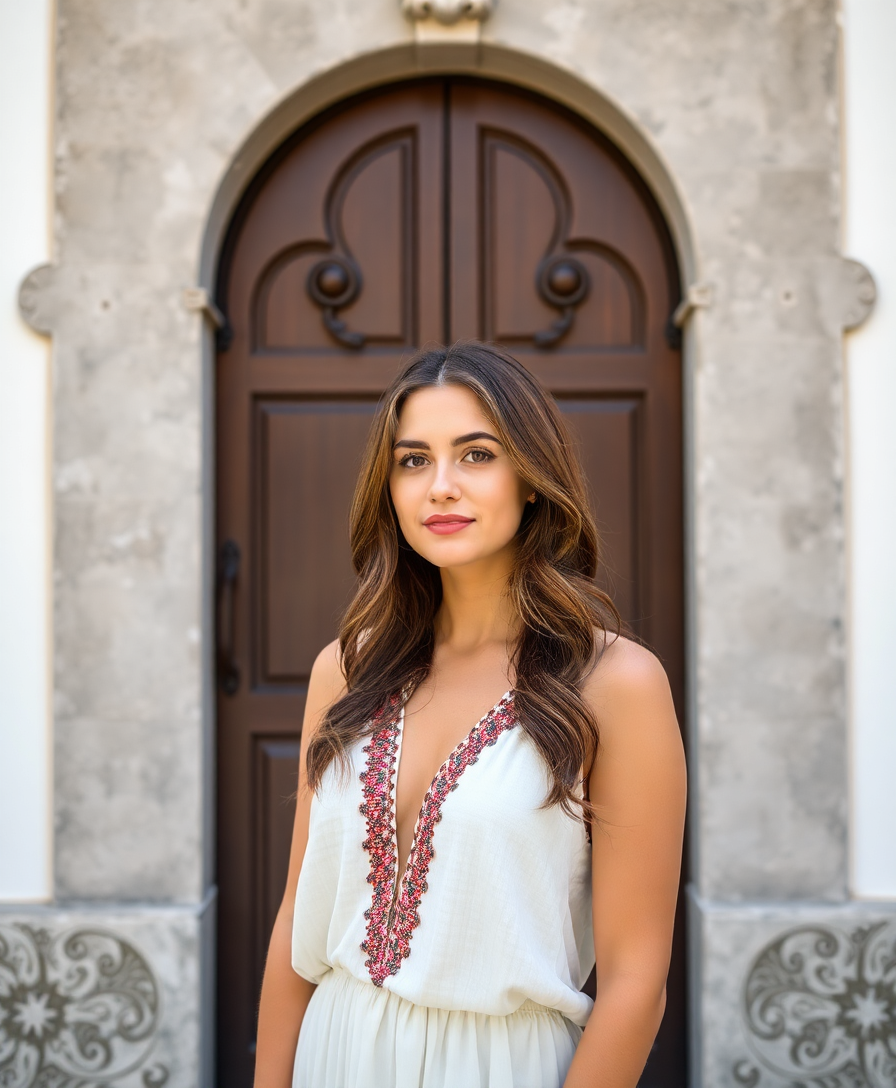
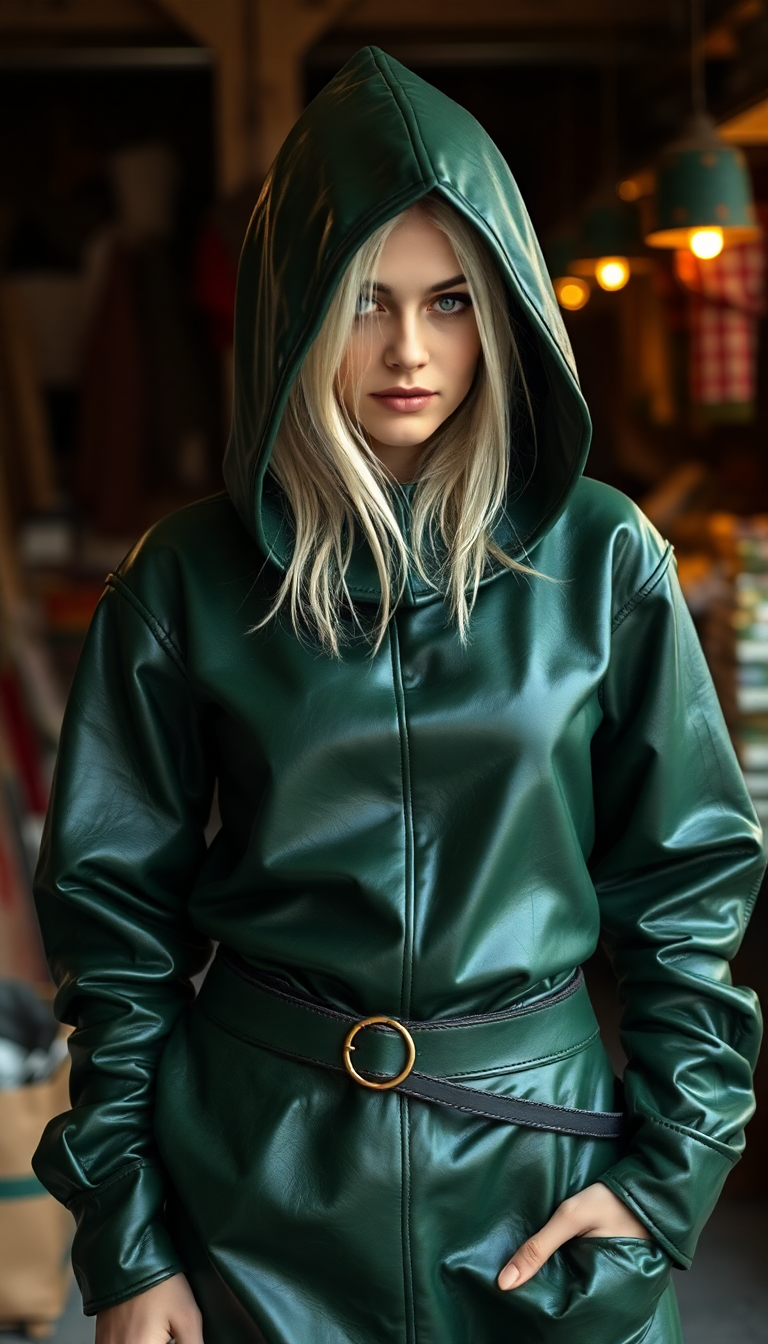
The Pixel Dojo Advantage
Why PixelDojo outperforms other options for Barbie filter image generation
| Others | Pixel Dojo |
|---|---|
| Traditional Barbie doll creation | Instant digital versions with unlimited customizations—no manufacturing delays, costs, or physical limitations. Create dozens of themed Barbies in the time it takes to order one toy. |
| Generic AI tools | Specialized Barbie-optimized workflows with 40+ dedicated models including Ideogram 4 and Flux.1 Studio deliver consistent doll proportions, glossy packaging, and accurate face matching every time. |
| Manual photo editing | AI handles complex 3D doll rendering, packaging effects, and accessory integration automatically. Achieve professional toy-box aesthetics without hours of Photoshop work or advanced skills. |
Loved by creators on PixelDojo
Real feedback from people using PixelDojo, pulled from our in-product surveys.
Excellent website for creating all types of media
Very eay to use, works well to train SDXL loras.
The amazing tools
Top notch quality and strong prompt adherence.
A well resourced sunscription with attention to updates.
Easy to use and there's lots of options.
Explore more AI tools on PixelDojo
AI Tools
Compare & Switch
- Best AI Image Generators
- Best AI Video Generators
- Midjourney Alternatives
- Civitai Alternatives
- Runway Alternatives
- Leonardo Alternatives
- Pika Alternatives
- Luma Alternatives
- Magnific Alternatives
- Veo Alternatives
- Flux Alternatives
- Freepik Alternatives
- Seedance Alternatives
- Seedream Alternatives
- Pixverse Alternatives
- GPT Image Alternatives
- Synthesia Alternatives
- Playground Alternatives
- NightCafe Alternatives
- Canva AI Alternatives
- ElevenLabs Alternatives
- ComfyUI Alternatives
- Fal Alternatives
- Replicate Alternatives
Common Questions
Everything you need to know about barbie filter
How to create a barbie filter AI image from my photo?
Simply upload your photo to PixelDojo's Image to Image tool or Flux.1 Studio, then enter a prompt describing the Barbie doll style with your name, career, and accessories. The AI transforms your likeness into a full-figure doll in a custom pink box in seconds. Use Consistent Characters for perfect facial accuracy across multiple generations.
What are the best prompts for the barbie box trend with AI?
Effective prompts include specifics like 'hyper-realistic 3D Barbie doll in glossy hot pink packaging with clear plastic window, full body view, labeled [Name] Barbie, include [specific accessories], vibrant studio lighting.' PixelDojo's Grok Image and Ideogram 4 excel at rendering these detailed toy-box scenes with accurate proportions and branding.
Can I make personalized career Barbie dolls using PixelDojo?
Absolutely. Add details about your profession or hobbies in the prompt—such as 'Nurse Barbie with stethoscope and clipboard' or 'Content Creator Barbie with ring light and laptop.' Tools like Character Stylist and Virtual Try-On help refine outfits and poses for authentic representations.
Is the AI barbie doll filter free to try on PixelDojo?
Yes, you can generate your first Barbie filter images for free with our trial credits. Access 40+ tools including Flux.1 Studio and Image to Image with no commitment. Upgrade for unlimited generations and advanced features, and cancel anytime.
How do I ensure my face looks accurate in the Barbie doll version?
Use the Image to Image tool combined with Consistent Characters or LoRA Face Swap. Upload a high-quality front-facing photo and reference it in your prompt. PixelDojo's advanced models like WAN Image and QWEN Image 2 maintain excellent facial fidelity while applying the doll transformation.
What file formats and resolutions can I download for my Barbie images?
Download high-resolution PNG or JPG files perfect for social media, printing, or further editing. Use the Video Upscaler or P-Image Upscale for even sharper results if needed. All creations are yours to keep and share freely.