best ai art generator

Imagine turning any idea into gallery-worthy art in under 60 seconds – no art degree, no expensive software, no waiting weeks for revisions. With PixelDojo's best AI art generator, you achieve professional-grade results that captivate audiences, boost your creative projects, and save hours of work. Whether you're a marketer needing scroll-stopping visuals, an artist exploring new styles, or a creator building consistent character worlds, you get exactly what you envision: stunning, unique images that look hand-crafted by experts. Thousands of creators already use PixelDojo to produce art that stands out in 2026's competitive landscape, where authenticity and consistency matter most.
Join over 50,000 creators who rate PixelDojo 4.9/5 for quality and ease. Generate 2M+ images monthly with 98% satisfaction. Trusted by indie artists, agencies, and brands worldwide – cancel anytime, no questions asked.
Why Choose Pixel Dojo for best ai art generator
Professional-quality results with cutting-edge AI technology
Create Consistent Characters That Tell Your Story
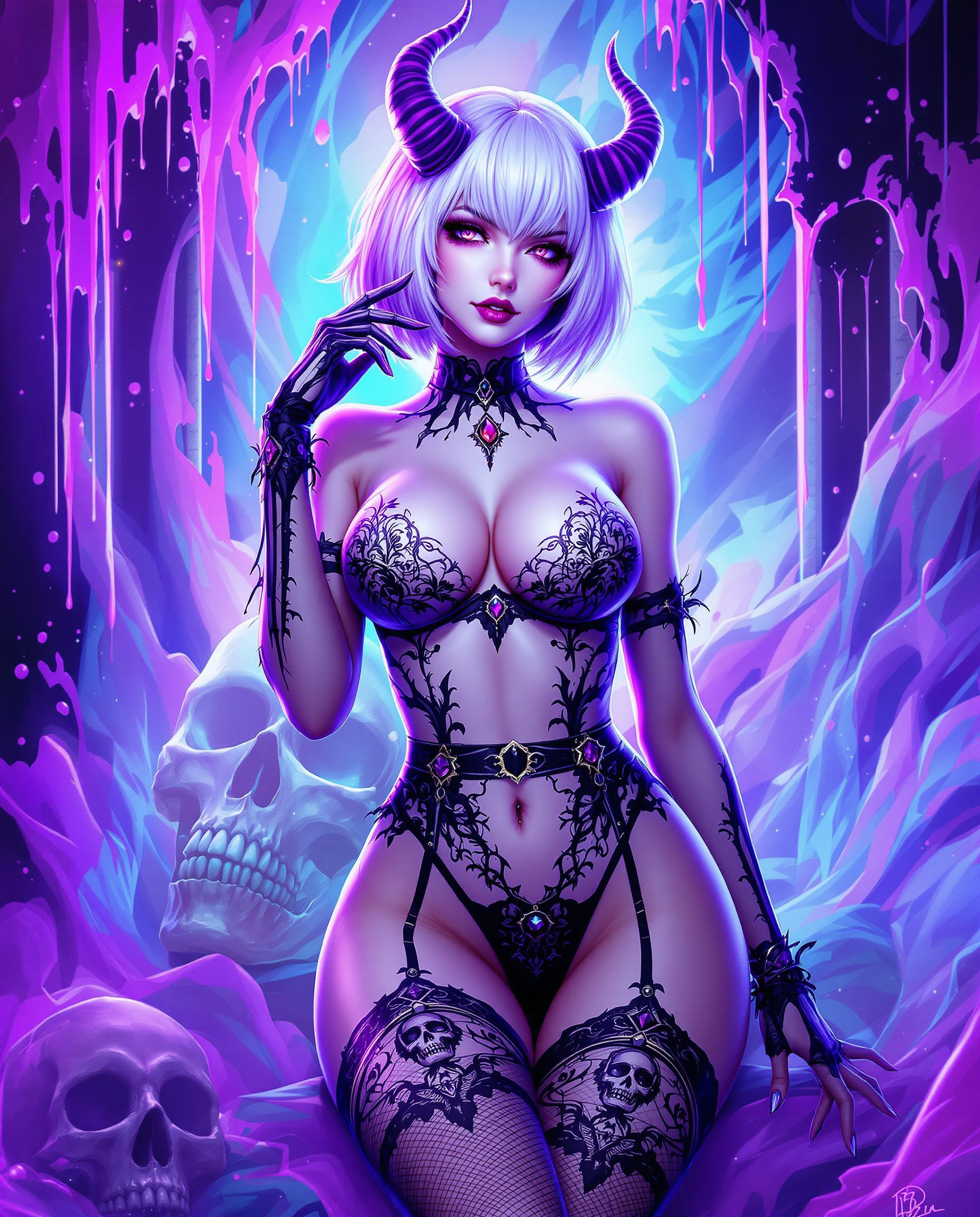
Build unforgettable visual identities across every image. Use Consistent Characters and Ideogram Character tools to generate the same hero in new scenes, outfits, and emotions – perfect for comics, branding, or social series that keep fans coming back.
Produce Photorealistic & Artistic Masterpieces Effortlessly
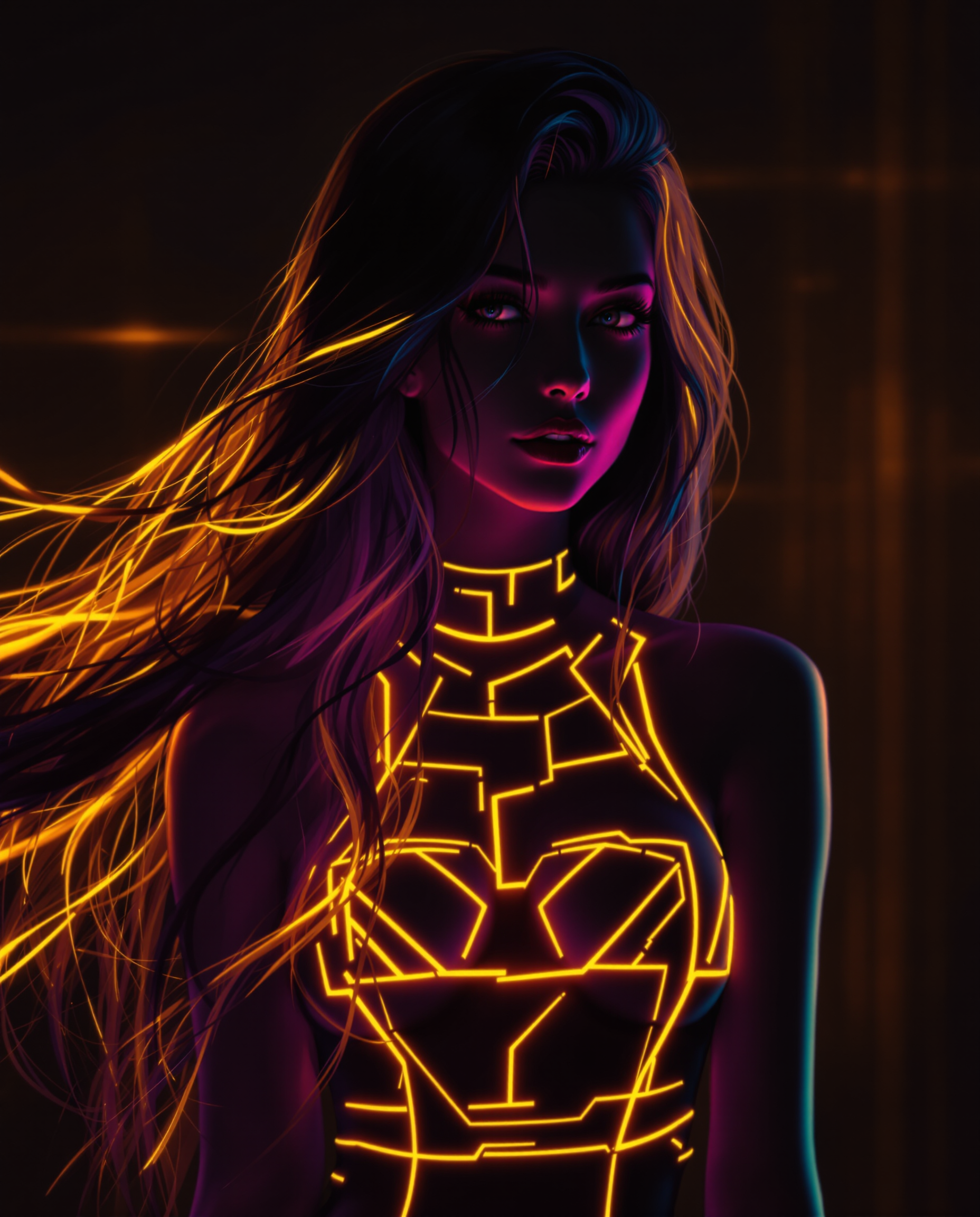
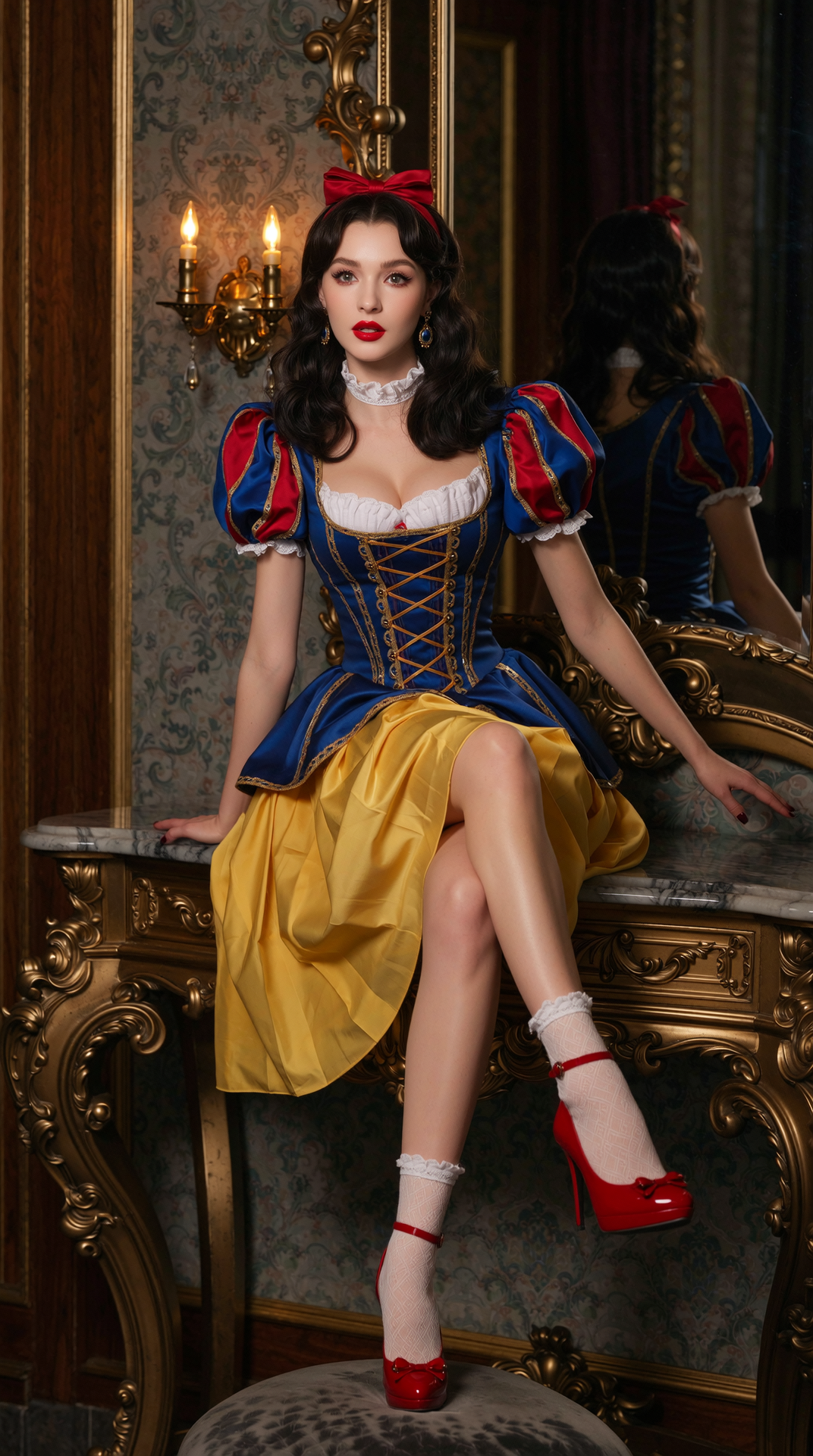
Achieve lifelike portraits, cinematic landscapes, or bold abstract art that rivals traditional studio work. Flux.2 Studio and GPT Image 2 deliver 4K detail, natural lighting, and perfect textures so your art looks premium and ready for print, web, or video thumbnails.
Edit, Refine & Scale Your Art in Minutes
Transform rough concepts into polished finals with Image to Image, Inpainting, Style Transfer, and Magic Lighting. Upscale with P-Image Upscale or Creative Upscaler for print-ready quality, then extend to video with seamless tools – all in one workflow that accelerates your entire creative process.
How It Works
Creating world-class AI art with PixelDojo is simple and intuitive. Choose from specialized tools, describe your vision in natural language, and refine until it's perfect – no technical skills required.
Step 1: Choose Your Tool
Browse the Generate Images section and select the perfect model for your goal: Flux.2 Studio for photorealism, Ideogram 4 for crisp text integration, Grok Image for cinematic flair, or Recraft V4.1 for graphic design precision. Or start with Google Nano Banana for fast, high-quality concepts.
Step 2: Enter Your Prompt
Type a detailed description like 'ethereal forest spirit with glowing eyes, intricate bark textures, soft morning light, in the style of fantasy realism' or upload a reference image for Image to Image. Leverage advanced options like Pose Control or Character Stylist for precise results with Consistent Characters.
Step 3: Customize & Download
Generate multiple variations, then use Inpainting to tweak specific areas, Style Transfer to change moods, or Background Remover for clean assets. Upscale with Magnific Upscaler for massive prints, add consistent lighting via Magic Lighting, and download in high resolution or export directly to video workflows.


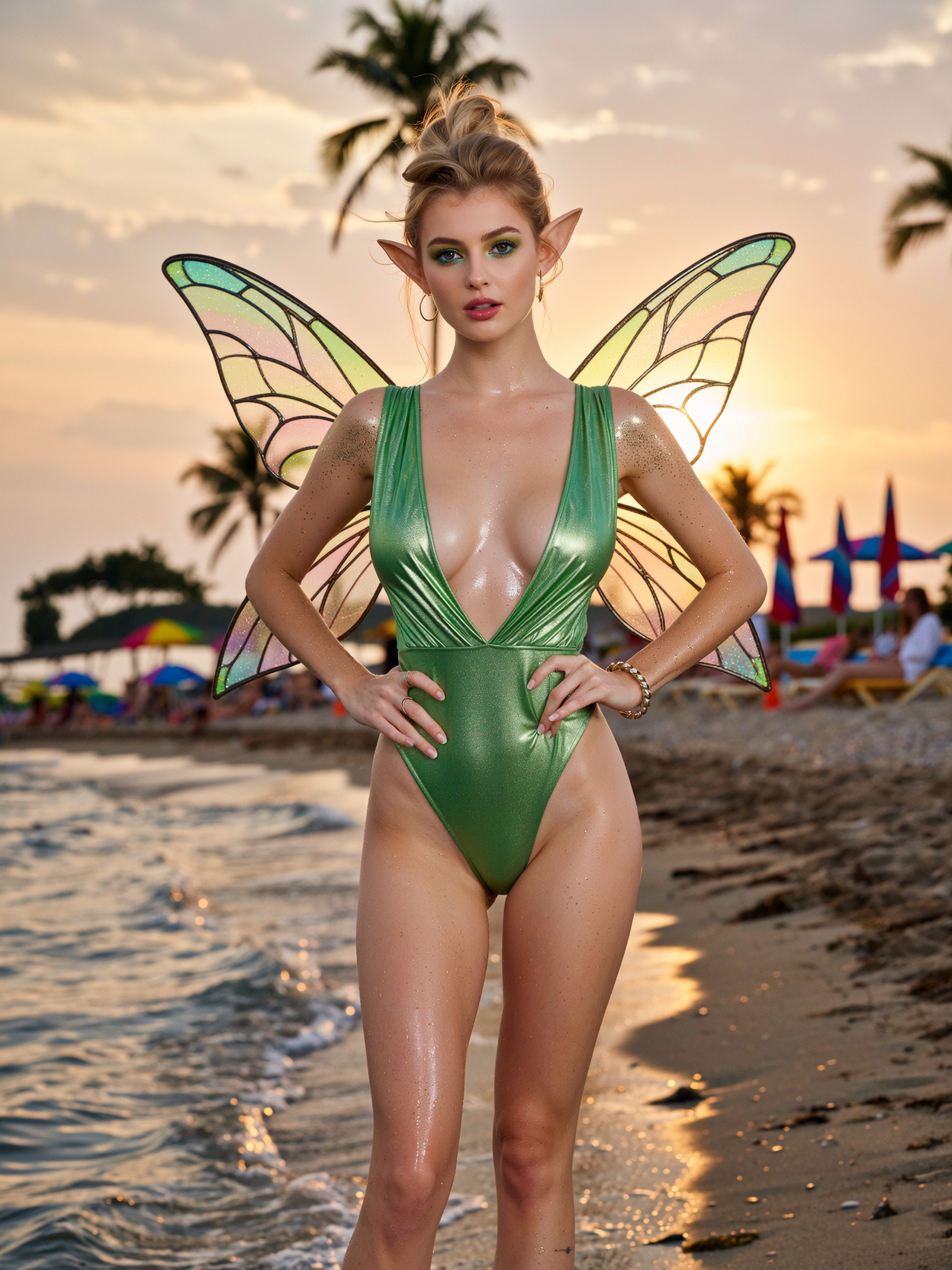
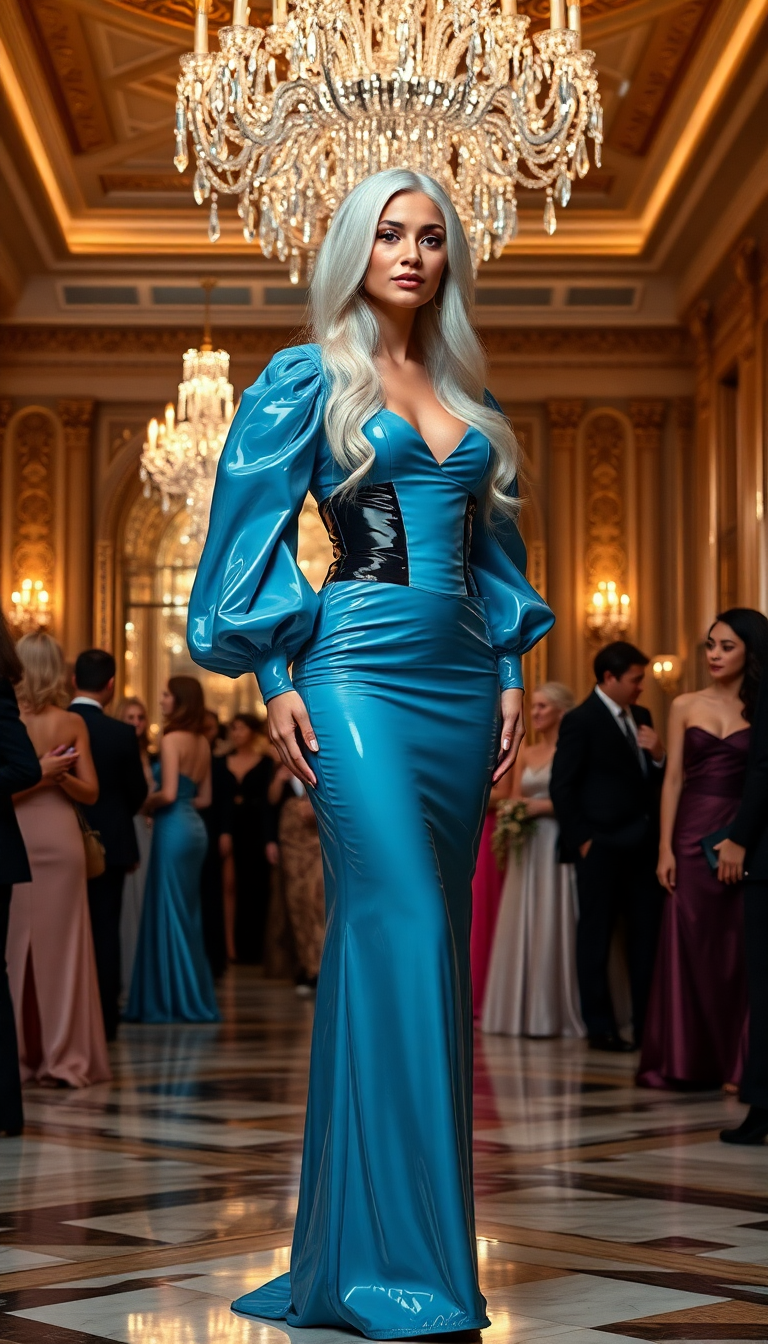
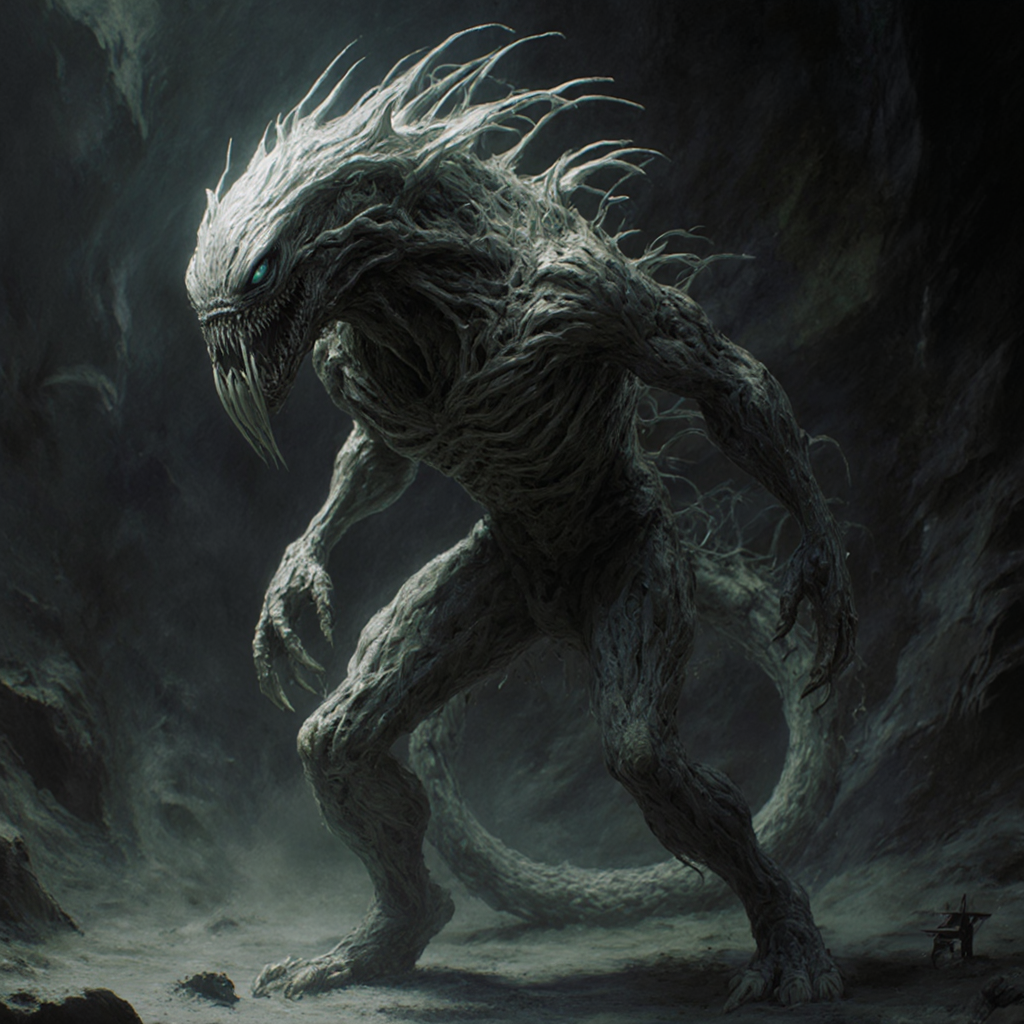
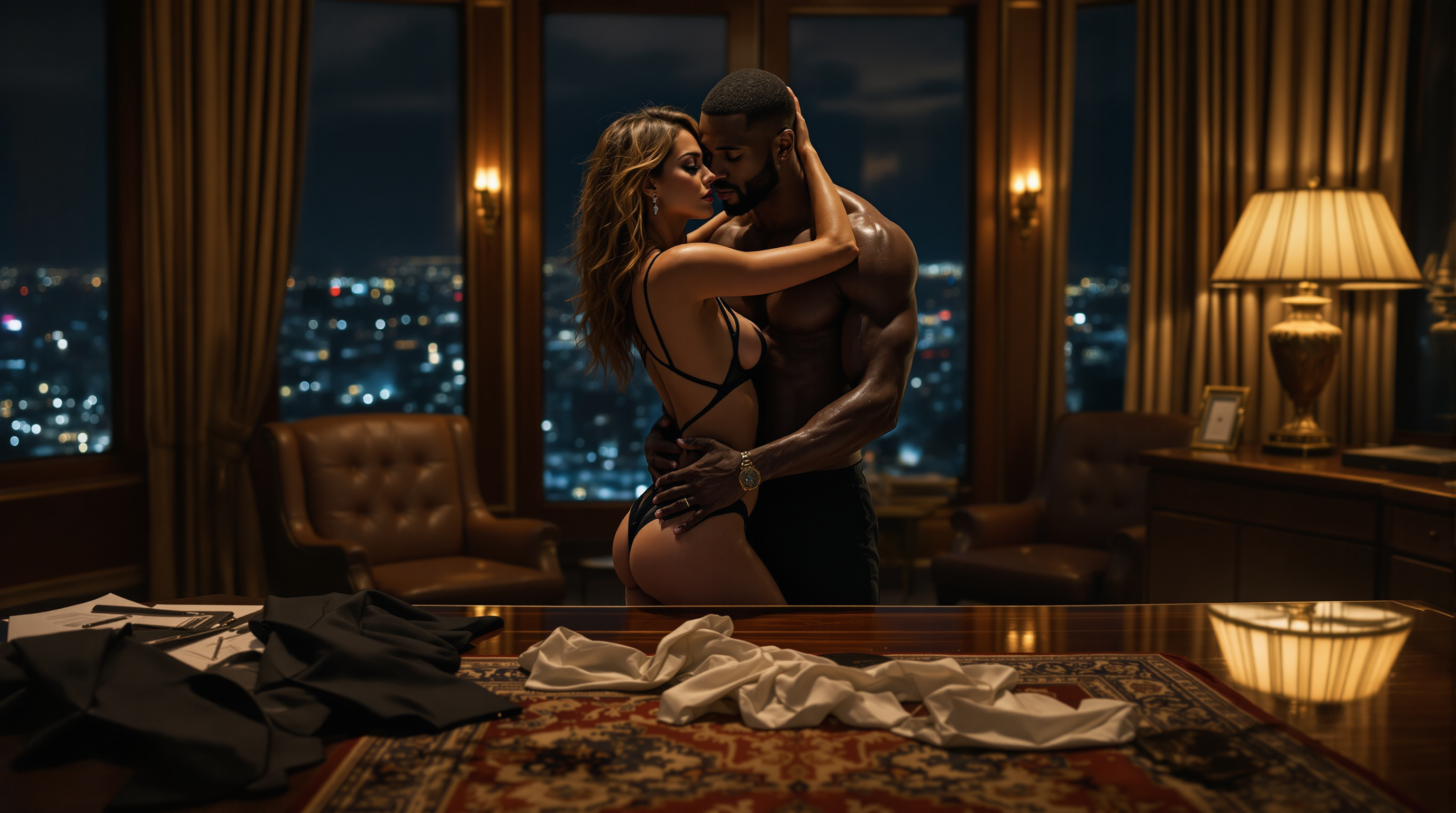
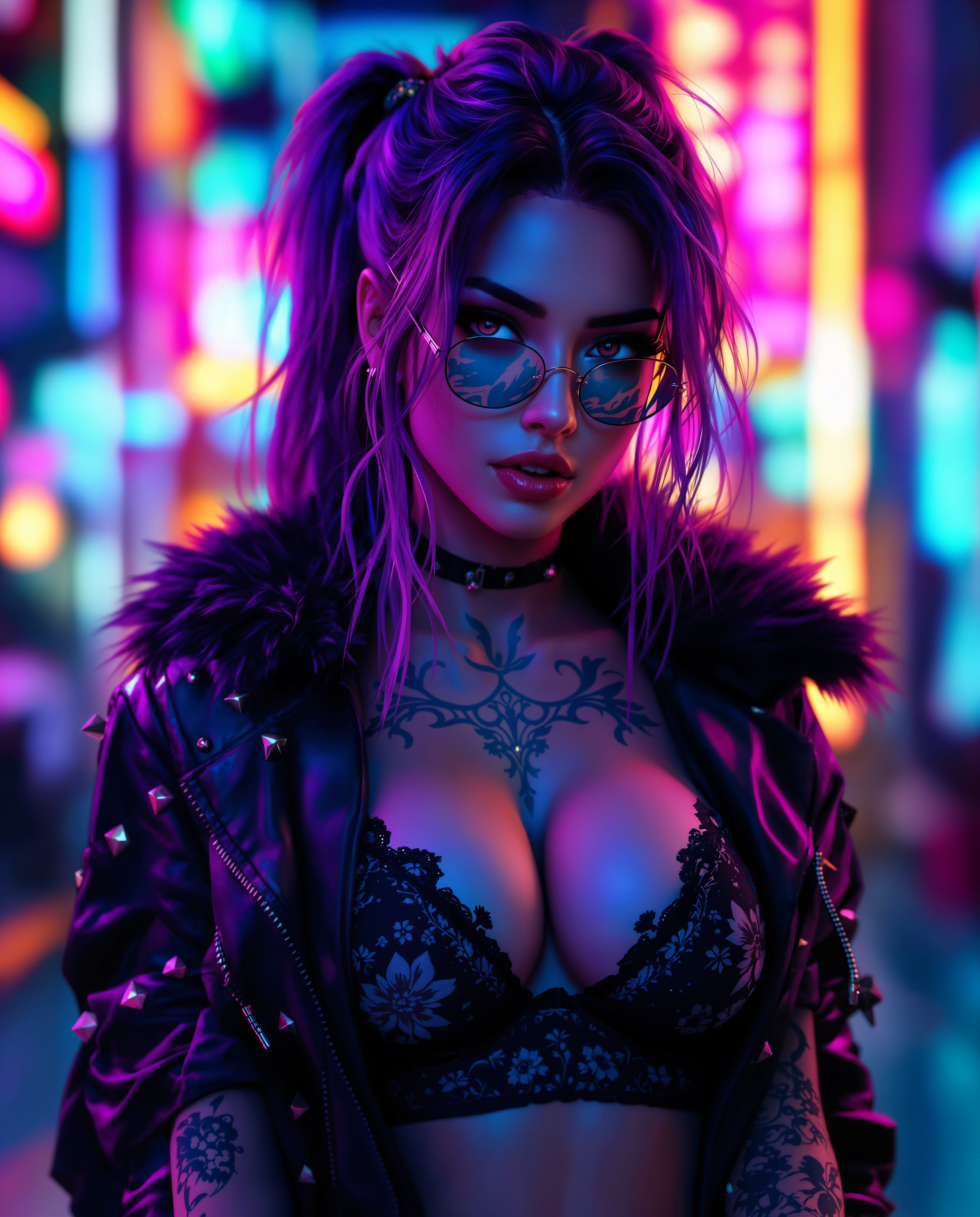
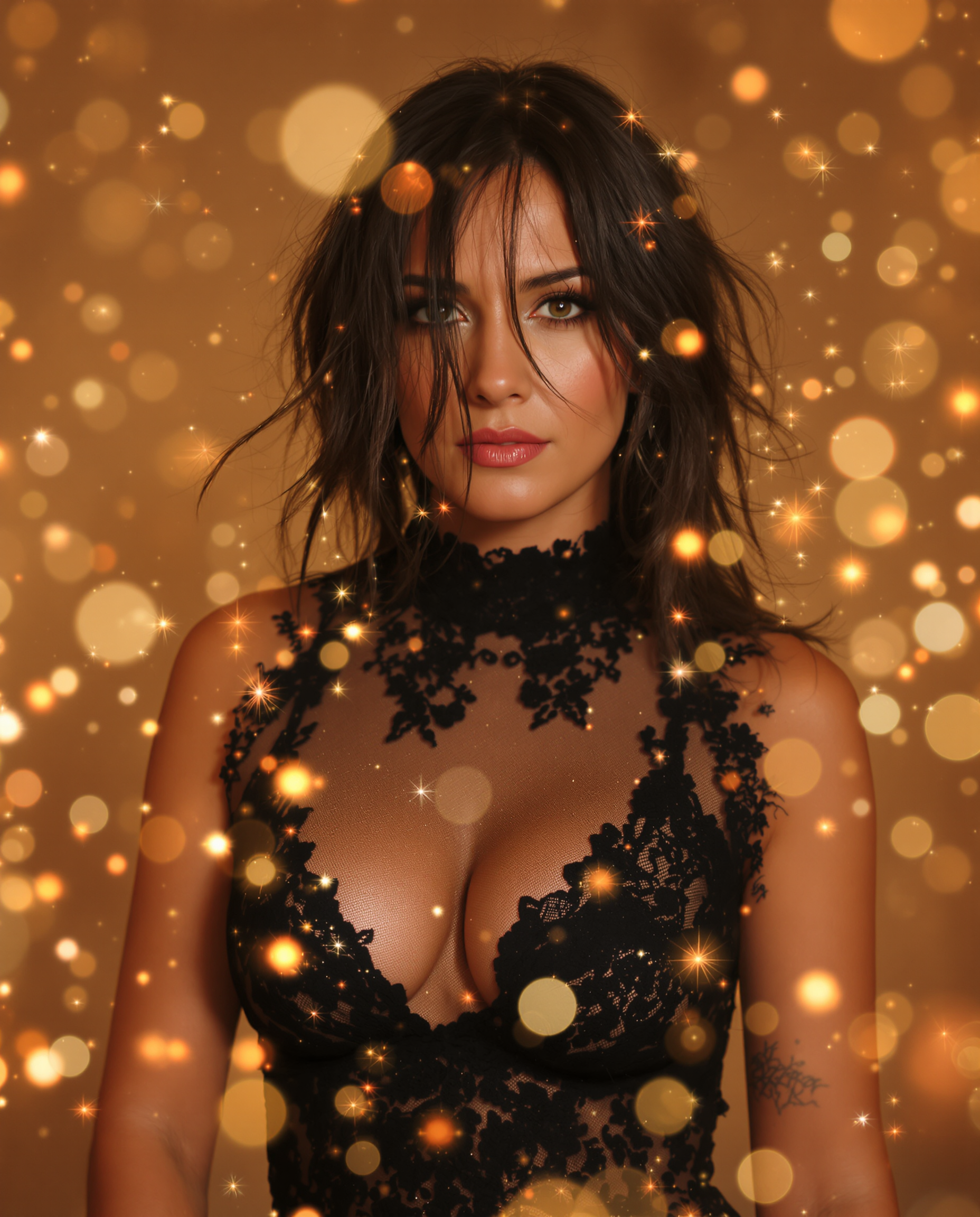
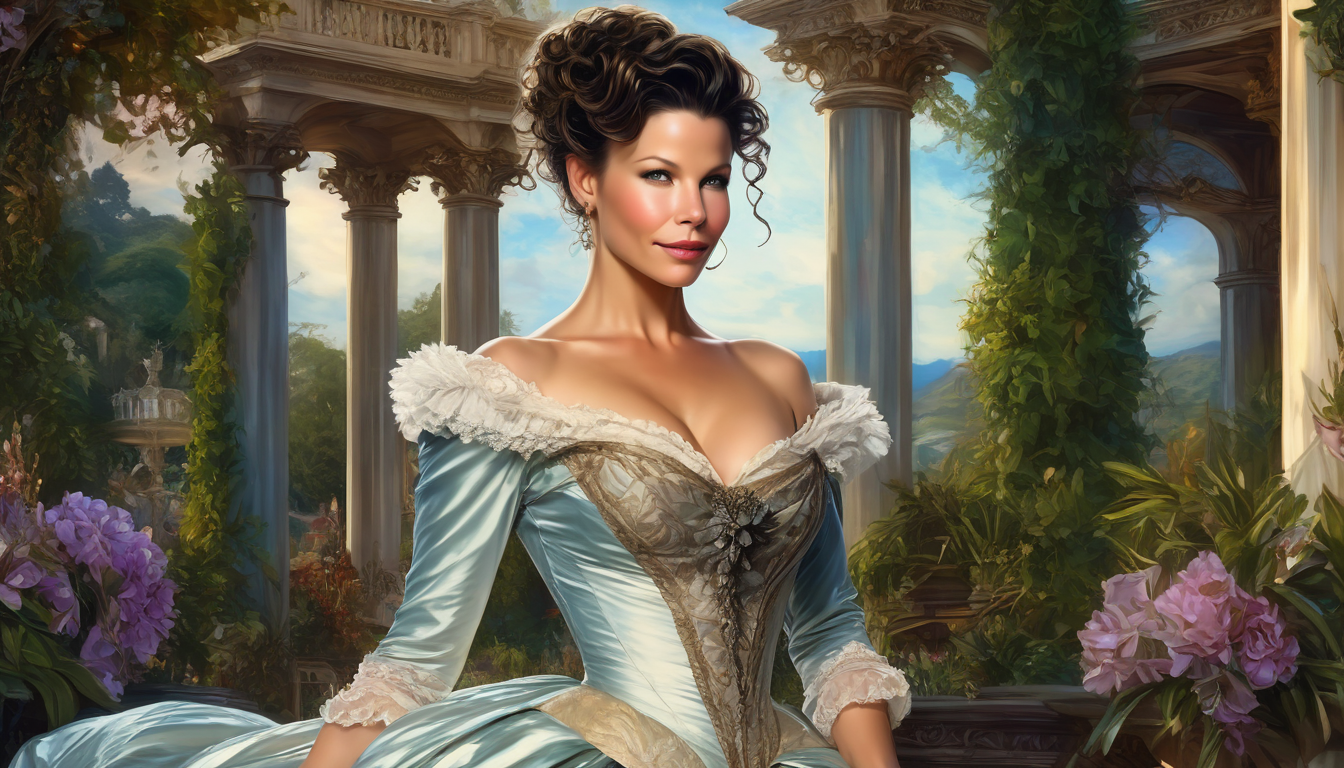
The Pixel Dojo Advantage
Why PixelDojo outperforms other options for best ai art generator results
| Others | Pixel Dojo |
|---|---|
| Traditional art creation | Skip months of sketching and revisions – generate professional art in seconds that matches your exact vision, then iterate instantly with editing tools for unlimited creative freedom. |
| Generic AI tools | Access 40+ specialized models in one place including Flux.2 Studio and WAN Image for superior consistency and quality, plus built-in character tools and seamless editing that generic platforms lack. |
| Manual photo editing | Automate complex edits like style transfer, character consistency, and outpainting with AI precision – achieve results faster and more consistently than hours spent in traditional editors. |
Loved by creators on PixelDojo
Real feedback from people using PixelDojo, pulled from our in-product surveys.
Love you guys!!
Trained my Lora super fast. Still working out how to creat content wit it, but I love it so far.
I love this app
It has all the tools I can think of...
deployment rate of splendid features is incredible. Legend
large selection of tools on one platform
Explore more AI tools on PixelDojo
AI Tools
Compare & Switch
- Best AI Image Generators
- Best AI Video Generators
- Midjourney Alternatives
- Civitai Alternatives
- Runway Alternatives
- Leonardo Alternatives
- Pika Alternatives
- Luma Alternatives
- Magnific Alternatives
- Veo Alternatives
- Flux Alternatives
- Freepik Alternatives
- Seedance Alternatives
- Seedream Alternatives
- Pixverse Alternatives
- GPT Image Alternatives
- Synthesia Alternatives
- Playground Alternatives
- NightCafe Alternatives
- Canva AI Alternatives
- ElevenLabs Alternatives
- ComfyUI Alternatives
- Fal Alternatives
- Replicate Alternatives
Common Questions
Everything you need to know about best ai art generator
What makes PixelDojo the best ai art generator for consistent characters in 2026?
PixelDojo excels with dedicated Consistent Characters and Ideogram Character tools that maintain perfect likeness across dozens of images. Combine with Flux.2 Studio or Grok Image for photorealistic results, then refine using Pose Control and Character Stylist – delivering story-ready series that feel hand-crafted every time.
How do I generate photorealistic AI art with PixelDojo's best tools?
Select Flux.2 Studio or GPT Image 2 for unmatched realism, describe your scene with natural lighting and textures, and use Magic Lighting or Reality Polisher for final polish. Upscale outputs with Portrait Upscaler or P-Image Upscale to 4K+ for prints or professional use – outcomes that look like professional photography.
Can I edit and refine AI generated art easily on PixelDojo?
Absolutely – use Image to Image for transformations, Inpainting to replace or add elements, Style Transfer for new aesthetics, and Background Remover for clean compositions. Tools like Smart Resize and Image Outpainting let you expand canvases seamlessly, turning good generations into perfect finals in minutes.
Is PixelDojo good for creating AI art with text and typography?
Yes, Ideogram 4 and Recraft V4.1 specialize in accurate, readable text within images. Perfect for posters, book covers, branding, or social graphics – generate with precise prompt control and edit further with no loss in quality.
What are the latest 2026 trends PixelDojo supports for AI art?
PixelDojo embraces 2026 trends like authentic imperfect realism, character consistency for storytelling, and collaborative editing workflows. Tools support candid photo styles, surreal experimentalism, and high-res 4K outputs, letting you create trending art that feels fresh and human-crafted.
How much does the best ai art generator on PixelDojo cost and is it worth it?
Start free to test, then enjoy full access to 40+ tools with flexible plans you can cancel anytime. Thousands of creators report saving 10+ hours weekly and producing client-ready art that boosts engagement – the ROI comes from faster creation, higher quality, and unlimited experimentation.