best veo 3.1 prompts pixel dojo
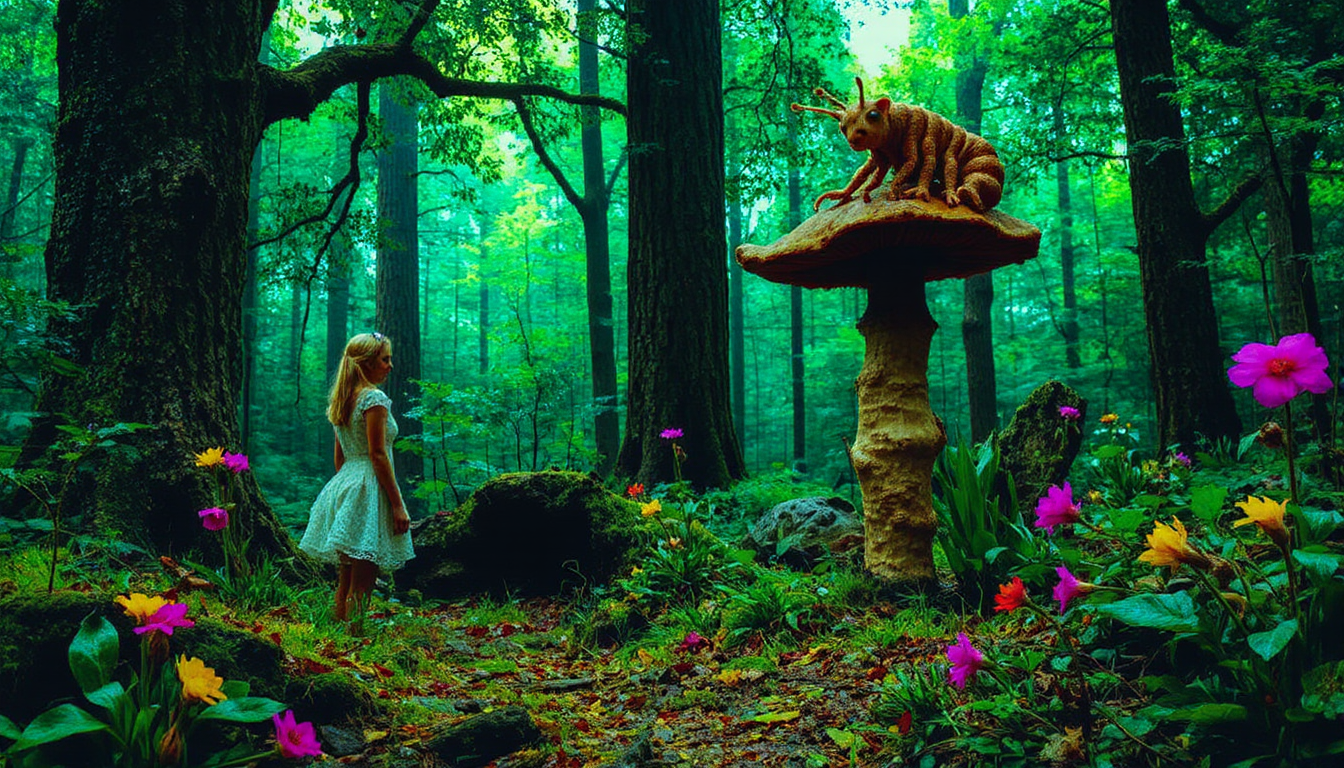
Transform your creative ideas into captivating AI-generated videos with PixelDojo's VEO 3.1. By mastering the art of crafting effective prompts, you can produce high-quality videos that bring your visions to life effortlessly.
Join over 10,000 satisfied creators who have revolutionized their content with PixelDojo's AI tools. Rated 4.8/5 based on 2,500+ reviews.
Why Choose Pixel Dojo for best veo 3.1 prompts pixel dojo
Professional-quality results with cutting-edge AI technology
Effortless Video Creation
Generate high-quality videos from simple text descriptions, eliminating the need for complex software or technical skills.
Integrated Audio Generation
Produce videos with synchronized audio, including ambient sounds and dialogue, enhancing the overall viewing experience.
Creative Control
Customize camera angles, lighting, and styles to match your unique vision, ensuring each video aligns with your creative goals.
How It Works
Creating stunning AI-generated videos with PixelDojo's VEO 3.1 is a straightforward process. Follow these steps to bring your ideas to life:
Step 1: Choose Your Tool
Log in to your PixelDojo account and select the VEO 3.1 video generation tool from the dashboard.
Step 2: Enter Your Prompt
Craft a detailed text prompt describing the scene, characters, actions, and desired style. For example: 'A cinematic scene set at night: a glamorous woman with an afro hairstyle and gold jewelry shares a luxurious outdoor pool with a calm alligator. The pool area is surrounded by classical statues and large blue ceramic vases, all dimly lit. The camera starts at water level and slowly zooms in on the woman's face as she makes intense eye contact with the camera. The lighting is moody and soft, with candlelight reflections on the water and a subtle fill light on her face. The audio features slow ambient electronic music, with occasional water ripple sounds. The color palette includes deep slate gray, ocean blue, and warm gold tones.'
Step 3: Customize & Download
Adjust settings such as resolution, audio preferences, and quality mode (Fast or Standard). Once satisfied, generate the video and download the final product.



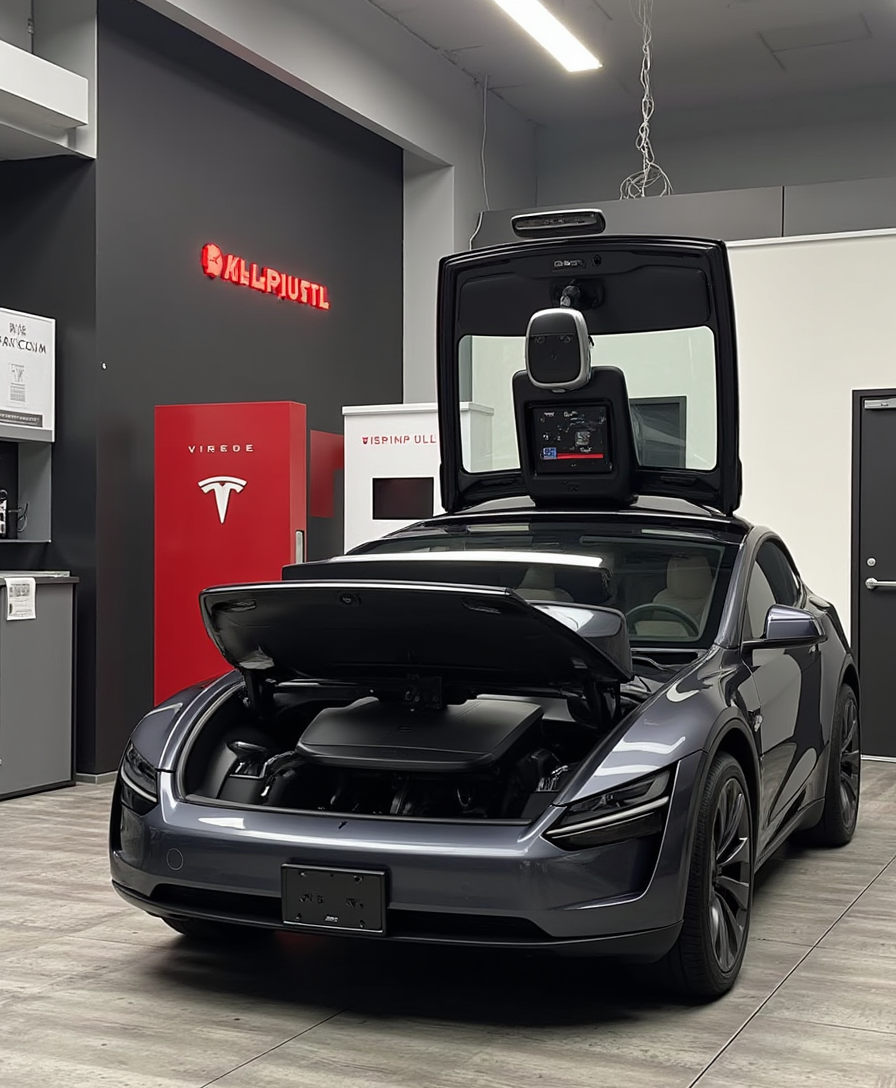

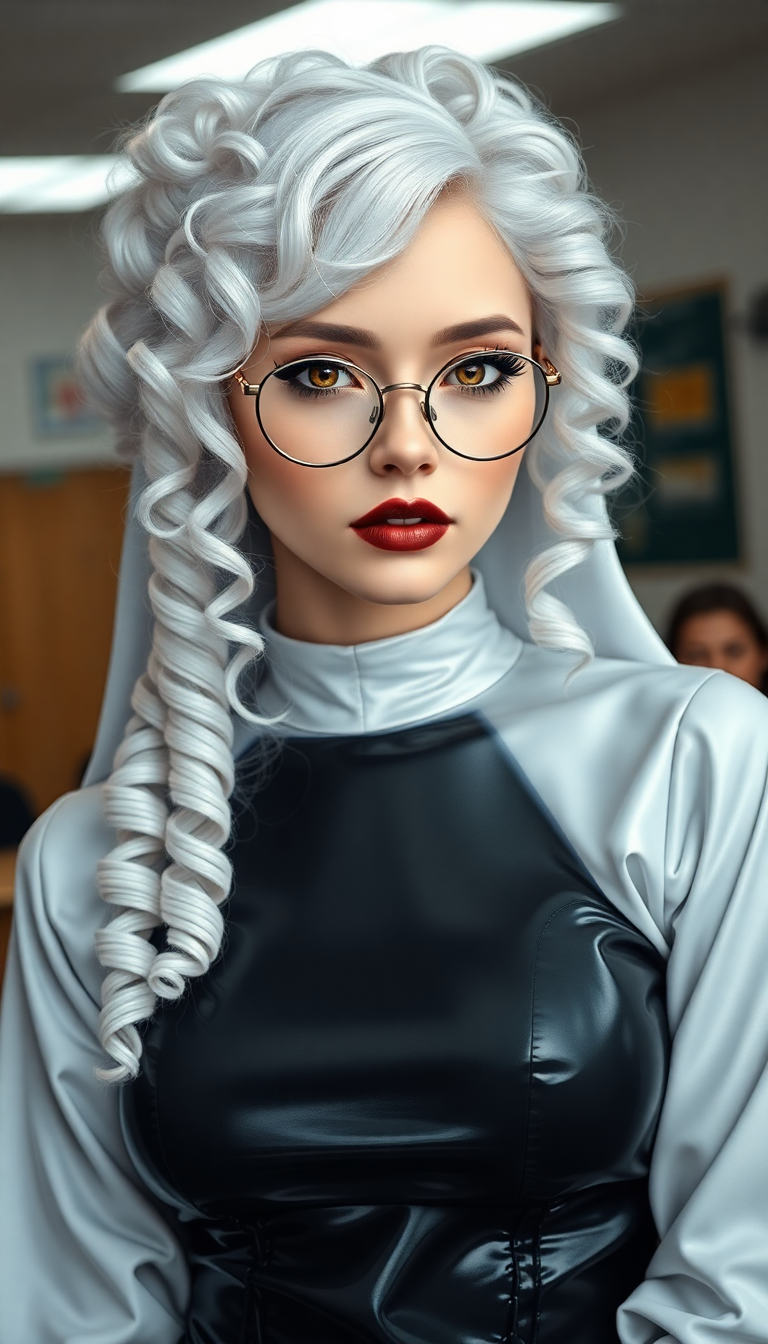





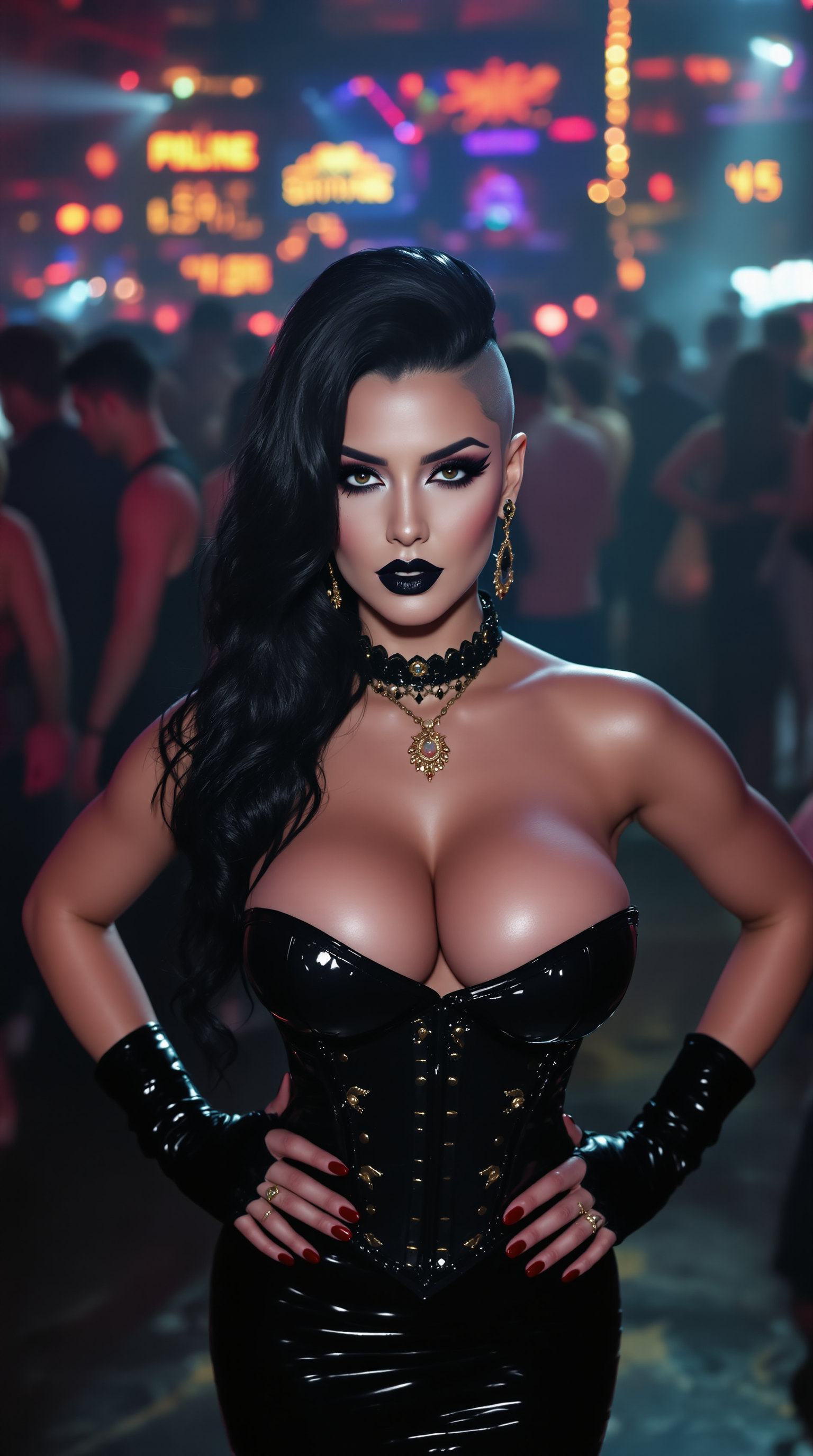


The Pixel Dojo Advantage
Why PixelDojo outperforms other options for AI video generation
| Others | Pixel Dojo |
|---|---|
| Traditional Video Production | Eliminates the need for expensive equipment and extensive production time, allowing for rapid content creation. |
| Generic AI Tools | Offers integrated audio generation and advanced customization options, providing a more comprehensive solution. |
| Manual Video Editing | Simplifies the editing process by generating polished videos directly from text prompts, reducing the need for post-production work. |
Loved by creators on PixelDojo
Real feedback from people using PixelDojo, pulled from our in-product surveys.
The best tools for IA on the web !
The guy that operates the website is constantly updating it
I’ve been using PixelDojo for around 8 months now and it’s always worked wonderfully while constantly adding features.
The site is easy to navigate and use.
All the tools, readily available and easy to understand
You guys, the LORA training is the BEST in the space right now, great job with that!
Explore more AI tools on PixelDojo
AI Tools
Compare & Switch
- Best AI Image Generators
- Best AI Video Generators
- Midjourney Alternatives
- Civitai Alternatives
- Runway Alternatives
- Leonardo Alternatives
- Pika Alternatives
- Luma Alternatives
- Magnific Alternatives
- Veo Alternatives
- Flux Alternatives
- Freepik Alternatives
- Seedance Alternatives
- Seedream Alternatives
- Pixverse Alternatives
- GPT Image Alternatives
- Synthesia Alternatives
- Playground Alternatives
- NightCafe Alternatives
- Canva AI Alternatives
- ElevenLabs Alternatives
- ComfyUI Alternatives
- Fal Alternatives
- Replicate Alternatives
Common Questions
Everything you need to know about best veo 3.1 prompts pixel dojo
How do I write effective VEO 3.1 prompts?
To craft effective prompts, include detailed descriptions of the scene, characters, actions, and desired style. Use specific language and sensory details to guide the AI in generating accurate and engaging videos.
Can I customize the audio in the generated videos?
Yes, PixelDojo's VEO 3.1 integrates native audio generation, allowing you to include ambient sounds, sound effects, and dialogue that align naturally with the visuals.
What quality modes are available in VEO 3.1?
VEO 3.1 offers two quality modes: Fast, which provides quicker generation at a lower cost, and Standard, which offers premium cinematic quality.
Is there a limit to the length of videos I can generate?
Currently, VEO 3.1 supports video generation up to 8 seconds in length, making it ideal for short-form content and social media posts.
Do I need technical skills to use PixelDojo's VEO 3.1?
No, PixelDojo is designed to be user-friendly, allowing individuals without technical expertise to create high-quality videos effortlessly.
Can I use VEO 3.1 for commercial projects?
Yes, videos generated with PixelDojo's VEO 3.1 can be used for commercial purposes, providing a valuable tool for marketers and businesses.