black forest labs AI Generator

Generated on PixelDojo. Produced by PixelDojo's generation pipeline.
You want images that look like they came from a high-end photoshoot—sharp details, perfect lighting, characters that stay consistent from one scene to the next, and product shots that sell. With PixelDojo you get exactly that using Black Forest Labs Flux models. Flux.2 Studio and Flux.1 Studio let you generate photorealistic visuals, blend multiple references, match brand colors, and edit with simple language instructions. No studio, no photographer, no waiting days. You describe what you need and download production-ready files in seconds. Whether you are building ad campaigns, social content, e-commerce listings or character-driven stories, you achieve professional results that convert viewers into customers. PixelDojo puts the latest Flux capabilities in your hands alongside 40+ other cutting-edge tools so you can iterate freely and ship faster.
Real image examples generated on PixelDojo
Every example below was produced on PixelDojo. Hover to see the prompt.
Brazen looking curvaceous african american vampire
stable-diffusion

Brazen looking curvaceous african american vampire
stable-diffusion
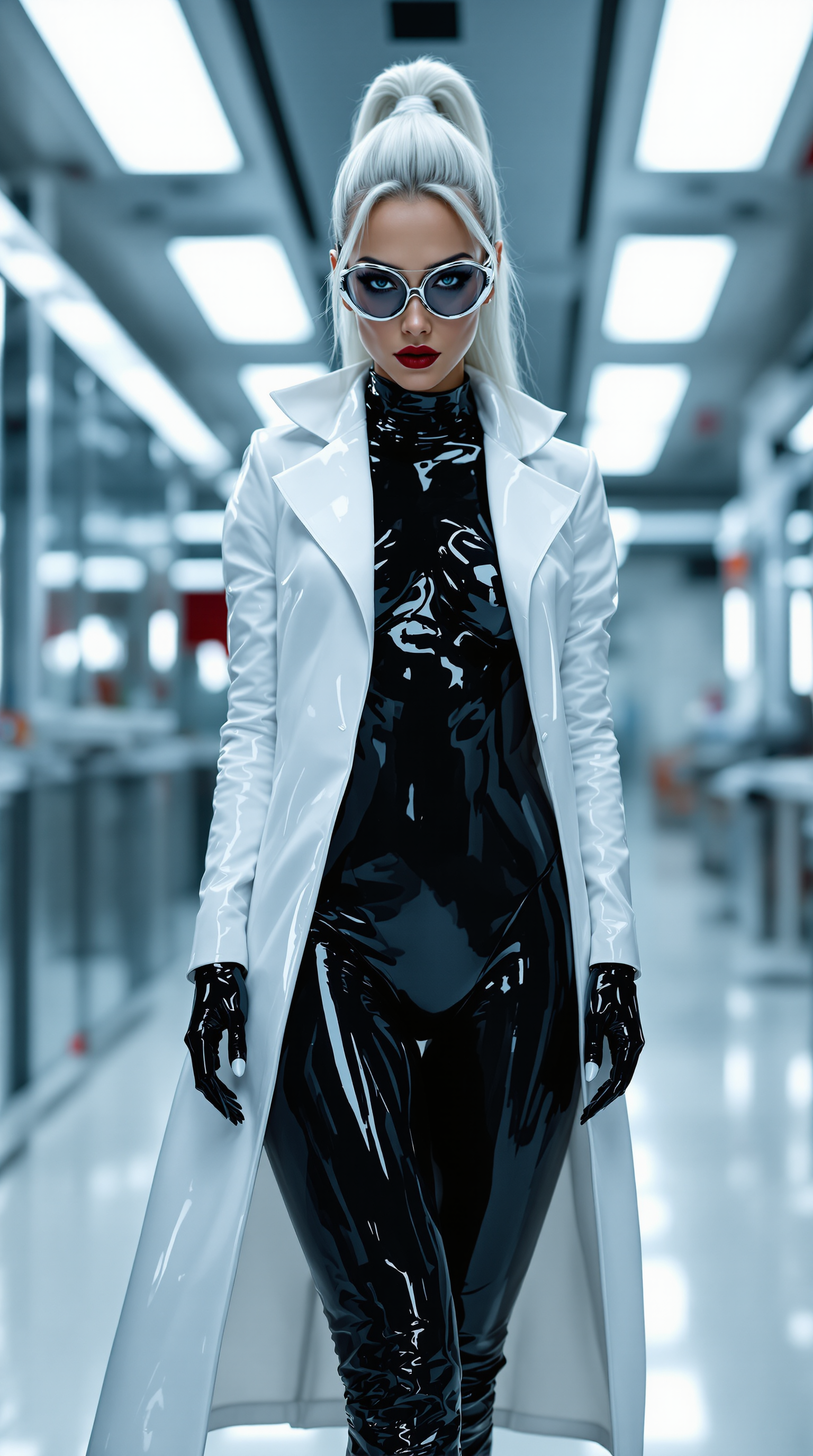
In a high-tech laboratory
stable-diffusion
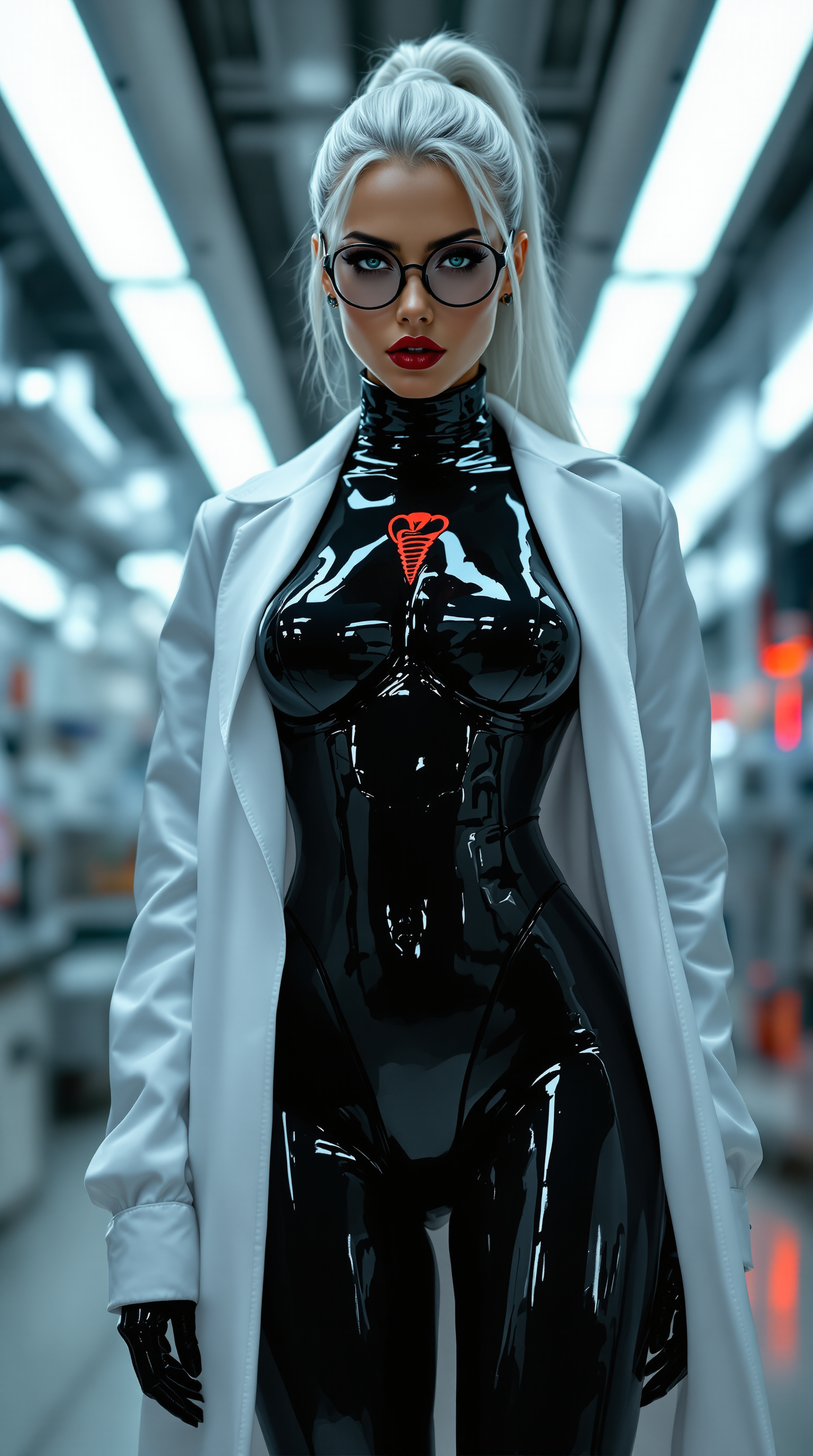
In a high-tech laboratory
stable-diffusion
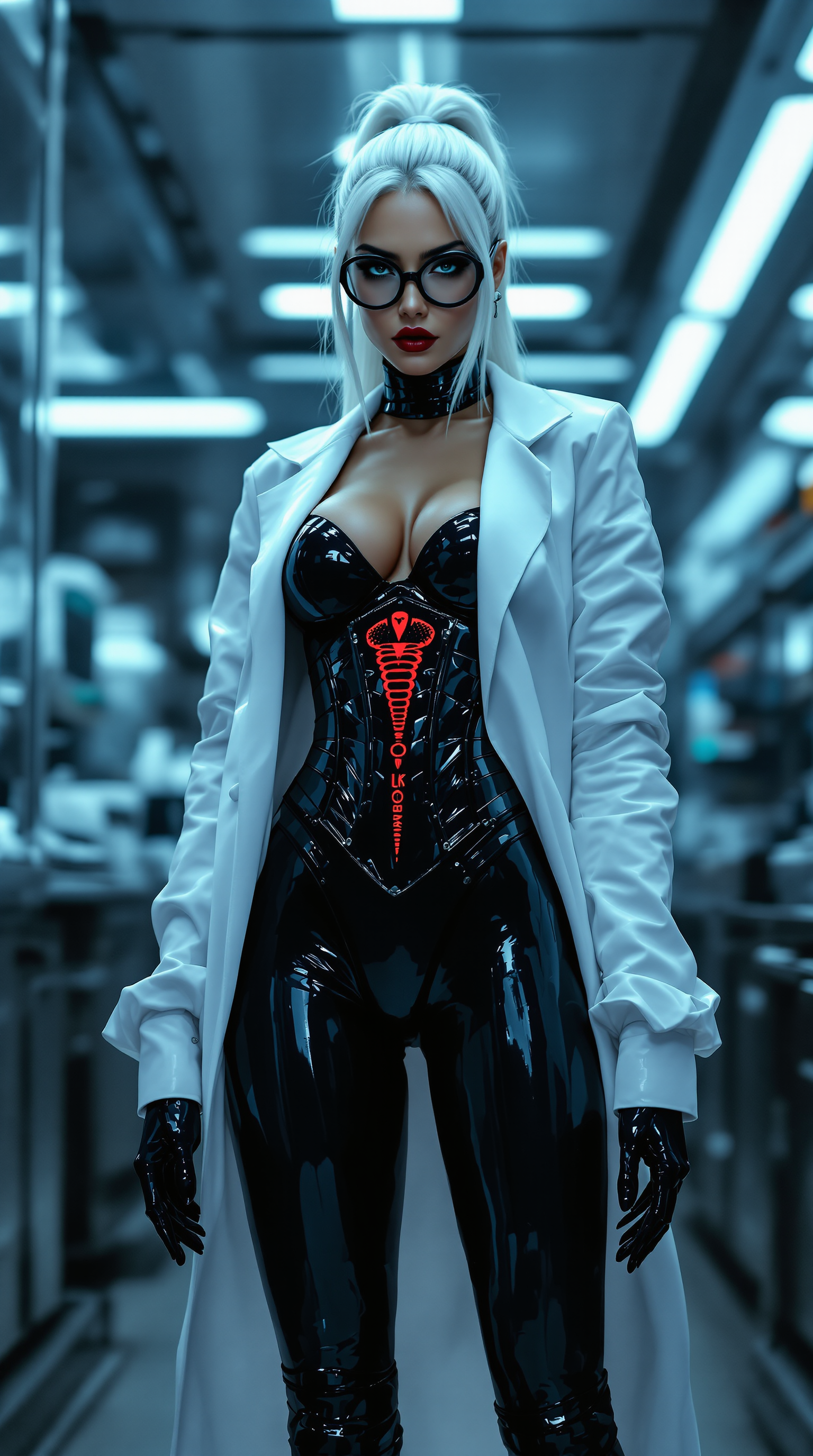
In a high-tech laboratory
stable-diffusion
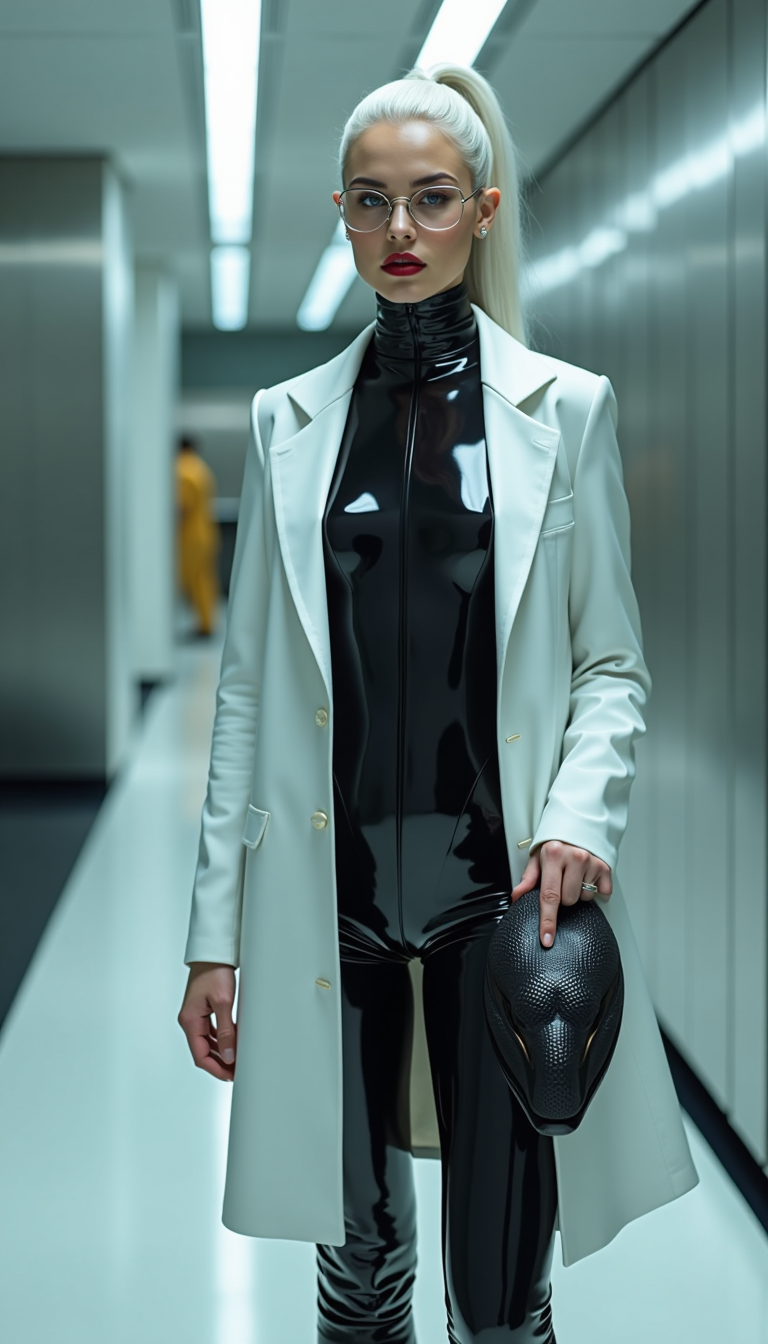
In a high-tech laboratory
stable-diffusion
Models you can run on PixelDojo for black forest labs
Switch models without switching tools. Each one runs in the same PixelDojo studio.
What you can do with black forest labs on PixelDojo
Hosted FLUX Generation
We run Black Forest Labs FLUX models on PixelDojo so you can turn text prompts into still images without managing your own inference stack.
Detailed Prompt Following
FLUX tends to keep composition, style, and subject cues aligned with longer prompts, which cuts down on extra rerolls for most creator workflows.
Clearer On Image Text
You can generate signs, labels, and short copy that stay more readable than with many older diffusion setups we also host.
Draft and Polish Modes
Choose faster FLUX Schnell style runs for iteration, then switch to higher fidelity FLUX options when you need a finished frame.
Loved by thousands of creators worldwide who generate millions of images every month. Join the community already using Flux.2 Studio, Flux.1 Studio and Flux Trainer to produce campaign-ready assets. Cancel anytime—risk-free.
Why Choose Pixel Dojo for black forest labs
Professional-quality results with cutting-edge AI technology
Studio-Quality Photorealism That Sells
You produce images with accurate hands, fabrics, lighting and spatial logic that look indistinguishable from real photography. Use them for product pages, ads and social posts that boost engagement and conversions without hiring a photographer.
Characters That Stay Consistent Across Every Scene
You keep the same face, outfit and personality from hero shot to lifestyle scene. Flux.2 Studio’s multi-reference support plus Consistent Characters and Character Sheets tools let you build entire campaigns around one identity in minutes.
Instant Edits and Brand-Perfect Colors
You change backgrounds, lighting, poses or add exact hex-matched colors with natural-language instructions. Image to Image, Inpainting, Style Transfer and Magic Lighting give you full control so every asset matches your brand guidelines perfectly.
How It Works
You create professional Black Forest Labs Flux images in three simple steps using PixelDojo’s dedicated Flux tools. No technical setup required—just describe your vision and refine until it is perfect.
Step 1: Choose Your Tool
Open Generate Images and select Flux.2 Studio for the latest photorealistic output with multi-reference blending and 4-megapixel detail, or Flux.1 Studio for fast LoRA-supported workflows. For custom styles train your own model with Flux Trainer. Add Character Sheets or Consistent Characters if you need the same person across many shots.
Step 2: Enter Your Prompt
Describe the scene in natural language: subject, lighting, camera angle, mood and any hex colors. For precision use JSON-structured prompts. Upload up to several reference images for style or character matching. Flux models understand complex instructions so you get exactly what you asked for on the first try more often.
Step 3: Customize & Download
Review the results, then refine with Image to Image, Change Camera Angle, Reality Polisher or Background Remover. Upscale with P-Image Upscale or Magnific Upscaler for print-ready files. Download in the format you need or send straight to video tools like Flux 3 Video. Iterate as many times as you want—credits are affordable and you can cancel anytime.
The Pixel Dojo Advantage
Why PixelDojo outperforms other options for Black Forest Labs Flux image generation
| Others | Pixel Dojo |
|---|---|
| Traditional photoshoots | You skip location scouting, talent booking and post-production delays. Generate unlimited variations in the time it takes to drink a coffee, then pick the winner. |
| Generic AI tools | You access the newest Flux.2 Studio, Flux.1 Studio and Flux Trainer in one place plus specialized editors like Inpainting and Character Stylist. Everything is optimized for speed and consistency so you stay in flow. |
| Manual photo editing | You describe the change instead of masking pixels for hours. Magic Lighting, Style Transfer and Reality Polisher deliver professional results even if you have never opened editing software. |
Loved by creators on PixelDojo
Real feedback from people using PixelDojo, pulled from our in-product surveys.
large selection of tools on one platform
the amount you can do on this site
all in one place
It is a lot of fun to uae and easy too.
So many different models to try out
You keep adding to it to stay up to date and that is GOLD.
Explore more AI tools on PixelDojo
AI Tools
Compare & Switch
- Best AI Image Generators
- Best AI Video Generators
- Midjourney Alternatives
- Civitai Alternatives
- Runway Alternatives
- Leonardo Alternatives
- Pika Alternatives
- Luma Alternatives
- Magnific Alternatives
- Veo Alternatives
- Flux Alternatives
- Freepik Alternatives
- Seedance Alternatives
- Seedream Alternatives
- Pixverse Alternatives
- GPT Image Alternatives
- Synthesia Alternatives
- Playground Alternatives
- NightCafe Alternatives
- Canva AI Alternatives
- ElevenLabs Alternatives
- ComfyUI Alternatives
- Fal Alternatives
- Replicate Alternatives
Common Questions
Everything you need to know about black forest labs
How do I generate photorealistic images with Black Forest Labs Flux on PixelDojo?
Select Flux.2 Studio in Generate Images, write a detailed prompt covering subject, lighting and camera, then generate. Flux.2 delivers sharp details, accurate anatomy and real-world lighting. Refine with Reality Polisher or upscale with Magnific Upscaler. You get magazine-quality files ready for ads or websites in under a minute.
Can I keep the same character consistent across multiple Black Forest Labs Flux images?
Yes. Use Consistent Characters or Character Sheets together with Flux.2 Studio’s multi-reference feature. Upload a few photos of your character once, then generate new scenes, outfits and poses while the face and identity stay locked. Perfect for storyboards, campaigns and virtual influencers.
What PixelDojo tools work best with Black Forest Labs Flux models for editing?
After generating in Flux.2 Studio or Flux.1 Studio, jump to Image to Image, Inpainting, Change Camera Angle, Style Transfer, Magic Lighting or Background Remover. These editors understand Flux outputs so your edits stay photorealistic. For faces use Face Swap or Flux Pro Virtual Try-On.
How can I train a custom Black Forest Labs Flux model on PixelDojo?
Open Train Models and choose Flux Trainer. Upload 10–20 images of your product, style or character. The trainer fine-tunes a Flux checkpoint so every future generation matches your unique look. Use the trained model inside Flux.2 Studio for unlimited on-brand images.
Does PixelDojo support the latest Black Forest Labs Flux.2 features like multi-reference and hex colors?
Absolutely. Flux.2 Studio lets you upload multiple reference images in one generation and specify exact hex colors in your prompt. Combined with JSON-structured prompts you get precise control over composition, branding and style without extra plugins.
Can I turn my Black Forest Labs Flux images into videos on PixelDojo?
Yes. Send any Flux still into Flux 3 Video, Kling Video or Seedance tools. Add motion, camera moves and even synced audio. You keep the same photorealistic quality and character consistency from still to motion, all inside one platform. Cancel anytime if you only need stills.