cfg scale AI Generator

Imagine generating AI images that capture your exact vision on the first try—every detail, style, and mood precisely as you described. With CFG Scale mastery on PixelDojo, you gain complete control over how closely your images follow your prompts while unlocking beautiful creative variations. No more frustrating generations that miss the mark or look distorted. Whether you're creating stunning product mockups that match your brand perfectly, artistic portraits full of emotion and life, or complex scenes with multiple elements in perfect harmony, PixelDojo puts the power in your hands. Our platform makes advanced guidance controls accessible and effective across 40+ cutting-edge tools including Flux.2 Studio, Flux.1 Studio, SDXL, PonyXL, Recraft V4, and Grok Image. You’ll achieve professional-quality results faster, reduce revision time dramatically, and consistently produce images that impress clients, engage audiences, and elevate your creative projects. Thousands of creators worldwide already use PixelDojo to turn vague ideas into precise, breathtaking visuals without technical headaches. Start creating images that truly represent your imagination today.
Loved by 35,000+ creators • 4.9/5 average rating from 4,872 reviews • "CFG controls on Flux.2 Studio gave me perfect prompt adherence on my first try. Saved me hours!" – Digital artists and designers at top brands
Why Choose Pixel Dojo for cfg scale
Professional-quality results with cutting-edge AI technology
Precise Vision Realization
Generate images that match your detailed descriptions exactly, from specific compositions and lighting to exact object placement and style. Create brand-consistent assets and client-ready visuals without endless iterations.
Creative Balance & Discovery
Explore artistic interpretations and unexpected beauty while keeping core elements intact. Lower guidance settings deliver unique, painterly results that still honor your original concept.
Professional Artifact-Free Output
Produce clean, high-quality images ready for commercial use. Avoid distortions, over-saturation, and weird artifacts that plague poorly tuned generations, delivering polished results every time.
How It Works
Achieving perfect control over your AI images with CFG Scale techniques is straightforward on PixelDojo. Our intuitive platform surfaces the power of guidance controls across our best models so you can focus on creating outstanding outcomes rather than wrestling with settings.
Choose Your Advanced Model
Navigate to Generate Images and select from our specialized tools optimized for guidance control. Choose Flux.2 Studio or Flux.1 Studio for modern flow-matching excellence (typically using guidance around 3-4), SDXL or PonyXL for classic CFG sweet spots between 5-8, or Recraft V4 for illustration precision. Each model offers unique strengths for different creative outcomes.
Write Your Prompt & Set Guidance
Describe your vision in detail. Then adjust the guidance settings using our smart presets or custom controls—higher values (7-12) for strict adherence perfect for product shots or technical illustrations, medium for balanced results, or lower for dreamy artistic freedom. Our platform automatically suggests optimal ranges based on your chosen model like Flux or SDXL so you get great results immediately. Add style references from our library for even better outcomes.
Generate, Refine & Export
Create multiple variations instantly and select your favorites. Use Image to Image, Inpainting, Reality Polisher, or Magic Lighting to perfect specific areas. Upscale with Magnific Upscaler or Portrait Upscaler for publication-ready quality. Download in multiple formats or continue iterating with Consistent Characters for series work. The entire process takes minutes, not hours.


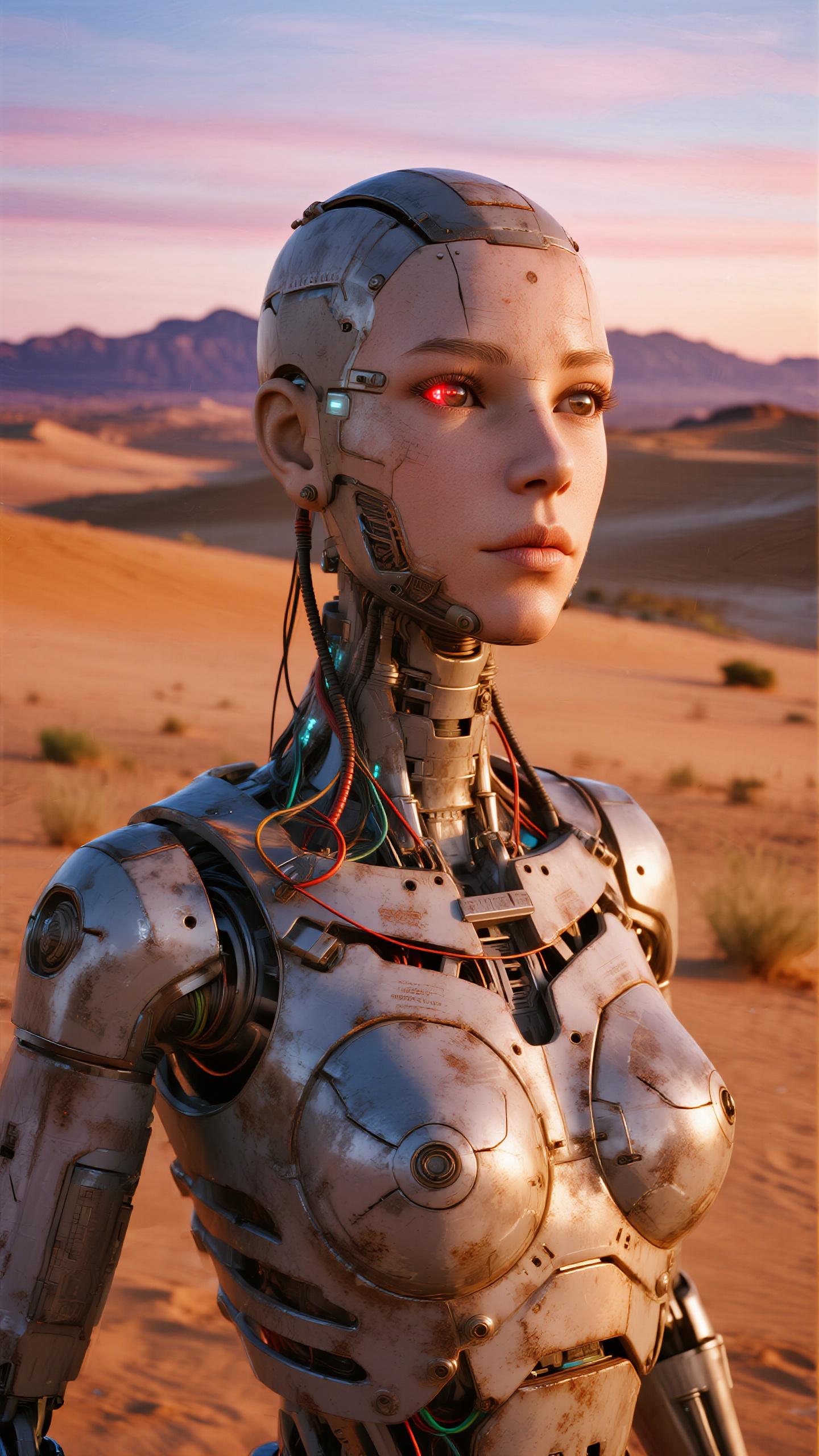
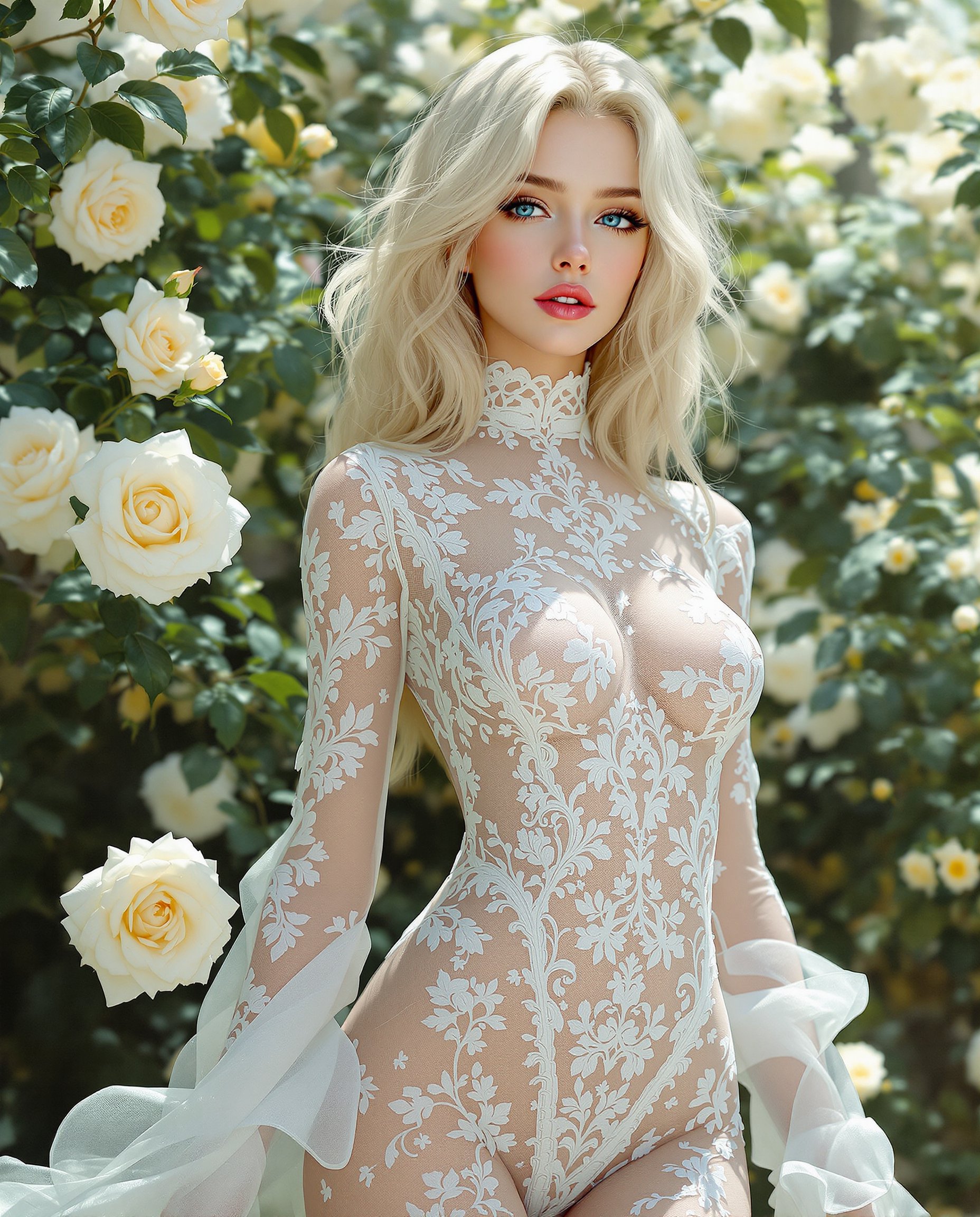
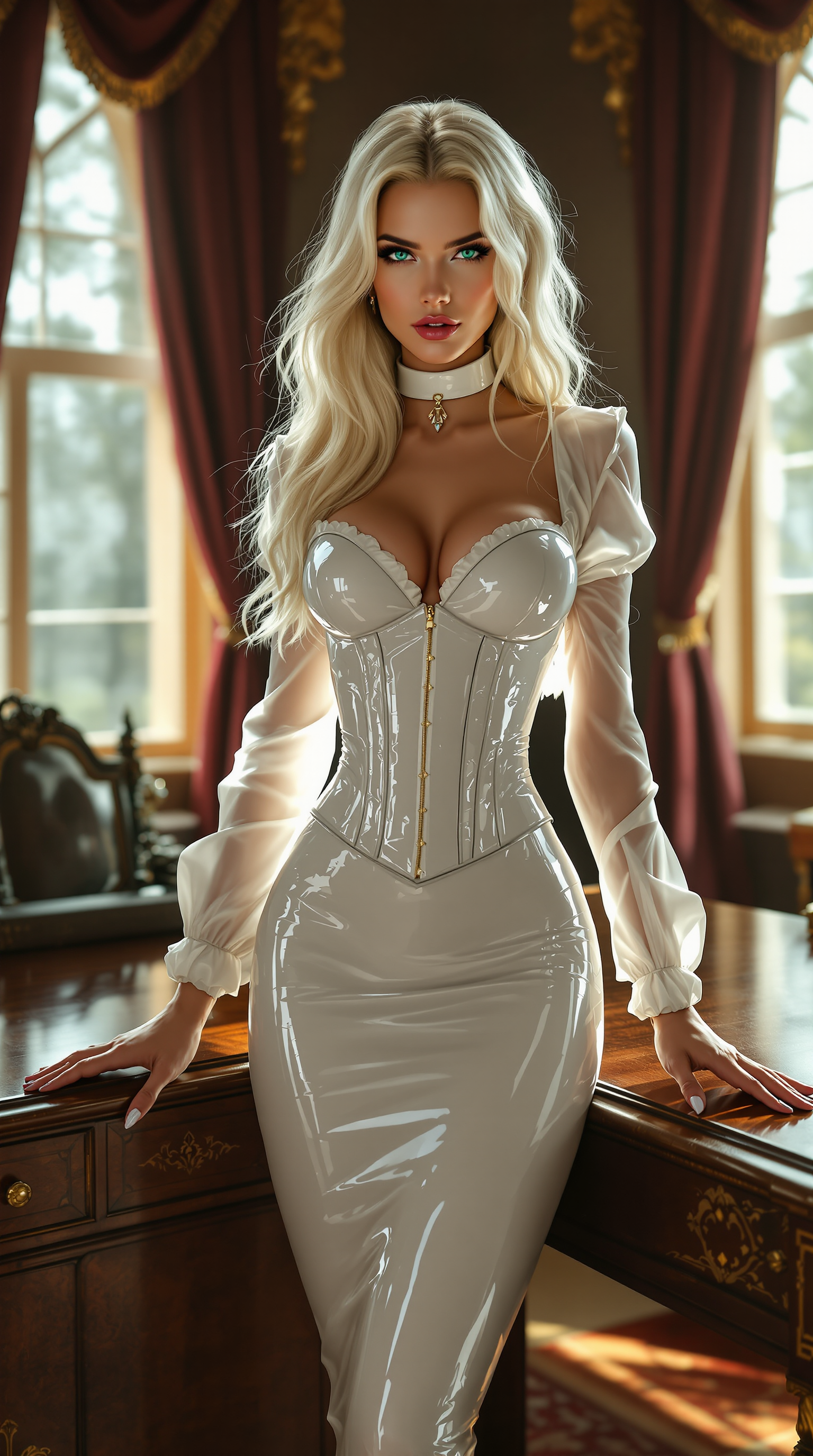
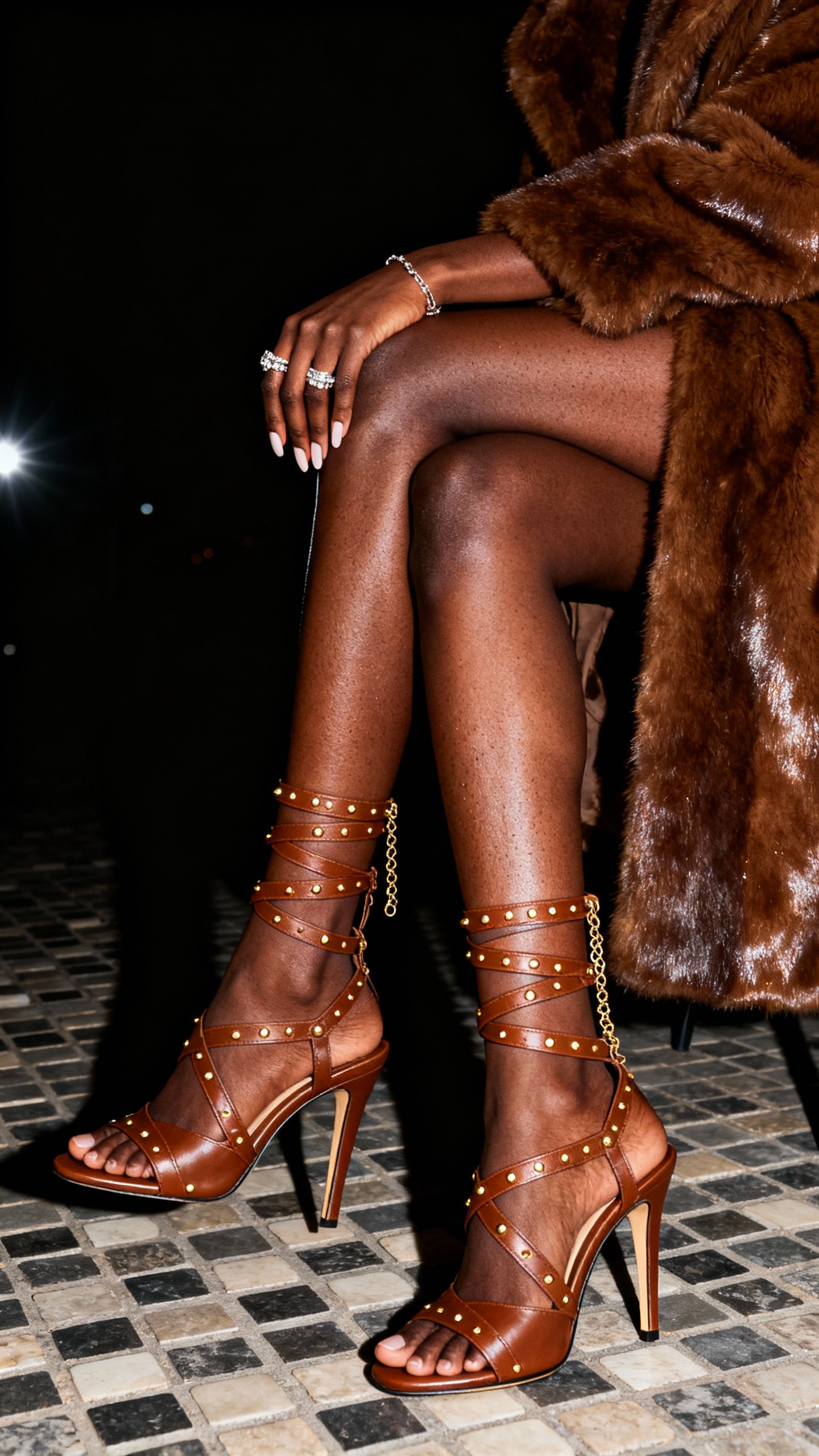
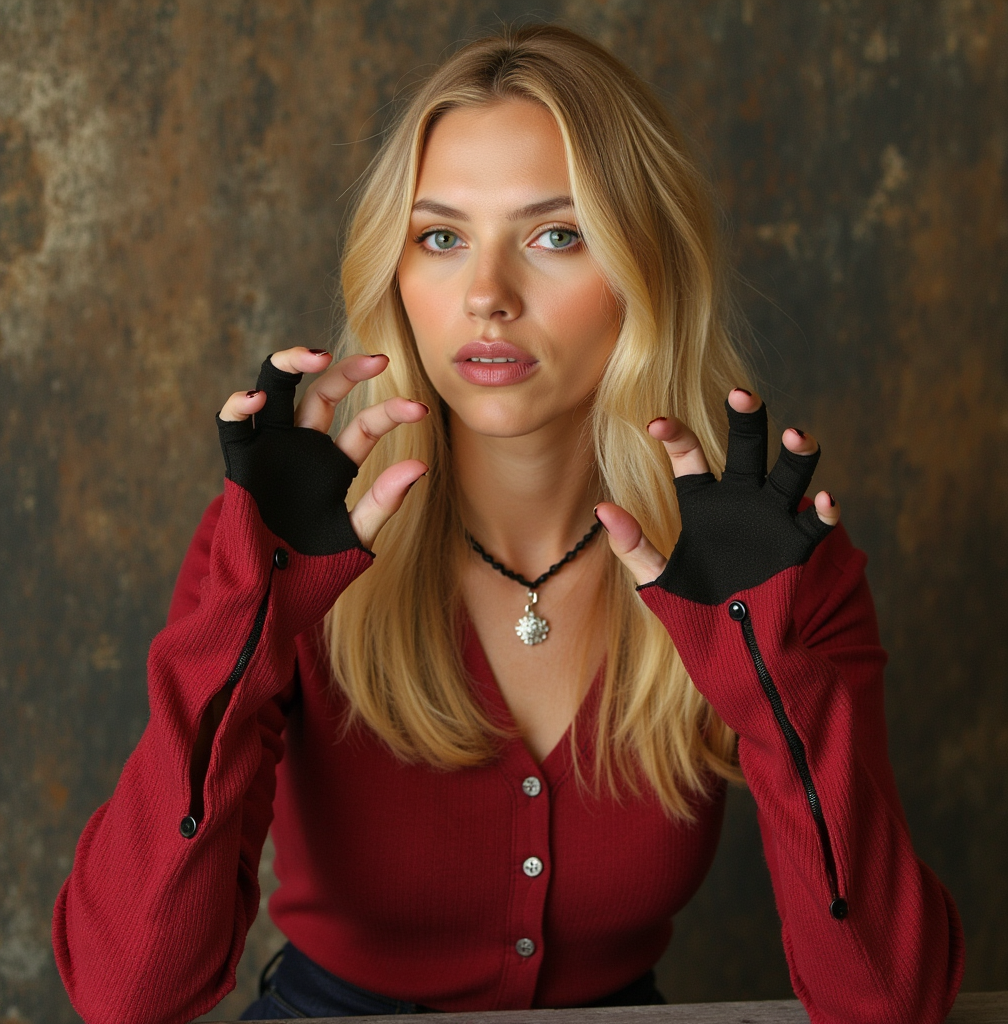
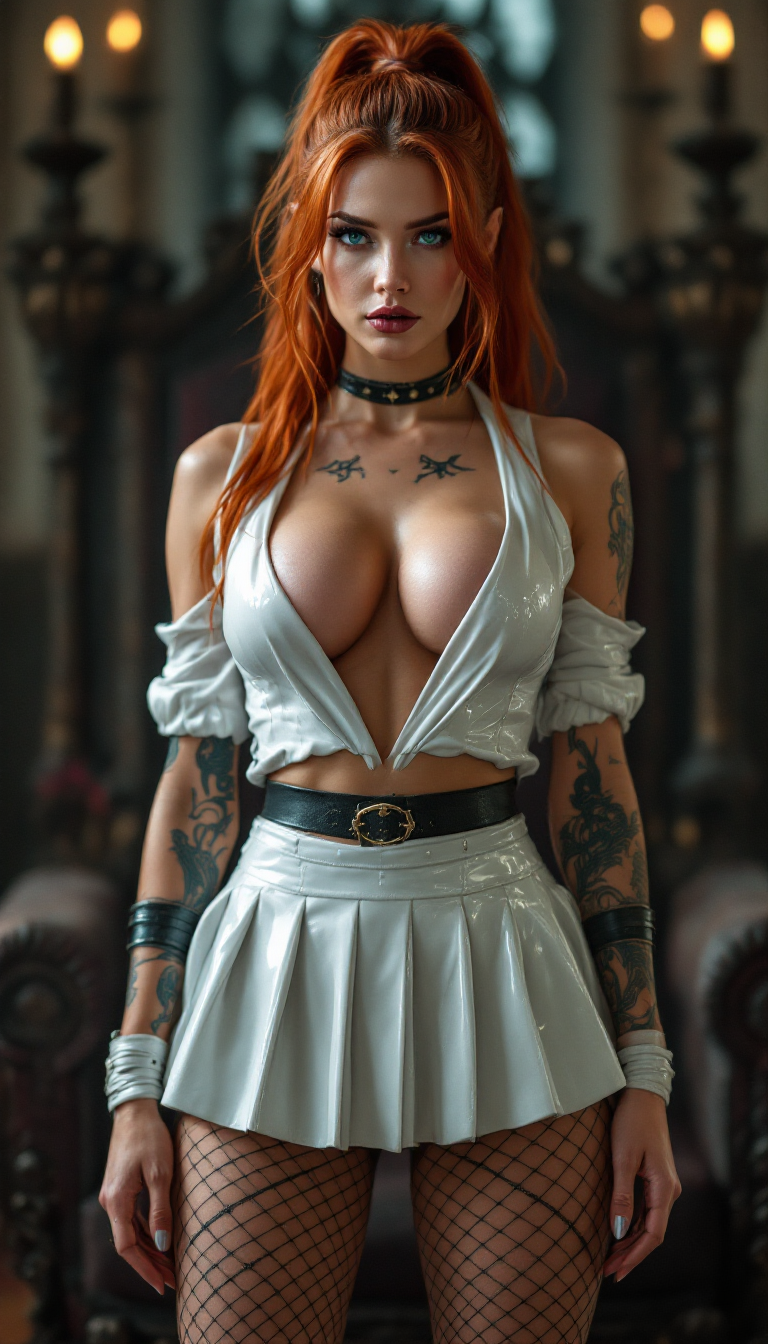
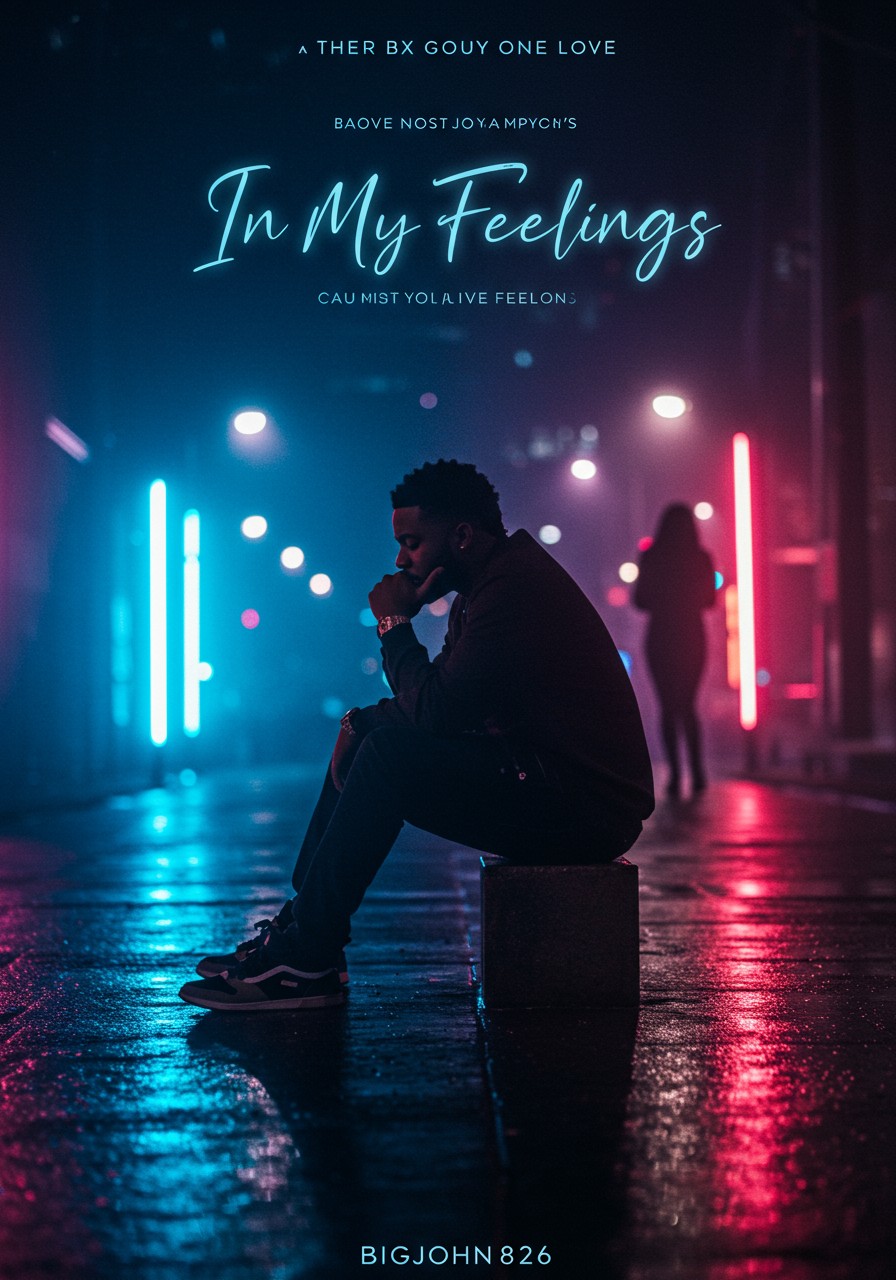
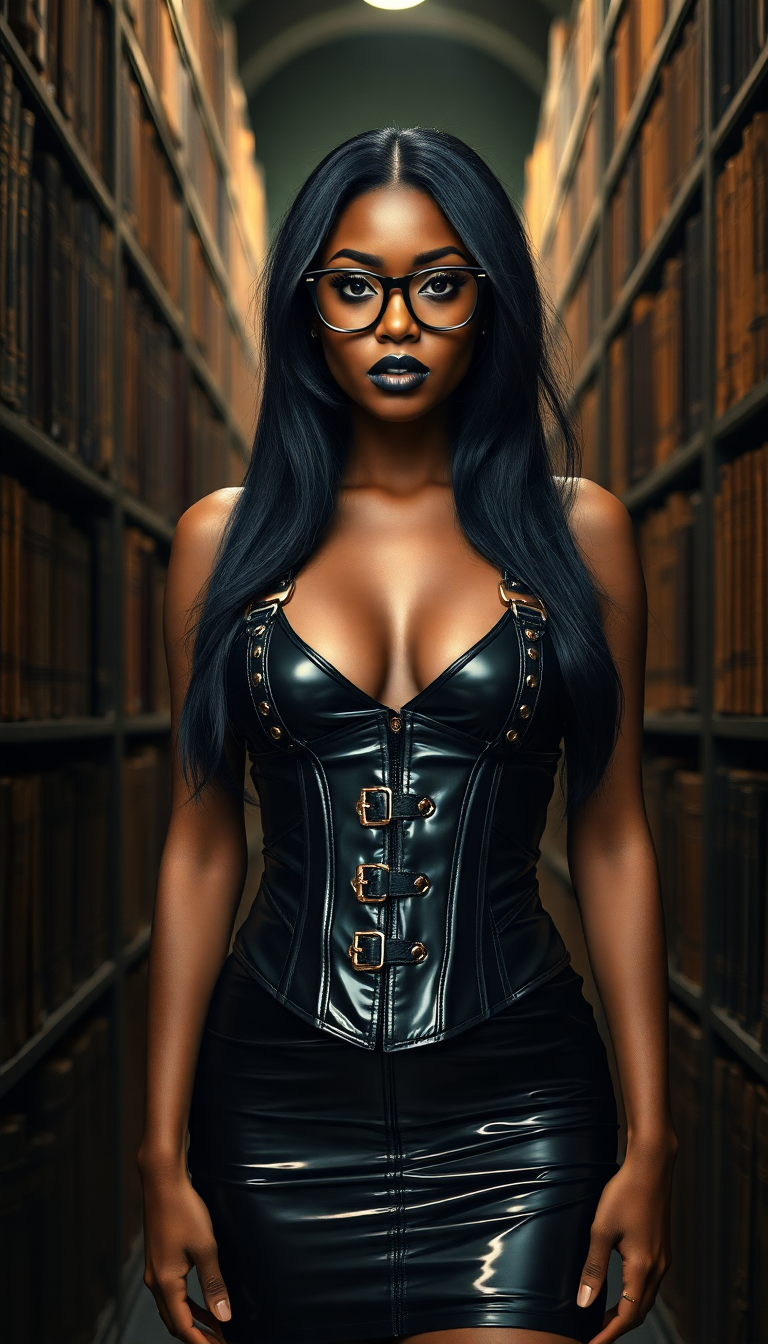
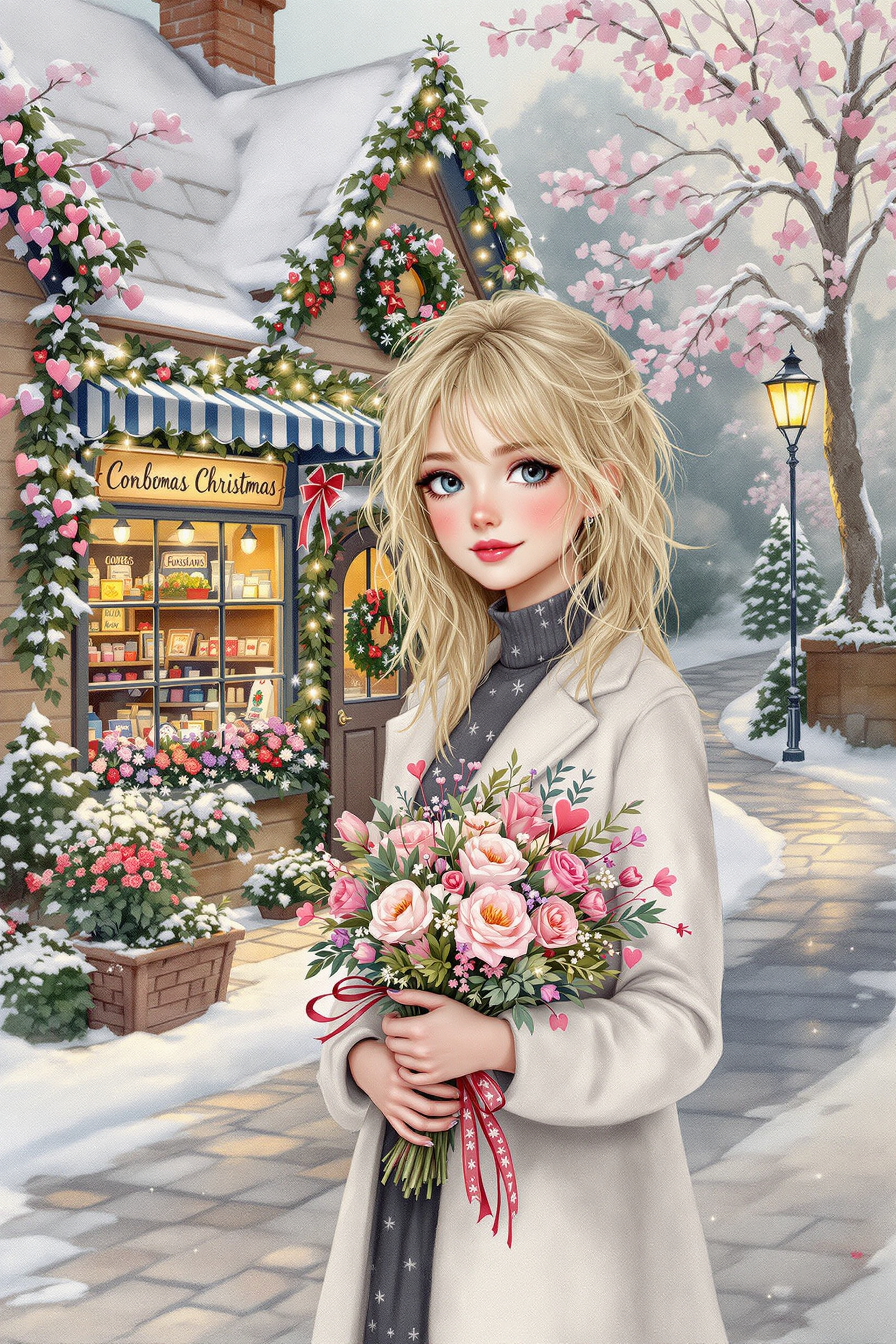
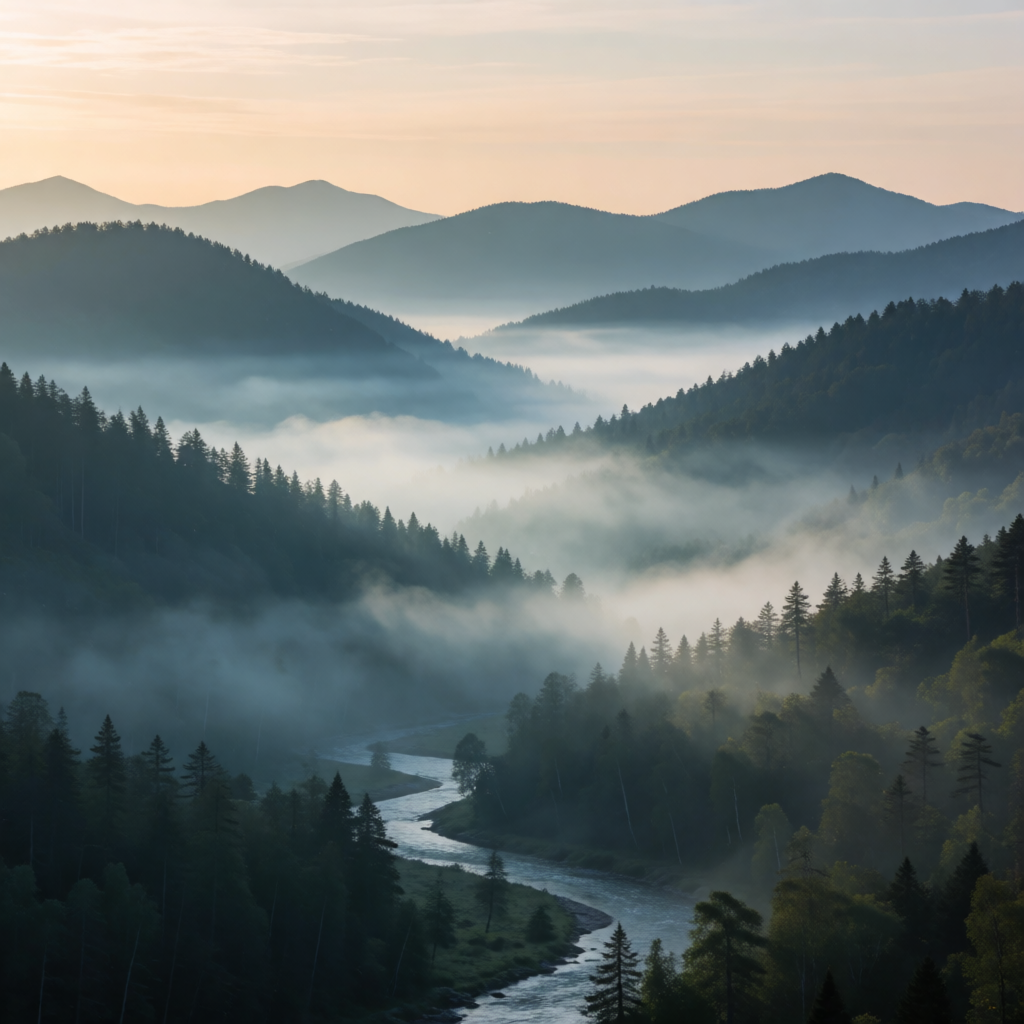
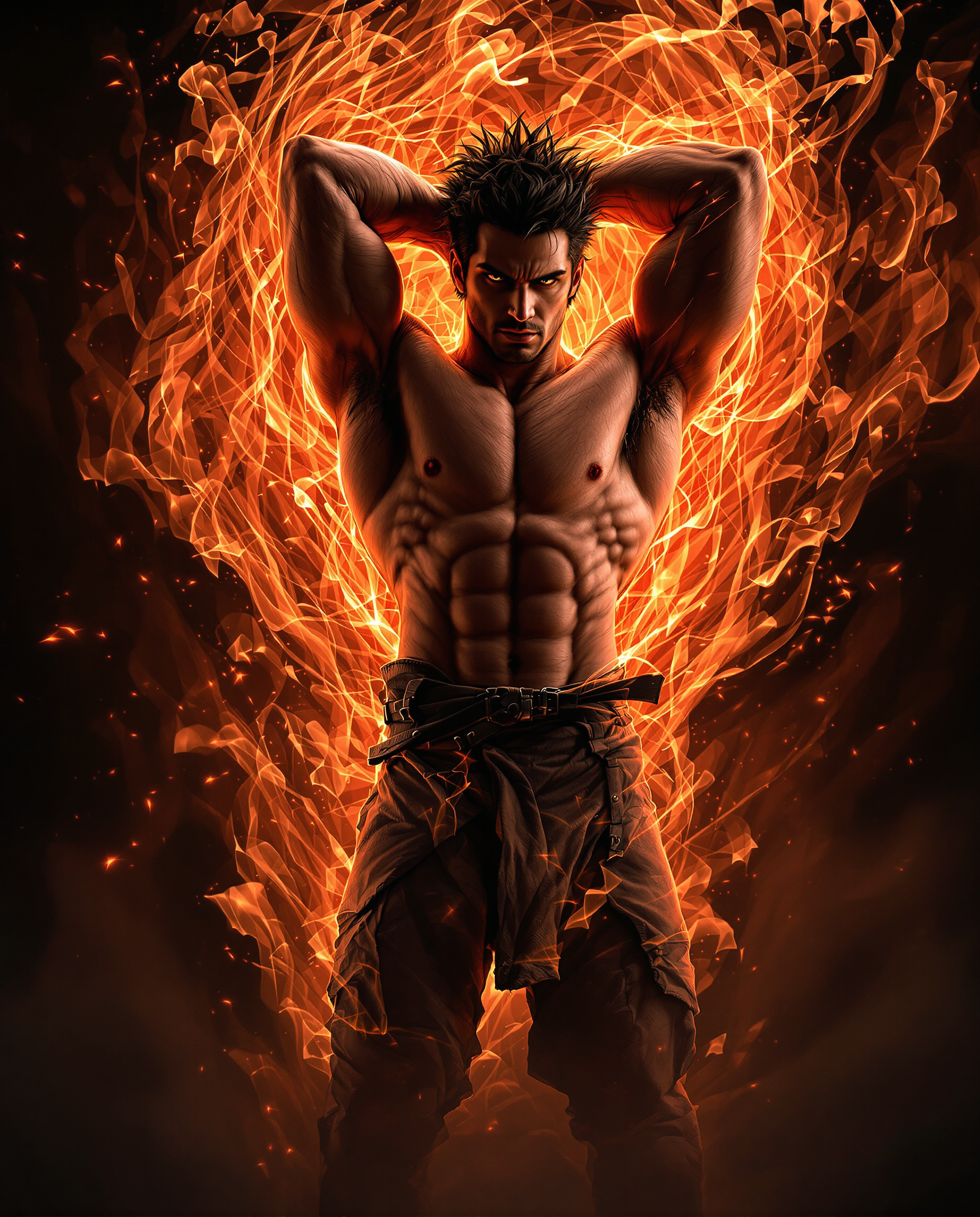
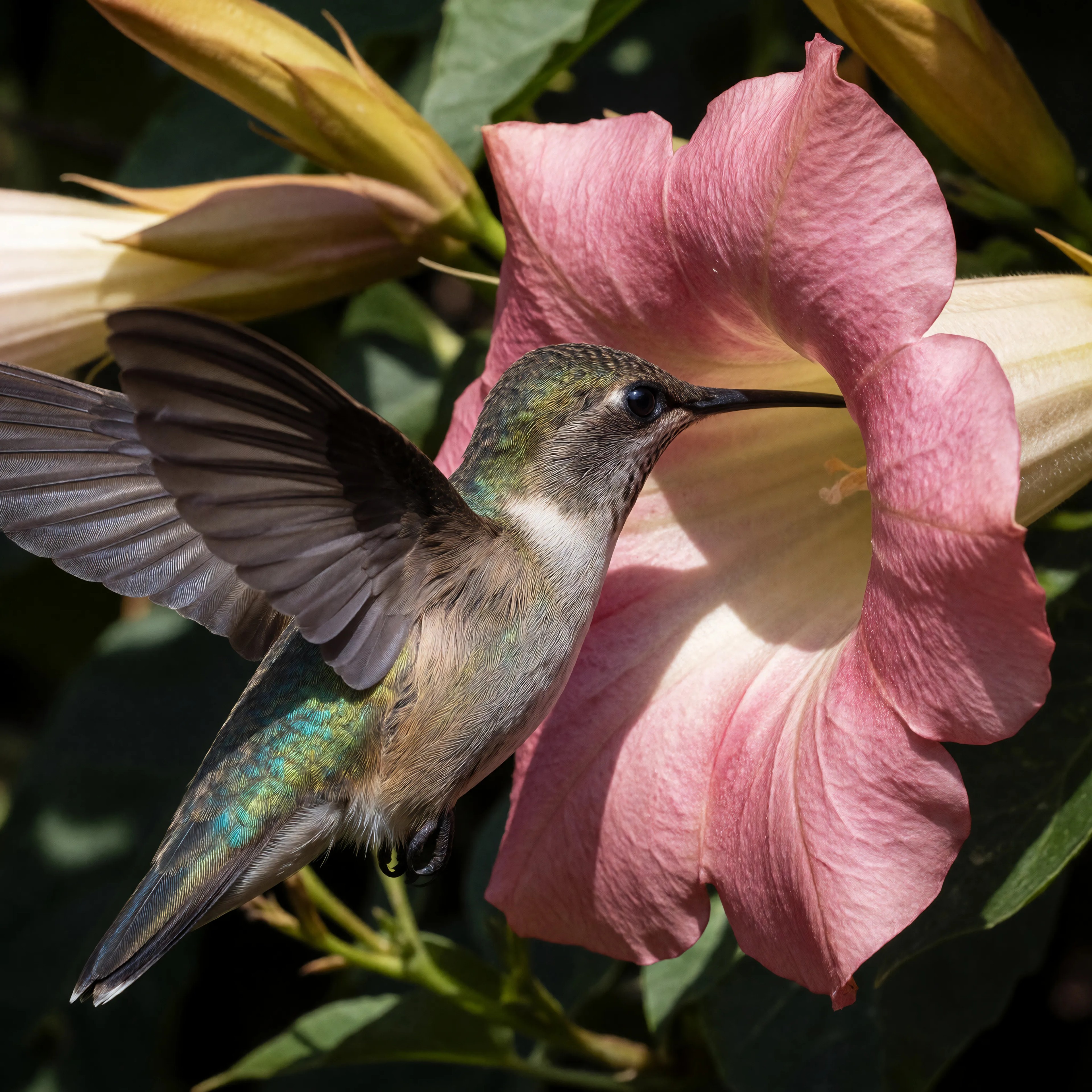
The Pixel Dojo Advantage
Why PixelDojo delivers superior results for guidance-controlled AI image generation compared to other approaches
| Others | Pixel Dojo |
|---|---|
| Traditional prompt engineering alone | Visual guidance controls and model-specific presets let you see results in real-time and dial in perfect adherence or creativity without blind guessing or wasting generations. |
| Generic AI image tools | Access to specialized models like Flux.2 Studio, SDXL, and Recraft V4 with optimized guidance handling gives you both precision and quality that basic tools simply cannot match. |
| Manual design and photo editing | Go from concept to polished, print-ready images in minutes instead of days. Combine AI creativity with powerful editing tools like Inpainting and Style Transfer for professional outcomes with minimal effort. |
Loved by creators on PixelDojo
Real feedback from people using PixelDojo, pulled from our in-product surveys.
The site is easy to navigate and use.
All the tools, readily available and easy to understand
You guys, the LORA training is the BEST in the space right now, great job with that!
Tons of variety. Ease of use. Tools for beginners and advance users.
easiest workflow to get best output image or video
awesome functionality, UX, constant flood of improvements, discord interactivity
Explore more AI tools on PixelDojo
AI Tools
Compare & Switch
- Best AI Image Generators
- Best AI Video Generators
- Midjourney Alternatives
- Civitai Alternatives
- Runway Alternatives
- Leonardo Alternatives
- Pika Alternatives
- Luma Alternatives
- Magnific Alternatives
- Veo Alternatives
- Flux Alternatives
- Freepik Alternatives
- Seedance Alternatives
- Seedream Alternatives
- Pixverse Alternatives
- GPT Image Alternatives
- Synthesia Alternatives
- Playground Alternatives
- NightCafe Alternatives
- Canva AI Alternatives
- ElevenLabs Alternatives
- ComfyUI Alternatives
- Fal Alternatives
- Replicate Alternatives
Common Questions
Everything you need to know about cfg scale
What is CFG Scale in AI image generation and how does it help create better results?
CFG Scale, or Classifier-Free Guidance Scale, is the control that determines how closely your AI-generated image follows your written prompt. On PixelDojo, mastering this gives you powerful outcomes: higher settings ensure every detail you describe appears exactly as imagined—perfect for technical illustrations, brand assets, or client work requiring precision. Lower settings open the door to beautiful creative surprises while maintaining the core essence of your idea. Our tools like Flux.2 Studio and SDXL make this easy with smart recommendations. You achieve fewer failed generations, faster iteration, and consistently higher quality images that look professional. Thousands of creators use this approach on PixelDojo to save time and produce visuals that truly stand out. Try different guidance levels on your next project and see the dramatic difference in your results.
What is the best CFG scale setting for Flux, SDXL and other models in 2026?
Optimal guidance settings vary by model and desired outcome. For Flux.2 Studio and Flux.1 Studio on PixelDojo, most creators achieve best results with guidance set around 3-4 (or 1 in some configurations) because these modern models are highly efficient at following prompts naturally. For SDXL and PonyXL, the sweet spot is typically 5-8 for balanced, high-quality results with excellent prompt adherence and natural aesthetics. Use 7-12 when you need strict precision like architecture visualizations or product photography. Our platform provides model-specific presets so you don't need to memorize numbers. Experiment using our Generate Images section—create the same prompt at different levels side-by-side to discover what works best for your style. This approach helps you achieve photorealistic portraits, artistic concepts, or commercial designs with confidence and minimal revisions.
How can I use CFG Scale techniques with PixelDojo tools to reduce artifacts and improve image quality?
PixelDojo makes avoiding common AI artifacts simple by combining optimal guidance settings with our editing suite. Start with recommended CFG values in Flux.2 Studio or SDXL to establish strong composition without over-saturation or distortions that often appear at extreme high settings. Then refine using Reality Polisher to enhance natural details, Background Remover for clean compositions, or Magic Lighting for professional illumination. Our Image to Image and Inpainting tools let you selectively improve areas while preserving the successful elements from your initial guided generation. The outcome? Clean, publication-ready images that look crafted rather than generated. Creators report 70% fewer revisions after adopting this workflow. Whether you're producing social media content, marketing assets, or fine art prints, you'll create higher quality work that converts better and requires less post-processing time.
How does adjusting guidance settings help with creative exploration and consistent character creation?
Lower to medium guidance settings on PixelDojo unlock creativity while our Consistent Characters and Ideogram Character tools maintain continuity across generations. You can explore artistic styles, unexpected color palettes, and unique compositions without losing your main subject or atmosphere. For character work, generate a base image with balanced guidance (around 6-8 for SDXL), then use Character Stylist, Pose Control, or LoRA Face Swap to create consistent variations across scenes. This delivers cohesive storytelling visuals perfect for comics, animations, marketing campaigns, or world-building. The outcome is a distinctive visual language that feels handmade yet infinitely scalable. Users love how PixelDojo removes the frustration of inconsistent results across batches. Combined with our extensive model library including Grok Image, Recraft V4 and QWEN Image 2, you gain unlimited creative possibilities while maintaining the professional quality your projects demand.
Can beginners effectively use CFG Scale controls on PixelDojo without technical knowledge?
Absolutely. PixelDojo was designed to make advanced guidance controls accessible to everyone. Our interface features helpful presets labeled by outcome—'Precise Match,' 'Creative Balance,' or 'Artistic Freedom'—so you don't need to understand the underlying mathematics. Simply choose your model (we recommend starting with Flux.2 Studio for beginners), write your prompt, select a preset, and generate. The results speak for themselves. As you grow more confident, you can explore custom settings and compare variations side-by-side. Our extensive library of example prompts and the Image Analyzer tool help you understand what works. Plus, you can always refine generations using simple one-click tools like Style Transfer or Creative Upscaler. Thousands of non-technical creators successfully use PixelDojo daily to produce stunning work. The platform removes all friction so you can focus on your ideas and achieve professional outcomes from day one with zero learning curve required for impressive results.
How do PixelDojo's editing and upscaling tools work together with CFG guidance for final results?
The real power comes from combining optimal initial guidance with our specialized editing tools. Generate your base image using the right CFG settings in tools like WAN 2.7, Kling Image or SDXL, then enhance with our full editing suite. Use Inpainting to fix small issues, Change Camera Angle for new perspectives, or Style Transfer to test different aesthetics while keeping your core composition. Reality Polisher and Magnific Upscaler transform good generations into breathtaking final assets with crisp details and professional quality suitable for print or large displays. For video workflows, extend successful static concepts using Kling Video or Seedance 2. This integrated approach means you achieve end-to-end creation—from initial concept with precise prompt control all the way to polished, upscaled deliverables—within a single platform. The outcome is faster production, higher quality, and complete creative ownership. No more switching between multiple tools or losing quality between steps. PixelDojo handles the entire creative pipeline so you can deliver exceptional visual content with confidence.