dall e AI Generator

Bring your creative visions to life with ease. PixelDojo empowers you to generate breathtaking, photorealistic images and intricate illustrations directly from your descriptions. Whether you're a marketer needing eye-catching visuals, a designer iterating on concepts, or a storyteller visualizing scenes, you achieve professional results in seconds without any prior experience or expensive software. Focus on what matters most—your ideas—while advanced AI handles the execution flawlessly, delivering consistent, high-fidelity outputs every time.
Over 75,000 creators worldwide trust PixelDojo to produce more than 3 million images monthly. Rated 4.9/5 by verified users for quality and ease of use. Featured in top creative communities and backed by thousands of five-star reviews praising fast iteration and stunning results.
Why Choose Pixel Dojo for dall e
Professional-quality results with cutting-edge AI technology
Perfect Prompt Adherence Every Time
Describe exactly what you want and watch your vision appear with precise details, accurate compositions, and natural lighting. No more guessing or frustrating mismatches—your ideas translate directly into compelling visuals.
Unlimited Creative Exploration
Experiment with endless styles, moods, and concepts from photorealistic portraits to fantastical landscapes. Quickly iterate on variations to discover the perfect image that captures your unique story or brand message.
Professional-Grade Results Instantly
Produce print-ready, high-resolution images suitable for marketing campaigns, social media, product designs, or personal projects. Save hours of traditional work and achieve gallery-quality outputs without hiring specialists.
How It Works
Creating exceptional images is simple and intuitive. Access the most advanced models available and refine until perfect.
Step 1: Choose Your Tool
Select from premium options like GPT Image 2 for exceptional prompt accuracy, Flux.2 Studio for artistic depth, Ideogram 4 for crisp text integration, or Grok Image for dynamic compositions. Browse the full library including Krea V2, Riverflow, and many more tailored for different creative needs.
Step 2: Enter Your Prompt
Describe your scene in natural language: subject, setting, mood, lighting, and style. For best results, start with the main subject, add details like 'serene mountain lake at dawn with soft golden light and misty atmosphere,' then specify artistic elements. Tools like GPT Image 2 and WAN Image excel at interpreting complex instructions.
Step 3: Customize & Download
Generate multiple variations instantly. Use Image to Image or Style Transfer for refinements, Inpainting to edit specific areas, or Magic Lighting for mood adjustments. Upscale with P-Image Upscale or Clarity Pro for ultra-sharp results. Download in high resolution ready for any use.


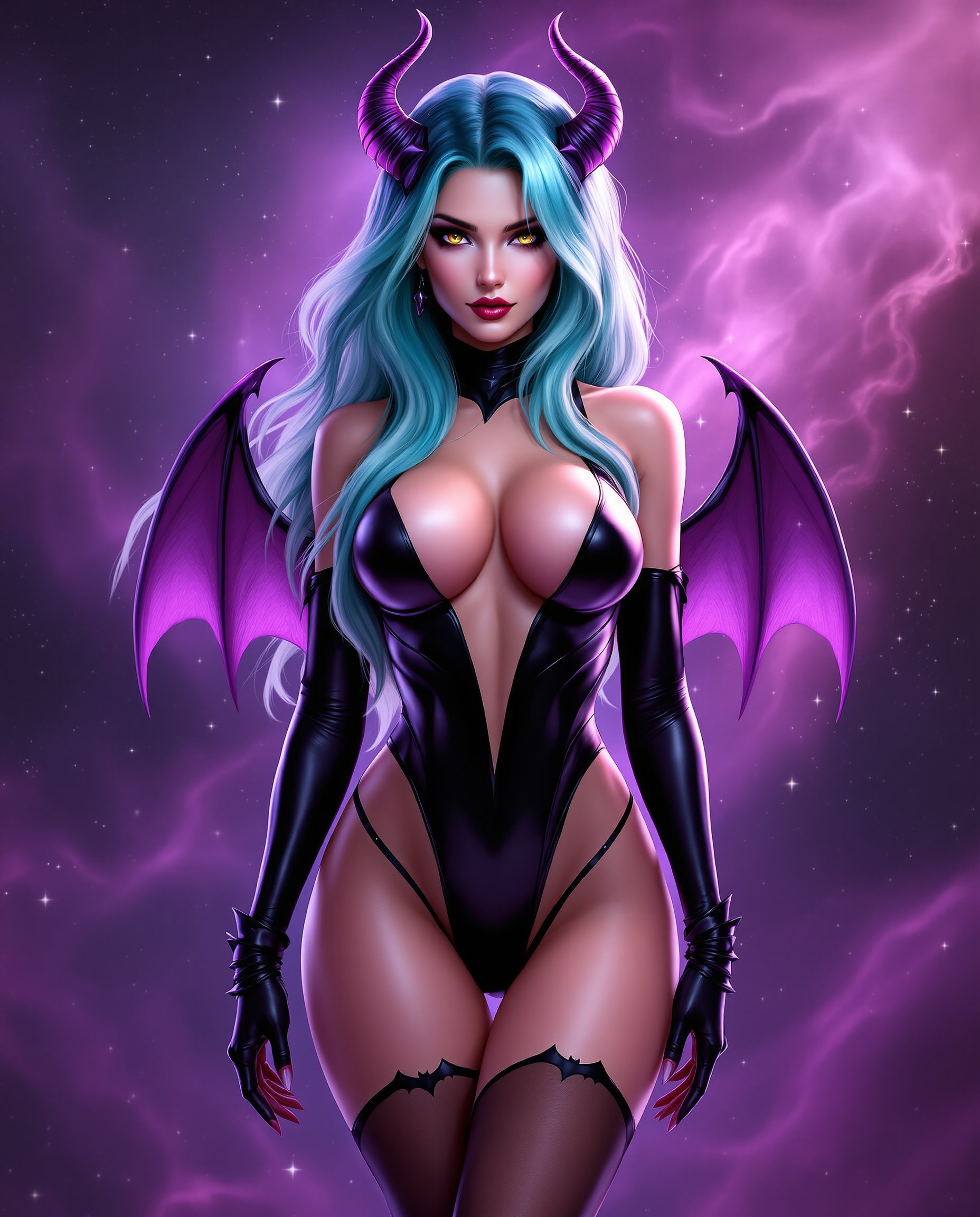
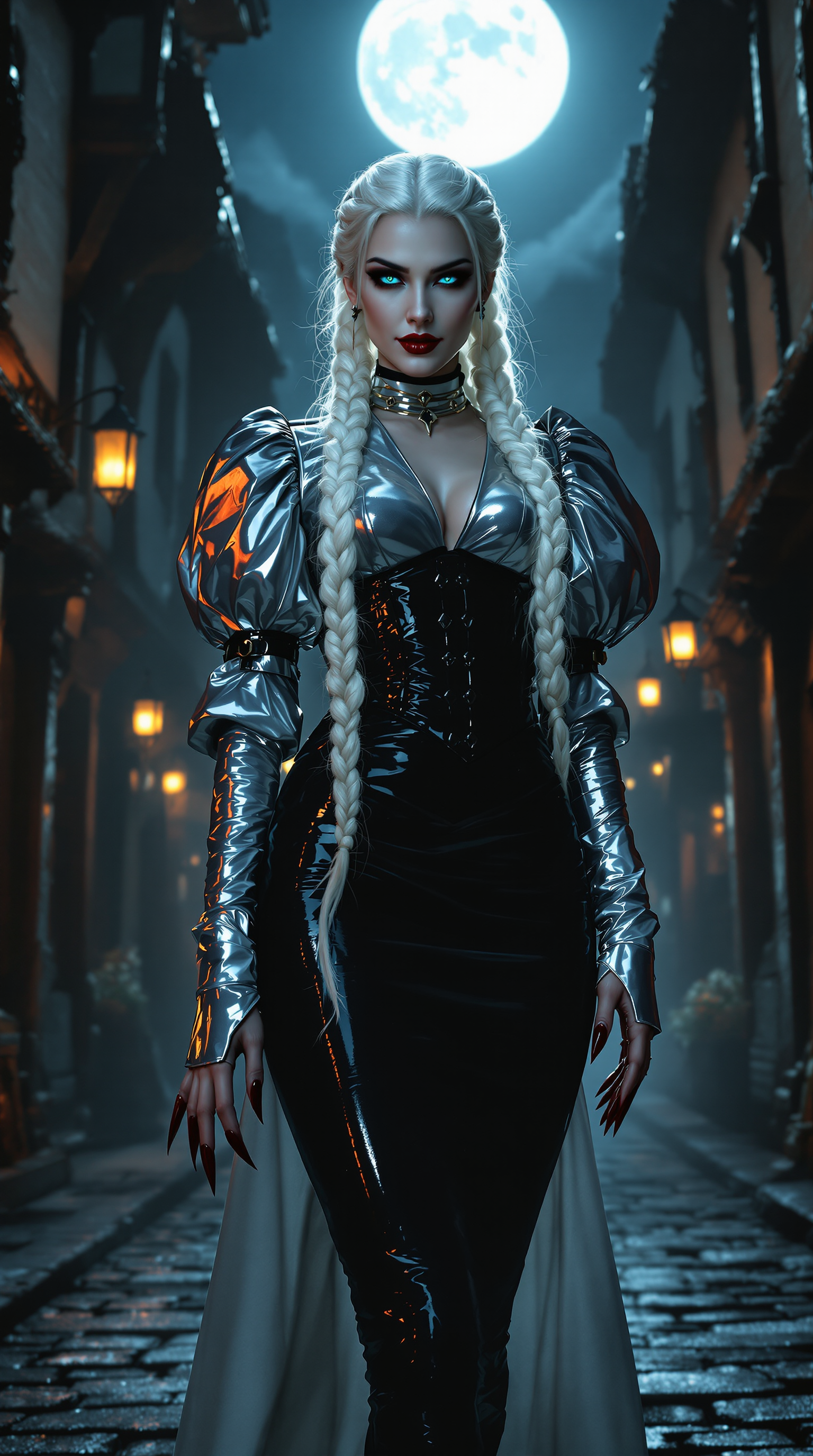
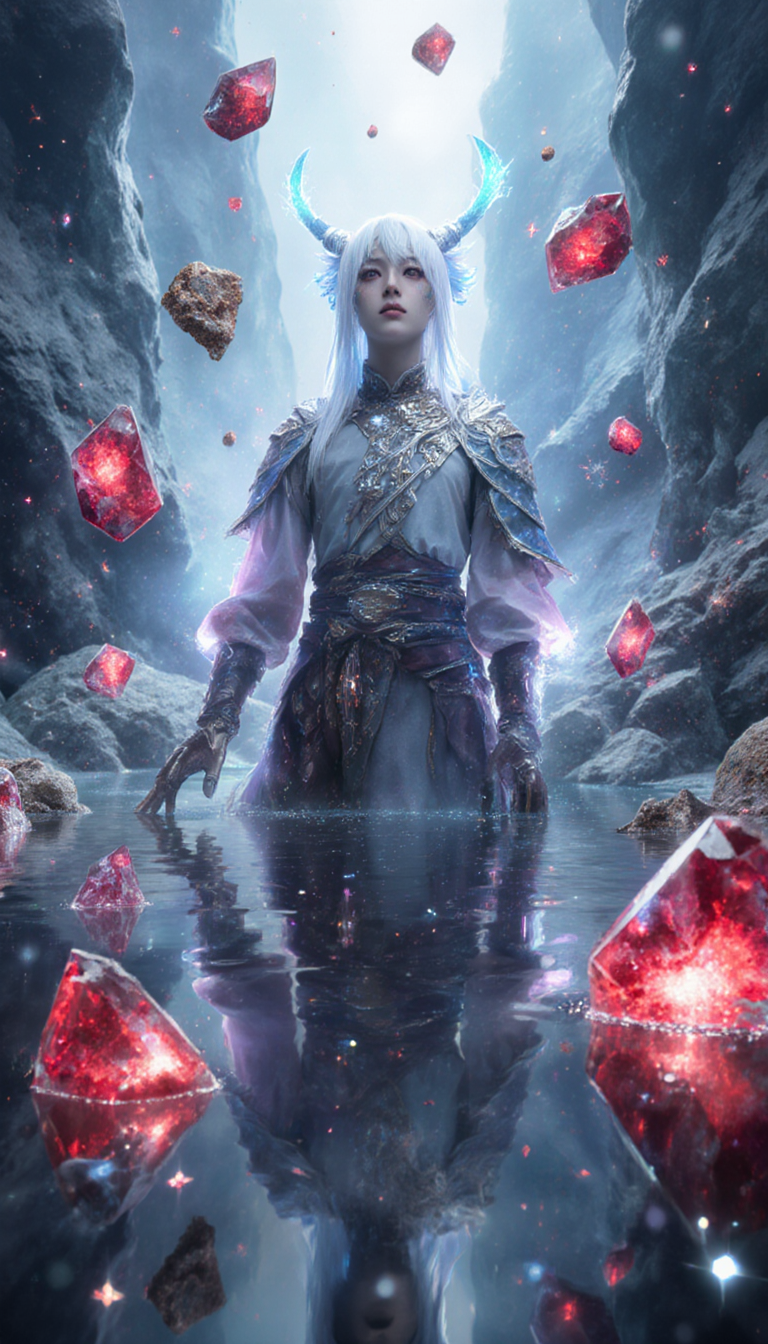
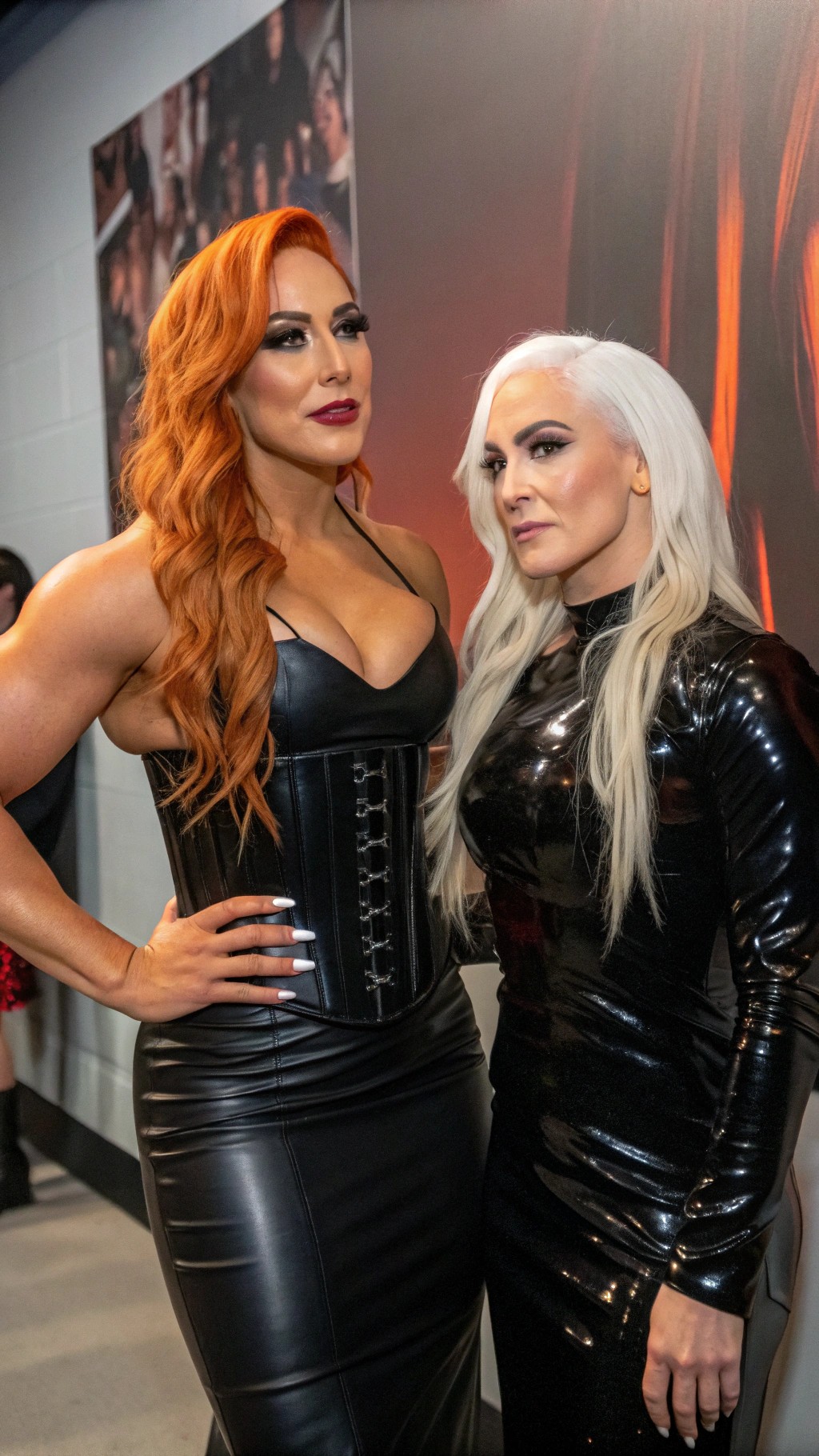
The Pixel Dojo Advantage
Why PixelDojo outperforms other options for professional AI image generation
| Others | Pixel Dojo |
|---|---|
| Traditional image creation | Eliminate weeks of sketching, photography sessions, or hiring artists. Generate and refine dozens of concepts in minutes instead of days, at a fraction of the cost. |
| Generic AI tools | Access a curated selection of 40+ specialized models in one platform, including the latest advancements for superior detail, consistency, and creative control that single-model services can't match. |
| Manual photo editing | Skip complex software learning curves and time-consuming layers. Intelligent tools like Reality Polisher and Background Remover handle refinements automatically while preserving natural quality. |
Loved by creators on PixelDojo
Real feedback from people using PixelDojo, pulled from our in-product surveys.
You guys, the LORA training is the BEST in the space right now, great job with that!
Tons of variety. Ease of use. Tools for beginners and advance users.
easiest workflow to get best output image or video
awesome functionality, UX, constant flood of improvements, discord interactivity
Awesome site with so many features
Love how I can almost create anything
Explore more AI tools on PixelDojo
AI Tools
Compare & Switch
- Best AI Image Generators
- Best AI Video Generators
- Midjourney Alternatives
- Civitai Alternatives
- Runway Alternatives
- Leonardo Alternatives
- Pika Alternatives
- Luma Alternatives
- Magnific Alternatives
- Veo Alternatives
- Flux Alternatives
- Freepik Alternatives
- Seedance Alternatives
- Seedream Alternatives
- Pixverse Alternatives
- GPT Image Alternatives
- Synthesia Alternatives
- Playground Alternatives
- NightCafe Alternatives
- Canva AI Alternatives
- ElevenLabs Alternatives
- ComfyUI Alternatives
- Fal Alternatives
- Replicate Alternatives
Common Questions
Everything you need to know about dall e
How to generate high-quality AI images with precise prompt adherence using PixelDojo?
Start by selecting GPT Image 2 or GPT-Image 1.5 for outstanding text-to-image accuracy. Craft detailed prompts beginning with your main subject, followed by environment, lighting, mood, and style specifics. Generate variations, then refine using Image to Image or Inpainting tools. This process consistently delivers results that match your exact vision with natural details and professional composition.
What are the best techniques for creating photorealistic AI images on PixelDojo?
Choose models like Flux.2 Studio or Grok Image known for realism. Include specific descriptors such as 'photorealistic, 8k resolution, natural lighting, shallow depth of field.' Use Magic Lighting for authentic shadows and highlights. Follow up with Portrait Upscaler or Clarity Pro to enhance fine details like skin texture or fabric. Thousands of users achieve lifelike results this way for product shots, portraits, and scenes.
Can I create consistent characters across multiple images with PixelDojo?
Absolutely. Use the Consistent Characters tool or Ideogram Character feature to lock in character appearance. Combine with LoRA Face Swap or Flux Pro Virtual Try-On for perfect continuity. Generate base images with WAN Image or Seedream 5 Lite, then maintain the same character in new scenes effortlessly—ideal for storytelling, branding, or comic series.
How does PixelDojo help with AI image editing and refinement for better results?
After initial generation, leverage powerful edit tools including Style Transfer to apply new aesthetics, Change Camera Angle for different perspectives, Smart Resize for perfect dimensions, and Reality Polisher for seamless enhancements. Background Remover and Image Outpainting extend possibilities. These features allow precise control, turning good images into exceptional ones without starting over.
What long-tail keywords or prompt strategies work best for complex scene generation on PixelDojo?
Structure prompts with the subject first, then add layered details: 'intricate steampunk airship floating above Victorian London at twilight, warm lantern glow, detailed brass machinery, cinematic composition, ultra-realistic textures.' Tools like Krea V2 and Riverflow handle complexity exceptionally well. Experiment with mood words and artistic references to achieve rich, narrative-driven images.
Is PixelDojo suitable for beginners wanting professional DALL-E style results?
Yes, the platform is designed for all skill levels. Intuitive interface, pre-built templates, and guided workflows make it easy to achieve stunning outputs immediately. Start with simple prompts in GPT Image 2, review examples in the community, and use one-click enhancements. No technical knowledge required—focus on creativity while the system handles the rest.