deep face swap AI Generator
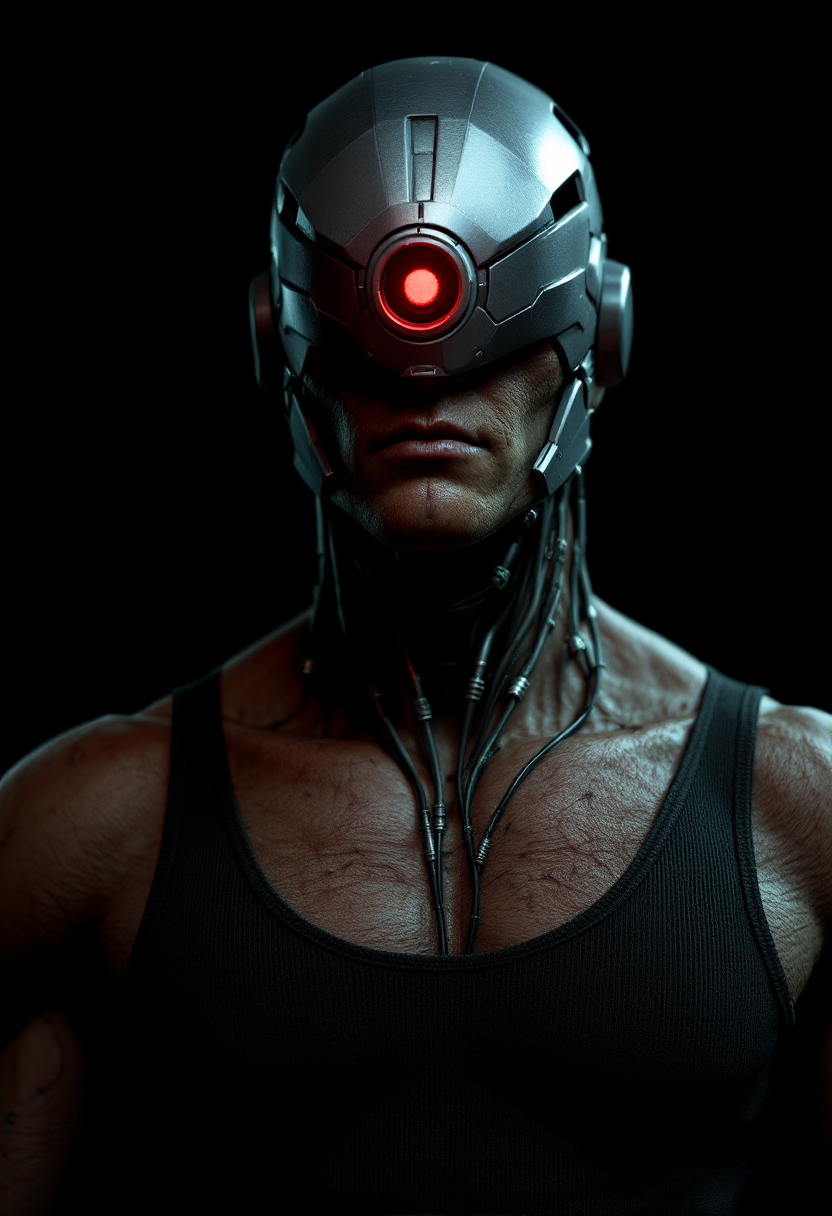
Imagine swapping your face onto a celebrity or turning family photos into hilarious masterpieces – all in seconds. PixelDojo's deep face swap tools let you achieve Hollywood-level results without any technical skills or expensive software. Whether you're crafting shareable social media content, personalizing gifts, or building engaging marketing visuals, you can produce seamless, lifelike swaps that look completely natural every time.
Over 75,000 creators have generated 4.2 million deep face swaps on PixelDojo this year alone. Rated 4.9/5 by users for realism and ease of use, with 98% reporting professional-quality results on their first try.
Why Choose Pixel Dojo for deep face swap
Professional-quality results with cutting-edge AI technology
Viral Social Media Content in Minutes
Turn ordinary photos into shareable hits by swapping faces onto trending templates or celebrities. Your posts will stand out with hyper-realistic results that drive likes, shares, and engagement.
Professional Marketing Visuals Without a Studio
Create custom brand ambassadors or personalized product mockups by swapping faces onto models. Deliver targeted campaigns that connect emotionally with audiences faster than traditional photoshoots.
Fun Personal Projects That Feel Real
Swap faces in family portraits, create custom art, or relive memories with friends. Achieve natural lighting, expressions, and skin tones that make every swap indistinguishable from reality.
How It Works
Getting started with deep face swaps on PixelDojo takes just three simple steps using our specialized tools.
Step 1: Choose Your Tool
Head to the Characters & Faces section and select Face Swap or LoRA Face Swap for precise identity control. These tools are optimized for photorealistic results on any image.
Step 2: Enter Your Prompt
Upload your source face photo and target image. Use simple text prompts like 'swap face naturally with matching lighting' or leverage Consistent Characters for multi-image projects.
Step 3: Customize & Download
Refine details with Image to Image, Inpainting, or Magic Lighting for perfect skin tones and shadows. Download your high-resolution deep face swap in seconds.
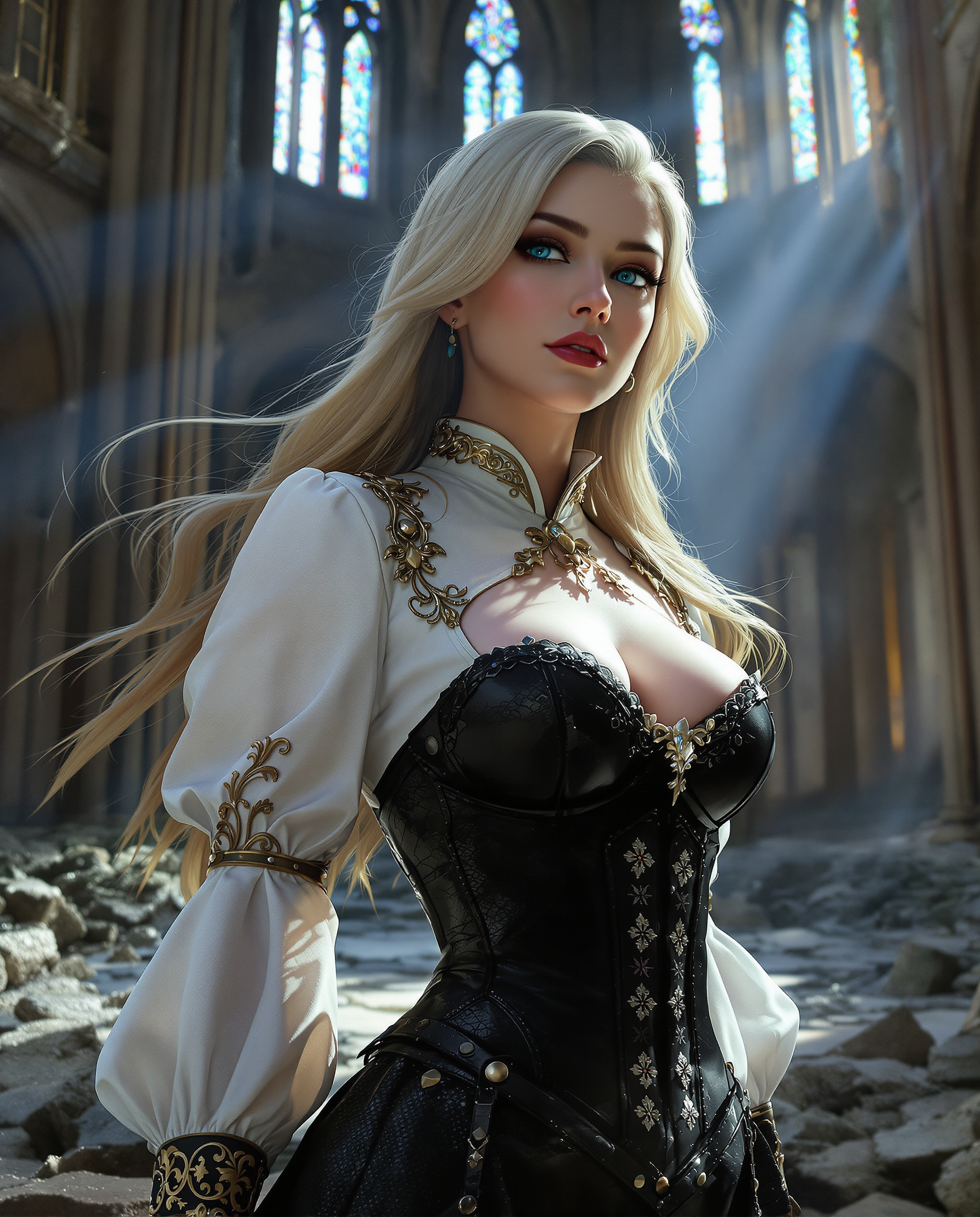
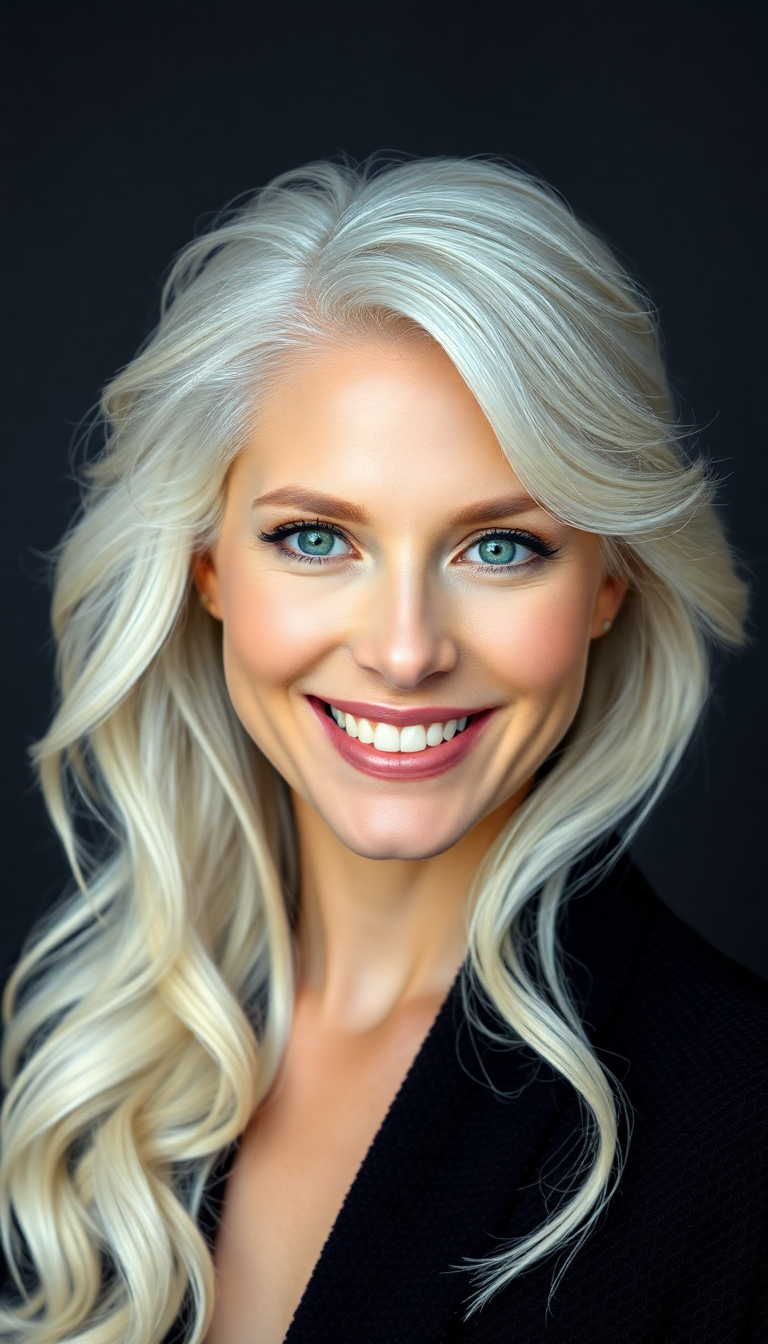
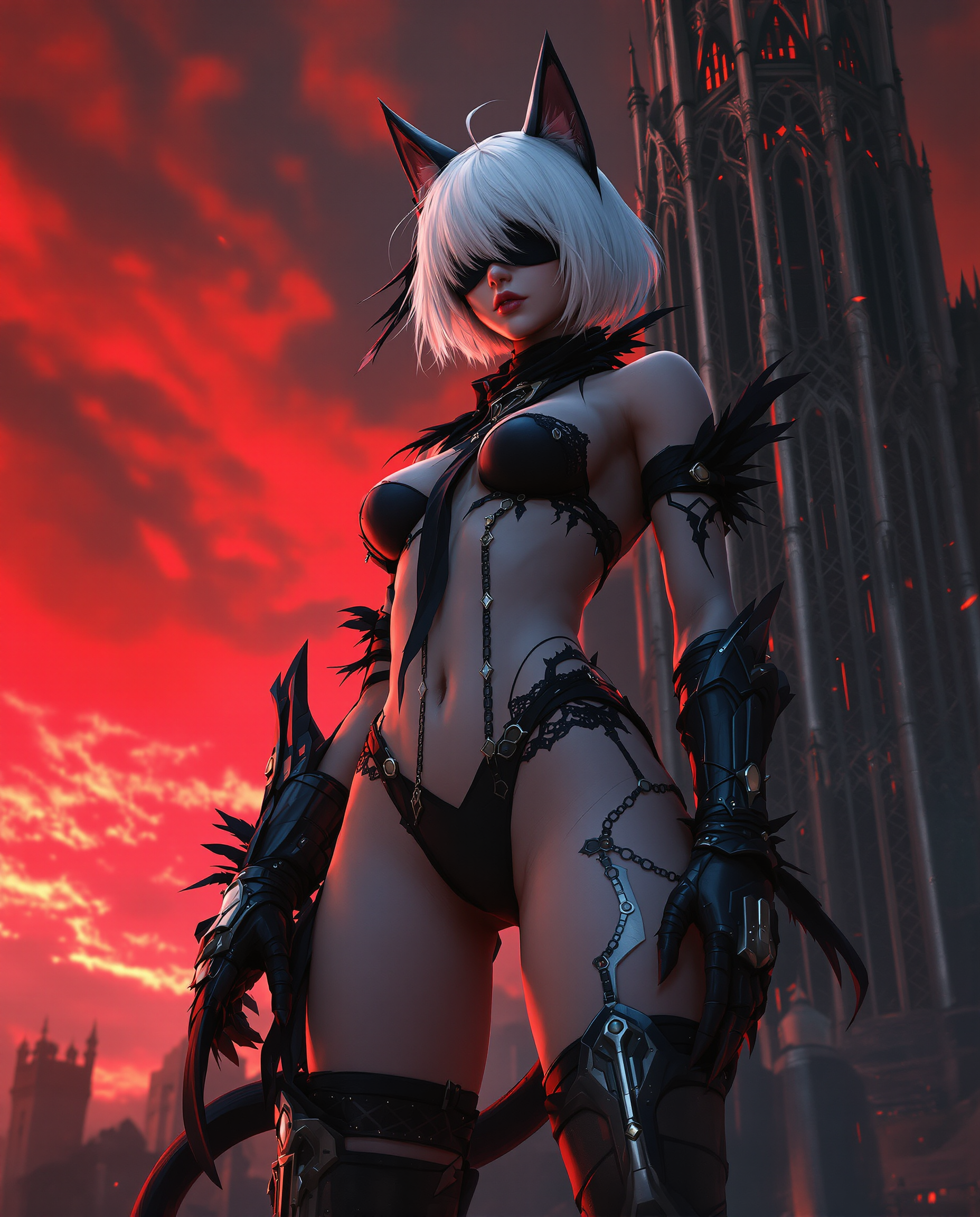
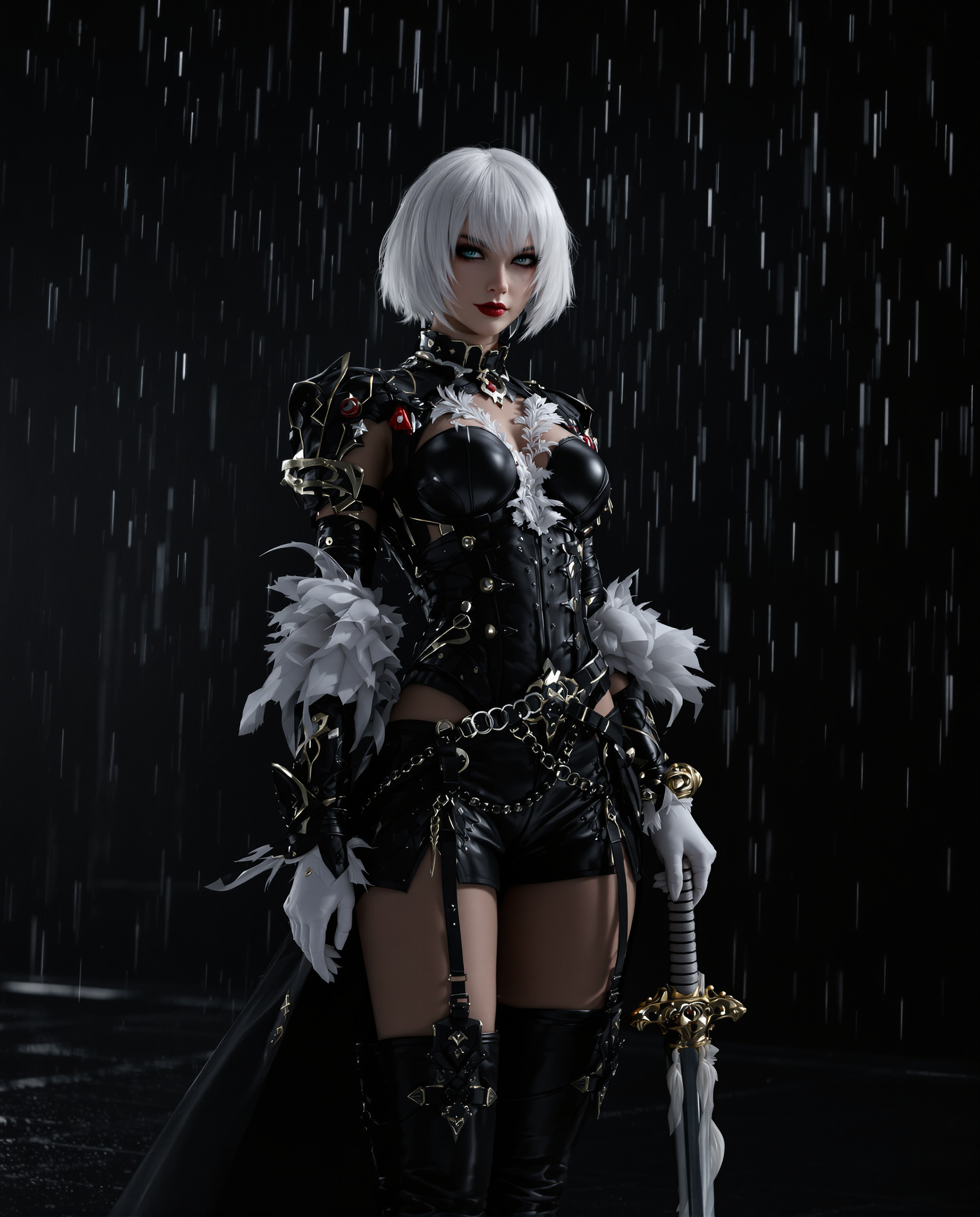
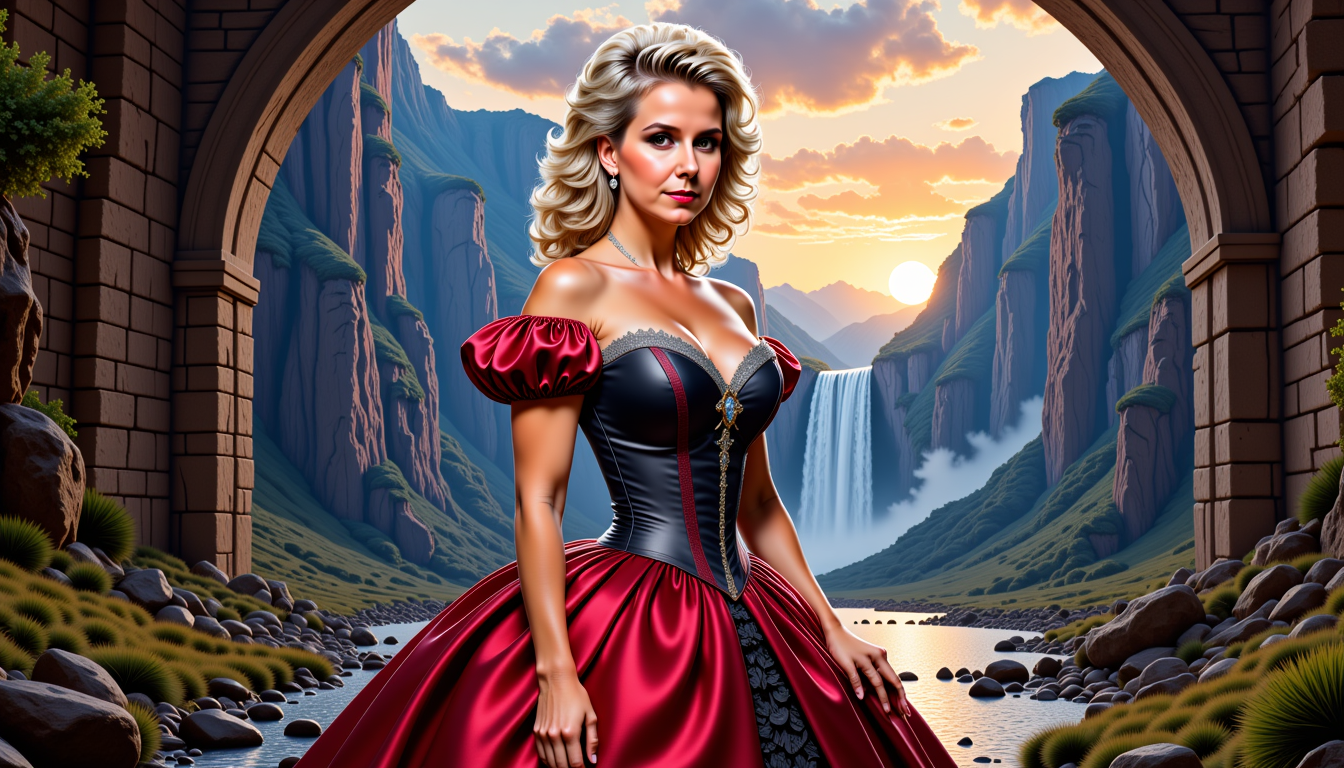
The Pixel Dojo Advantage
Why PixelDojo outperforms other options for deep face swap image generation
| Others | Pixel Dojo |
|---|---|
| Traditional face swap creation | Achieve pro results in seconds instead of hours of manual work or hiring specialists |
| Generic AI tools | Purpose-built Face Swap and LoRA Face Swap deliver superior identity preservation and lighting accuracy |
| Manual photo editing | No Photoshop expertise required – AI handles blending, expressions, and details automatically |
Loved by creators on PixelDojo
Real feedback from people using PixelDojo, pulled from our in-product surveys.
Very easy to use, and they have fast wan 2.2 video generation with custom loras available.
The overall quality of the site and it's amazing variety of tools. The continued updates of the UI. The unbelievable level of tech support.
THIS IS SO DOPE !
I have already recommended it to friends
All the tools, plus the guidance
Excellent tools. Ease of use. Well thought out interface. Wide variety of AI tools and features which are up to date with more added each month
Explore more AI tools on PixelDojo
AI Tools
Compare & Switch
- Best AI Image Generators
- Best AI Video Generators
- Midjourney Alternatives
- Civitai Alternatives
- Runway Alternatives
- Leonardo Alternatives
- Pika Alternatives
- Luma Alternatives
- Magnific Alternatives
- Veo Alternatives
- Flux Alternatives
- Freepik Alternatives
- Seedance Alternatives
- Seedream Alternatives
- Pixverse Alternatives
- GPT Image Alternatives
- Synthesia Alternatives
- Playground Alternatives
- NightCafe Alternatives
- Canva AI Alternatives
- ElevenLabs Alternatives
- ComfyUI Alternatives
- Fal Alternatives
- Replicate Alternatives
Common Questions
Everything you need to know about deep face swap
How to create realistic deep face swaps with AI on PixelDojo?
Simply upload your source face and target image into the Face Swap tool, add a descriptive prompt for lighting and expression, then generate. PixelDojo's advanced models handle seamless blending automatically for photorealistic results.
What makes PixelDojo's deep face swap better than other AI tools?
Our dedicated Face Swap and LoRA Face Swap tools use cutting-edge techniques for superior identity matching, natural skin tones, and pose consistency. Combine with Inpainting or Magic Lighting for even more control.
Can I do deep face swap on multiple images or characters at once?
Yes! Use Consistent Characters or Character Stylist alongside Face Swap to maintain identity across multiple photos or scenes effortlessly.
Is deep face swap free to try on PixelDojo?
Absolutely – start with our free tier and access 40+ tools including Face Swap. Upgrade anytime for unlimited generations, with the option to cancel anytime.
How do I ensure my deep face swap looks completely natural?
PixelDojo automatically matches lighting and expressions. For extra polish, use Reality Polisher or Image Analyzer to refine details before downloading your final image.
What are the latest trends in deep face swap image generation for 2026?
Trends focus on hyper-realistic diffusion-based swaps with perfect 3D consistency, integration into social content, and ethical use for marketing. PixelDojo stays ahead with tools like LoRA Face Swap delivering these capabilities today.