diffusion illusion ai

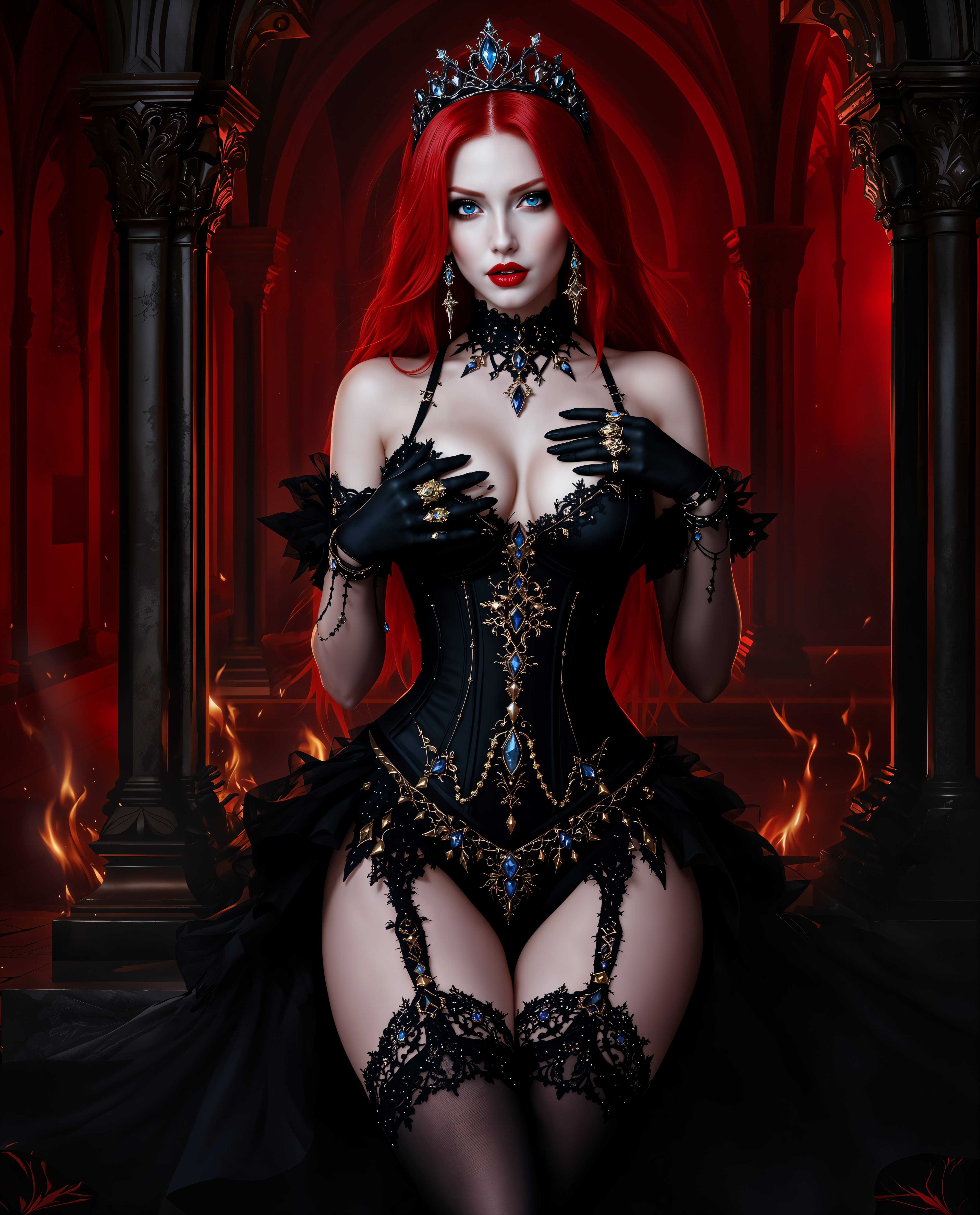
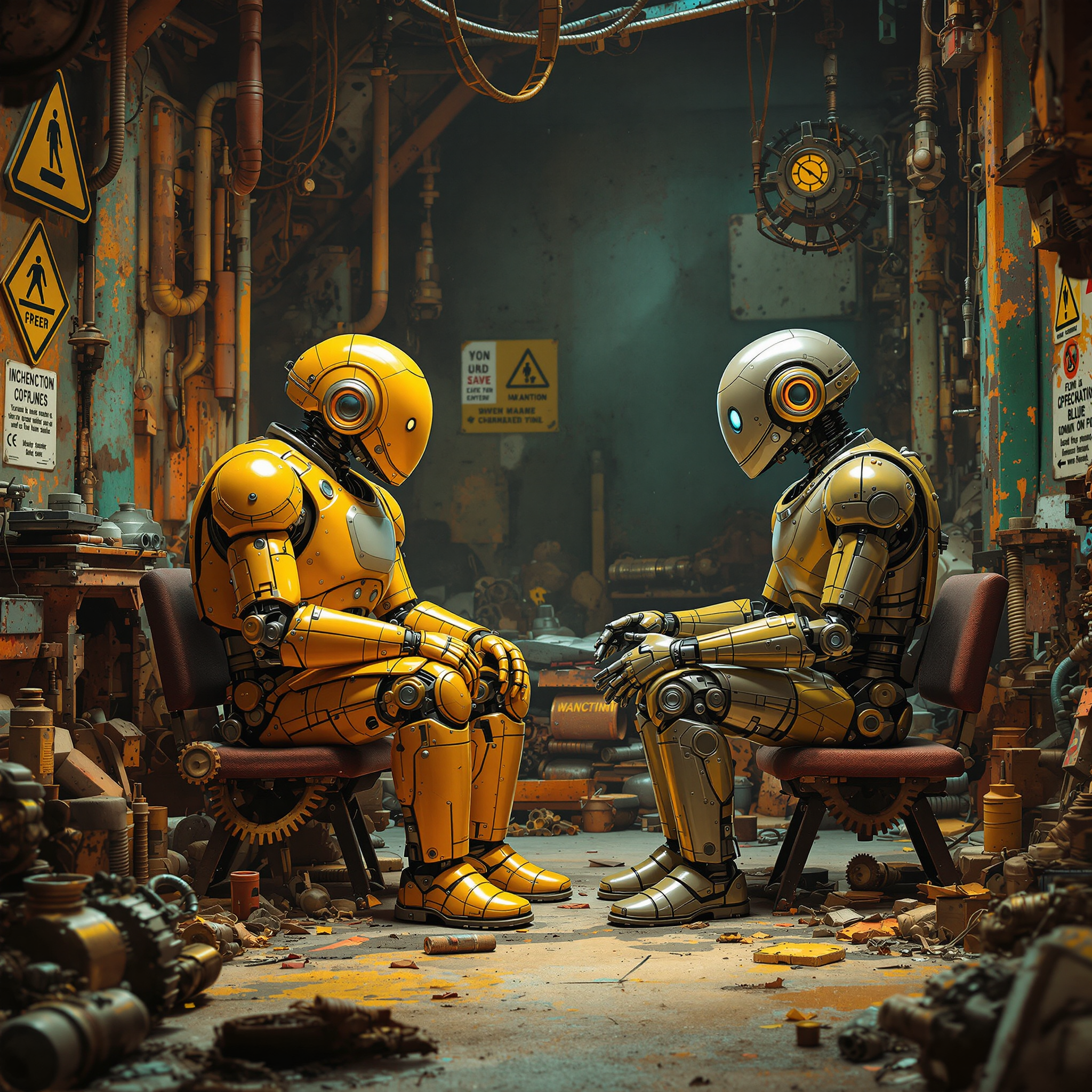
Imagine transforming your creative ideas into mesmerizing diffusion illusion artworks without any prior design experience. With PixelDojo's advanced AI tools, you can effortlessly create captivating optical illusions that engage and intrigue your audience. Whether you're an artist seeking new inspiration or a marketer aiming to capture attention, our platform empowers you to bring your visions to life.
Join over 10,000 creators who have generated more than 50,000 unique diffusion illusion images using PixelDojo's AI tools. Rated 4.8/5 by our satisfied users.
Why Choose Pixel Dojo for diffusion illusion ai
Professional-quality results with cutting-edge AI technology
Effortless Creativity
Generate complex diffusion illusion art with simple text prompts, eliminating the need for advanced design skills.
Time-Saving Process
Create stunning optical illusions in minutes, streamlining your creative workflow.
Unlimited Customization
Fine-tune every aspect of your artwork to match your unique vision and style.
How It Works
Creating diffusion illusion art with PixelDojo is a straightforward process that anyone can follow:
Step 1: Choose Your Tool
Select the 'Flux Studio' tool from PixelDojo's suite to begin your diffusion illusion creation.
Step 2: Enter Your Prompt
Describe your desired illusion using a detailed text prompt, such as 'A swirling vortex with vibrant colors and intricate patterns.'
Step 3: Customize & Download
Adjust parameters like illusion strength and color scheme to refine your artwork, then download the final image.





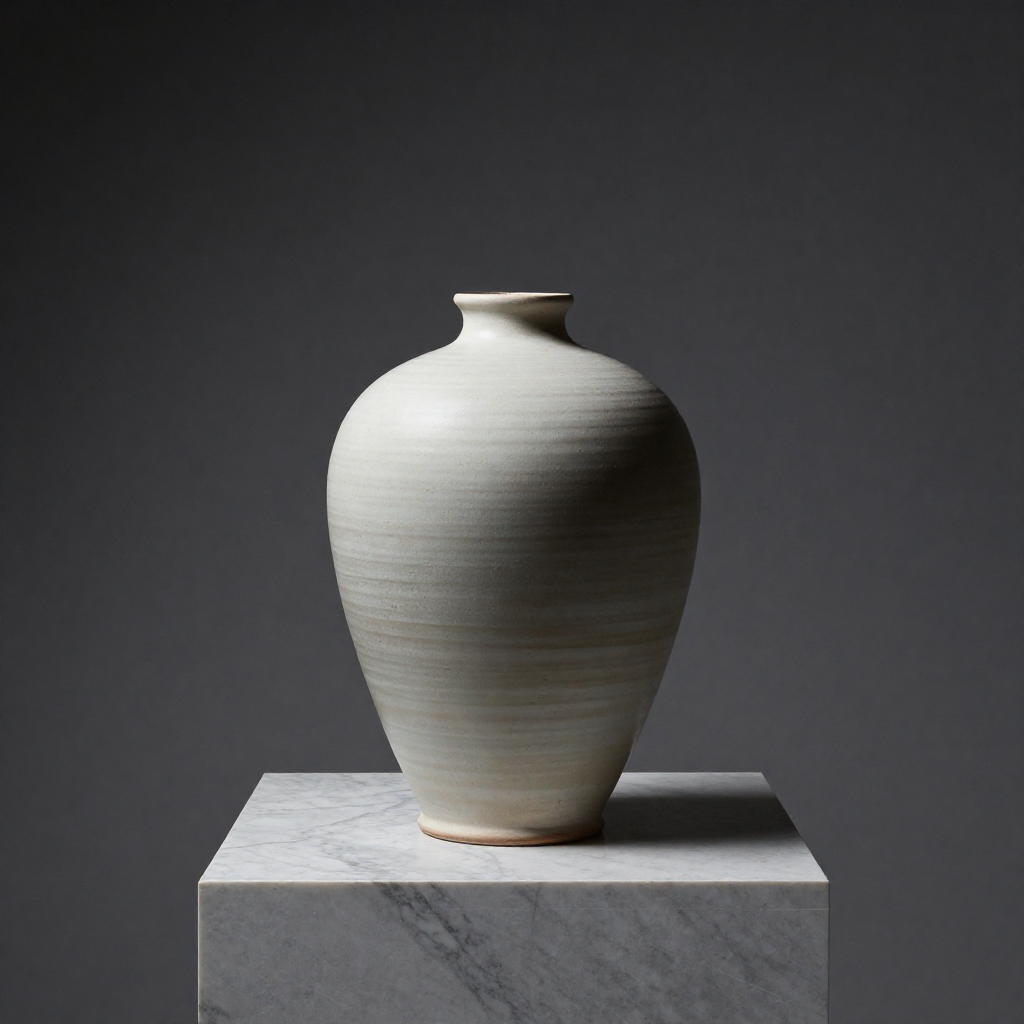
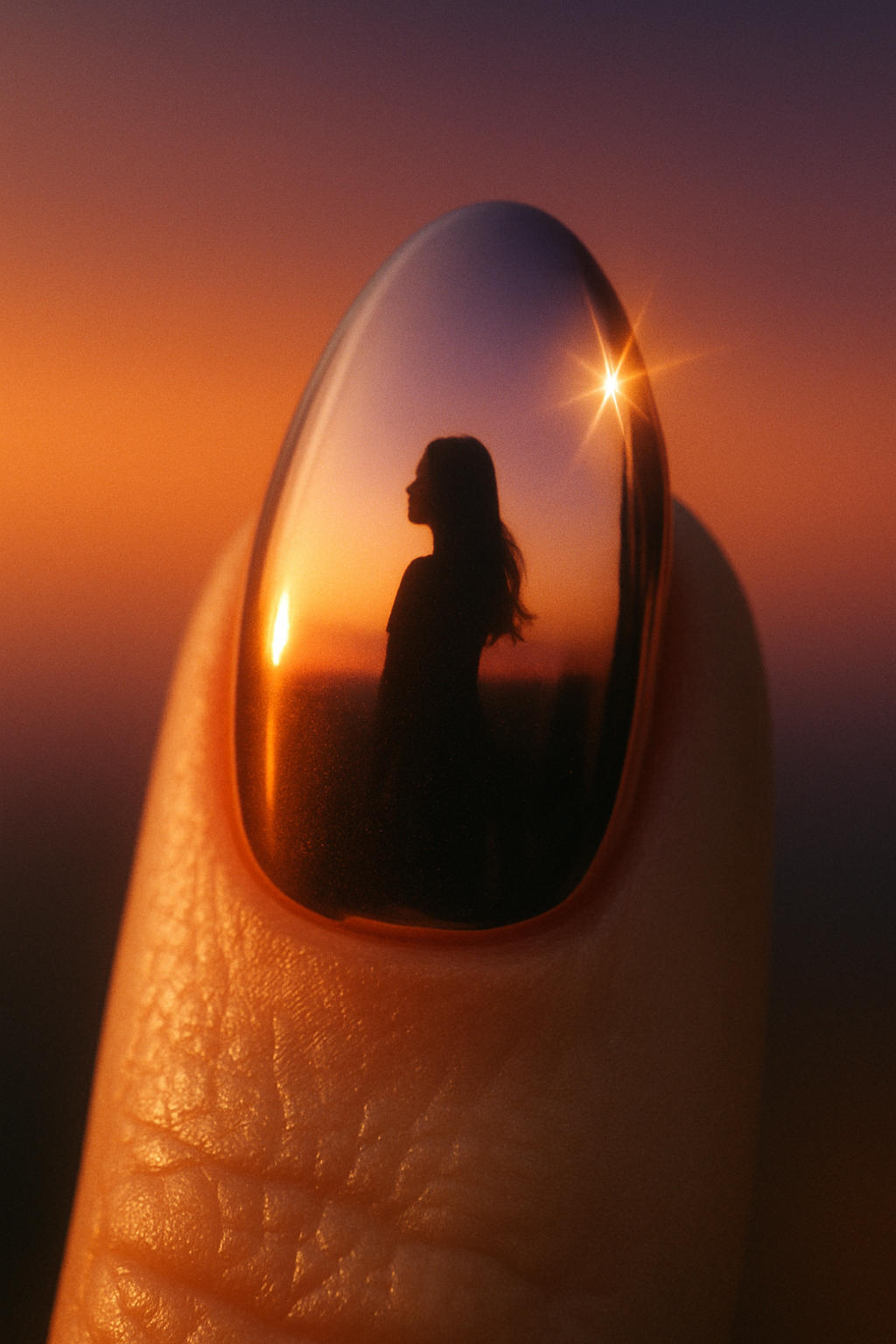
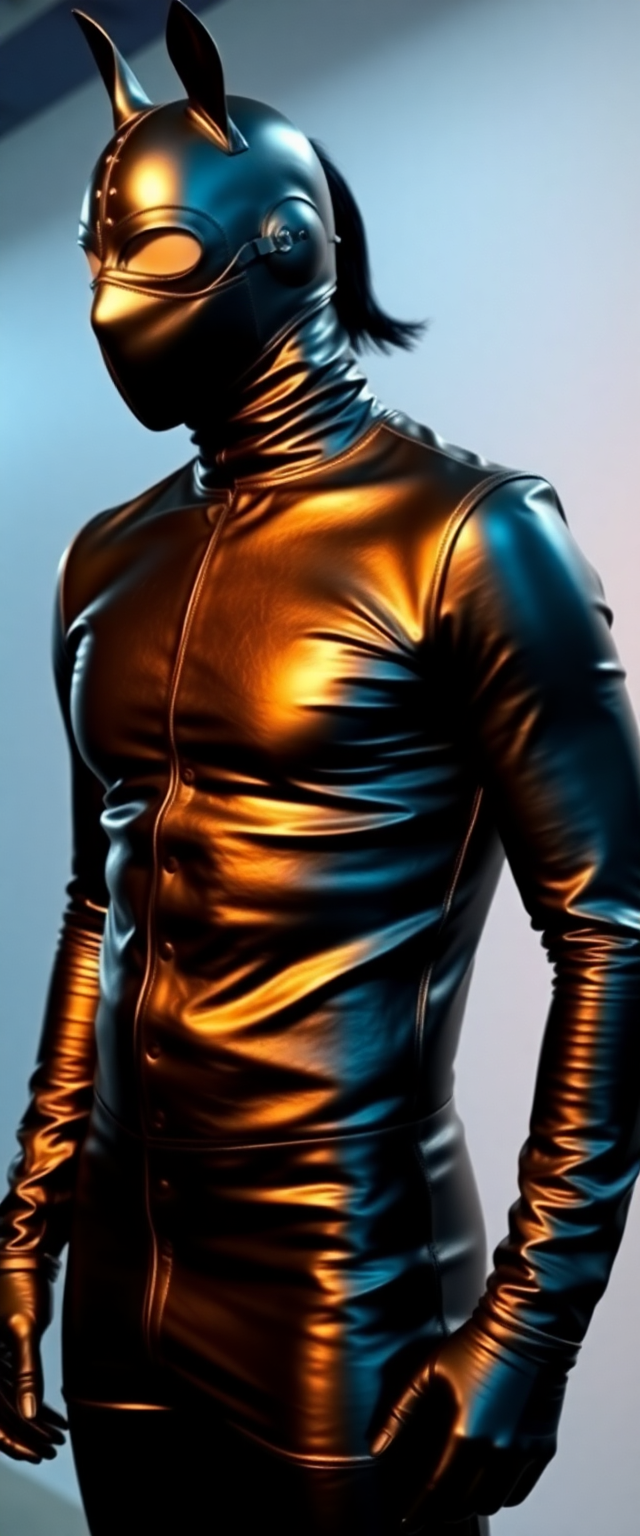
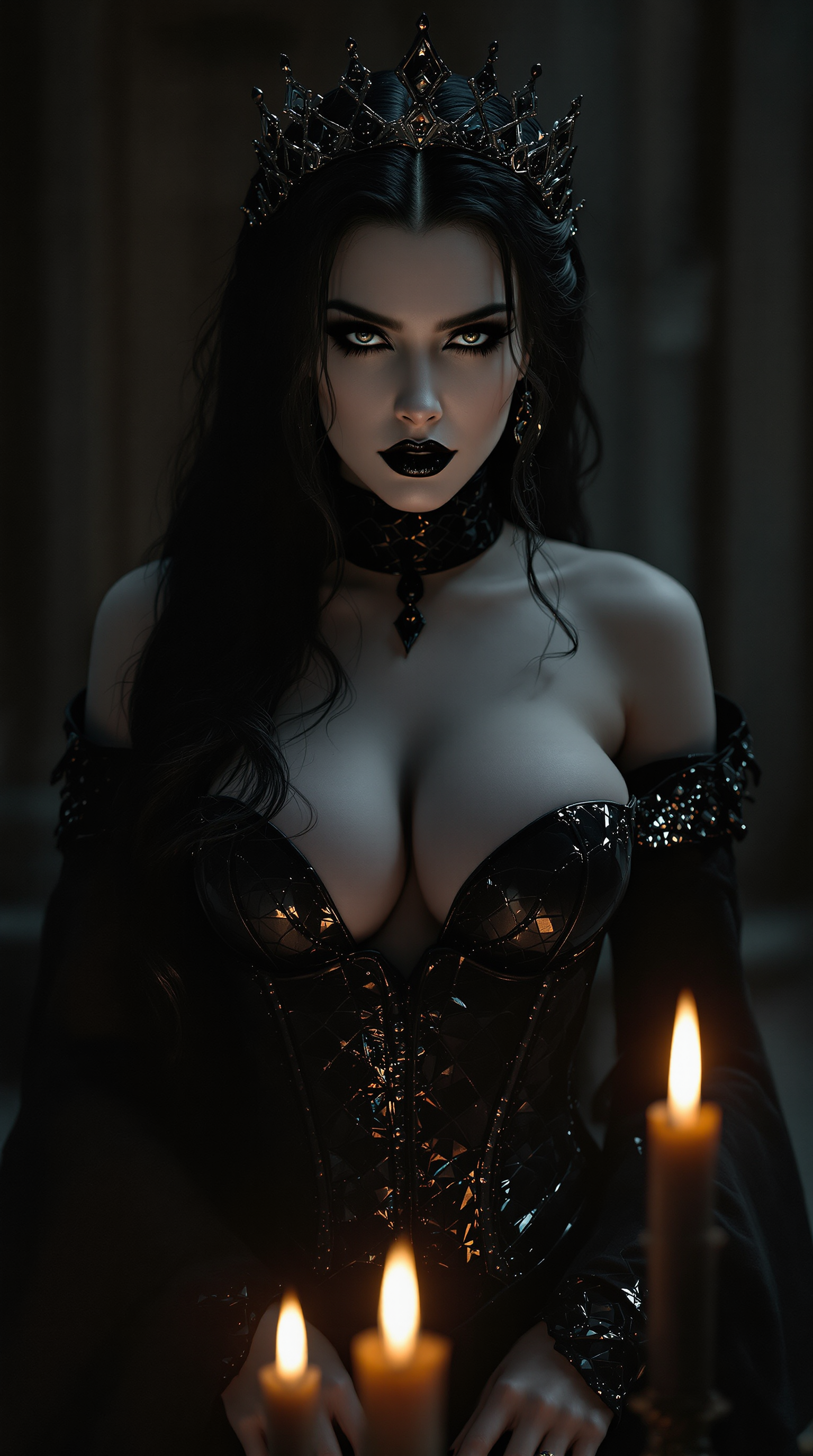
The Pixel Dojo Advantage
Why PixelDojo outperforms other options for diffusion illusion image generation:
| Others | Pixel Dojo |
|---|---|
| Traditional Design Software | No need for extensive design skills; create complex illusions with simple prompts. |
| Generic AI Tools | Specialized features tailored for diffusion illusion art, offering more precise control. |
| Manual Illustration | Significantly faster creation process, allowing for rapid experimentation and iteration. |
Loved by creators on PixelDojo
Real feedback from people using PixelDojo, pulled from our in-product surveys.
the number of options, and especially the quick response to questions on Discord
Love you guys!!
Trained my Lora super fast. Still working out how to creat content wit it, but I love it so far.
I love this app
It has all the tools I can think of...
deployment rate of splendid features is incredible. Legend
Explore more AI tools on PixelDojo
AI Tools
Compare & Switch
- Best AI Image Generators
- Best AI Video Generators
- Midjourney Alternatives
- Civitai Alternatives
- Runway Alternatives
- Leonardo Alternatives
- Pika Alternatives
- Luma Alternatives
- Magnific Alternatives
- Veo Alternatives
- Flux Alternatives
- Freepik Alternatives
- Seedance Alternatives
- Seedream Alternatives
- Pixverse Alternatives
- GPT Image Alternatives
- Synthesia Alternatives
- Playground Alternatives
- NightCafe Alternatives
- Canva AI Alternatives
- ElevenLabs Alternatives
- ComfyUI Alternatives
- Fal Alternatives
- Replicate Alternatives
Common Questions
Everything you need to know about diffusion illusion ai
How can I create diffusion illusion art using AI?
With PixelDojo's 'Flux Studio,' you can generate diffusion illusion art by entering descriptive text prompts and customizing the output to your liking.
Do I need design experience to use PixelDojo's AI tools?
No, our tools are designed for users of all skill levels. Simple text prompts are all you need to create stunning artworks.
Can I customize the generated diffusion illusion images?
Absolutely! You can adjust various parameters such as illusion strength, color schemes, and patterns to match your vision.
Is there a limit to the number of images I can create?
PixelDojo offers flexible subscription plans to suit your needs, allowing you to create as many images as your plan permits.
What formats are the generated images available in?
You can download your creations in various formats, including JPEG and PNG, suitable for both digital and print use.
How does PixelDojo ensure the uniqueness of each generated image?
Our AI algorithms are designed to produce unique outputs based on your specific prompts and customization settings, ensuring originality in every creation.