domo ai
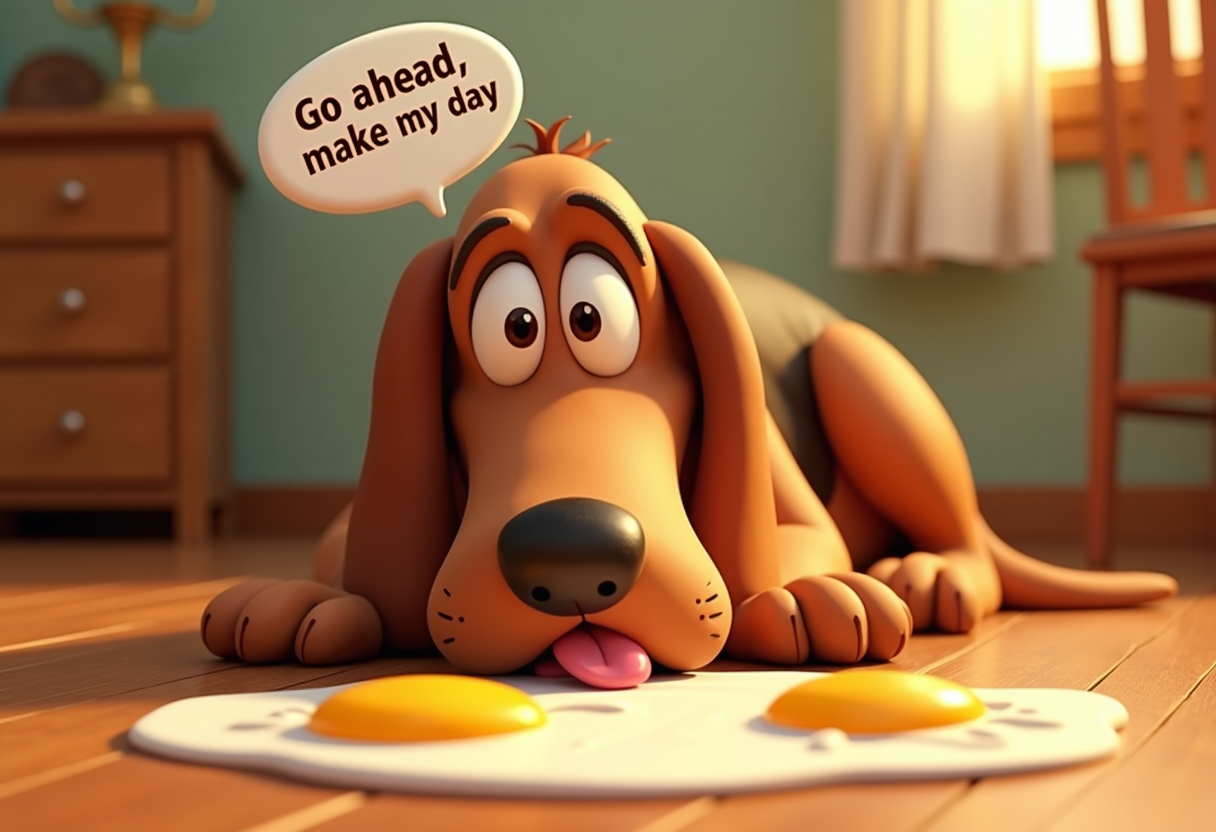
Unlock the power of professional anime creation without years of training or expensive software. With PixelDojo, you can instantly generate breathtaking Domo AI-style images featuring vibrant characters, intricate details, and dynamic compositions that captivate audiences. Bring your stories to life through seamless animations and consistent character designs that maintain perfect visual identity across every frame. Whether you're a content creator building viral social media series, a storyteller crafting engaging webcomics, or a designer needing high-quality anime visuals for projects, PixelDojo delivers studio-quality results in seconds. Focus on your creative vision while our advanced tools handle the technical execution, helping you produce share-worthy anime art and videos that stand out and drive engagement.
Join over 75,000 creators worldwide who have generated millions of Domo AI-style images and animations using PixelDojo. Rated 4.9/5 by thousands of users for quality and ease of use. Trusted by indie animators, marketers, and hobbyists to deliver consistent, high-impact results every time.
Why Choose Pixel Dojo for domo ai
Professional-quality results with cutting-edge AI technology
Create Viral Anime Characters That Captivate Audiences
Design expressive, detailed anime characters with perfect proportions and emotional depth that resonate with fans. Use Consistent Characters and Ideogram Character tools to maintain flawless identity across multiple scenes, boosting your storytelling and social media presence.
Transform Photos into Dynamic Anime Animations
Upload any image and convert it into smooth, professional anime-style videos with Kling Video, WAN 2.7 Video, or Happy Horse tools. Achieve lip-sync, motion, and style transfer that turns static portraits into engaging animated clips ready for TikTok, YouTube, or client projects.
Produce Consistent, High-Quality Content at Scale
Generate entire series of matching Domo AI-style artwork and animations effortlessly. Tools like Flux.2 Studio, Grok Image, and Character Stylist ensure visual harmony, saving you hours while delivering results that look like they came from a professional anime studio.
How It Works
Creating stunning Domo AI-style images and animations is simple with PixelDojo's intuitive workflow. Follow these three steps to bring your ideas to life in minutes.
Step 1: Choose Your Tool
Select from specialized tools like Flux.2 Studio or Kling Image for anime-style generation, or Consistent Characters for flawless character continuity. For animations, pick Kling Video or WAN 2.7 Video to animate your concepts.
Step 2: Enter Your Prompt
Describe your vision in natural language, such as 'vibrant anime girl with flowing hair in cherry blossom setting, detailed eyes, Domo AI style'. Add references or upload base images for image-to-image transformations using tools like Image to Image or Style Transfer.
Step 3: Customize & Download
Refine with options like Pose Control, Magic Lighting, or Video Reframe. Use Background Remover or Video Autocaption for polish. Preview results and download high-resolution files or animated clips ready to share.

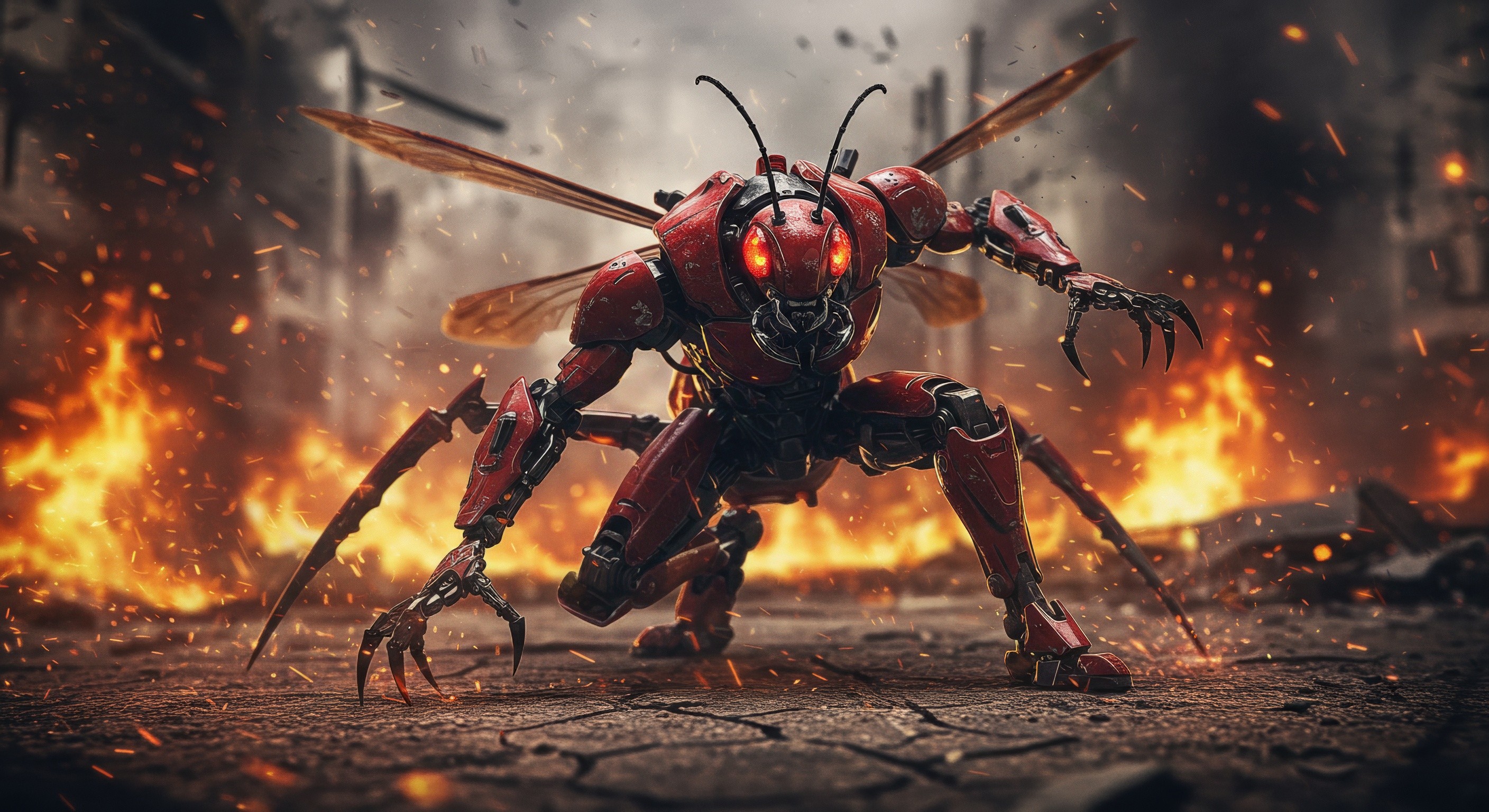
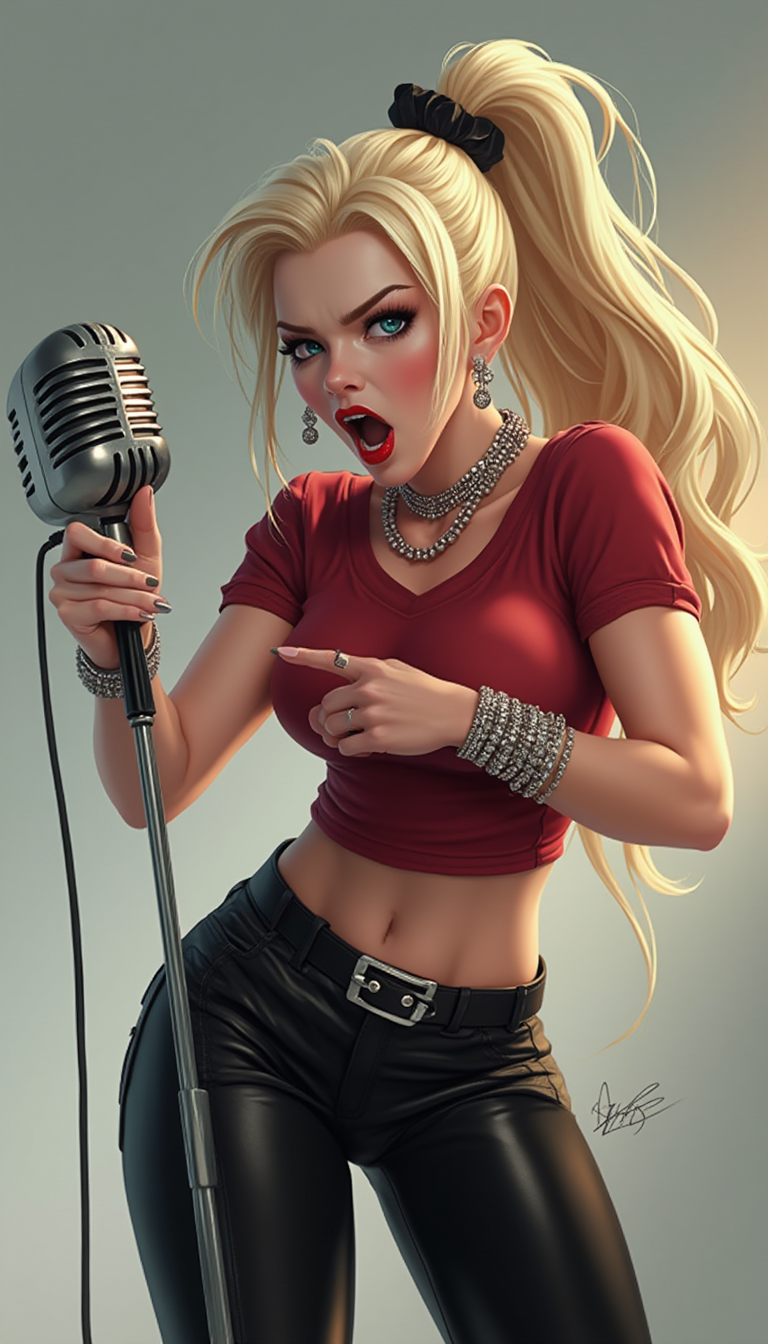

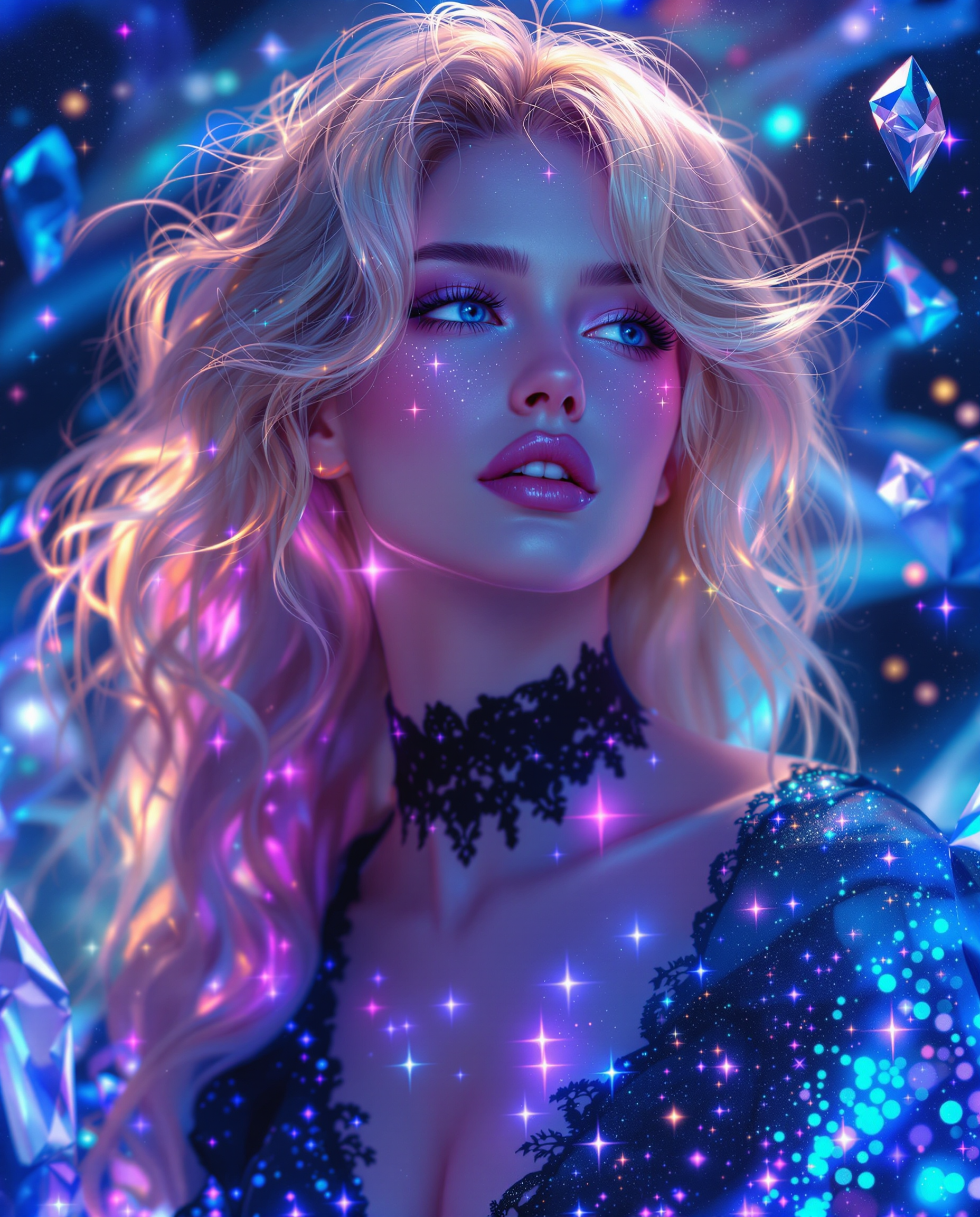
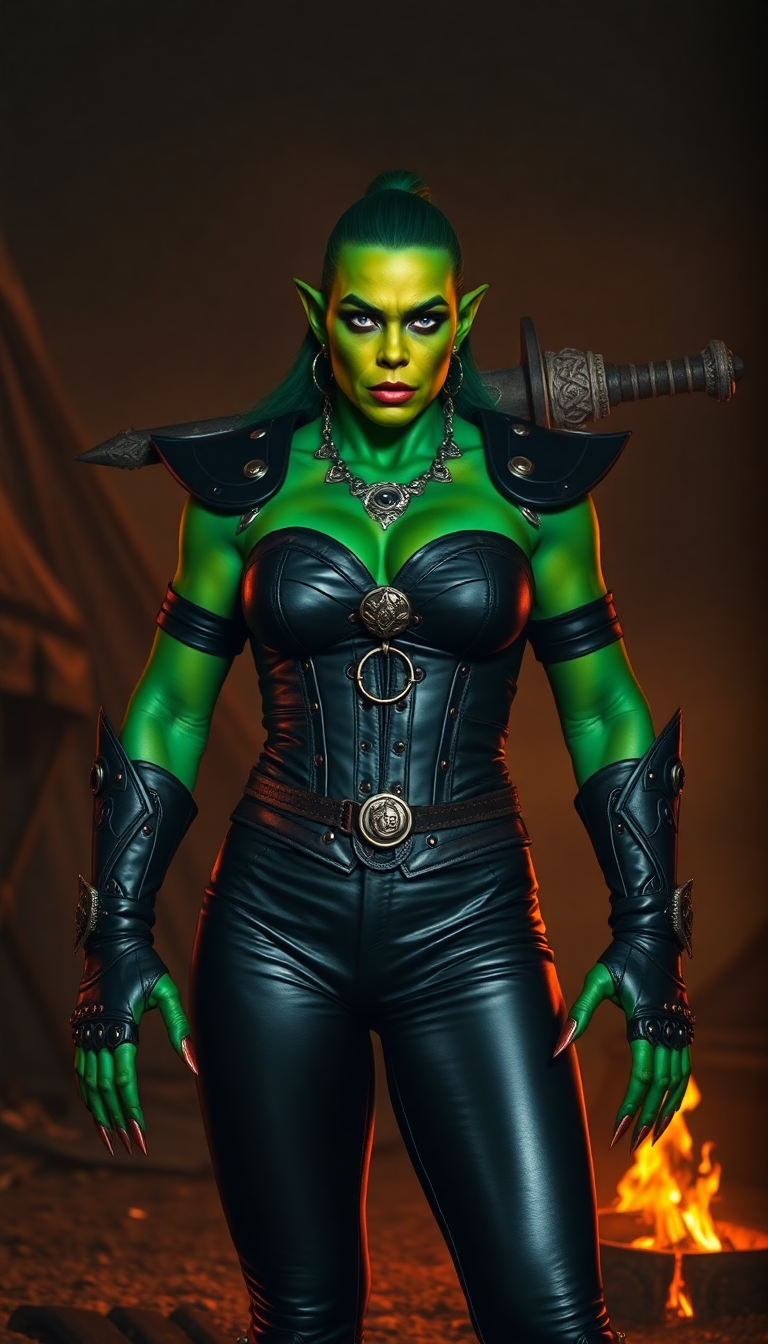
The Pixel Dojo Advantage
Why PixelDojo outperforms other options for Domo AI style image generation
| Others | Pixel Dojo |
|---|---|
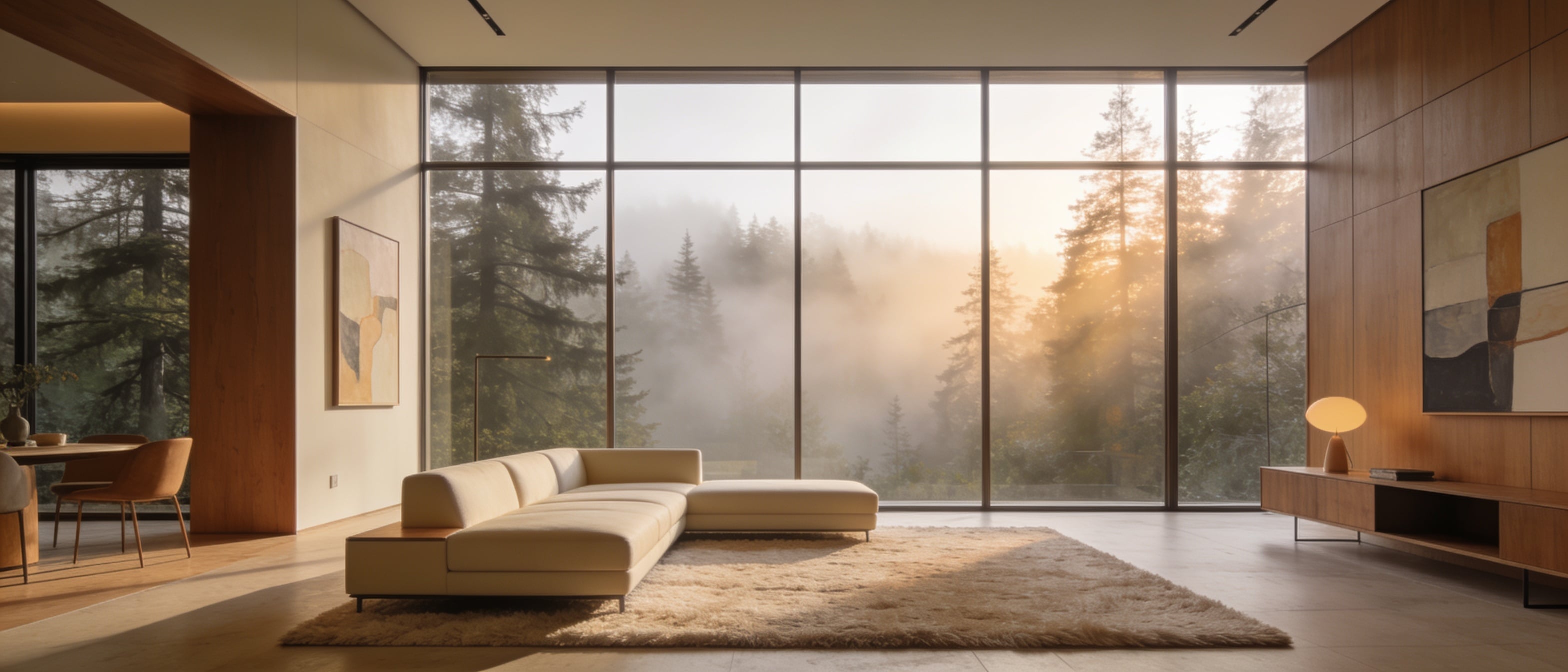
| Traditional anime creation | Skip months of drawing practice and expensive software – generate professional anime characters and animations in seconds with precise control over style and consistency |
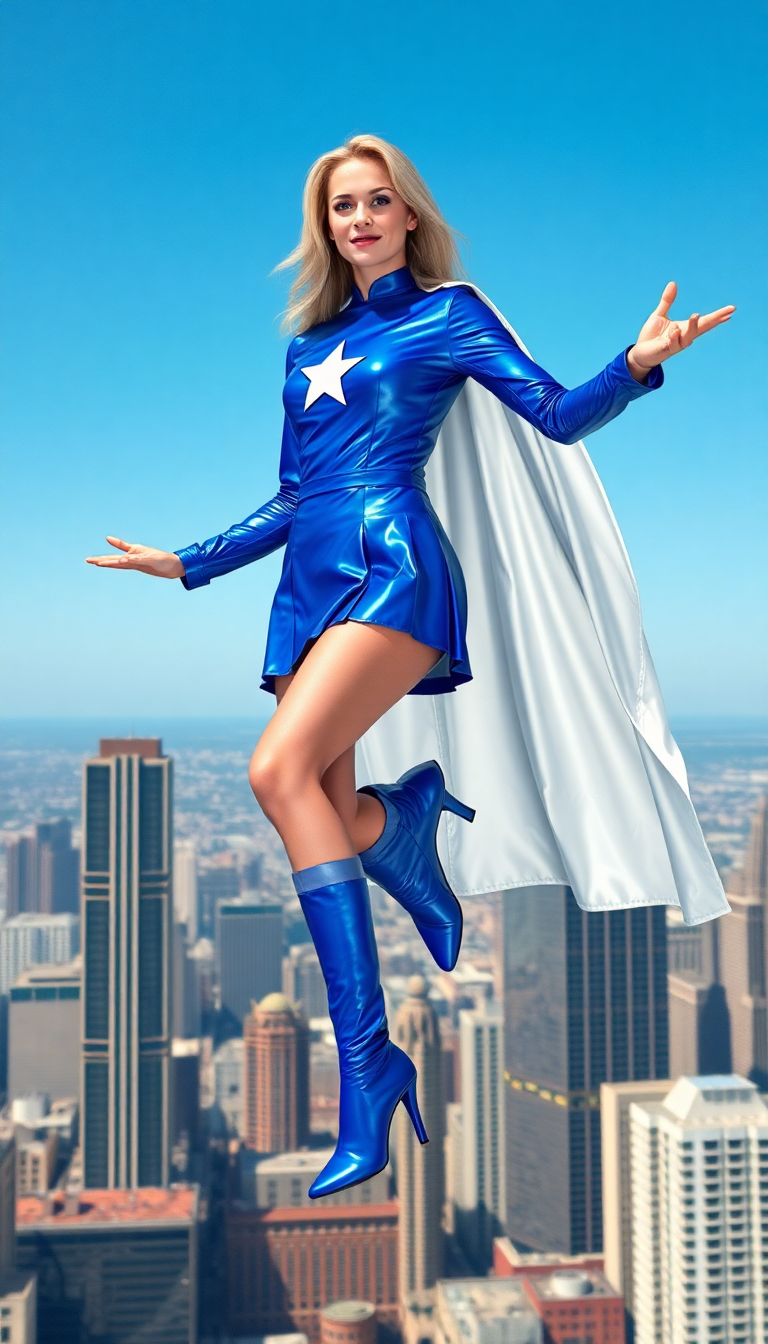
| Generic AI tools | Access specialized anime-focused models and character consistency features that generic platforms lack, delivering superior detail, motion, and visual harmony tailored to Domo AI aesthetics |
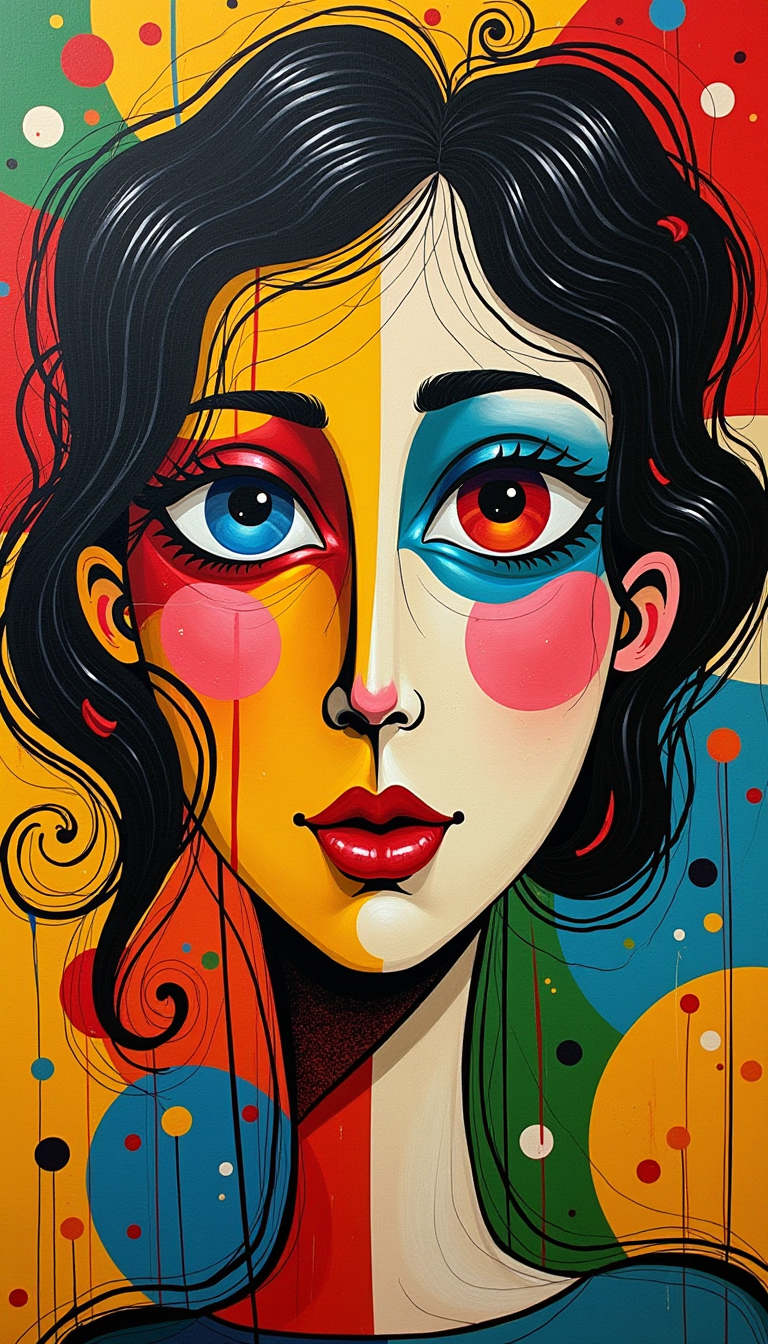
| Manual photo editing | Achieve complex anime transformations, character swaps, and video animations automatically without tedious layering or hours of manual adjustments |
Loved by creators on PixelDojo
Real feedback from people using PixelDojo, pulled from our in-product surveys.
Lots of different tools. It's easy to purchase more credits.
Amazing performance!
Excellent website for creating all types of media
Very eay to use, works well to train SDXL loras.
The amazing tools
Top notch quality and strong prompt adherence.
Explore more AI tools on PixelDojo
AI Tools
Compare & Switch
- Best AI Image Generators
- Best AI Video Generators
- Midjourney Alternatives
- Civitai Alternatives
- Runway Alternatives
- Leonardo Alternatives
- Pika Alternatives
- Luma Alternatives
- Magnific Alternatives
- Veo Alternatives
- Flux Alternatives
- Freepik Alternatives
- Seedance Alternatives
- Seedream Alternatives
- Pixverse Alternatives
- GPT Image Alternatives
- Synthesia Alternatives
- Playground Alternatives
- NightCafe Alternatives
- Canva AI Alternatives
- ElevenLabs Alternatives
- ComfyUI Alternatives
- Fal Alternatives
- Replicate Alternatives
Common Questions
Everything you need to know about domo ai
How to create Domo AI style images with PixelDojo?
Simply choose Flux.2 Studio or Grok Image from the Generate Images section, enter a detailed prompt describing your desired anime character or scene, and generate. For enhanced results, use Consistent Characters or Style Transfer to match the vibrant, detailed Domo AI aesthetic. Download high-resolution files instantly.
What is the best way to generate Domo AI anime animations on PixelDojo?
Upload a base image or character to Kling Video or WAN 2.7 Video tools. Add motion prompts and choose anime styles. Tools like Lip Sync and Video Autocaption help create talking characters or dynamic scenes that capture the engaging animation quality of Domo AI productions.
Can I maintain consistent characters in Domo AI style with PixelDojo?
Yes! The Consistent Characters and Ideogram Character tools allow you to lock in character features across multiple generations. Combine with LoRA Face Swap or Pose Control to create entire series of matching anime characters with perfect visual continuity.
How does PixelDojo help with Domo AI style character design for stories?
Use Character Stylist, WAN Image, and Flux.1 Studio to design expressive anime characters. Generate variations, apply different outfits or expressions, then animate them using Kling Video Character Swap. This streamlines creating cohesive storyboards and animated sequences.
Is PixelDojo good for beginners wanting to make Domo AI videos?
Absolutely. Start with simple text prompts in Grok Video or Happy Horse tools, then progress to image-to-video workflows. Built-in guidance, presets, and one-click enhancements like Reality Polisher make professional Domo AI-style animations accessible without any prior experience.
What makes PixelDojo's Domo AI generator better for viral content?
PixelDojo combines powerful image models like Ideogram 4 and Recraft V4.1 with video tools such as Seedance 2 and PixVerse V6. This lets you create scroll-stopping anime visuals and short animations optimized for social platforms, complete with captions and effects for maximum shareability.