dreamshaper model AI Generator
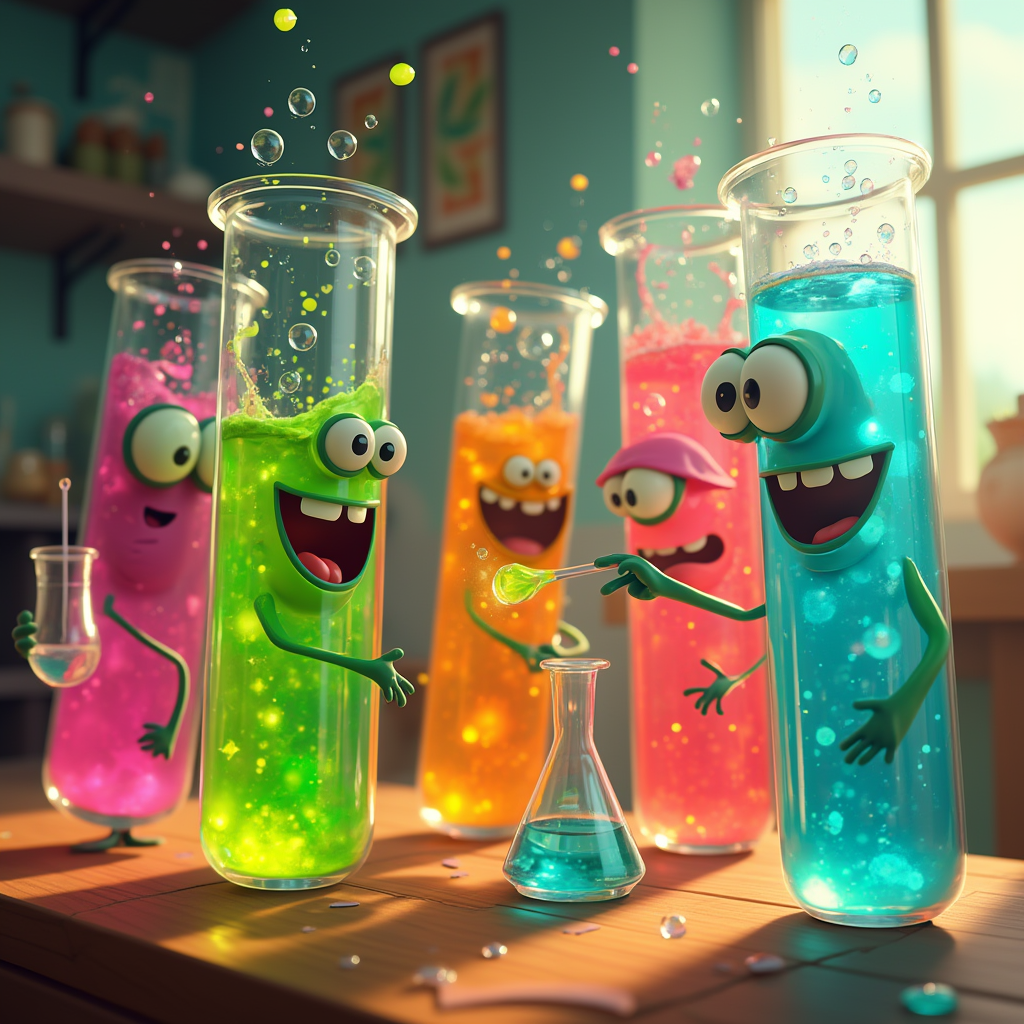
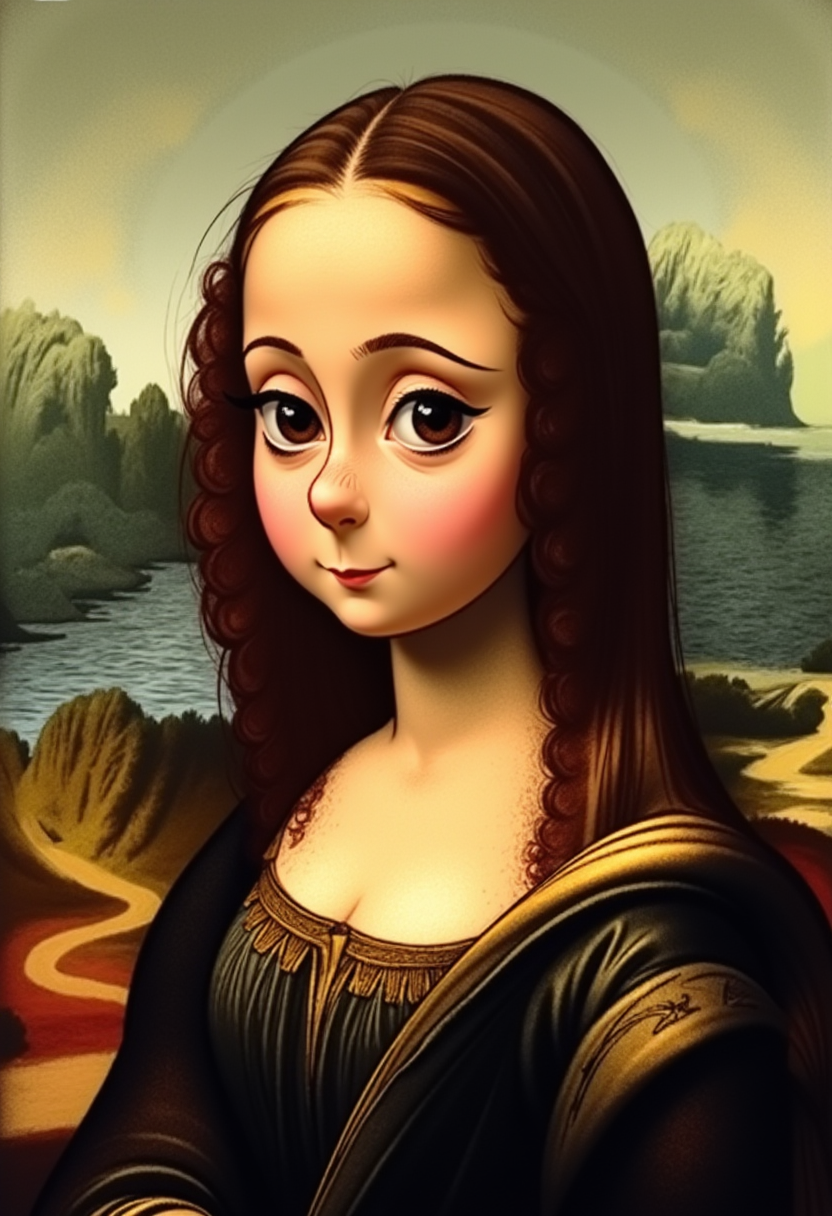
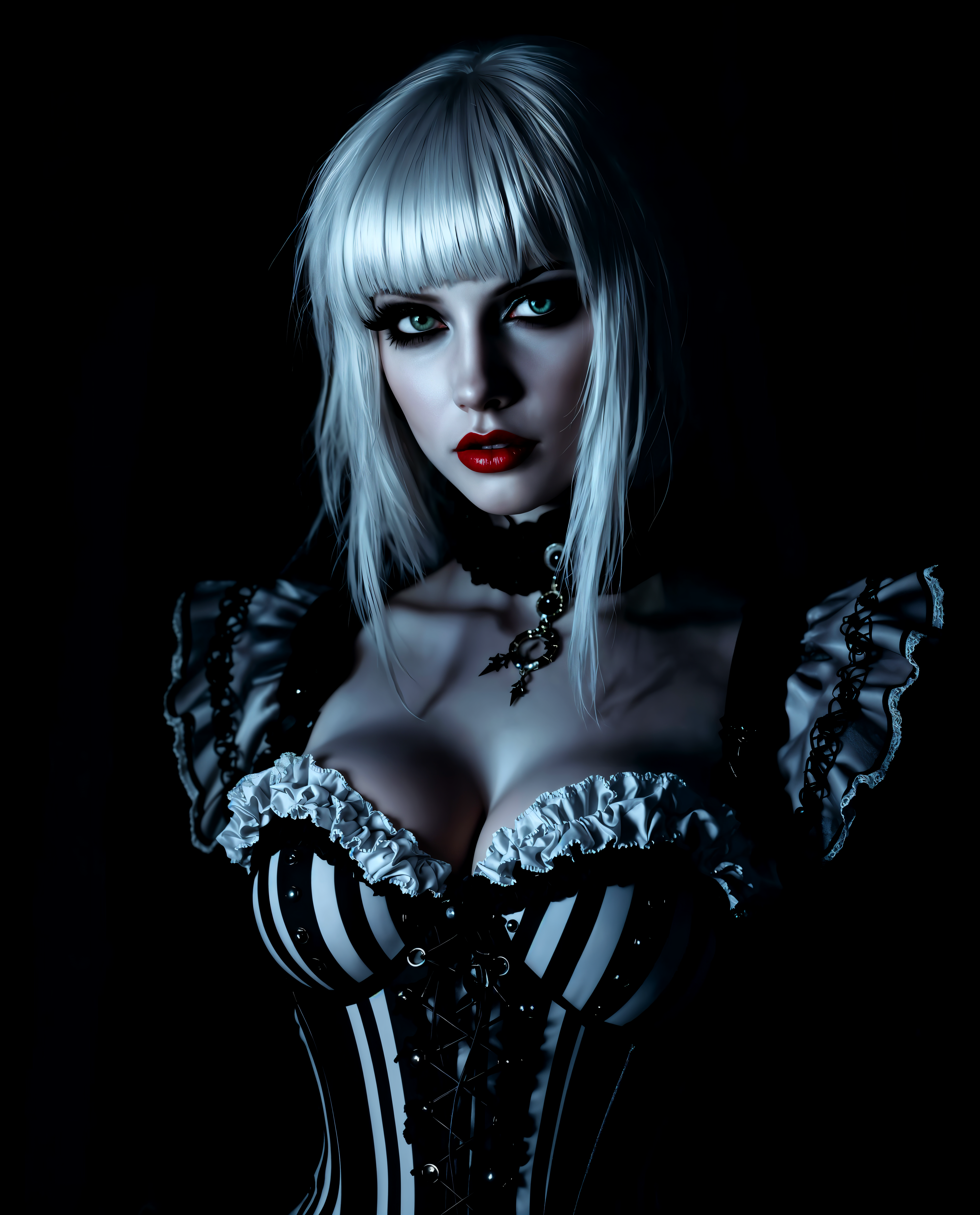
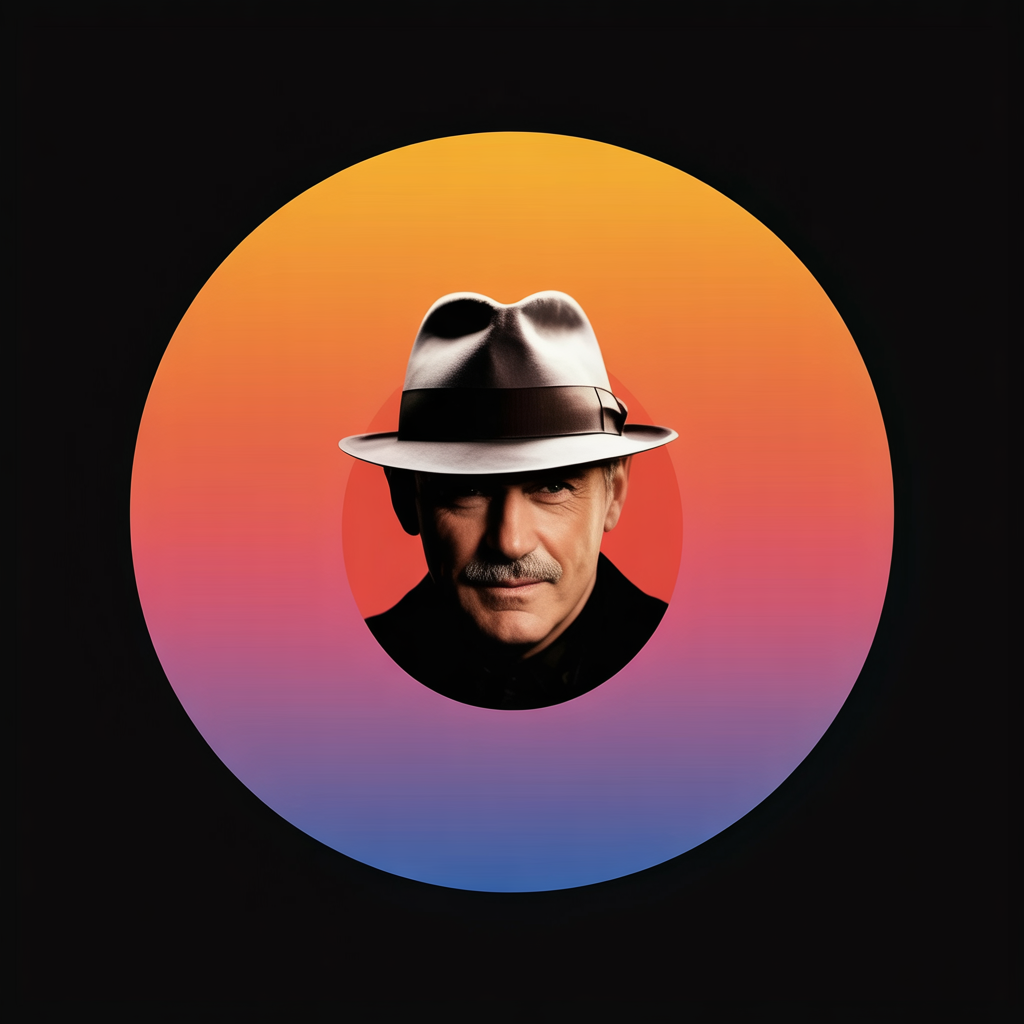
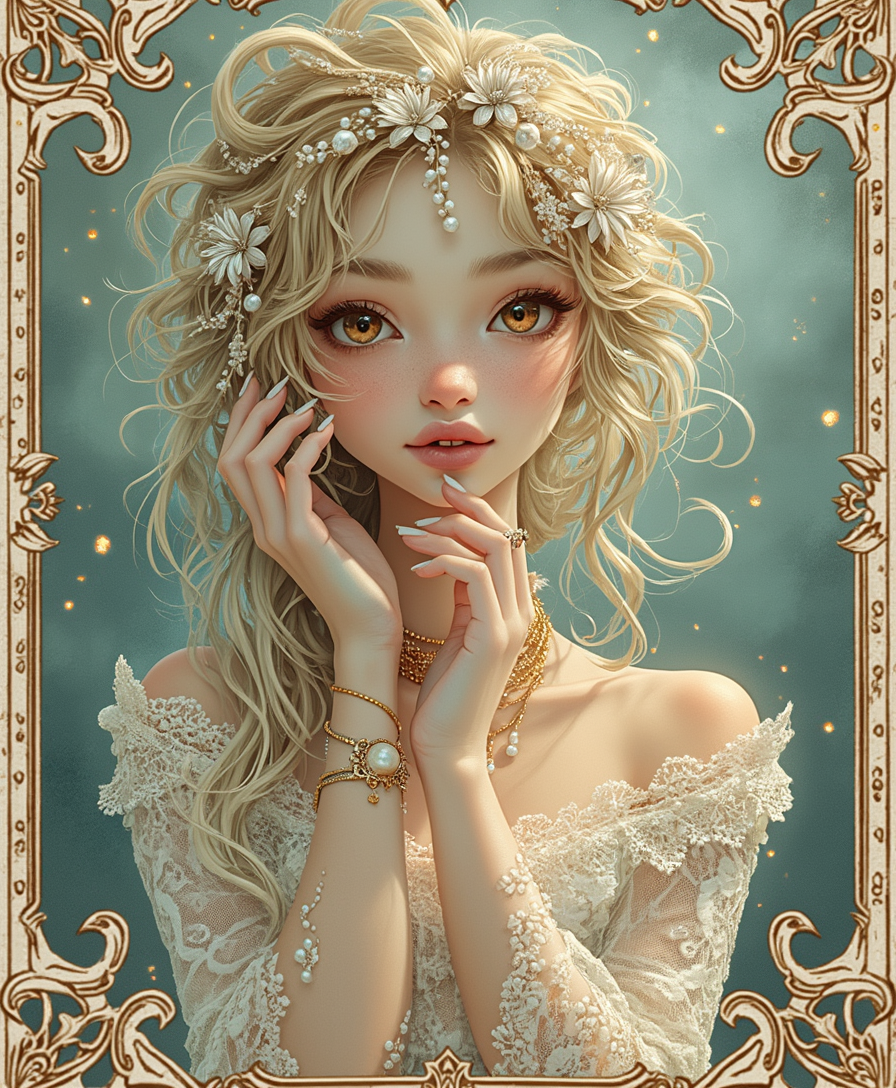
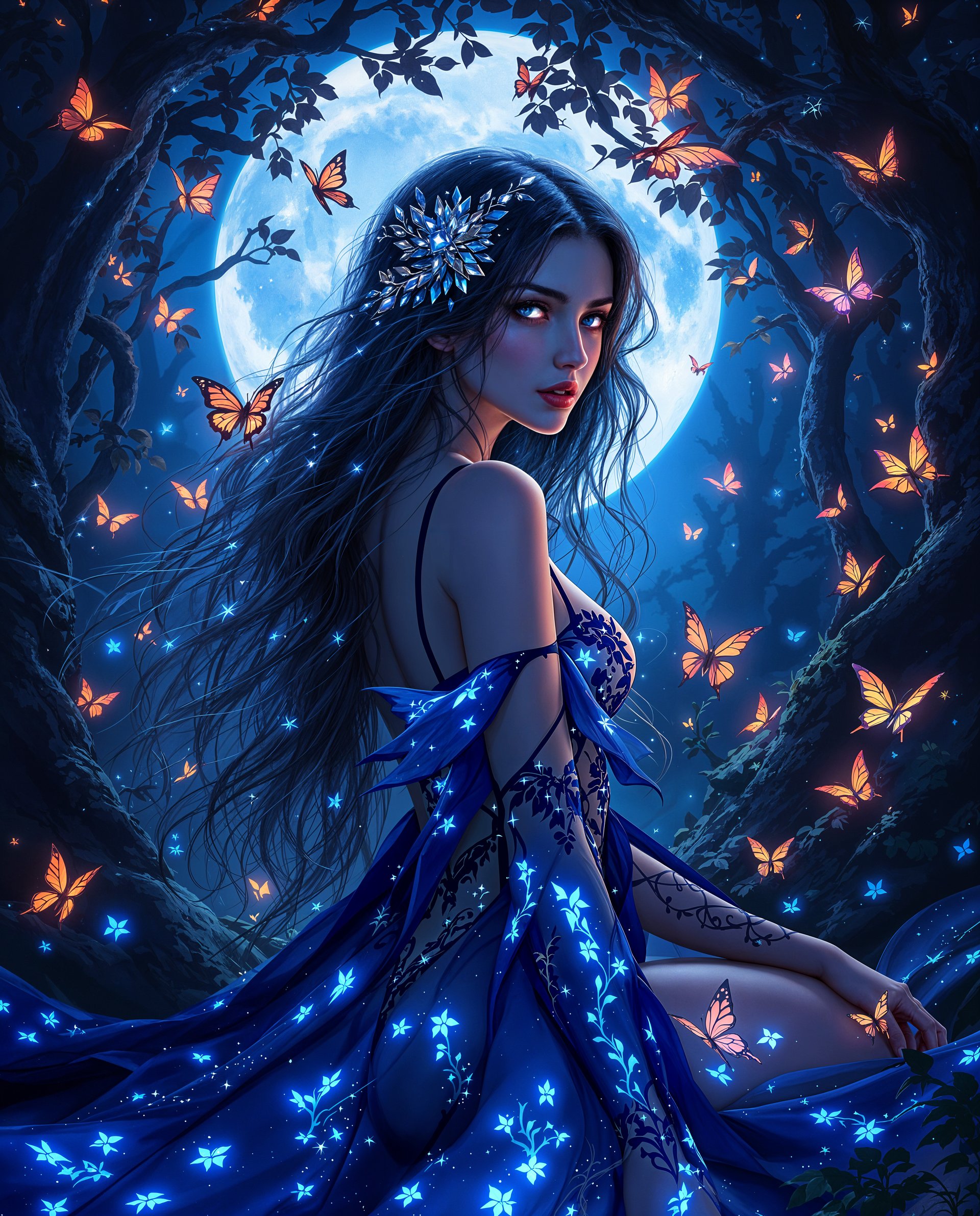
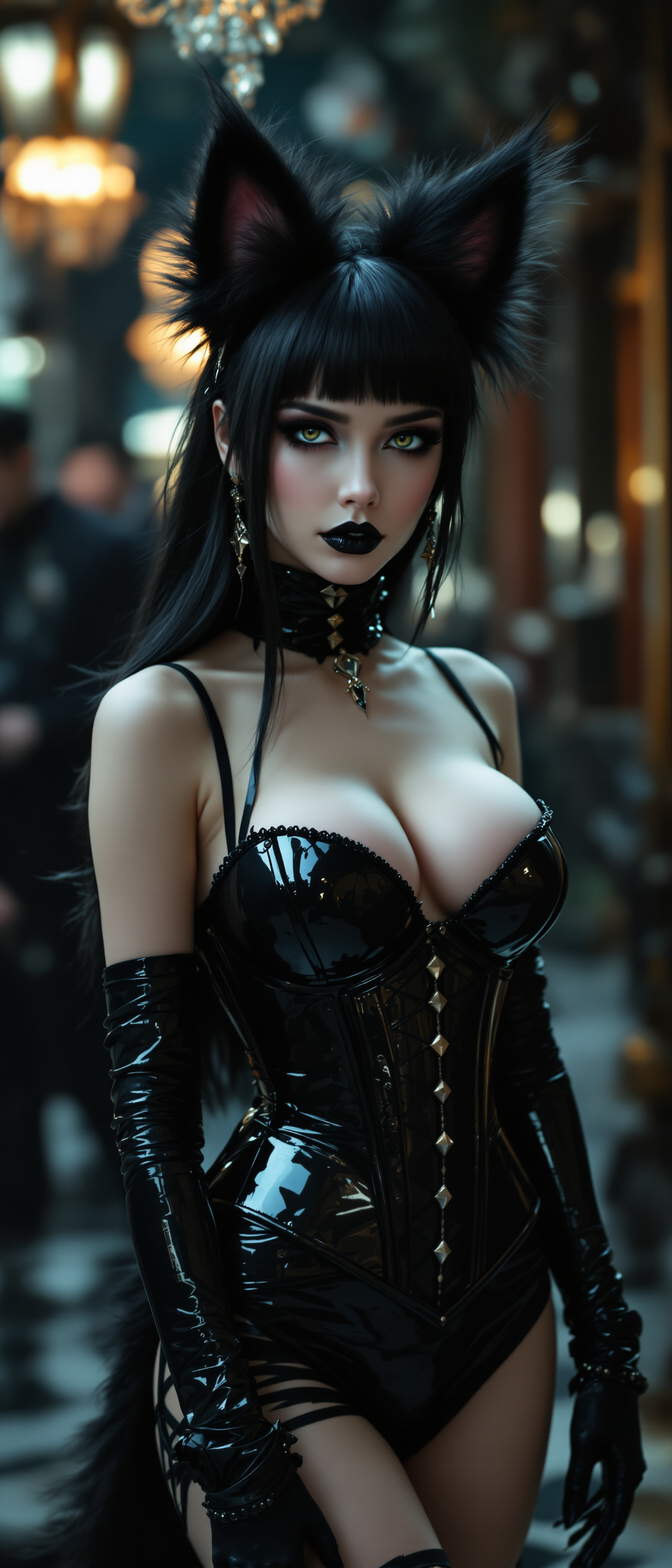
Unlock the full potential of your creativity with PixelDojo's DreamShaper Model. Whether you're aiming to produce photorealistic portraits, captivating landscapes, or imaginative illustrations, DreamShaper empowers you to bring your visions to life effortlessly. Say goodbye to complex design software and hello to intuitive, AI-driven image creation.
Join over 10,000 satisfied creators who have rated PixelDojo's DreamShaper Model 4.9 out of 5 for its exceptional quality and ease of use.
Why Choose Pixel Dojo for dreamshaper model
Professional-quality results with cutting-edge AI technology
Effortless High-Quality Image Generation
Create detailed and visually appealing images in seconds, saving you time and effort.
Versatile Artistic Styles
Generate both photorealistic and stylized images to suit various creative projects.
User-Friendly Interface
Navigate through the intuitive platform with ease, making image creation accessible to everyone.
How It Works
Creating stunning images with DreamShaper is a simple three-step process:
Step 1: Choose Your Tool
Log in to your PixelDojo account and select the DreamShaper Model from the 'Create' category.
Step 2: Enter Your Prompt
Describe the image you want to create in detail. The more specific your prompt, the better the results.
Step 3: Customize & Download
Adjust settings like style and resolution to your preference, then generate and download your image.

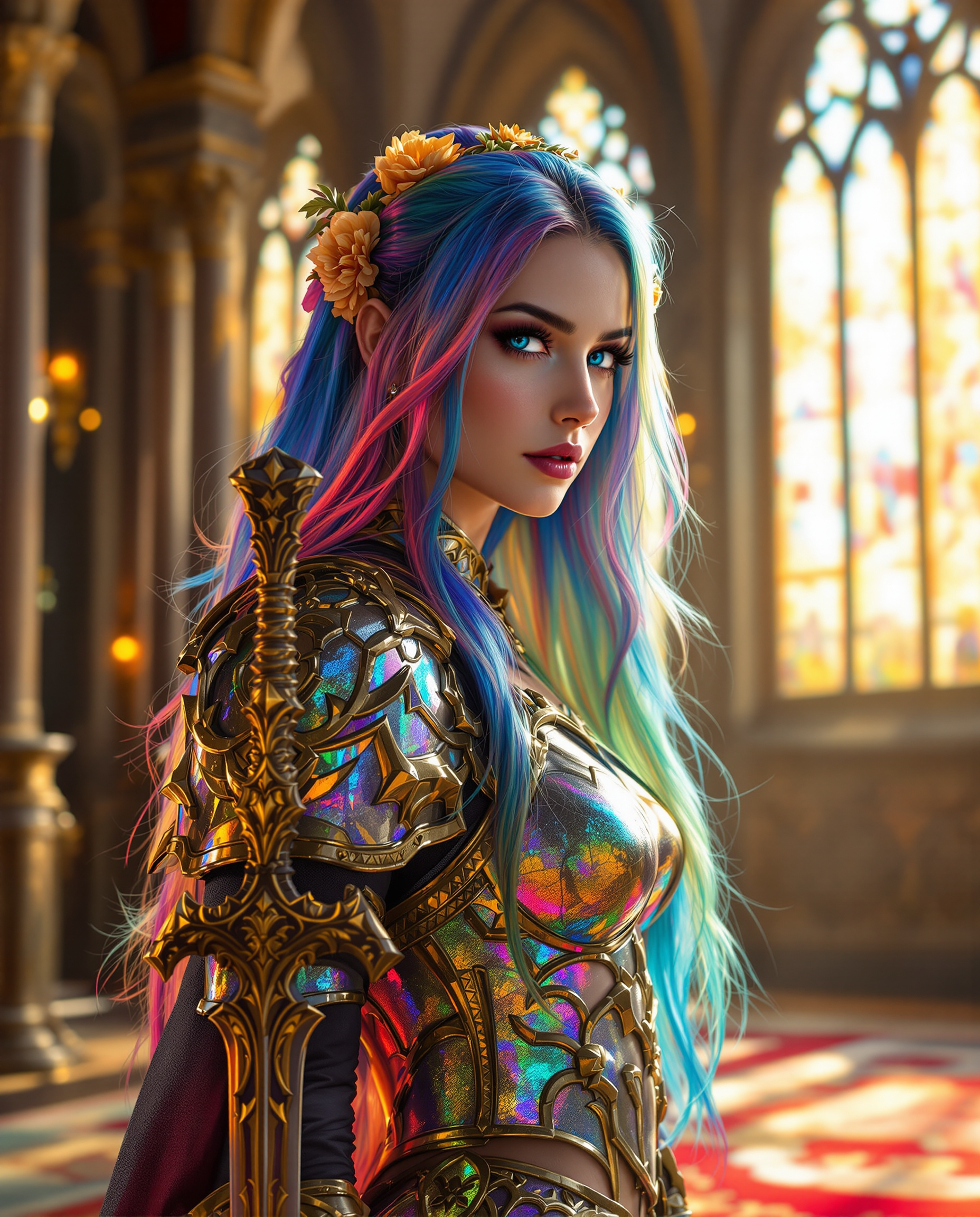
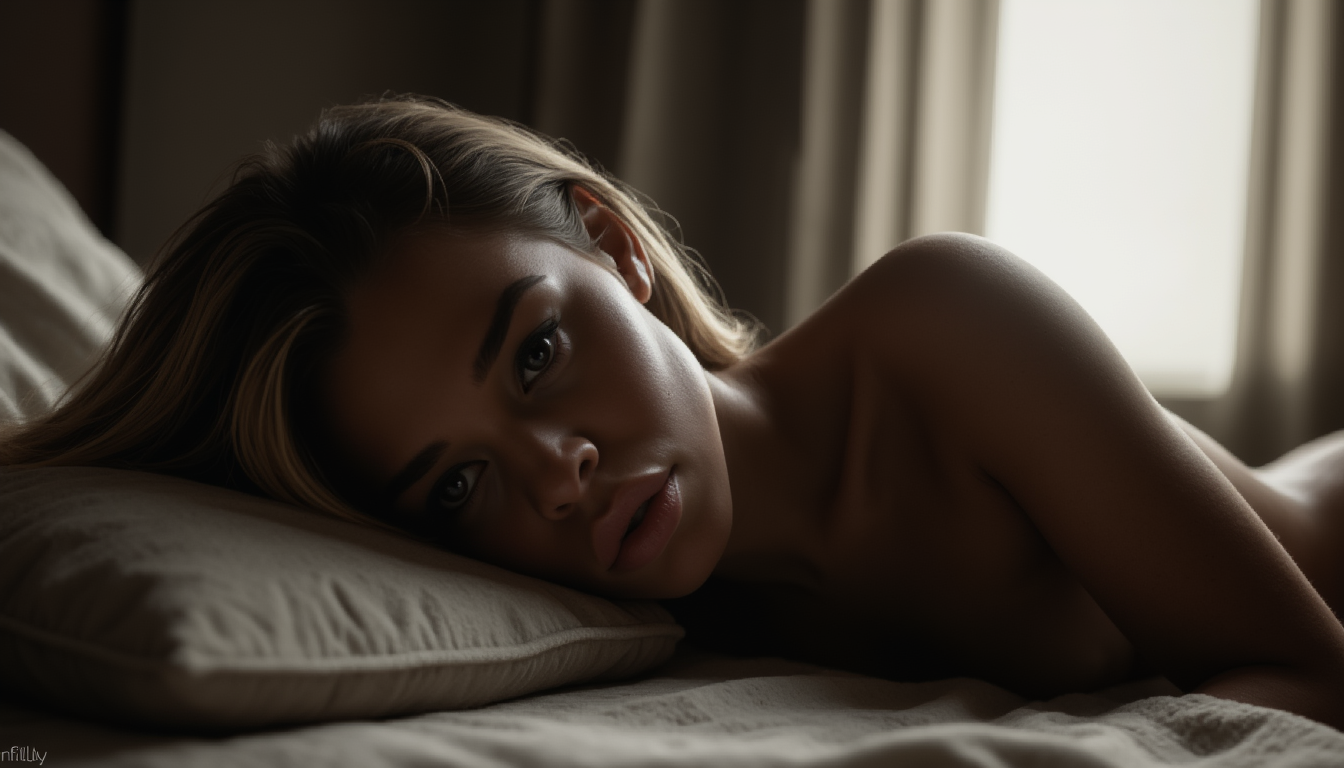

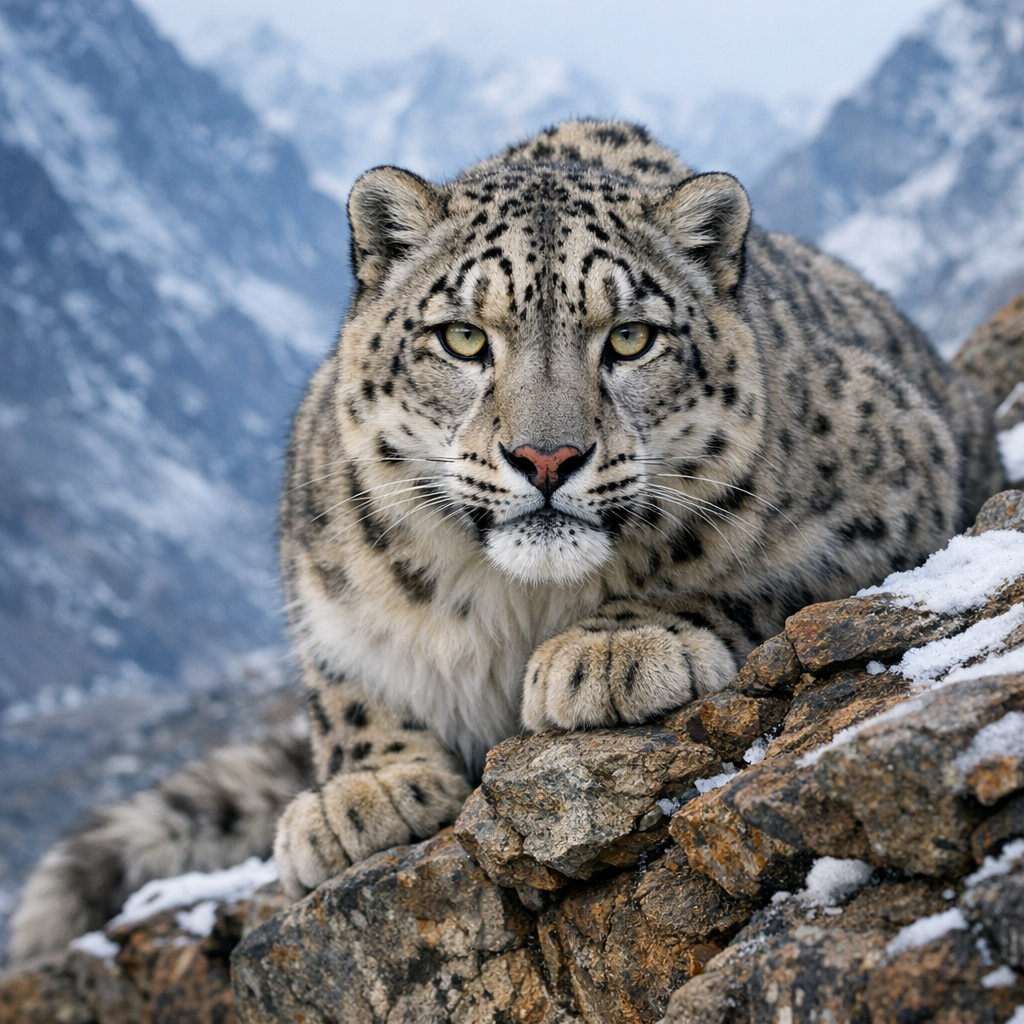
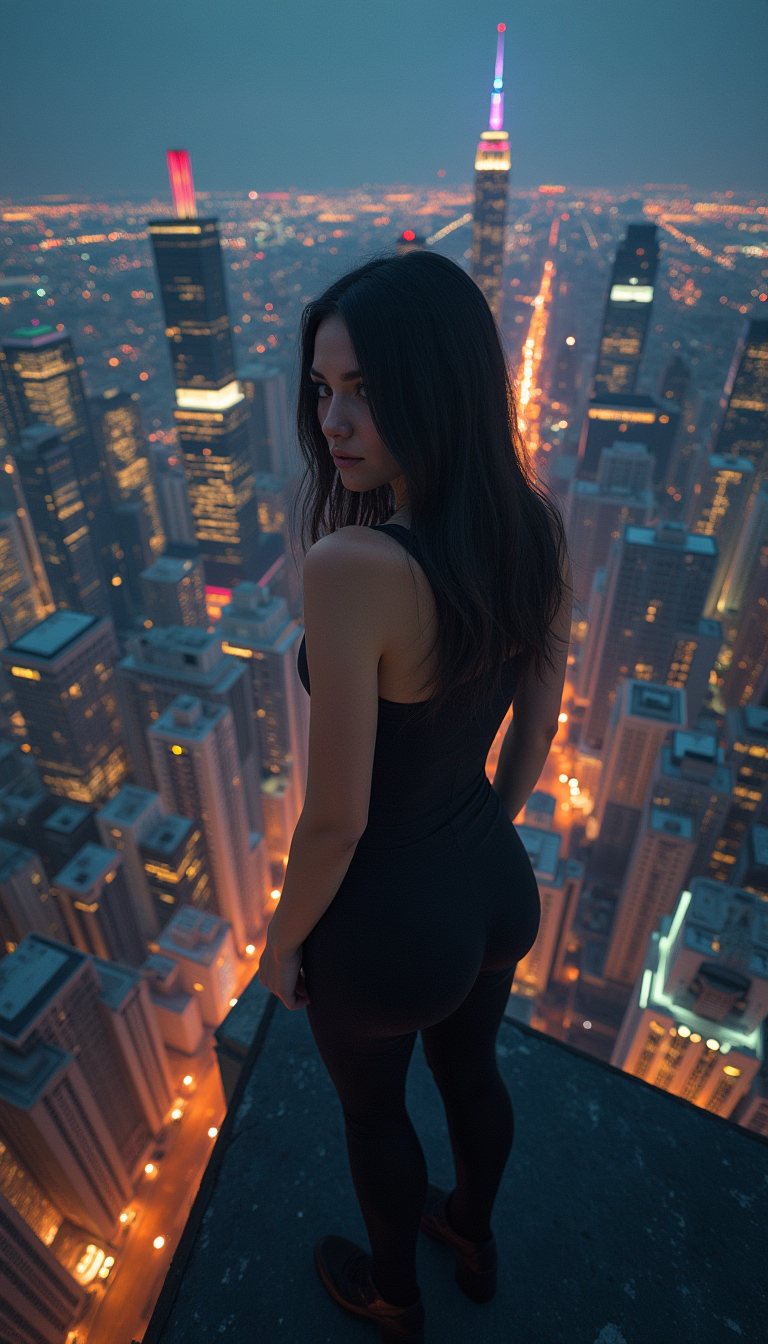
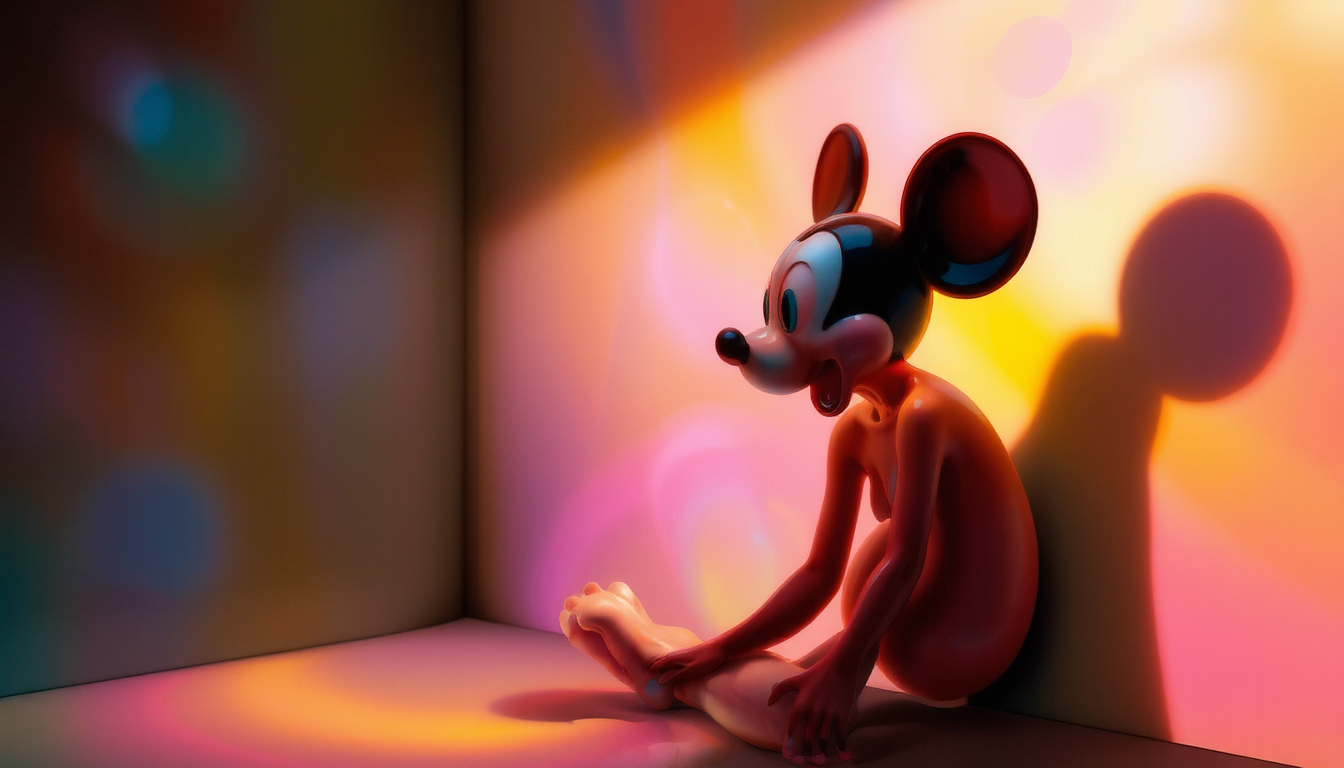
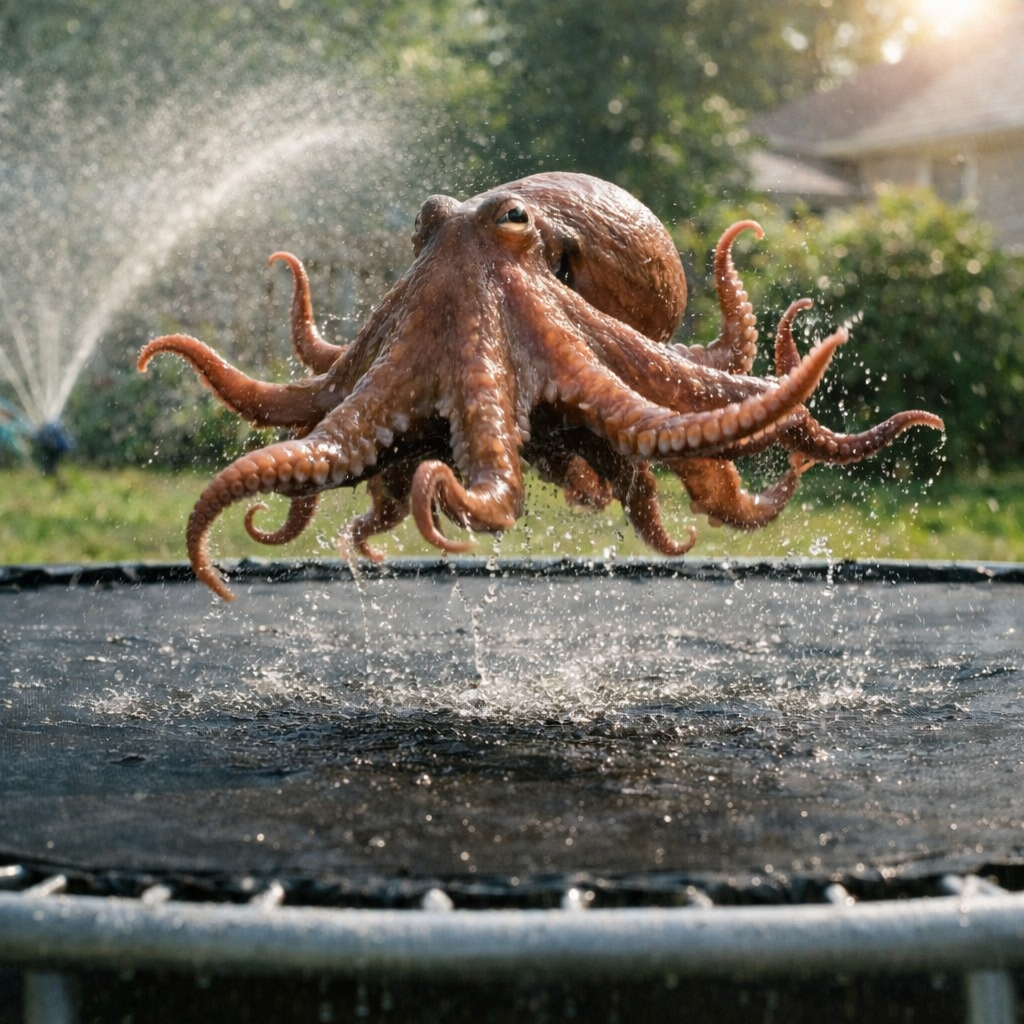
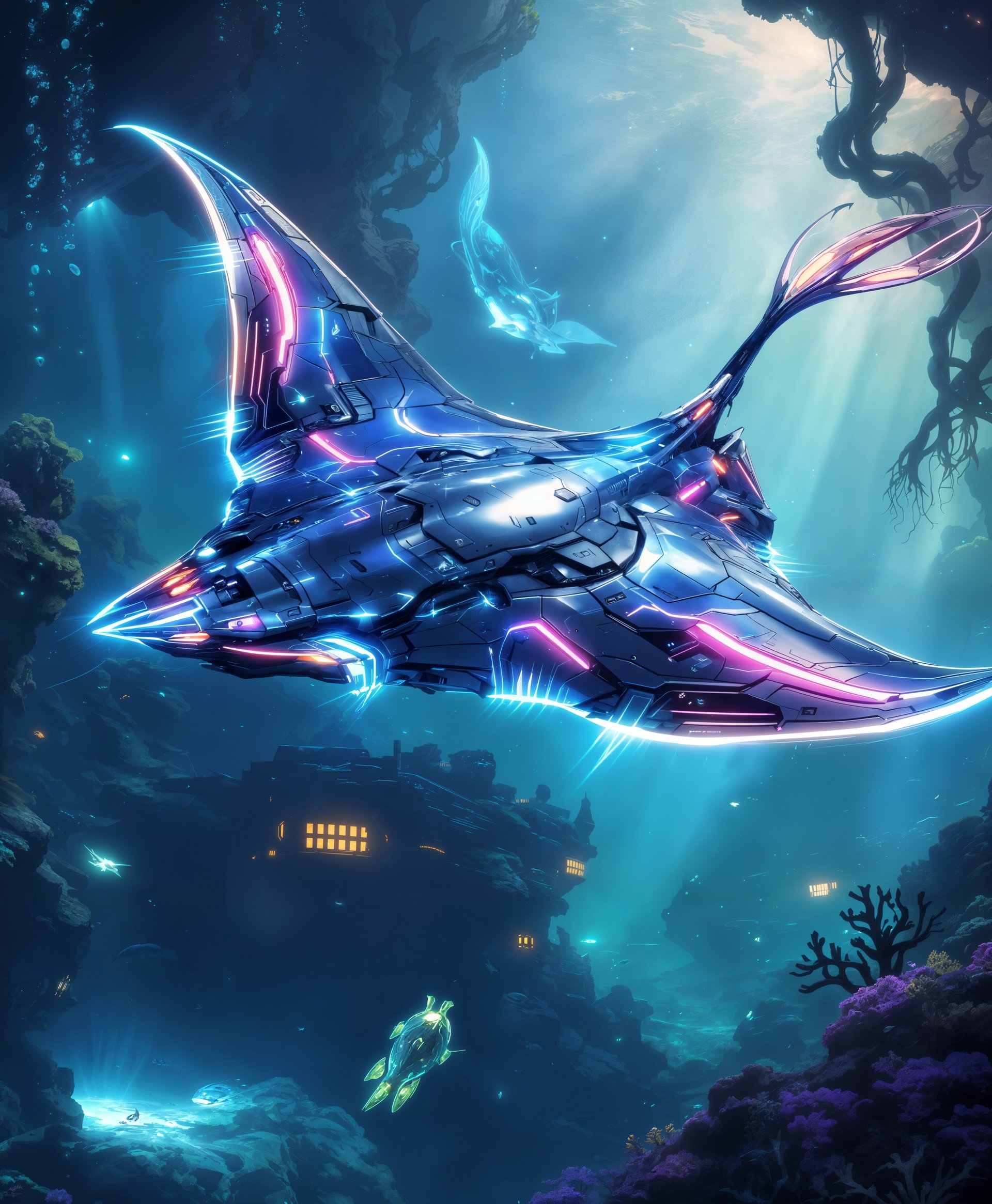

The Pixel Dojo Advantage
Why PixelDojo's DreamShaper Model stands out in AI image generation:
| Others | Pixel Dojo |
|---|---|
| Traditional Image Creation | Eliminates the need for complex software and extensive design skills, making image creation accessible to all. |
| Generic AI Tools | Offers specialized models like DreamShaper for higher quality and more accurate image generation. |
| Manual Photo Editing | Saves significant time by generating desired images directly from text prompts without manual adjustments. |
Loved by creators on PixelDojo
Real feedback from people using PixelDojo, pulled from our in-product surveys.
THIS IS SO DOPE !
I have already recommended it to friends
All the tools, plus the guidance
Excellent tools. Ease of use. Well thought out interface. Wide variety of AI tools and features which are up to date with more added each month
I really like how the site is kept up to date, and the leaderboard (where I'm currently #11 most popular artist)
This is the best image generator I've used so far. Well done!
Explore more AI tools on PixelDojo
AI Tools
Compare & Switch
- Best AI Image Generators
- Best AI Video Generators
- Midjourney Alternatives
- Civitai Alternatives
- Runway Alternatives
- Leonardo Alternatives
- Pika Alternatives
- Luma Alternatives
- Magnific Alternatives
- Veo Alternatives
- Flux Alternatives
- Freepik Alternatives
- Seedance Alternatives
- Seedream Alternatives
- Pixverse Alternatives
- GPT Image Alternatives
- Synthesia Alternatives
- Playground Alternatives
- NightCafe Alternatives
- Canva AI Alternatives
- ElevenLabs Alternatives
- ComfyUI Alternatives
- Fal Alternatives
- Replicate Alternatives
Common Questions
Everything you need to know about dreamshaper model
What is the DreamShaper Model?
DreamShaper is an advanced AI model within PixelDojo that transforms text prompts into high-quality images, offering both photorealistic and stylized outputs.
Do I need design experience to use DreamShaper?
No, DreamShaper is designed with a user-friendly interface, making it accessible to users of all skill levels without prior design experience.
Can I customize the style of the generated images?
Yes, DreamShaper allows you to choose between realistic and stylized outputs, providing flexibility to match your creative vision.
How long does it take to generate an image?
DreamShaper is optimized for speed, typically generating high-quality images in just a few seconds after submitting your text prompt.
Is there a limit to the number of images I can create?
PixelDojo offers various subscription plans to suit different needs, with options that include unlimited image generation.
Can I use the images commercially?
Yes, images generated with DreamShaper can be used for commercial purposes, subject to PixelDojo's terms of service.