enhance image
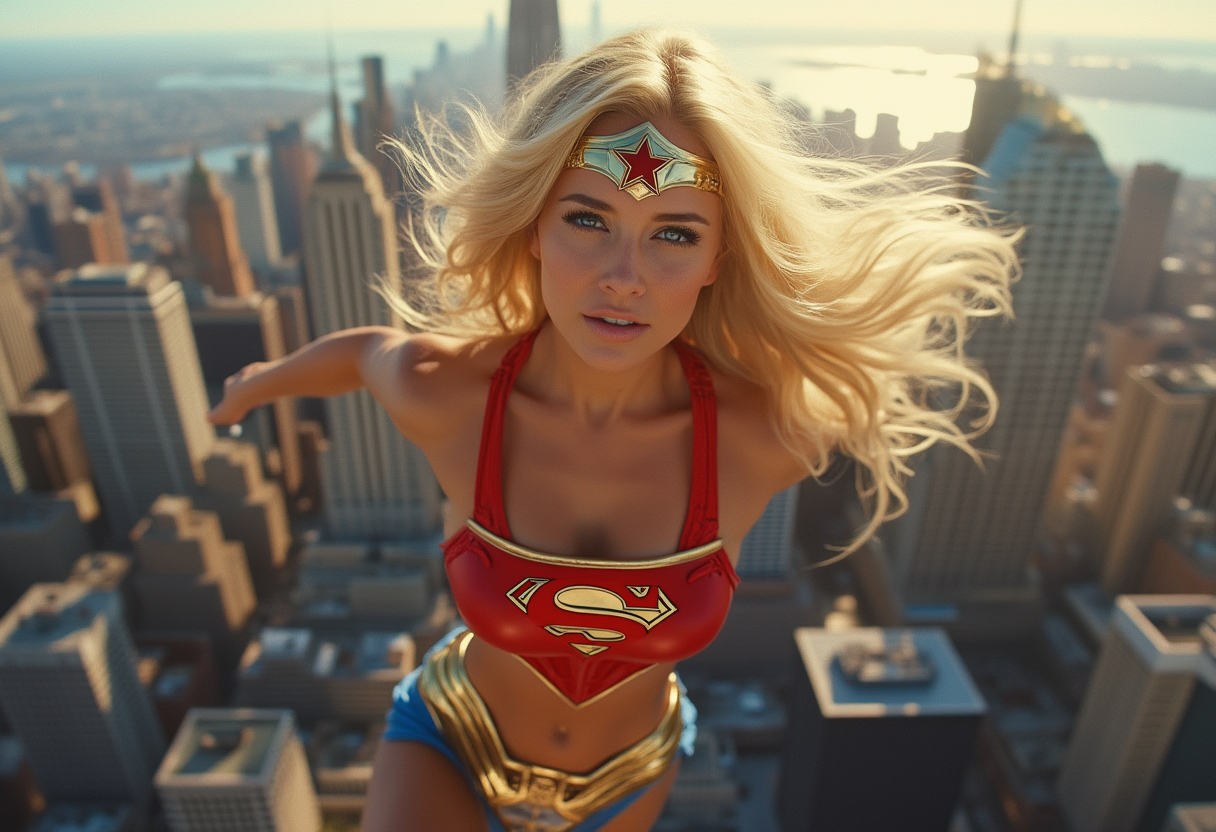
Unlock the full potential of every photo with PixelDojo's powerful AI image enhancement tools. Whether you have old family snapshots, low-resolution stock images, or AI-generated artwork that needs refinement, you can instantly sharpen details, boost clarity, remove noise, and upscale to stunning resolutions. Imagine reviving faded memories with vibrant colors and crisp textures or preparing professional prints from phone snaps that once looked soft. With PixelDojo, you achieve gallery-worthy results without hours of manual editing or expensive software. Focus on your creative vision while our specialized enhancers like Magnific Upscaler, Clarity Pro, and P-Image Upscale handle the heavy lifting, delivering natural-looking improvements that make your images pop on any screen or print.
Over 75,000 creators have enhanced more than 2.3 million images using PixelDojo. Rated 4.9/5 stars from 18,000+ reviews. Trusted by photographers, marketers, and designers worldwide for reliable, high-quality results every time.
Why Choose Pixel Dojo for enhance image
Professional-quality results with cutting-edge AI technology
Revive Faded Memories with Lifelike Detail
Bring old, blurry, or damaged photos back to life. Restore colors, sharpen faces, and recover lost textures so you can proudly display family heirlooms or historical images in perfect clarity.
Upscale to Print-Ready Quality Without Artifacts
Transform low-resolution images into crisp 4K, 8K, or higher outputs. Perfect for large prints, marketing materials, or social media posts that demand professional sharpness and depth.
Enhance Lighting, Color & Focus in Seconds
Automatically fix underexposed shots, balance tones, reduce noise, and sharpen details. Achieve consistent, polished results across portraits, landscapes, products, and more with minimal effort.
How It Works
Enhancing your images with PixelDojo is simple and fast. Choose from specialized tools designed specifically for upscaling and restoration.
Step 1: Choose Your Tool
Select from PixelDojo's dedicated enhancers like Magnific Upscaler for creative detail addition, Clarity Pro for noise reduction and sharpness, P-Image Upscale for high-res output, Portrait Upscaler for faces, or Creative Upscaler for artistic refinement. Upload your image directly to the chosen tool.
Step 2: Enter Your Prompt or Settings
Describe desired improvements such as 'enhance details, sharpen face, boost colors, upscale to 8K' or use quick presets. Tools like Reality Polisher or Image Analyzer help preview and refine automatically based on your input.
Step 3: Customize & Download
Review multiple variations, adjust strength or style if needed, then download your enhanced image in the resolution you need. Batch process multiple photos for efficiency and save directly to your projects.
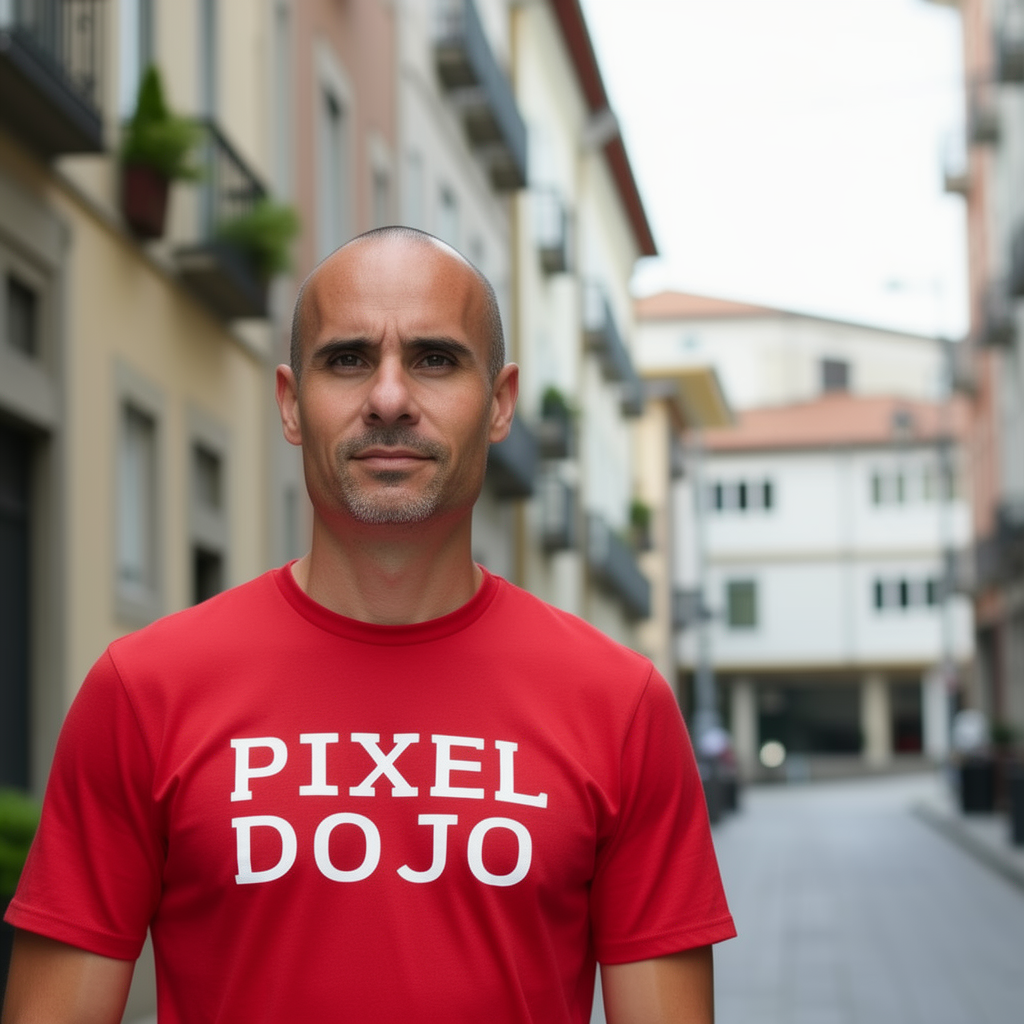
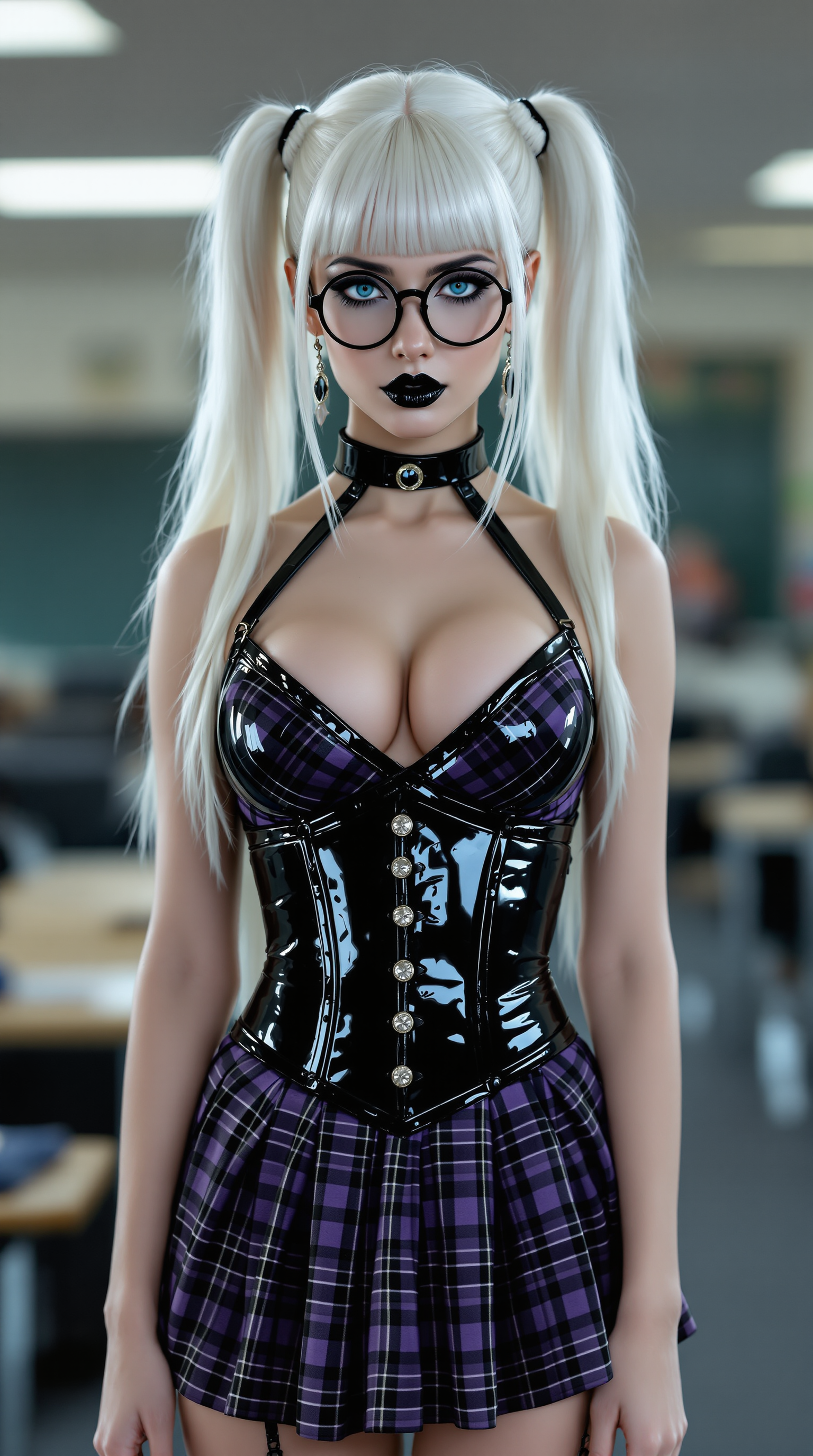



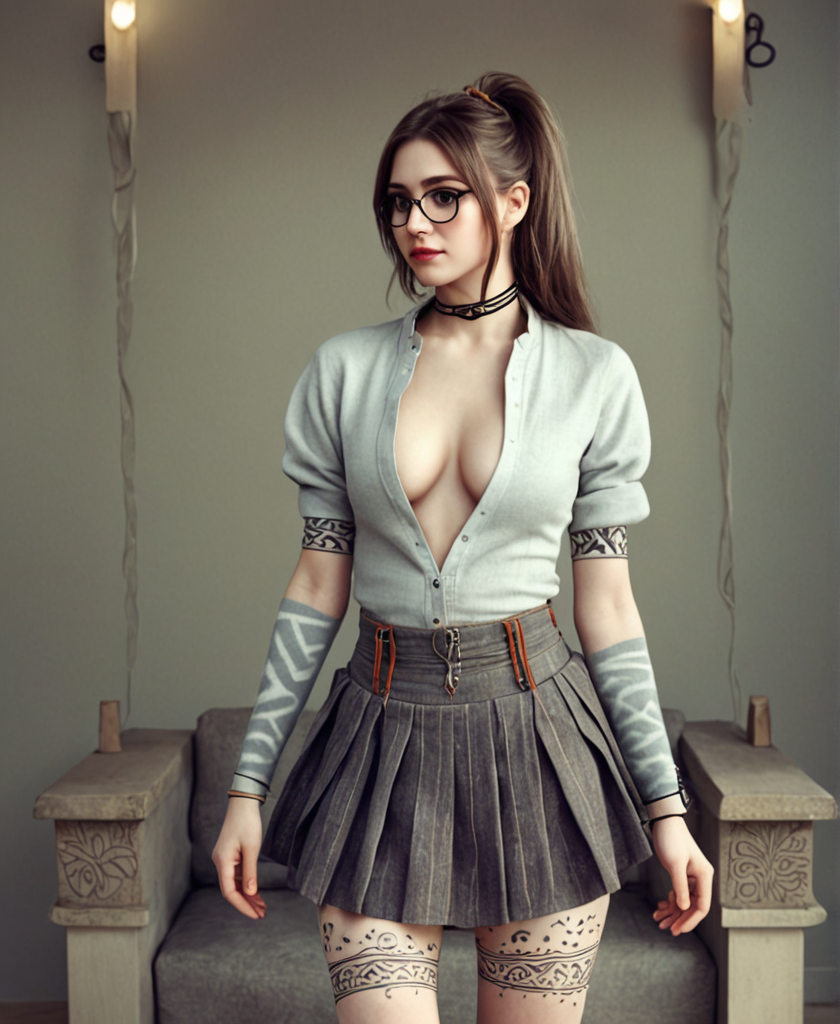


The Pixel Dojo Advantage
Why PixelDojo outperforms other options for enhance image generation
| Others | Pixel Dojo |
|---|---|
| Traditional photo editing | Complete complex enhancements like super-resolution upscaling and intelligent detail recovery in seconds instead of hours of manual work with layers and filters |
| Generic AI tools | Purpose-built enhancers like Magnific Upscaler and Clarity Pro deliver more natural, artifact-free results tailored specifically for photo restoration and professional upscaling |
| Manual photo editing | AI-driven consistency across batches with advanced features like Portrait Upscaler and Reality Polisher that intelligently understand and improve faces, lighting, and textures automatically |
Loved by creators on PixelDojo
Real feedback from people using PixelDojo, pulled from our in-product surveys.
Trained my Lora super fast. Still working out how to creat content wit it, but I love it so far.
I love this app
It has all the tools I can think of...
deployment rate of splendid features is incredible. Legend
large selection of tools on one platform
the amount you can do on this site
Explore more AI tools on PixelDojo
AI Tools
Compare & Switch
- Best AI Image Generators
- Best AI Video Generators
- Midjourney Alternatives
- Civitai Alternatives
- Runway Alternatives
- Leonardo Alternatives
- Pika Alternatives
- Luma Alternatives
- Magnific Alternatives
- Veo Alternatives
- Flux Alternatives
- Freepik Alternatives
- Seedance Alternatives
- Seedream Alternatives
- Pixverse Alternatives
- GPT Image Alternatives
- Synthesia Alternatives
- Playground Alternatives
- NightCafe Alternatives
- Canva AI Alternatives
- ElevenLabs Alternatives
- ComfyUI Alternatives
- Fal Alternatives
- Replicate Alternatives
Common Questions
Everything you need to know about enhance image
How to enhance blurry images with AI using PixelDojo tools?
Upload your blurry photo to Clarity Pro or Magnific Upscaler, enter a prompt like 'sharpen details and reduce blur while preserving natural look', and generate. PixelDojo's AI analyzes and reconstructs missing details for crisp, realistic results in one click.
What is the best way to upscale low resolution photos to 8K with AI?
Use P-Image Upscale or Magnific Upscaler on PixelDojo. These tools support high-resolution outputs up to 8K and beyond, intelligently adding plausible detail without introducing artifacts, perfect for prints or large displays.
Can I restore old faded family photos using PixelDojo AI enhancers?
Yes. Upload the image to Portrait Upscaler or Reality Polisher, apply prompts for color restoration and detail recovery. Thousands of users have successfully revived decades-old photos with vibrant, lifelike results.
How does PixelDojo handle low-light image enhancement?
Clarity Pro and Creative Upscaler excel at brightening dark areas, reducing noise, and improving contrast while keeping natural tones. Simply upload and let the AI enhance visibility without overexposing highlights.
Is AI image enhancement suitable for professional photography workflows?
Absolutely. PixelDojo tools integrate seamlessly into pro workflows for batch upscaling, noise reduction, and detail sharpening. Photographers use Portrait Upscaler and P-Image Upscale to prepare client deliverables at print quality.
How long does it take to enhance an image on PixelDojo?
Most enhancements complete in under 30 seconds. The platform's optimized AI models deliver fast, high-quality results whether you're processing one photo or batching dozens for a project.